fuel KIA Optima 2007 2.G Owner's Manual
[x] Cancel search | Manufacturer: KIA, Model Year: 2007, Model line: Optima, Model: KIA Optima 2007 2.GPages: 294, PDF Size: 3.37 MB
Page 7 of 294
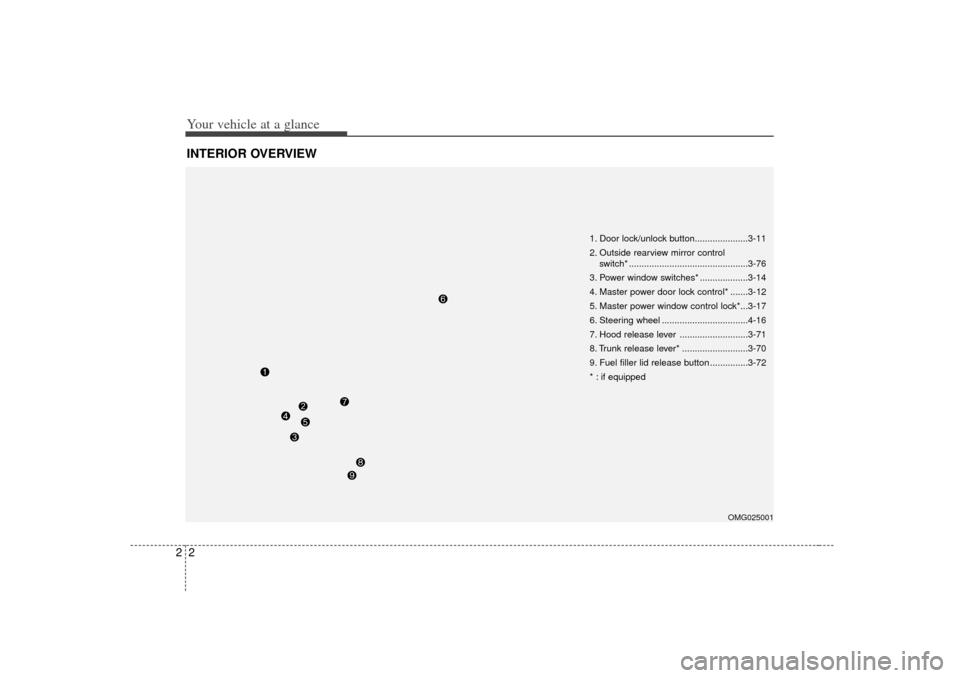
Your vehicle at a glance22INTERIOR OVERVIEW
1. Door lock/unlock button.....................3-11
2. Outside rearview mirror control switch* ...............................................3-76
3. Power window switches* ...................3-14
4. Master power door lock control* .......3-12
5. Master power window control lock*...3-17
6. Steering wheel ..................................4-16
7. Hood release lever ...........................3-71
8. Trunk release lever* ..........................3-70
9. Fuel filler lid release button ...............3-72
* : if equipped
OMG025001
Page 10 of 294
3
Keys / 3-2
Remote keyless entry / 3-4
Theft-alarm system / 3-6
Immobilizer system / 3-8
Door locks / 3-10
Window / 3-14
Seat / 3-18
Safety belts / 3-28
Air bags-supplemental restraint system / 3-48
Trunk / 3-69
Hood / 3-71
Fuel filler lid / 3-72
Mirrors / 3-75
Homelink® wireless control system / 3-79
Interior lights / 3-83
Storage compartment / 3-84
Interior features / 3-86
Sunroof / 3-90
Luggage net / 3-92
Antenna / 3-93
Audio remote control / 3-94
Audio system / 3-95
Knowing your vehicle
Page 81 of 294
Knowing your vehicle72
3Closing the hood1. Before closing the hood, check the fol-
lowing:
All filler caps in engine compartment must be correctly installed.
Gloves, rags or any other com- bustible material must be removed
from the engine compartment.
2. Lower the hood halfway and push down to securely lock in place.
Make sure the hood is properly locked
before driving.
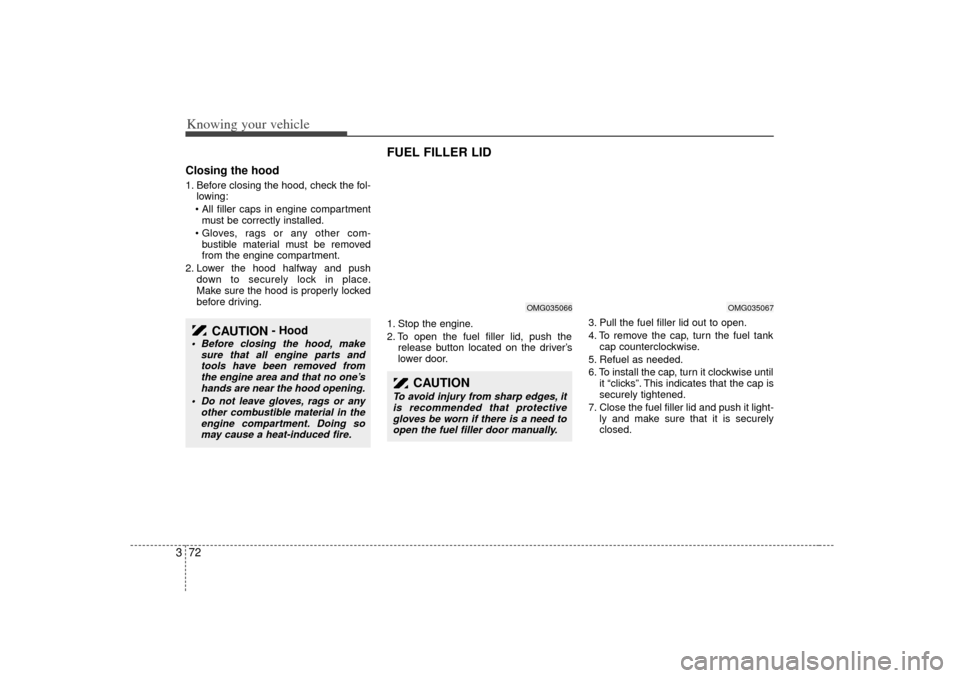
FUEL FILLER LID 1. Stop the engine.
2. To open the fuel filler lid, push therelease button located on the driver ’s
lower door. 3. Pull the fuel filler lid out to open.
4. To remove the cap, turn the fuel tank
cap counterclockwise.
5. Refuel as needed.
6. To install the cap, turn it clockwise until it “clicks”. This indicates that the cap is
securely tightened.
7. Close the fuel filler lid and push it light- ly and make sure that it is securely
closed.
CAUTION
- Hood
Before closing the hood, make sure that all engine parts andtools have been removed fromthe engine area and that no one’shands are near the hood opening.
Do not leave gloves, rags or any other combustible material in theengine compartment. Doing somay cause a heat-induced fire.
CAUTION
To avoid injury from sharp edges, it is recommended that protectivegloves be worn if there is a need toopen the fuel filler door manually.
OMG035067
OMG035066
Page 82 of 294
373
Knowing your vehicle
WARNING
- Refueling
If pressurized fuel sprays out, it can
cover your clothes or skin and thus
subject you to the risk of fire and
burns. Always remove the fuel cap
carefully and slowly. If the cap is
venting fuel or if you hear a hissing
sound, wait until the condition
stops before completely removing
the cap.
WARNING -
Refueling dan-
gers
Automotive fuels are flammable
materials. When refueling, please
note the following guidelines care-
fully. Failure to follow these guide-
lines may result in severe personal
injury, severe burns or death by fire
or explosion.
Before refueling note the locationof the Emergency Gasoline Shut-
Off, if available, at the gas station
facility.
(Continued)
(Continued)
Static electricity discharge from
the container can ignite fuel
vapors causing a fire. Once refu-
eling has begun, contact with the
vehicle should be maintained
until the filling is complete.
Use only portable plastic fuel
containers designed to carry and
store gasoline.
Do not use cellular phones while refueling. Electric current and/or
electronic interference from cellu-
lar phones can potentially ignite
fuel vapors causing a fire.
When refueling, always shut the engine off. Sparks produced by
electrical components related to
the engine can ignite fuel vapors
causing a fire. Once refueling is
complete, check to make sure the
filler cap and filler door are
securely closed, before starting
the engine.
(Continued)
(Continued)
Before touching the fuel nozzle,you should eliminate potentially
dangerous static electricity dis-
charge by touching another metal
part of the vehicle, a safe distance
away from the fuel filler neck,
nozzle, or other gas source.
Do not get back into a vehicle once you have begun refueling
since you can generate static
electricity by touching, rubbing or
sliding against any item or fabric
(polyester, satin, nylon, etc.)
capable of producing static elec-
tricity. Static electricity discharge
can ignite fuel vapors resulting in
rapid burning. If you must re-
enter the vehicle, you should
once again eliminate potentially
dangerous static electricity dis-
charge by touching a metal part
of the vehicle, away from the fuel
filler neck, nozzle or other gaso-
line source.
When using a portable fuel con- tainer be sure to place the con-
tainer on the ground prior to refu-
eling.
(Continued)
Page 83 of 294
Knowing your vehicle74
3
✽
✽
NOTICE• Make sure to refuel with unleaded
fuel only.
• Check to make sure the fuel filler cap is securely closed after refueling. A loose
fuel filler cap may cause the “Check
Engine (Malfuntion indicator, )”
light in the instrument panel to illumi-
nate unnecessarily.
• If the fuel filler cap requires replace- ment, use only a genuine Kia cap or
the equivalent specified for your vehi-
cle. An incorrect fuel filler cap can
result in a serious malfunction of the
fuel system or emission control sys-
tem.
• Do not spill fuel on the exterior sur- faces of the vehicle. Any type of fuel
spilled on painted surfaces may dam-
age the paint.
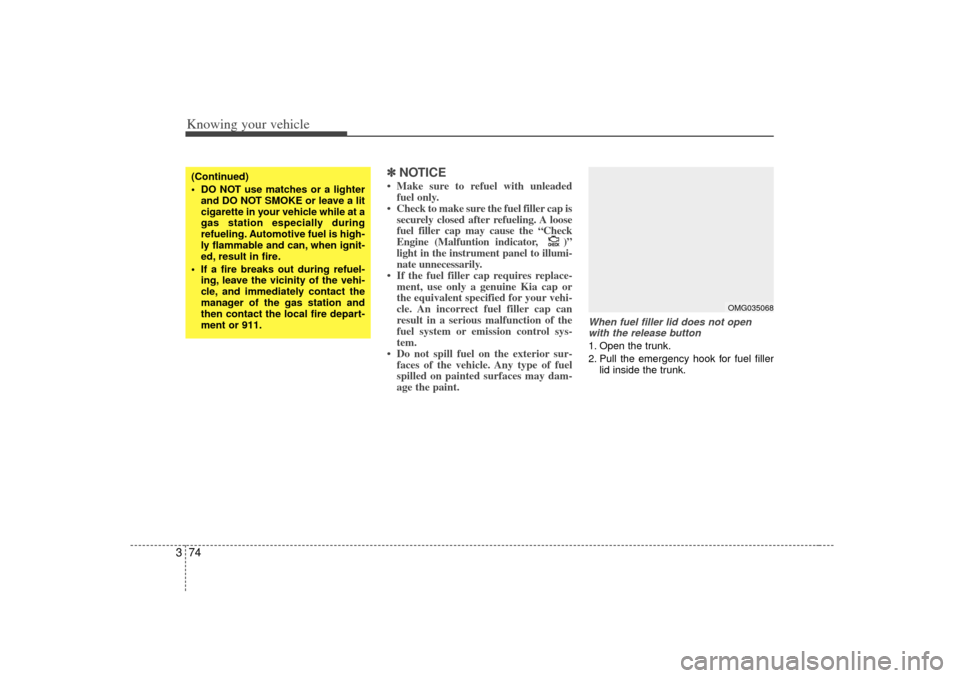
When fuel filler lid does not open
with the release button1. Open the trunk.
2. Pull the emergency hook for fuel filler lid inside the trunk.
CHECKCHECK
(Continued)
DO NOT use matches or a lighterand DO NOT SMOKE or leave a lit
cigarette in your vehicle while at a
gas station especially during
refueling. Automotive fuel is high-
ly flammable and can, when ignit-
ed, result in fire.
If a fire breaks out during refuel- ing, leave the vicinity of the vehi-
cle, and immediately contact the
manager of the gas station and
then contact the local fire depart-
ment or 911.
OMG035068
Page 145 of 294
47
Driving your vehicle
✽
✽NOTICE• To avoid damage to your transaxle, do
not accelerate the engine in R
(Reverse) or any forward gear posi-
tion with the brakes on.
• When stopped on an uphill grade, do not hold the vehicle stationary with
engine power. Use the service brake
or the parking brake.
• Do not shift from N (Neutral) or P (Park) into D (Drive), or R (Reverse)
when the engine is above idle speed.Transaxle rangesP (Park)This position locks the transaxle and pre-
vents the front wheels from rotating.
Always come to a complete stop before
shifting into this position.
✽ ✽ NOTICEThe transaxle may be damaged if you
shift into P (Park) while the vehicle is in
motion.
R (Reverse)Use this position to drive the vehicle
backward.✽ ✽NOTICEAlways come to a complete stop before
shifting into or out of R (Reverse); you
may damage the transaxle if you shift
into R while the vehicle is in motion.N (Neutral)With the gearshift in the N position, the
wheels and transaxle are not locked. The
vehicle will roll freely even on the slight-
est incline unless the parking brake or
service brakes are applied.D (Drive)This is the normal forward driving posi-
tion. The transaxle will automatically shift
through a 5-gear sequence, providing the
best fuel economy and power.
For extra power when passing another
vehicle or climbing grades, depress the
accelerator fully, at which time the
transaxle will automatically downshift to
the next lower gear.
(Continued)
Do not use the P (Park) position in
place of the parking brake.
Always make sure the shift lever
is latched in the P (Park) position
AND set the parking brake fully.
Before leaving the driver’s seat, always make sure the shift lever
is in the P (Park) position. Set the
parking brake fully, shut the
engine off and take the key with
you. Unexpected and sudden
vehicle movement can occur if
you do not follow these precau-
tions in the order specified.
Never leave a child unattended in a vehicle.
WARNING
- Automatic
transaxle
Shifting into P (Park) while thevehicle is in motion will cause the
drive wheels to lock which will
cause you to lose control of the
vehicle.
(Continued)
Page 162 of 294
Driving your vehicle24
4INSTRUMENT CLUSTER
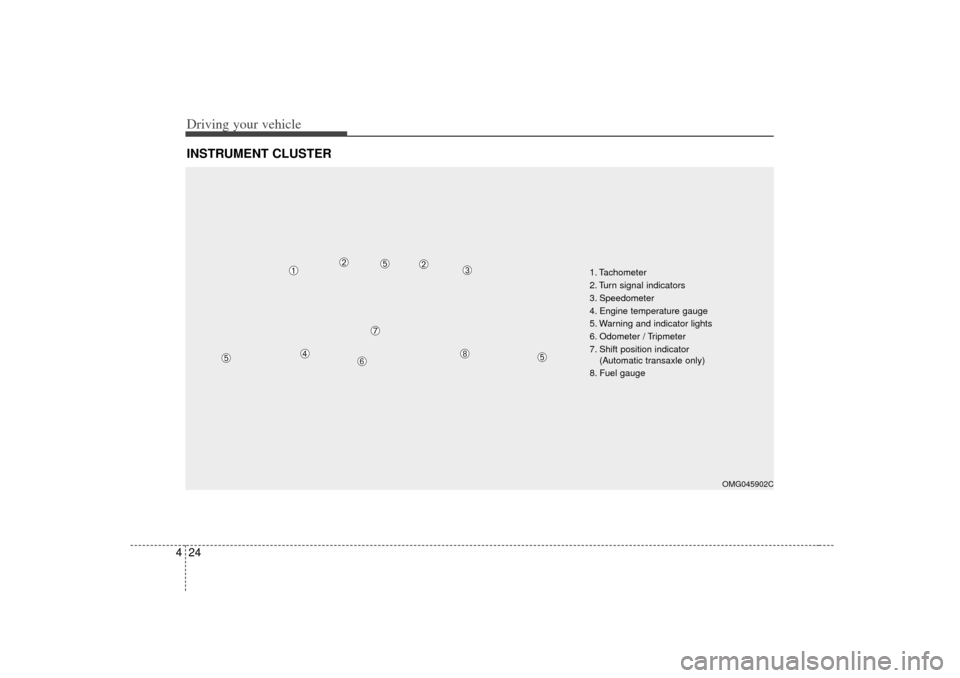
1. Tachometer
2. Turn signal indicators
3. Speedometer
4. Engine temperature gauge
5. Warning and indicator lights
6. Odometer / Tripmeter
7. Shift position indicator
(Automatic transaxle only)
8. Fuel gauge
OMG045902C
➀
➁
➁
\b
➃
➄
➄
➄
➅
\f
➆
Page 164 of 294
Driving your vehicle26
4Fuel gaugeThe fuel gauge indicates the approxi-
mate amount of fuel remaining in the fuel
tank.
Fuel tank capacity - 62 liters
(16.38 gallons)
The fuel gauge is supplemented by a low
fuel warning light, which will illuminate
when the fuel level has dropped to about
7~8 liters (1.8~2.1 gallons).
Engine temperature gauge This gauge shows the temperature of the
engine coolant when the ignition switch
is ON.
Do not continue driving with an overheat-
ed engine. If your vehicle overheats, refer
to “Overheating” in the Index.✽ ✽ NOTICEIf the gauge pointer moves beyond the
normal range area toward the “H” posi-
tion, it indicates overheating that may
damage the engine.
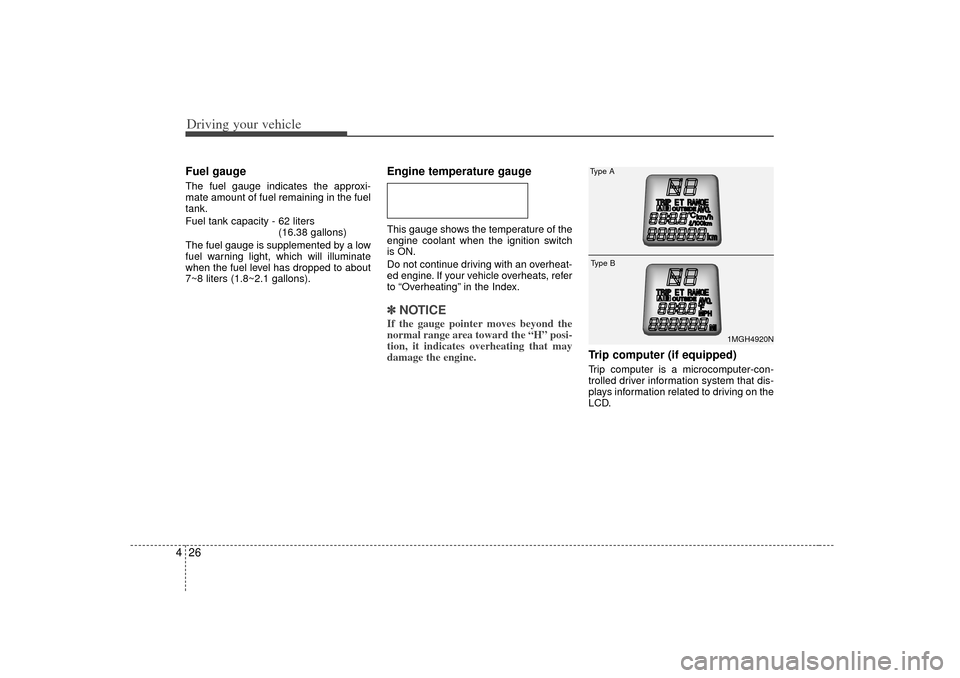
Trip computer (if equipped)Trip computer is a microcomputer-con-
trolled driver information system that dis-
plays information related to driving on the
LCD.
1MGH4920N
Type AType B
Page 166 of 294
Driving your vehicle28
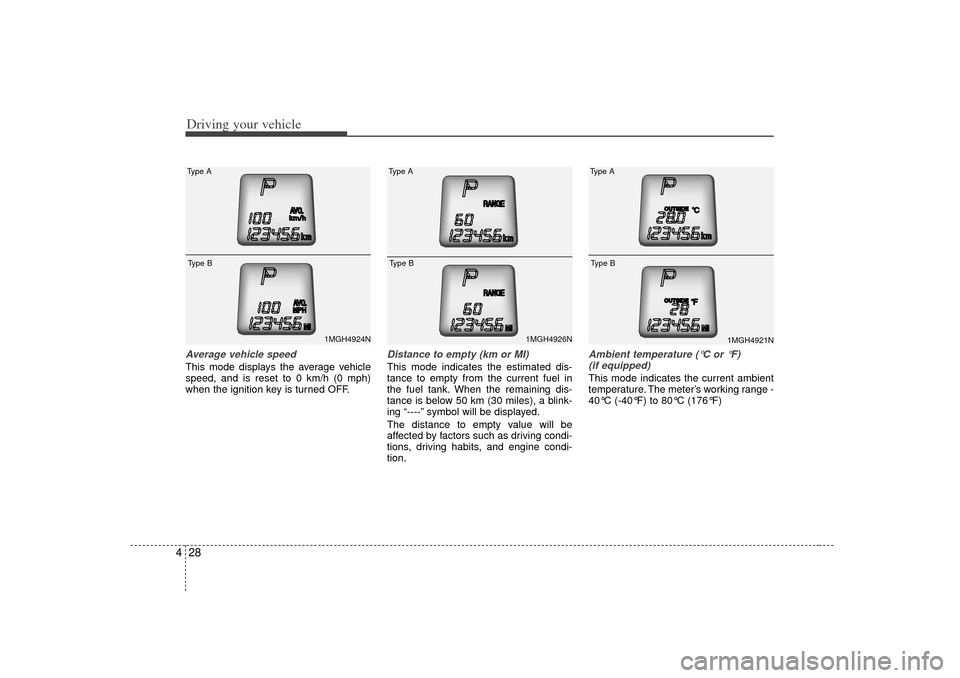
4Average vehicle speedThis mode displays the average vehicle
speed, and is reset to 0 km/h (0 mph)
when the ignition key is turned OFF.
Distance to empty (km or MI)This mode indicates the estimated dis-
tance to empty from the current fuel in
the fuel tank. When the remaining dis-
tance is below 50 km (30 miles), a blink-
ing “----” symbol will be displayed.
The distance to empty value will be
affected by factors such as driving condi-
tions, driving habits, and engine condi-
tion.
Ambient temperature ( °C or °F)
(if equipped)This mode indicates the current ambient
temperature. The meter’s working range -
40°C (-40°F) to 80°C (176°F)
1MGH4924N
Type AType B
1MGH4926N
Type AType B
1MGH4921N
Type AType B
Page 167 of 294
429
Driving your vehicle
✽
✽NOTICE• If the vehicle is not on level ground or
the battery power has been interrupt-
ed, the “DISTANCE TO EMPTY”
function may not operate correctly.
The trip computer may not register
additional fuel if less than 6 liters
(1.59 US gal) of fuel are added to the
vehicle.
• Trip computer provides a driver with supplemental information about the
current operating status of your vehi-
cle. So the estimated distance to empty
can be changed according to operat-
ing status of your vehicle, average fuel
consumption and previously driving
style. Therefore the values approved
or displayed on LCD for the first time
can be different with your vehicle’s.
• The figure of distance to empty is esti- mated driving distance, so it can be
different from the driving distance
really is.
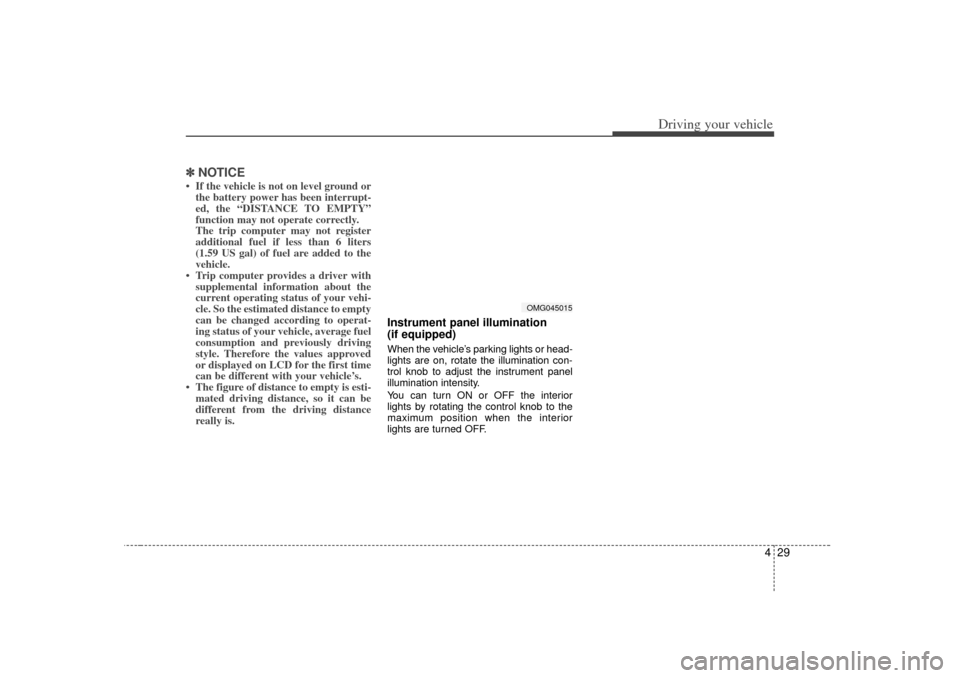
Instrument panel illumination
(if equipped)When the vehicle’s parking lights or head-
lights are on, rotate the illumination con-
trol knob to adjust the instrument panel
illumination intensity.
You can turn ON or OFF the interior
lights by rotating the control knob to the
maximum position when the interior
lights are turned OFF.
OMG045015