radio KIA Optima 2008 2.G User Guide
[x] Cancel search | Manufacturer: KIA, Model Year: 2008, Model line: Optima, Model: KIA Optima 2008 2.GPages: 289, PDF Size: 4.78 MB
Page 112 of 289
3103
Knowing your vehicle
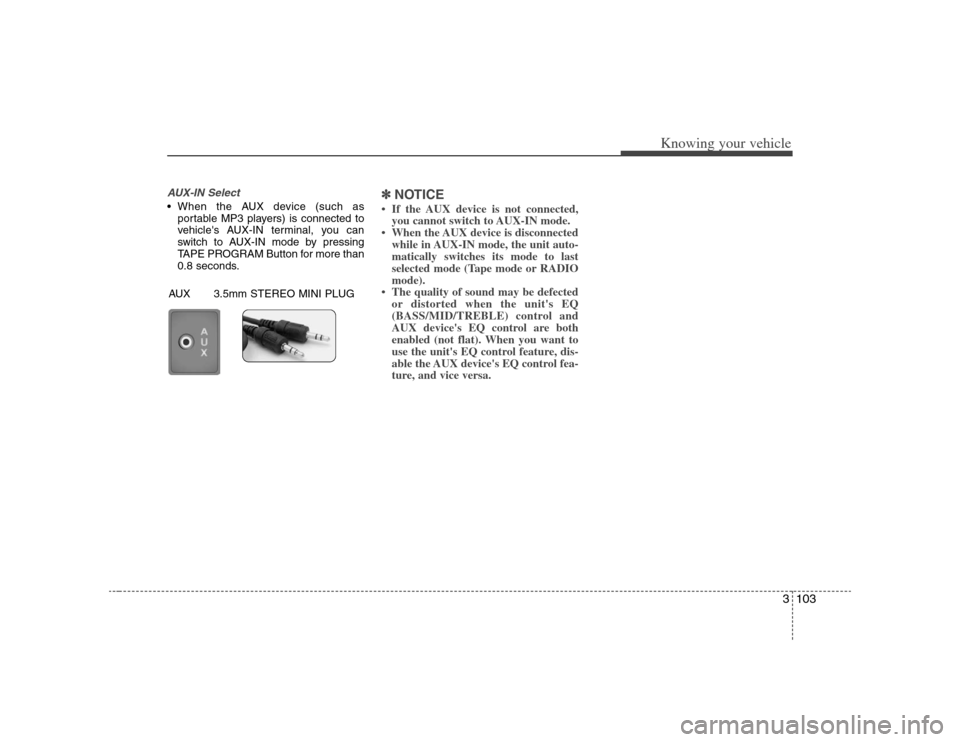
AUX-IN Select When the AUX device (such as
portable MP3 players) is connected to
vehicle's AUX-IN terminal, you can
switch to AUX-IN mode by pressing
TAPE PROGRAM Button for more than
0.8 seconds.
✽ ✽
NOTICE• If the AUX device is not connected,
you cannot switch to AUX-IN mode.
• When the AUX device is disconnected
while in AUX-IN mode, the unit auto-
matically switches its mode to last
selected mode (Tape mode or RADIO
mode).
• The quality of sound may be defected
or distorted when the unit's EQ
(BASS/MID/TREBLE) control and
AUX device's EQ control are both
enabled (not flat). When you want to
use the unit's EQ control feature, dis-
able the AUX device's EQ control fea-
ture, and vice versa.
AUX 3.5mm STEREO MINI PLUG
Page 113 of 289
Knowing your vehicle104 3
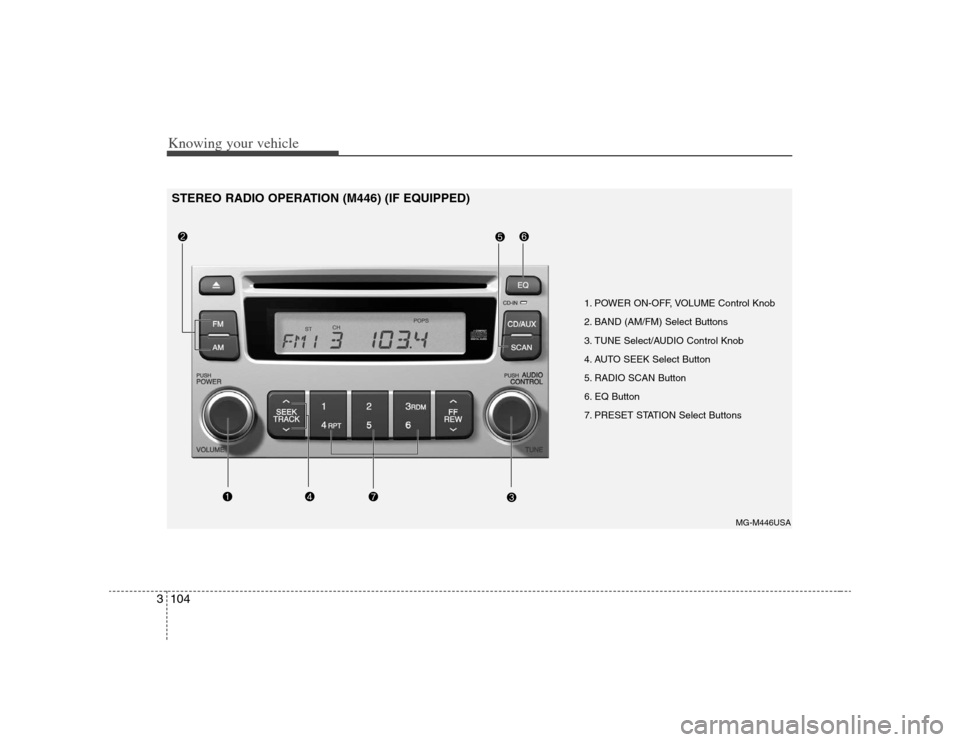
1. POWER ON-OFF, VOLUME Control Knob
2. BAND (AM/FM) Select Buttons
3. TUNE Select/AUDIO Control Knob
4. AUTO SEEK Select Button
5. RADIO SCAN Button
6. EQ Button
7. PRESET STATION Select Buttons
MG-M446USA
STEREO RADIO OPERATION (M446) (IF EQUIPPED)
Page 114 of 289
3105
Knowing your vehicle
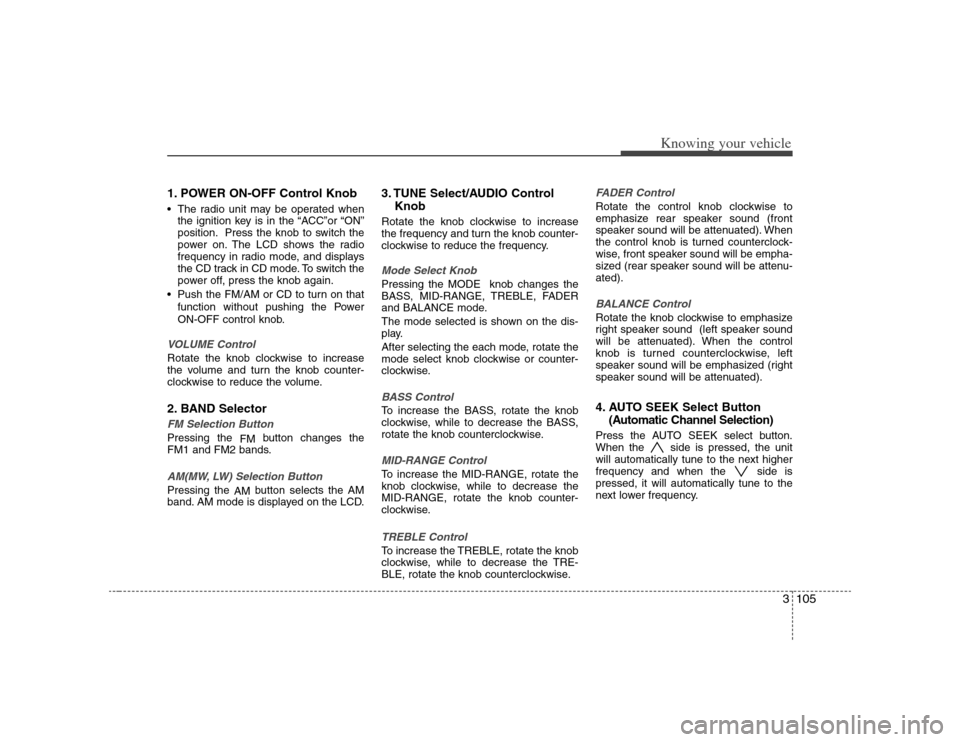
1. POWER ON-OFF Control Knob The radio unit may be operated when
the ignition key is in the “ACC”or “ON”
position. Press the knob to switch the
power on. The LCD shows the radio
frequency in radio mode, and displays
the CD track in CD mode. To switch the
power off, press the knob again.
Push the FM/AM or CD to turn on that
function without pushing the Power
ON-OFF control knob.VOLUME ControlRotate the knob clockwise to increase
the volume and turn the knob counter-
clockwise to reduce the volume.2. BAND SelectorFM Selection Button Pressing the
FMbutton changes the
FM1 and FM2 bands.AM(MW, LW) Selection Button Pressing the
AMbutton selects the AM
band. AM mode is displayed on the LCD.
3. TUNE Select/AUDIO Control
KnobRotate the knob clockwise to increase
the frequency and turn the knob counter-
clockwise to reduce the frequency.Mode Select KnobPressing the MODE knob changes the
BASS, MID-RANGE, TREBLE, FADER
and BALANCE mode.
The mode selected is shown on the dis-
play.
After selecting the each mode, rotate the
mode select knob clockwise or counter-
clockwise.BASS ControlTo increase the BASS, rotate the knob
clockwise, while to decrease the BASS,
rotate the knob counterclockwise.MID-RANGE ControlTo increase the MID-RANGE, rotate the
knob clockwise, while to decrease the
MID-RANGE, rotate the knob counter-
clockwise.TREBLE ControlTo increase the TREBLE, rotate the knob
clockwise, while to decrease the TRE-
BLE, rotate the knob counterclockwise.
FADER ControlRotate the control knob clockwise to
emphasize rear speaker sound (front
speaker sound will be attenuated). When
the control knob is turned counterclock-
wise, front speaker sound will be empha-
sized (rear speaker sound will be attenu-
ated).BALANCE ControlRotate the knob clockwise to emphasize
right speaker sound (left speaker sound
will be attenuated). When the control
knob is turned counterclockwise, left
speaker sound will be emphasized (right
speaker sound will be attenuated).4. AUTO SEEK Select Button
(Automatic Channel Selection)Press the AUTO SEEK select button.
When the side is pressed, the unit
will automatically tune to the next higher
frequency and when the side is
pressed, it will automatically tune to the
next lower frequency.
Page 115 of 289
Knowing your vehicle106 35. RADIO SCAN ButtonWhen you Press the button, frequency is
changed and the next channel is
received automatically.
To stay on a station, press the RADIO
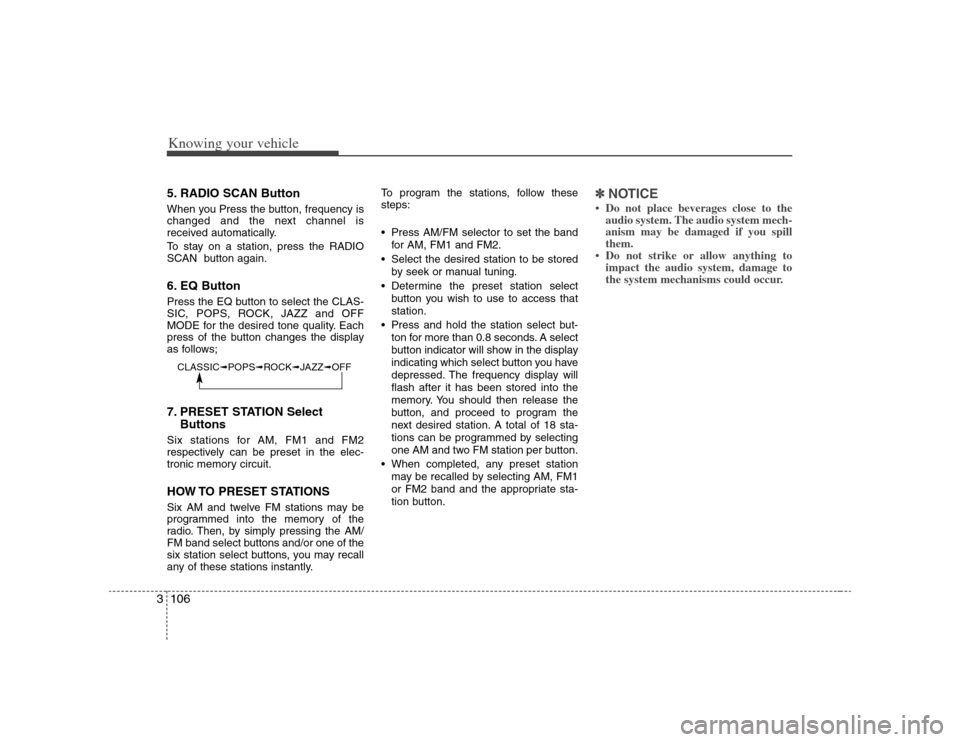
SCAN button again.6. EQ ButtonPress the EQ button to select the CLAS-
SIC, POPS, ROCK, JAZZ and OFF
MODE for the desired tone quality. Each
press of the button changes the display
as follows;7. PRESET STATION Select
ButtonsSix stations for AM, FM1 and FM2
respectively can be preset in the elec-
tronic memory circuit.HOW TO PRESET STATIONSSix AM and twelve FM stations may be
programmed into the memory of the
radio. Then, by simply pressing the AM/
FM band select buttons and/or one of the
six station select buttons, you may recall
any of these stations instantly.To program the stations, follow these
steps:
Press AM/FM selector to set the band
for AM, FM1 and FM2.
Select the desired station to be stored
by seek or manual tuning.
Determine the preset station select
button you wish to use to access that
station.
Press and hold the station select but-
ton for more than 0.8 seconds. A select
button indicator will show in the display
indicating which select button you have
depressed. The frequency display will
flash after it has been stored into the
memory. You should then release the
button, and proceed to program the
next desired station. A total of 18 sta-
tions can be programmed by selecting
one AM and two FM station per button.
When completed, any preset station
may be recalled by selecting AM, FM1
or FM2 band and the appropriate sta-
tion button.
✽ ✽
NOTICE• Do not place beverages close to the
audio system. The audio system mech-
anism may be damaged if you spill
them.
• Do not strike or allow anything to
impact the audio system, damage to
the system mechanisms could occur.
CLASSIC➟POPS➟ROCK➟JAZZ➟OFF
Page 117 of 289
Knowing your vehicle108 31. CD/AUX Select ButtonCD Select Insert the CD with the label facing
upward.
Insert the CD to start CD playback,
during radio operation.
When a disc is in the CD deck, if you
press the CD/AUX button the CD play-
er will begin playing even if the radio
player is being used.
The CD/AUX player can be used when
the ignition switch is in either the “ON”
or “ACC” position.
Push the CD/AUX button to turn on
that function without pushing the
Power ON-OFF control knob.✽ ✽
NOTICE• Do not stick paper or tape etc., on the
label side or the recording side of any
discs, as it may cause a malfunction.
• The unit cannot play a CD-
R(Recordable CD) and CD-
RW(Rewritable CD) that is not final-
ized.
Please refer to the manual of CD-
R/CD-RW recoder or CD-R/CD-RW
software for more information on
finalization process.
(Continued)(Continued)
• Depending on the recording status,
some CD-Rs/CD-RWs may not be
played on this unit.
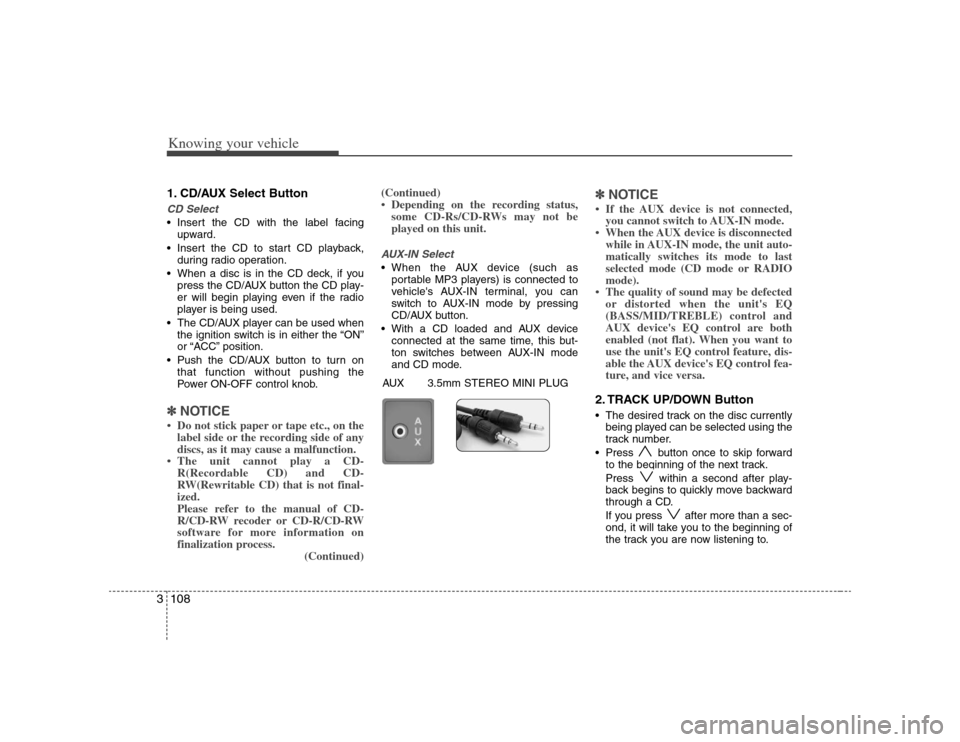
AUX-IN Select When the AUX device (such as
portable MP3 players) is connected to
vehicle's AUX-IN terminal, you can
switch to AUX-IN mode by pressing
CD/AUX button.
With a CD loaded and AUX device
connected at the same time, this but-
ton switches between AUX-IN mode
and CD mode.
✽ ✽
NOTICE• If the AUX device is not connected,
you cannot switch to AUX-IN mode.
• When the AUX device is disconnected
while in AUX-IN mode, the unit auto-
matically switches its mode to last
selected mode (CD mode or RADIO
mode).
• The quality of sound may be defected
or distorted when the unit's EQ
(BASS/MID/TREBLE) control and
AUX device's EQ control are both
enabled (not flat). When you want to
use the unit's EQ control feature, dis-
able the AUX device's EQ control fea-
ture, and vice versa.2. TRACK UP/DOWN Button The desired track on the disc currently
being played can be selected using the
track number.
Press button once to skip forward
to the beginning of the next track.
Press within a second after play-
back begins to quickly move backward
through a CD.
If you press after more than a sec-
ond, it will take you to the beginning of
the track you are now listening to.
AUX 3.5mm STEREO MINI PLUG
Page 120 of 289
3111
Knowing your vehicle
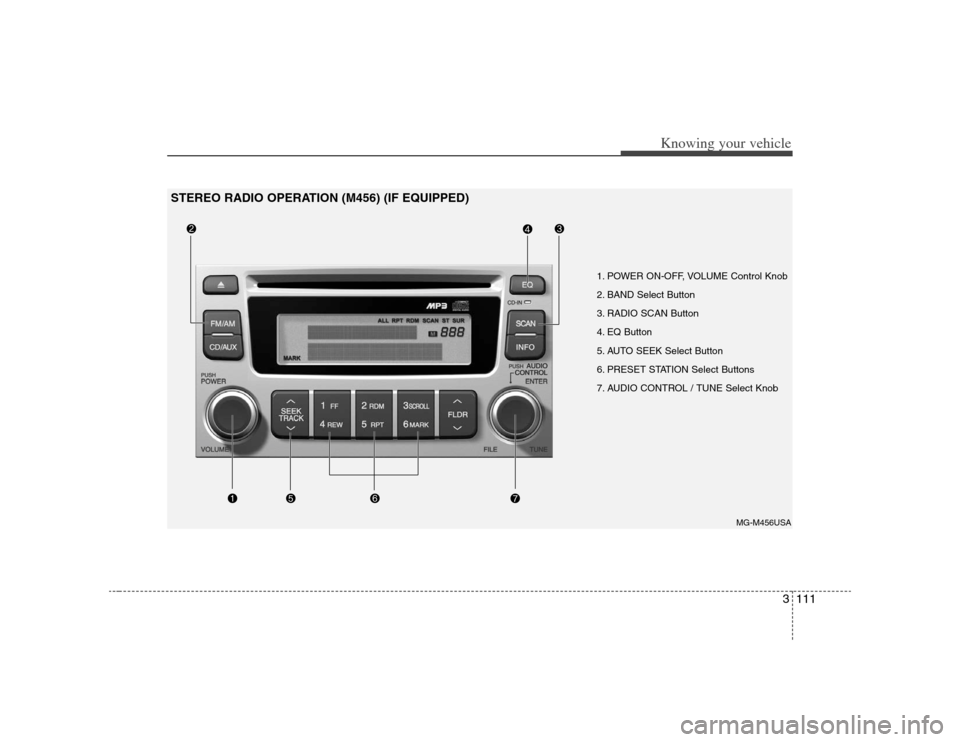
1. POWER ON-OFF, VOLUME Control Knob
2. BAND Select Button
3. RADIO SCAN Button
4. EQ Button
5. AUTO SEEK Select Button
6. PRESET STATION Select Buttons
7. AUDIO CONTROL / TUNE Select Knob
MG-M456USA
STEREO RADIO OPERATION (M456) (IF EQUIPPED)
Page 121 of 289
Knowing your vehicle112 31. POWER ON-OFF Control Knob The radio unit may be operated when
the ignition key is in the "ACC" or "ON"
position. Press the button to switch the
power on. The LCD shows the radio
frequency in the radio mode, CD/MP3
track in the CD/MP3 mode. To switch
the power off, press the button again.
Push the FM/AM or CD/MP3 to turn on
that function without pushing Power
ON-OFF control knob.VOLUME Control Rotate the knob clockwise to increase
the volume and turn the knob counter-
clockwise to reduce the volume.2. BAND Select ButtonPressing the FM/AM button changes the
AM, FM1 and FM2 bands. The mode
selected is shown on the display.3. RADIO SCAN ButtonWhen you press the button, frequency is
changed and the next channel is
received automatically.
To stay on a station, press the RADIO
SCAN button again.
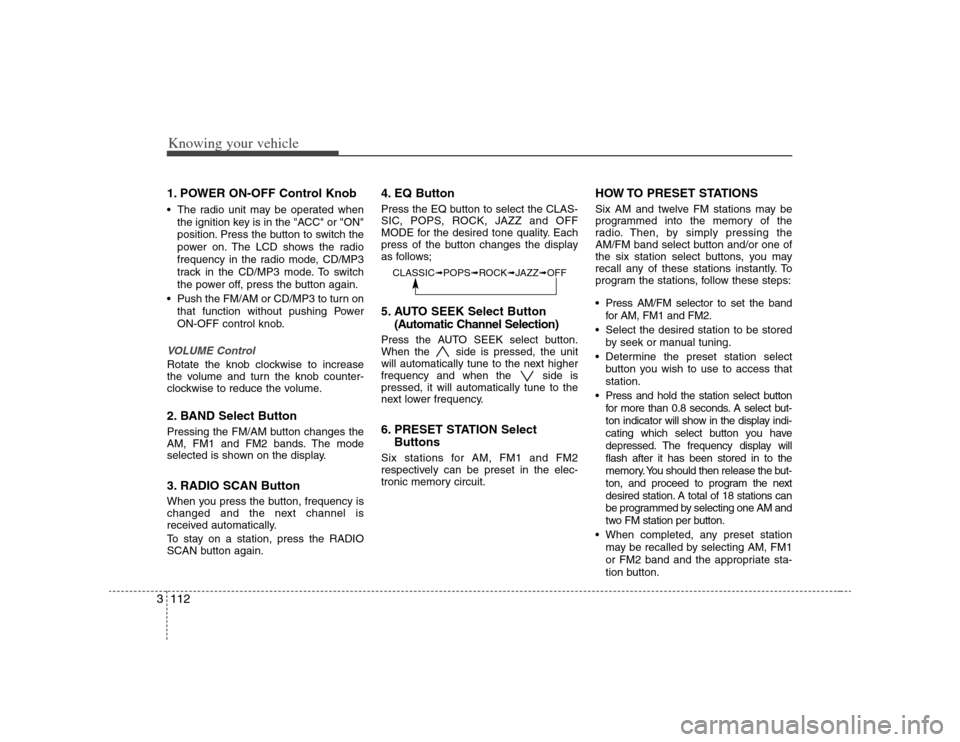
4. EQ ButtonPress the EQ button to select the CLAS-
SIC, POPS, ROCK, JAZZ and OFF
MODE for the desired tone quality. Each
press of the button changes the display
as follows;5. AUTO SEEK Select Button
(Automatic Channel Selection)Press the AUTO SEEK select button.
When the side is pressed, the unit
will automatically tune to the next higher
frequency and when the side is
pressed, it will automatically tune to the
next lower frequency.6. PRESET STATION Select
ButtonsSix stations for AM, FM1 and FM2
respectively can be preset in the elec-
tronic memory circuit.
HOW TO PRESET STATIONSSix AM and twelve FM stations may be
programmed into the memory of the
radio. Then, by simply pressing the
AM/FM band select button and/or one of
the six station select buttons, you may
recall any of these stations instantly. To
program the stations, follow these steps:
Press AM/FM selector to set the band
for AM, FM1 and FM2.
Select the desired station to be stored
by seek or manual tuning.
Determine the preset station select
button you wish to use to access that
station.
Press and hold the station select button
for more than 0.8 seconds. A select but-
ton indicator will show in the display indi-
cating which select button you have
depressed. The frequency display will
flash after it has been stored in to the
memory. You should then release the but-
ton, and proceed to program the next
desired station. A total of 18 stations can
be programmed by selecting one AM and
two FM station per button.
When completed, any preset station
may be recalled by selecting AM, FM1
or FM2 band and the appropriate sta-
tion button.
CLASSIC➟POPS➟ROCK➟JAZZ➟OFF
Page 124 of 289
3115
Knowing your vehicle
1. AUDIO/MP3 CD/AUX Select
ButtonAUDIO/MP3 CD Select Insert the CD with the label facing
upward.
Insert the CD to start CD playback,
during radio operation.
If you press the CD/AUX button while a
disc is in the CD deck, the CD player
will begin playing even if the radio or
cassette player is being used.
The CD/AUX player can be used when
the ignition switch is in either the “ON”
or “ACC” position.
Push the CD/AUX button to turn on
that function without pushing the
Power ON-OFF control knob.✽ ✽
NOTICE• Do not stick paper or tape etc., on the
label side or the recording side of any
discs, as it may cause a malfunction.
• The unit can play a multi-session CD-
R (recordable CD) and CD-RW
(rewritable CD) that consists of more
than two sessions.
Please refer to the manual of CD-
R/CD-RW recoder or CD-R/CD-RW
software for more information on
finalization process.
(Continued)(Continued)
• Depending on the recording status,
some CD-Rs/CD-RWs may not be
played on this unit.
✽ ✽
NOTICEPlayback of MP3 and WMA file formats
are supported. Load to play time for
these formats may be longer due to the
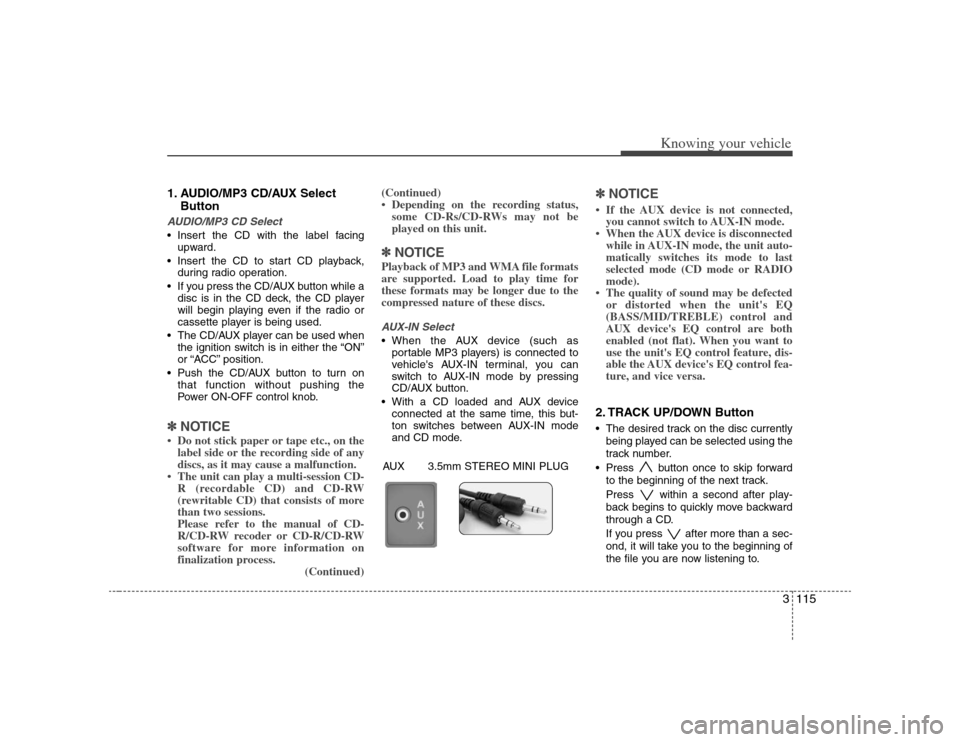
compressed nature of these discs.AUX-IN Select When the AUX device (such as
portable MP3 players) is connected to
vehicle's AUX-IN terminal, you can
switch to AUX-IN mode by pressing
CD/AUX button.
With a CD loaded and AUX device
connected at the same time, this but-
ton switches between AUX-IN mode
and CD mode.
✽ ✽
NOTICE• If the AUX device is not connected,
you cannot switch to AUX-IN mode.
• When the AUX device is disconnected
while in AUX-IN mode, the unit auto-
matically switches its mode to last
selected mode (CD mode or RADIO
mode).
• The quality of sound may be defected
or distorted when the unit's EQ
(BASS/MID/TREBLE) control and
AUX device's EQ control are both
enabled (not flat). When you want to
use the unit's EQ control feature, dis-
able the AUX device's EQ control fea-
ture, and vice versa.2. TRACK UP/DOWN Button The desired track on the disc currently
being played can be selected using the
track number.
Press button once to skip forward
to the beginning of the next track.
Press within a second after play-
back begins to quickly move backward
through a CD.
If you press after more than a sec-
ond, it will take you to the beginning of
the file you are now listening to.
AUX 3.5mm STEREO MINI PLUG
Page 128 of 289
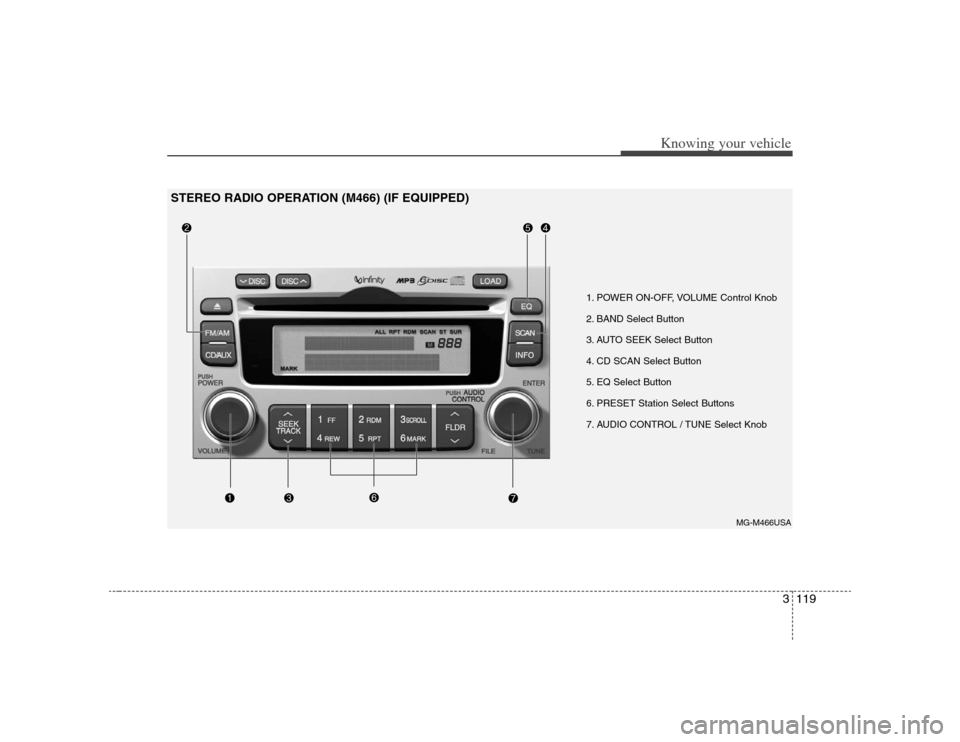
3119
Knowing your vehicle
1. POWER ON-OFF, VOLUME Control Knob
2. BAND Select Button
3. AUTO SEEK Select Button
4. CD SCAN Select Button
5. EQ Select Button
6. PRESET Station Select Buttons
7. AUDIO CONTROL / TUNE Select Knob
MG-M466USA
STEREO RADIO OPERATION (M466) (IF EQUIPPED)
Page 129 of 289
Knowing your vehicle120 31. POWER ON-OFF Control Knob The radio unit may be operated when
the ignition key is in the "ACC" or “ON”
position. Press the knob to switch the
power on. The LCD shows the radio
frequency in the radio mode, the tape
direction indicator in the tape mode or
CD/MP3 track in the CD/MP3 mode or
CD AUTO CHANGER mode. To switch
the power off, press the knob again.
Push the FM/AM, TAPE or CD/MP3 to
turn on that function without pushing
Power ON-OFF control knob.VOLUME ControlRotate the knob clockwise to increase
the volume and turn the knob counter-
clockwise to reduce the volume.2. BAND Select ButtonPressing the FM/AM button changes the
AM, FM1 and FM2 bands. The mode
selected is shown on the display.
3. AUTO SEEK Select Button
(Automatic Channel Selection)Press the AUTO SEEK select button.
When the side is pressed, the unit
will automatically tune to the next higher
frequency and when the side is
pressed, it will automatically tune to the
next lower frequency.4. CD SCAN ButtonWhen you press the button, frequency is
changed and the next channel is
received automatically.
To stay on a station, press the CD SCAN
button again.5. EQ ButtonPress the EQ button to select the CLAS-
SIC, POPS, ROCK, JAZZ and OFF
MODE for the desired tone quality. Each
press of the button changes the display
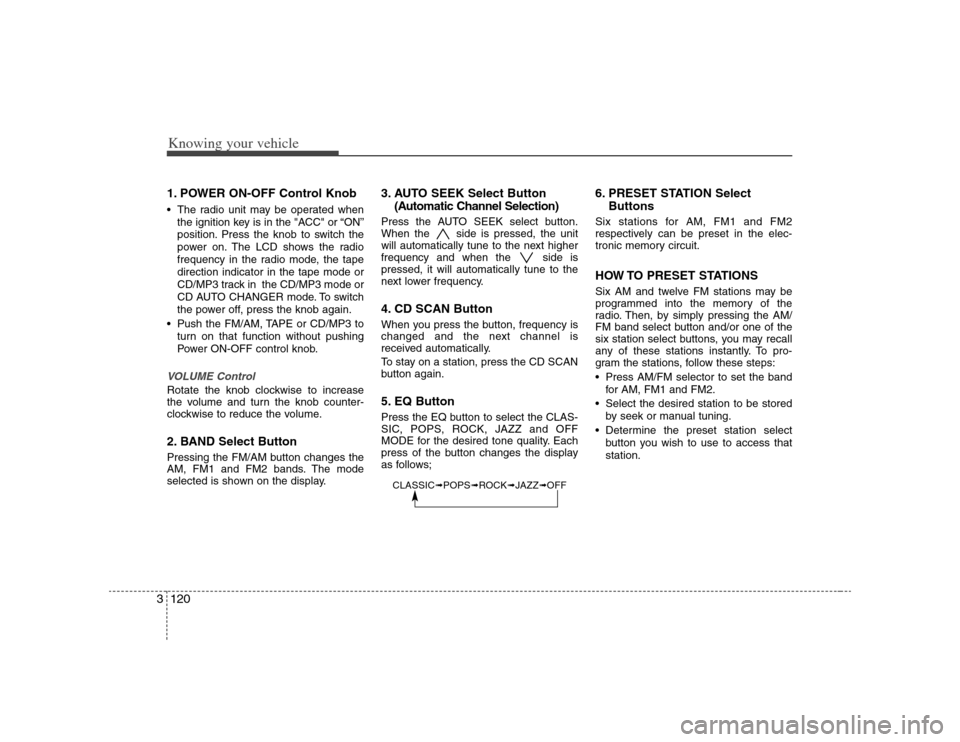
as follows;
6. PRESET STATION Select
ButtonsSix stations for AM, FM1 and FM2
respectively can be preset in the elec-
tronic memory circuit.HOW TO PRESET STATIONSSix AM and twelve FM stations may be
programmed into the memory of the
radio. Then, by simply pressing the AM/
FM band select button and/or one of the
six station select buttons, you may recall
any of these stations instantly. To pro-
gram the stations, follow these steps:
Press AM/FM selector to set the band
for AM, FM1 and FM2.
Select the desired station to be stored
by seek or manual tuning.
Determine the preset station select
button you wish to use to access that
station.
CLASSIC➟POPS➟ROCK➟JAZZ➟OFF