ECO mode KIA OPTIMA 2019 User Guide
[x] Cancel search | Manufacturer: KIA, Model Year: 2019, Model line: OPTIMA, Model: KIA OPTIMA 2019Pages: 577, PDF Size: 13.79 MB
Page 157 of 577
467
Features of your vehicle
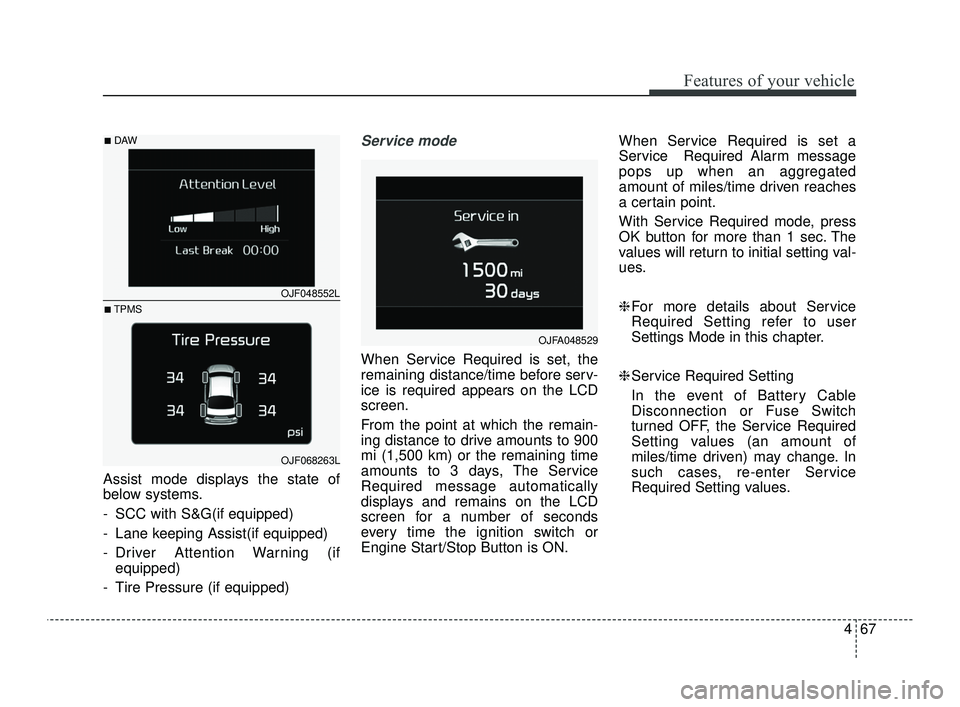
Assist mode displays the state of
below systems.
- SCC with S&G(if equipped)
- Lane keeping Assist(if equipped)
- Driver Attention Warning (ifequipped)
- Tire Pressure (if equipped)
Service mode
When Service Required is set, the
remaining distance/time before serv-
ice is required appears on the LCD
screen.
From the point at which the remain-
ing distance to drive amounts to 900
mi (1,500 km) or the remaining time
amounts to 3 days, The Service
Required message automatically
displays and remains on the LCD
screen for a number of seconds
every time the ignition switch or
Engine Start/Stop Button is ON. When Service Required is set a
Service Required Alarm message
pops up when an aggregated
amount of miles/time driven reaches
a certain point.
With Service Required mode, press
OK button for more than 1 sec. The
values will return to initial setting val-
ues.
❈
For more details about Service
Required Setting refer to user
Settings Mode in this chapter.
❈ Service Required Setting
In the event of Battery Cable
Disconnection or Fuse Switch
turned OFF, the Service Required
Setting values (an amount of
miles/time driven) may change. In
such cases, re-enter Service
Required Setting values.
OJFA048529
OJF048552L
OJF068263L
■DAW
■TPMS
JFa PE USA 4.qxp 5/18/2018 7:22 PM Page 67
Page 163 of 577
473
Features of your vehicle
Other
Fuel Economy Reset :- If this item checked, the averagefuel economy will reset automati-
cally after refueling or after igni-
tion.
Fuel Economy Unit : - Choose the fuel economy unit.(US gallon, UK gallon)
Temperature Unit : - Choose the temperature unit.(°C,°F)
Tire Pressure Unit (if equipped) : - Choose the tire pressure unit.(psi, kPa, bar) Language (if equipped)
Choose the language.
Reset
You can reset the menus in the User
Settings Mode. All menus in the User
Settings Mode are initialized, except
language and service interval.
JFa PE USA 4.qxp 5/18/2018 7:22 PM Page 73
Page 164 of 577

Features of your vehicle
74
4
The trip computer is a microcomput-
er-controlled driver information sys-
tem that displays information related
to driving.
✽ ✽
NOTICE
Some driving information stored in
the trip computer (for example
Average Vehicle Speed) resets if the
battery is disconnected.
Trip Modes
TRIP MODES (TRIP COMPUTER)
To change the trip mode, scroll the
TRIP scroll switch ( / ) in the trip
computer mode.
Accumulated Info
Digital speedometer
Drive Info
Fuel Economy
Drive Mode*
* : if equipped
Transmission Temperature*
JFa PE USA 4.qxp 5/18/2018 7:22 PM Page 74
Page 166 of 577
Features of your vehicle
76
4
Automatic reset
To make the average fuel economy
reset automatically whenever refuel-
ing, select the “Auto Reset” mode in
User Setting menu of the LCD display
(Refer to “LCD Display”).
OFF - You may set to default manu-
ally by using the trip switch reset but-
ton.
After ignition - The vehicle will auto- matically set to default once 4 hours
pass after the Ignition is in OFF.
After refueling - After refueling more than 6 liters and driving over 1km/h,
the vehicle will reset to default auto-
matically.
✽ ✽ NOTICE
For a more accurate calculation of
the average fuel economy, the vehi-
cle must be continuously driven
more than 10 seconds and 0.03 miles
(50 meters).
Instant Fuel Economy (2)
This mode displays the instant fuel
economy during the last few sec-
onds when the vehicle speed is
more than 5 MPH (8 km/h).
- Fuel economy range: 0 ~ 50 MPGor 0 ~ 30 L/100km
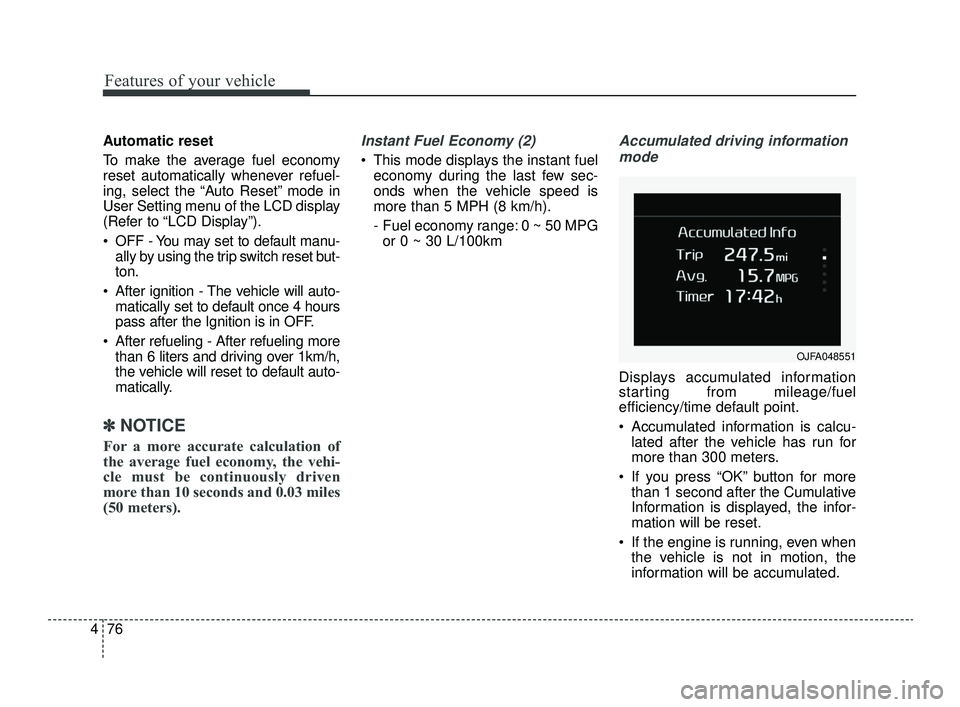
Accumulated driving information
mode
Displays accumulated information
starting from mileage/fuel
efficiency/time default point.
Accumulated information is calcu- lated after the vehicle has run for
more than 300 meters.
If you press “OK” button for more than 1 second after the Cumulative
Information is displayed, the infor-
mation will be reset.
If the engine is running, even when the vehicle is not in motion, the
information will be accumulated.
OJFA048551
JFa PE USA 4.qxp 5/18/2018 7:22 PM Page 76
Page 167 of 577
477
Features of your vehicle
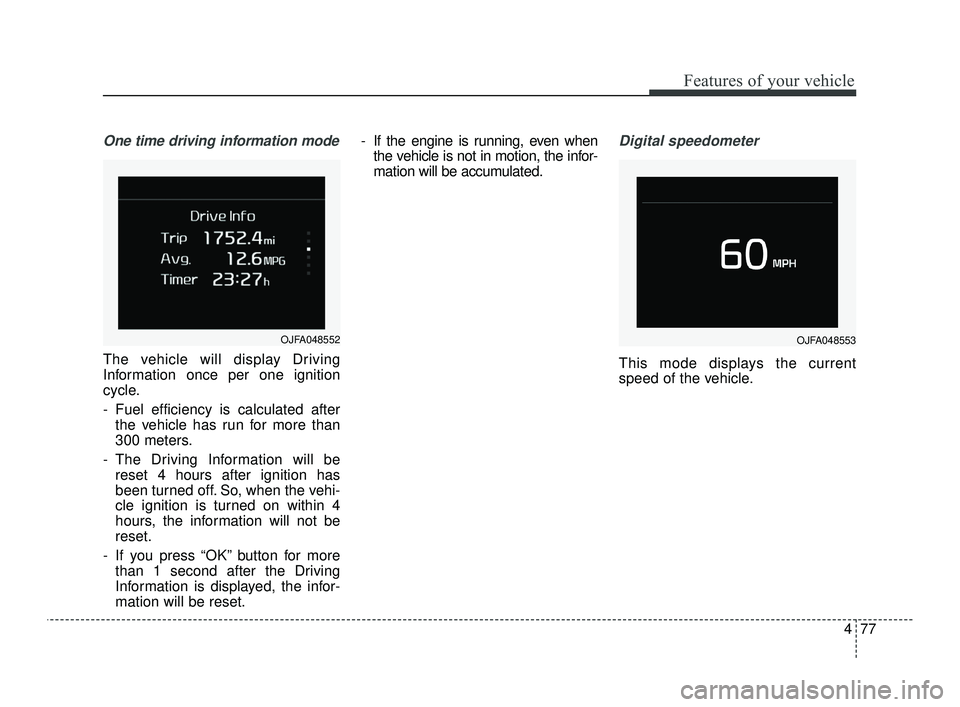
One time driving information mode
The vehicle will display Driving
Information once per one ignition
cycle.
- Fuel efficiency is calculated afterthe vehicle has run for more than
300 meters.
- The Driving Information will be reset 4 hours after ignition has
been turned off. So, when the vehi-
cle ignition is turned on within 4
hours, the information will not be
reset.
- If you press “OK” button for more than 1 second after the Driving
Information is displayed, the infor-
mation will be reset. - If the engine is running, even when
the vehicle is not in motion, the infor-
mation will be accumulated.
Digital speedometer
This mode displays the current
speed of the vehicle.
OJFA048552OJFA048553
JFa PE USA 4.qxp 5/18/2018 7:22 PM Page 77
Page 181 of 577
491
Features of your vehicle
The TPMS cannot alert you tosevere and sudden tire damage
caused by external factors.
If you notice any vehicle instability, immediately take your foot off the
accelerator pedal, apply the brakes
gradually with light force, and slow-
ly move to a safe position off the
road.
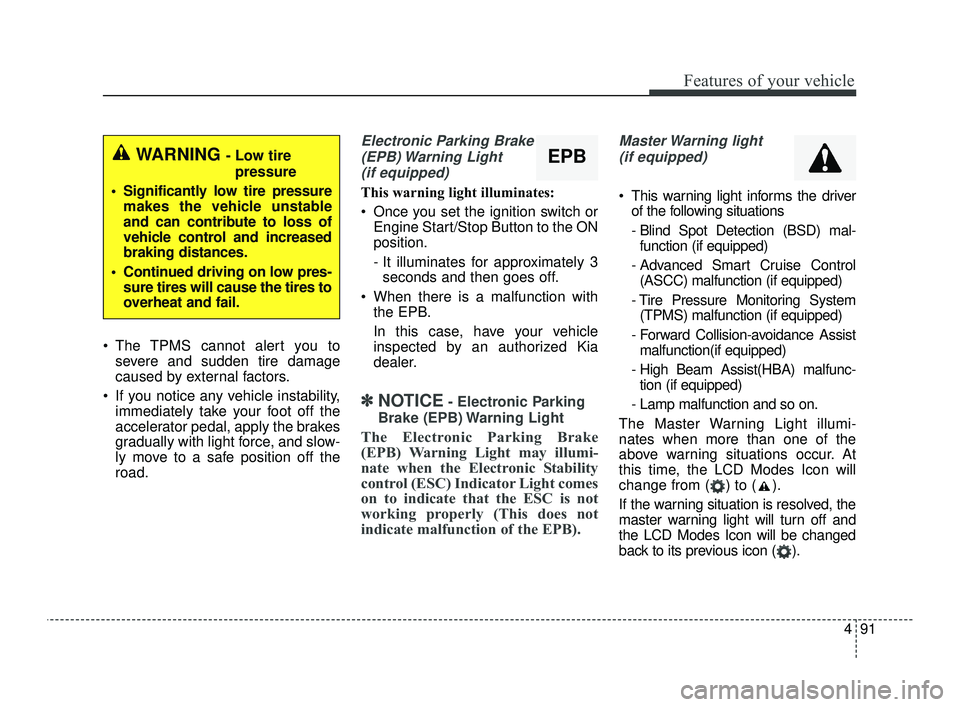
Electronic Parking Brake
(EPB) Warning Light(if equipped)
This warning light illuminates:
Once you set the ignition switch or Engine Start/Stop Button to the ON
position.
- It illuminates for approximately 3seconds and then goes off.
When there is a malfunction with the EPB.
In this case, have your vehicle
inspected by an authorized Kia
dealer.
✽ ✽ NOTICE- Electronic Parking
Brake (EPB) Warning Light
The Electronic Parking Brake
(EPB) Warning Light may illumi-
nate when the Electronic Stability
control (ESC) Indicator Light comes
on to indicate that the ESC is not
working properly (This does not
indicate malfunction of the EPB).
Master Warning light (if equipped)
This warning light informs the driver of the following situations
- Blind Spot Detection (BSD) mal-function (if equipped)
- Advanced Smart Cruise Control (ASCC) malfunction (if equipped)
- Tire Pressure Monitoring System (TPMS) malfunction (if equipped)
- Forward Collision-avoidance Assist malfunction(if equipped)
- High Beam Assist(HBA) malfunc- tion (if equipped)
- Lamp malfunction and so on.
The Master Warning Light illumi-
nates when more than one of the
above warning situations occur. At
this time, the LCD Modes Icon will
change from ( ) to ( ).
If the warning situation is resolved, the
master warning light will turn off and
the LCD Modes Icon will be changed
back to its previous icon ( ).
EPBWARNING - Low tire pressure
Significantly low tire pressure makes the vehicle unstable
and can contribute to loss of
vehicle control and increased
braking distances.
Continued driving on low pres- sure tires will cause the tires to
overheat and fail.
JFa PE USA 4.qxp 5/18/2018 7:22 PM Page 91
Page 187 of 577
497
Features of your vehicle
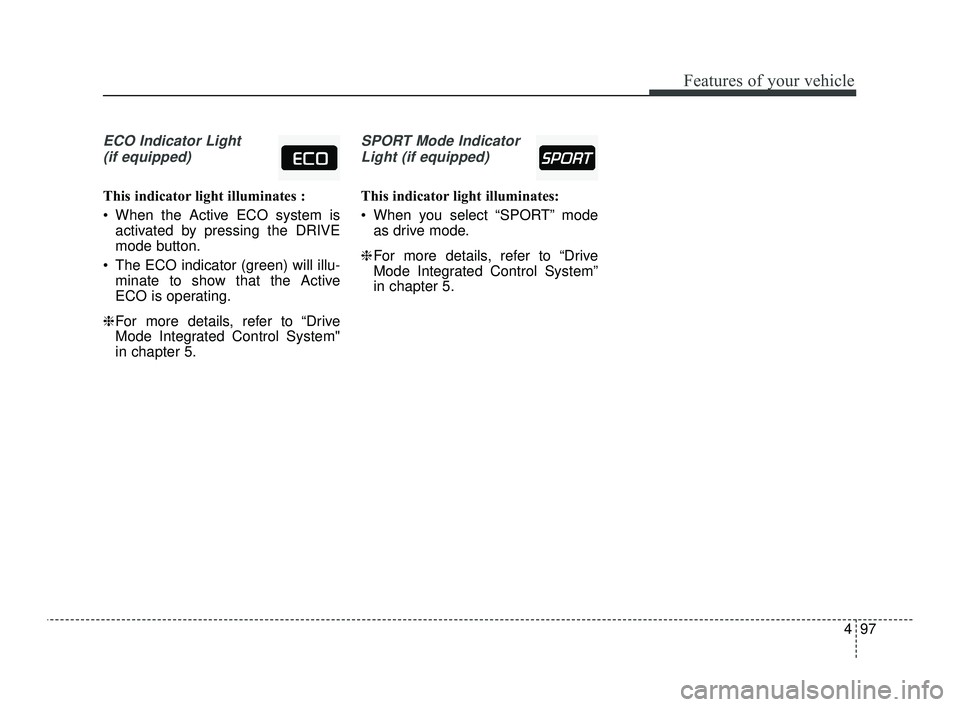
ECO Indicator Light(if equipped)
This indicator light illuminates :
When the Active ECO system is activated by pressing the DRIVE
mode button.
The ECO indicator (green) will illu- minate to show that the Active
ECO is operating.
❈ For more details, refer to “Drive
Mode Integrated Control System"
in chapter 5.
SPORT Mode Indicator
Light (if equipped)
This indicator light illuminates:
When you select “SPORT” mode as drive mode.
❈ For more details, refer to “Drive
Mode Integrated Control System”
in chapter 5.
JFa PE USA 4.qxp 5/18/2018 7:22 PM Page 97
Page 207 of 577
4117
Features of your vehicle
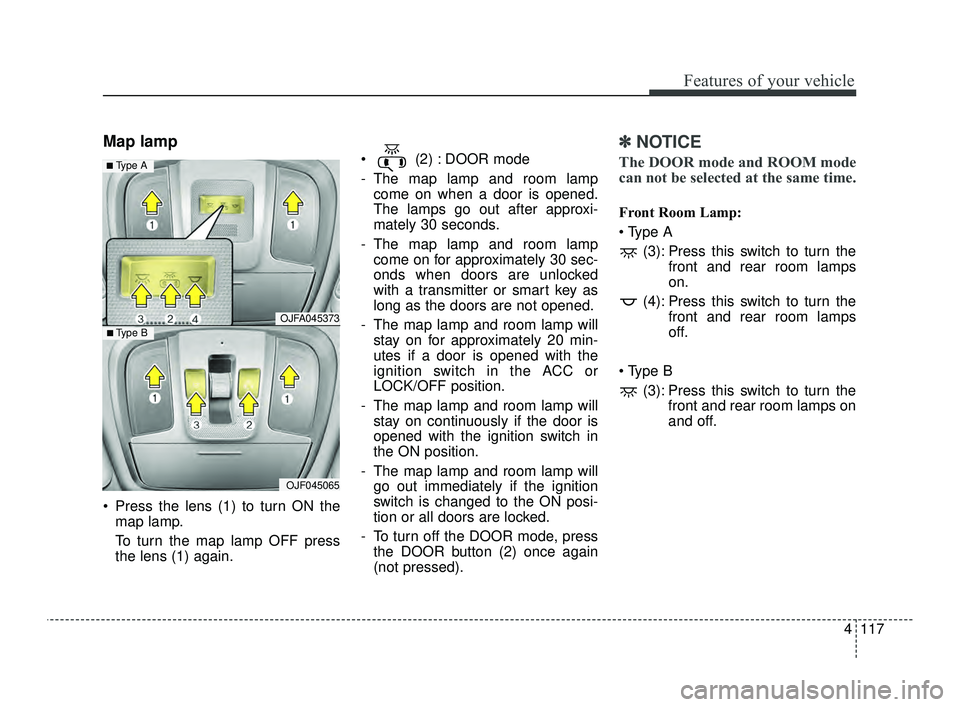
Map lamp
Press the lens (1) to turn ON themap lamp.
To turn the map lamp OFF press
the lens (1) again. (2) : DOOR mode
- The map lamp and room lamp
come on when a door is opened.
The lamps go out after approxi-
mately 30 seconds.
- The map lamp and room lamp come on for approximately 30 sec-
onds when doors are unlocked
with a transmitter or smart key as
long as the doors are not opened.
- The map lamp and room lamp will stay on for approximately 20 min-
utes if a door is opened with the
ignition switch in the ACC or
LOCK/OFF position.
- The map lamp and room lamp will stay on continuously if the door is
opened with the ignition switch in
the ON position.
- The map lamp and room lamp will go out immediately if the ignition
switch is changed to the ON posi-
tion or all doors are locked.
- To turn off the DOOR mode, press the DOOR button (2) once again
(not pressed).
✽ ✽ NOTICE
The DOOR mode and ROOM mode
can not be selected at the same time.
Front Room Lamp:
(3): Press this switch to turn the front and rear room lamps
on.
(4): Press this switch to turn the front and rear room lamps
off.
(3): Press this switch to turn the front and rear room lamps on
and off.
OJFA045373
OJF045065
■ Type B
■ Type A
JFa PE USA 4.qxp 5/18/2018 7:23 PM Page 117
Page 215 of 577
4125
Features of your vehicle
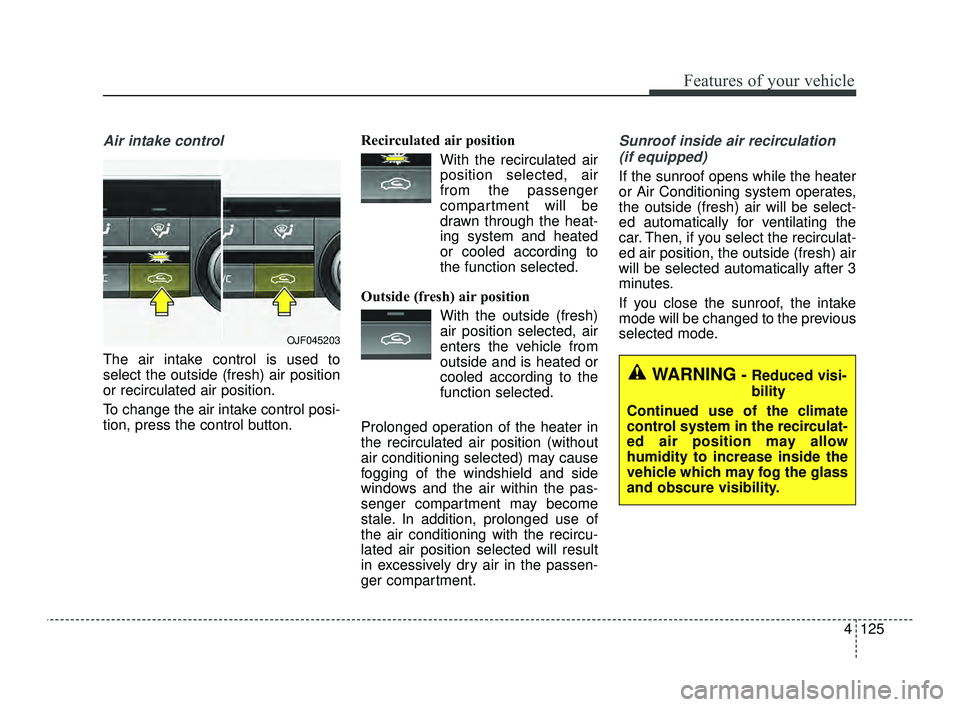
Air intake control
The air intake control is used to
select the outside (fresh) air position
or recirculated air position.
To change the air intake control posi-
tion, press the control button.Recirculated air position
With the recirculated airposition selected, air
from the passenger
compartment will be
drawn through the heat-
ing system and heated
or cooled according to
the function selected.
Outside (fresh) air position With the outside (fresh)air position selected, air
enters the vehicle from
outside and is heated or
cooled according to the
function selected.
Prolonged operation of the heater in
the recirculated air position (without
air conditioning selected) may cause
fogging of the windshield and side
windows and the air within the pas-
senger compartment may become
stale. In addition, prolonged use of
the air conditioning with the recircu-
lated air position selected will result
in excessively dry air in the passen-
ger compartment.
Sunroof inside air recirculation (if equipped)
If the sunroof opens while the heater
or Air Conditioning system operates,
the outside (fresh) air will be select-
ed automatically for ventilating the
car. Then, if you select the recirculat-
ed air position, the outside (fresh) air
will be selected automatically after 3
minutes.
If you close the sunroof, the intake
mode will be changed to the previous
selected mode.
WARNING- Reduced visi-
bility
Continued use of the climate
control system in the recirculat-
ed air position may allow
humidity to increase inside the
vehicle which may fog the glass
and obscure visibility.
OJF045203
JFa PE USA 4.qxp 5/18/2018 7:24 PM Page 125
Page 218 of 577
Features of your vehicle
128
4
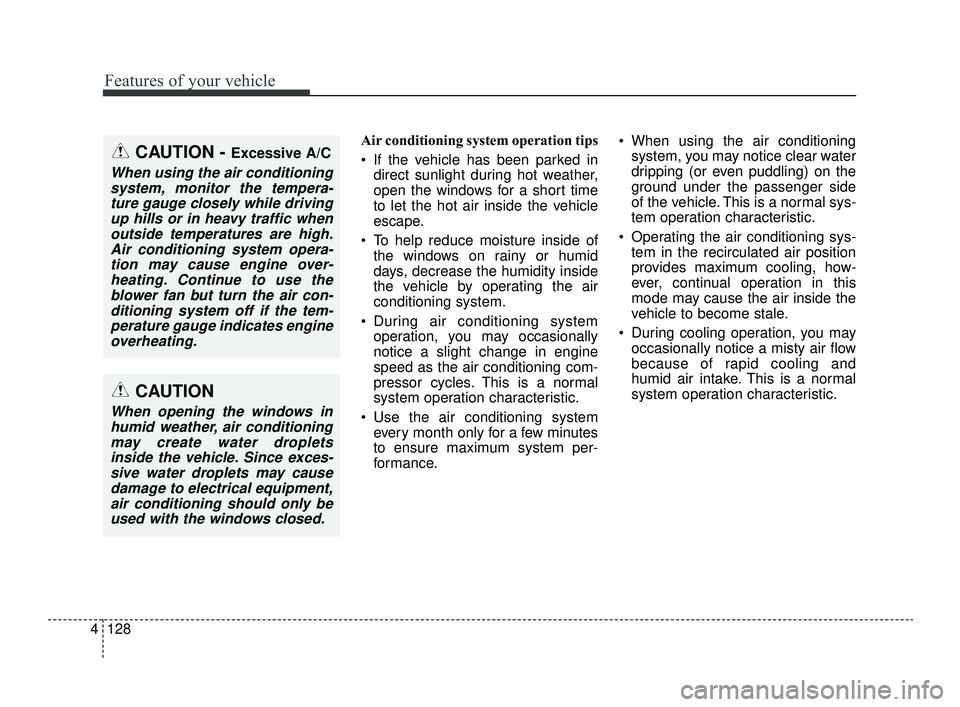
Air conditioning system operation tips
If the vehicle has been parked in
direct sunlight during hot weather,
open the windows for a short time
to let the hot air inside the vehicle
escape.
To help reduce moisture inside of the windows on rainy or humid
days, decrease the humidity inside
the vehicle by operating the air
conditioning system.
During air conditioning system operation, you may occasionally
notice a slight change in engine
speed as the air conditioning com-
pressor cycles. This is a normal
system operation characteristic.
Use the air conditioning system every month only for a few minutes
to ensure maximum system per-
formance. When using the air conditioning
system, you may notice clear water
dripping (or even puddling) on the
ground under the passenger side
of the vehicle. This is a normal sys-
tem operation characteristic.
Operating the air conditioning sys- tem in the recirculated air position
provides maximum cooling, how-
ever, continual operation in this
mode may cause the air inside the
vehicle to become stale.
During cooling operation, you may occasionally notice a misty air flow
because of rapid cooling and
humid air intake. This is a normal
system operation characteristic.CAUTION - Excessive A/C
When using the air conditioningsystem, monitor the tempera-ture gauge closely while drivingup hills or in heavy traffic whenoutside temperatures are high.Air conditioning system opera-tion may cause engine over-heating. Continue to use theblower fan but turn the air con-ditioning system off if the tem-perature gauge indicates engineoverheating.
CAUTION
When opening the windows inhumid weather, air conditioningmay create water dropletsinside the vehicle. Since exces-sive water droplets may causedamage to electrical equipment,air conditioning should only beused with the windows closed.
JFa PE USA 4.qxp 5/18/2018 7:24 PM Page 128