steering wheel KIA Rio 2013 3.G Owner's Guide
[x] Cancel search | Manufacturer: KIA, Model Year: 2013, Model line: Rio, Model: KIA Rio 2013 3.GPages: 385, PDF Size: 9.68 MB
Page 141 of 385
Features of your vehicle
66
4
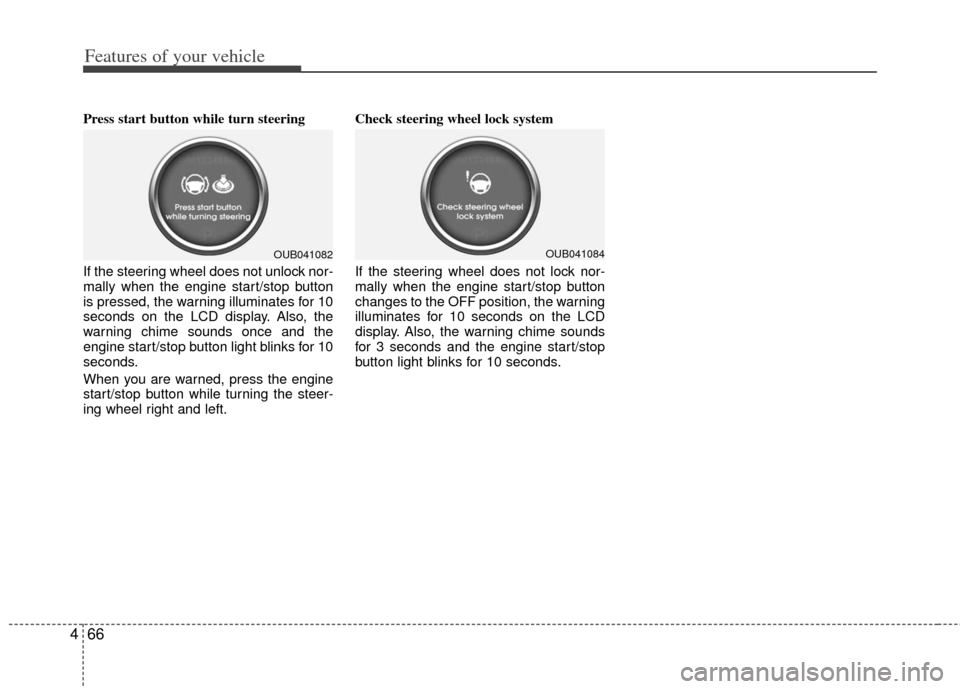
Press start button while turn steering
If the steering wheel does not unlock nor-
mally when the engine start/stop button
is pressed, the warning illuminates for 10
seconds on the LCD display. Also, the
warning chime sounds once and the
engine start/stop button light blinks for 10
seconds.
When you are warned, press the engine
start/stop button while turning the steer-
ing wheel right and left. Check steering wheel lock system
If the steering wheel does not lock nor-
mally when the engine start/stop button
changes to the OFF position, the warning
illuminates for 10 seconds on the LCD
display. Also, the warning chime sounds
for 3 seconds and the engine start/stop
button light blinks for 10 seconds.
OUB041082OUB041084
Page 143 of 385
Features of your vehicle
68
4
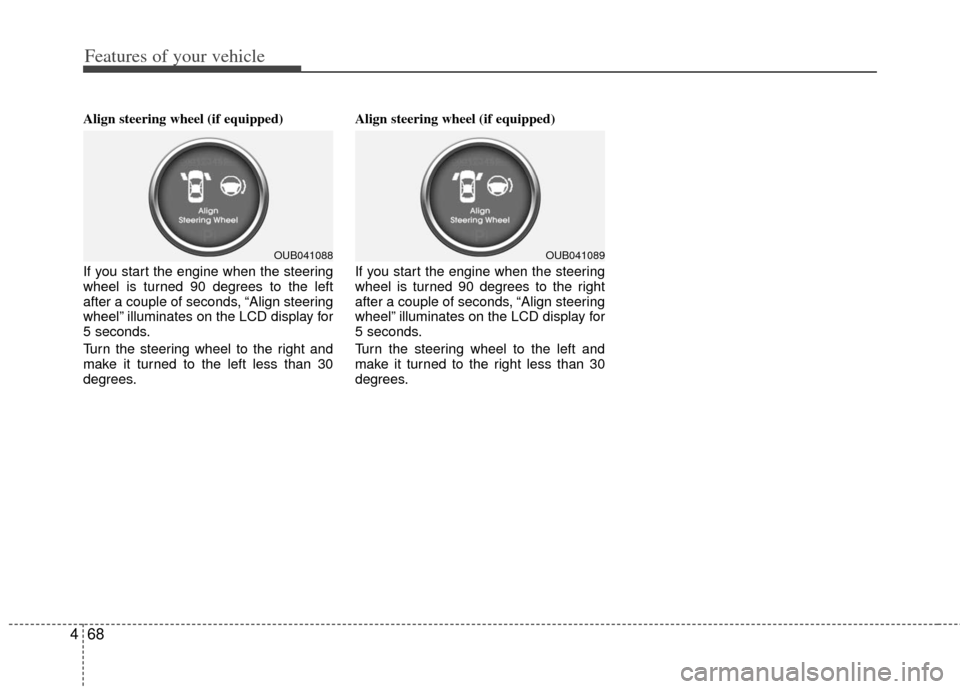
Align steering wheel (if equipped)
If you start the engine when the steering
wheel is turned 90 degrees to the left
after a couple of seconds, “Align steering
wheel” illuminates on the LCD display for
5 seconds.
Turn the steering wheel to the right and
make it turned to the left less than 30
degrees. Align steering wheel (if equipped)
If you start the engine when the steering
wheel is turned 90 degrees to the right
after a couple of seconds, “Align steering
wheel” illuminates on the LCD display for
5 seconds.
Turn the steering wheel to the left and
make it turned to the right less than 30
degrees.
OUB041088OUB041089
Page 178 of 385
4103
Features of your vehicle
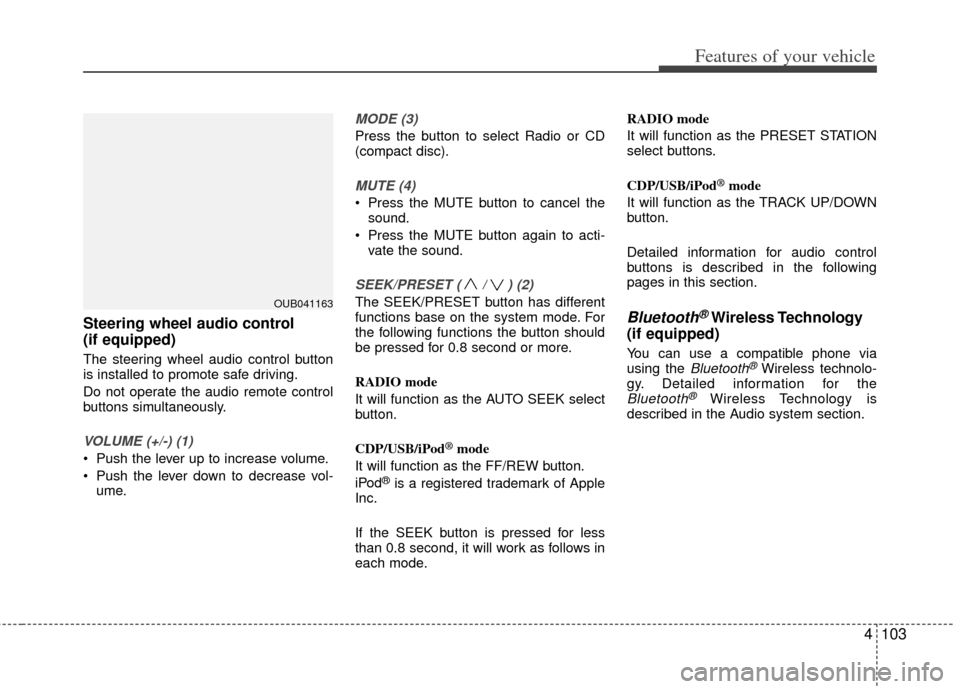
Steering wheel audio control
(if equipped)
The steering wheel audio control button
is installed to promote safe driving.
Do not operate the audio remote control
buttons simultaneously.
VOLUME (+/-) (1)
Push the lever up to increase volume.
Push the lever down to decrease vol-ume.
MODE (3)
Press the button to select Radio or CD
(compact disc).
MUTE (4)
Press the MUTE button to cancel thesound.
Press the MUTE button again to acti- vate the sound.
SEEK/PRESET ( / ) (2)
The SEEK/PRESET button has different
functions base on the system mode. For
the following functions the button should
be pressed for 0.8 second or more.
RADIO mode
It will function as the AUTO SEEK select
button.
CDP/USB/iPod
®mode
It will function as the FF/REW button.
iPod
®is a registered trademark of Apple
Inc.
If the SEEK button is pressed for less
than 0.8 second, it will work as follows in
each mode. RADIO mode
It will function as the PRESET STATION
select buttons.
CDP/USB/iPod
®mode
It will function as the TRACK UP/DOWN
button.
Detailed information for audio control
buttons is described in the following
pages in this section.
Bluetooth®Wireless Technology
(if equipped)
You can use a compatible phone via
using the Bluetooth®Wireless technolo-
gy. Detailed information for the
Bluetooth®Wireless Technology is
described in the Audio system section.
OUB041163
Page 214 of 385
4139
Features of your vehicle
PHONE
Before using the Bluetooth®wireless
technology phone features
Bluetooth®wireless
technologyphone, you must first pair
and connect the Bluetooth®wireless
technologymobile phone.
If the mobile phone is not paired or con- nected, it is not possible to enter Phone
mode. Once a phone is paired or con-
nected, the guidance screen will be dis-
played.
(IGN/ACC ON), the
Bluetooth®wire-
less technologyphone will be auto-
matically connected. Even if you are
outside, the
Bluetooth®wireless
technologyphone will be automatical-
ly connected once you are in the vicini-
ty of the vehicle. If you do not want
automatic
Bluetooth®wireless tech-
nologyphone connection, set theBluetooth®wireless technologypower to OFF.
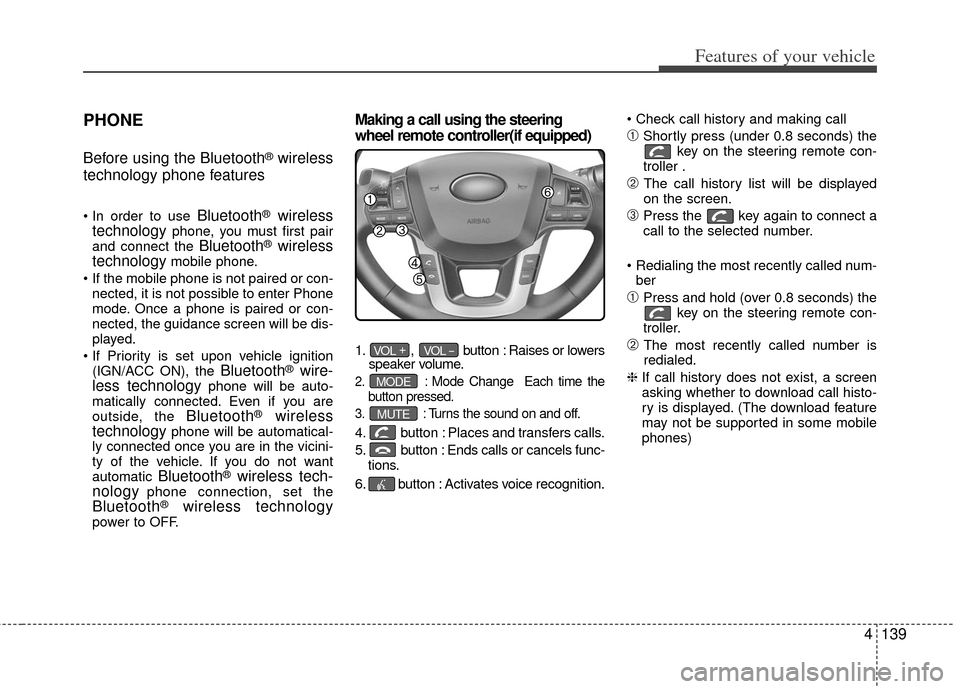
Making a call using the steering
wheel remote controller(if equipped)
1. , button : Raises or lowers
speaker volume.
2. :Mode Change Each time the
button pressed.
3. :Turns the sound on and off.
4. button : Places and transfers calls.
5. button : Ends calls or cancels func- tions.
6. button : Activates voice recognition.
➀Shortly press (under 0.8 seconds) the
key on the steering remote con-
troller .
➁ The call history list will be displayed
on the screen.
\bPress the key again to connect a
call to the selected number.
ber
➀Press and hold (over 0.8 seconds) the key on the steering remote con-
troller.
➁ The most recently called number is
redialed.
❈ If call history does not exist, a screen
asking whether to download call histo-
ry is displayed. (The download feature
may not be supported in some mobile
phones)
MUTE
MODE
VOL _VOL +
Page 216 of 385
4141
Features of your vehicle
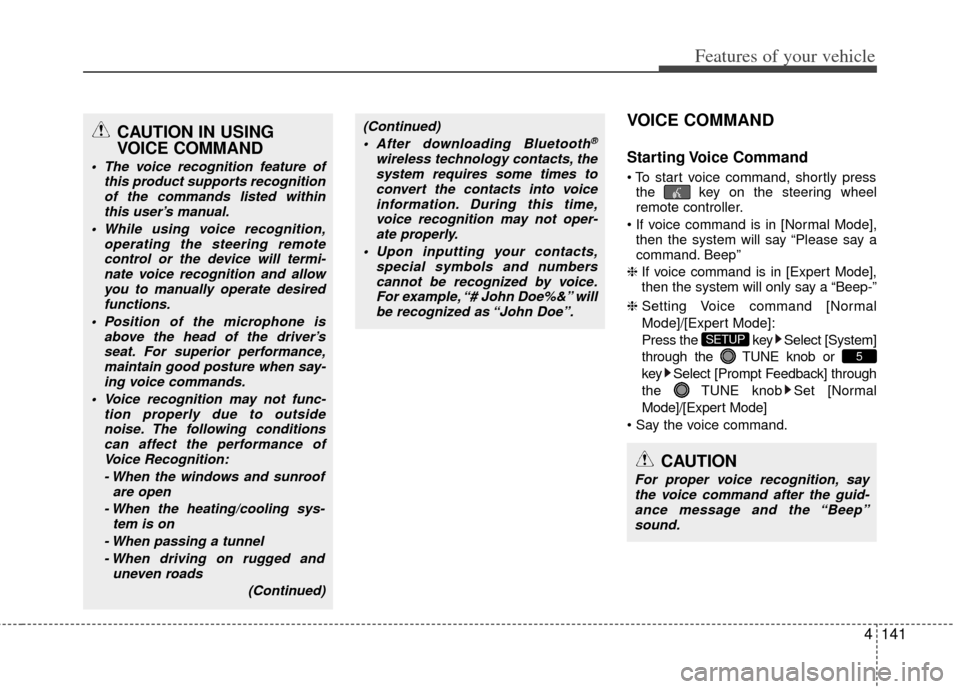
VOICE COMMAND
Starting Voice Command
the key on the steering wheel
remote controller.
then the system will say “Please say a
command. Beep”
❈ If voice command is in [Expert Mode],
then the system will only say a “Beep-”
❈ Setting Voice command [Normal
Mode]/[Expert Mode]:
Press the key Select [System]
through the TUNE knob or
key Select [Prompt Feedback] through
the TUNE knob Set [Normal
Mode]/[Expert Mode]
5
SETUP
CAUTION
For proper voice recognition, say the voice command after the guid- ance message and the “Beep”sound.
(Continued)
After downloading Bluetooth®
wireless technology contacts, thesystem requires some times toconvert the contacts into voiceinformation. During this time,voice recognition may not oper- ate properly.
Upon inputting your contacts, special symbols and numberscannot be recognized by voice.For example, “# John Doe%&” will be recognized as “John Doe”.
CAUTION IN USING
VOICE COMMAND
The voice recognition feature of this product supports recognitionof the commands listed withinthis user’s manual.
While using voice recognition, operating the steering remotecontrol or the device will termi- nate voice recognition and allowyou to manually operate desiredfunctions.
Position of the microphone is above the head of the driver’sseat. For superior performance,maintain good posture when say-ing voice commands.
Voice recognition may not func- tion properly due to outsidenoise. The following conditionscan affect the performance ofVoice Recognition:
- When the windows and sunroof are open
- When the heating/cooling sys- tem is on
- When passing a tunnel - When driving on rugged and uneven roads
(Continued)
Page 217 of 385
Features of your vehicle
142
4
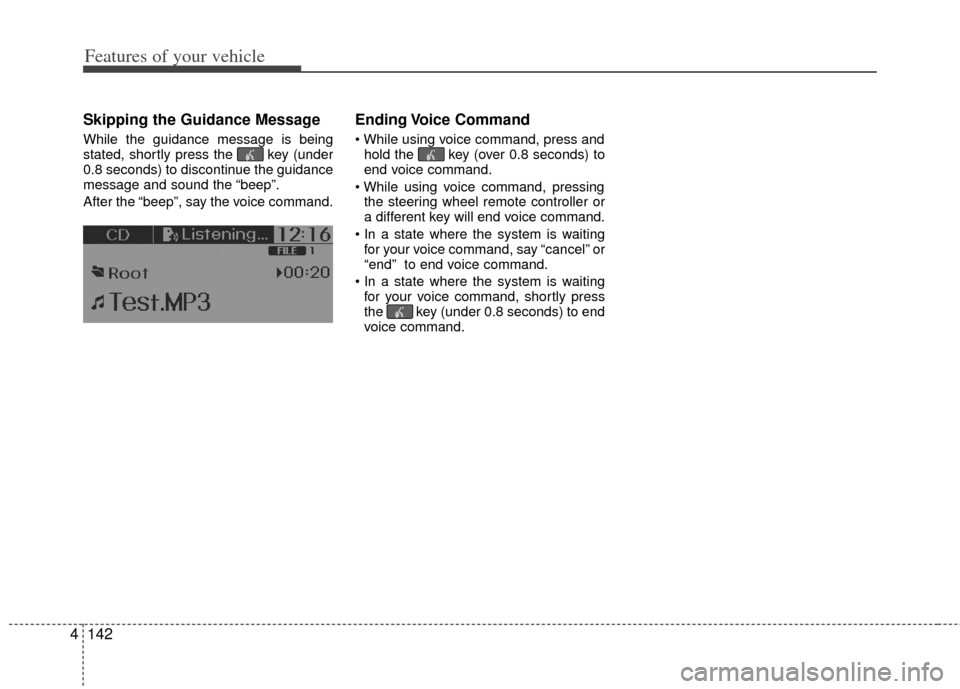
Skipping the Guidance Message
While the guidance message is being
stated, shortly press the key (under
0.8 seconds) to discontinue the guidance
message and sound the “beep”.
After the “beep”, say the voice command.
Ending Voice Command
hold the key (over 0.8 seconds) to
end voice command.
the steering wheel remote controller or
a different key will end voice command.
for your voice command, say “cancel” or
“end” to end voice command.
for your voice command, shortly press
the key (under 0.8 seconds) to end
voice command.
Page 227 of 385
Driving your vehicle
45
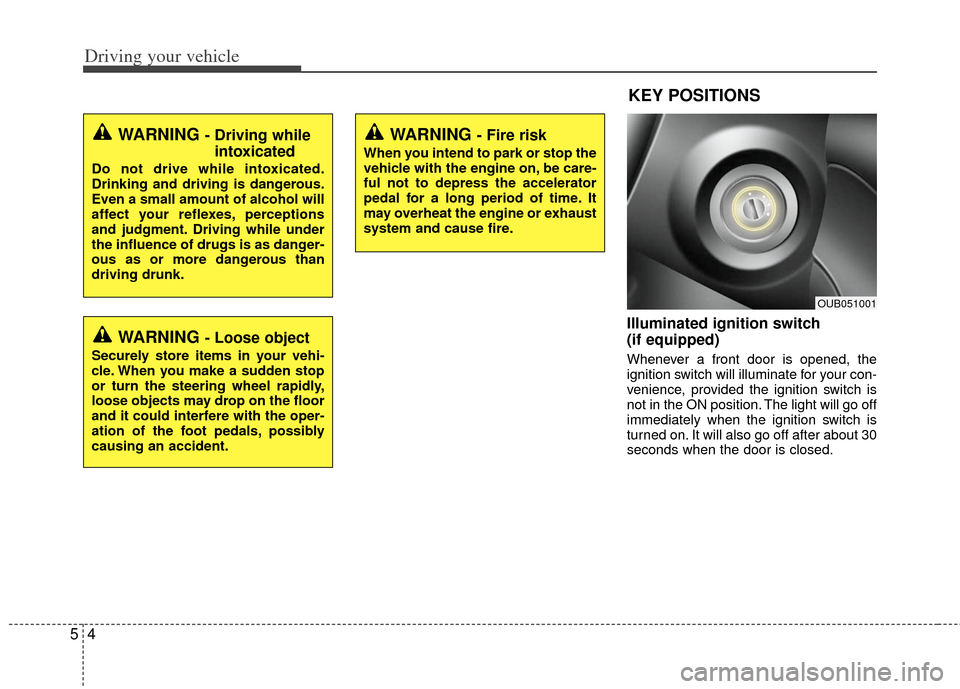
Illuminated ignition switch
(if equipped)
Whenever a front door is opened, the
ignition switch will illuminate for your con-
venience, provided the ignition switch is
not in the ON position. The light will go off
immediately when the ignition switch is
turned on. It will also go off after about 30
seconds when the door is closed.
KEY POSITIONS
WARNING - Fire risk
When you intend to park or stop the
vehicle with the engine on, be care-
ful not to depress the accelerator
pedal for a long period of time. It
may overheat the engine or exhaust
system and cause fire.
WARNING - Driving whileintoxicated
Do not drive while intoxicated.
Drinking and driving is dangerous.
Even a small amount of alcohol will
affect your reflexes, perceptions
and judgment. Driving while under
the influence of drugs is as danger-
ous as or more dangerous than
driving drunk.
WARNING - Loose object
Securely store items in your vehi-
cle. When you make a sudden stop
or turn the steering wheel rapidly,
loose objects may drop on the floor
and it could interfere with the oper-
ation of the foot pedals, possibly
causing an accident.
OUB051001
Page 228 of 385
55
Driving your vehicle
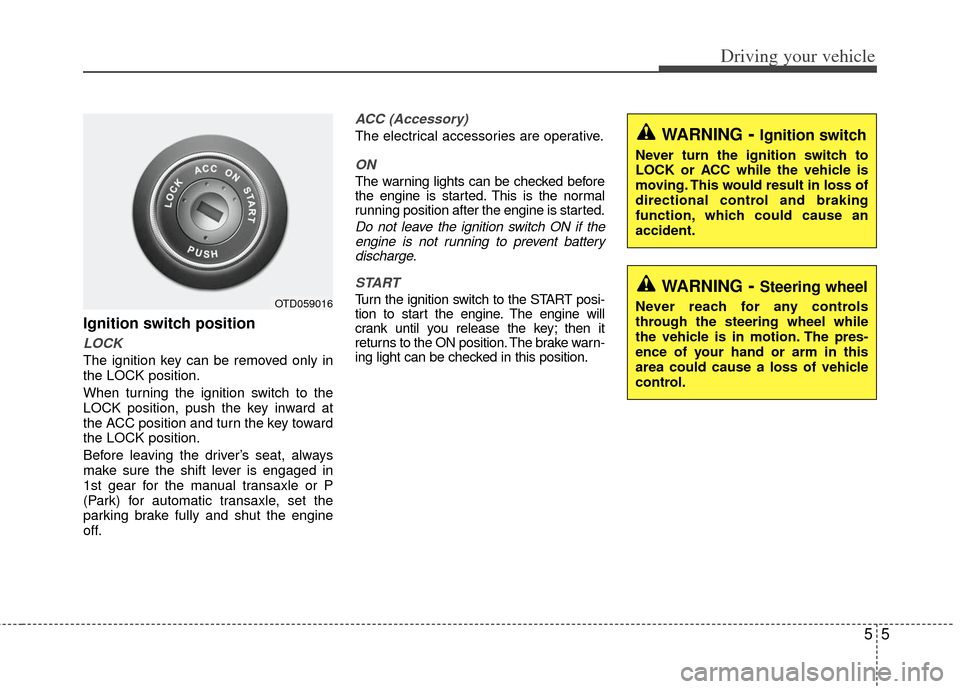
Ignition switch position
LOCK
The ignition key can be removed only in
the LOCK position.
When turning the ignition switch to the
LOCK position, push the key inward at
the ACC position and turn the key toward
the LOCK position.
Before leaving the driver’s seat, always
make sure the shift lever is engaged in
1st gear for the manual transaxle or P
(Park) for automatic transaxle, set the
parking brake fully and shut the engine
off.
ACC (Accessory)
The electrical accessories are operative.
ON
The warning lights can be checked before
the engine is started. This is the normal
running position after the engine is started.
Do not leave the ignition switch ON if theengine is not running to prevent batterydischarge.
START
Turn the ignition switch to the START posi-
tion to start the engine. The engine will
crank until you release the key; then it
returns to the ON position. The brake warn-
ing light can be checked in this position.OTD059016
WARNING- Ignition switch
Never turn the ignition switch to
LOCK or ACC while the vehicle is
moving. This would result in loss of
directional control and braking
function, which could cause an
accident.
WARNING- Steering wheel
Never reach for any controls
through the steering wheel while
the vehicle is in motion. The pres-
ence of your hand or arm in this
area could cause a loss of vehicle
control.
Page 248 of 385
525
Driving your vehicle
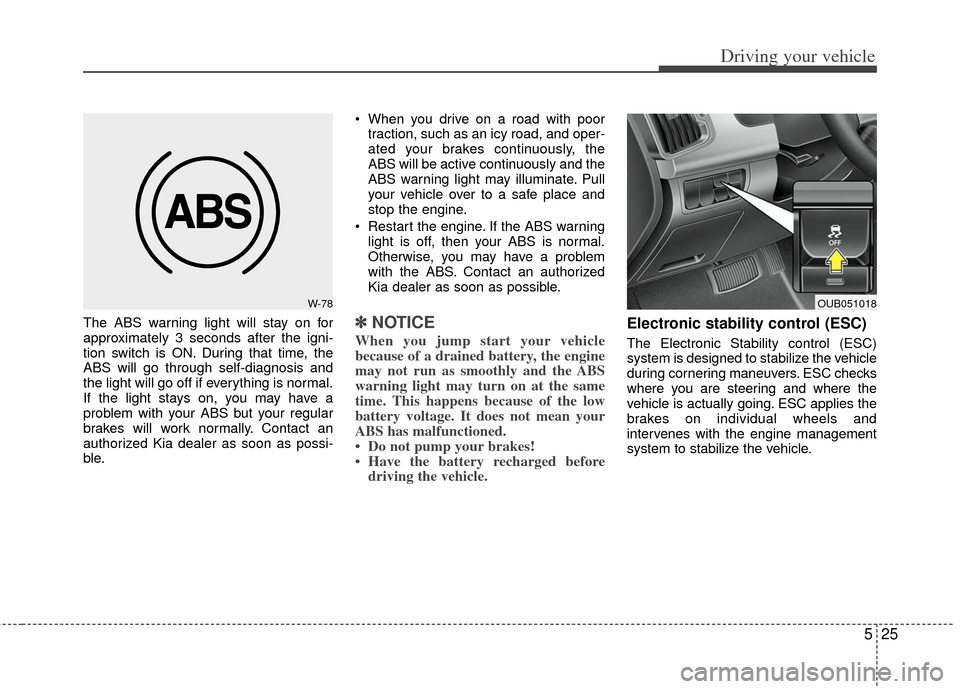
The ABS warning light will stay on for
approximately 3 seconds after the igni-
tion switch is ON. During that time, the
ABS will go through self-diagnosis and
the light will go off if everything is normal.
If the light stays on, you may have a
problem with your ABS but your regular
brakes will work normally. Contact an
authorized Kia dealer as soon as possi-
ble. When you drive on a road with poor
traction, such as an icy road, and oper-
ated your brakes continuously, the
ABS will be active continuously and the
ABS warning light may illuminate. Pull
your vehicle over to a safe place and
stop the engine.
Restart the engine. If the ABS warning light is off, then your ABS is normal.
Otherwise, you may have a problem
with the ABS. Contact an authorized
Kia dealer as soon as possible.✽ ✽ NOTICE
When you jump start your vehicle
because of a drained battery, the engine
may not run as smoothly and the ABS
warning light may turn on at the same
time. This happens because of the low
battery voltage. It does not mean your
ABS has malfunctioned.
• Do not pump your brakes!
• Have the battery recharged before
driving the vehicle.
Electronic stability control (ESC)
The Electronic Stability control (ESC)
system is designed to stabilize the vehicle
during cornering maneuvers. ESC checks
where you are steering and where the
vehicle is actually going. ESC applies the
brakes on individual wheels and
intervenes with the engine management
system to stabilize the vehicle.
W-78OUB051018
Page 249 of 385
Driving your vehicle
26
5
Electronic stability control (ESC) will not
prevent accidents. Excessive speed in
turns, abrupt maneuvers and hydroplan-
ing on wet surfaces can still result in seri-
ous accidents. Only a safe and attentive
driver can prevent accidents by avoiding
maneuvers that cause the vehicle to lose
traction. Even with ESC installed, always
follow all the normal precautions for driv-
ing - including driving at safe speeds for
the conditions.
The Electronic Stability Control (ESC)
system is an electronic system designed
to help the driver maintain vehicle control
under adverse conditions. It is not a
substitute for safe driving practices.
Factors including speed, road conditions
and driver steering input can all affect
whether ESC will be effective in
preventing a loss of control. It is still your
responsibility to drive and corner at
reasonable speeds and to leave a
sufficient margin of safety.
When you apply your brakes under con-
ditions which may lock the wheels, you
may hear a “tik-tik’’ sound from the
brakes, or feel a corresponding sensation
in the brake pedal. This is normal and it
means your ESC is active.ESC operation
ESC ON condition
ON, ESC and ESC OFF indi-
cator lights illuminate for
approximately 3 seconds,
then ESC is turned on.
for at least half a second after
turning the ignition ON to turn
ESC off. (ESC OFF indicator
will illuminate). To turn the
ESC on, press the ESC OFF
button (ESC OFF indicator
light will go off).
you may hear a slight ticking
sound. This is the ESC per-
forming an automatic system
self-check and does not indi-
cate a problem. When operating
When the ESC is in operation,
ESC indicator light blinks.
Control is operating properly,
you can feel a slight pulsation
in the vehicle. This is only the
effect of brake control and
indicates nothing unusual.
or slippery road, pressing the
accelerator pedal may not
cause the engine rpm (revo-
lutions per minute) to
increase.
-