tow KIA RIO 2019 Owner's Manual
[x] Cancel search | Manufacturer: KIA, Model Year: 2019, Model line: RIO, Model: KIA RIO 2019Pages: 503, PDF Size: 10.4 MB
Page 209 of 503
4131
Features of your vehicle
Automatic climate control system
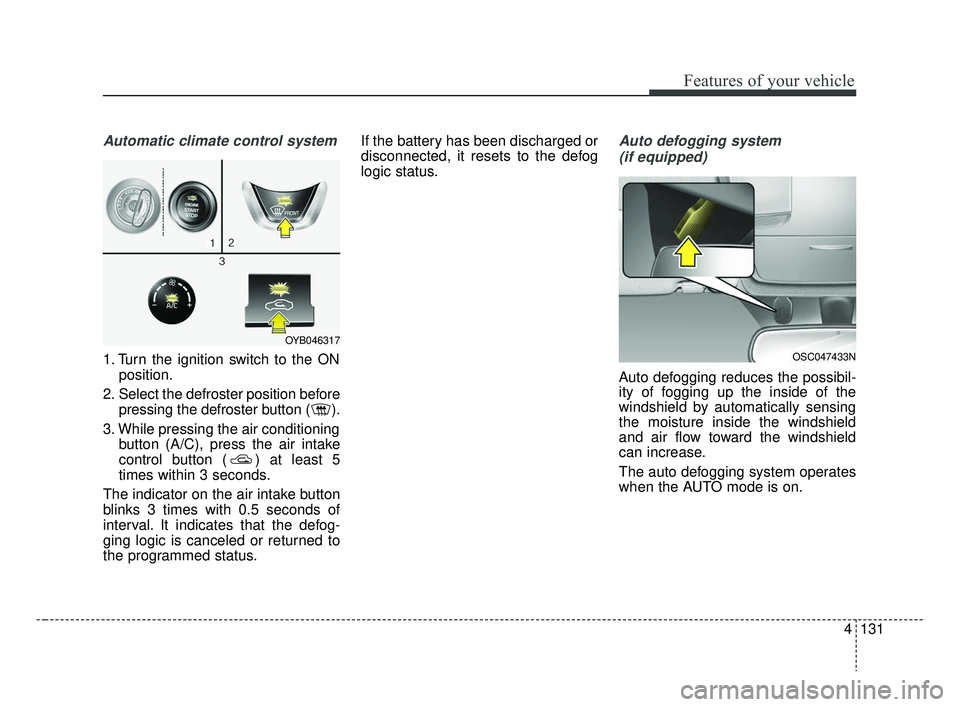
1. Turn the ignition switch to the ONposition.
2. Select the defroster position before pressing the defroster button ( ).
3. While pressing the air conditioning button (A/C), press the air intake
control button ( ) at least 5
times within 3 seconds.
The indicator on the air intake button
blinks 3 times with 0.5 seconds of
interval. It indicates that the defog-
ging logic is canceled or returned to
the programmed status. If the battery has been discharged or
disconnected, it resets to the defog
logic status.
Auto defogging system
(if equipped)
Auto defogging reduces the possibil-
ity of fogging up the inside of the
windshield by automatically sensing
the moisture inside the windshield
and air flow toward the windshield
can increase.
The auto defogging system operates
when the AUTO mode is on.
OSC047433N
OYB046317
SC CAN (ENG) 4.QXP 7/18/2018 5:52 PM Page 131
Page 210 of 503
Features of your vehicle
132
4
This indicator illuminates
when the auto defogging
system senses the mois-
ture of inside the wind-
shield and operates.
If more moisture is in the vehicle, the
auto defogging system addresses
excess moisture on the inside of the
windshield in stages as follows:
Step 1 : Operating the air condition- ing
Step 2 : Outside air position
Step 3 : Blowing air flow toward the windshield
Step 4 : Increasing air flow toward the windshield
If your vehicle is equipped with the
auto defogging system, it is automat-
ically activated when the conditions
are met.
However, if you would like to deacti-
vate the auto defogging system,
keep the front defroster button
pressed longer than 3 seconds. The “ADS OFF” symbol will be
shown in the climate display to
inform you that the system is deacti-
vated.
To re-activate the auto defogging
system again, follow the procedure
mentioned above and the “ADS
OFF” symbol will disappear.
If the battery has been disconnected
or discharged, it resets to the auto
defogging status.
✽ ✽
NOTICE
• When the air conditioning is
turned on by Auto defogging sys-
tem, if you try to turn off the air
conditioning, the indicator will
blink 3 times and the air condi-
tioning will not be turned off.
• For efficiency, do not select recir- culated air position while Auto
defogging system is operating.
CAUTION
Do not remove the sensor cover
located on the upper end of thedriver side windshield glass.Damage to the system partscould occur and may not be cov-ered by your vehicle warranty.
SC CAN (ENG) 4.QXP 7/18/2018 5:53 PM Page 132
Page 223 of 503
Audio system
35
AUX, USB port (if equipped)
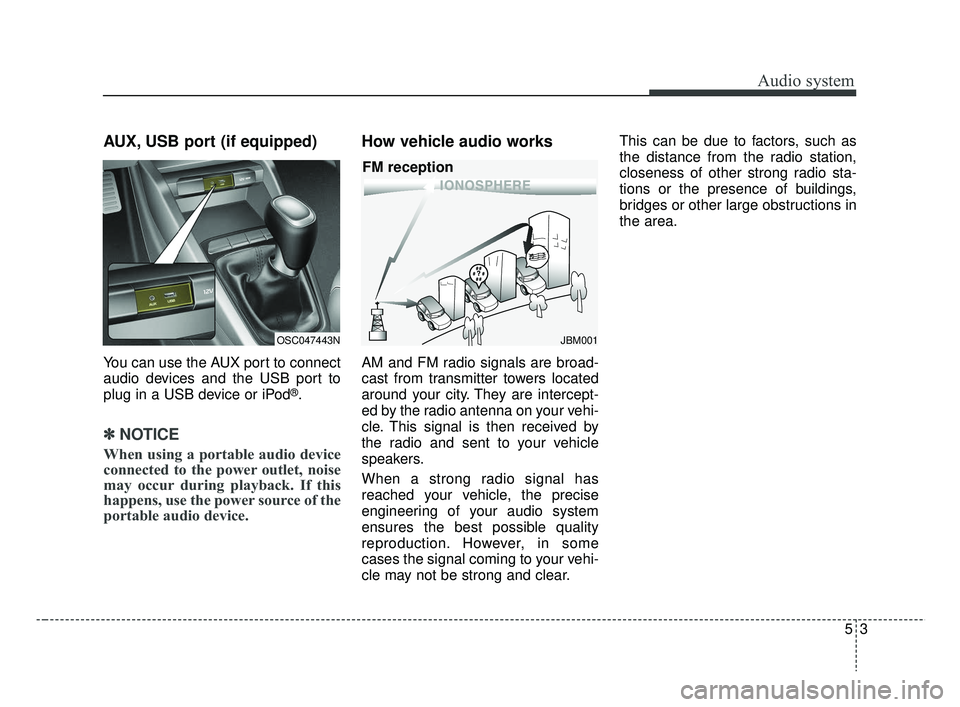
You can use the AUX port to connect
audio devices and the USB port to
plug in a USB device or iPod
®.
✽ ✽NOTICE
When using a portable audio device
connected to the power outlet, noise
may occur during playback. If this
happens, use the power source of the
portable audio device.
How vehicle audio works
AM and FM radio signals are broad-
cast from transmitter towers located
around your city. They are intercept-
ed by the radio antenna on your vehi-
cle. This signal is then received by
the radio and sent to your vehicle
speakers.
When a strong radio signal has
reached your vehicle, the precise
engineering of your audio system
ensures the best possible quality
reproduction. However, in some
cases the signal coming to your vehi-
cle may not be strong and clear. This can be due to factors, such as
the distance from the radio station,
closeness of other strong radio sta-
tions or the presence of buildings,
bridges or other large obstructions in
the area.
OSC047443NJBM001
FM reception
SC CAN (ENG) 5(audio).qxp 7/18/2018 6:02 PM Page 3
Page 268 of 503
Driving your vehicle
66
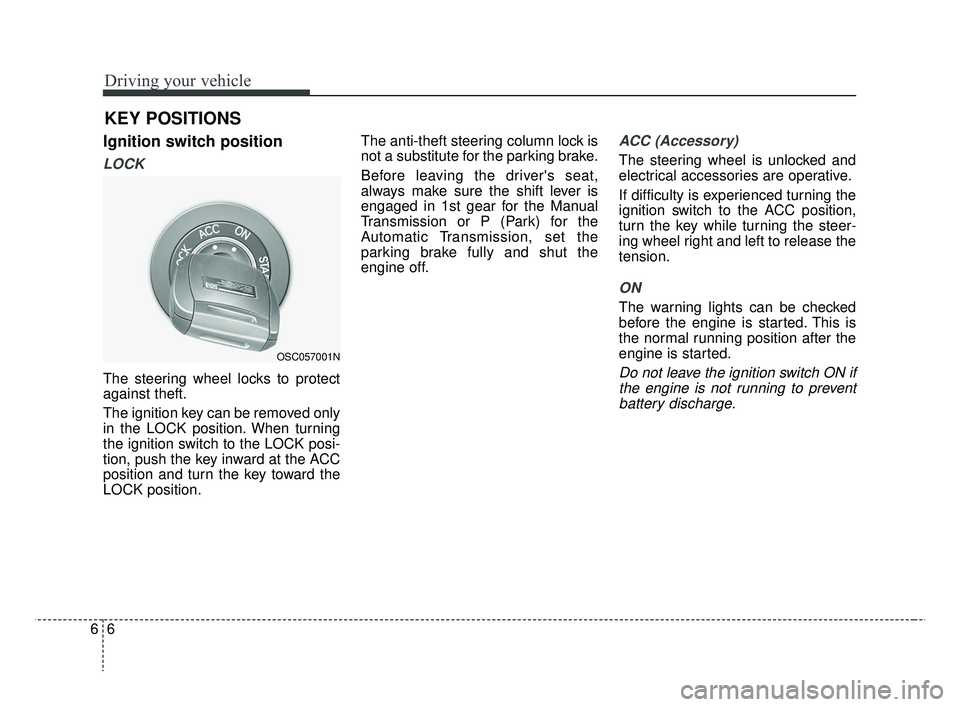
Ignition switch position
LOCK
The steering wheel locks to protect
against theft.
The ignition key can be removed only
in the LOCK position. When turning
the ignition switch to the LOCK posi-
tion, push the key inward at the ACC
position and turn the key toward the
LOCK position.The anti-theft steering column lock is
not a substitute for the parking brake.
Before leaving the driver's seat,
always make sure the shift lever is
engaged in 1st gear for the Manual
Transmission or P (Park) for the
Automatic Transmission, set the
parking brake fully and shut the
engine off.
ACC (Accessory)
The steering wheel is unlocked and
electrical accessories are operative.
If difficulty is experienced turning the
ignition switch to the ACC position,
turn the key while turning the steer-
ing wheel right and left to release the
tension.
ON
The warning lights can be checked
before the engine is started. This is
the normal running position after the
engine is started.
Do not leave the ignition switch ON if
the engine is not running to preventbattery discharge.
KEY POSITIONS
OSC057001N
SC CAN (ENG) 6.QXP 7/18/2018 5:41 PM Page 6
Page 311 of 503
649
Driving your vehicle
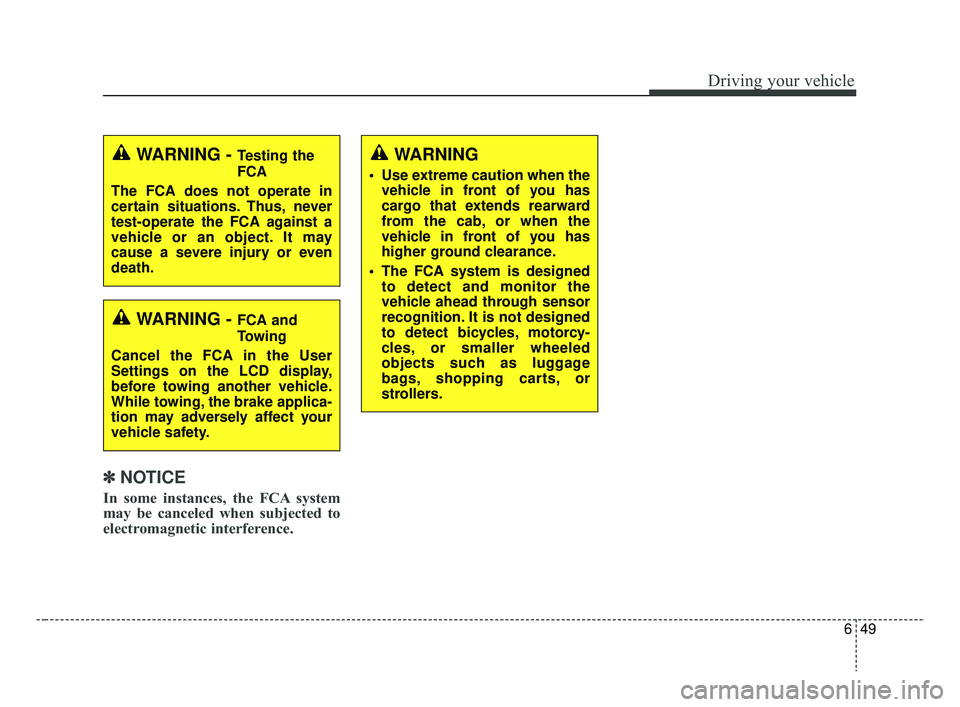
✽ ✽NOTICE
In some instances, the FCA system
may be canceled when subjected to
electromagnetic interference.
WARNING - Testing the
FCA
The FCA does not operate in
certain situations. Thus, never
test-operate the FCA against a
vehicle or an object. It may
cause a severe injury or even
death.
WARNING - FCA and
Towing
Cancel the FCA in the User
Settings on the LCD display,
before towing another vehicle.
While towing, the brake applica-
tion may adversely affect your
vehicle safety.
WARNING
Use extreme caution when the vehicle in front of you has
cargo that extends rearward
from the cab, or when the
vehicle in front of you has
higher ground clearance.
The FCA system is designed to detect and monitor the
vehicle ahead through sensor
recognition. It is not designed
to detect bicycles, motorcy-
cles, or smaller wheeled
objects such as luggage
bags, shopping carts, or
strollers.
SC CAN (ENG) 6.QXP 7/18/2018 5:42 PM Page 49
Page 320 of 503
Driving your vehicle
58
6
Hazardous driving conditions
When hazardous driving conditions
are encountered such as water,
snow, ice, mud, sand, or similar haz-
ards, follow these suggestions:
Drive cautiously and allow extra
distance for braking.
Avoid sudden braking or steering.
When braking with non-ABS brakes pump the brake pedal with
a light up-and-down motion until
the vehicle is stopped. Do not pump the brake pedal on a
vehicle equipped with ABS.
If stalled in snow, mud, or sand,
use second gear. Accelerate slow-
ly to avoid spinning the drive
wheels.
Use sand, rock salt, or other non- slip material under the drive
wheels to provide traction when
stalled in ice, snow, or mud.
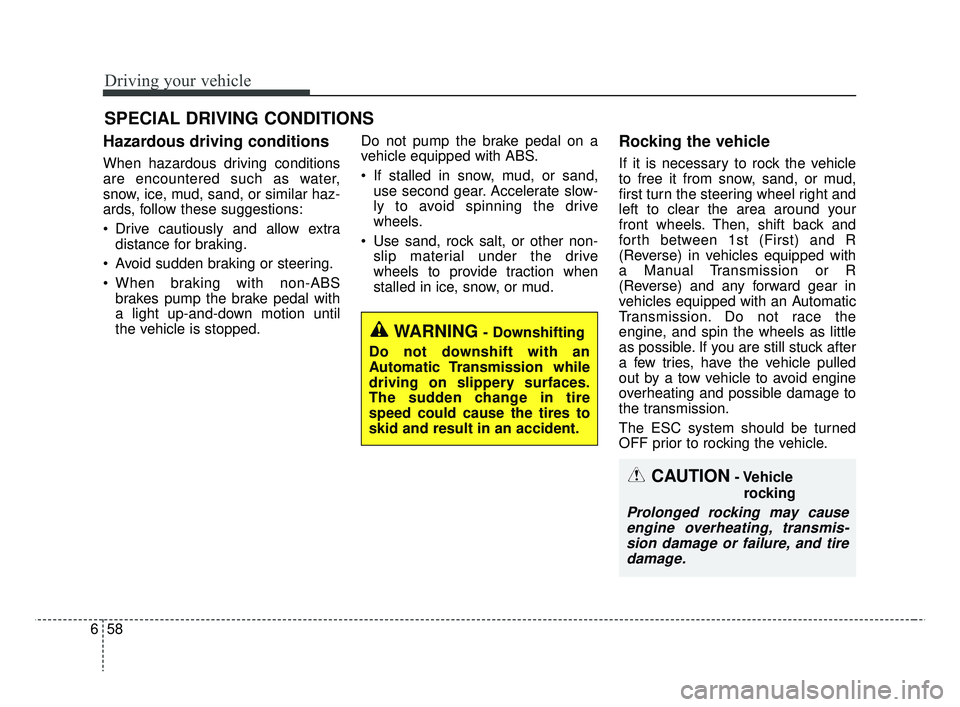
Rocking the vehicle
If it is necessary to rock the vehicle
to free it from snow, sand, or mud,
first turn the steering wheel right and
left to clear the area around your
front wheels. Then, shift back and
forth between 1st (First) and R
(Reverse) in vehicles equipped with
a Manual Transmission or R
(Reverse) and any forward gear in
vehicles equipped with an Automatic
Transmission. Do not race the
engine, and spin the wheels as little
as possible. If you are still stuck after
a few tries, have the vehicle pulled
out by a tow vehicle to avoid engine
overheating and possible damage to
the transmission.
The ESC system should be turned
OFF prior to rocking the vehicle.
SPECIAL DRIVING CONDITIONS
CAUTION- Vehicle
rocking
Prolonged rocking may causeengine overheating, transmis-sion damage or failure, and tiredamage.
WARNING- Downshifting
Do not downshift with an
Automatic Transmission while
driving on slippery surfaces.
The sudden change in tire
speed could cause the tires to
skid and result in an accident.
SC CAN (ENG) 6.QXP 7/18/2018 5:43 PM Page 58
Page 327 of 503
665
Driving your vehicle
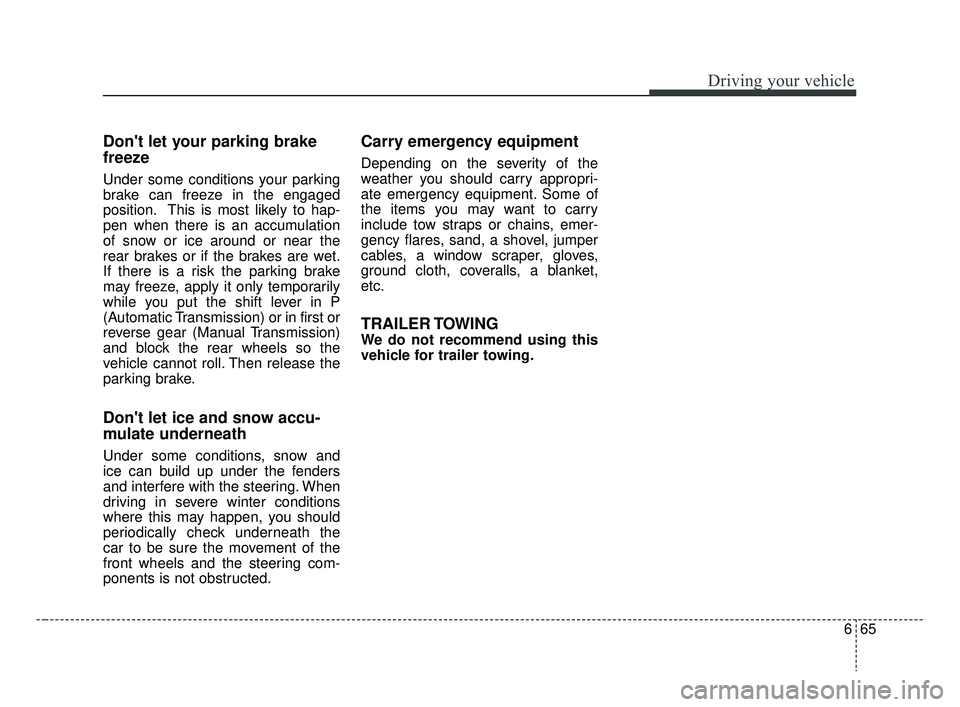
Don't let your parking brake
freeze
Under some conditions your parking
brake can freeze in the engaged
position. This is most likely to hap-
pen when there is an accumulation
of snow or ice around or near the
rear brakes or if the brakes are wet.
If there is a risk the parking brake
may freeze, apply it only temporarily
while you put the shift lever in P
(Automatic Transmission) or in first or
reverse gear (Manual Transmission)
and block the rear wheels so the
vehicle cannot roll. Then release the
parking brake.
Don't let ice and snow accu-
mulate underneath
Under some conditions, snow and
ice can build up under the fenders
and interfere with the steering. When
driving in severe winter conditions
where this may happen, you should
periodically check underneath the
car to be sure the movement of the
front wheels and the steering com-
ponents is not obstructed.
Carry emergency equipment
Depending on the severity of the
weather you should carry appropri-
ate emergency equipment. Some of
the items you may want to carry
include tow straps or chains, emer-
gency flares, sand, a shovel, jumper
cables, a window scraper, gloves,
ground cloth, coveralls, a blanket,
etc.
TRAILER TOWING
We do not recommend using this
vehicle for trailer towing.
SC CAN (ENG) 6.QXP 7/18/2018 5:43 PM Page 65
Page 329 of 503
667
Driving your vehicle
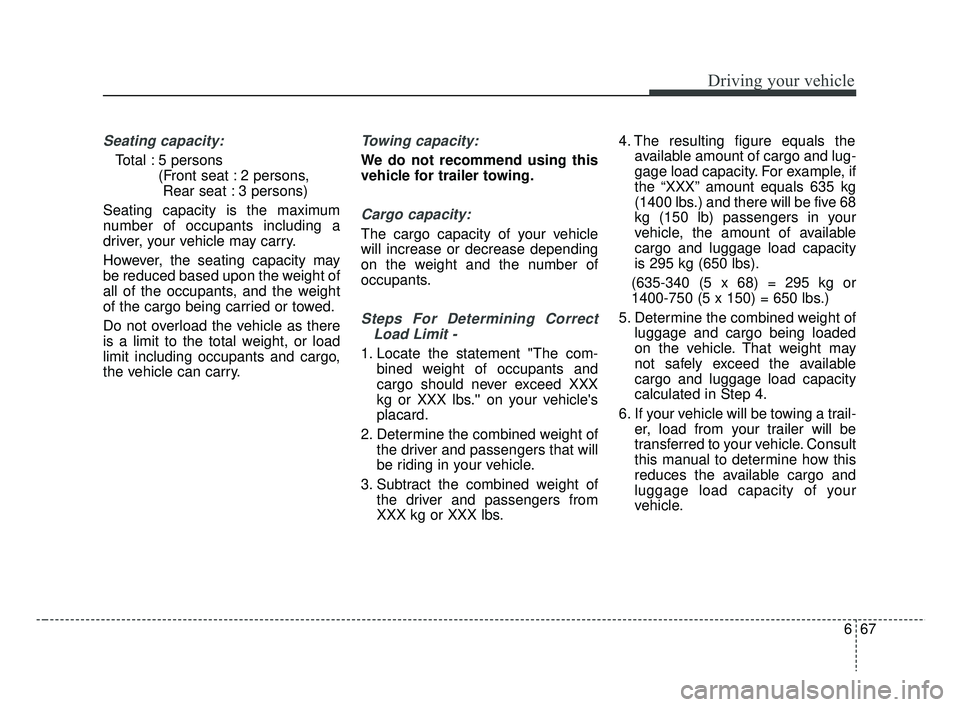
Seating capacity:
Total : 5 persons (Front seat : 2 persons, Rear seat : 3 persons)
Seating capacity is the maximum
number of occupants including a
driver, your vehicle may carry.
However, the seating capacity may
be reduced based upon the weight of
all of the occupants, and the weight
of the cargo being carried or towed.
Do not overload the vehicle as there
is a limit to the total weight, or load
limit including occupants and cargo,
the vehicle can carry.
Towing capacity:
We do not recommend using this
vehicle for trailer towing.
Cargo capacity:
The cargo capacity of your vehicle
will increase or decrease depending
on the weight and the number of
occupants.
Steps For Determining Correct Load Limit -
1. Locate the statement "The com- bined weight of occupants and
cargo should never exceed XXX
kg or XXX lbs.'' on your vehicle's
placard.
2. Determine the combined weight of the driver and passengers that will
be riding in your vehicle.
3. Subtract the combined weight of the driver and passengers from
XXX kg or XXX lbs. 4. The resulting figure equals the
available amount of cargo and lug-
gage load capacity. For example, if
the “XXX” amount equals 635 kg
(1400 lbs.) and there will be five 68
kg (150 lb) passengers in your
vehicle, the amount of available
cargo and luggage load capacity
is 295 kg (650 lbs).
(635-340 (5 x 68) = 295 kg or
1400-750 (5 x 150) = 650 lbs.)
5. Determine the combined weight of luggage and cargo being loaded
on the vehicle. That weight may
not safely exceed the available
cargo and luggage load capacity
calculated in Step 4.
6. If your vehicle will be towing a trail- er, load from your trailer will be
transferred to your vehicle. Consult
this manual to determine how this
reduces the available cargo and
luggage load capacity of your
vehicle.
SC CAN (ENG) 6.QXP 7/18/2018 5:44 PM Page 67
Page 334 of 503
What to do in an emergency
Road warning . . . . . . . . . . . . . . . . . . . . . . . . . . . . . . 7-2
• Hazard warning flasher . . . . . . . . . . . . . . . . . . . . . . . . 7-2
In case of an emergency while driving . . . . . . . . . . 7-3
• If the engine stalls at a crossroad or crossing. . . . . . . 7-3
• If you have a flat tire while driving . . . . . . . . . . . . . . . 7-3
• If engine stalls while driving . . . . . . . . . . . . . . . . . . . . 7-3
If the engine will not start . . . . . . . . . . . . . . . . . . . . 7-4
• If the engine doesn't turn over or turns over slowly. . 7-4
• If engine turns over normally but does not start . . . . 7-4
Emergency starting . . . . . . . . . . . . . . . . . . . . . . . . . 7-5
• Jump starting . . . . . . . . . . . . . . . . . . . . . . . . . . . . . . . . 7-5
If the engine overheats . . . . . . . . . . . . . . . . . . . . . . . 7-6
Tire Pressure Monitoring System(TPMS - Type A) . . . . . . . . . . . . . . . . . . . . . . . . . . 7-7
• Low tire pressure telltale . . . . . . . . . . . . . . . . . . . . . . . 7-8
• TPMS (Tire Pressure Monitoring System)
malfunction indicator . . . . . . . . . . . . . . . . . . . . . . . . . 7-9
• Changing a tire with TPMS . . . . . . . . . . . . . . . . . . . . 7-10
Tire Pressure Monitoring System (TPMS - Type B) . . . . . . . . . . . . . . . . . . . . . . . . . 7-12
• Check tire pressure . . . . . . . . . . . . . . . . . . . . . . . . . . . 7-12
• Low tire pressure telltale . . . . . . . . . . . . . . . . . . . . . . 7-14
• Low tire pressure position telltale . . . . . . . . . . . . . . . 7-14
• Changing a tire with TPMS . . . . . . . . . . . . . . . . . . . . 7-16
If you have a flat tire (with Tire Mobility Kit) . . 7-18
• Introduction . . . . . . . . . . . . . . . . . . . . . . . . . . . . . . . . . 7-18
• Notes on the safe use of the Tire Mobility Kit . . . . . 7-19
• Components of the Tire Mobility Kit . . . . . . . . . . . . 7-20
• Using the Tire Mobility Kit . . . . . . . . . . . . . . . . . . . . 7-21
• Distributing the sealant. . . . . . . . . . . . . . . . . . . . . . . . 7-23
• Checking the tire inflation pressure . . . . . . . . . . . . . 7-24
• Technical data . . . . . . . . . . . . . . . . . . . . . . . . . . . . . . . 7-25
If you have a flat tire (with spare tire) . . . . . . . . . 7-26
• Jack and tools . . . . . . . . . . . . . . . . . . . . . . . . . . . . . . . 7-26
• Removing and storing the spare tire . . . . . . . . . . . . . 7-27
• Changing tires . . . . . . . . . . . . . . . . . . . . . . . . . . . . . . . 7-28
• Jack label . . . . . . . . . . . . . . . . . . . . . . . . . . . . . . . . . . . 7-\
35
Towing . . . . . . . . . . . . . . . . . . . . . . . . . . . . . . . . . . . 7-\
36
• Towing service . . . . . . . . . . . . . . . . . . . . . . . . . . . . . . . 7-36
• Removable towing hook (Front) . . . . . . . . . . . . . . . . 7-37
• Emergency towing . . . . . . . . . . . . . . . . . . . . . . . . . . . . 7-37
7
SC CAN (ENG) 7.qxp 7/18/2018 5:38 PM Page 1
Page 335 of 503
What to do in an emergency
27
ROAD WARNING
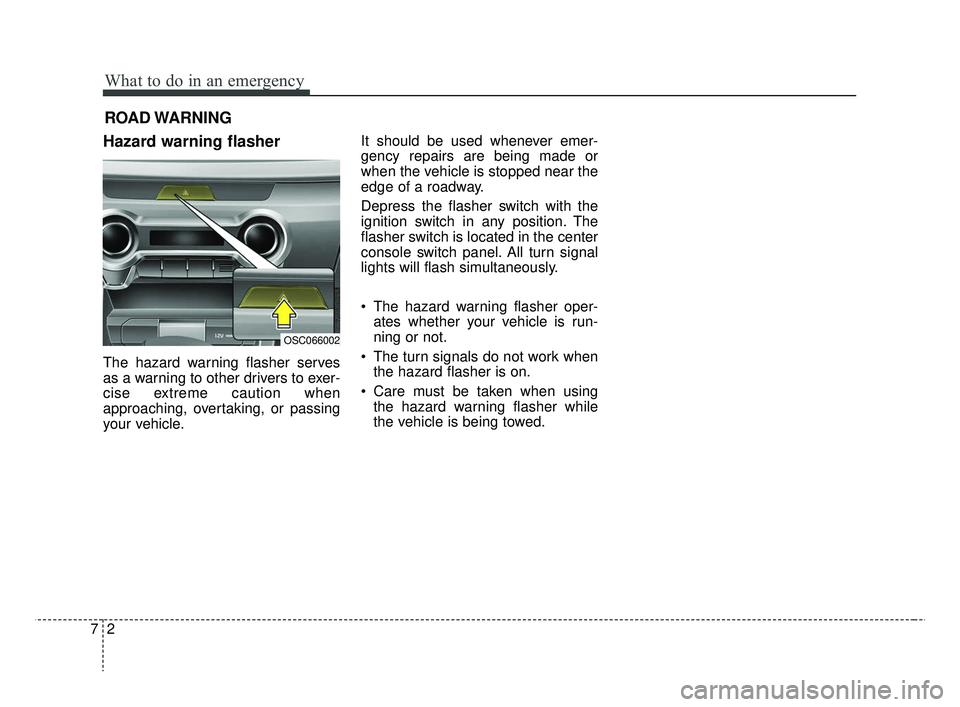
Hazard warning flasher
The hazard warning flasher serves
as a warning to other drivers to exer-
cise extreme caution when
approaching, overtaking, or passing
your vehicle. It should be used whenever emer-
gency repairs are being made or
when the vehicle is stopped near the
edge of a roadway.
Depress the flasher switch with the
ignition switch in any position. The
flasher switch is located in the center
console switch panel. All turn signal
lights will flash simultaneously.
• The hazard warning flasher oper-
ates whether your vehicle is run-
ning or not.
The turn signals do not work when the hazard flasher is on.
Care must be taken when using the hazard warning flasher while
the vehicle is being towed.
OSC066002
SC CAN (ENG) 7.qxp 7/18/2018 5:38 PM Page 2