warning KIA RIO 2022 Owners Manual
[x] Cancel search | Manufacturer: KIA, Model Year: 2022, Model line: RIO, Model: KIA RIO 2022Pages: 528, PDF Size: 11.8 MB
Page 163 of 528
Features of your vehicle
84
4
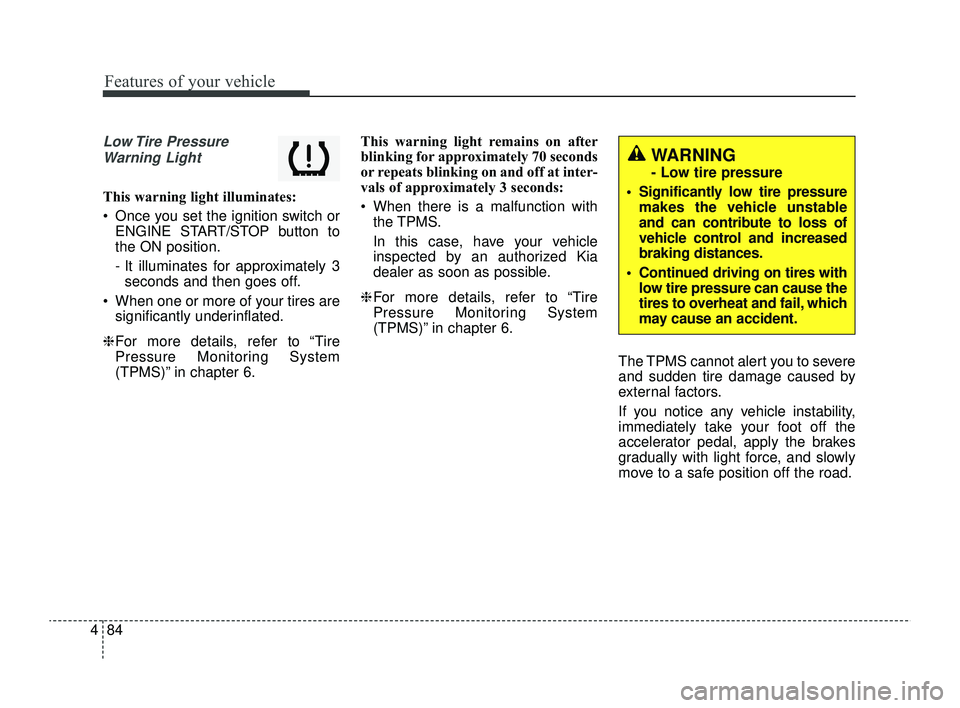
Low Tire Pressure
Warning Light
This warning light illuminates:
Once you set the ignition switch or ENGINE START/STOP button to
the ON position.
- It illuminates for approximately 3seconds and then goes off.
When one or more of your tires are significantly underinflated.
❈ For more details, refer to “Tire
Pressure Monitoring System
(TPMS)” in chapter 6. This warning light remains on after
blinking for approximately 70 seconds
or repeats blinking on and off at inter-
vals of approximately 3 seconds:
When there is a malfunction with
the TPMS.
In this case, have your vehicle
inspected by an authorized Kia
dealer as soon as possible.
❈ For more details, refer to “Tire
Pressure Monitoring System
(TPMS)” in chapter 6.
The TPMS cannot alert you to severe
and sudden tire damage caused by
external factors.
If you notice any vehicle instability,
immediately take your foot off the
accelerator pedal, apply the brakes
gradually with light force, and slowly
move to a safe position off the road.
WARNING
- Low tire pressure
Significantly low tire pressure makes the vehicle unstable
and can contribute to loss of
vehicle control and increased
braking distances.
Continued driving on tires with low tire pressure can cause the
tires to overheat and fail, which
may cause an accident.
SC PE USA 4.QXP 9/9/2021 6:05 PM Page 84
Page 164 of 528
485
Features of your vehicle
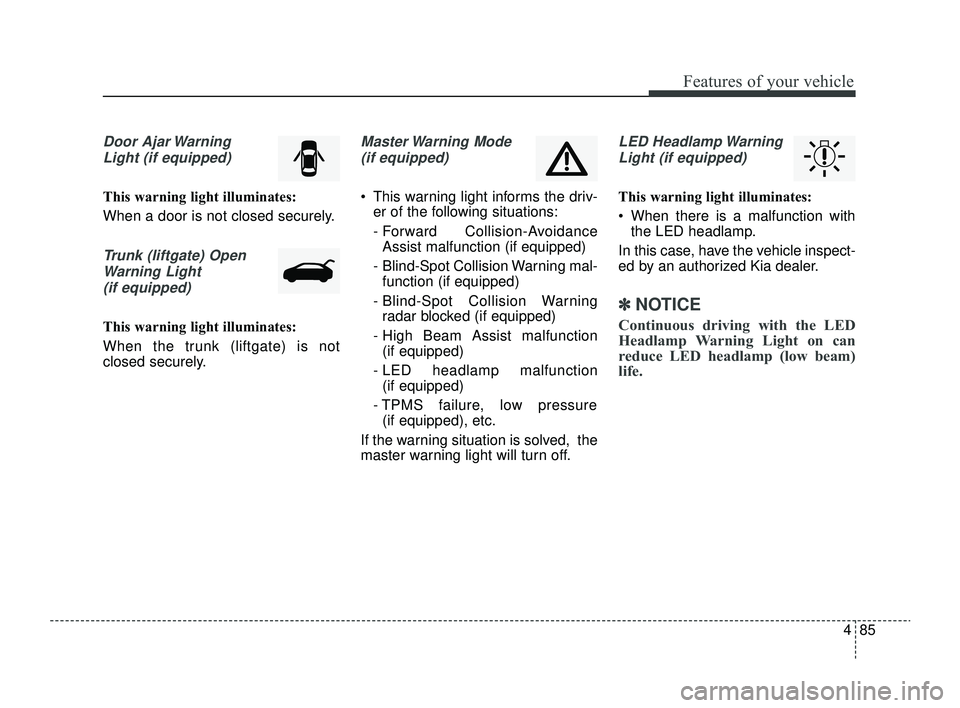
Door Ajar WarningLight (if equipped)
This warning light illuminates:
When a door is not closed securely.
Trunk (liftgate) OpenWarning Light(if equipped)
This warning light illuminates:
When the trunk (liftgate) is not
closed securely.
Master Warning Mode (if equipped)
This warning light informs the driv- er of the following situations:
- Forward Collision-AvoidanceAssist malfunction (if equipped)
- Blind-Spot Collision Warning mal- function (if equipped)
- Blind-Spot Collision Warning radar blocked (if equipped)
- High Beam Assist malfunction (if equipped)
- LED headlamp malfunction (if equipped)
- TPMS failure, low pressure (if equipped), etc.
If the warning situation is solved, the
master warning light will turn off.
LED Headlamp Warning Light (if equipped)
This warning light illuminates:
When there is a malfunction with the LED headlamp.
In this case, have the vehicle inspect-
ed by an authorized Kia dealer.
✽ ✽ NOTICE
Continuous driving with the LED
Headlamp Warning Light on can
reduce LED headlamp (low beam)
life.
SC PE USA 4.QXP 9/9/2021 6:05 PM Page 85
Page 165 of 528
Features of your vehicle
86
4
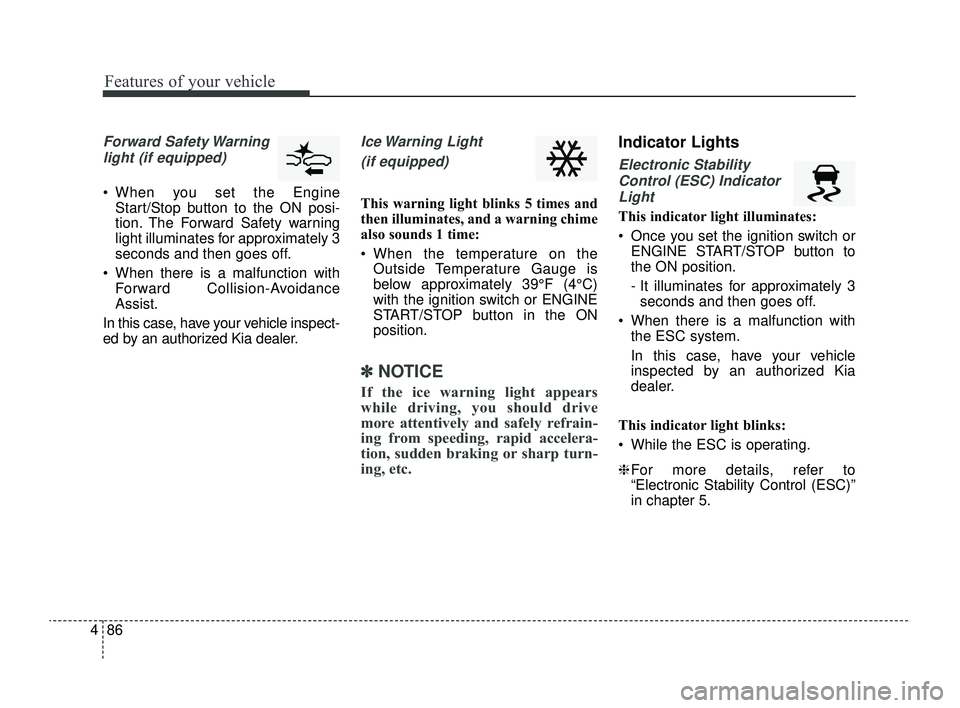
Forward Safety Warning
light (if equipped)
When you set the Engine Start/Stop button to the ON posi-
tion. The Forward Safety warning
light illuminates for approximately 3
seconds and then goes off.
When there is a malfunction with Forward Collision-Avoidance
Assist.
In this case, have your vehicle inspect-
ed by an authorized Kia dealer.
Ice Warning Light
(if equipped)
This warning light blinks 5 times and
then illuminates, and a warning chime
also sounds 1 time:
When the temperature on the Outside Temperature Gauge is
below approximately 39°F (4°C)
with the ignition switch or ENGINE
START/STOP button in the ON
position.
✽ ✽ NOTICE
If the ice warning light appears
while driving, you should drive
more attentively and safely refrain-
ing from speeding, rapid accelera-
tion, sudden braking or sharp turn-
ing, etc.
Indicator Lights
Electronic Stability
Control (ESC) IndicatorLight
This indicator light illuminates:
Once you set the ignition switch or ENGINE START/STOP button to
the ON position.
- It illuminates for approximately 3seconds and then goes off.
When there is a malfunction with the ESC system.
In this case, have your vehicle
inspected by an authorized Kia
dealer.
This indicator light blinks:
While the ESC is operating.
❈ For more details, refer to
“Electronic Stability Control (ESC)”
in chapter 5.
SC PE USA 4.QXP 9/9/2021 6:05 PM Page 86
Page 168 of 528
489
Features of your vehicle
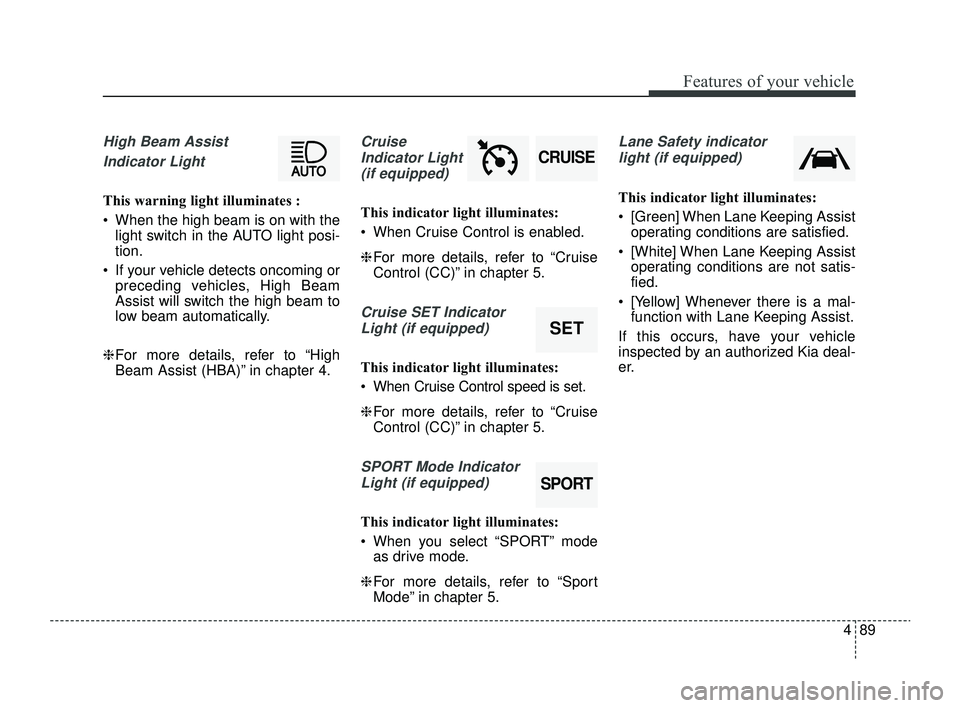
High Beam Assist Indicator Light
This warning light illuminates :
When the high beam is on with the light switch in the AUTO light posi-
tion.
If your vehicle detects oncoming or preceding vehicles, High Beam
Assist will switch the high beam to
low beam automatically.
❈ For more details, refer to “High
Beam Assist (HBA)” in chapter 4.
Cruise
Indicator Light (if equipped)
This indicator light illuminates:
When Cruise Control is enabled.
❈ For more details, refer to “Cruise
Control (CC)” in chapter 5.
Cruise SET Indicator
Light (if equipped)
This indicator light illuminates:
When Cruise Control speed is set.
❈ For more details, refer to “Cruise
Control (CC)” in chapter 5.
SPORT Mode Indicator
Light (if equipped)
This indicator light illuminates:
When you select “SPORT” mode as drive mode.
❈ For more details, refer to “Sport
Mode” in chapter 5.
Lane Safety indicator
light (if equipped)
This indicator light illuminates:
[Green] When Lane Keeping Assist operating conditions are satisfied.
[White] When Lane Keeping Assist operating conditions are not satis-
fied.
[Yellow] Whenever there is a mal- function with Lane Keeping Assist.
If this occurs, have your vehicle
inspected by an authorized Kia deal-
er.
SPORT
SET
CRUISE
SC PE USA 4.QXP 9/9/2021 6:05 PM Page 89
Page 169 of 528
Features of your vehicle
90
4
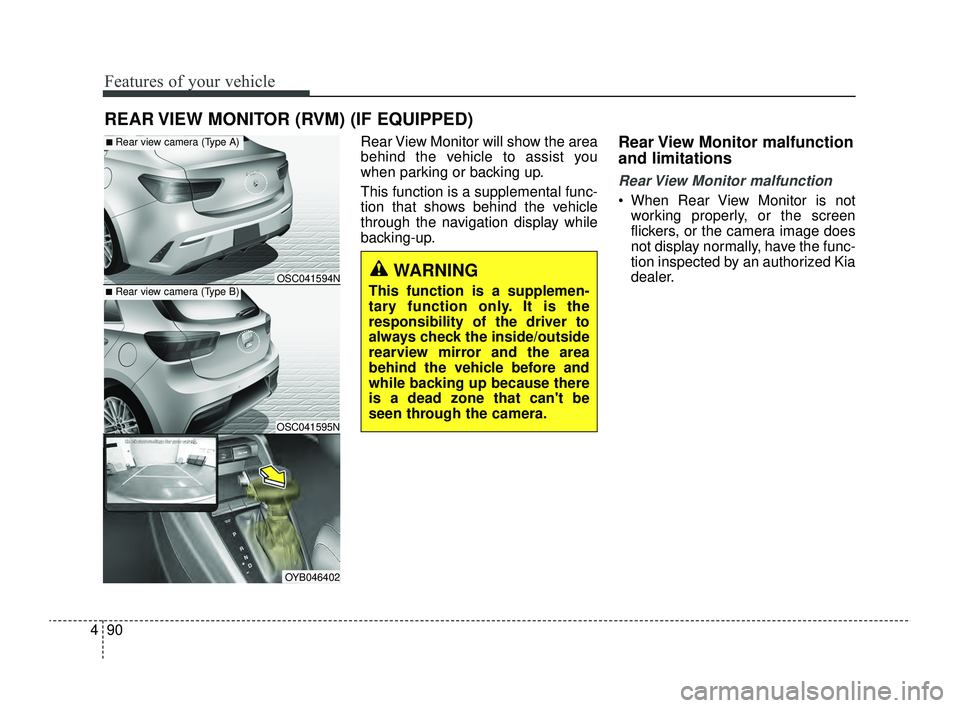
Rear View Monitor will show the area
behind the vehicle to assist you
when parking or backing up.
This function is a supplemental func-
tion that shows behind the vehicle
through the navigation display while
backing-up.Rear View Monitor malfunction
and limitations
Rear View Monitor malfunction
When Rear View Monitor is not
working properly, or the screen
flickers, or the camera image does
not display normally, have the func-
tion inspected by an authorized Kia
dealer.
REAR VIEW MONITOR (RVM) (IF EQUIPPED)
■Rear view camera (Type B)
■Rear view camera (Type A)
OSC041595N
OSC041594N
OYB046402
WARNING
This function is a supplemen-
tary function only. It is the
responsibility of the driver to
always check the inside/outside
rearview mirror and the area
behind the vehicle before and
while backing up because there
is a dead zone that can't be
seen through the camera.
SC PE USA 4.QXP 9/9/2021 6:05 PM Page 90
Page 170 of 528
491
Features of your vehicle
Limitations of Rear View Monitor
When the vehicle is stopped for along time in winter or when the
vehicle is parked in an indoor park-
ing lot, the exhaust fumes may
temporarily blur the image.WARNING
Rear View Monitor is not a
safety device. It only serves to
assist the driver in identifying
objects directly behind the
middle of the vehicle. The
camera does not cover the
complete area behind the
vehicle.
Never rely solely on the rear
view monitor. As there are
blind spots that do not appear
on the camera while backing
up and parking, You must
always use methods of view-
ing the area behind you
including looking over both
shoulders as well as continu-
ously checking all three rear
view mirrors.
(Continued)
(Continued)
Always look around your vehi-
cle to make sure there are no
objects or obstacles before
moving the vehicle in any
direction to prevent a colli-
sion.
Always pay close attention
when the vehicle is driven
close to objects, particularly
pedestrians, and especially
children.
If the camera lens is covered
with foreign material, Rear
View Monitor may not operate
normally. Always keep the
camera lens clean. However,
do not use chemical solvents
such as strong detergents
containing high alkaline or
volatile organic solvents
(gasoline, acetone etc.). This
may damage the camera lens.
When stopping for a long time
in winter or parking in an
indoor parking lot, the image
may temporarily be blurry due
to the exhaust gas.
SC PE USA 4.QXP 9/9/2021 6:05 PM Page 91
Page 174 of 528
495
Features of your vehicle
High beam operation
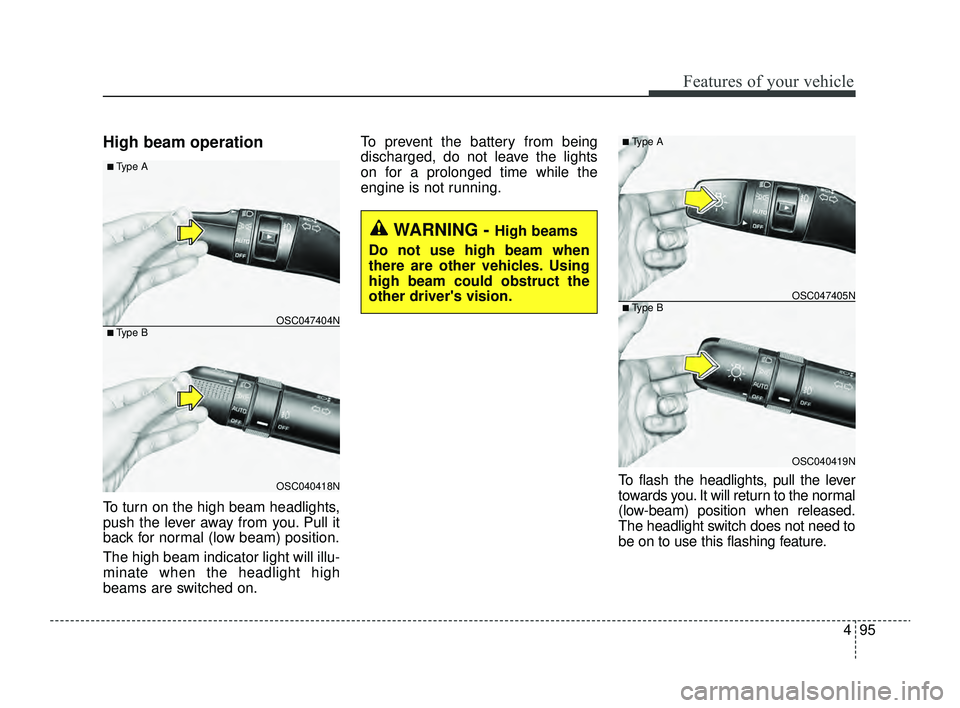
To turn on the high beam headlights,
push the lever away from you. Pull it
back for normal (low beam) position.
The high beam indicator light will illu-
minate when the headlight high
beams are switched on.To prevent the battery from being
discharged, do not leave the lights
on for a prolonged time while the
engine is not running.
To flash the headlights, pull the lever
towards you. It will return to the normal
(low-beam) position when released.
The headlight switch does not need to
be on to use this flashing feature.
WARNING - High beams
Do not use high beam when
there are other vehicles. Using
high beam could obstruct the
other driver's vision.
OSC040418N
OSC047404N
■ Type A
■ Type B
OSC040419N
OSC047405N
■ Type A
■ Type B
SC PE USA 4.QXP 9/9/2021 6:05 PM Page 95
Page 181 of 528
Features of your vehicle
102
4
The spray and wiper operation will
continue until you release the lever. If
the washer does not work, check the
washer fluid level.
If the fluid level is not sufficient, you
should add appropriate non-abrasive
windshield washer fluid to the wash-
er reservoir.
The reservoir filler neck is located in
the front of the engine compartment
on the passenger side.
CAUTION - Wiper position
When washing the vehicle, set
the wiper switch in the off posi-tion to stop the auto wiper oper-ation. The wiper may operateand be damaged if the switch isset in the AUTO mode whilewashing the vehicle.
CAUTION - Wipers &
windshields
To prevent possible damage to the wipers or windshield,do not operate the wiperswhen the windshield is dry.
To prevent damage to the wiper blades, do not use gasoline,kerosene, paint thinner, orother solvents on or near them.
To prevent damage to the wiper arms and other compo-nents, do not attempt to movethe wipers manually.
WARNING - Obscured
visibility
Do not use the washer in freez-
ing temperatures without first
warming the windshield with
the defrosters; the washer solu-
tion could freeze on the wind-
shield and obscure your vision.
CAUTION - Washer pump
To prevent possible damage to the washer pump, do not oper-ate the washer when the fluidreservoir is empty.
SC PE USA 4.QXP 9/9/2021 6:06 PM Page 102
Page 183 of 528
Features of your vehicle
104
4
Do not use the interior lights for
extended periods when the engine is
not running as this may cause bat-
tery discharge.Automatic turn off function
(if equipped)
The interior lights automatically turn
off approximately 20 minutes after
the ignition switch is turned off.
If your vehicle is equipped with the
theft alarm system, the interior lights
automatically turn off approximately
5 seconds after the system is in
armed stage.
Map lamp (if equipped)
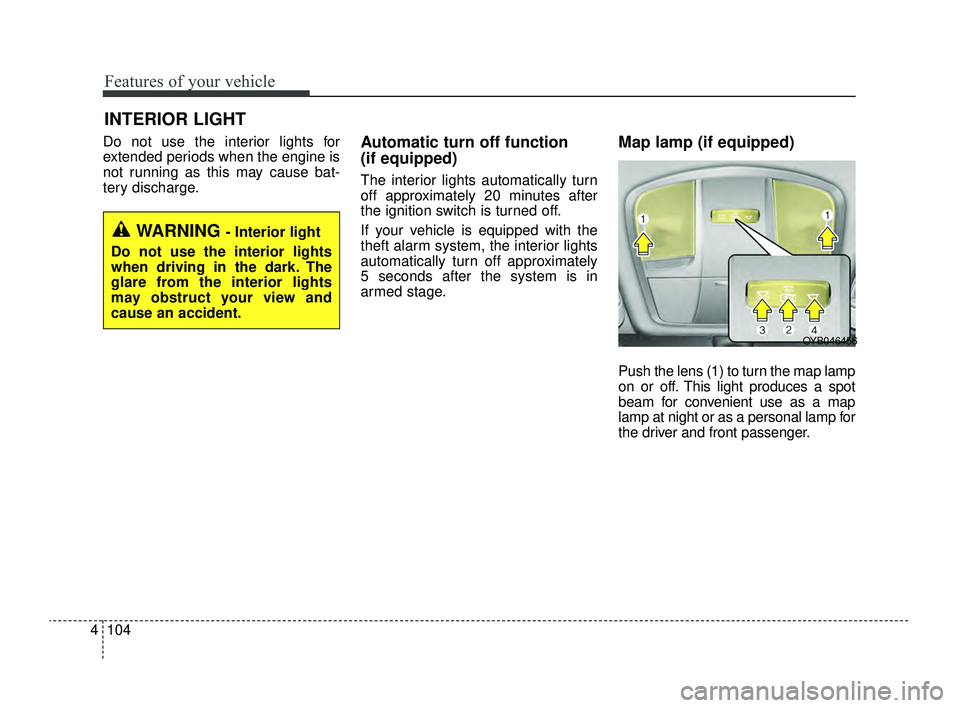
Push the lens (1) to turn the map lamp
on or off. This light produces a spot
beam for convenient use as a map
lamp at night or as a personal lamp for
the driver and front passenger.
INTERIOR LIGHT
WARNING - Interior light
Do not use the interior lights
when driving in the dark. The
glare from the interior lights
may obstruct your view and
cause an accident.
OYB046456
SC PE USA 4.QXP 9/9/2021 6:06 PM Page 104
Page 193 of 528
Features of your vehicle
114
4
Air intake control
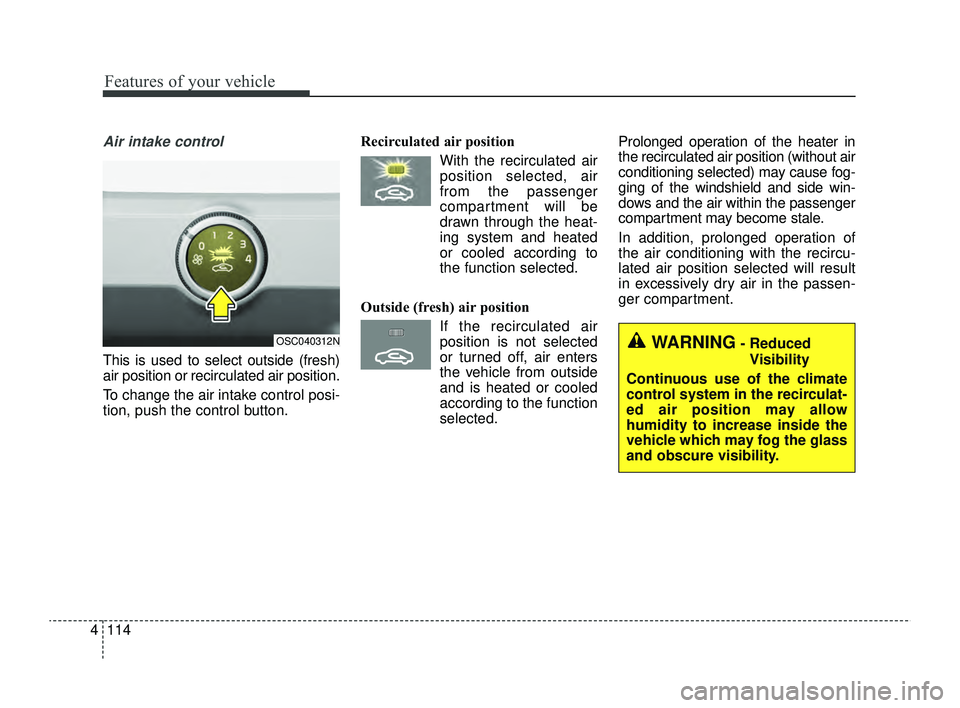
This is used to select outside (fresh)
air position or recirculated air position.
To change the air intake control posi-
tion, push the control button. Recirculated air position
With the recirculated airposition selected, air
from the passenger
compartment will be
drawn through the heat-
ing system and heated
or cooled according to
the function selected.
Outside (fresh) air position If the recirculated airposition is not selected
or turned off, air enters
the vehicle from outside
and is heated or cooled
according to the function
selected. Prolonged operation of the heater in
the recirculated air position (without air
conditioning selected) may cause fog-
ging of the windshield and side win-
dows and the air within the passenger
compartment may become stale.
In addition, prolonged operation of
the air conditioning with the recircu-
lated air position selected will result
in excessively dry air in the passen-
ger compartment.
OSC040312NWARNING- Reduced
Visibility
Continuous use of the climate
control system in the recirculat-
ed air position may allow
humidity to increase inside the
vehicle which may fog the glass
and obscure visibility.
SC PE USA 4.QXP 9/9/2021 6:07 PM Page 114