set KIA SELTOS 2021 Navigation System Quick Reference Guide
[x] Cancel search | Manufacturer: KIA, Model Year: 2021, Model line: SELTOS, Model: KIA SELTOS 2021Pages: 244, PDF Size: 7.35 MB
Page 229 of 244

10-13
Product specifications
Media player
USB mode
[Music files
Item
Specifications
File format MPEG-1/2 Layer3, OGG (Vorbis), FLAC,
WMA (Standard/Professional), WAV
Bit-rate and sampling
frequency MP3
8–320 kbps (CBR/VBR), up to
48 kHz
(ID3 tag version: Ver. 1.0, Ver.
1.1, Ver. 2.2, Ver. 2.3, Ver. 2.4)
OGG Q1 to Q10, up to 48 kHz
FLAC 8/16/24-bit, up to 48 kHz
WMA Standard (0x161): up to L3
Profile, up to 385 kbps, up to
48 kHz
Professional (0x162): up to
M0b, up to 192 kbps, up to 48
kHz
WAV 8/16 to bit, up to 48 kHz
Self-inspection method upon failure
QThe system does not operate properly. What shall I do?
AInspect the system after referring to Troubleshooting
Guide.
> See “Solutions.”
When the system failure persists after inspection, press
and hold the Reset button to reset the system.
If the problem persists, contact your place of purchase or
dealer.
Page 233 of 244
10-17
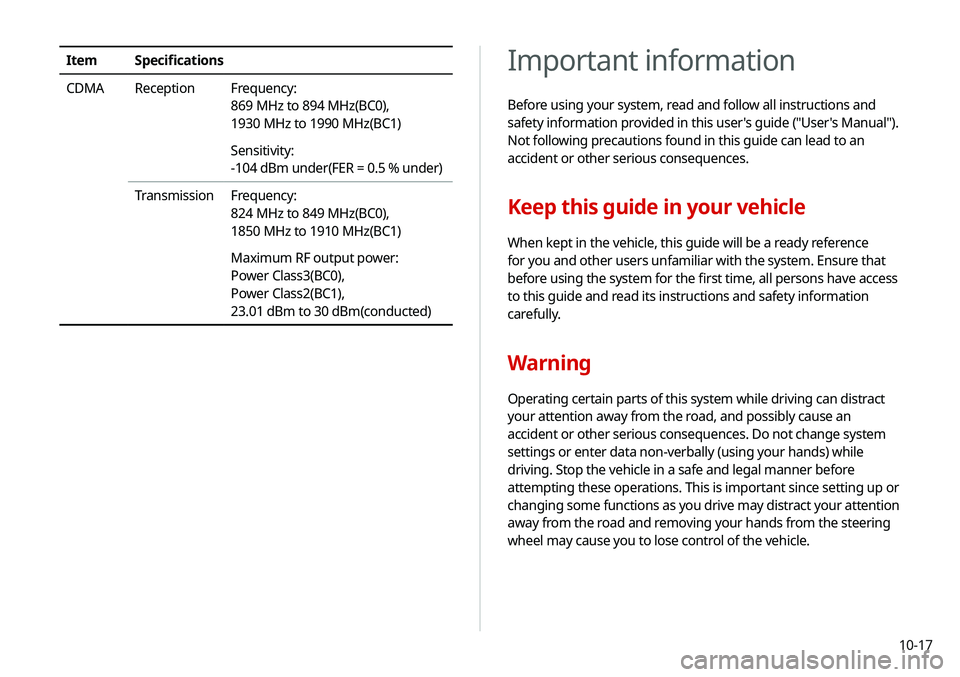
Important information
Before using your system, read and follow all instructions and
safety information provided in this user's guide ("User's Manual").
Not following precautions found in this guide can lead to an
accident or other serious consequences.
Keep this guide in your vehicle
When kept in the vehicle, this guide will be a ready reference
for you and other users unfamiliar with the system. Ensure that
before using the system for the first time, all persons have access
to this guide and read its instructions and safety information
carefully.
Warning
Operating certain parts of this system while driving can distract
your attention away from the road, and possibly cause an
accident or other serious consequences. Do not change system
settings or enter data non-verbally (using your hands) while
driving. Stop the vehicle in a safe and legal manner before
attempting these operations. This is important since setting up or
changing some functions as you drive may distract your attention
away from the road and removing your hands from the steering
wheel may cause you to lose control of the vehicle.
ItemSpecifications
CDMA Reception Frequency:
869 MHz to 894 MHz(BC0),
1930 MHz to 1990 MHz(BC1)
Sensitivity:
-104 dBm under(FER = 0.5 % under)
Transmission Frequency:
824 MHz to 849 MHz(BC0),
1850 MHz to 1910 MHz(BC1)
Maximum RF output power:
Power Class3(BC0),
Power Class2(BC1),
23.01 dBm to 30 dBm(conducted)
Page 234 of 244
10-18
Navigation features
Navigation features included in the system are intended to
provide detailed instructions to get you to a desired destination.
Ensure that all persons using this system carefully read and follow
all instructions on safety information.
Distraction hazard
Some navigation features may require manual (non-verbal) setup.
Attempting to perform such setup or inputting data while driving
can seriously distract your attention and could cause an accident.
Stop the vehicle in a safe and legal manner before attempting
these operations.
Let your judgment prevail
Any navigation features are provided only as an aid. Make your
driving decisions based on your observations of local conditions
and existing traffic regulations. Any such feature is not a
substitute for your personal judgment. Any route suggestions
made by this system should never replace any local traffic
regulations or your personal judgment or knowledge of safe
driving practices.
General operation
Voice command control
Features within the system may be executed using only voice
commands. Using voice commands while driving allows you
to operate the system without removing your hands from the
steering wheel.
Prolonged views of screen
Do not access any function requiring a prolonged view of the
screen while you are driving. Pull over in a safe and legal manner
before attempting to access a function of the system requiring
prolonged attention. Even short views of the screen may be
hazardous if your attention has been diverted away from your
driving.
Volume setting
Do not raise the volume excessively. Keep the volume at a level
where you can still hear outside traffic and emergency signals
while driving. Driving while unable to hear these sounds could
cause an accident.
Page 236 of 244
10-20
Index
A
Advanced system settings 9-17
Android devicesAndroid Auto 2-4
Apple devices Apple CarPlay 2-6
B
Battery warning 1-6
BluetoothBluetooth phone
Answering a call 6-15
Call 6-7
Contacts list 6-11
Dial pad 6-13
Favorites settings 6-9
Options during a call 6-16
Recent calls list 6-7
Switching to another call 6-17
Text message 6-18
Specifications 10-16 Bluetooth connection
Adding a device 6-3
Deleting a device 6-6
Device connection 6-4
Disconnecting a device 6-6
C
ClimateClimate control system 2-13
Component Names and Functions Control panel
Custom button 1-2
MAP button 1-2
MEDIA button 1-2
NAV button 1-2
POWER button/VOLUME knob 1-2
RADIO button 1-2
SEEK/TRACK button 1-2
SETUP button 1-2
System Reset button 1-3
TUNE knob/FILE knob/
ENTER button 1-3
Steering wheel remote control
Call button 1-4
End Call button 1-4
MODE button 1-3
Move button 1-4
Voice Recognition button 1-3
Volume lever/Mute button 1-3
Contacts list 6-11
Control panel 1-2
D
Date and time settings 9-39
Deleting a location 5-26
Destination search 5-3
Driving assist display 2-8
Page 237 of 244
10-21
E
Editing a location 5-25
Editing a route 5-16
EV charging stations 5-27
F
FAQ 10-11Bluetooth 10-11
Broadcast reception 10-12
Navigation 10-11
Self-inspection method upon
failure 10-13
Finding a route easily 5-3 Destination search 5-3
Finding the route Adding a waypoint 5-16
Address search 5-10
Detour 5-18
Displaying POIs on the map 5-15
Frequently visited places 5-24
Gas stations 5-26
Location registration
Deleting a POI 5-26
Editing a POI 5-25
Registration after search 5-22
Map 5-6
Map update 9-47
Previous Destinations 5-11
Saving the current position 5-23
Searching for POIs 5-13
Volume adjustment 5-8
H
HD Radio Data 2-18
HD Radio™ 3-6
Home screen 1-10
K
Keyboard settings 9-40
L
Language settings 9-40
Listening to musicBluetooth audio 4-7
Location registration 5-22
M
Map 5-6 POI display 5-15
Map update 9-47
Media device connection 4-2
Media player Bluetooth audio 4-8
USB music 4-2
Messages 6-18
Microphone 7-2
Multi-page Home screen 1-10
N
Navigation 5-2, 5-9
Navigation settings 9-28
Notifications 2-21
Page 238 of 244
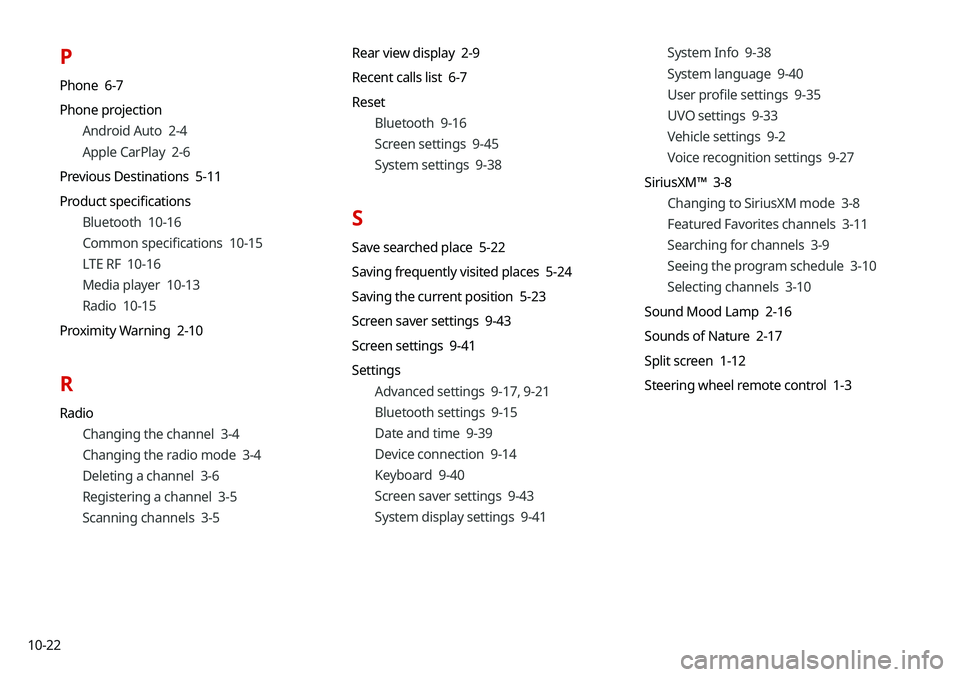
10-22
P
Phone 6-7
Phone projectionAndroid Auto 2-4
Apple CarPlay 2-6
Previous Destinations 5-11
Product specifications Bluetooth 10-16
Common specifications 10-15
LTE RF 10-16
Media player 10-13
Radio 10-15
Proximity Warning 2-10
R
Radio Changing the channel 3-4
Changing the radio mode 3-4
Deleting a channel 3-6
Registering a channel 3-5
Scanning channels 3-5 Rear view display 2-9
Recent calls list 6-7
Reset
Bluetooth 9-16
Screen settings 9-45
System settings 9-38
S
Save searched place 5-22
Saving frequently visited places 5-24
Saving the current position 5-23
Screen saver settings 9-43
Screen settings 9-41
SettingsAdvanced settings 9-17, 9-21
Bluetooth settings 9-15
Date and time 9-39
Device connection 9-14
Keyboard 9-40
Screen saver settings 9-43
System display settings 9-41 System Info 9-38
System language 9-40
User profile settings 9-35
UVO settings 9-33
Vehicle settings 9-2
Voice recognition settings 9-27
SiriusXM™ 3-8 Changing to SiriusXM mode 3-8
Featured Favorites channels 3-11
Searching for channels 3-9
Seeing the program schedule 3-10
Selecting channels 3-10
Sound Mood Lamp 2-16
Sounds of Nature 2-17
Split screen 1-12
Steering wheel remote control 1-3
Page 239 of 244
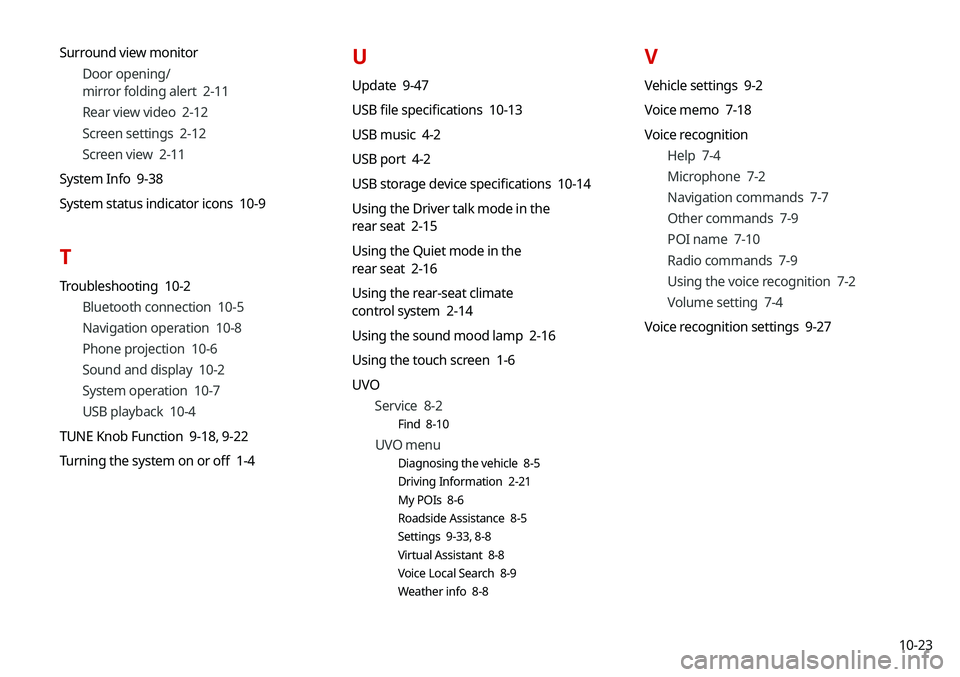
10-23
Surround view monitor
Door opening/
mirror folding alert 2-11
Rear view video 2-12
Screen settings 2-12
Screen view 2-11
System Info 9-38
System status indicator icons 10-9
T
Troubleshooting 10-2 Bluetooth connection 10-5
Navigation operation 10-8
Phone projection 10-6
Sound and display 10-2
System operation 10-7
USB playback 10-4
TUNE Knob Function 9-18, 9-22
Turning the system on or off 1-4
U
Update 9-47
USB file specifications 10-13
USB music 4-2
USB port 4-2
USB storage device specifications 10-14
Using the Driver talk mode in the
rear seat 2-15
Using the Quiet mode in the
rear seat 2-16
Using the rear-seat climate
control system 2-14
Using the sound mood lamp 2-16
Using the touch screen 1-6
UVO Service 8-2
Find 8-10
UVO menu
Diagnosing the vehicle 8-5
Driving Information 2-21
My POIs 8-6
Roadside Assistance 8-5
Settings 9-33, 8-8
Virtual Assistant 8-8
Voice Local Search 8-9
Weather info 8-8
V
Vehicle settings 9-2
Voice memo 7-18
Voice recognition
Help 7-4
Microphone 7-2
Navigation commands 7-7
Other commands 7-9
POI name 7-10
Radio commands 7-9
Using the voice recognition 7-2
Volume setting 7-4
Voice recognition settings 9-27