steering KIA Sorento 2006 1.G Owner's Guide
[x] Cancel search | Manufacturer: KIA, Model Year: 2006, Model line: Sorento, Model: KIA Sorento 2006 1.GPages: 312, PDF Size: 5.21 MB
Page 135 of 312
POWER STEERINGPower steering uses energy from the
engine to assist you in steering the
vehicle. If the engine is off or if the
power steering system becomes
inoperative, the vehicle may still be
steered, but it will require increased
steering effort.
Should you notice any change in the
effort required to steer during normal
vehicle operation, have the power
steering system checked by an
authorized Kia dealer.
DRIVING YOUR VEHICLE
4-37
✽ ✽
NOTICEIf the vehicle is parked for extended
periods outside in cold weather
(below-10°C (14°F)), the power
steering may require increased
effort when the engine is first start-
ed. This is caused by increased fluid
viscosity due to the cold weather
and does not indicate a malfunc-
tion.
When this happens, increase the
engine RPM to 1500rpm then
release or let the engine idle for two
or three minutes to warm up the
fluid.
✽ ✽
NOTICE Never hold the steering wheel
against a stop (extreme right or
left turn) for more than five sec-
onds with the engine running.
Holding the steering wheel for
more than five seconds in either
position may cause damage to the
power steering pump.
If the power steering drive belt
breaks or if the power steering
pump malfunctions, the steering
effort will greatly increase.
BL-ENG (CAN)-4.qxd 7/28/05 5:55 PM Page 37
Page 136 of 312
CRUISE CONTROLThe cruise control system allows you
to program the vehicle to maintain a
constant speed without resting your
foot on the accelerator pedal.
With cruise control, you can set and
automatically maintain any speed of
more than about 24 mph (40km/h).
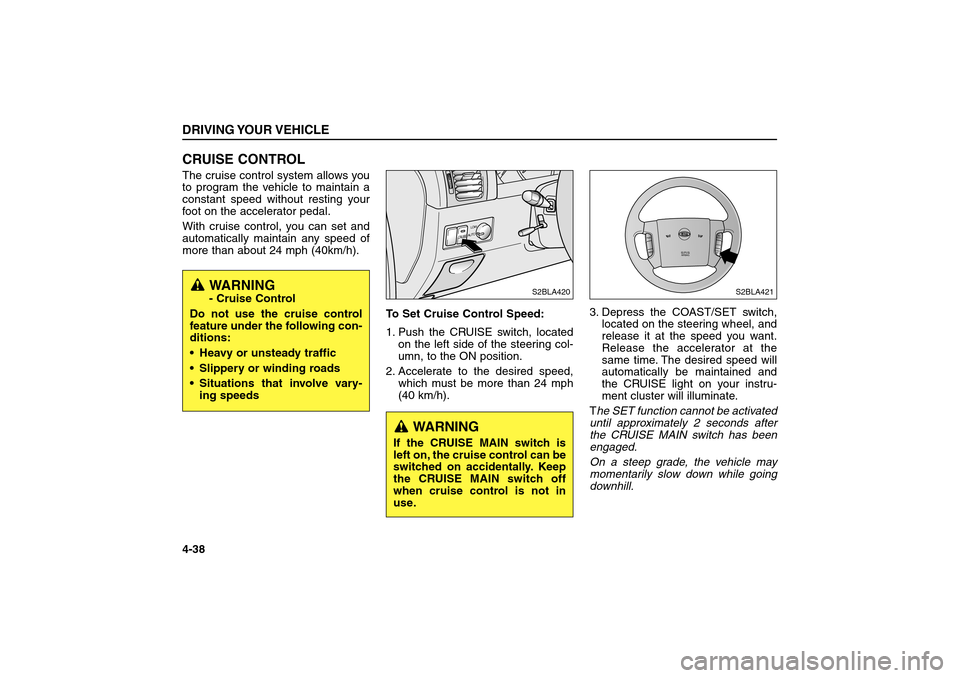
To Set Cruise Control Speed:
1. Push the CRUISE switch, located
on the left side of the steering col-
umn, to the ON position.
2. Accelerate to the desired speed,
which must be more than 24 mph
(40 km/h).3. Depress the COAST/SET switch,
located on the steering wheel, and
release it at the speed you want.
Release the accelerator at the
same time. The desired speed will
automatically be maintained and
the CRUISE light on your instru-
ment cluster will illuminate.
The SET function cannot be activated
until approximately 2 seconds after
the CRUISE MAIN switch has been
engaged.
On a steep grade, the vehicle may
momentarily slow down while going
downhill.DRIVING YOUR VEHICLE4-38
SRSAIRBAG
R
E
S
A
C
C
E
LCOAST
SET
P
W
RSEEK
C
A
N
C
E
L
S2BLA421
LOWAUTOCRUiSE
S2BLA420
WARNING- Cruise Control
Do not use the cruise control
feature under the following con-
ditions:
Heavy or unsteady traffic
Slippery or winding roads
Situations that involve vary-
ing speeds
WARNING
If the CRUISE MAIN switch is
left on, the cruise control can be
switched on accidentally. Keep
the CRUISE MAIN switch off
when cruise control is not in
use.
BL-ENG (CAN)-4.qxd 7/28/05 5:55 PM Page 38
Page 137 of 312
To Cancel Cruise Control, do one
of the following:
Depress the brake pedal.
Depress the clutch pedal with a
manual transmission, or shift into N
(Neutral) with an automatic trans-
mission.
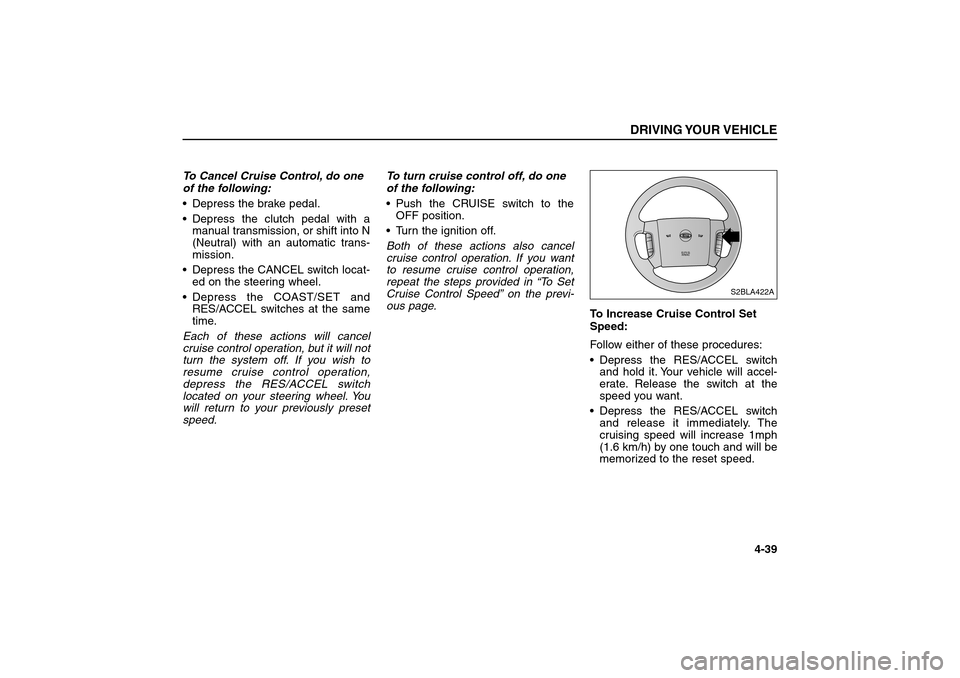
Depress the CANCEL switch locat-
ed on the steering wheel.
Depress the COAST/SET and
RES/ACCEL switches at the same
time.
Each of these actions will cancel
cruise control operation, but it will not
turn the system off. If you wish to
resume cruise control operation,
depress the RES/ACCEL switch
located on your steering wheel. You
will return to your previously preset
speed.To turn cruise control off, do one
of the following:
Push the CRUISE switch to the
OFF position.
Turn the ignition off.
Both of these actions also cancel
cruise control operation. If you want
to resume cruise control operation,
repeat the steps provided in “To Set
Cruise Control Speed” on the previ-
ous page.
To Increase Cruise Control Set
Speed:
Follow either of these procedures:
Depress the RES/ACCEL switch
and hold it. Your vehicle will accel-
erate. Release the switch at the
speed you want.
Depress the RES/ACCEL switch
and release it immediately. The
cruising speed will increase 1mph
(1.6 km/h) by one touch and will be
memorized to the reset speed.
DRIVING YOUR VEHICLE
4-39
SRSAIRBAG
R
E
S
A
C
C
E
LCOAST
SET
P
W
RSEEK
C
A
N
C
E
L
S2BLA422A
BL-ENG (CAN)-4.qxd 7/28/05 5:55 PM Page 39
Page 156 of 312
LIGHTINGBattery Saver Function
The purpose of this feature is to
prevent the battery from being dis-
charged. The system automatically
turns off the small light when the
driver removes the ignition key and
opens the driver- side door.
With this feature, the taillight will be
turned off automatically if the driver
parks on the side of road at night.
If necessary, to keep the lights on
when the ignition switch is removed,
perform the following :
1) Open the driver-side door.
2) Turn the tail-lights OFF and ON
again using the light switch on the
steering column.Lighting Control
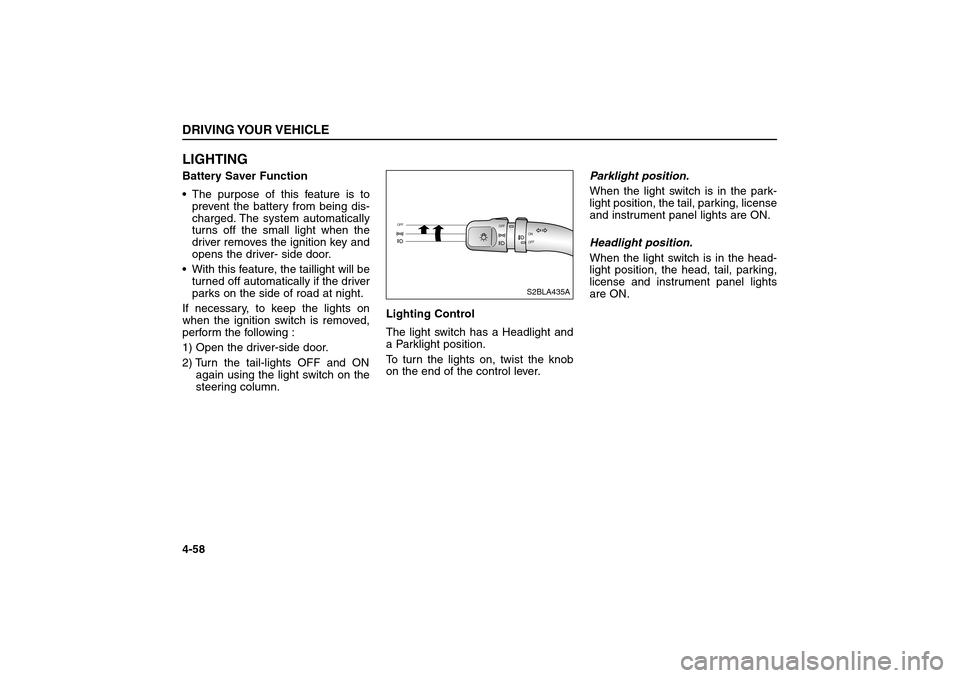
The light switch has a Headlight and
a Parklight position.
To turn the lights on, twist the knob
on the end of the control lever.Parklight position.
When the light switch is in the park-
light position, the tail, parking, license
and instrument panel lights are ON.
Headlight position.
When the light switch is in the head-
light position, the head, tail, parking,
license and instrument panel lights
are ON.DRIVING YOUR VEHICLE4-58
OFF
OFFON
OFF
S2BLA435A
BL-ENG (CAN)-4.qxd 7/28/05 5:55 PM Page 58
Page 194 of 312
DRIVING TIPS
5-7
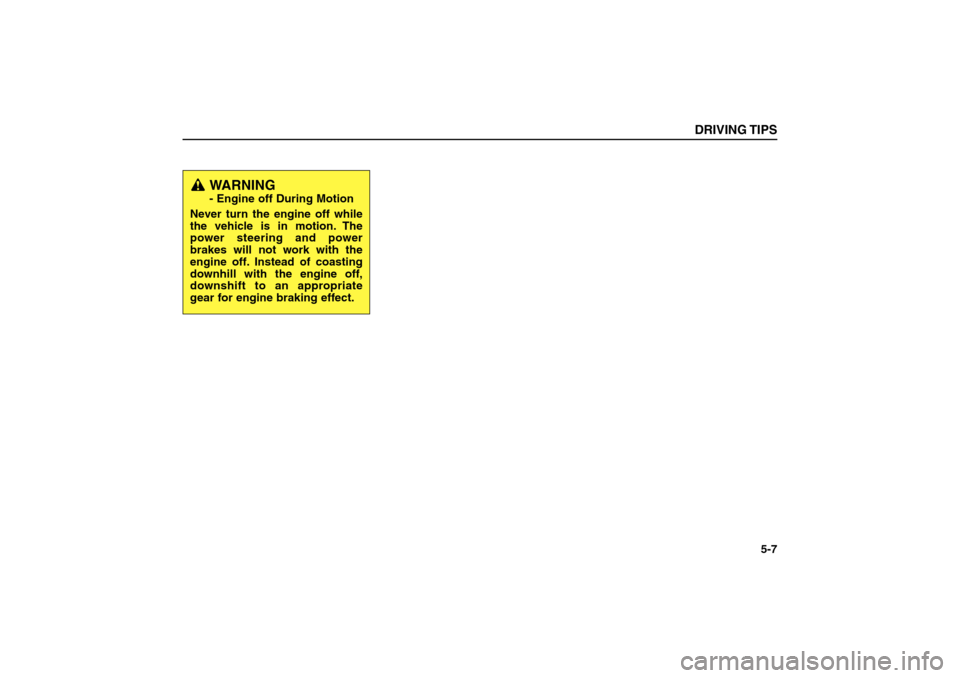
WARNING - Engine off During Motion
Never turn the engine off while
the vehicle is in motion. The
power steering and power
brakes will not work with the
engine off. Instead of coasting
downhill with the engine off,
downshift to an appropriate
gear for engine braking effect.
BL-ENG (CAN)-5.qxd 7/28/05 5:56 PM Page 7
Page 195 of 312
SPECIAL DRIVING
CONDITIONSHazardous Driving Conditions
When hazardous driving conditions
are encountered such as water,
snow, ice, mud, sand, or similar haz-
ards, follow these suggestions:
Drive cautiously and allow extra
distance for braking.
Avoid sudden movements in brak-
ing or steering.
When braking in the four-wheel
drive mode (if equipped), pump the
brake pedal with a light up-and-
down motion until the vehicle is
stopped. If stalled in snow, mud, or sand, use
second gear or shift the transfer
case (if equipped) into four-wheel
drive. Accelerate slowly to avoid
spinning the drive wheels.
Use sand, rock salt, tire chains, or
other non-slip material under the
drive wheels to provide traction
when stalled in ice, snow, or mud.
(If equipped, refer to “Using Four-
Wheel Drive.’’)DRIVING TIPS5-8✽ ✽
NOTICEDo not pump the brake pedal on
ABS equipped vehicle.
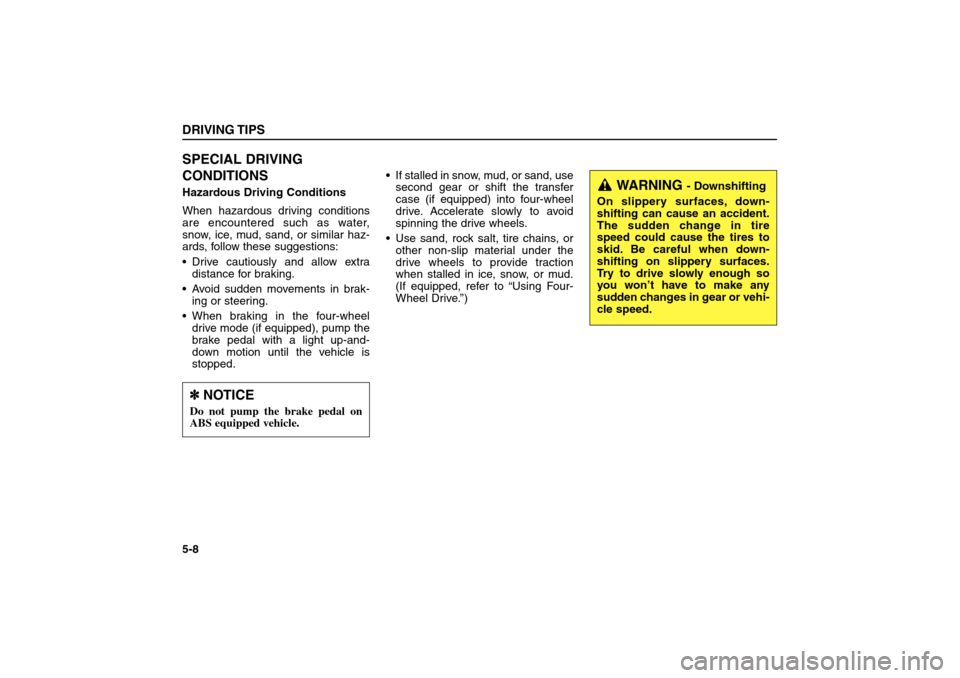
WARNING
- Downshifting
On slippery surfaces, down-
shifting can cause an accident.
The sudden change in tire
speed could cause the tires to
skid. Be careful when down-
shifting on slippery surfaces.
Try to drive slowly enough so
you won’t have to make any
sudden changes in gear or vehi-
cle speed.
BL-ENG (CAN)-5.qxd 7/28/05 5:56 PM Page 8
Page 196 of 312
Rocking the Vehicle
If it is necessary to rock the vehicle to
free it from snow, sand, or mud, first
turn the steering wheel right and left
to clear the area around your front
wheels. Then, shift back and forth
between 1 (First) and R (Reverse) in
vehicles equipped with a manual
transmission or R (Reverse) and any
forward gear in vehicles equipped
with an automatic transmission. Do
not race the engine, and spin the
wheels as little as possible. If you are
still stuck after a few tries, have the
vehicle pulled out by a tow vehicle to
avoid engine overheating and possi-
ble damage to the transmission,
transfer case (if equipped), or differ-
ential.Driving at Night
Because night driving presents many
more hazards than driving in the day-
light, here are some important tips to
remember:
Slow down and keep more distance
between you and other vehicles, as
it may be more difficult to see at
night, especially in areas where
there may not be any street lights.
Adjust your mirrors to reduce the
glare from other driver’s headlights.
Keep your headlights clean and
properly aimed. Dirty or improperly
aimed headlights will make it much
more difficult to see at night.
Avoid staring directly at the head-
lights of oncoming vehicles. You
could be temporarily blinded, and it
will take several seconds for your
eyes to readjust to the darkness.
DRIVING TIPS
5-9
✽ ✽
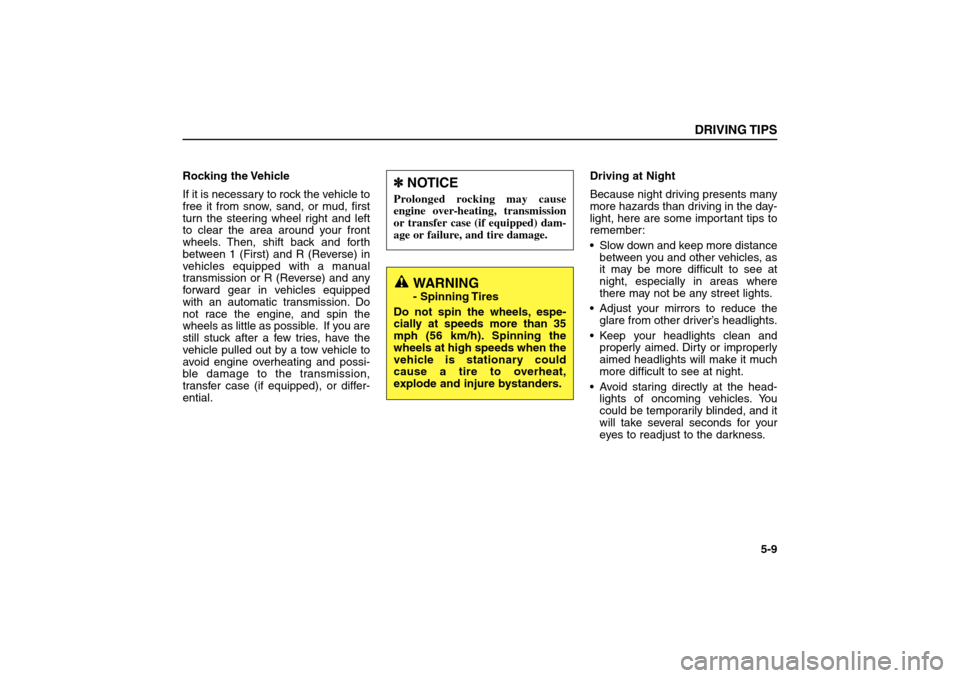
NOTICEProlonged rocking may cause
engine over-heating, transmission
or transfer case (if equipped) dam-
age or failure, and tire damage.
WARNING- Spinning Tires
Do not spin the wheels, espe-
cially at speeds more than 35
mph (56 km/h). Spinning the
wheels at high speeds when the
vehicle is stationary could
cause a tire to overheat,
explode and injure bystanders.
BL-ENG (CAN)-5.qxd 7/28/05 5:56 PM Page 9
Page 201 of 312
USING FOUR-WHEEL DRIVEDriving on Snow- or Ice-Covered
Roads (“4HI, 4LO” for Part-time
4WD Operation or “AUTO” for
Full-time 4WD Operation)
Use snow tires. See “Tires” in this
section for more information.
Keep an adequate distance
between yourself and other vehi-
cles.
Avoid sudden braking, acceleration
or steering. These actions can
cause your vehicle to lose traction.Driving in Sand or Mud (“4HI,
4LO” for Part-time 4WD Operation
or “AUTO” for Full-time 4WD
Operation)
Avoid sudden braking, acceleration
or steering. These actions can
cause your vehicle to get stuck in
the sand or mud.
Drive at low speeds whenever pos-
sible.
You may need to get out of your
vehicle at times to check road con-
ditions.
If you get stuck in the sand or mud,
try placing stones, wood or other
similar materials under the tires to
get traction, or move forward and
backward repeatedly to get
unstuck.DRIVING TIPS5-14
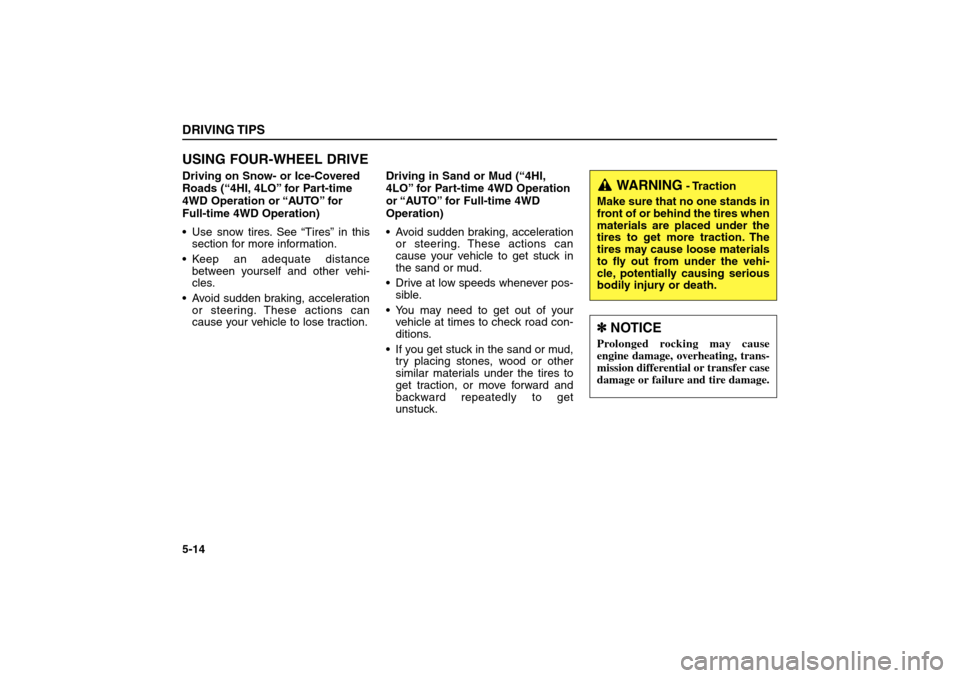
WARNING
- Traction
Make sure that no one stands in
front of or behind the tires when
materials are placed under the
tires to get more traction. The
tires may cause loose materials
to fly out from under the vehi-
cle, potentially causing serious
bodily injury or death.
✽ ✽
NOTICEProlonged rocking may cause
engine damage, overheating, trans-
mission differential or transfer case
damage or failure and tire damage.
BL-ENG (CAN)-5.qxd 7/28/05 5:56 PM Page 14
Page 202 of 312
Driving on a Hill (“4LO” for Part-
time 4WD Operation or “LOW” for
Full-time 4WD operation)
Use low gear when going uphill or
downhill and avoid sudden braking.
Do not shift gears or use your
clutch when going downhill. Do not
coast downhill in Neutral.Crossing a Ditch (“4LO” for Part-
time 4WD Operation or “LOW” for
Full-time 4WD operation)
Avoid driving through ditches if pos-
sible, especially if there is water in
the ditch. Your vehicle may stall if
the electrical system gets wet. If
you must cross a ditch, shift the
transfer knob to 4LO or LOW.
Avoid driving where the water level
is higher than the bottom of the
wheel hub. If the water level rises
above this mark, your vehicle will
need to be serviced.
Tap lightly on the brake pedal dur-
ing and after driving through water.
This will help keep the brakes dry
and in proper working order.
Do not shift gears while crossing a
ditch.Tight Corner Brake Effect
This is called tight corner brake
effect. Tight corner brake effect is a
unique characteristic of four-wheel
drive vehicles caused by the differ-
ence in tire rotation at the four wheels
and the zero-degree alignment of the
front wheels and suspension.
Sharp turns at low speeds should be
carried out with caution.
DRIVING TIPS
5-15
CAUTION
When turning sharply on a paved
road at low speed while in four-
wheel drive, steering control will be
difficult.
BL-ENG (CAN)-5.qxd 7/28/05 5:56 PM Page 15
Page 206 of 312
Scanning the terrain
Off-road driving can take you over
many different kinds of terrain. You
need to be familiar with the terrain
and its many different features. Here
are some things to consider.
Surface conditions
Off-roading can take you over hard-
packed dirt, gravel, rocks, grass,
sand, mud, snow or ice. Each of
these surfaces affects the steering,
acceleration, and braking of your
vehicle in different ways.
Depending upon the kind of surface
you are on, you may experience slip-
ping, sliding, wheel spinning, delayed
acceleration, poor traction, and
longer braking distances.Surface obstacles
Unseen or hidden obstacles can be
hazardous. A rock, log, hole, rut, or
bump can startle you if you’re not pre-
pared. Often these obstacles are hid-
den by grass, bushes, snow or even
the rise and fall of the terrain itself.
Here are some things to constantly
evaluate:
Is the path ahead clear?
Will the surface texture change
ahead?
Does the path take you uphill or
downhill?
Might you have to stop suddenly or
change direction quickly?
When you drive over obstacles or
rough terrain, it is critical that you
keep a firm grip on the steering
wheel. Ruts, troughs, or other surface
features can force the wheel out of
your hands if you’re not prepared.
DRIVING TIPS
5-19
WARNING- Off Road Driving
When you’re driving off-road,
bouncing and quick changes in
direction can easily throw you
out of position. This could
cause you to lose control of the
vehicle and crash. So, whether
you are driving on or off the
road, you and your passengers
should always wear safety
belts.
BL-ENG (CAN)-5.qxd 7/28/05 5:56 PM Page 19