NAV KIA SORENTO 2022 Navigation System Quick Reference Guide
[x] Cancel search | Manufacturer: KIA, Model Year: 2022, Model line: SORENTO, Model: KIA SORENTO 2022Pages: 324, PDF Size: 10.45 MB
Page 290 of 324
9-102
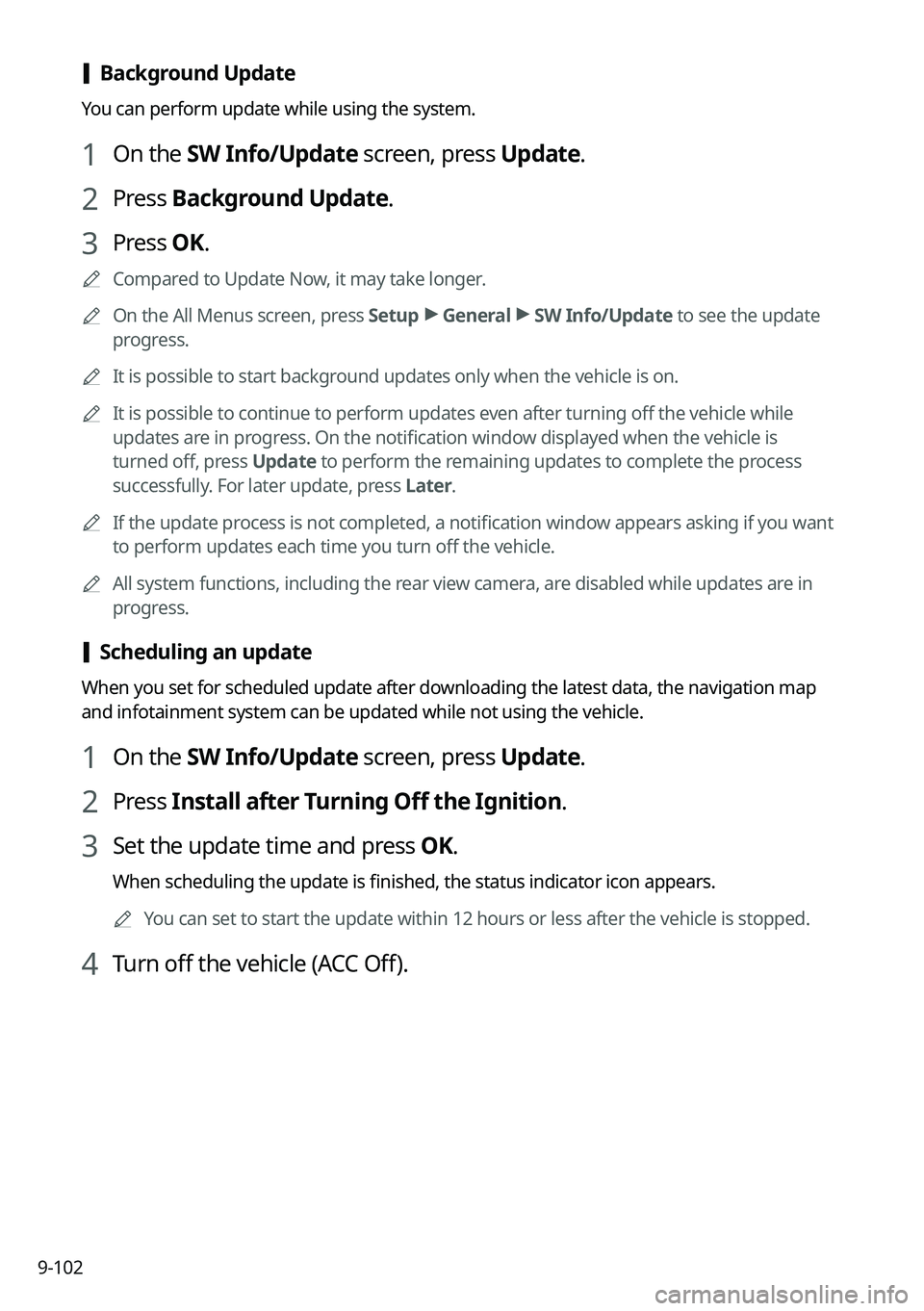
[Background Update
You can perform update while using the system.
1 On the SW Info/Update screen, press Update.
2 Press Background Update.
3 Press OK.
0000
A
Compared to Update Now, it may take longer.
0000
A
On the All Menus screen, press Setup >
General >
SW Info/Update to see the update
progress.
0000
A
It is possible to start background updates only when the vehicle is on.
0000
A
It is possible to continue to perform updates even after turning off the vehicle while
updates are in progress. On the notification window displayed when the vehicle is
turned off, press Update to perform the remaining updates to complete the process
successfully. For later update, press Later.
0000
A
If the update process is not completed, a notification window appears asking if you want
to perform updates each time you turn off the vehicle.
0000
A
All system functions, including the rear view camera, are disabled while updates are in
progress.
[Scheduling an update
When you set for scheduled update after downloading the latest data, the navigation map
and infotainment system can be updated while not using the vehicle.
1 On the SW Info/Update screen, press Update.
2 Press Install after Turning Off the Ignition.
3 Set the update time and press OK.
When scheduling the update is finished, the status indicator icon appears.
0000
A
You can set to start the update within 12 hours or less after the vehicle is stopped.
4 Turn off the vehicle (ACC Off).
Page 294 of 324

10-2
Solutions
Before reporting a malfunctioning system, refer to the following table and see if you can
identify and fix the problem. If the problem persists or you are unable to locate your specific
need, contact your place of purchase or dealer.
Sound and display
SymptomPossible causeSolution
A blank screen
appears and sound
is not audible. The system is turned
off.
\225
Check that the start switch is in "ACC" or
"ON."
\225Press the Power button on the control
panel to turn on the system.
Sound volume is too
low. Use the Volume knob on the control panel to
adjust the volume.
Sound is muted. Press the Mute button on the steering wheel
to unmute.
Sound is audible
from only one side
of the speakers. Sound is
imbalanced.
On the All Menus screen, navigate to Setup
>
Sound and use the settings menu to
adjust the sound balance.
The sound is cut off
or noise is heard. Vibration occurs in
the system.When the system vibrates, the sound may
be cut off or noise may occur. This is not a
system failure. The system is restored as
soon as the vibration stops.
Page 295 of 324
10-3
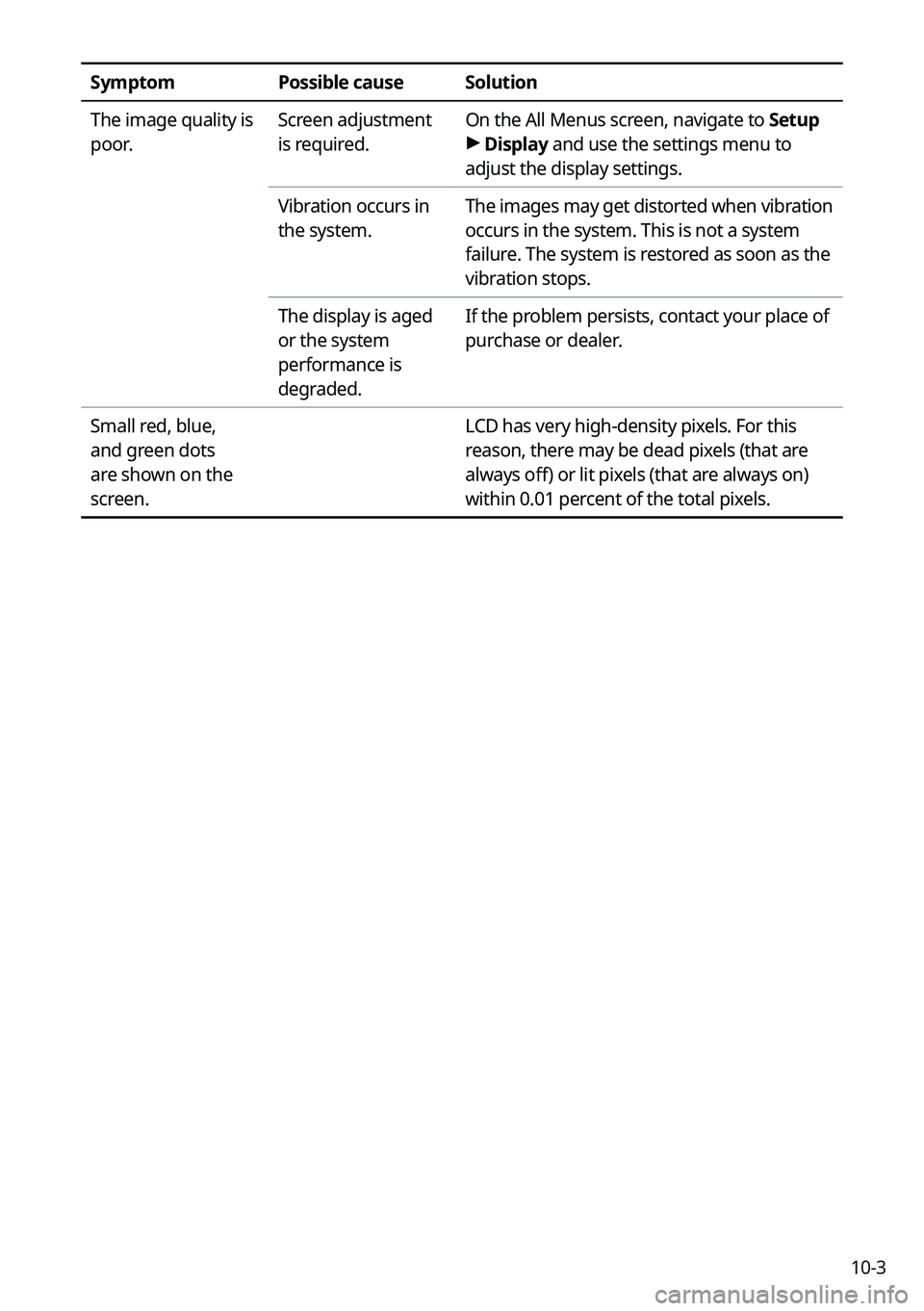
SymptomPossible causeSolution
The image quality is
poor. Screen adjustment
is required.On the All Menus screen, navigate to Setup
>
Display and use the settings menu to
adjust the display settings.
Vibration occurs in
the system. The images may get distorted when vibration
occurs in the system. This is not a system
failure. The system is restored as soon as the
vibration stops.
The display is aged
or the system
performance is
degraded. If the problem persists, contact your place of
purchase or dealer.
Small red, blue,
and green dots
are shown on the
screen. LCD has very high-density pixels. For this
reason, there may be dead pixels (that are
always off) or lit pixels (that are always on)
within 0.01 percent of the total pixels.
Page 297 of 324
10-5
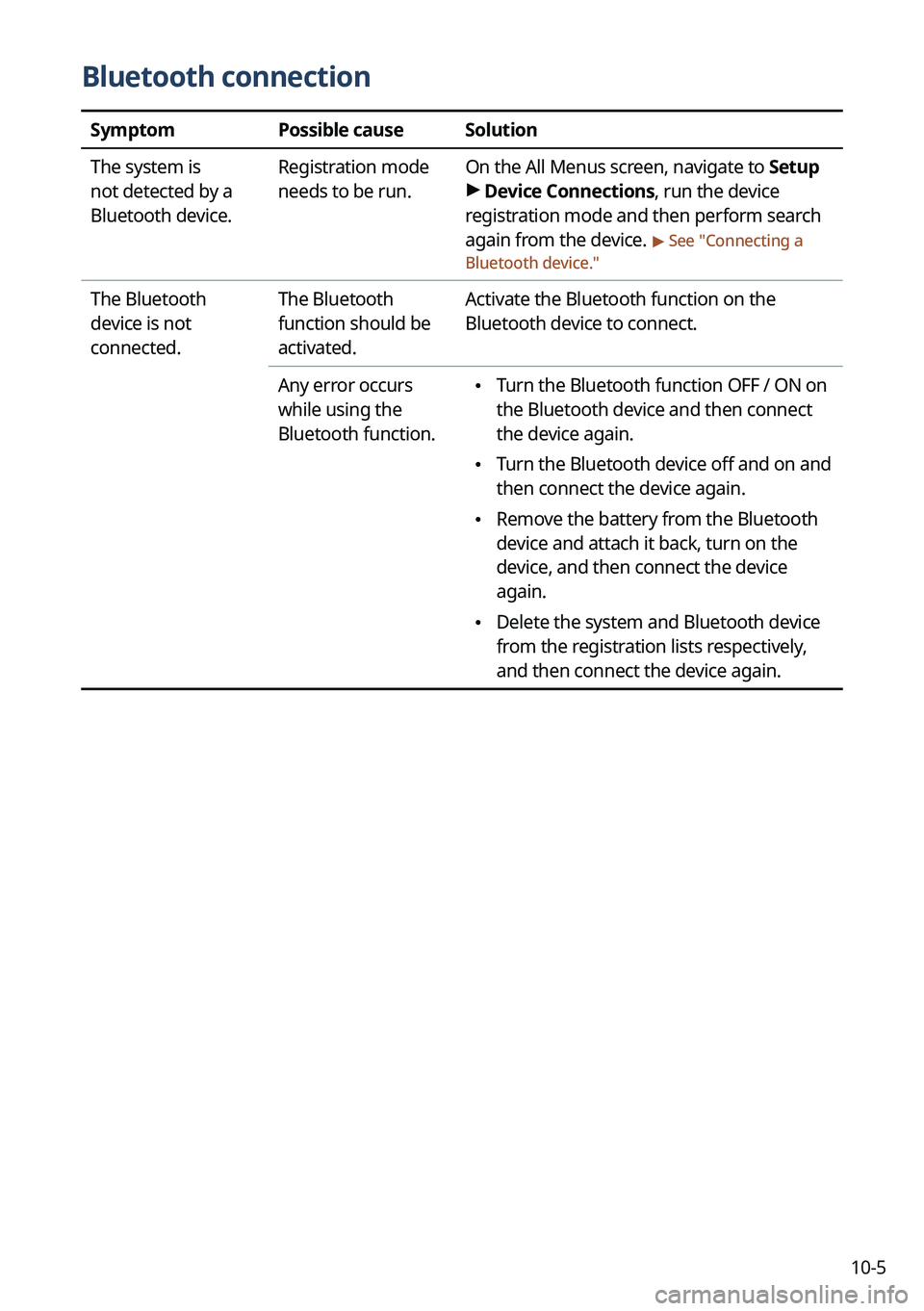
Bluetooth connection
SymptomPossible causeSolution
The system is
not detected by a
Bluetooth device. Registration mode
needs to be run.
On the All Menus screen, navigate to Setup
>
Device Connections, run the device
registration mode and then perform search
again from the device.
> See " Connecting a
Bluetooth device."
The Bluetooth
device is not
connected. The Bluetooth
function should be
activated.Activate the Bluetooth function on the
Bluetooth device to connect.
Any error occurs
while using the
Bluetooth function.
\225 Turn the Bluetooth function OFF / ON on
the Bluetooth device and then connect
the device again.
\225Turn the Bluetooth device off and on and
then connect the device again.
\225Remove the battery from the Bluetooth
device and attach it back, turn on the
device, and then connect the device
again.
\225Delete the system and Bluetooth device
from the registration lists respectively,
and then connect the device again.
Page 298 of 324

10-6
Phone projection
SymptomPossible causeSolution
The phone
projection function
is not performed
when a smartphone
is connected using a
USB cable. Phone projection is
not supported.
Visit the website to check whether your
smartphone supports the phone projection.
\225
Android Auto: https://support.google.
com/androidauto
\225Apple CarPlay: http://www.apple.com/
ios/carplay
The function is
inactive.
\225 On the All Menus screen, navigate to
Setup >
Device Connections and
activate the connection function from the
Phone Projection Settings menu.
\225 Make sure that the phone projection is
not disabled in the App settings or block-
out settings on your smartphone.
Smartphone is
encountered with
poor operation or
malfunction.
\225 Check that the smartphone battery level
is not too low. Recognition may not work
properly when the battery level is too
low.
\225The phone projection may not work
properly when the signal strength is
weak.
\225When the smartphone is locked, first
unlock it.
\225Initialize the smartphone and connect
the device again.
A black screen
appears when the
phone projection is
activated or in use. The smartphone
malfunctions.
\225
Remove the USB cable from the
smartphone and connect the device
again.
\225Initialize the smartphone and connect
the device again.
Page 300 of 324
10-8
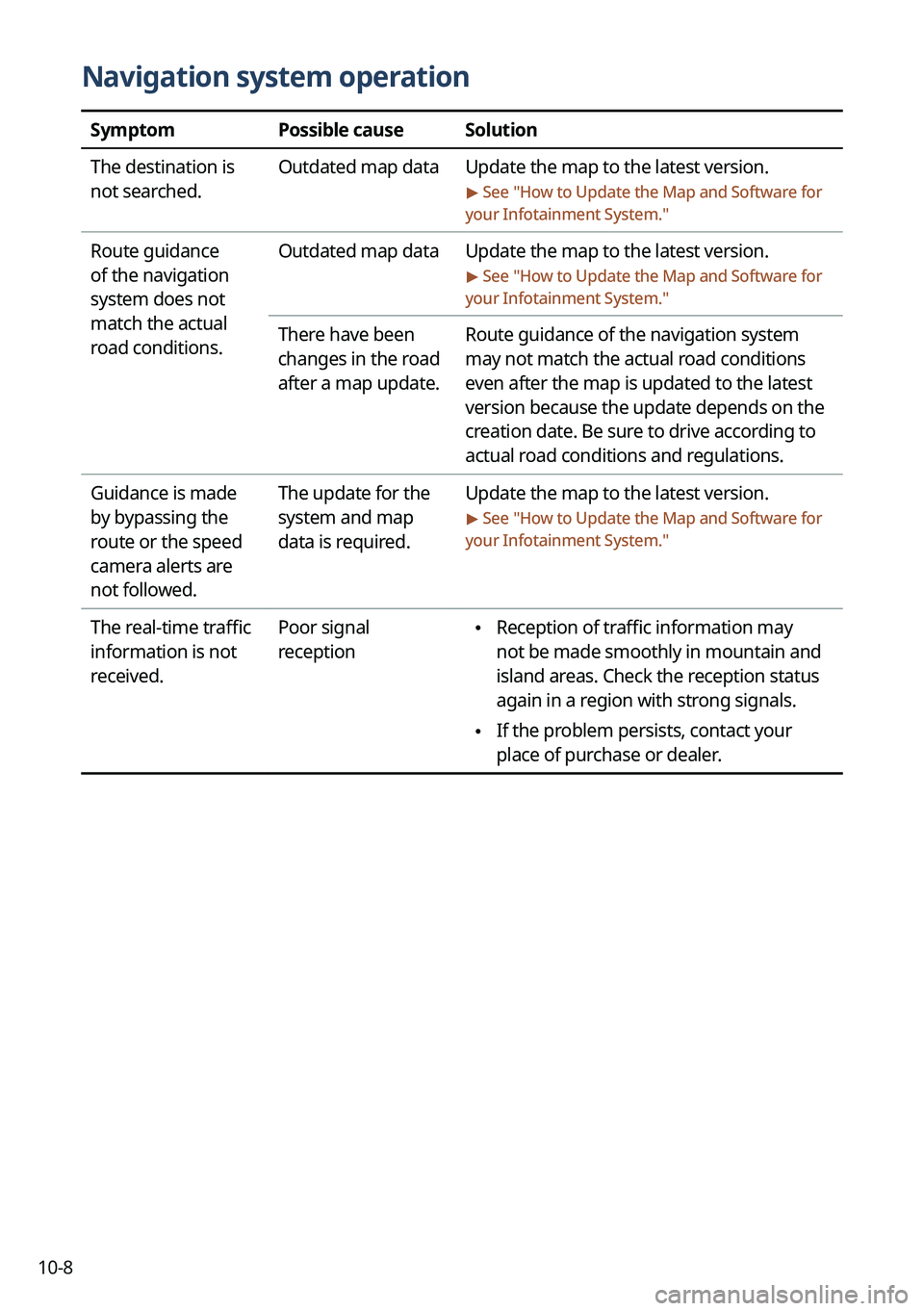
Navigation system operation
SymptomPossible causeSolution
The destination is
not searched. Outdated map data
Update the map to the latest version.
> See "How to Update the Map and Software for
your Infotainment System."
Route guidance
of the navigation
system does not
match the actual
road conditions. Outdated map data
Update the map to the latest version.
> See "How to Update the Map and Software for
your Infotainment System."
There have been
changes in the road
after a map update. Route guidance of the navigation system
may not match the actual road conditions
even after the map is updated to the latest
version because the update depends on the
creation date. Be sure to drive according to
actual road conditions and regulations.
Guidance is made
by bypassing the
route or the speed
camera alerts are
not followed. The update for the
system and map
data is required.
Update the map to the latest version.
> See "
How to Update the Map and Software for
your Infotainment System."
The real-time traffic
information is not
received. Poor signal
reception \225
Reception of traffic information may
not be made smoothly in mountain and
island areas. Check the reception status
again in a region with strong signals.
\225If the problem persists, contact your
place of purchase or dealer.
Page 301 of 324
10-9
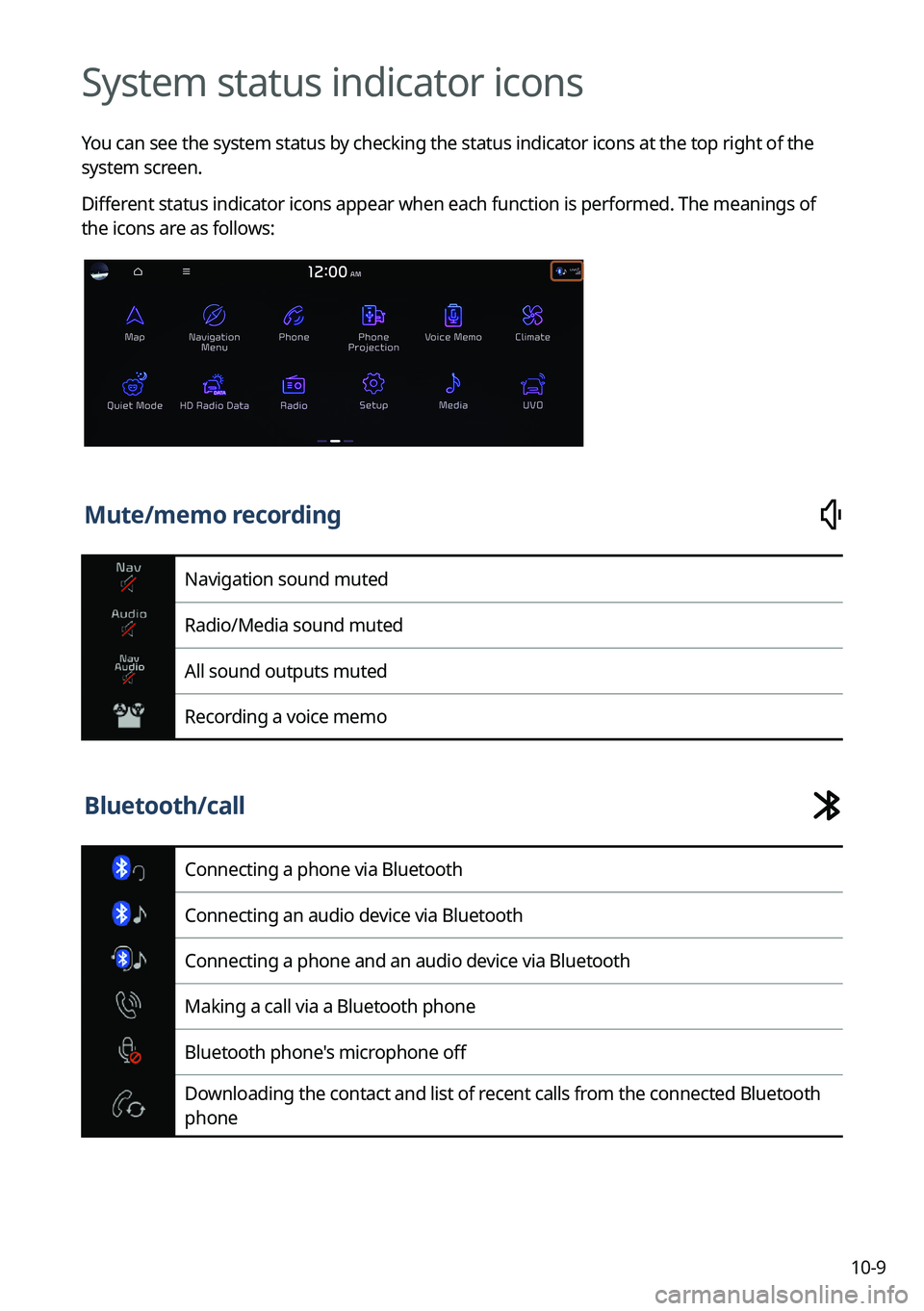
System status indicator icons
You can see the system status by checking the status indicator icons at the top right of the
system screen.
Different status indicator icons appear when each function is performed. The meanings of
the icons are as follows:
Mute/memo recording
Navigation sound muted
Radio/Media sound muted
All sound outputs muted
Recording a voice memo
Bluetooth/call
Connecting a phone via Bluetooth
Connecting an audio device via Bluetooth
Connecting a phone and an audio device via Bluetooth
Making a call via a Bluetooth phone
Bluetooth phone's microphone off
Downloading the contact and list of recent calls from the connected Bluetooth
phone
Page 303 of 324
10-11
FAQ
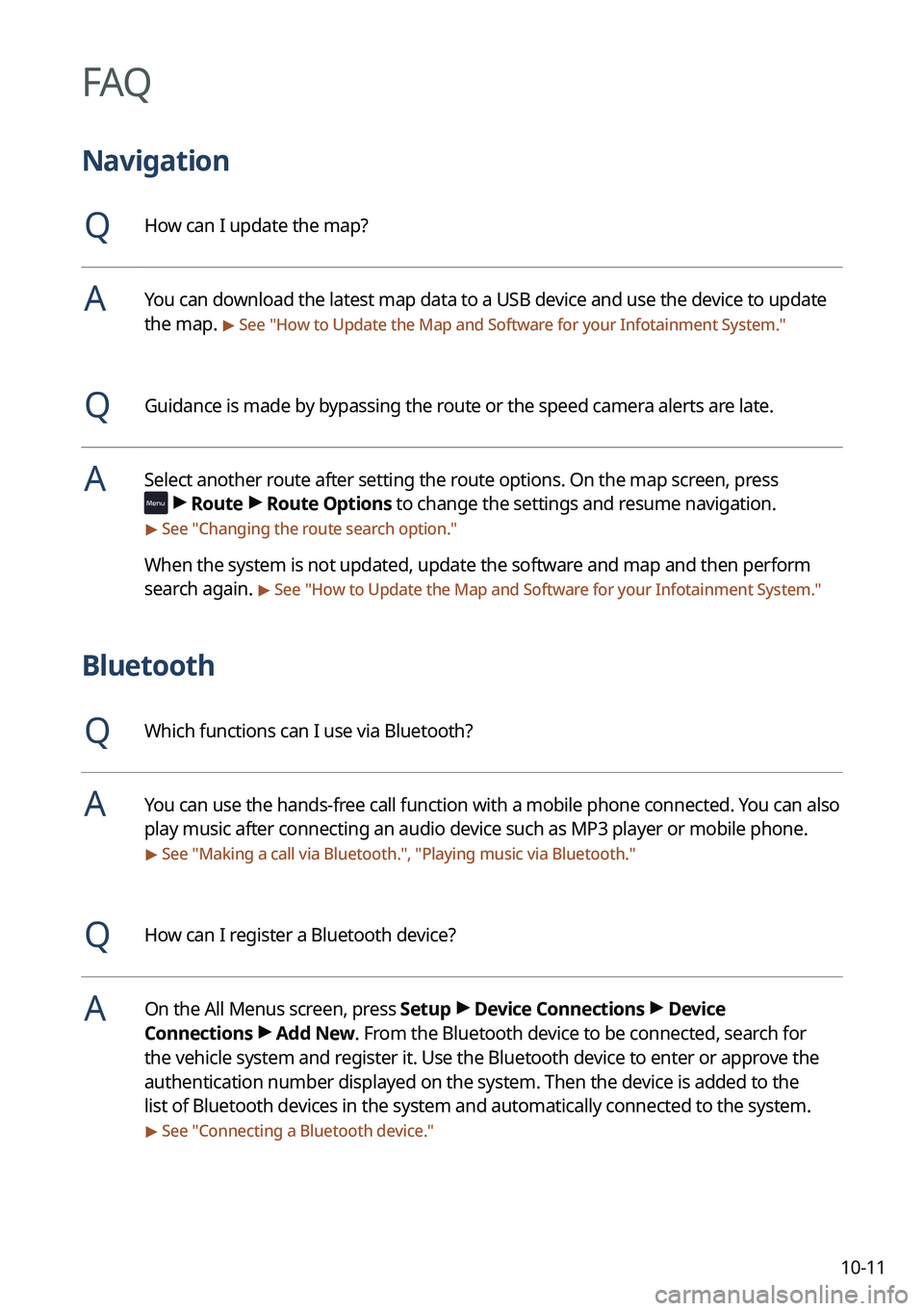
Navigation
QHow can I update the map?
AYou can download the latest map data to a USB device and use the device to update
the map.
> See "How to Update the Map and Software for your Infotainment System."
QGuidance is made by bypassing the route or the speed camera alerts are late.
ASelect another route after setting the route options. On the map screen, press
>
Route >
Route Options to change the settings and resume navigation.
> See " Changing the route search option."
When the system is not updated, update the software and map and then perform
search again.
> See "How to Update the Map and Software for your Infotainment System."
Bluetooth
QWhich functions can I use via Bluetooth?
AYou can use the hands-free call function with a mobile phone connected. You can also
play music after connecting an audio device such as MP3 player or mobile phone.
> See "Making a call via Bluetooth.", "Playing music via Bluetooth."
QHow can I register a Bluetooth device?
AOn the All Menus screen, press Setup >
Device Connections >
Device
Connections >
Add New. From the Bluetooth device to be connected, search for
the vehicle system and register it. Use the Bluetooth device to enter or approve the
authentication number displayed on the system. Then the device is added to the
list of Bluetooth devices in the system and automatically connected to the system.
> See " Connecting a Bluetooth device."
Page 310 of 324
10-18
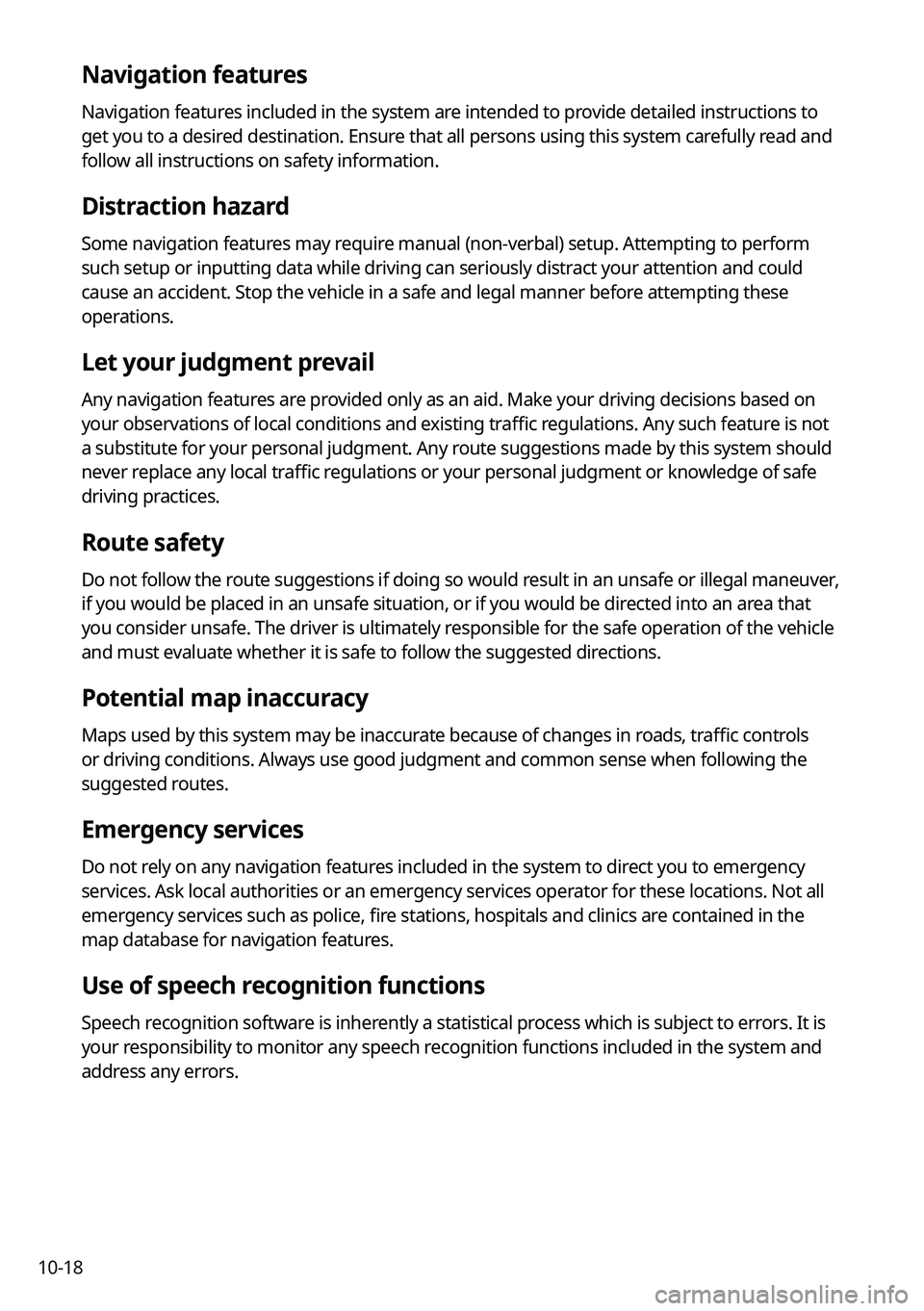
Navigation features
Navigation features included in the system are intended to provide detailed instructions to
get you to a desired destination. Ensure that all persons using this system carefully read and
follow all instructions on safety information.
Distraction hazard
Some navigation features may require manual (non-verbal) setup. Attempting to perform
such setup or inputting data while driving can seriously distract your attention and could
cause an accident. Stop the vehicle in a safe and legal manner before attempting these
operations.
Let your judgment prevail
Any navigation features are provided only as an aid. Make your driving decisions based on
your observations of local conditions and existing traffic regulations. Any such feature is not
a substitute for your personal judgment. Any route suggestions made by this system should
never replace any local traffic regulations or your personal judgment or knowledge of safe
driving practices.
Route safety
Do not follow the route suggestions if doing so would result in an unsafe or illegal maneuver,
if you would be placed in an unsafe situation, or if you would be directed into an area that
you consider unsafe. The driver is ultimately responsible for the safe operation of the vehicle
and must evaluate whether it is safe to follow the suggested directions.
Potential map inaccuracy
Maps used by this system may be inaccurate because of changes in roads, traffic controls
or driving conditions. Always use good judgment and common sense when following the
suggested routes.
Emergency services
Do not rely on any navigation features included in the system to direct you to emergency
services. Ask local authorities or an emergency services operator for these locations. Not all
emergency services such as police, fire stations, hospitals and clinics are contained in the
map database for navigation features.
Use of speech recognition functions
Speech recognition software is inherently a statistical process which is subject to errors. It is
your responsibility to monitor any speech recognition functions included in the system and
address any errors.
Page 311 of 324
10-19
C
ClimateClimate settings 9-9, 9-26
Climate control function 2-14
Component names and functions Control panel
Custom button 1-3
MAP button 1-2
MEDIA button 1-2
NAV button 1-2
POWER button/VOLUME knob 1-2
RADIO button 1-2
Search knob 1-3
SEEK/TRACK button 1-3
SETUP button 1-3
System Reset button 1-3
Steering wheel remote control
Call button 1-4, 1-5
Custom button 1-5
End Call button 1-4, 1-5
MODE button 1-4
Move lever/button 1-4
Voice Recognition button 1-4
Volume lever/Mute button 1-4
Contacts list 6-10
Control panel 1-2
D
Deleting a location 5-27
Destination search 5-3
Driving assistance screen 2-9
Driving Information 2-25
Index
A
Advanced system settings 9-40
Android devices
Android Auto 2-5
Apple devices Apple CarPlay 2-7
B
Battery warning 1-7
BluetoothBluetooth phone
Answering a call 6-15
Call 6-6
Contacts list 6-10
Dial pad 6-12
Favorites settings 6-8
Options during a call 6-16
Recent calls list 6-6
Switching to another call 6-17
Text message 6-17
Specifications 10-15
Bluetooth connection Adding a device 6-2
Deleting a device 6-5
Device connection 6-4
Disconnecting a device 6-5