boot KIA SOUL EV 2018 Owners Manual
[x] Cancel search | Manufacturer: KIA, Model Year: 2018, Model line: SOUL EV, Model: KIA SOUL EV 2018Pages: 496, PDF Size: 15.13 MB
Page 270 of 496
4139
Features of your vehicle
Park the vehicle when connectingthe head unit with the mobile
phone.
Bluetooth
®connection may
become intermittently disconnect-
ed in some mobile phones. Follow
these steps to try again.
1. Within the mobile phone, turn the Bluetooth
®function off/on
and try again.
2. Turn the mobile phone power Off/On and try again.
3. Reboot the audio system and try again.
4. Delete all paired devices, pair and try again.
Handsfree call quality and volume may differ depending on the model
of your mobile phone.
Page 300 of 496
4169
Features of your vehicle
Precautions when connecting Bluetooth®
Wireless Technologydevices
The vehicle supports the following
Bluetooth®Wireless Technology
functions. Some
Bluetooth®
Wireless Technology devices may
not support some functions.
1)
Bluetooth®Wireless Technology
Handsfree phone calls
2) Operations during a call (Private, Switch, Out Vol. controls)
3) Download call history saved to the
Bluetooth®Wireless Technology
device
4) Download contacts saved to the
Bluetooth®Wireless Technology
device
5) Automatic contacts/call history download when
Bluetooth®
Wireless Technology is connected
6) Automatic
Bluetooth®Wireless
Technology device connection
when the vehicle is started
7)
Bluetooth®Wireless Technology
audio streaming playback
Before connecting the audio sys- tem to your device, make sure your
device supports
Bluetooth®Wireless
Technology. Even if your device supports
Bluetooth®Wireless Technology, a
Bluetooth®Wireless Technology
connection cannot be established
if the device’s
Bluetooth®Wireless
Technology function is switched off.
Search and connect with the
Bluetooth®
Wireless Technology function enabled.
Pair or connect
Bluetooth®Wireless
Technology devices to the audio
system with the vehicle at a standstill.
If a
Bluetooth®Wireless Technology
connection is lost due to abnormal
conditions while a
Bluetooth®
Wireless Technology device is connect-
ed (communication range exceed-
ed, device power OFF, communi-
cation errors, etc.), the disconnect-
ed
Bluetooth®Wireless Technology
device is searched for and auto-
matically reconnected.
If you want to disable the
Bluetooth®
Wireless Technology device auto-
connect function, turn the
Bluetooth®Wireless Technology
function OFF on your device.
Consult the user manuals for indi-
vidual devices to see whether
Bluetooth®Wireless Technology is
supported. Handsfree call quality and volume
may vary depending on the type of
Bluetooth®Wireless Technology
device.
Some
Bluetooth®Wireless Technology
devices are subject to intermittent
Bluetooth®Wireless Technology
connection failures. In this case,
use the following method.
1) Turn the
Bluetooth®Wireless
Technology function off on your
Bluetooth®Wireless Technology
device ➟Turn it on and try
again.
2) Delete the paired device from both the audio system and
Bluetooth®Wireless Technology
device, then pair again.
3) Power down your
Bluetooth®
Wireless Technology device ➟
Turn it on and try again.
4) Completely remove the battery from your
Bluetooth®Wireless
Technology device; reinsert it,
reboot, and attempt connection.
5) Restart the vehicle and reat- tempt connection.
Page 309 of 496
178
4
Features of your vehicle
✽
✽
NOTICE
• When paired devices are deleted,
the call history and contacts of the
device saved to the audio system
are deleted.
• For Bluetooth
®Wireless Technology
connections with low connection pri-
ority, some time may be required for
the connection to be established.
• Contacts can be downloaded only from the currently connected
Bluetooth
®Wireless Technology
device.
If no Bluetooth
®Wireless Technology
device is connected, the download
contacts button is disabled.
System
Select the [SETUP] button on the
audio system ➟ Select [System].
Memory Information: View My Music memory usage.
Language: Change the user lan- guage.
Default: Reset the audio system.
System Information: At the System Information screen, Software version
information, updates are available.
- System Update: At the SystemInformation screen, insert the
USB memory with the latest file
downloaded, and then select the
[Update] to begin updating. The
system with then reboot auto-
matically.
✽ ✽ NOTICE
• The system resets to the default
values, and all saved data and set-
tings are lost.
• This product needs supplemented software updates and additional
functions, which collectively may
take some time to complete,
depending on the amount of data.
• If the Power is disconnected or the USB is removed during an update,
the data might be damaged. Please
wait until the update is complete
while engine is on.
Page 319 of 496
57
Driving your vehicle
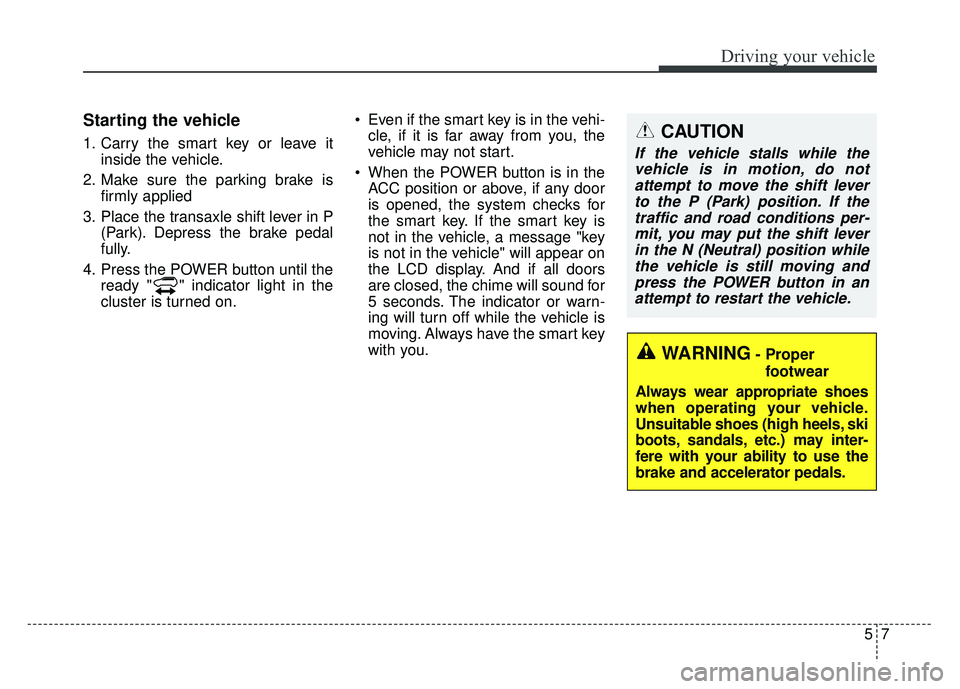
Starting the vehicle
1. Carry the smart key or leave itinside the vehicle.
2. Make sure the parking brake is firmly applied
3. Place the transaxle shift lever in P (Park). Depress the brake pedal
fully.
4. Press the POWER button until the ready " " indicator light in the
cluster is turned on. Even if the smart key is in the vehi-
cle, if it is far away from you, the
vehicle may not start.
When the POWER button is in the ACC position or above, if any door
is opened, the system checks for
the smart key. If the smart key is
not in the vehicle, a message "key
is not in the vehicle" will appear on
the LCD display. And if all doors
are closed, the chime will sound for
5 seconds. The indicator or warn-
ing will turn off while the vehicle is
moving. Always have the smart key
with you.CAUTION
If the vehicle stalls while thevehicle is in motion, do notattempt to move the shift leverto the P (Park) position. If thetraffic and road conditions per-mit, you may put the shift leverin the N (Neutral) position whilethe vehicle is still moving andpress the POWER button in anattempt to restart the vehicle.
WARNING- Proper
footwear
Always wear appropriate shoes
when operating your vehicle.
Unsuitable shoes (high heels, ski
boots, sandals, etc.) may inter-
fere with your ability to use the
brake and accelerator pedals.
Page 399 of 496
79
Maintenance
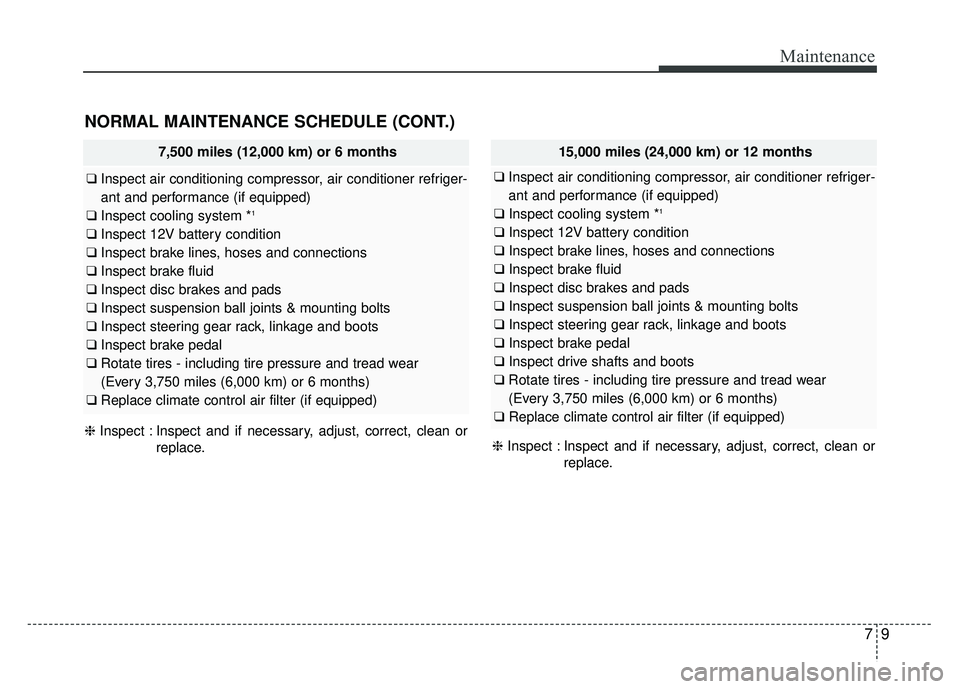
NORMAL MAINTENANCE SCHEDULE (CONT.)
❈Inspect : Inspect and if necessary, adjust, correct, clean or
replace. ❈
Inspect : Inspect and if necessary, adjust, correct, clean or
replace.
7,500 miles (12,000 km) or 6 months
❑Inspect air conditioning compressor, air conditioner refriger-
ant and performance (if equipped)
❑ Inspect cooling system *
1
❑Inspect 12V battery condition
❑ Inspect brake lines, hoses and connections
❑ Inspect brake fluid
❑ Inspect disc brakes and pads
❑ Inspect suspension ball joints & mounting bolts
❑ Inspect steering gear rack, linkage and boots
❑ Inspect brake pedal
❑ Rotate tires - including tire pressure and tread wear
(Every 3,750 miles (6,000 km) or 6 months)
❑ Replace climate control air filter (if equipped)
15,000 miles (24,000 km) or 12 months
❑Inspect air conditioning compressor, air conditioner refriger-
ant and performance (if equipped)
❑ Inspect cooling system *
1
❑Inspect 12V battery condition
❑ Inspect brake lines, hoses and connections
❑ Inspect brake fluid
❑ Inspect disc brakes and pads
❑ Inspect suspension ball joints & mounting bolts
❑ Inspect steering gear rack, linkage and boots
❑ Inspect brake pedal
❑ Inspect drive shafts and boots
❑ Rotate tires - including tire pressure and tread wear
(Every 3,750 miles (6,000 km) or 6 months)
❑ Replace climate control air filter (if equipped)
Page 400 of 496
Maintenance
10
7
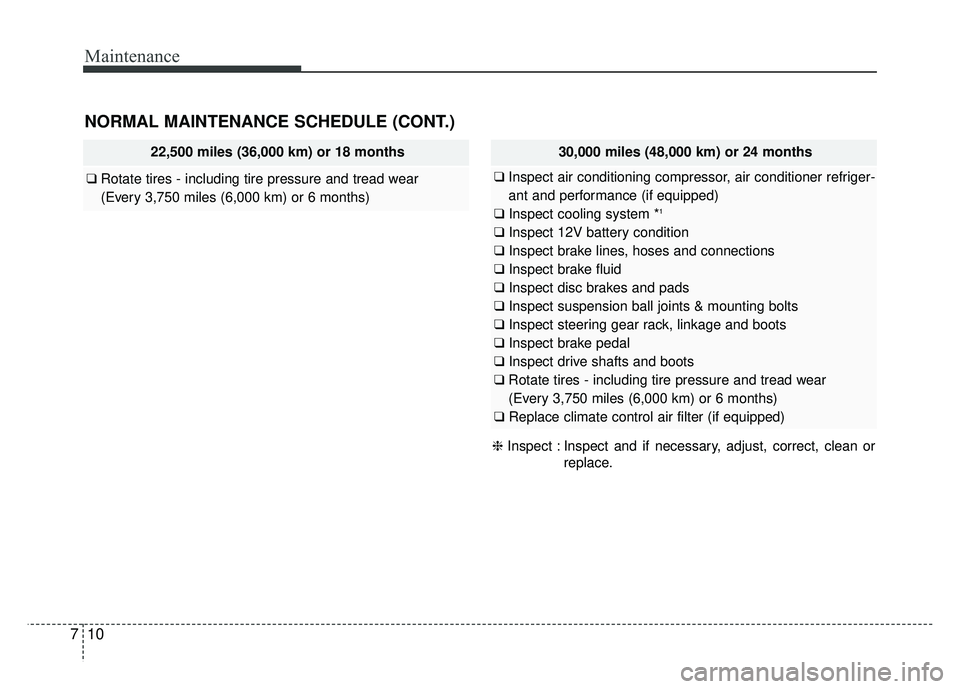
NORMAL MAINTENANCE SCHEDULE (CONT.)
❈ Inspect : Inspect and if necessary, adjust, correct, clean or
replace.
22,500 miles (36,000 km) or 18 months
❑Rotate tires - including tire pressure and tread wear
(Every 3,750 miles (6,000 km) or 6 months)
30,000 miles (48,000 km) or 24 months
❑Inspect air conditioning compressor, air conditioner refriger-
ant and performance (if equipped)
❑ Inspect cooling system *
1
❑Inspect 12V battery condition
❑ Inspect brake lines, hoses and connections
❑ Inspect brake fluid
❑ Inspect disc brakes and pads
❑ Inspect suspension ball joints & mounting bolts
❑ Inspect steering gear rack, linkage and boots
❑ Inspect brake pedal
❑ Inspect drive shafts and boots
❑ Rotate tires - including tire pressure and tread wear
(Every 3,750 miles (6,000 km) or 6 months)
❑ Replace climate control air filter (if equipped)
Page 401 of 496
711
Maintenance
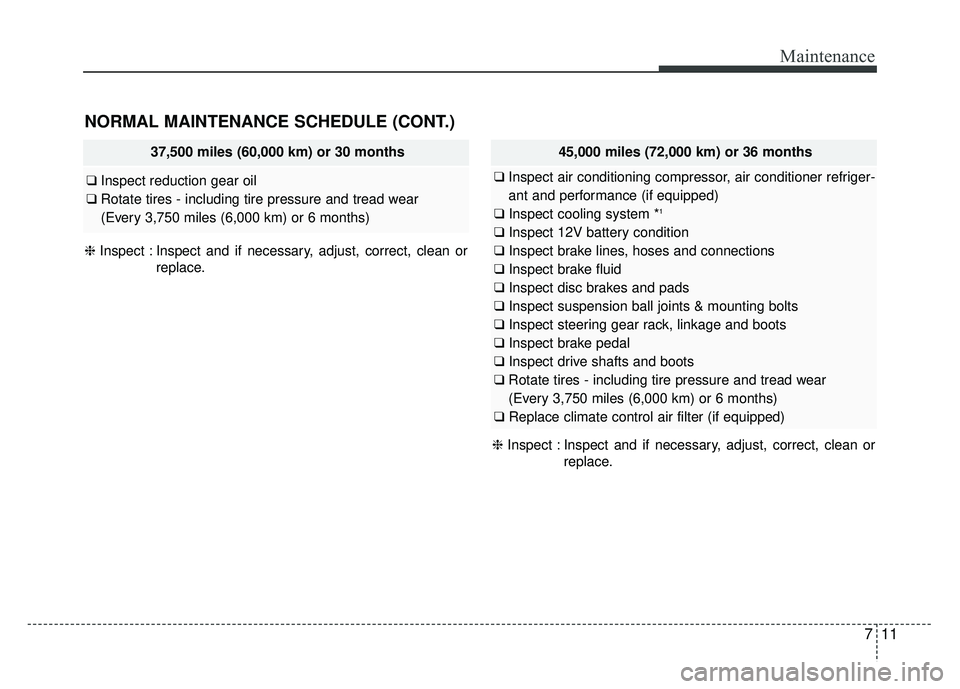
NORMAL MAINTENANCE SCHEDULE (CONT.)
❈Inspect : Inspect and if necessary, adjust, correct, clean or
replace.
37,500 miles (60,000 km) or 30 months
❑Inspect reduction gear oil
❑ Rotate tires - including tire pressure and tread wear
(Every 3,750 miles (6,000 km) or 6 months)
45,000 miles (72,000 km) or 36 months
❑Inspect air conditioning compressor, air conditioner refriger-
ant and performance (if equipped)
❑ Inspect cooling system *
1
❑Inspect 12V battery condition
❑ Inspect brake lines, hoses and connections
❑ Inspect brake fluid
❑ Inspect disc brakes and pads
❑ Inspect suspension ball joints & mounting bolts
❑ Inspect steering gear rack, linkage and boots
❑ Inspect brake pedal
❑ Inspect drive shafts and boots
❑ Rotate tires - including tire pressure and tread wear
(Every 3,750 miles (6,000 km) or 6 months)
❑ Replace climate control air filter (if equipped)
❈ Inspect : Inspect and if necessary, adjust, correct, clean or
replace.
Page 402 of 496
Maintenance
12
7
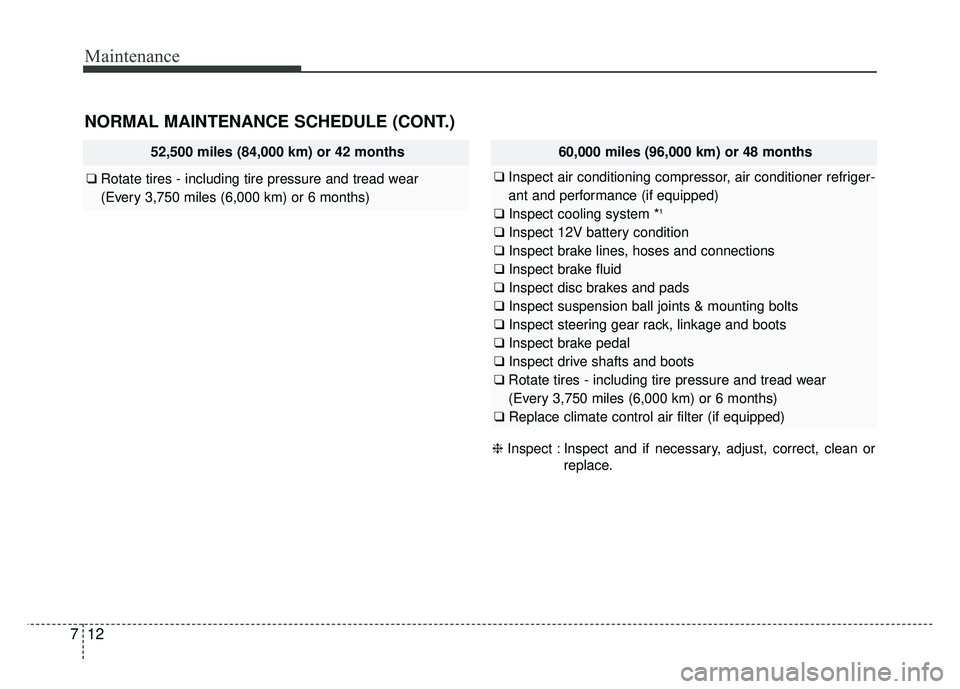
NORMAL MAINTENANCE SCHEDULE (CONT.)
52,500 miles (84,000 km) or 42 months
❑ Rotate tires - including tire pressure and tread wear
(Every 3,750 miles (6,000 km) or 6 months)
60,000 miles (96,000 km) or 48 months
❑Inspect air conditioning compressor, air conditioner refriger-
ant and performance (if equipped)
❑ Inspect cooling system *
1
❑Inspect 12V battery condition
❑ Inspect brake lines, hoses and connections
❑ Inspect brake fluid
❑ Inspect disc brakes and pads
❑ Inspect suspension ball joints & mounting bolts
❑ Inspect steering gear rack, linkage and boots
❑ Inspect brake pedal
❑ Inspect drive shafts and boots
❑ Rotate tires - including tire pressure and tread wear
(Every 3,750 miles (6,000 km) or 6 months)
❑ Replace climate control air filter (if equipped)
❈ Inspect : Inspect and if necessary, adjust, correct, clean or
replace.
Page 403 of 496
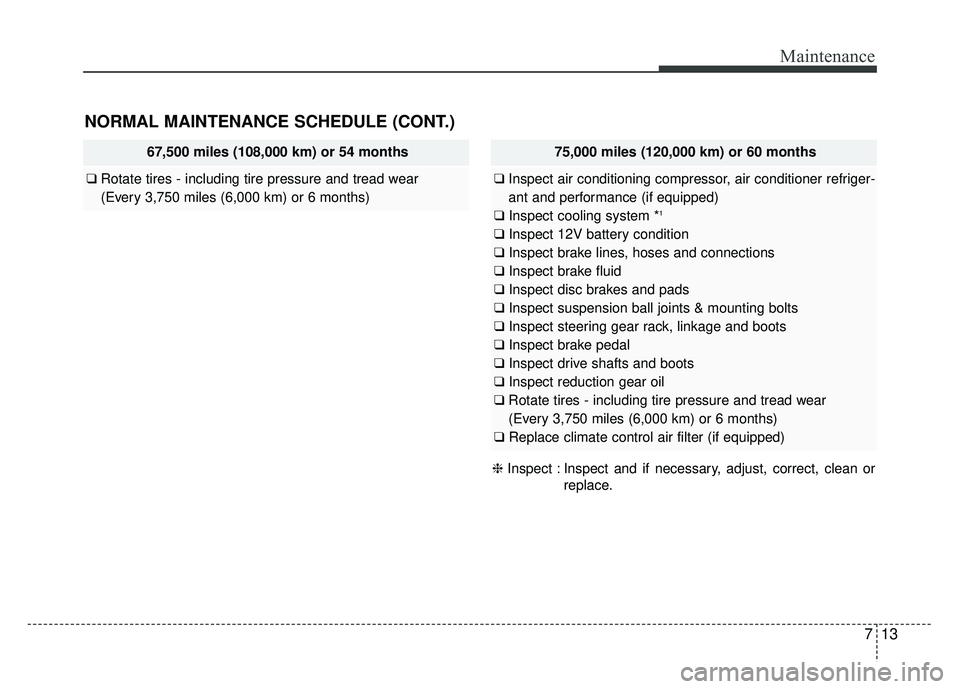
713
Maintenance
NORMAL MAINTENANCE SCHEDULE (CONT.)
67,500 miles (108,000 km) or 54 months
❑Rotate tires - including tire pressure and tread wear
(Every 3,750 miles (6,000 km) or 6 months)
75,000 miles (120,000 km) or 60 months
❑Inspect air conditioning compressor, air conditioner refriger-
ant and performance (if equipped)
❑ Inspect cooling system *
1
❑Inspect 12V battery condition
❑ Inspect brake lines, hoses and connections
❑ Inspect brake fluid
❑ Inspect disc brakes and pads
❑ Inspect suspension ball joints & mounting bolts
❑ Inspect steering gear rack, linkage and boots
❑ Inspect brake pedal
❑ Inspect drive shafts and boots
❑ Inspect reduction gear oil
❑ Rotate tires - including tire pressure and tread wear
(Every 3,750 miles (6,000 km) or 6 months)
❑ Replace climate control air filter (if equipped)
❈ Inspect : Inspect and if necessary, adjust, correct, clean or
replace.
Page 404 of 496
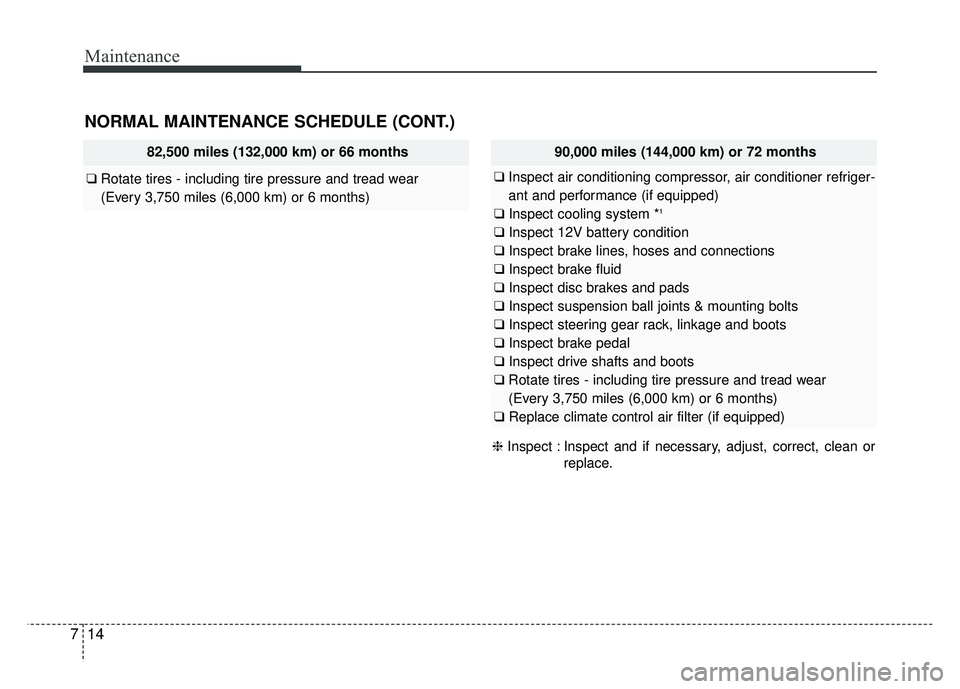
Maintenance
14
7
NORMAL MAINTENANCE SCHEDULE (CONT.)
82,500 miles (132,000 km) or 66 months
❑ Rotate tires - including tire pressure and tread wear
(Every 3,750 miles (6,000 km) or 6 months)
90,000 miles (144,000 km) or 72 months
❑Inspect air conditioning compressor, air conditioner refriger-
ant and performance (if equipped)
❑ Inspect cooling system *
1
❑Inspect 12V battery condition
❑ Inspect brake lines, hoses and connections
❑ Inspect brake fluid
❑ Inspect disc brakes and pads
❑ Inspect suspension ball joints & mounting bolts
❑ Inspect steering gear rack, linkage and boots
❑ Inspect brake pedal
❑ Inspect drive shafts and boots
❑ Rotate tires - including tire pressure and tread wear
(Every 3,750 miles (6,000 km) or 6 months)
❑ Replace climate control air filter (if equipped)
❈ Inspect : Inspect and if necessary, adjust, correct, clean or
replace.