warning KIA SPECTRA5 2008 Repair Manual
[x] Cancel search | Manufacturer: KIA, Model Year: 2008, Model line: SPECTRA5, Model: KIA SPECTRA5 2008Pages: 298, PDF Size: 5.38 MB
Page 111 of 298

3 101
Knowing your vehicle
1
2
3
4
5
6
7
8
9
Using a cellular phone or a
two-way radio
When a cellular phone is used inside
the vehicle, noise may be produced
from the audio equipment. This does
not mean that something is wrong
with the audio equipment. In such a
case, use the cellular phone at a
place as far as possible from the
audio equipment.
Care of cassette tapes
(if equipped)
• Because the thickness of a
sette tape with the total playback
time of over 60 minutes (C-60) are
too thin, we suggest that you do
not use any of them to avoid hav-
ing tapes being tangled.
• To achieve better sound qu
periodically clean the tape head
using a cotton stick with colorless
alcohol (once per month).
• If a tape is too loose, fasten
reel by winding with objects like a
pencil.
• Because dust or foreign objec
a cassette tape may damage the
playback head, always store tapes
in their cases when not in use.
• Make sure cassette tapes are
away from magnetic devices (TV,
stereo system, etc) in order to
achieve better sound quality.
• Be certain that no objects or
stances other than cassette tapes
are inserted into the cassette tape
player.• Because tape media can be
torted when exposed to direct sun-
light, Do not leave cassette tapes
on the seats, dashboard or near
the back windshield.
WARNING - Cellular
phones
Don’t use a cellular phone when
you are driving. The driver must
stop at a safe place to use a cel-
lular phone.
Page 119 of 298

3 109
Knowing your vehicle
✽
NOTICE
• To assure proper operation of the
unit, keep the vehicle interior tem-
perature within a normal range by
using the vehicle's air conditioning
or heating system.
• When replacing the fuse, replace it
with a fuse having the correct
capacity.
• All stored bookmarks are all
erased when the car battery is dis-
connected or power to the vehicle
is lost. If this occurs, the book-
marks will have to be reset.
• This equipment is designed to be
used only in a 12 volt DC battery
system with negative ground.
• This unit is made of precision
parts. Do not attempt to disassem-
ble or adjust any parts.
• Do not expose this equipment
(including the speakers and CD)
to water or excessive moisture.
1
2
3
4
5
6
7
8
9
CAUTION
• Do not insert warped or poor
quality discs into the CD play-
er as damage to the unit may
occur.
• Do not insert anything like
coins into the player slot as
damage to the unit may occur.
• Do not place beverages close
to the audio system. The play-
back mechanism may be dam-
aged if you spill them.
• Do not strike or allow anything
to impact the audio system,
damage to the system mecha-
nisms could occur.
• Off-road or rough surface
driving may cause the com-
pact disc to skip. Do not use
the compact disc when driv-
ing in such conditions as
damage to the compact disc
face could occur.
(Continued)
(Continued)
• Do not attempt to grab or pull
the compact disc out while the
disc is being pulled into the
audio unit by the self-loading
mechanism. Damage to the
audio unit and compact disc
could occur.
• Avoid using recorded com-
pact discs in your audio unit.
Original compact discs are
recommended for best
results.
WARNING
When driving your vehicle, be
sure to keep the volume of the
unit set low enough to allow you
to hear sounds coming from the
outside.
Page 127 of 298

3 117
Knowing your vehicle
1
2
3
4
5
6
7
8
9
✽
NOTICE
• To assure proper operation of the
unit, keep the vehicle interior tem-
perature within a normal range by
using the vehicle's air conditioning
or heating system.
• When replacing the fuse, replace it
with a fuse having the correct
capacity.
• All stored bookmarks are all
erased when the car battery is dis-
connected or power to the vehicle
is lost. If this occurs, the book-
marks will have to be reset.
• This equipment is designed to be
used only in a 12 volt DC battery
system with negative ground.
• This unit is made of precision
parts. Do not attempt to disassem-
ble or adjust any parts.
• Do not expose this equipment
(including the speakers and tape)
to water or excessive moisture.CAUTION
• Do not insert warped or poor
quality discs into the CD play-
er as damage to the unit may
occur.
• Do not insert anything like
coins into the player slot as
damage to the unit may occur.
• Do not place beverages close
to the audio system. The play-
back mechanism may be dam-
aged if you spill them.
• Do not strike or allow anything
to impact the audio system,
damage to the system mecha-
nisms could occur.
• Off-road or rough surface
driving may cause the com-
pact disc to skip. Do not use
the compact disc when driv-
ing in such conditions as
damage to the compact disc
face could occur.
(Continued)
(Continued)
• Do not attempt to grab or pull
the compact disc out while the
disc is being pulled into the
audio unit by the self-loading
mechanism. Damage to the
audio unit and compact disc
could occur.
• Avoid using recorded com-
pact discs in your audio unit.
Original compact discs are
recommended for best
results.
WARNING
When driving your vehicle, be
sure to keep the volume of the
unit set low enough to allow you
to hear sounds coming from the
outside.
Page 134 of 298
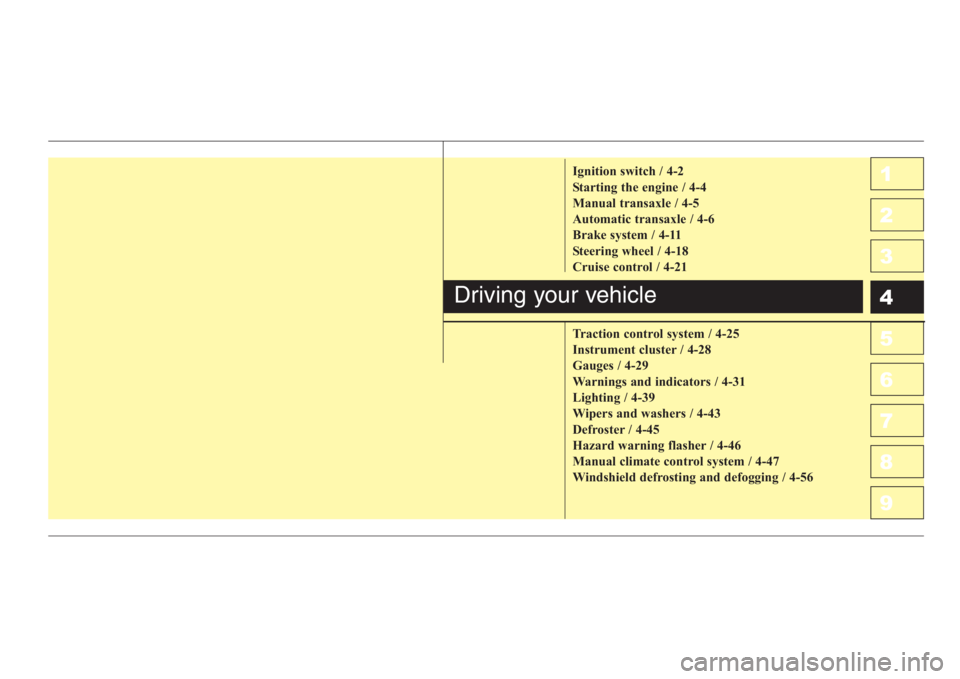
1
2
3
4
5
6
7
8
9Ignition switch / 4-2
Starting the engine / 4-4
Manual transaxle / 4-5
Automatic transaxle / 4-6
Brake system / 4-11
Steering wheel / 4-18
Cruise control / 4-21
Traction control system / 4-25
Instrument cluster / 4-28
Gauges / 4-29
Warnings and indicators / 4-31
Lighting / 4-39
Wipers and washers / 4-43
Defroster / 4-45
Hazard warning flasher / 4-46
Manual climate control system / 4-47
Windshield defrosting and defogging / 4-56
Driving your vehicle
Page 135 of 298

Driving your vehicle
2 4
1
2
3
4
5
6
7
8
9
Illuminated ignition switch
Whenever a door is opened, the igni-
tion switch will be illuminated for your
convenience, provided the ignition
switch is not in the ON position. The
light will go off approximately 30 sec-
onds after closing the door or when
the ignition switch is turned on.
Ignition switch and anti-theft
steering column lock
Ignition switch position
LOCK
The steering wheel locks to protect
against theft. The ignition key can be
removed only in the LOCK position.
When turning the ignition switch to
the LOCK position, push the key
inward at the ACC position and turn
the key toward the LOCK position.
ACC (Accessory)
The steering wheel is unlocked and
electrical accessories are operative.ON
The warning lights can be checked
before the engine is started. This is
the normal running position after the
engine is started.
Do not leave the ignition switch ON if
the engine is not running to prevent
battery discharge.
START
Turn the ignition key to the START
position to start the engine. The
engine will crank until you release
the key; then it returns to the ON
position. The brake warning lamp
can be checked in this position.
✽
NOTICE
If difficulty is experienced in turn-
ing the ignition key to the START
position, turn the steering wheel
right and left to release resistance
and then turn the key.
IGNITION SWITCH
1LDA3012OUN036002
Page 136 of 298
43
1
2
3
4
5
6
7
8
9
Driving your vehicle
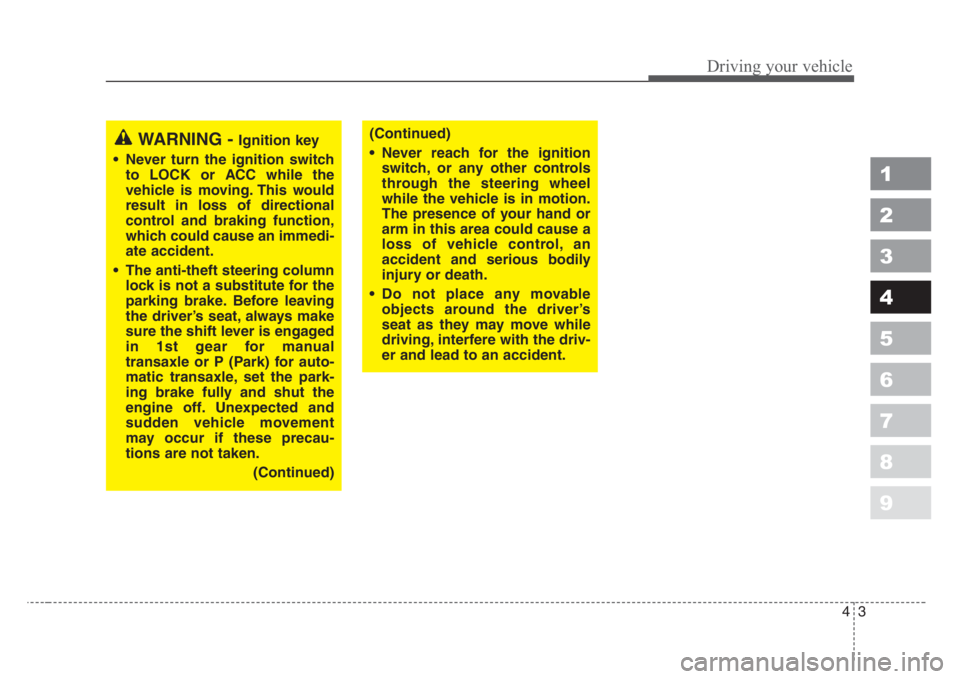
WARNING - Ignition key
• Never turn the ignition switch
to LOCK or ACC while the
vehicle is moving. This would
result in loss of directional
control and braking function,
which could cause an immedi-
ate accident.
• The anti-theft steering column
lock is not a substitute for the
parking brake. Before leaving
the driver’s seat, always make
sure the shift lever is engaged
in 1st gear for manual
transaxle or P (Park) for auto-
matic transaxle,set the park-
ing brake fully and shut the
engine off. Unexpected and
sudden vehicle movement
may occur if these precau-
tions are not taken.
(Continued)(Continued)
• Never reach for the ignition
switch, or any other controls
through the steering wheel
while the vehicle is in motion.
The presence of your hand or
arm in this area could cause a
loss of vehicle control, an
accident and serious bodily
injury or death.
• Do not place any movable
objects around the driver’s
seat as they may move while
driving, interfere with the driv-
er and lead to an accident.
Page 137 of 298
Driving your vehicle
4 4
1
2
3
4
5
6
7
8
9
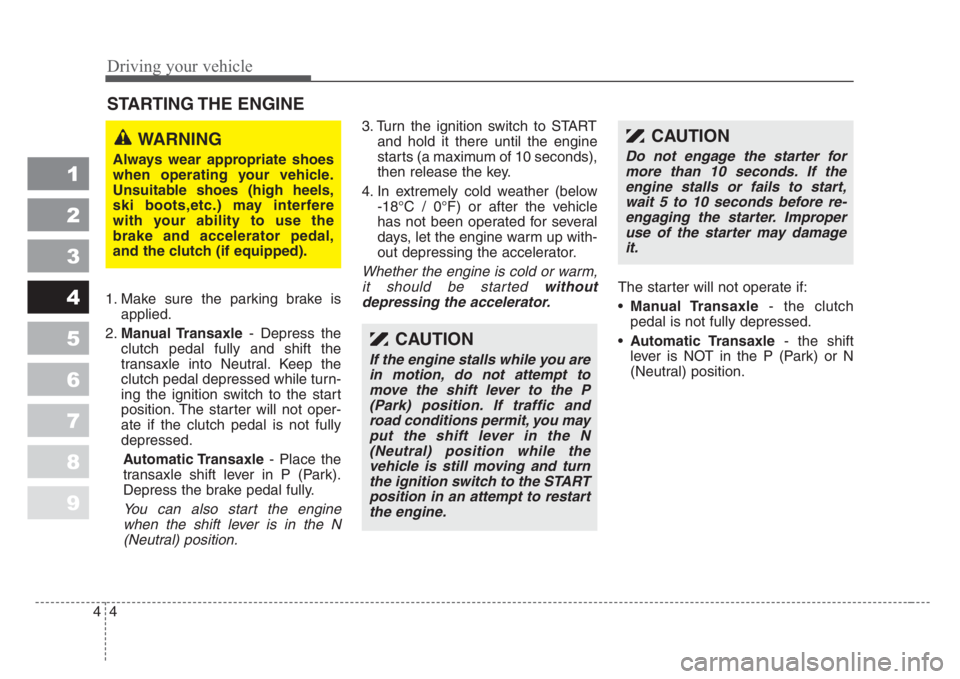
1. Make sure the parking brake is
applied.
2.Manual Transaxle- Depress the
clutch pedal fully and shift the
transaxle into Neutral. Keep the
clutch pedal depressed while turn-
ing the ignition switch to the start
position. The starter will not oper-
ate if the clutch pedal is not fully
depressed.
Automatic Transaxle- Place the
transaxle shift lever in P (Park).
Depress the brake pedal fully.
You can also start the engine
when the shift lever is in the N
(Neutral) position.
3. Turn the ignition switch to START
and hold it there until the engine
starts (a maximum of 10 seconds),
then release the key.
4. In extremely cold weather (below
-18°C / 0°F) or after the vehicle
has not been operated for several
days, let the engine warm up with-
out depressing the accelerator.
Whether the engine is cold or warm,
it should be started without
depressing the accelerator.
The starter will not operate if:
•Manual Transaxle- the clutch
pedal is not fully depressed.
•Automatic Transaxle- the shift
lever is NOT in the P (Park) or N
(Neutral) position.
STARTING THE ENGINE
CAUTION
If the engine stalls while you are
in motion, do not attempt to
move the shift lever to the P
(Park) position. If traffic and
road conditions permit, you may
put the shift lever in the N
(Neutral) position while the
vehicle is still moving and turn
the ignition switch to the START
position in an attempt to restart
the engine.
WARNING
Always wear appropriate shoes
when operating your vehicle.
Unsuitable shoes (high heels,
ski boots,etc.) may interfere
with your ability to use the
brake and accelerator pedal,
and the clutch (if equipped).
CAUTION
Do not engage the starter for
more than 10 seconds. If the
engine stalls or fails to start,
wait 5 to 10 seconds before re-
engaging the starter. Improper
use of the starter may damage
it.
Page 138 of 298
45
1
2
3
4
5
6
7
8
9
Driving your vehicle
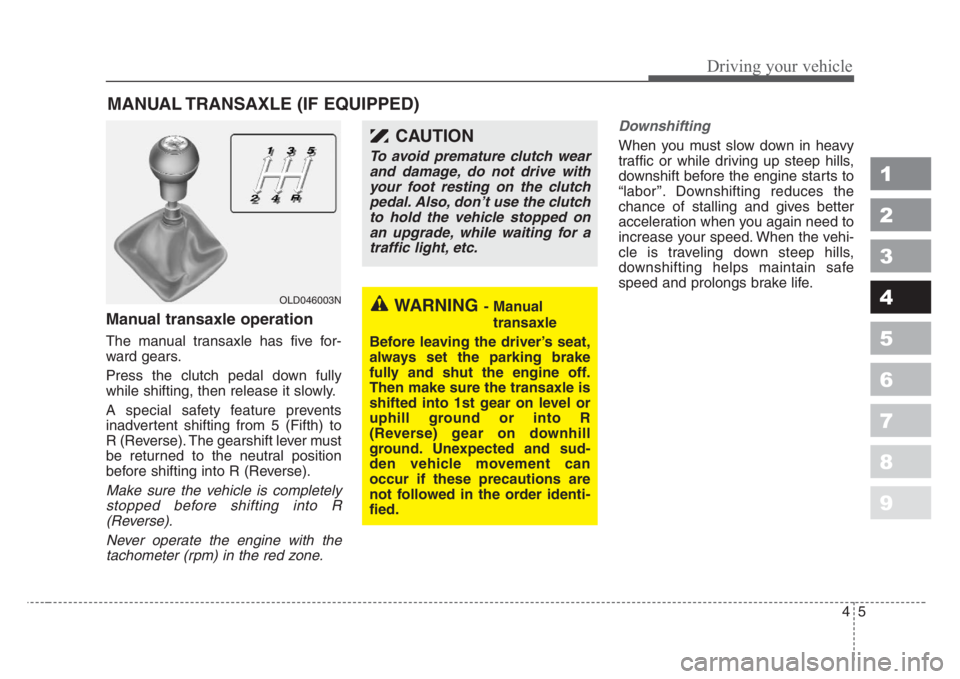
Manual transaxle operation
The manual transaxle has five for-
ward gears.
Press the clutch pedal down fully
while shifting, then release it slowly.
A special safety feature prevents
inadvertent shifting from 5 (Fifth) to
R (Reverse). The gearshift lever must
be returned to the neutral position
before shifting into R (Reverse).
Make sure the vehicle is completely
stopped before shifting into R
(Reverse).
Never operate the engine with the
tachometer (rpm) in the red zone.Downshifting
When you must slow down in heavy
traffic or while driving up steep hills,
downshift before the engine starts to
“labor’’. Downshifting reduces the
chance of stalling and gives better
acceleration when you again need to
increase your speed. When the vehi-
cle is traveling down steep hills,
downshifting helps maintain safe
speed and prolongs brake life.
MANUAL TRANSAXLE (IF EQUIPPED)
OLD046003NWARNING- Manual
transaxle
Before leaving the driver’s seat,
always set the parking brake
fully and shut the engine off.
Then make sure the transaxle is
shifted into 1st gear on level or
uphill ground or into R
(Reverse) gear on downhill
ground. Unexpected and sud-
den vehicle movement can
occur if these precautions are
not followed in the order identi-
fied.
CAUTION
To avoid premature clutch wear
and damage, do not drive with
your foot resting on the clutch
pedal. Also, don’t use the clutch
to hold the vehicle stopped on
an upgrade, while waiting for a
traffic light, etc.
Page 140 of 298
47
1
2
3
4
5
6
7
8
9
Driving your vehicle
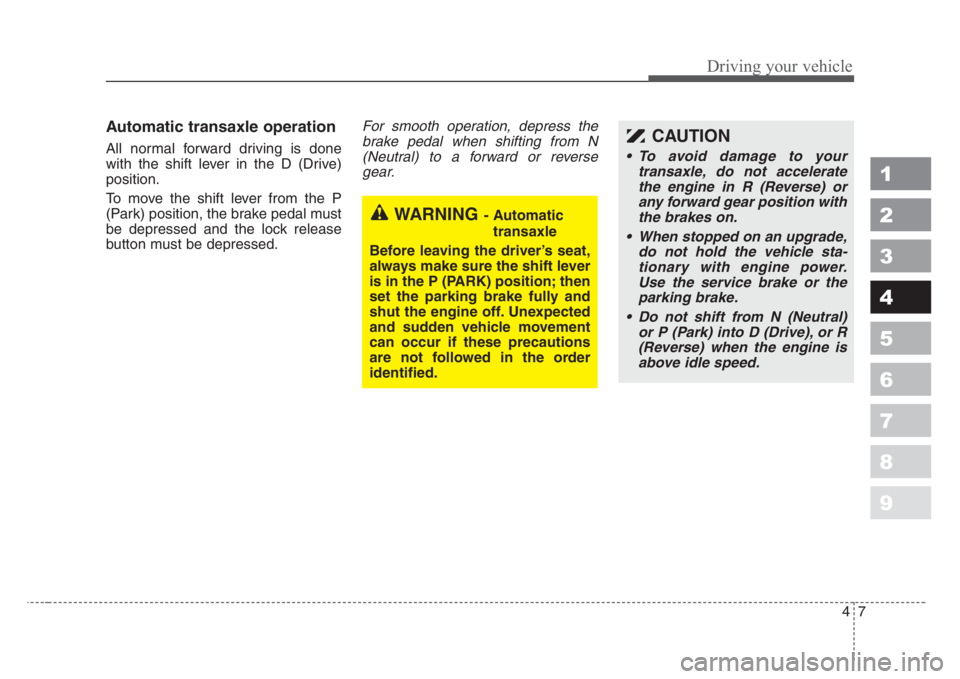
Automatic transaxle operation
All normal forward driving is done
with the shift lever in the D (Drive)
position.
To move the shift lever from the P
(Park) position, the brake pedal must
be depressed and the lock release
button must be depressed.
For smooth operation, depress the
brake pedal when shifting from N
(Neutral) to a forward or reverse
gear.
WARNING- Automatic
transaxle
Before leaving the driver’s seat,
always make sure the shift lever
is in the P (PARK) position; then
set the parking brake fully and
shut the engine off. Unexpected
and sudden vehicle movement
can occur if these precautions
are not followed in the order
identified.
CAUTION
• To avoid damage to your
transaxle, do not accelerate
the engine in R (Reverse) or
any forward gear position with
the brakes on.
• When stopped on an upgrade,
do not hold the vehicle sta-
tionary with engine power.
Use the service brake or the
parking brake.
• Do not shift from N (Neutral)
or P (Park) into D (Drive), or R
(Reverse) when the engine is
above idle speed.
Page 141 of 298

Driving your vehicle
8 4
1
2
3
4
5
6
7
8
9
Transaxle ranges
P (park)
This position locks the transaxle and
prevents the front wheels from rotat-
ing. Always come to a complete stop
before shifting into this position.
R (reverse)
Use this position to drive the vehicle
backward.
N (neutral)
With the gearshift in the N position,
the wheels and transaxle are not
locked. The vehicle will roll freely
even on the slightest incline unless
the parking brake or service brakes
are applied.
(Continued)
• Before leaving the driver’s
seat, always make sure the
shift lever is in the P (PARK)
position. Set the parking
brake fully,shut the engine off
and take the key with you.
Unexpected and sudden vehi-
cle movement can occur if you
do not follow these precau-
tions in the order specified.
WARNING
• Shifting into P (Park) while the
vehicle is in motion will cause
the drive wheels to lock which
will cause you to lose control
of the vehicle.
• Do not use the P (Park) posi-
tion in place of the parking
brake. Always make sure the
shift lever is latched in the P
(Park) position so that it can-
not be moved unless the lock
release button is pushed in,
AND set the parking brake
fully.
(Continued)
CAUTION
Always come to a complete stop
before shifting into or out of R
(Reverse); you may damage the
transaxle if you shift into R
while the vehicle is in motion,
except as explained in “Rocking
the Vehicle”, in this manual.
CAUTION
The transaxle may be damaged
if you shift into P (Park) while
the vehicle is in motion.