charging KIA SPORTAGE 2018 User Guide
[x] Cancel search | Manufacturer: KIA, Model Year: 2018, Model line: SPORTAGE, Model: KIA SPORTAGE 2018Pages: 605, PDF Size: 13.79 MB
Page 274 of 605
Audio system
12
5
(Continued)
• Charging through the USB may
not work for some mobile devices.
• The device may not support nor- mal operation when using a typi-
cal USB memory device (minia-
ture, keychain, etc.). For best
results, use a typical USB device
that has a metal case.
• The device may not support nor- mal operation when using formats
such as HDD Type, CF, or SD
Memory.
• The device will not support files locked by DRM (Digital Rights
Management.)
• USB memory sticks used by con- necting an Adaptor (SD Type or
CF Type) may not be properly rec-
ognized.
• The device may not operate prop- erly when using USB HDDs or
USBs subject to connection fail-
ures caused by vehicle vibrations.
(e.g. i-stick type) (Continued)(Continued)
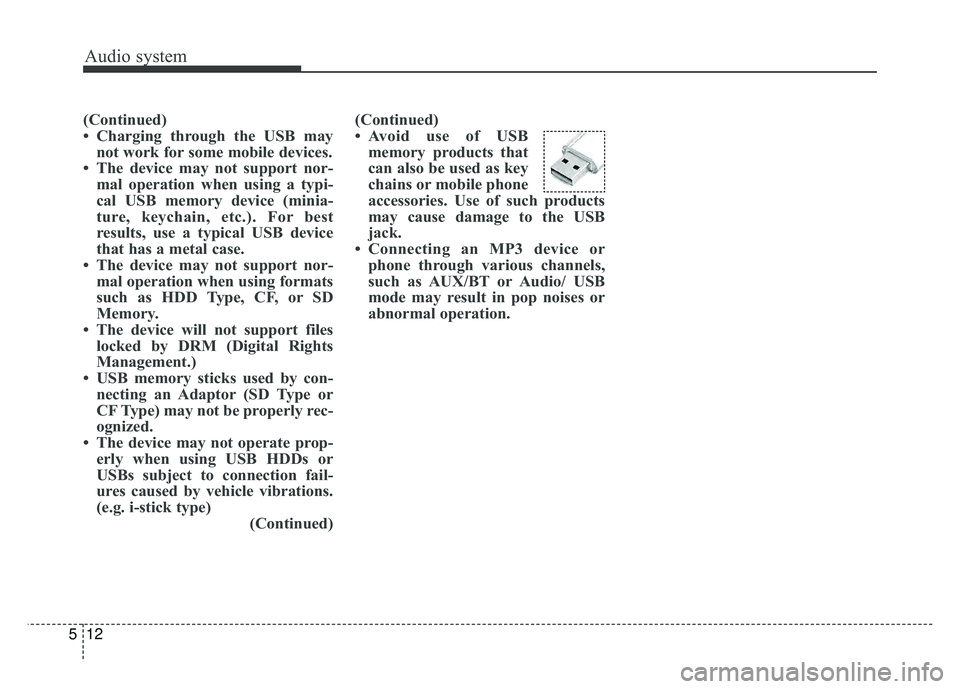
• Avoid use of USB
memory products that
can also be used as key
chains or mobile phone
accessories. Use of such products
may cause damage to the USB
jack.
• Connecting an MP3 device or phone through various channels,
such as AUX/BT or Audio/ USB
mode may result in pop noises or
abnormal operation.
Page 276 of 605
Audio system
14
5
(Continued)
• Some iPod®products may not
sync with the System depending
on the version. If the Media is
removed before the Media is rec-
ognized, then the system may not
properly restore the previously
operated mode. (iPad
®charging is
not supported.)
• Use an iPod
®cable shorter than 1
meter in length such as the one
originally supplied with a new
iPod
®, longer cables may lead to
the audio system not recognizing
the iPod
®.
✽ ✽ NOTICE - Using the
Bluetooth®Wireless Technology
Audio Mode
• Bluetooth®Wireless Technology
Audio Mode can be used only
when a Bluetooth
®Wireless
Technology phone has been con-
nected.
• Bluetooth
®Wireless Technology
Audio Mode will not be available
when connecting mobile phones
that do not support this feature.
• If a Bluetooth
®Wireless
Technology Phone is being used to
play music and receives an incom-
ing or outgoing phone call, then
the music will stop.
• Moving the Track up/down while playing Bluetooth
®Wireless
Technology audio mode may
result in pop noises with some
mobile phones.
• Bluetooth
®Wireless Technology
streaming audio may not be sup-
ported in some mobile phones. (Continued)(Continued)
• When returning to Bluetooth
®
Wireless Technology Audio mode
after ending a call, the mode may
not automatically restart in some
mobile phones.
• Receiving an incoming call or making an outgoing call while
playing Bluetooth
®Wireless
Technology Audio may result in
audio interference.
Page 471 of 605
Maintenance
Engine compartment . . . . . . . . . . . . . . . . . . . . . . . . 8-3
Maintenance services . . . . . . . . . . . . . . . . . . . . . . . . 8-4
• Owner’s responsibility . . . . . . . . . . . . . . . . . . . . . . . . . 8-4
• Owner maintenance precautions . . . . . . . . . . . . . . . . . 8-5
Owner maintenance . . . . . . . . . . . . . . . . . . . . . . . . . 8-6
• Owner maintenance schedule. . . . . . . . . . . . . . . . . . . . 8-6
Scheduled maintenance service. . . . . . . . . . . . . . . . 8-8
Explanation of scheduled maintenance items . . . 8-21
Checking fluid levels . . . . . . . . . . . . . . . . . . . . . . . 8-25
Engine oil. . . . . . . . . . . . . . . . . . . . . . . . . . . . . . . . . 8-26
• Checking the engine oil level . . . . . . . . . . . . . . . . . . . 8-26
• Changing the engine oil and filter . . . . . . . . . . . . . . . 8-27
Engine coolant . . . . . . . . . . . . . . . . . . . . . . . . . . . . 8-28
• Checking the coolant level . . . . . . . . . . . . . . . . . . . . . 8-28
• Changing the coolant . . . . . . . . . . . . . . . . . . . . . . . . . 8-31
Brake fluid . . . . . . . . . . . . . . . . . . . . . . . . . . . . . . . 8-32
• Checking the brake fluid level . . . . . . . . . . . . . . . . . . 8-32
Washer fluid . . . . . . . . . . . . . . . . . . . . . . . . . . . . . . 8-33
• Checking the washer fluid level . . . . . . . . . . . . . . . . . 8-33
Parking brake . . . . . . . . . . . . . . . . . . . . . . . . . . . . . 8-34
• Checking the parking brake. . . . . . . . . . . . . . . . . . . . 8-34
Air cleaner. . . . . . . . . . . . . . . . . . . . . . . . . . . . . . . . 8-35
• Filter replacement . . . . . . . . . . . . . . . . . . . . . . . . . . . . 8-35
Climate control air filter . . . . . . . . . . . . . . . . . . . . 8-37
• Filter inspection . . . . . . . . . . . . . . . . . . . . . . . . . . . . . . 8-37
Wiper blades . . . . . . . . . . . . . . . . . . . . . . . . . . . . . . 8-39
• Blade inspection . . . . . . . . . . . . . . . . . . . . . . . . . . . . . . 8-39
• Blade replacement . . . . . . . . . . . . . . . . . . . . . . . . . . . . 8-39
Battery . . . . . . . . . . . . . . . . . . . . . . . . . . . . . . . . . . . 8-\
42
• For best battery service . . . . . . . . . . . . . . . . . . . . . . . 8-42
• Recharging the battery . . . . . . . . . . . . . . . . . . . . . . . . 8-43
• Reset items . . . . . . . . . . . . . . . . . . . . . . . . . . . . . . . . . . 8-44\
Tires and wheels . . . . . . . . . . . . . . . . . . . . . . . . . . . 8-45
• Tire care . . . . . . . . . . . . . . . . . . . . . . . . . . . . . . . . . . . . \
8-45
• Recommended cold tire inflation pressures . . . . . . . 8-45
• Tire pressure . . . . . . . . . . . . . . . . . . . . . . . . . . . . . . . . 8-46
• Checking tire inflation pressure. . . . . . . . . . . . . . . . . 8-46
• Tire rotation . . . . . . . . . . . . . . . . . . . . . . . . . . . . . . . . . 8-47
• Wheel alignment and tire balance . . . . . . . . . . . . . . . 8-48
• Tire replacement . . . . . . . . . . . . . . . . . . . . . . . . . . . . . 8-49
• Wheel replacement . . . . . . . . . . . . . . . . . . . . . . . . . . . 8-50
• Tire traction . . . . . . . . . . . . . . . . . . . . . . . . . . . . . . . . . 8-50
• Tire maintenance . . . . . . . . . . . . . . . . . . . . . . . . . . . . . 8-50
• Tire sidewall labeling . . . . . . . . . . . . . . . . . . . . . . . . . 8-50
• All season tires . . . . . . . . . . . . . . . . . . . . . . . . . . . . . . . 8-57
• Summer tires . . . . . . . . . . . . . . . . . . . . . . . . . . . . . . . . 8-57
• Snow tires . . . . . . . . . . . . . . . . . . . . . . . . . . . . . . . . . . . 8-\
57
• Tire chains . . . . . . . . . . . . . . . . . . . . . . . . . . . . . . . . . . 8-57\
8
Page 512 of 605
Maintenance
42
8
BATTERY
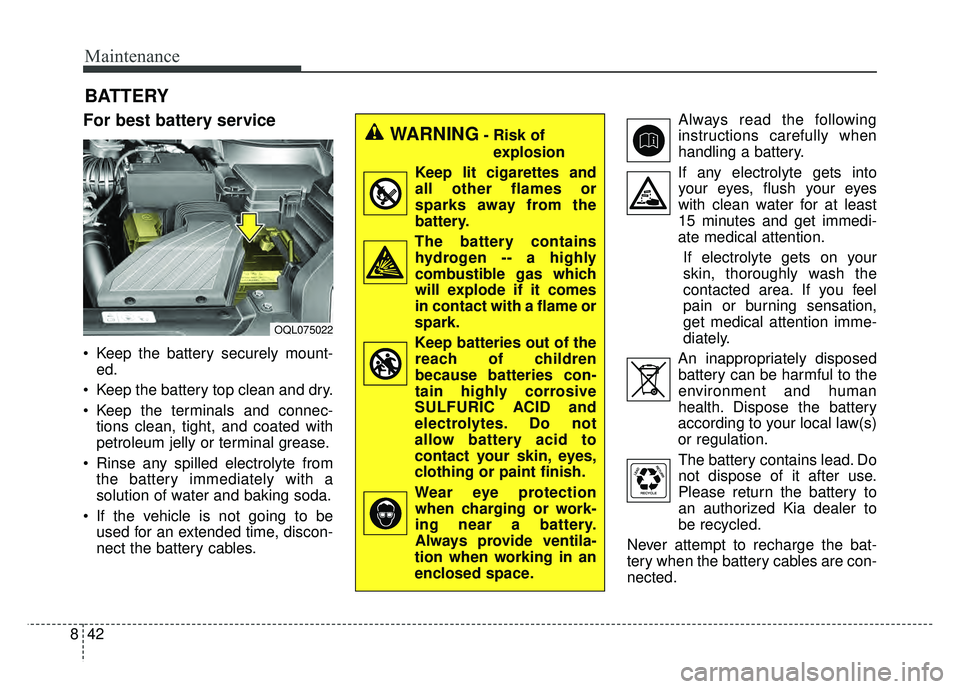
For best battery service
Keep the battery securely mount-
ed.
Keep the battery top clean and dry.
Keep the terminals and connec- tions clean, tight, and coated with
petroleum jelly or terminal grease.
Rinse any spilled electrolyte from the battery immediately with a
solution of water and baking soda.
If the vehicle is not going to be used for an extended time, discon-
nect the battery cables. Always read the following
instructions carefully when
handling a battery.
If any electrolyte gets into your eyes, flush your eyes
with clean water for at least
15 minutes and get immedi-
ate medical attention.
If electrolyte gets on your
skin, thoroughly wash the
contacted area. If you feel
pain or burning sensation,
get medical attention imme-
diately.
An inappropriately disposed battery can be harmful to the
environment and human
health. Dispose the battery
according to your local law(s)
or regulation.
The battery contains lead. Do
not dispose of it after use.
Please return the battery to
an authorized Kia dealer to
be recycled.
Never attempt to recharge the bat-
tery when the battery cables are con-
nected.
WARNING- Risk of explosion
Keep lit cigarettes and
all other flames or
sparks away from the
battery.
The battery contains hydrogen -- a highly
combustible gas which
will explode if it comes
in contact with a flame or
spark.
Keep batteries out of the reach of children
because batteries con-
tain highly corrosive
SULFURIC ACID and
electrolytes. Do not
allow battery acid to
contact your skin, eyes,
clothing or paint finish.
Wear eye protection when charging or work-
ing near a battery.
Always provide ventila-
tion when working in an
enclosed space.
OQL075022
Page 513 of 605
843
Maintenance
✽
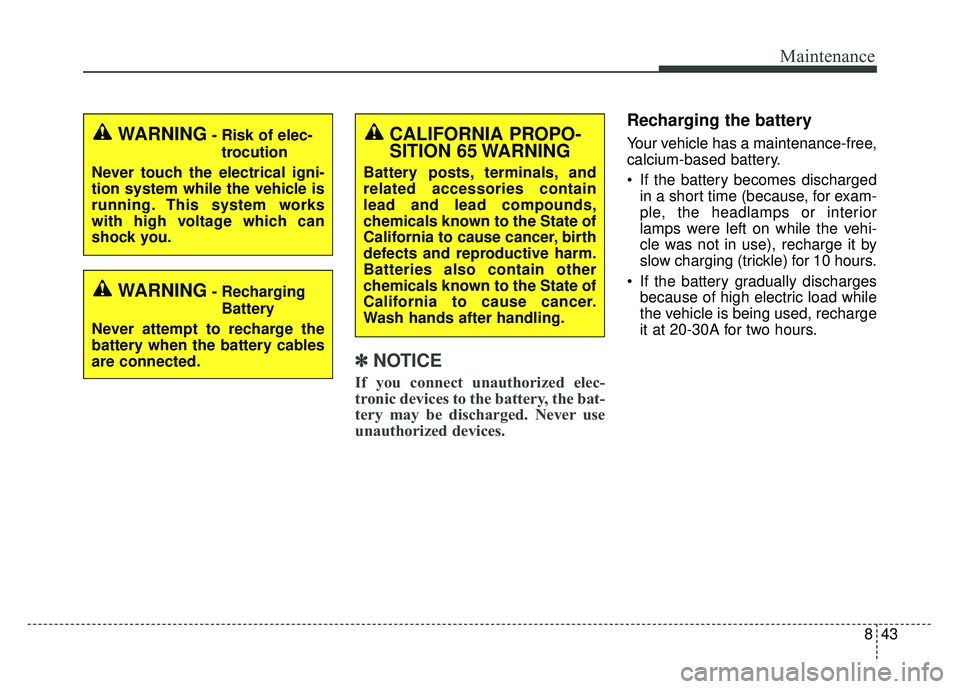
✽NOTICE
If you connect unauthorized elec-
tronic devices to the battery, the bat-
tery may be discharged. Never use
unauthorized devices.
Recharging the battery
Your vehicle has a maintenance-free,
calcium-based battery.
If the battery becomes discharged
in a short time (because, for exam-
ple, the headlamps or interior
lamps were left on while the vehi-
cle was not in use), recharge it by
slow charging (trickle) for 10 hours.
If the battery gradually discharges because of high electric load while
the vehicle is being used, recharge
it at 20-30A for two hours.CALIFORNIA PROPO-
SITION 65 WARNING
Battery posts, terminals, and
related accessories contain
lead and lead compounds,
chemicals known to the State of
California to cause cancer, birth
defects and reproductive harm.
Batteries also contain other
chemicals known to the State of
California to cause cancer.
Wash hands after handling.
WARNING- Risk of elec-
trocution
Never touch the electrical igni-
tion system while the vehicle is
running. This system works
with high voltage which can
shock you.
WARNING- Recharging Battery
Never attempt to recharge the
battery when the battery cables
are connected.
Page 514 of 605
Maintenance
44
8
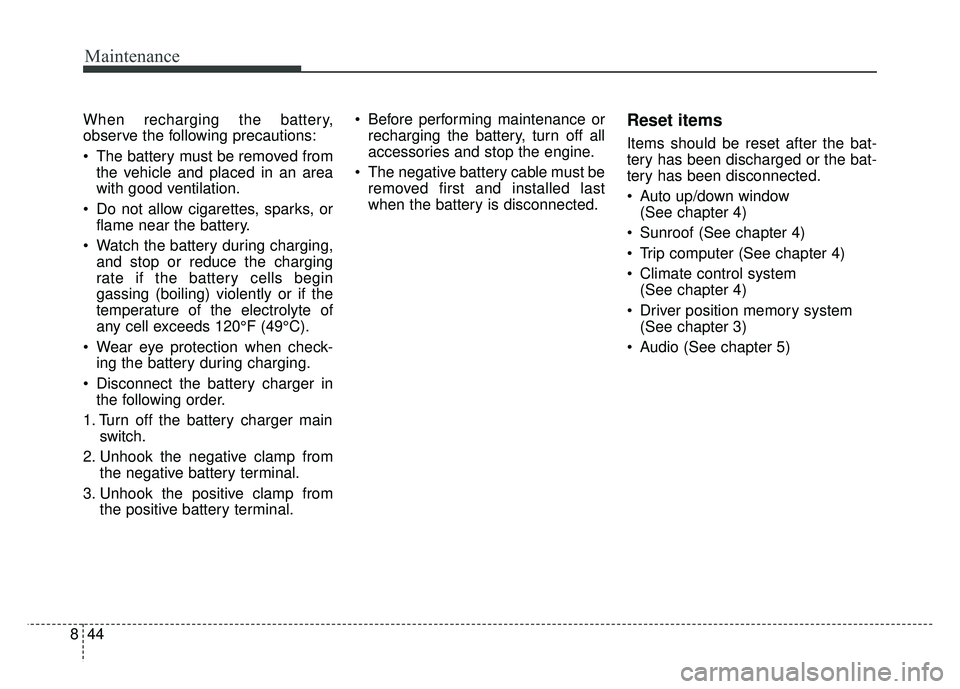
When recharging the battery,
observe the following precautions:
The battery must be removed from
the vehicle and placed in an area
with good ventilation.
Do not allow cigarettes, sparks, or flame near the battery.
Watch the battery during charging, and stop or reduce the charging
rate if the battery cells begin
gassing (boiling) violently or if the
temperature of the electrolyte of
any cell exceeds 120°F (49°C).
Wear eye protection when check- ing the battery during charging.
Disconnect the battery charger in the following order.
1. Turn off the battery charger main switch.
2. Unhook the negative clamp from the negative battery terminal.
3. Unhook the positive clamp from the positive battery terminal. Before performing maintenance or
recharging the battery, turn off all
accessories and stop the engine.
The negative battery cable must be removed first and installed last
when the battery is disconnected.Reset items
Items should be reset after the bat-
tery has been discharged or the bat-
tery has been disconnected.
Auto up/down window (See chapter 4)
Sunroof (See chapter 4)
Trip computer (See chapter 4)
Climate control system (See chapter 4)
Driver position memory system (See chapter 3)
Audio (See chapter 5)
Page 589 of 605
915
Specifications, Consumer information, Reporting safety defects
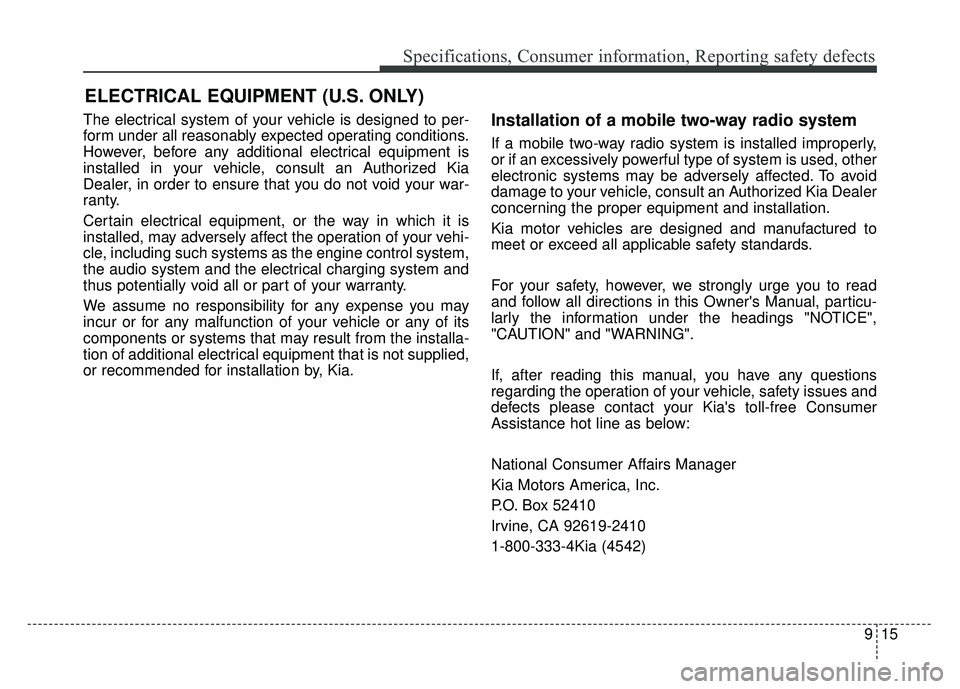
The electrical system of your vehicle is designed to per-
form under all reasonably expected operating conditions.
However, before any additional electrical equipment is
installed in your vehicle, consult an Authorized Kia
Dealer, in order to ensure that you do not void your war-
ranty.
Certain electrical equipment, or the way in which it is
installed, may adversely affect the operation of your vehi-
cle, including such systems as the engine control system,
the audio system and the electrical charging system and
thus potentially void all or part of your warranty.
We assume no responsibility for any expense you may
incur or for any malfunction of your vehicle or any of its
components or systems that may result from the installa-
tion of additional electrical equipment that is not supplied,
or recommended for installation by, Kia.Installation of a mobile two-way radio system
If a mobile two-way radio system is installed improperly,
or if an excessively powerful type of system is used, other
electronic systems may be adversely affected. To avoid
damage to your vehicle, consult an Authorized Kia Dealer
concerning the proper equipment and installation.
Kia motor vehicles are designed and manufactured to
meet or exceed all applicable safety standards.
For your safety, however, we strongly urge you to read
and follow all directions in this Owner's Manual, particu-
larly the information under the headings "NOTICE",
"CAUTION" and "WARNING".
If, after reading this manual, you have any questions
regarding the operation of your vehicle, safety issues and
defects please contact your Kia's toll-free Consumer
Assistance hot line as below:
National Consumer Affairs Manager
Kia Motors America, Inc.
P.O. Box 52410
Irvine, CA 92619-2410
1-800-333-4Kia (4542)
ELECTRICAL EQUIPMENT (U.S. ONLY)
Page 593 of 605
I3
Index
Sensor to detect the distance from the vehiclein front (front radar)..................................................6-56
System malfunction ....................................................6-57
Limitation of the system ............................................6-58
Recognizing pedestrians ............................................6-61
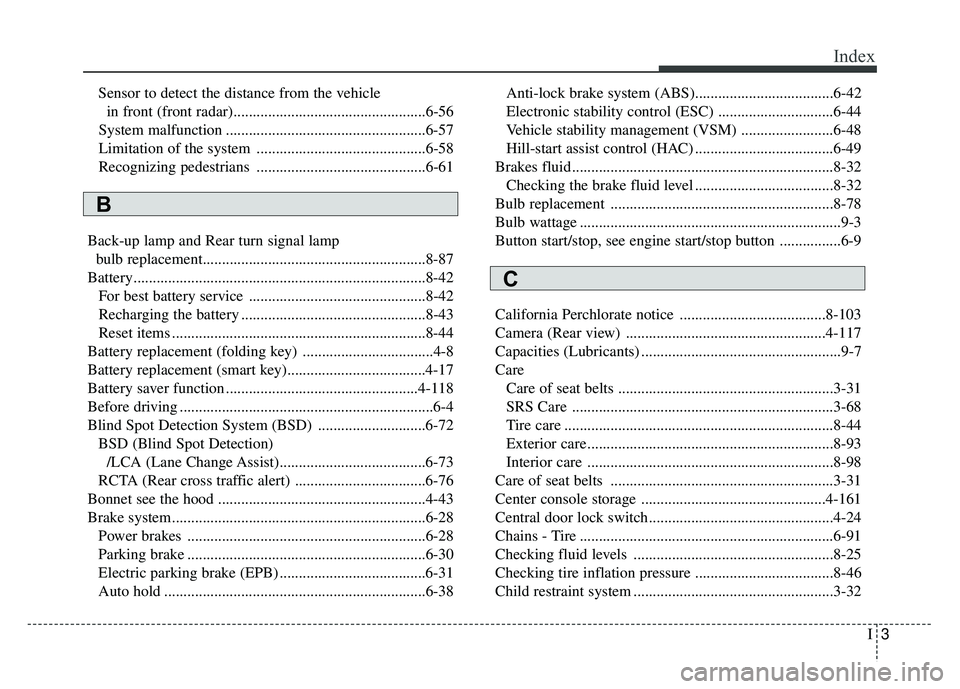
Back-up lamp and Rear turn signal lamp bulb replacement..........................................................8-87
Battery........................................................................\
....8-42 For best battery service ..............................................8-42
Recharging the battery ................................................8-43
Reset items ..................................................................8-44
Battery replacement (folding key) ..................................4-8
Battery replacement (smart key)....................................4-17
Battery saver function ..................................................4-118
Before driving ..................................................................6-4
Blind Spot Detection System (BSD) ............................6-72 BSD (Blind Spot Detection)/LCA (Lane Change Assist)......................................6-73
RCTA (Rear cross traffic alert) ..................................6-76
Bonnet see the hood ......................................................4-43
Brake system..................................................................6-28 Power brakes ..............................................................6-28
Parking brake ..............................................................6-30
Electric parking brake (EPB) ......................................6-31
Auto hold ....................................................................6-38\
Anti-lock brake system (ABS)....................................6-42
Electronic stability control (ESC) ..............................6-44
Vehicle stability management (VSM) ........................6-48
Hill-start assist control (HAC) ....................................6-49
Brakes fluid....................................................................8-32\
Checking the brake fluid level ....................................8-32
Bulb replacement ..........................................................8-78
Bulb wattage ....................................................................9-3
Button start/stop, see engine start/stop button ................6-9
California Perchlorate notice ......................................8-103
Camera (Rear view) ....................................................4-117
Capacities (Lubricants) ....................................................9-7
Care Care of seat belts ........................................................3-31
SRS Care ....................................................................3-68\
Tire care ......................................................................8-\
44
Exterior care ................................................................8-93
Interior care ................................................................8-98
Care of seat belts ..........................................................3-31
Center console storage ................................................4-161
Central door lock switch................................................4-24
Chains - Tire ..................................................................6-91
Checking fluid levels ....................................................8-25
Checking tire inflation pressure ....................................8-46
Child restraint system ....................................................3-32
B
C
Page 598 of 605
Index
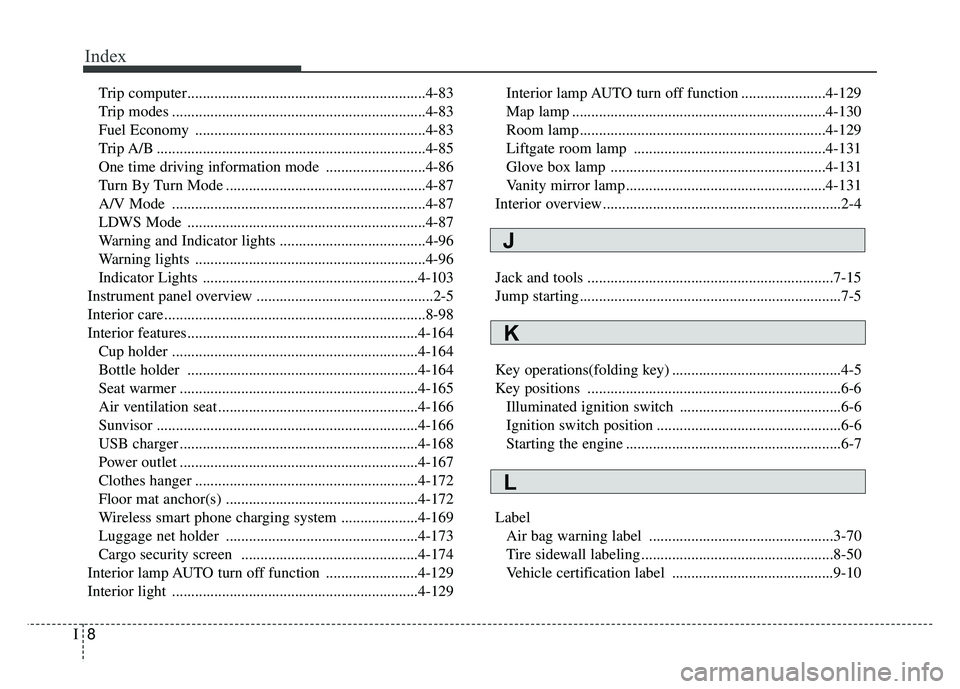
8I
Trip computer..............................................................4-83
Trip modes ..................................................................4-83
Fuel Economy ............................................................4-83
Trip A/B ......................................................................4-\
85
One time driving information mode ..........................4-86
Turn By Turn Mode ....................................................4-87
A/V Mode ..................................................................4-87
LDWS Mode ..............................................................4-87
Warning and Indicator lights ......................................4-96
Warning lights ............................................................4-96
Indicator Lights ........................................................4-103
Instrument panel overview ..............................................2-5
Interior care....................................................................8-98\
Interior features............................................................4-164 Cup holder ................................................................4-164
Bottle holder ............................................................4-164
Seat warmer ..............................................................4-165
Air ventilation seat ....................................................4-166
Sunvisor ....................................................................4-16\
6
USB charger ..............................................................4-168
Power outlet ..............................................................4-167
Clothes hanger ..........................................................4-172
Floor mat anchor(s) ..................................................4-172
Wireless smart phone charging system ....................4-169
Luggage net holder ..................................................4-173
Cargo security screen ..............................................4-174
Interior lamp AUTO turn off function ........................4-129
Interior light ................................................................4-129 Interior lamp AUTO turn off function ......................4-129
Map lamp ..................................................................4-130
Room lamp ................................................................4-129
Liftgate room lamp ..................................................4-131
Glove box lamp ........................................................4-131
Vanity mirror lamp ....................................................4-131
Interior overview..............................................................2-4
Jack and tools ................................................................7-15
Jump starting....................................................................7-5
Key operations(folding key) ............................................4-5
Key positions ..................................................................6-6 Illuminated ignition switch ..........................................6-6
Ignition switch position ................................................6-6
Starting the engine ........................................................6-7
Label Air bag warning label ................................................3-70
Tire sidewall labeling ..................................................8-50
Vehicle certification label ..........................................9-10
J
K
L
Page 604 of 605

Index
14I
Trip modes ....................................................................4-83\
Turn By Turn Mode ......................................................4-87
Turn signals..................................................................4-123
USB charger ................................................................4-168
User settings mode ........................................................4-77
Using the Tire Mobility Kit ..........................................7-27
Vanity mirror lamp ......................................................4-131
Vanity mirror lamp bulb replacement ............................8-89
Vehicle break-in process ..................................................1-5
Vehicle certification label ..............................................9-10
Vehicle data collection and event data recorders ............1-6
Vehicle handling instructions ..........................................1-5
Vehicle identification number (VIN) ............................9-10
Vehicle load limit ........................................................6-102Tire and loading information label ..........................6-102
Certification label......................................................6-106
Vehicle stability management (VSM) ..........................6-48
Vehicle weight ............................................................6-107 Warning and Indicator lights ........................................4-96
Warning lights ................................................................4-96
Warning Messages ........................................................4-88
Washer fluid ..................................................................8-33
Checking the washer fluid level..................................8-33
Welcome system ..........................................................4-132 Headlight (Headlamp) escort function......................4-132
Wheel alignment and tire balance ................................8-48
Wheel replacement ........................................................8-50
Windows ........................................................................\
4-38 Power window lock button ........................................4-41
Windshield defrosting and defogging..........................4-156
Windshield washers ....................................................4-126
Windshield wipers ......................................................4-125
Winter driving ................................................................6-90 Snow tires....................................................................6-90\
Tire chains ..................................................................6-91
Wiper blades ..................................................................8-39 Blade inspection ..........................................................8-39
Blade replacement ......................................................8-39
Wipers and washers ....................................................4-125 Windshield wipers ....................................................4-125
Windshield washers ..................................................4-126
Rear window wiper and washer................................4-127
Wireless smart phone charging system ......................4-169
U
V
W