audio KIA VENGA 2011 Manual PDF
[x] Cancel search | Manufacturer: KIA, Model Year: 2011, Model line: VENGA, Model: KIA VENGA 2011Pages: 761, PDF Size: 34.65 MB
Page 757 of 761
Features of your vehicle
128
4
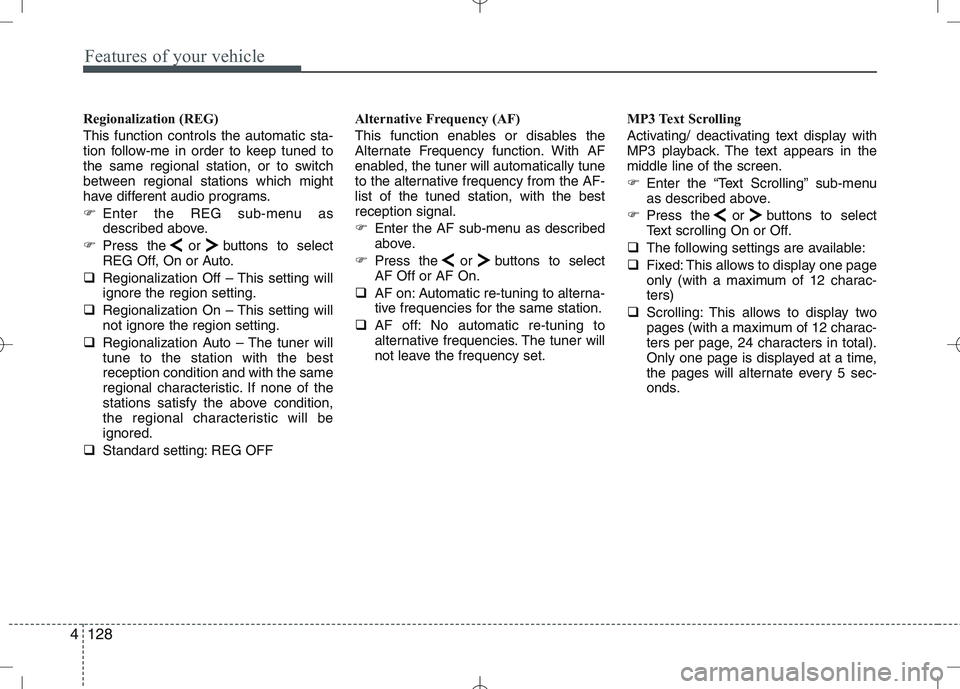
Regionalization (REG) This function controls the automatic sta-
tion follow-me in order to keep tuned to
the same regional station, or to switch
between regional stations which might
have different audio programs.
Enter the REG sub-menu as
described above.
Press the or buttons to select
REG Off, On or Auto.
Regionalization Off – This setting willignore the region setting.
Regionalization On – This setting willnot ignore the region setting.
Regionalization Auto – The tuner willtune to the station with the bestreception condition and with the same
regional characteristic. If none of the
stations satisfy the above condition,
the regional characteristic will beignored.
Standard setting: REG OFF Alternative Frequency (AF)
This function enables or disables the
Alternate Frequency function. With AF
enabled, the tuner will automatically tune
to the alternative frequency from the AF-list of the tuned station, with the bestreception signal.
Enter the AF sub-menu as described
above.
Press the or buttons to selectAF Off or AF On.
AF on: Automatic re-tuning to alterna-
tive frequencies for the same station.
AF off: No automatic re-tuning to
alternative frequencies. The tuner will
not leave the frequency set. MP3 Text Scrolling
Activating/ deactivating text display with
MP3 playback. The text appears in themiddle line of the screen.
Enter the “Text Scrolling” sub-menu
as described above.
Press the or buttons to select
Text scrolling On or Off.
The following settings are available:
Fixed: This allows to display one page
only (with a maximum of 12 charac-ters)
Scrolling: This allows to display two
pages (with a maximum of 12 charac-
ters per page, 24 characters in total).
Only one page is displayed at a time,
the pages will alternate every 5 sec-
onds.
Page 758 of 761
4129
Features of your vehicle
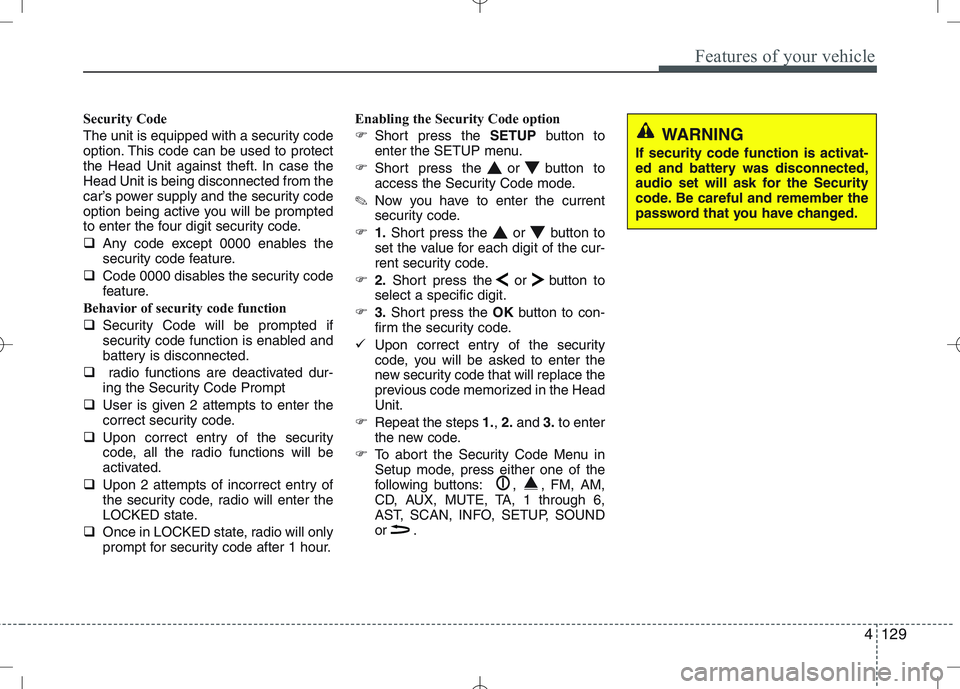
Security Code
The unit is equipped with a security code
option. This code can be used to protect
the Head Unit against theft. In case theHead Unit is being disconnected from the
car’s power supply and the security code
option being active you will be prompted
to enter the four digit security code.
Any code except 0000 enables the
security code feature.
Code 0000 disables the security code
feature.
Behavior of security code function
Security Code will be prompted if
security code function is enabled and
battery is disconnected.
radio functions are deactivated dur-
ing the Security Code Prompt
User is given 2 attempts to enter the
correct security code.
Upon correct entry of the security
code, all the radio functions will be
activated.
Upon 2 attempts of incorrect entry of
the security code, radio will enter the
LOCKED state.
Once in LOCKED state, radio will only
prompt for security code after 1 hour. Enabling the Security Code option
Short press the SETUPbutton to
enter the SETUP menu.
Short press the or button to
access the Security Code mode.
✎ Now you have to enter the current
security code.
1.Short press the or button to
set the value for each digit of the cur-
rent security code.
2.Short press the or button to
select a specific digit.
3.Short press the OKbutton to con-
firm the security code.
Upon correct entry of the security
code, you will be asked to enter the
new security code that will replace the
previous code memorized in the HeadUnit.
Repeat the steps 1., 2. and 3.to enter
the new code.
To abort the Security Code Menu in
Setup mode, press either one of the
following buttons: , , FM, AM,
CD, AUX, MUTE, TA, 1 through 6,
AST, SCAN, INFO, SETUP, SOUND
or .
WARNING
If security code function is activat-
ed and battery was disconnected,
audio set will ask for the Security
code. Be careful and remember the
password that you have changed.
Page 760 of 761
4131
Features of your vehicle
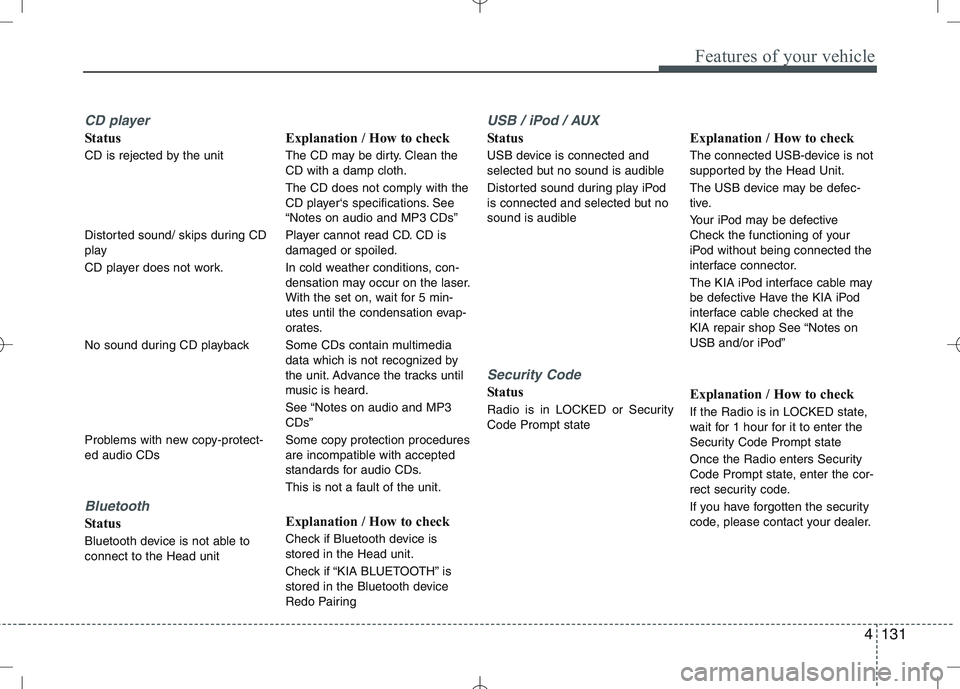
CD player
Status
CD is rejected by the unit
Distorted sound/ skips during CD
play
CD player does not work.
No sound during CD playback
Problems with new copy-protect- ed audio CDs
Bluetooth
Status
Bluetooth device is not able to connect to the Head unitExplanation / How to check
The CD may be dirty. Clean the CD with a damp cloth. The CD does not comply with the
CD player‘s specifications. See“Notes on audio and MP3 CDs”
Player cannot read CD. CD is damaged or spoiled.
In cold weather conditions, con-
densation may occur on the laser.
With the set on, wait for 5 min-
utes until the condensation evap-
orates.
Some CDs contain multimedia
data which is not recognized by
the unit. Advance the tracks until
music is heard.
See “Notes on audio and MP3 CDs”
Some copy protection procedures
are incompatible with accepted
standards for audio CDs.
This is not a fault of the unit.
Explanation / How to check
Check if Bluetooth device is stored in the Head unit.
Check if “KIA BLUETOOTH” is
stored in the Bluetooth device
Redo Pairing
USB / iPod / AUX
Status
USB device is connected and
selected but no sound is audible
Distorted sound during play iPod
is connected and selected but no
sound is audible
Security Code
Status
Radio is in LOCKED or Security Code Prompt state
Explanation / How to check
The connected USB-device is not
supported by the Head Unit.
The USB device may be defec-
tive.
Your iPod may be defective
Check the functioning of your
iPod without being connected the
interface connector.
The KIA iPod interface cable may
be defective Have the KIA iPod
interface cable checked at the
KIA repair shop See “Notes on
USB and/or iPod”
Explanation / How to check
If the Radio is in LOCKED state,
wait for 1 hour for it to enter the
Security Code Prompt state
Once the Radio enters Security
Code Prompt state, enter the cor-
rect security code.
If you have forgotten the security
code, please contact your dealer.
Page 761 of 761
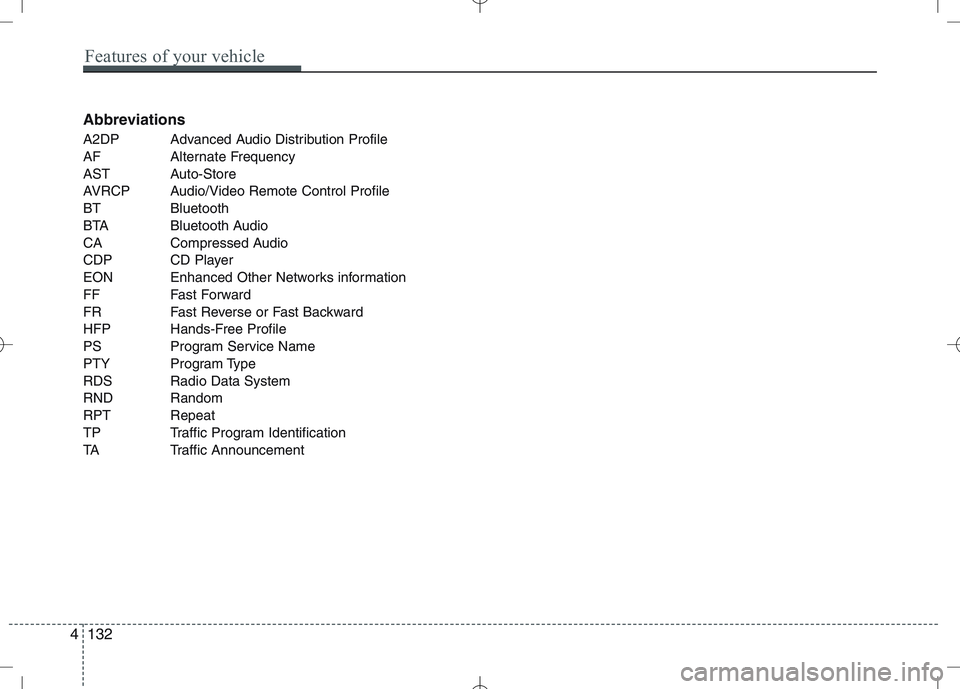
Abbreviations
A2DP Advanced Audio Distribution Profile
AF Alternate Frequency
AST Auto-Store
AVRCP Audio/Video Remote Control Profile
BT Bluetooth
BTA Bluetooth Audio
CA Compressed Audio
CDP CD Player
EON Enhanced Other Networks information
FF Fast Forward
FR Fast Reverse or Fast Backward
HFP Hands-Free Profile
PS Program Service Name
PTY Program Type
RDS Radio Data System
RND Random
RPT Repeat
TP Traffic Program Identification
TA Traffic Announcement
4132
Features of your vehicle