multi-information display Lexus CT200h 2013 Owner's Manual (in English)
[x] Cancel search | Manufacturer: LEXUS, Model Year: 2013, Model line: CT200h, Model: Lexus CT200h 2013Pages: 688
Page 2 of 688
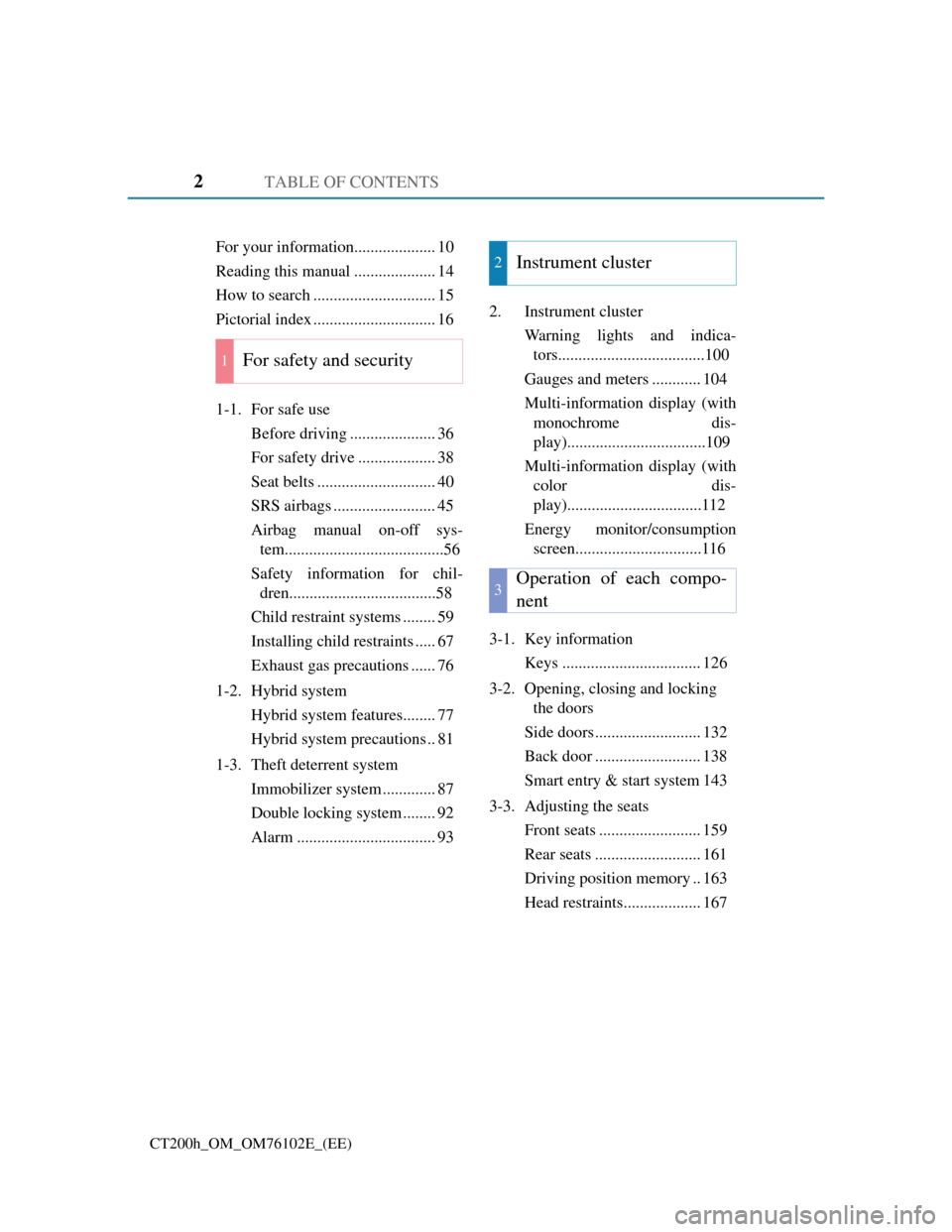
TABLE OF CONTENTS2
CT200h_OM_OM76102E_(EE)
For your information.................... 10
Reading this manual .................... 14
How to search .............................. 15
Pictorial index .............................. 16
1-1. For safe use
Before driving ..................... 36
For safety drive ................... 38
Seat belts ............................. 40
SRS airbags ......................... 45
Airbag manual on-off sys-
tem.......................................56
Safety information for chil-
dren....................................58
Child restraint systems ........ 59
Installing child restraints ..... 67
Exhaust gas precautions ...... 76
1-2. Hybrid system
Hybrid system features........ 77
Hybrid system precautions .. 81
1-3. Theft deterrent system
Immobilizer system ............. 87
Double locking system ........ 92
Alarm .................................. 932. Instrument cluster
Warning lights and indica-
tors....................................100
Gauges and meters ............ 104
Multi-information display (with
monochrome dis-
play)..................................109
Multi-information display (with
color dis-
play).................................112
Energy monitor/consumption
screen...............................116
3-1. Key information
Keys .................................. 126
3-2. Opening, closing and locking
the doors
Side doors .......................... 132
Back door .......................... 138
Smart entry & start system 143
3-3. Adjusting the seats
Front seats ......................... 159
Rear seats .......................... 161
Driving position memory .. 163
Head restraints................... 167
1For safety and security
2Instrument cluster
3Operation of each compo-
nent
Page 19 of 688
19Pictorial index
CT200h_OM_OM76102E_(EE)
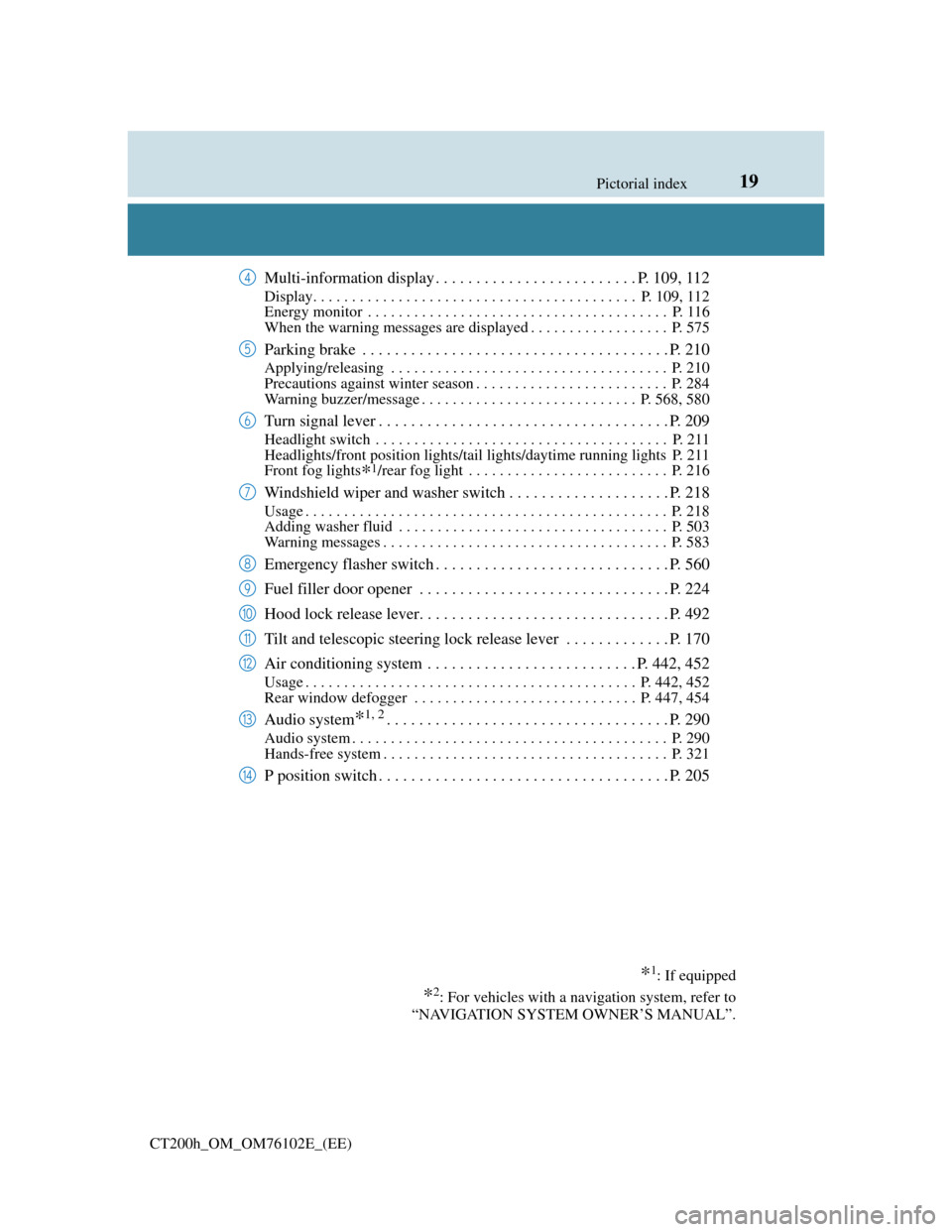
Multi-information display . . . . . . . . . . . . . . . . . . . . . . . . . P. 109, 112
Display. . . . . . . . . . . . . . . . . . . . . . . . . . . . . . . . . . . . . . . . . . P. 109, 112
Energy monitor . . . . . . . . . . . . . . . . . . . . . . . . . . . . . . . . . . . . . . . P. 116
When the warning messages are displayed . . . . . . . . . . . . . . . . . . P. 575
Parking brake . . . . . . . . . . . . . . . . . . . . . . . . . . . . . . . . . . . . . . P. 210
Applying/releasing . . . . . . . . . . . . . . . . . . . . . . . . . . . . . . . . . . . . P. 210
Precautions against winter season . . . . . . . . . . . . . . . . . . . . . . . . . P. 284
Warning buzzer/message . . . . . . . . . . . . . . . . . . . . . . . . . . . . P. 568, 580
Turn signal lever . . . . . . . . . . . . . . . . . . . . . . . . . . . . . . . . . . . . P. 209
Headlight switch . . . . . . . . . . . . . . . . . . . . . . . . . . . . . . . . . . . . . . P. 211
Headlights/front position lights/tail lights/daytime running lights P. 211
Front fog lights
*1/rear fog light . . . . . . . . . . . . . . . . . . . . . . . . . . P. 216
Windshield wiper and washer switch . . . . . . . . . . . . . . . . . . . . P. 218
Usage . . . . . . . . . . . . . . . . . . . . . . . . . . . . . . . . . . . . . . . . . . . . . . . P. 218
Adding washer fluid . . . . . . . . . . . . . . . . . . . . . . . . . . . . . . . . . . . P. 503
Warning messages . . . . . . . . . . . . . . . . . . . . . . . . . . . . . . . . . . . . . P. 583
Emergency flasher switch . . . . . . . . . . . . . . . . . . . . . . . . . . . . . P. 560
Fuel filler door opener . . . . . . . . . . . . . . . . . . . . . . . . . . . . . . . P. 224
Hood lock release lever. . . . . . . . . . . . . . . . . . . . . . . . . . . . . . . P. 492
Tilt and telescopic steering lock release lever . . . . . . . . . . . . . P. 170
Air conditioning system . . . . . . . . . . . . . . . . . . . . . . . . . . P. 442, 452
Usage . . . . . . . . . . . . . . . . . . . . . . . . . . . . . . . . . . . . . . . . . . . P. 442, 452
Rear window defogger . . . . . . . . . . . . . . . . . . . . . . . . . . . . . P. 447, 454
Audio system*1, 2. . . . . . . . . . . . . . . . . . . . . . . . . . . . . . . . . . . P. 290
Audio system . . . . . . . . . . . . . . . . . . . . . . . . . . . . . . . . . . . . . . . . . P. 290
Hands-free system . . . . . . . . . . . . . . . . . . . . . . . . . . . . . . . . . . . . . P. 321
P position switch . . . . . . . . . . . . . . . . . . . . . . . . . . . . . . . . . . . . P. 205
*1: If equipped
*2: For vehicles with a navigation system, refer to
“NAVIGATION SYSTEM OWNER’S MANUAL”.
4
5
6
7
8
9
10
11
12
13
14
Page 27 of 688
27Pictorial index
CT200h_OM_OM76102E_(EE)
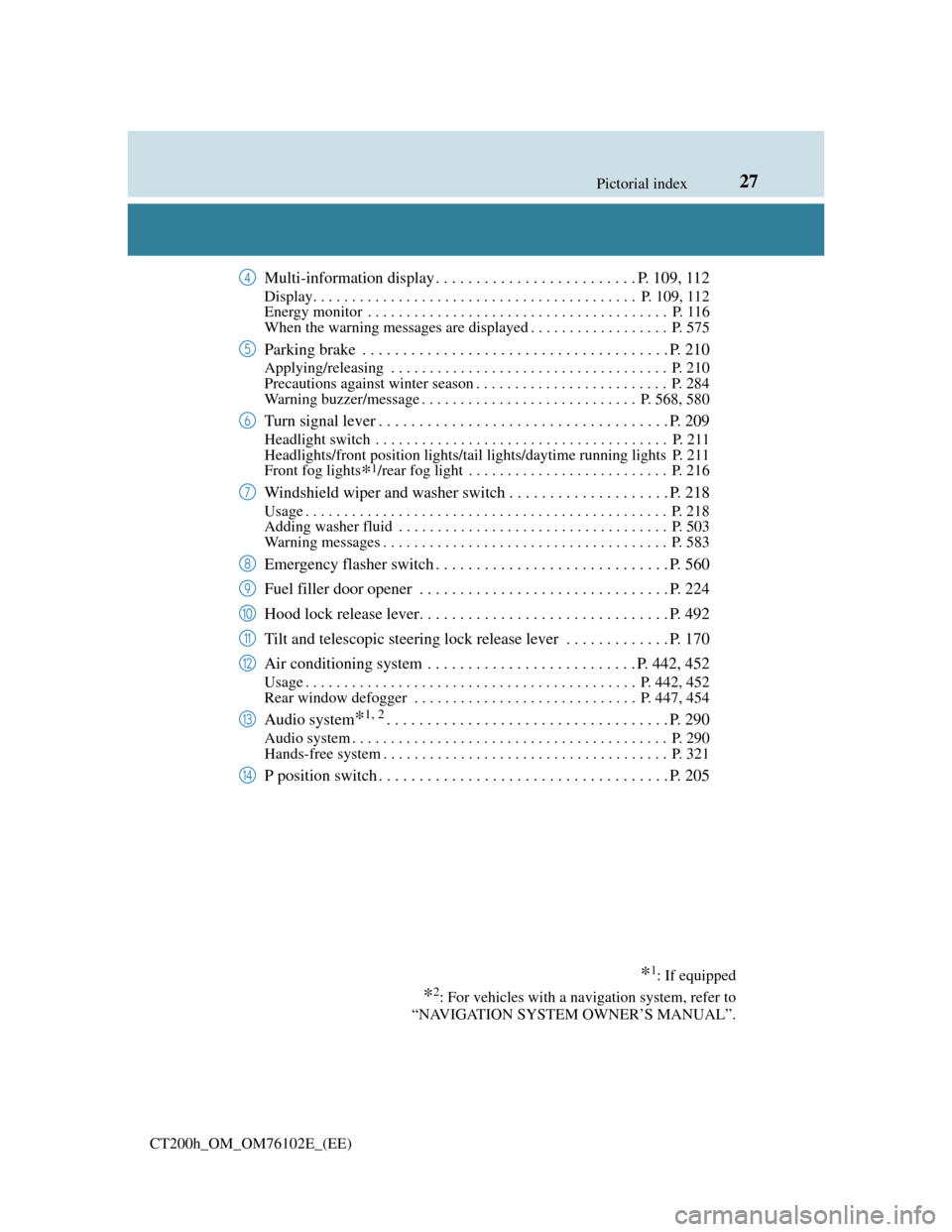
Multi-information display . . . . . . . . . . . . . . . . . . . . . . . . . P. 109, 112
Display. . . . . . . . . . . . . . . . . . . . . . . . . . . . . . . . . . . . . . . . . . P. 109, 112
Energy monitor . . . . . . . . . . . . . . . . . . . . . . . . . . . . . . . . . . . . . . . P. 116
When the warning messages are displayed . . . . . . . . . . . . . . . . . . P. 575
Parking brake . . . . . . . . . . . . . . . . . . . . . . . . . . . . . . . . . . . . . . P. 210
Applying/releasing . . . . . . . . . . . . . . . . . . . . . . . . . . . . . . . . . . . . P. 210
Precautions against winter season . . . . . . . . . . . . . . . . . . . . . . . . . P. 284
Warning buzzer/message . . . . . . . . . . . . . . . . . . . . . . . . . . . . P. 568, 580
Turn signal lever . . . . . . . . . . . . . . . . . . . . . . . . . . . . . . . . . . . . P. 209
Headlight switch . . . . . . . . . . . . . . . . . . . . . . . . . . . . . . . . . . . . . . P. 211
Headlights/front position lights/tail lights/daytime running lights P. 211
Front fog lights
*1/rear fog light . . . . . . . . . . . . . . . . . . . . . . . . . . P. 216
Windshield wiper and washer switch . . . . . . . . . . . . . . . . . . . . P. 218
Usage . . . . . . . . . . . . . . . . . . . . . . . . . . . . . . . . . . . . . . . . . . . . . . . P. 218
Adding washer fluid . . . . . . . . . . . . . . . . . . . . . . . . . . . . . . . . . . . P. 503
Warning messages . . . . . . . . . . . . . . . . . . . . . . . . . . . . . . . . . . . . . P. 583
Emergency flasher switch . . . . . . . . . . . . . . . . . . . . . . . . . . . . . P. 560
Fuel filler door opener . . . . . . . . . . . . . . . . . . . . . . . . . . . . . . . P. 224
Hood lock release lever. . . . . . . . . . . . . . . . . . . . . . . . . . . . . . . P. 492
Tilt and telescopic steering lock release lever . . . . . . . . . . . . . P. 170
Air conditioning system . . . . . . . . . . . . . . . . . . . . . . . . . . P. 442, 452
Usage . . . . . . . . . . . . . . . . . . . . . . . . . . . . . . . . . . . . . . . . . . . P. 442, 452
Rear window defogger . . . . . . . . . . . . . . . . . . . . . . . . . . . . . P. 447, 454
Audio system*1, 2. . . . . . . . . . . . . . . . . . . . . . . . . . . . . . . . . . . P. 290
Audio system . . . . . . . . . . . . . . . . . . . . . . . . . . . . . . . . . . . . . . . . . P. 290
Hands-free system . . . . . . . . . . . . . . . . . . . . . . . . . . . . . . . . . . . . . P. 321
P position switch . . . . . . . . . . . . . . . . . . . . . . . . . . . . . . . . . . . . P. 205
*1: If equipped
*2: For vehicles with a navigation system, refer to
“NAVIGATION SYSTEM OWNER’S MANUAL”.
4
5
6
7
8
9
10
11
12
13
14
Page 82 of 688
821-2. Hybrid system
CT200h_OM_OM76102E_(EE)
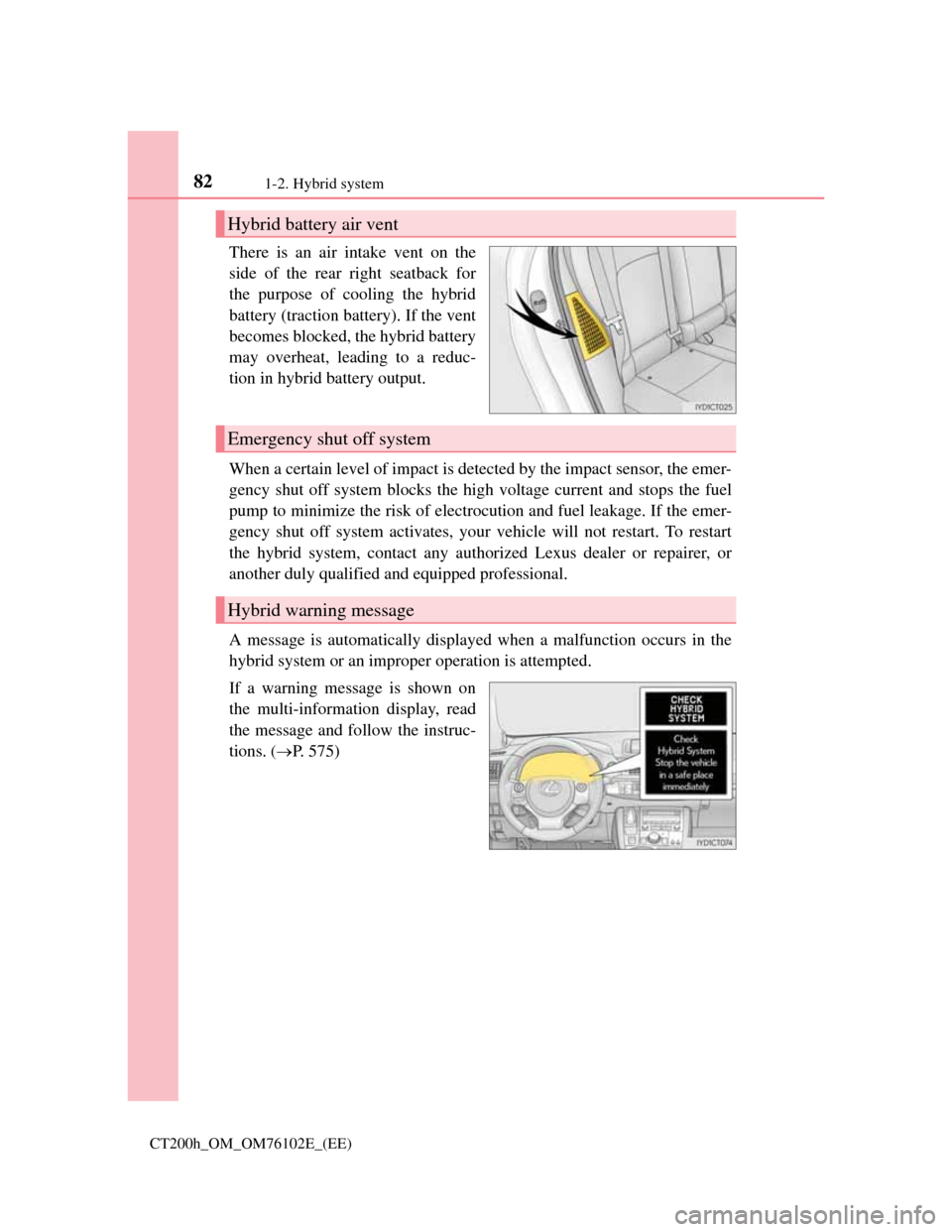
There is an air intake vent on the
side of the rear right seatback for
the purpose of cooling the hybrid
battery (traction battery). If the vent
becomes blocked, the hybrid battery
may overheat, leading to a reduc-
tion in hybrid battery output.
When a certain level of impact is detected by the impact sensor, the emer-
gency shut off system blocks the high voltage current and stops the fuel
pump to minimize the risk of electrocution and fuel leakage. If the emer-
gency shut off system activates, your vehicle will not restart. To restart
the hybrid system, contact any authorized Lexus dealer or repairer, or
another duly qualified and equipped professional.
A message is automatically displayed when a malfunction occurs in the
hybrid system or an improper operation is attempted.
If a warning message is shown on
the multi-information display, read
the message and follow the instruc-
tions.
(P. 575)
Hybrid battery air vent
Emergency shut off system
Hybrid warning message
Page 96 of 688
961-3. Theft deterrent system
CT200h_OM_OM76102E_(EE)
The intrusion sensor detects intruders or movement in the vehicle.
The tilt sensor detects changes in vehicle inclination, such as when the
vehicle is towed away.
This system is designed to deter and prevent vehicle theft but does not
guarantee absolute security against all intrusions.
Setting the intrusion sensor and tilt sensor
The intrusion sensor and tilt sensor will be set automatically when the
alarm is set. (P. 9 3 )
Canceling the intrusion sensor and tilt sensor
If you are leaving pets or other moving things inside the vehicle, make
sure to disable the intrusion sensor and tilt sensor before setting the
alarm, as they will respond to movement inside the vehicle.
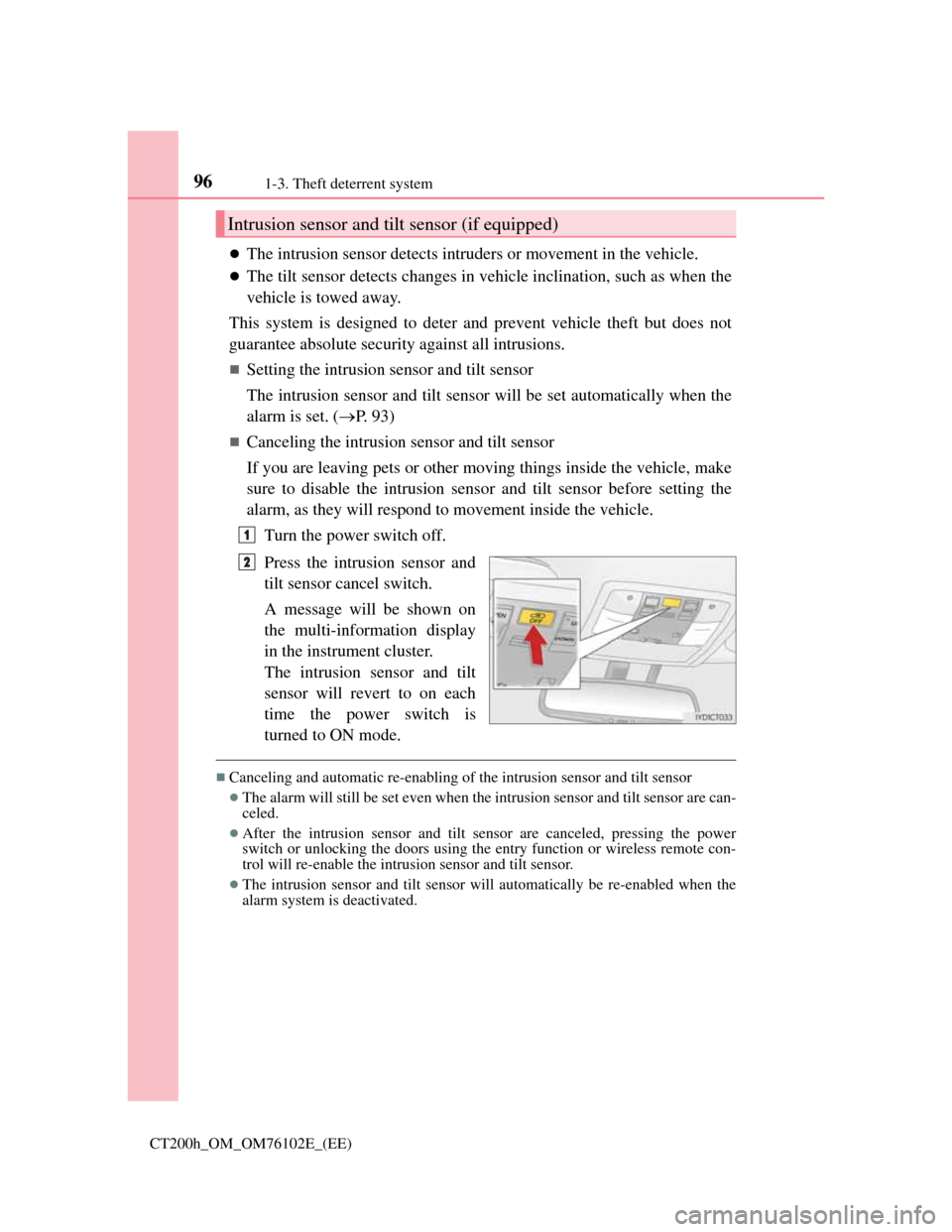
Turn the power switch off.
Press the intrusion sensor and
tilt sensor cancel switch.
A message will be shown on
the multi-information display
in the instrument cluster.
The intrusion sensor and tilt
sensor will revert to on each
time the power switch is
turned to ON mode.
Canceling and automatic re-enabling of the intrusion sensor and tilt sensor
The alarm will still be set even when the intrusion sensor and tilt sensor are can-
celed.
After the intrusion sensor and tilt sensor are canceled, pressing the power
switch or unlocking the doors using the entry function or wireless remote con-
trol will re-enable the intrusion sensor and tilt sensor.
The intrusion sensor and tilt sensor will automatically be re-enabled when the
alarm system is deactivated.
Intrusion sensor and tilt sensor (if equipped)
1
2
Page 99 of 688

99
2Instrument cluster
CT200h_OM_OM76102E_(EE)
2. Instrument cluster
Warning lights and
indicators ........................ 100
Gauges and meters ............ 104
Multi-information display
(with monochrome
display) ........................... 109
Multi-information display
(with color display)..........112
Energy monitor/
consumption screen .........116
Page 105 of 688
1052. Instrument cluster
2
Instrument cluster
CT200h_OM_OM76102E_(EE)
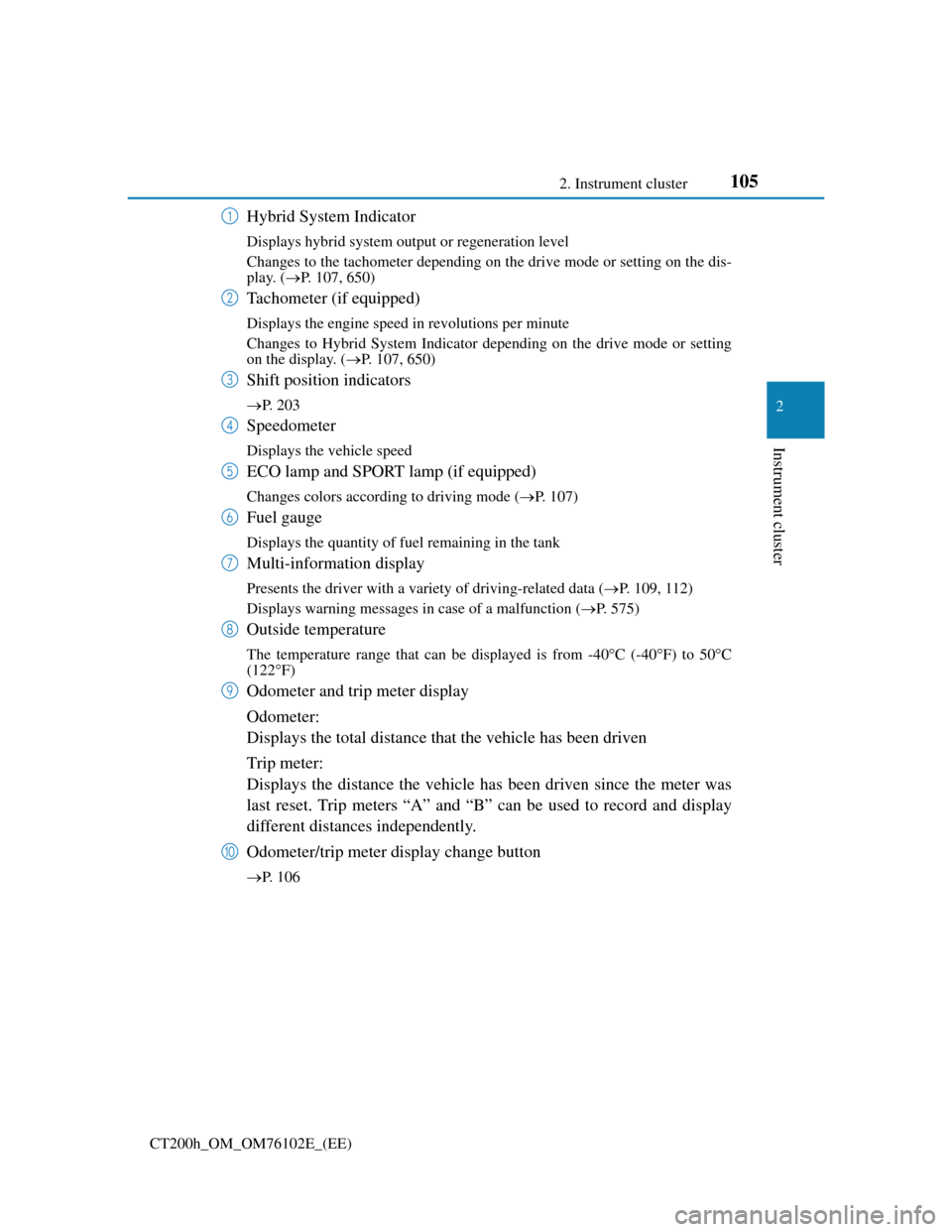
Hybrid System Indicator
Displays hybrid system output or regeneration level
Changes to the tachometer depending on the drive mode or setting on the dis-
play. (P. 107, 650)
Tachometer (if equipped)
Displays the engine speed in revolutions per minute
Changes to Hybrid System Indicator depending on the drive mode or setting
on the display. (P. 107, 650)
Shift position indicators
P. 203
Speedometer
Displays the vehicle speed
ECO lamp and SPORT lamp (if equipped)
Changes colors according to driving mode (P. 107)
Fuel gauge
Displays the quantity of fuel remaining in the tank
Multi-information display
Presents the driver with a variety of driving-related data (P. 109, 112)
Displays warning messages in case of a malfunction (P. 575)
Outside temperature
The temperature range that can be displayed is from -40C (-40F) to 50C
(122F)
Odometer and trip meter display
Odometer:
Displays the total distance that the vehicle has been driven
Trip meter:
Displays the distance the vehicle has been driven since the meter was
last reset. Trip meters “A” and “B” can be used to record and display
different distances independently.
Odometer/trip meter display change button
P. 106
1
2
3
4
5
6
7
8
9
10
Page 109 of 688
109
2 2. Instrument cluster
Instrument cluster
CT200h_OM_OM76102E_(EE)
Multi-information display (with monochrome
display)
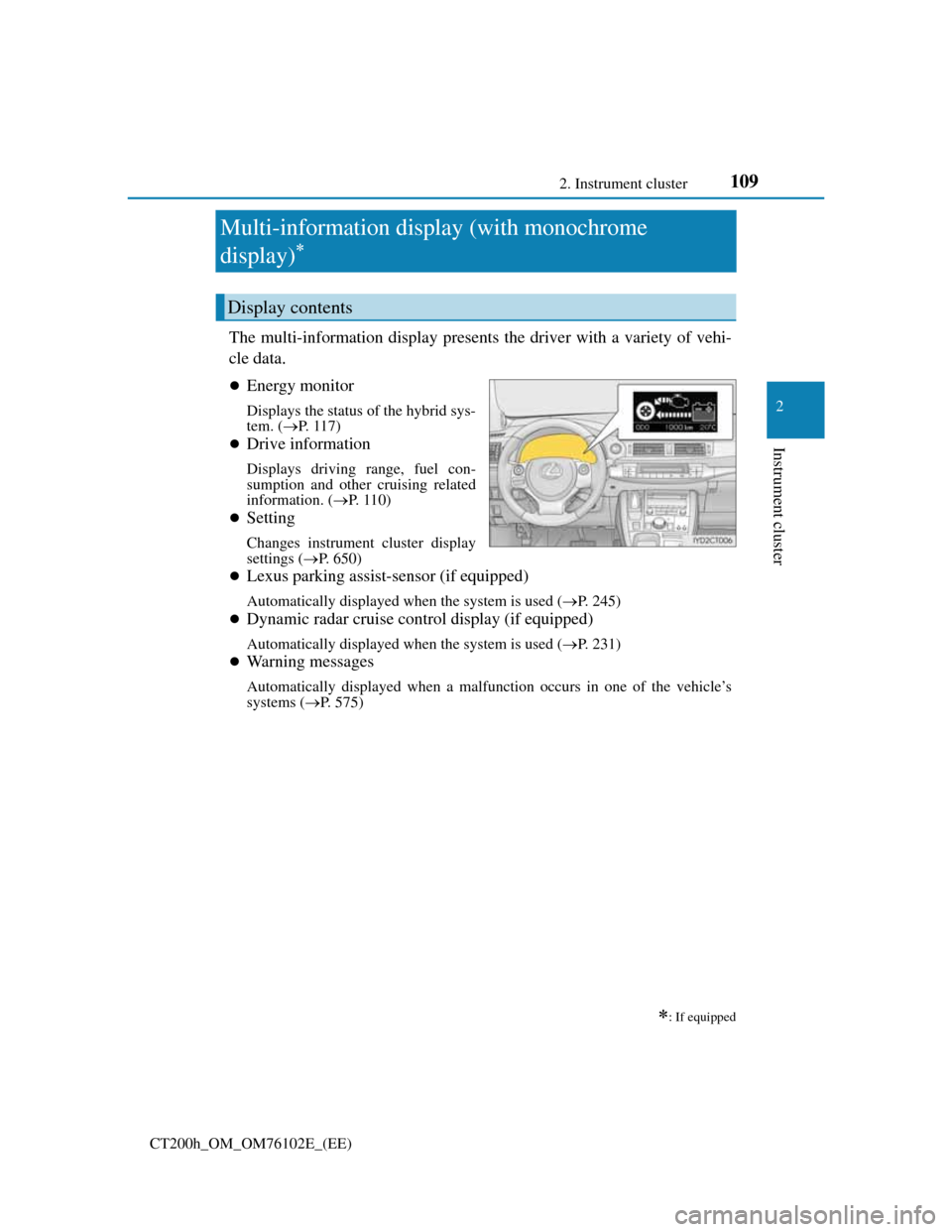
The multi-information display presents the driver with a variety of vehi-
cle data.
Energy monitor
Displays the status of the hybrid sys-
tem. (P. 117)
Drive information
Displays driving range, fuel con-
sumption and other cruising related
information. (P. 1 1 0 )
Setting
Changes instrument cluster display
settings (P. 650)
Lexus parking assist-sensor (if equipped)
Automatically displayed when the system is used (P. 245)
Dynamic radar cruise control display (if equipped)
Automatically displayed when the system is used (P. 231)
Warning messages
Automatically displayed when a malfunction occurs in one of the vehicle’s
systems (P. 575)
: If equipped
Display contents
Page 111 of 688
1112. Instrument cluster
2
Instrument cluster
CT200h_OM_OM76102E_(EE)The function can be reset by pushing the “DISP” switch for longer than 1
second when the average vehicle speed is displayed.
Setting
P. 6 5 0
Display off
A blank screen is displayed
System check display
After turning the power switch to ON mode, opening image is displayed while
system operation is checked. When the system check is complete, the normal
screen will return.
When disconnecting and reconnecting 12-volt battery terminals
The drive information will be reset.
Liquid crystal display
Small spots or light spots may appear on the display. This phenomenon is charac-
teristic of liquid crystal displays, and there is no problem continuing to use the
display.
NOTICE
The multi-information display at low temperatures
Allow the interior of the vehicle to warm up before using the liquid crystal
information display. At extremely low temperatures, the information display
monitor may respond slowly, and display changes may be delayed.
Page 112 of 688
1122. Instrument cluster
CT200h_OM_OM76102E_(EE)
Multi-information display (with color display)
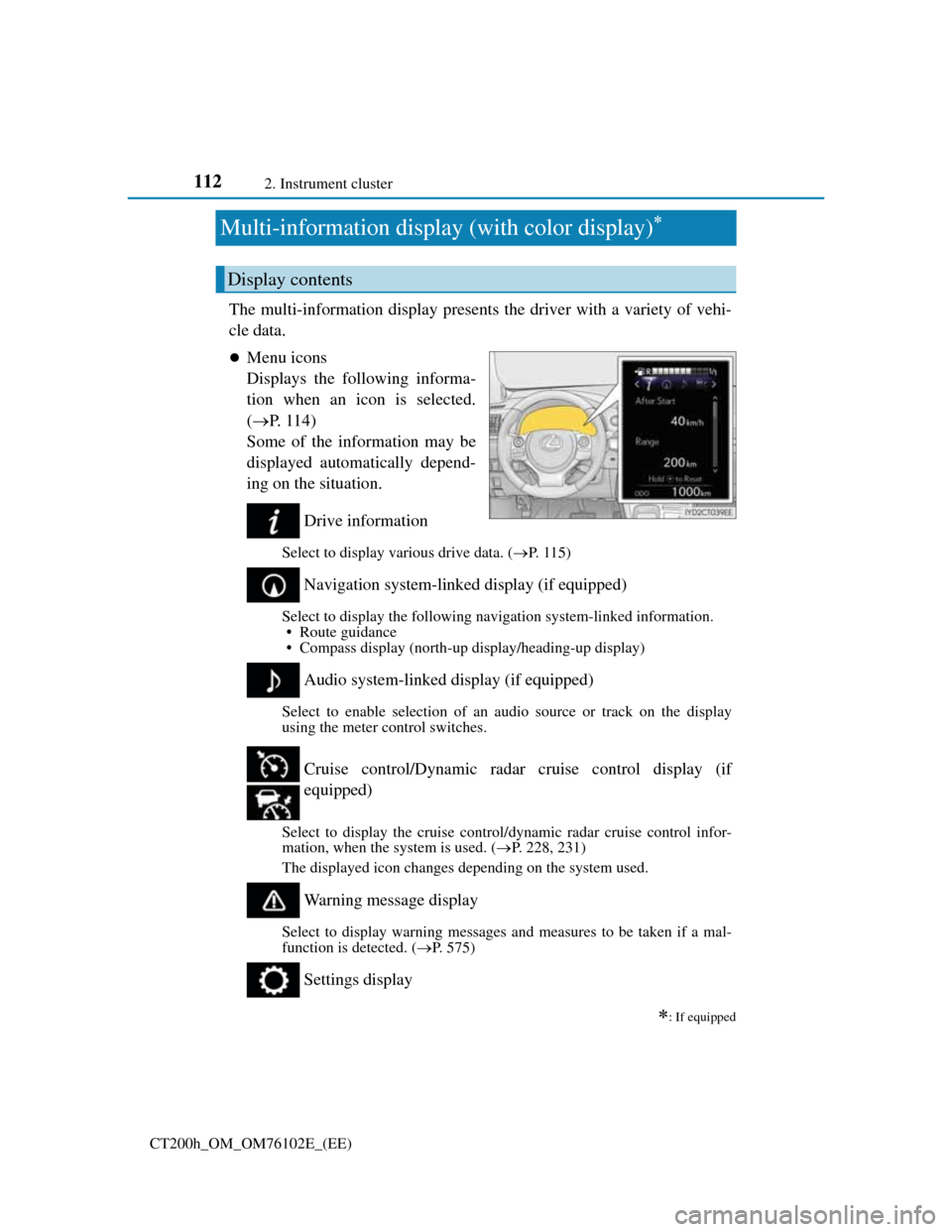
The multi-information display presents the driver with a variety of vehi-
cle data.
Menu icons
Displays the following informa-
tion when an icon is selected.
(P. 1 1 4 )
Some of the information may be
displayed automatically depend-
ing on the situation.
Drive information
Select to display various drive data. (P. 1 1 5 )
Navigation system-linked display (if equipped)
Select to display the following navigation system-linked information.
• Route guidance
• Compass display (north-up display/heading-up display)
Audio system-linked display (if equipped)
Select to enable selection of an audio source or track on the display
using the meter control switches.
Select to display the cruise control/dynamic radar cruise control infor-
mation, when the system is used. (P. 228, 231)
The displayed icon changes depending on the system used.
Warning message display
Select to display warning messages and measures to be taken if a mal-
function is detected. (P. 575)
Settings display
: If equipped
Display contents
Cruise control/Dynamic radar cruise control display (if
equipped)