fuel Lexus ES300h 2014 Navigation Manual
[x] Cancel search | Manufacturer: LEXUS, Model Year: 2014, Model line: ES300h, Model: Lexus ES300h 2014Pages: 424, PDF Size: 16.46 MB
Page 320 of 424

319
1. VOICE COMMAND SYSTEM OPERATION
7
VOICE COMMAND SYSTEM
ES350/300h_Navi_OM33A66U_(U)13.07.11 10:10
X“Get Information”
X Navigation command (When destinations are set)
When Expanded Voice Commands are turned “On”. (See page 316.)
CommandActionShortcut
Menu
“Traffic”Displays the traffic incident list.O
“Weather”Displays weather information.O
“Sports Scores”Displays the sports list.O
“Stock Quotes”Displays the stocks list.O
“Fuel Prices”Displays the fuel prices list.O
“Lexus Insider”Displays the Lexus insider list. —
CommandActionShortcut Menu
“Delete next destination”Deletes the next destination.O
“Pause guidance”Pauses the route guidance.O
“Resume guidance”Resumes the route guidance.O
Page 324 of 424
8
323
1
2
3
4
5
6
7
8
9
ES350/300h_Navi_OM33A66U_(U)13.07.11 09:52
10
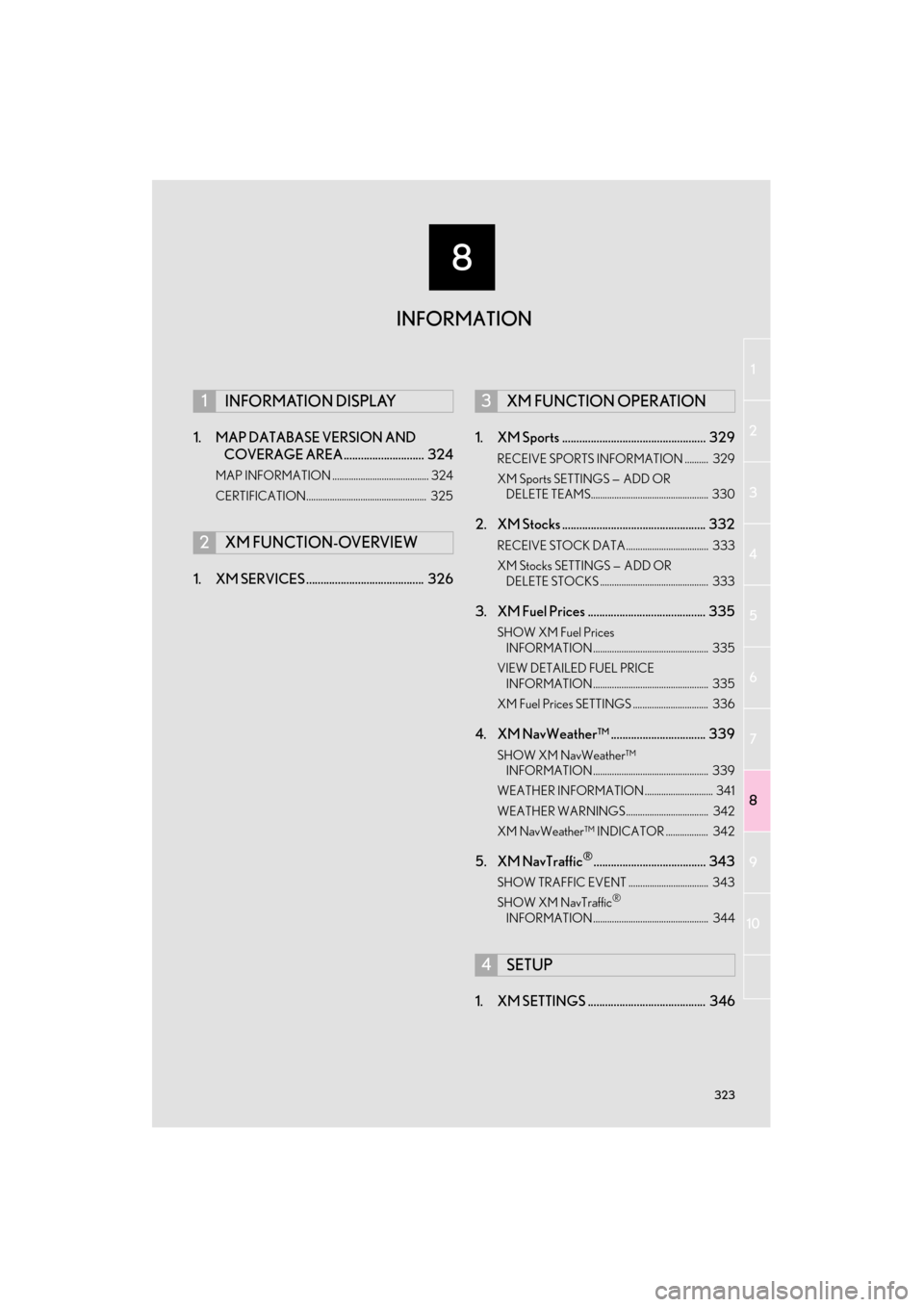
1. MAP DATABASE VERSION AND COVERAGE AREA ............................ 324
MAP INFORMATION ......................................... 324
CERTIFICATION................................................... 325
1. XM SERVICES ......................................... 326 1. XM Sports .................................................. 329
RECEIVE SPORTS INFORMATION .......... 329
XM Sports SETTINGS —
ADD OR
DELETE TEAMS.................................................. 330
2. XM Stocks .................................................. 332
RECEIVE STOCK DATA................................... 333
XM Stocks SETTINGS — ADD OR
DELETE STOCKS .............................................. 333
3. XM Fuel Prices ......................................... 335
SHOW XM Fuel Prices INFORMATION ................................................. 335
VIEW DETAILED FUEL PRICE INFORMATION ................................................. 335
XM Fuel Prices SETTINGS ................................ 336
4. XM NavWeather™ ................................. 339
SHOW XM NavWeather™ INFORMATION ................................................. 339
WEATHER INFORMATION ............................. 341
WEATHER WARNINGS ................................... 342
XM NavWeather™ INDICATOR .................. 342
5. XM NavTraffic®....................................... 343
SHOW TRAFFIC EVENT .................................. 343
SHOW XM NavTraffic®
INFORMATION ................................................. 344
1. XM SETTINGS ......................................... 346
1INFORMATION DISPLAY
2XM FUNCTION-OVERVIEW
3XM FUNCTION OPERATION
4SETUP
INFORMATION
Page 327 of 424

326
ES350/300h_Navi_OM33A66U_(U)13.07.11 10:10
2. XM FUNCTION-OVERVIEW
1. XM SERVICES
zWith an active XM subscription, the follow-
ing features are available:
•XM Sports
*1 (See page 329.)
•XM Stocks
*1 (See page 332.)
• XM Fuel Prices
*2 (See page 335.)
• XM NavWeather™
*2 (See page 339.)
•XM NavTraffic®*2 (See page 343.)
*1: Available at no extra charge with an ac- tive XM Satellite Radio subscription.
*
2: Available via separate XM subscrip- tion(s).
z XM NavTraffic®, XM NavWeather™ and
XM TravelLink require separate XM sub-
scription(s). XM Sports
*, XM Stocks* and
XM Fuel Prices are available with an XM
TravelLink subscription. After a 90-day
trial, you must contact XM and set up the
appropriate XM subscription(s) to con-
tinue receiving these services.
*: XM Sports and XM Stocks are included with an XM Satellite Radio subscription.
z The XM NavTraffic® service is available in
the contiguous 48 U.S. states and Canada.
z The XM NavWeather™, XM Sports, XM
Stocks and XM Fuel Prices services are
available in the contig uous 48 U.S. states.
z To receive XM NavTraffic
®, XM
NavWeather™, XM Sports, XM Stocks
and XM Fuel Prices services, the XM ser-
vice must be activated. To activate the ser-
vice, call the XM Listener Care Center at 1-
866-635-2349 (U.S.A.) or 1-877-438-
9677 (Canada).
z Customers should have their radio ID
ready. The radio ID can be found by select-
ing “CH 000” on the radio. For details, see
“DISPLAYING THE RADIO ID” on page
227.
XM services are subscription-based
XM Satellite Radio services to provide
convenient features to subscribers.
SUBSCRIPTION(S)
AVAILABILITY OF SERVICE(S)
ACTIVATION OF SERVICE(S)
INFORMATION
●
For further details about the service, con-
tact your Lexus dealer.
●XM Satellite Radio is responsible for all
fees and services, which are subject to
change.
Page 336 of 424
335
3. XM FUNCTION OPERATION
ES350/300h_Navi_OM33A66U_(U)13.07.11 10:10
8
INFORMATION
3. XM Fuel Prices
1Press the “MENU” button on the
Remote Touch.
2Select “Info/Apps” .
3Select “XM Fuel Prices” .
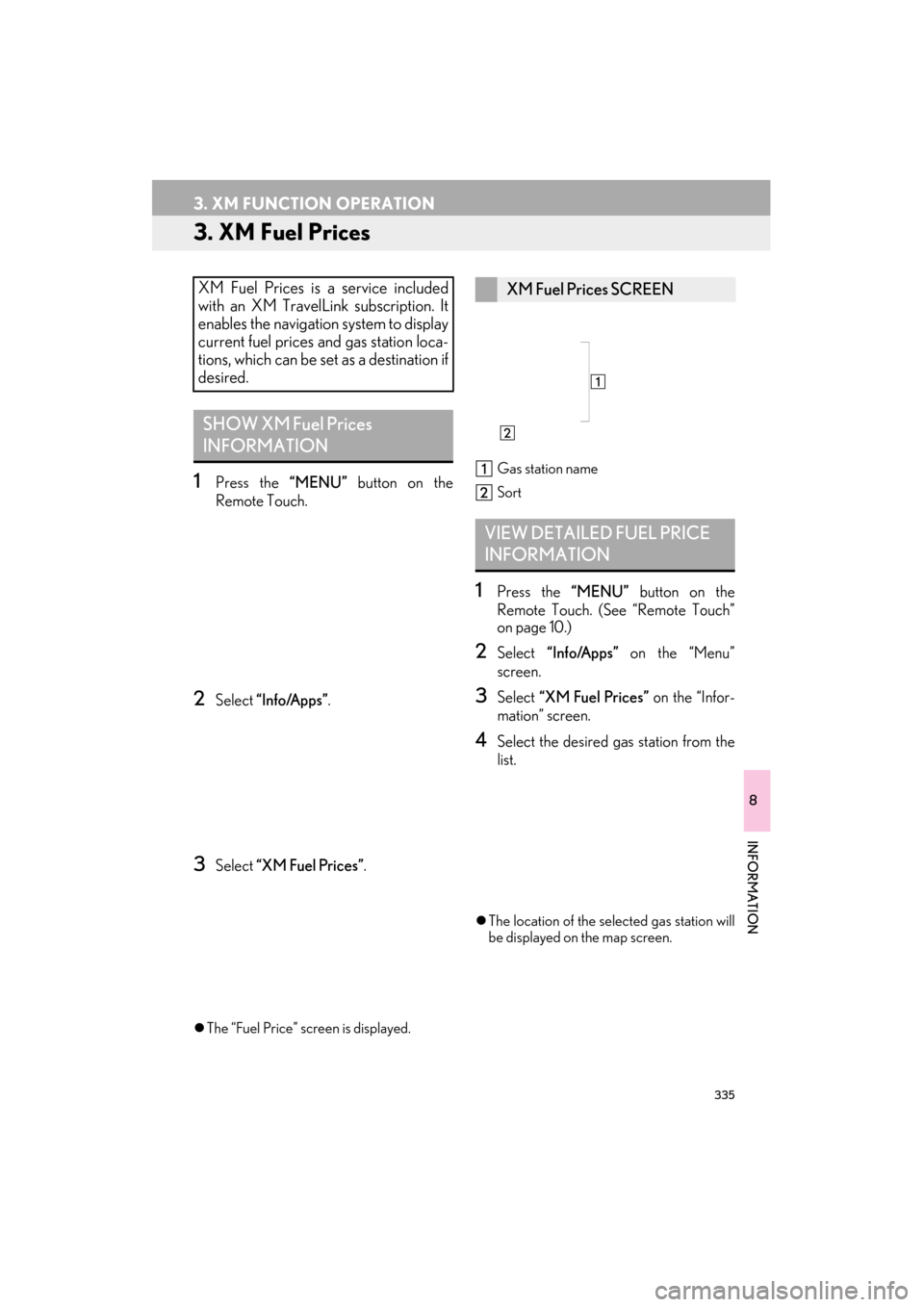
zThe “Fuel Price” screen is displayed. Gas station name
Sort
1Press the
“MENU” button on the
Remote Touch. (See “Remote Touch”
on page 10.)
2Select “Info/Apps” on the “Menu”
screen.
3Select “XM Fuel Prices” on the “Infor-
mation” screen.
4Select the desired ga s station from the
list.
z The location of the selected gas station will
be displayed on the map screen.
XM Fuel Prices is a service included
with an XM TravelLink subscription. It
enables the navigation system to display
current fuel prices and gas station loca-
tions, which can be set as a destination if
desired.
SHOW XM Fuel Prices
INFORMATION
XM Fuel Prices SCREEN
VIEW DETAILED FUEL PRICE
INFORMATION
Page 337 of 424

336
3. XM FUNCTION OPERATION
ES350/300h_Navi_OM33A66U_(U)13.07.11 10:10
5Select “Info”.
zWhen the map scale is at the maximum
range of 0.5 miles (800 m), is not
shown. When the map scale is at the mini-
mum range of 150 ft. (50 m), is not
shown.
1Press the “MENU” button on the
Remote Touch.
2Select “Setup” .
“Mark”: Select to mark the selected gas
station on the map screen.
“Go to ” : Select to set the selected gas
station as a destination with route direc-
tions.
“Add to Route” : Select to add the select-
ed gas station as a destination.
“Detail” : Select to read the selected gas
station’s information.
z If is selected, the registered
phone number can be called.
INFORMATION
●
The information displayed is received via
satellite radio. Depending on the time the
information is received, the displayed
information may not be up to date.
XM Fuel Prices SETTINGS
The desired fuel type, preferred brand,
and show prices reported can be regis-
tered.
REGISTER FUEL TYPE
Page 338 of 424

337
3. XM FUNCTION OPERATION
ES350/300h_Navi_OM33A66U_(U)13.07.11 10:10
8
INFORMATION
3Select “Other ” .
4Select “XM Fuel Prices” .
5Select “Fuel Type” .
6Select the desired fuel type.
z“Premium”, “Midgrade”, “Regular” or
“Diesel” can be selected.
7Select “Save”.
1Press the “MENU” button on the
Remote Touch, then select “Setup”.
2Select “Other” on the “Setup” screen.
3Select “XM Fuel Prices” on the “Other
Settings” screen.
4Select “Preferred Brand” .
5Select the preferred brand.
6Select “Save”.
REGISTER PREFERRED
BRAND
Page 339 of 424

338
3. XM FUNCTION OPERATION
ES350/300h_Navi_OM33A66U_(U)13.07.11 10:10
1Press the “MENU” button on the
Remote Touch, then select “Setup”.
2Select “Other” on the “Setup” screen.
3Select “XM Fuel Prices” on the “Other
Settings” screen.
4Select “Show Prices Reported” .
5Select the desired period.
z“Last 24 Hours” , “Last 2 Days” or “Show
All” can be selected.
z If “Show All” is selected, information about
gas stations which fuel prices are not pro-
vided is also displayed on the list.
6Select “Save” .
REGISTER SHOW PRICES
REPORTED
Page 347 of 424

346
ES350/300h_Navi_OM33A66U_(U)13.07.11 10:10
4. SETUP
1. XM SETTINGS
1Press the “MENU” button on the
Remote Touch.
2Select “Setup” .
3Select “Other”.
4Select the item to be set.
zOn this screen, the fo llowing functions can
be performed:
Used for changing settings for XM
Sports, XM Stocks and XM Fuel Prices.
No.FunctionPage
Select to set XM Sports.329
Select to set XM Stocks.332
Select to set XM Fuel Pric-
es.335
Page 394 of 424
393
ES350/300h_Navi_OM33A66U_(U)13.07.11 09:52
X
XM Fuel Prices ........................................................ 335Show XM Fuel Prices information ............. 335
View detailed fuel price information ......... 335
XM Fuel Prices settings .................................. 336
XM NavTraffic
®..................................................... 343
Show traffic event .............................................. 343
Show XM Navtraffic
® information ............ 344
XM NavWeather™ ............................................... 339 Show XM NavWeather™ information .... 339
Weather information..........................................341
Weather warnings ............................................. 342
XM NavWeather™ indicator ...................... 342
XM Satellite Radio broadcast ........................... 226
Channel category.............................................. 228
Displaying the radio ID .....................................227
Displaying the title and name........................ 229
How to subscribe to an XM Satellite Radio .................................................................. 226
If the satellite radio tuner malfunctions ..... 230
Listening to satellite radio................................227
Presetting a channel ......................................... 228
Selecting a channel ........................................... 228
XM settings ............................................................... 346
XM Sports ................................................................. 329
Receive sports information............................ 329
XM Sports settings ........................................... 330
XM Stocks ................................................................. 332 Receive stock data ............................................ 333
XM Stocks settings ........................................... 333
Z
Zoom in button ............................................................. 12
Zoom out button .......................................................... 12