change time Lexus ES300h 2014 Owner's Guide
[x] Cancel search | Manufacturer: LEXUS, Model Year: 2014, Model line: ES300h, Model: Lexus ES300h 2014Pages: 918, PDF Size: 25.26 MB
Page 442 of 918
ES350_300h_OM_OM33A60U_(U)
4415-3. Using the Lexus Display Audio system
5
Interior features
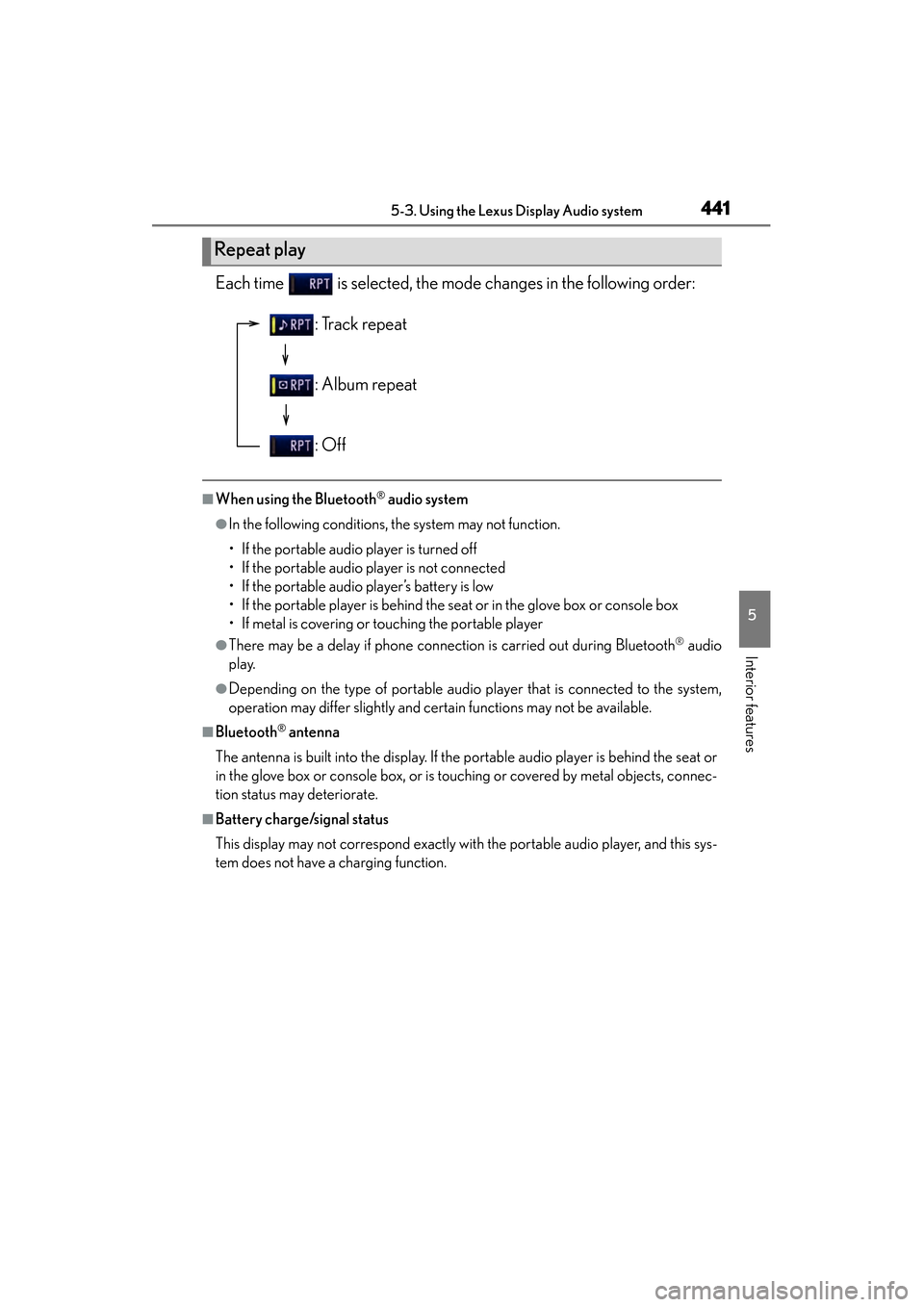
Each time is selected, the mode changes in the following order:
■When using the Bluetooth® audio system
●In the following conditions, the system may not function.
• If the portable audio player is turned off
• If the portable audio player is not connected
• If the portable audio player’s battery is low
• If the portable player is behind the seat or in the glove box or console box
• If metal is covering or touching the portable player
●There may be a delay if phone connection is carried out during Bluetooth® audio
play.
●Depending on the type of portable audio player that is connected to the system,
operation may differ slightly and certain functions may not be available.
■Bluetooth® antenna
The antenna is built into the display. If the portable audio player is behind the seat or
in the glove box or console box, or is touching or covered by metal objects, connec-
tion status may deteriorate.
■Battery charge/signal status
This display may not correspond exactly with the portable audio player, and this sys-
tem does not have a charging function.
Repeat play
: Track repeat
: Album repeat
: Off
Page 450 of 918
ES350_300h_OM_OM33A60U_(U)
4495-3. Using the Lexus Display Audio system
5
Interior features
Press when the audio system is turned on. The audio source
changes as follows each time is pressed. If no discs are inserted in
the player, or if the external device is not connected, that mode will be
skipped.
FM→SAT →CD player →iPod or USB memory →
Bluetooth
® audio →AUX →AM →FM
Press to increase the volume and to decrease the volume.
Hold the button in that position to continue increasing or decreasing the volume.
Press and hold .
To cancel, press and hold .
Press to select the radio mode.
Press or to select a radio station.
To seek stations, press and hold or until you hear a beep.
To cancel, press either switch.
Changing the audio source
Adjusting the volume
Silencing a sound
Selecting a radio station
1
2
Page 473 of 918
472
ES350_300h_OM_OM33A60U_(U)
5-3. Using the Lexus Display Audio system
■Vo i c e g u i d a n c e f u n c t i o n
●Voice guidance for the voice recognition system can be skipped by pressing the
talk switch.
●When “Voice Prompts (on/off)” is selected, voice recognition will be temporarily
suspended. Press the talk switch again.
●Voice guidance can be canceled by setting voice prompts to off. Use this setting
when it is desirable to say a command immediately after pressing the talk switch.
■Using voice command
●Using voice command “Call
• In the same manner as it is displayed on the screen, “Call
phone, of a contact.
For example: “Call”, “John Smith” or “Call”, “Mary Davis”, “at”, “Mobile”
• There are 4 types of phones: Home, Mobile, Work and Other.
• Short or abbreviated names in the phonebook may not be recognized. Change names in the phonebook to full names.
• Sometimes a voice recognition result confirmation screen will be displayed. After confirming the result, say “Yes” or “No”.
• When the system recognizes multiple names from the phonebook, a name can- didate list will be displayed on the screen. If the desired name is not displayed on
the top of the screen, say the number of the name from the candidate list (num-
ber 1 or number 2) to select a name from the candidate list.
• When a contact has multiple phone numbers registered in the phonebook, a candidate list will be displayed. If the desired phone number is not displayed on
the top of the screen, say the number of the desired phone number from the
candidate list (number 1 or number 2) to select a phone number from the candi-
date list.
Page 507 of 918
506
ES350_300h_OM_OM33A60U_(U)
5-4. Using the audio system
This feature allows your radio to receive station identification information
and program information (classical, jazz, etc.) from radio stations which
broadcast this information.
■Receiving RBDS broadcastsPress “ >” or “ <” on during FM reception.
The type of program changes each time the button is pressed.
●
“ROCK”
●“EASYLIS” (Easy listening)
●“CLS/JAZZ” (Classical music and Jazz)
●“R & B” (Rhythm and Blues)
●“INFORM” (Information)
●“RELIGION”
●“MISC” (Miscellaneous)
●“ALERT” (Emergency messages)
If the system receives no RBDS stations, “NO PTY” appears on the display.
Press , or “ >” or “ <” on .
The radio seeks or scans for stations of the relevant program type.
■Displaying radio station names
Press .
■Displaying radio text messages
Press twice.
A text message is displayed when “MSG” is shown on the screen.
If the text continues past the end of the display, is displayed. Press and hold
until you hear a beep.
RBDS (Radio Broadcast Data System)
1
2
Page 508 of 918
ES350_300h_OM_OM33A60U_(U)
5075-4. Using the audio system
5
Interior features
■Receiving XM® Satellite Radio
Press .
The display changes as follows each time the button is pressed:
“SAT1” → “SAT2” → “SAT3”
Turn to select the desired channel in all the categories or
press “ >” or “ <” on to select the desired channel in the
current category.
■Setting XM® Satellite Radio channel presets
Select the desired channel. Press and hold the button (from to ) the channel is to be set to until you hear a beep.
■Changing the channel category
Press “>” or “ <” on .
XM® Satellite Radio (type A)
1
2
Page 509 of 918
508
ES350_300h_OM_OM33A60U_(U)
5-4. Using the audio system
■Scanning the XM® Satellite Radio channels
●Scanning the channels in the current categoryPress .
When the desired channel is reached, press the button again.
●Scanning the preset channelsPress and hold until you hear a beep.
When the desired channel is reached, press the button again.
■Displaying text information
Press .
The display will show up to 10 characters.
The display changes as follows each time the button is pressed:
●
CH NAME
●TITLE (SONG/PROGRAM TITLE)
●NAME (ARTIST NAME/FEATURE)
●CH NUMBER
1
2
1
2
Page 511 of 918
510
ES350_300h_OM_OM33A60U_(U)
5-4. Using the audio system
■If the satellite radio does not operate normally
If a problem occurs with the XM
® tuner, a message will appear on the display. Refer
to the table below to identify the problem, and take the suggested corrective action.
Contact the XM
® Listener Care Center at 1-866-635-2349 (U.S.A.) or 1-877-
438-9677 (Canada).
“ANTENNA”
The XM® antenna is not connected. Check
whether the XM® antenna cable is attached
securely.
There is a short-circuit in the antenna or the sur-
rounding antenna cable. See a Lexus certified
dealer.
“UNAUTH”
You have not subscribed to the XM® Satellite Radio.
The radio is being updated with the latest encryption
code. Contact the XM
® Satellite Radio for sub-
scription information. When a contract is canceled,
you can choose the “CH000” and all the free-to-air
channels.
The premium channel you selected is not autho-
rized. Wait for about 2 seconds until the radio
returns to the previous channel or “CH001”. If it
does not change automatically, select another chan-
nel. If you want to listen to the premium channel,
contact the XM
® Satellite Radio.
“NO SIGNAL”
The XM® signal is too weak at the current location.
Wait until your vehicle reaches a location with a
stronger signal.
“LOADING”The unit is acquiring audio or program information.
Wait until the unit has received the information.
“OFF AIR”The channel you selected is not broadcasting any
programming. Select another channel.
“-----”
There is no song/program title or artist name/fea-
ture associated with the channel at that time. No
action needed.
“CH UNAVL”
The channel you selected is no longer available.
Wait for about 2 seconds until the radio returns to
the previous channel or “CH001”. If it does not
change automatically, select another channel.
Page 518 of 918
ES350_300h_OM_OM33A60U_(U)
5175-4. Using the audio system
5
Interior features
■Repeating a track
Press .
To cancel, press again.
■Repeating all of the tracks on a CD
Press and hold until you hear a beep.
To cancel, press again.
Press .
Each time the button is pressed, the display changes in the following order:
Elapsed time → CD title → Track title
Repeat play
Switching the display
Page 526 of 918
ES350_300h_OM_OM33A60U_(U)
5255-4. Using the audio system
5
Interior features
■Repeating a file
Press .
To cancel, press again.
■Repeating all the files in a folder
Press and hold until you hear a beep.
To cancel, press again.
Press .
Each time the button is pressed, the display changes in the following order: Folder
no./File no./Elapsed time → Folder name → File name → Album title (MP3
only) → Track title → Artist name
Repeat play
Switching the display
Page 535 of 918
534
ES350_300h_OM_OM33A60U_(U)
5-4. Using the audio system
To play or pause a song, press .
To fast-forward or reverse, press and hold “>” or “< ” on until
you hear a beep.
■Playing songs from one playlist or album in random order
Press .
To cancel, press again.
■Playing songs from all the playlists or albums in random order
Press and hold until you hear a beep.
To cancel, press again.
Press .
To cancel, press again.
Press .
Each time the button is pressed, the display changes in the following order:
Elapsed time → Album title → Track title → Artist name
Playing and pausing songs
Fast-forwarding and reversing songs
Shuffle playback
Repeat play
Switching the display