phone Lexus ES300h 2015 Navigation Manual
[x] Cancel search | Manufacturer: LEXUS, Model Year: 2015, Model line: ES300h, Model: Lexus ES300h 2015Pages: 409, PDF Size: 24.08 MB
Page 49 of 409
48
ES350/300h_Navi_OM33B43U_(U)14.06.23 09:44
2. Bluetooth® SETTINGS
1. REGISTERING/CONNECTING Bluetooth® DEVICE
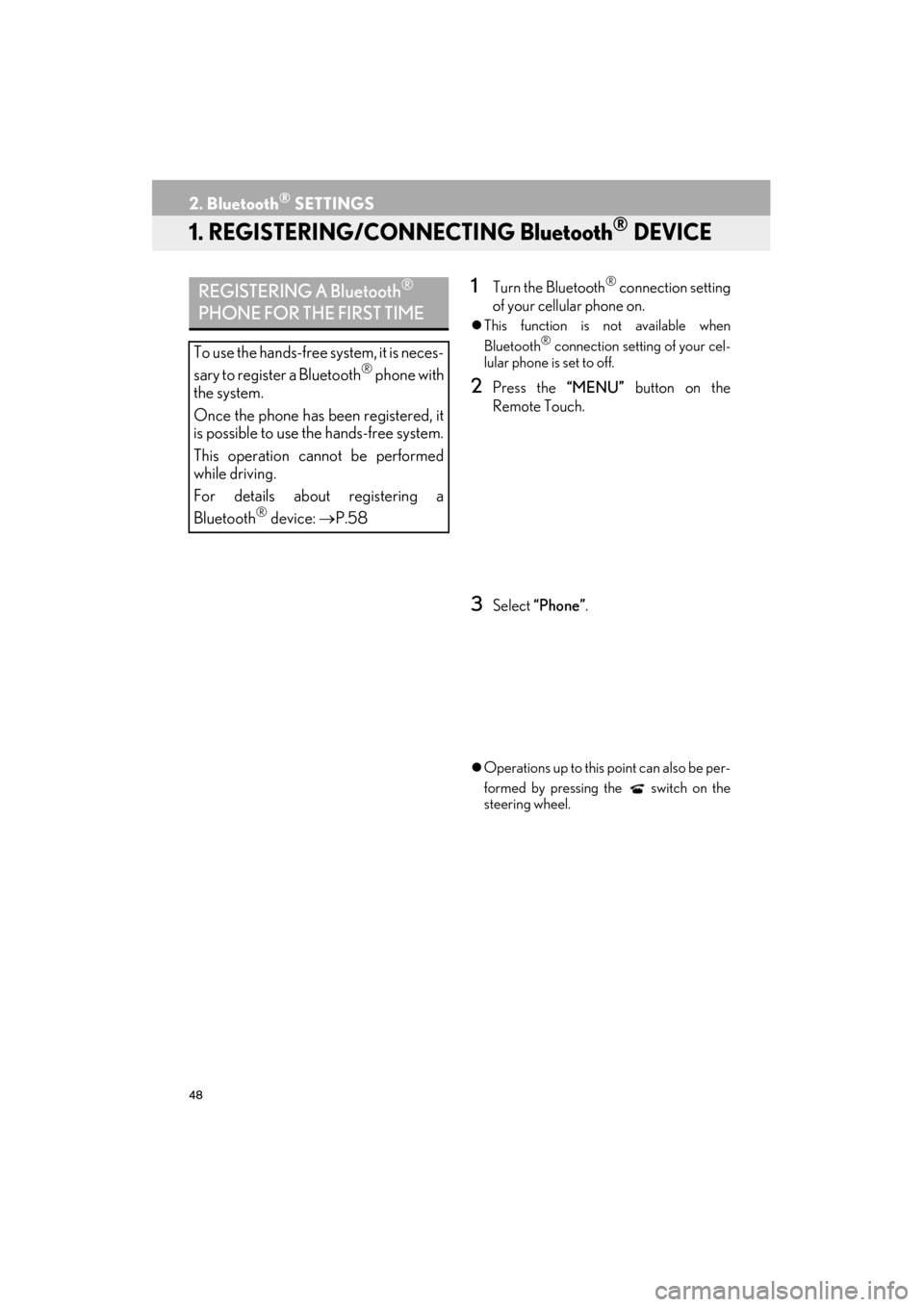
1Turn the Bluetooth® connection setting
of your cellular phone on.
z This function is not available when
Bluetooth® connection setting of your cel-
lular phone is set to off.
2Press the “MENU” button on the
Remote Touch.
3Select “Phone”.
zOperations up to this point can also be per-
formed by pressing the switch on the
steering wheel.
REGISTERING A Bluetooth®
PHONE FOR THE FIRST TIME
To use the hands-free system, it is neces-
sary to register a Bluetooth® phone with
the system.
Once the phone has been registered, it
is possible to use the hands-free system.
This operation cannot be performed
while driving.
For details about registering a
Bluetooth
® device: →P.58
Page 50 of 409

49
2. Bluetooth® SETTINGS
ES350/300h_Navi_OM33B43U_(U)14.06.23 09:44
BASIC FUNCTION
2
4Select “Yes” to register a phone.
5When this screen is displayed, search
for the device name displayed on this
screen on the screen of your
Bluetooth
® device.
zFor details about operating the Bluetooth®
device, see the manual that comes with it.
z To cancel the registration, select “Cancel”.
6Register the Bluetooth® device using
your Bluetooth
® device.
z A PIN-code is not required for SSP
(Secure Simple Pairing) compatible
Bluetooth
® devices. Depending on the
type of Bluetooth® device being con-
nected, a message confirming registration
may be displayed on the Bluetooth
®
device’s screen. Respond and operate the
Bluetooth® device according to the confir-
mation message.
7Check that the following screen is dis-
played when registration is complete.
z The system waits for connection requests
coming from the registered device.
z At this stage, the Bluetooth
® functions are
not yet available.
Page 52 of 409
51
2. Bluetooth® SETTINGS
ES350/300h_Navi_OM33B43U_(U)14.06.23 09:44
BASIC FUNCTION
2
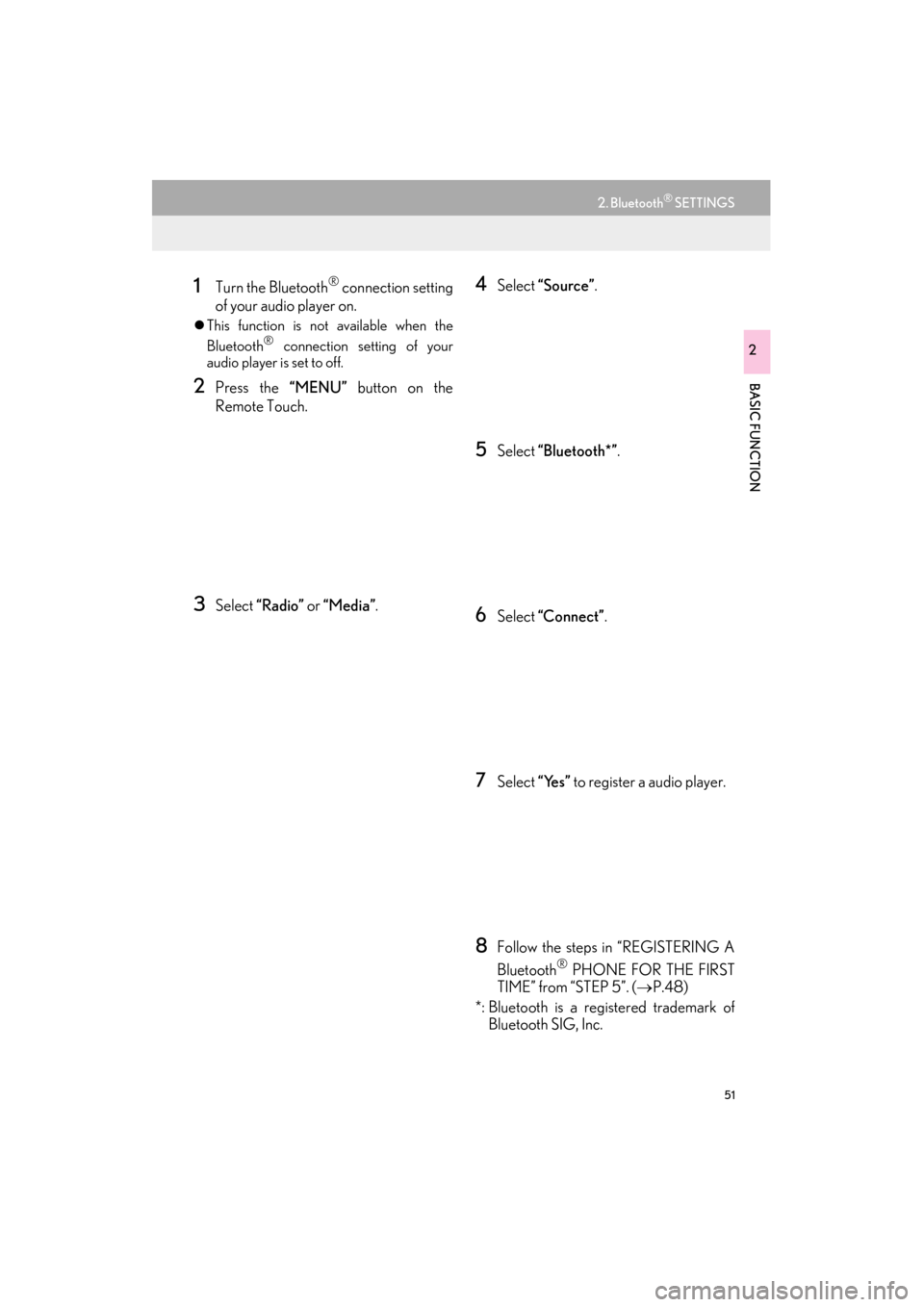
1Turn the Bluetooth® connection setting
of your audio player on.
z This function is not available when the
Bluetooth® connection setting of your
audio player is set to off.
2Press the “MENU” button on the
Remote Touch.
3Select “Radio” or “Media”.
4Select “Source” .
5Select “Bluetooth*” .
6Select “Connect” .
7Select “Yes” to register a audio player.
8Follow the steps in “REGISTERING A
Bluetooth
® PHONE FOR THE FIRST
TIME” from “STEP 5”. ( →P.48)
*: Bluetooth is a registered trademark of Bluetooth SIG, Inc.
Page 53 of 409

52
2. Bluetooth® SETTINGS
ES350/300h_Navi_OM33B43U_(U)14.06.23 09:44
PROFILES
This system supports the following services.
Bluetooth®
DeviceSpec.FunctionRequire- mentsRecom-
mendations
Bluetooth®
Phone/
Bluetooth®
Audio
PlayerBluetooth® Specification
Registering a
Bluetooth®
deviceVe r. 2 . 0Ve r. 3 . 0 +EDR
Bluetooth®
DeviceProfileFunctionRequire- mentsRecom-
mendations
Bluetooth®
Phone
HFP (Hands-Free Profile)Hands-free
systemVe r. 1 . 0Ve r. 1 . 6
OPP (Object Push Profile)Transferring the
contactsVe r. 1 .1Ve r. 1 . 2
PBAP (Phone Book Access
Profile)Ve r. 1 . 0Ve r. 1 .1
MAP (Message Access Profile)Bluetooth®
phone messageVe r. 1 . 0
SPP (Serial Port Profile)“LEXUS App
Suite” functionVe r. 1 .1
Bluetooth®
Audio
Player
A2DP (Advanced Audio Distri-
bution Profile)
Bluetooth®
audio systemVe r. 1 . 0Ve r. 1 . 2
AVRCP (Audio/Video Remote
Control Profile)Ve r. 1 . 0Ve r. 1 . 4
Page 54 of 409

53
2. Bluetooth® SETTINGS
ES350/300h_Navi_OM33B43U_(U)14.06.23 09:44
BASIC FUNCTION
2
Bluetooth is a registered trademark of Bluetooth SIG, Inc.
INFORMATION
●If your cellular phone does not support HFP, registering the Bluetooth® phone or using
OPP, PBAP, MAP or SPP profiles individually will not be possible.
● If the connected Bluetooth
® device version is older than recommended or incompatible,
the Bluetooth® device function may not work properly.
● Refer to http://www.lexus.com/MobileLink
to find approved Bluetooth® phones for this
system.
Page 58 of 409

57
2. Bluetooth® SETTINGS
ES350/300h_Navi_OM33B43U_(U)14.06.23 09:44
BASIC FUNCTION
21Press the “MENU” button on the
Remote Touch. ( →P.12)
2Select “Setup” .
3Select “Phone” .
4Select “Connect Phone” .
*: Bluetooth is a registered trademark of Bluetooth SIG, Inc.
“Bluetooth* Setup” SCREEN
FunctionPage
Registering a Bluetooth® device58
Deleting a Bluetooth® device59
Connecting a Bluetooth® device60
Editing the Bluetooth® device in-
formation62
Bluetooth® system settings64
DISPLAYING THE “Bluetooth*
Setup” SCREEN IN A
DIFFERENT WAY
Page 59 of 409

58
2. Bluetooth® SETTINGS
ES350/300h_Navi_OM33B43U_(U)14.06.23 09:44
1Display the “Bluetooth* Setup” screen.
(→ P.56)
2Select “A d d ”.
X When another Bluetooth
® device is con-
nected
z To disconnect the Bluetooth® device,
select “Yes”.
XWhen 5 Bluetooth® devices have al-
ready been registered
z A registered device needs to be replaced.
Select “Yes”, and select the device to be
replaced.
*: Bluetooth is a registered trademark of
Bluetooth SIG, Inc.
3When this screen is displayed, search
for the device name displayed on this
screen on the screen of your
Bluetooth
® device.
z For details about operating the Bluetooth®
device, see the manual that comes with it.
z To cancel the registration, select “Cancel”.
4Register the Bluetooth® device using
your Bluetooth
® device.
z A PIN-code is not required for SSP
(Secure Simple Pairing) compatible
Bluetooth
® devices. Depending on the
type of Bluetooth® device being con-
nected, a message confirming registration
may be displayed on the Bluetooth
®
device’s screen. Respond and operate the
Bluetooth® device according to the confir-
mation message.
REGISTERING A Bluetooth®
DEVICE
Up to 5 Bluetooth® devices can be reg-
istered.
Bluetooth
® compatible phones (HFP)
and audio players (AVP) can be regis-
tered simultaneously.
This operation cannot be performed
while driving.
Page 60 of 409

59
2. Bluetooth® SETTINGS
ES350/300h_Navi_OM33B43U_(U)14.06.23 09:44
BASIC FUNCTION
2
5Check that the following screen is dis-
played when registration is complete.
zThe system waits for connection requests
coming from the registered device.
z At this stage, the Bluetooth
® functions are
not yet available.
6Select “OK” when the connection sta-
tus changes from “Connecting...” to
“Connected”.
z If an error message is displayed, follow the
guidance on the screen to try again.
1Display the “Bluetooth* Setup” screen.
(→ P.56)
2Select “Remove” .
3Select the desired device.
4Select “Yes” when the confirmation
screen appears.
5Check that a confirmation screen is dis-
played when the operation is complete.
*: Bluetooth is a registered trademark of Bluetooth SIG, Inc.
DELETING A Bluetooth®
DEVICE
INFORMATION
●
When deleting a Bluetooth® phone, the
contact data will be deleted at the same
time.
Page 61 of 409

60
2. Bluetooth® SETTINGS
ES350/300h_Navi_OM33B43U_(U)14.06.23 09:44
1Display the “Bluetooth* Setup” screen.
(→ P.56)
2Select the device to be connected.
zSupported profile icons will be displayed.
: Phone
: Audio player
: Phone/“LEXUS App Suite” service
zThe profile icon for a currently connected
device will be displayed in color.
z Selecting a profile icon which is not cur-
rently connected will switch the connection
to the function.
*: Bluetooth is a registered trademark of
Bluetooth SIG, Inc.
3Select the desired connection.
X When another Bluetooth
® device is con-
nected
z To disconnect the Bluetooth® device,
select “Yes”.
4Check that a confirmation screen is dis-
played when the connection is com-
plete.
zIf an error message is displayed, follow the
guidance on the screen to try again.
CONNECTING A Bluetooth®
DEVICE
Up to 5 Bluetooth® devices (Phones
(HFP) and audio players (AVP)) can be
registered.
If more than 1 Bluetooth
® device has
been registered, select which device to
connect to.
z If the desired Bluetooth® device is not on
the list, select “A d d ” to register the
device. ( →P. 5 8 )
INFORMATION
●It may take time if the device connection
is carried out during Bluetooth® audio
playback.
● Depending on the type of Bluetooth
®
device being connected, it may be neces-
sary to perform additional steps on the
device.
Page 62 of 409

61
2. Bluetooth® SETTINGS
ES350/300h_Navi_OM33B43U_(U)14.06.23 09:44
BASIC FUNCTION
2
■AUTO CONNECTION MODE
zWhen the “START STOP ENGINE”
<“POWER”> switch is in ACCESSORY or
IGNITION ON
searches for a nearby registered device.
z The system will connect with the registered
device that was last connected, if it is
nearby.
■ CONNECTING MANUALLY
1Press the “MENU” button on the
Remote Touch and select “Setup”.
2Select “Bluetooth*” .
3Follow the steps in “CONNECTING A
Bluetooth
® DEVICE” from “STEP 2”.
( → P.60)
*: Bluetooth is a registered trademark of Bluetooth SIG, Inc.
■ RECONNECTING THE Bluetooth®
PHONE
zIf a Bluetooth® phone is disconnected on
purpose, such as turning it off, this does not
happen. Reconnect the Bluetooth
® phone
manually.
To turn auto connection mode on, set
“Bluetooth* Power” to on. ( →P.64)
Leave the Bluetooth
® device in a loca-
tion where the connection can be estab-
lished.
When the auto connection has failed or
“Bluetooth* Power” is turned off, it is
necessary to connect Bluetooth
® man-
ually.
If a Bluetooth® phone is disconnected
due to poor reception from the
Bluetooth
® network when the “START
STOP ENGINE” <“POWER”> switch is
in ACCESSORY or IGNITION ON
reconnects the Bluetooth
® phone.