phone Lexus ES300h 2015 Navigation Manual
[x] Cancel search | Manufacturer: LEXUS, Model Year: 2015, Model line: ES300h, Model: Lexus ES300h 2015Pages: 409, PDF Size: 24.08 MB
Page 63 of 409

62
2. Bluetooth® SETTINGS
ES350/300h_Navi_OM33B43U_(U)14.06.23 09:44
1Display the “Bluetooth* Setup” screen.
(→ P.56)
2Select the desired device to be edited.
3Select “Device Info” .
*: Bluetooth is a registered trademark of Bluetooth SIG, Inc.
4Confirm and change the Bluetooth®
device information.EDITING THE Bluetooth®
DEVICE INFORMATION
The Bluetooth® device’s information
can be displayed on the screen. The dis-
played information can be edited.
No.Information
The name of the Bluetooth® device
can be changed to a desired name.
( → P.63)
Select to set the Bluetooth® audio
player connection method. ( →P.63)
Device address is unique to the de-
vice and cannot be changed.
Phone number of the Bluetooth®
phone.
Compatibility profile of the
Bluetooth® device.
Select to reset all setup items.
Page 64 of 409

63
2. Bluetooth® SETTINGS
ES350/300h_Navi_OM33B43U_(U)14.06.23 09:44
BASIC FUNCTION
2
1Select “Device Name” .
2Enter the name and select “OK”.
1Select “Connect Audio Player from” .
2Select the desired connection method.
“Vehicle” : Select to connect the audio sys-
tem to the audio player.
“Device” : Select to connect the audio play-
er to the audio system.
z Depending on the audio player, the
“Vehicle” or “Device” connection method
may be best. As such, refer to the manual
that comes with the audio player.
z To reset the connection method, select
“Default” .
INFORMATION
●If 2 Bluetooth® devices have been regis-
tered with the same device name, the
devices can be distinguished referring to
the device’s address.
● Depending on the type of phone, some
information may not be displayed.
CHANGING A DEVICE NAME
INFORMATION
●
Even if the device name is changed, the
name registered in your Bluetooth®
device does not change.
SETTING AUDIO PLAYER
CONNECTION METHOD
Page 65 of 409

64
2. Bluetooth® SETTINGS
ES350/300h_Navi_OM33B43U_(U)14.06.23 09:44
1Display the “Bluetooth* Setup” screen.
(→ P.56)
2Select “System Settings” .
3Select the desired item to be set.
*: Bluetooth is a registered trademark of Bluetooth SIG, Inc.
“System Settings” SCREEN
The Bluetooth® settings can be con-
firmed and changed.
No.InformationPage
Select to set Bluetooth®
connection on/off.65
Displayed system name
can be changed to a de-
sired name.65
PIN-code used when the
Bluetooth® device was
registered. It can be
changed to a desired code.65
Device address is unique to
the device and cannot be
changed.
Select to set the phone con-
nection status display on/
off.
Select to set the connection
status display of the audio
player on/off.
Compatibility profile of the
system
Select to reset all setup
items.
Page 74 of 409

73
3. OTHER SETTINGS
ES350/300h_Navi_OM33B43U_(U)14.06.23 09:44
BASIC FUNCTION
2
1Display the “General Settings” screen.
(→ P.66)
2Select “Delete Personal Data” .
3Select “Delete” .
4Select “Yes” when the confirmation
screen appears.
z Registered or changed personal settings
will be deleted or returned to their default
conditions.
For example:
• General settings
• Navigation settings
•Audio settings
•Phone settings
• Lexus Enform settings
DELETING PERSONAL DATA
Page 80 of 409

79
3. OTHER SETTINGS
ES350/300h_Navi_OM33B43U_(U)14.06.23 09:44
BASIC FUNCTION
2
1Select “Set Dealer” .
2Select the desired item to search for the
location. (→P.107)
zThe editing dealer screen appears after
setting the location.
3Select the items to be edited.DEALER SETTING
Dealer information can be registered in
the system. With dealer information reg-
istered, route guidance to the dealer is
available.
No.FunctionPage
Select to enter the name of
a dealer.80
Select to enter the name of
a dealer member.80
Select to set the location.80
Select to enter the phone
number.80
Select to delete the dealer
information displayed on
the screen.
Select to set the displayed
dealer as a destination.123
Page 81 of 409

80
3. OTHER SETTINGS
ES350/300h_Navi_OM33B43U_(U)14.06.23 09:44
■EDITING DEALER OR CONTACT
NAME
1Select “Edit” next to “Dealer” or
“Contact”.
2Enter the name and select “OK” .
■EDITING THE LOCATION
1Select “Edit” next to “Location”.
2Scroll the map to the desired point
(→ P.94) and select “OK”.
■EDITING PHONE NUMBER
1Select “Edit” next to “Phone #”.
2Enter the phone number and select
“OK”.
Page 114 of 409

113
2. DESTINATION SEARCH
ES350/300h_Navi_OM33B43U_(U)14.06.23 09:44
NAVIGATION SYSTEM
3
1Select “Street Address” .
2Enter a house number and select “OK”.
3Enter a street name and select “OK”.
4Select the desired street name.
5Enter a city name and select “OK”.
6Select the desired city name.
zIf the same address exists, the address list
screen will be displayed. Select the desired
address.
1Display the “Destination” screen.
(→ P.109)
2Select “Point of Interest” .
3Select the desired search method.
SEARCHING BY STREET
ADDRESS
INFORMATION
●
A street name can be searched using
only the body part of its name.
Fo r example: S WESTERN AVE
• A search can be performed by entering “S WESTERN AVE”, “WESTERN AVE”
or “WESTERN”.
SEARCHING BY POINT OF
INTEREST
There are 4 methods to search for a des-
tination by Points of Interest.
No.FunctionPage
Select to search by name.114
Select to search by catego-
ry.116
Select to search by phone
number.117
Select to search by eDesti-
nation.378
Page 118 of 409

117
2. DESTINATION SEARCH
ES350/300h_Navi_OM33B43U_(U)14.06.23 09:44
NAVIGATION SYSTEM
3
XWhen “Near a City Center in XX*” is se-
lected
1Select “Near a City Center in XX” .
2Enter a city name and select “OK”.
“Last 5 Cities” : Select the city name from
the list of the last 5 cities.
3Select the desired city name.
4Select “OK” when the city center map
screen is displayed.
5Follow the steps from 3 onward in
“SEARCHING BY CATEGORY”.
( → P.116)
*: XX represents the selected search area
name.
1Select “Phone #” .
2Enter a phone number and select “OK”.
zIf there is more than 1 site with the same
number, the list screen will be displayed.
INFORMATION
●
If the navigation system has never been
used, selecting the city name from “Last 5
Cities” will not be available.
SEARCHING BY PHONE
NUMBER
INFORMATION
●
If there is no match for the entered phone
number, a list of identical numbers with
different area codes will be displayed.
Page 144 of 409
143
4. MEMORY POINTS
ES350/300h_Navi_OM33B43U_(U)14.06.23 09:44
NAVIGATION SYSTEM
3
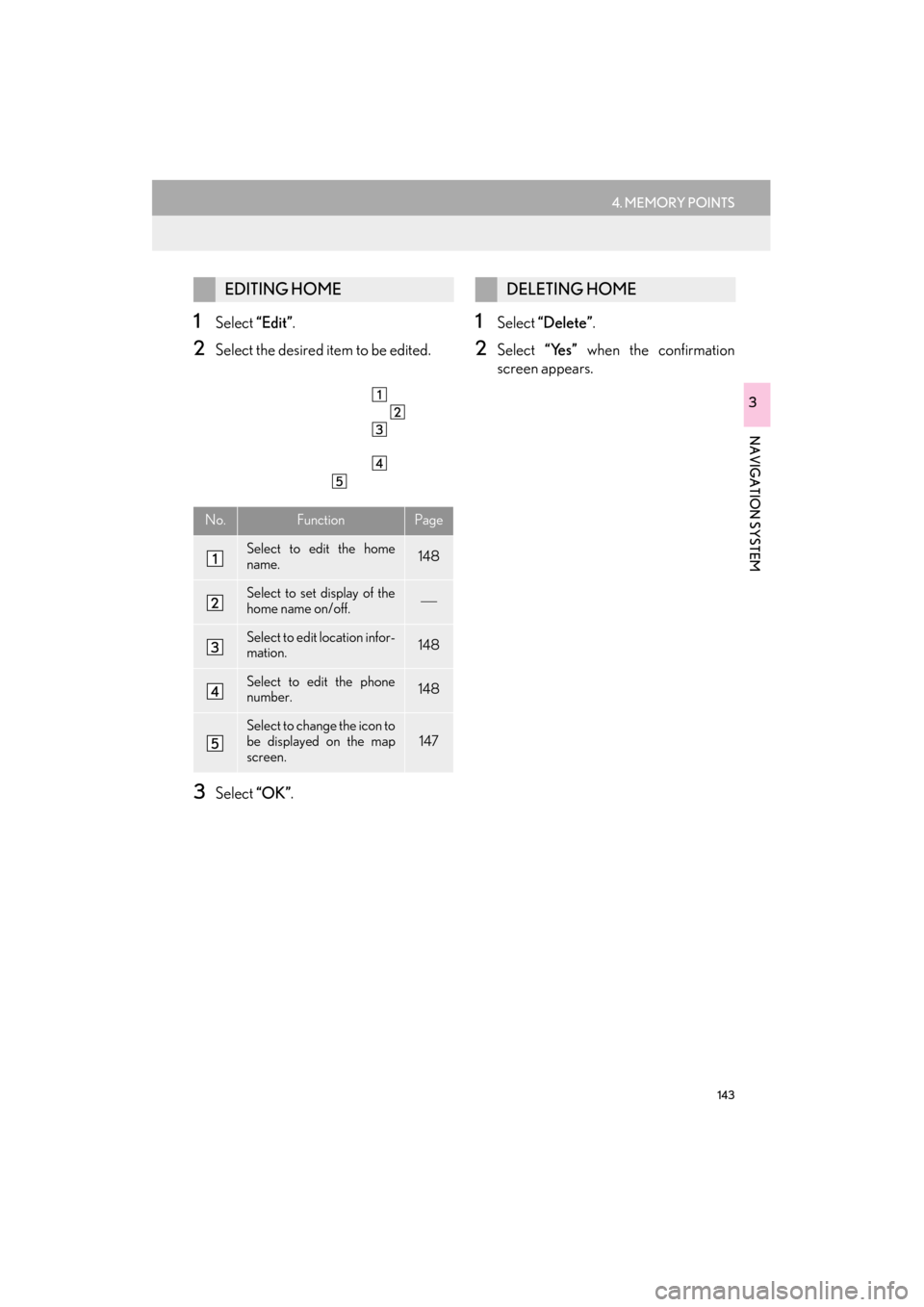
1Select “Edit”.
2Select the desired item to be edited.
3Select “OK”.
1Select “Delete” .
2Select “Yes” when the confirmation
screen appears.
EDITING HOME
No.FunctionPage
Select to edit the home
name.148
Select to set display of the
home name on/off.
Select to edit location infor-
mation.148
Select to edit the phone
number.148
Select to change the icon to
be displayed on the map
screen.147
DELETING HOME
Page 146 of 409
145
4. MEMORY POINTS
ES350/300h_Navi_OM33B43U_(U)14.06.23 09:44
NAVIGATION SYSTEM
3
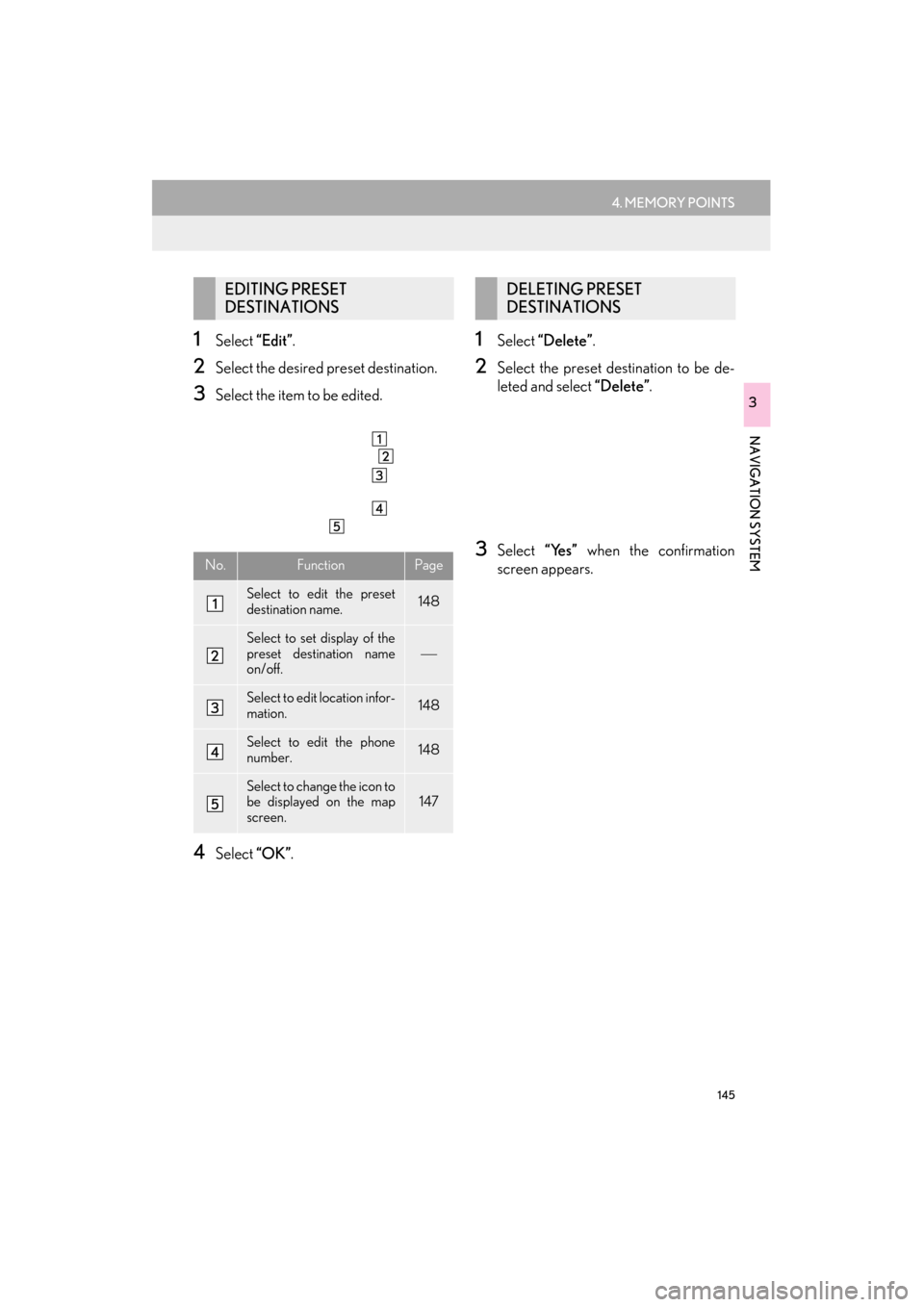
1Select “Edit”.
2Select the desired preset destination.
3Select the item to be edited.
4Select “OK”.
1Select “Delete” .
2Select the preset destination to be de-
leted and select “Delete”.
3Select “Yes” when the confirmation
screen appears.
EDITING PRESET
DESTINATIONS
No.FunctionPage
Select to edit the preset
destination name.148
Select to set display of the
preset destination name
on/off.
Select to edit location infor-
mation.148
Select to edit the phone
number.148
Select to change the icon to
be displayed on the map
screen.147
DELETING PRESET
DESTINATIONS