roof Lexus ES300h 2015 Owner's Guide
[x] Cancel search | Manufacturer: LEXUS, Model Year: 2015, Model line: ES300h, Model: Lexus ES300h 2015Pages: 786, PDF Size: 23.74 MB
Page 185 of 786
184
ES350_300h_OM_OM33B36U_(U)
3-5. Opening, closing the windows and moon roof
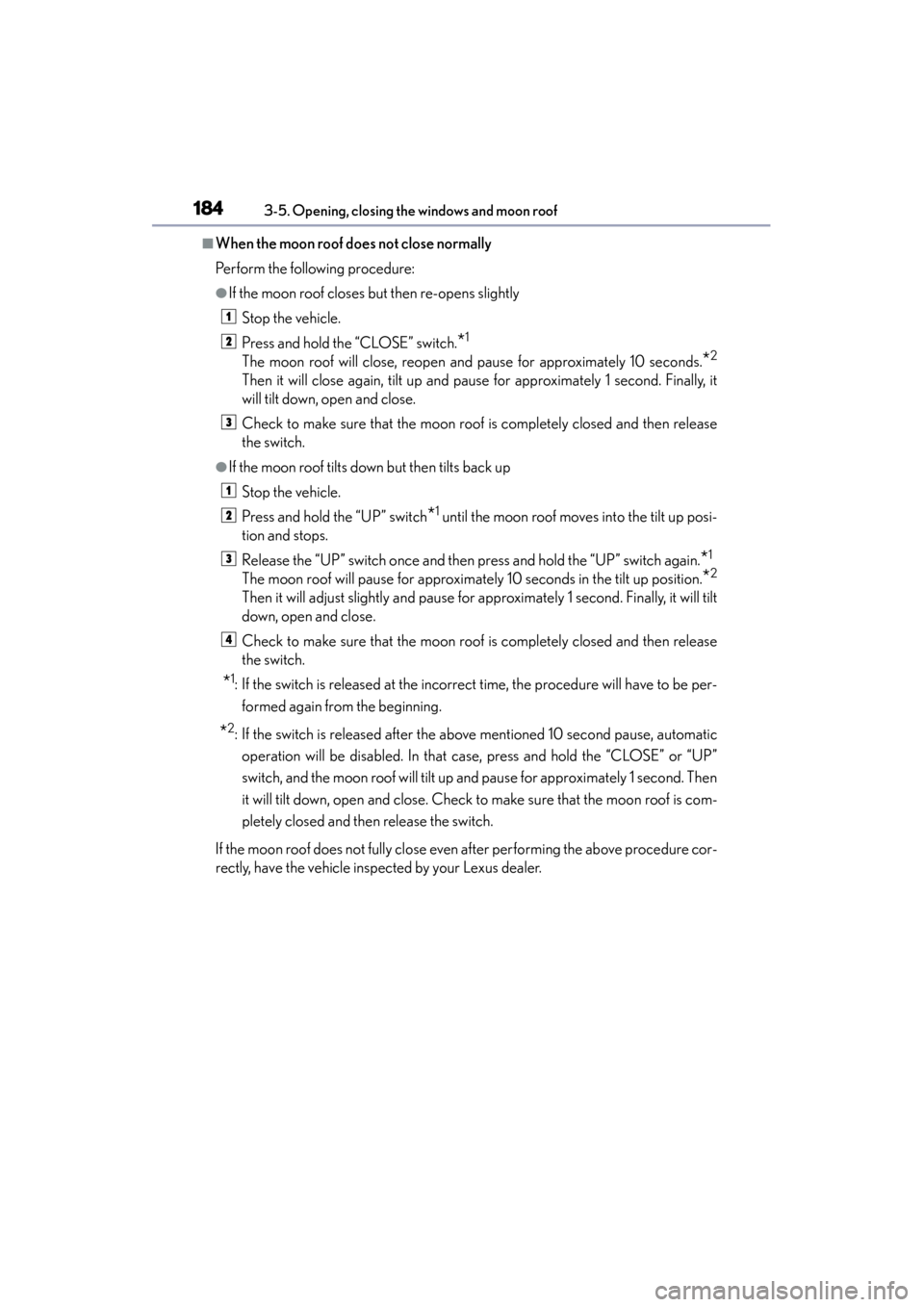
■When the moon roof does not close normally
Perform the following procedure:
●If the moon roof closes but then re-opens slightlyStop the vehicle.
Press and hold the “CLOSE” switch.
*1
The moon roof will close, reopen and pause for approximately 10 seconds.*2
Then it will close again, tilt up and pause for approximately 1 second. Finally, it
will tilt down, open and close.
Check to make sure that the moon roof is completely closed and then release
the switch.
●If the moon roof tilts down but then tilts back upStop the vehicle.
Press and hold the “UP” switch
*1 until the moon roof moves into the tilt up posi-
tion and stops.
Release the “UP” switch once and then press and hold the “UP” switch again.
*1
The moon roof will pause for approximately 10 seconds in the tilt up position.*2
Then it will adjust slightly and pause for approximately 1 second. Finally, it will tilt
down, open and close.
Check to make sure that the moon roof is completely closed and then release
the switch.
*1: If the switch is released at the incorrect time, the procedure will have to be per-
formed again from the beginning.
*2: If the switch is released after the above mentioned 10 second pause, automaticoperation will be disabled. In that case, press and hold the “CLOSE” or “UP”
switch, and the moon roof will tilt up and pause for approximately 1 second. Then
it will tilt down, open and close. Check to make sure that the moon roof is com-
pletely closed and then release the switch.
If the moon roof does not fully close even after performing the above procedure cor-
rectly, have the vehicle inspected by your Lexus dealer.
1
2
3
1
2
3
4
Page 186 of 786
ES350_300h_OM_OM33B36U_(U)
1853-5. Opening, closing the windows and moon roof
3
Operation of each component
■Moon roof open warning buzzer
The buzzer sounds and a message is shown on the multi-information display in the
instrument cluster when the “START STOP ENGINE” <“POWER”> switch is turned
off and the driver’s door is opened with the moon roof open.
■Customization
Settings (e.g. linked door lock operation) can be changed.
(Customizable features: →P. 7 3 0 )
CAUTION
Observe the following precautions.
Failure to do so may cause death or serious injury.
■Opening the moon roof
●Do not allow any passengers to put their hands or heads outside the vehicle while
it is moving.
●Do not sit on top of the moon roof.
■Closing the moon roof
●The driver is responsible for moon roof opening and closing operations. In order
to prevent accidental operation, especially by a child, do not let a child operate
the moon roof. It is possible for children and other passengers to have body parts
caught in the moon roof.
●Check to make sure that all passengers do not have any part of their body in a
position where it could be caught when the moon roof is being operated.
●When using the wireless remote control or mechanical key and operating the
moon roof, operate the moon roof after checking to make sure that there is no
possibility of any passenger having any of their body parts caught in the moon
roof. Also do not let a child operate moon roof by the wireless remote control or
mechanical key. It is possible for children and other passengers to get caught in
the moon roof.
●When exiting the vehicle, turn the “START STOP ENGINE” <“POWER”> off,
carry the key and exit the vehicle along with the child. There may be accidental
operation, due to mischief, etc., that may possibly lead to an accident.
Page 187 of 786
186
ES350_300h_OM_OM33B36U_(U)
3-5. Opening, closing the windows and moon roof
CAUTION
■Jam protection function
●Never use any part of your body to intentionally activate the jam protection func-
tion.
●The jam protection function may not work if something gets caught just before
the moon roof fully closes.
Page 311 of 786
310
ES350_300h_OM_OM33B36U_(U)
4-5. Using the driving support systems
CAUTION
●If the tire sizes are changed, the position of the guide lines displayed on the
screen may change.
●The camera uses a special lens. The distances between objects and pedestrians
that appear in the image displayed on the screen will differ from the actual dis-
tances. (→P. 303)
●Estimated course line display mode: If the steering wheel is straight and the vehi-
cle width guide lines and the estimated course lines are not in alignment, have the
vehicle inspected by your Lexus dealer.
NOTICE
■How to use the camera
●The parking assist monitor may not operate properly in the following cases.
• If the back of the vehicle is hit, the position and mounting angle of the camera
may change.
• As the camera has a water proof construction, do not detach, disassemble or modify it. This may cause incorrect operation.
• Do not strongly rub the camera lens. If the camera lens is scratched, it cannot transmit a clear image.
• Do not allow organic solvent, car wax, window cleaner or glass coat to adhere to the camera. If this happens, wipe it off as soon as possible.
• If the temperature changes rapidly, such as when hot water is poured on the vehicle in cold weather, the system may not operate normally.
• When washing the vehicle, do not apply intensive bursts of water to the cam- era or camera area. Doing so may result in the camera malfunctioning.
• When the camera is used under fluorescent lights, sodium light or mercury light etc., the lights and the illuminated areas may appear to flicker.
●Do not expose the camera to strong impact as this could cause a malfunction.
If this happens, have the vehicle inspected by your Lexus dealer as soon as possi-
ble.
Page 340 of 786
ES350_300h_OM_OM33B36U_(U)
3394-6. Driving tips
4
Driving
Control your speed and keep at a constant speed. Also, before stopping
at a toll booth or similar, allow plenty of time to release the accelerator and
gently apply the brakes. A greater amount of electrical energy can be
retained when slowing down.
Use the air conditioning only when necessary. Doing so can help control
excessive gasoline consumption.
In summer: In high temperatures, use the recirculated air mode. Doing so
will help to reduce the burden on the air conditioner and reduce fuel con-
sumption as well.
In winter: Because the gasoline engine will not automatically cut out until
the gasoline engine and the interior of the vehicle are warm, it will con-
sume fuel. Also, fuel consumption can be improved by avoiding overuse of
the heater.
Make sure to check the tire inflation pressure frequently. Improper tire
inflation pressure can cause poor fuel consumption.
Also, as snow tires can cause large amounts of friction, their use on dry
roads can lead to poor fuel consumption. Use a tire that is appropriate for
the season.
Carrying heavy luggage can lead to poor fuel consumption. Avoid carry-
ing unnecessary luggage. Installing a large roof rack can also cause poor
fuel consumption.
Highway driving
Air conditioning
Checking tire inflation pressure
Luggage
Page 343 of 786
342
ES350_300h_OM_OM33B36U_(U)
4-6. Driving tips
Perform the following according to the driving conditions:
●Do not try to forcibly open a window or move a wiper that is frozen.
Pour warm water over the frozen area to melt the ice. Wipe away the
water immediately to prevent it from freezing.
●To ensure proper operation of the climate control system fan, remove
any snow that has accumulated on the air inlet vents in front of the wind-
shield.
●Check for and remove any excess ice or snow that may have accumu-
lated on the exterior lights, vehicle’s roof, chassis, around the tires or on
the brakes.
●Remove any snow or mud from the bottom of your shoes before getting
in the vehicle.
Accelerate the vehicle slowly, keep a safe distance between you and the
vehicle ahead, and drive at a reduced speed suitable to road conditions.
Park the vehicle and move the shift lever to P without setting the parking
brake. The parking brake may freeze up, preventing it from being
released. If necessary, block the wheels to prevent inadvertent sliding or
creeping.
Before driving the vehicle
When driving the vehicle
When parking the vehicle
Page 457 of 786
4565-12. Other function
ES350_300h_OM_OM33B36U_(U)
■Microphone
→P. 4 2 0
■When using the microphone
●It is unnecessary to speak directly into the microphone when giving a command.
●Wait for the confirmation beep before speaking a command.
●Voice commands may not be recognized if:
• Spoken too quickly.
• Spoken at a low or high volume.
• The roof or windows are open.
• Passengers are talking while voice commands are spoken.
• The air conditioning speed is set high.
• The air conditioning vents are turned towards the microphone.
●In the following conditions, the system may not recognize the command properly
and using voice commands may not be possible:
• The command is incorrect or unclear. Note that certain words, accents or
speech patterns may be difficult for the system to recognize.
• There is excessive background noise, such as wind noise.
■When searching for a track
●A USB memory or iPod must be connected to enable track searching and play-
back. ( →P. 3 5 9 )
●When a USB memory or iPod is connected, recognition data is created so tracks
can be searched using voice commands.
●Recognition data is updated under the following conditions:
• When the USB memory or iPod data has changed.
• When the voice recognition language is changed. ( →P. 3 6 2 )
●While the recognition data is being created or being updated, a track search can-
not be performed using a voice command.
■The Gracenote® media database
→ P. 3 9 2
Page 461 of 786
4605-12. Other function
ES350_300h_OM_OM33B36U_(U)
■Microphone
●Wait for the listening beeps before using the Mobile Assistant.
●The Mobile Assistant may not recognize commands in the following situations:
• When spoken too quickly.
• When spoken at a low or high volume.
• When the roof or windows are open.
• When passengers are talking while the Mobile Assistant is being used.
• When the air conditioning system’s fan speed is set high.
• When the air conditioning vents are turned toward the microphone.
■Mobile Assistant precautions
●The available features and functions may vary based on the iOS version installed on
the connected device.
●Some Siri features are limited in Eyes Free mode. If you attempt to use an unavail-
able function, Siri will inform you that the function is not available.
●If Siri is not enabled on the cellular phone connected via Bluetooth®, an error mes-
sage will be displayed on the screen.
●While a phone call is active, the Mobile Assistant cannot be used.
●If using the navigation feature of the cellular phone, ensure the active audio source
is Bluetooth® audio or iPod in order to hear turn by turn direction prompts.
It is not necessary to speak directly into the
microphone when using the Mobile Assistant.
Page 512 of 786
ES350_300h_OM_OM33B36U_(U)
5116-4. Other interior features
6
Interior features
■Conditions unfavorable to correct operation
The compass may not show the correct direction in the following conditions:
●The vehicle is stopped immediately after turning.
●The vehicle is on an inclined surface.
●The vehicle is in a place where the earth’s magnetic field is subject to interference
by artificial magnetic fields (underground car park/parking lot, under a steel tower,
between buildings, roof car park/parking lot, near an intersection, near a large
vehicle, etc.).
●The vehicle has become magnetized.
(There is a magnet or metal object near the inside rear view mirror.)
●The 12-volt battery has been disconnected.
●A door is open.
CAUTION
■While driving the vehicle
Do not adjust the display. Adjust the display only when the vehicle is stopped.
■When doing the circling calibration
Secure a wide space, and watch out for people and vehicles in the vicinity. Do not
violate any local traffic rules while performing circling calibration.
Page 513 of 786
512
ES350_300h_OM_OM33B36U_(U)
6-4. Other interior features
NOTICE
■To avoid the compass malfunctions
Do not place magnets or any metal objects near the inside rear view mirror.
Doing this may cause the compass sensor to malfunction.
■To ensure normal operation of the compass
●Do not perform a circling calibration of the compass in a place where the earth’s
magnetic field is subject to interference by artificial magnetic fields.
●During calibration, do not operate electric systems (moon roof, power windows,
etc.) as they may interfere with the calibration.