battery Lexus ES300h 2015 Workshop Manual
[x] Cancel search | Manufacturer: LEXUS, Model Year: 2015, Model line: ES300h, Model: Lexus ES300h 2015Pages: 786, PDF Size: 23.74 MB
Page 478 of 786
477
ES350_300h_OM_OM33B36U_(U)
6-1. Using the air conditioning system and defogger
6
Interior features
Heated steering wheel∗/seat heaters∗/
seat ventilators
∗
∗
: If equipped
Heated steering wheel and seat heaters heat the side grips of the steer-
ing wheel and seats, respectively. Seat ventilators maintain good air-
flow by blowing air from the seats.
CAUTION
●Care should be taken to prevent injury if anyone in the following categories
comes in contact with the steering wheel and seats when the heater is on:
• Babies, small children, the elderly, the sick and the physically challenged
• Persons with sensitive skin
• Persons who are fatigued
• Persons who have taken alcohol or drugs that induce sleep (sleeping drugs, cold remedies, etc.)
●Observe the following precautions to prevent minor burns or overheating:
• Do not cover the seat with a blanket or cushion when using the seat heater.
• Do not use seat heater more than necessary.
NOTICE
●Do not put heavy objects that have an uneven surface on the seat and do not stick
sharp objects (needles, nails, etc.) into the seat.
●To prevent 12-volt battery discharge, do not use the functions when the hybrid
system is off.
Page 482 of 786
ES350_300h_OM_OM33B36U_(U)
4816-2. Using the interior lights
6
Interior features
■Illuminated entry system
The lights automatically turn on/off according to “START STOP ENGINE”
<“POWER”> switch mode, the presence of the electronic key, whether the doors are
locked/unlocked, and whether the doors are opened/closed.
■To prevent 12-volt battery discharge
If the following lights remain on when the “START STOP ENGINE” <“POWER”>
switch is turned off the lights will go off automatically after 20 minutes:
●Outer foot lights
●Personal/interior light
●Door courtesy lights
●Ornament lights (if equipped)
●Footwell lights
■Customization
Setting (e.g. the time elapsed before lights turn off) can be changed.
(Customizable features: →P. 7 3 0 )
Page 491 of 786
490
ES350_300h_OM_OM33B36U_(U)
6-4. Other interior features
Sun visors and vanity mirrors
To set the visor in the forward
position, flip it down.
To set the visor in the side posi-
tion, flip down, unhook, and swing
it to the side.
To use the side extender, place
the visor in the side position, then
slide it backward.
Slide the cover to open.
The light turns on when the cover is
opened.
Sun visors
1
2
3
Va n i t y m i r r o r s
NOTICE
■To prevent 12-volt battery discharge
Do not leave the vanity lights on for extended periods while the engine is not run-
ning
Page 494 of 786
ES350_300h_OM_OM33B36U_(U)
4936-4. Other interior features
6
Interior features
NOTICE
■To avoid damaging the power outlets
Close the power outlet lids when the power outlets are not in use.
Foreign objects or liquids that enter the power outlets may cause a short circuit.
■To prevent blown fuse
Do not use an accessory that uses more than 12V 10A.
■To prevent 12-volt battery discharge
Do not use the power outlets longer than necessary when the engine is not running
Page 498 of 786
ES350_300h_OM_OM33B36U_(U)
4976-4. Other interior features
6
Interior features
CAUTION
■When the rear sunshade is being operated
Do not place fingers or other objects in the fastener section or in the opening.
They may get caught, causing injury.
NOTICE
■To prevent 12-volt battery discharge
Do not operate the rear sunshade when the engine is not running
■To ensure normal operation of the rear sunshade and rear door sunshades
Observe the following precautions.
●Do not place excessive load on the motor or other components of the rear sun-
shade.
●Do not place objects where they may hinder opening and closing operations.
●Do not attach items to the rear sunshade and rear door sunshades.
●Keep the opening clean and clear of obstructions.
●Do not operate the rear sunshade cont inuously for long periods of time.
Page 502 of 786
501
ES350_300h_OM_OM33B36U_(U)
6-4. Other interior features
6
Interior features
Garage door opener
The garage door opener (HomeLink® Universal Transceiver) is manufac-
tured under license from HomeLink
®.
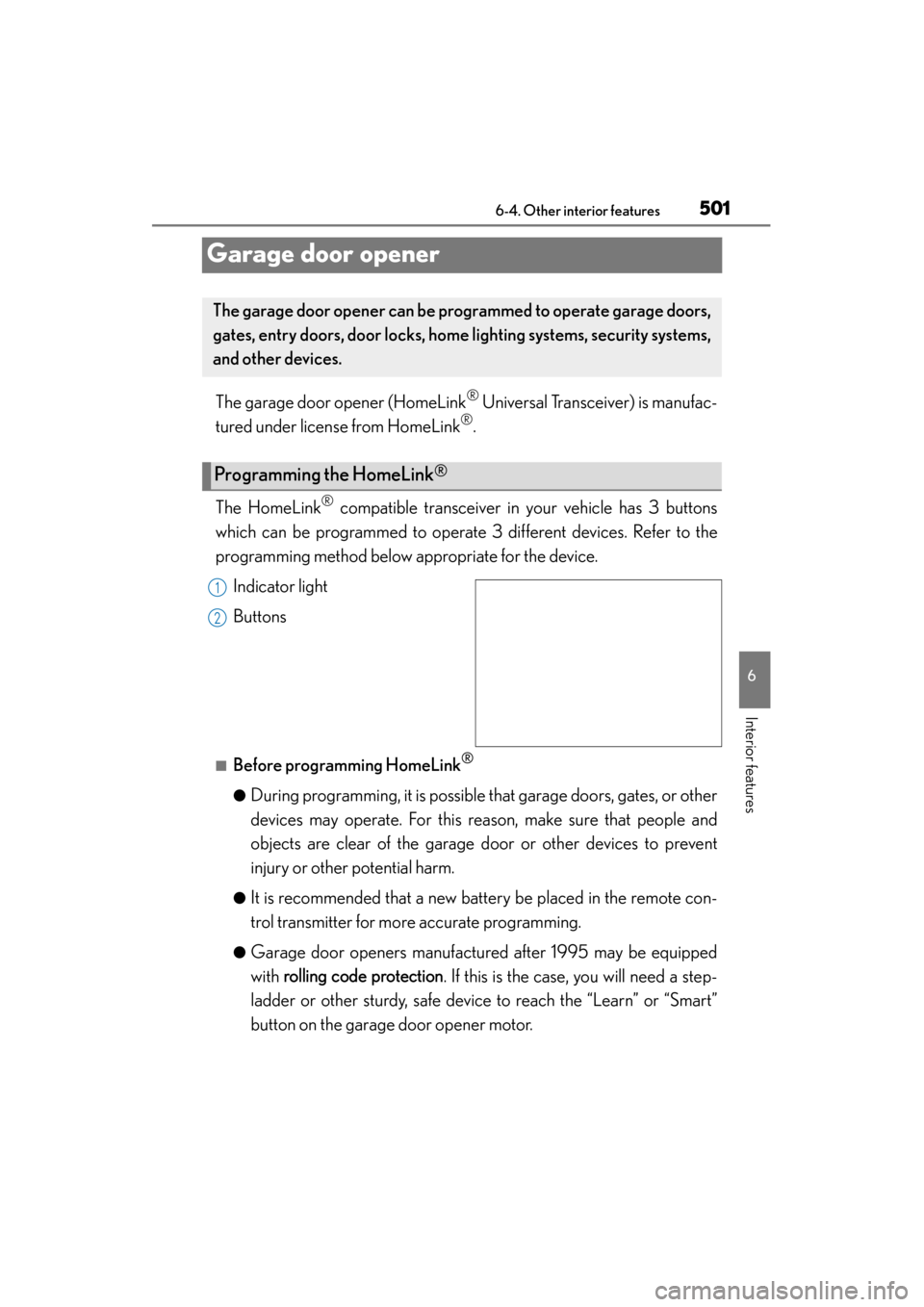
The HomeLink
® compatible transceiver in your vehicle has 3 buttons
which can be programmed to operate 3 different devices. Refer to the
programming method below appropriate for the device.
Indicator light
Buttons
■Before programming HomeLink®
●During programming, it is possible th at garage doors, gates, or other
devices may operate. For this reason, make sure that people and
objects are clear of the garage door or other devices to prevent
injury or other potential harm.
●It is recommended that a new battery be placed in the remote con-
trol transmitter for more accurate programming.
●Garage door openers manufactured after 1995 may be equipped
with rolling code protection . If this is the case, you will need a step-
ladder or other sturdy, safe device to reach the “Learn” or “Smart”
button on the garage door opener motor.
The garage door opener can be pr ogrammed to operate garage doors,
gates, entry doors, door locks, home lighting systems, security systems,
and other devices.
Programming the HomeLink®
1
2
Page 507 of 786
506
ES350_300h_OM_OM33B36U_(U)
6-4. Other interior features
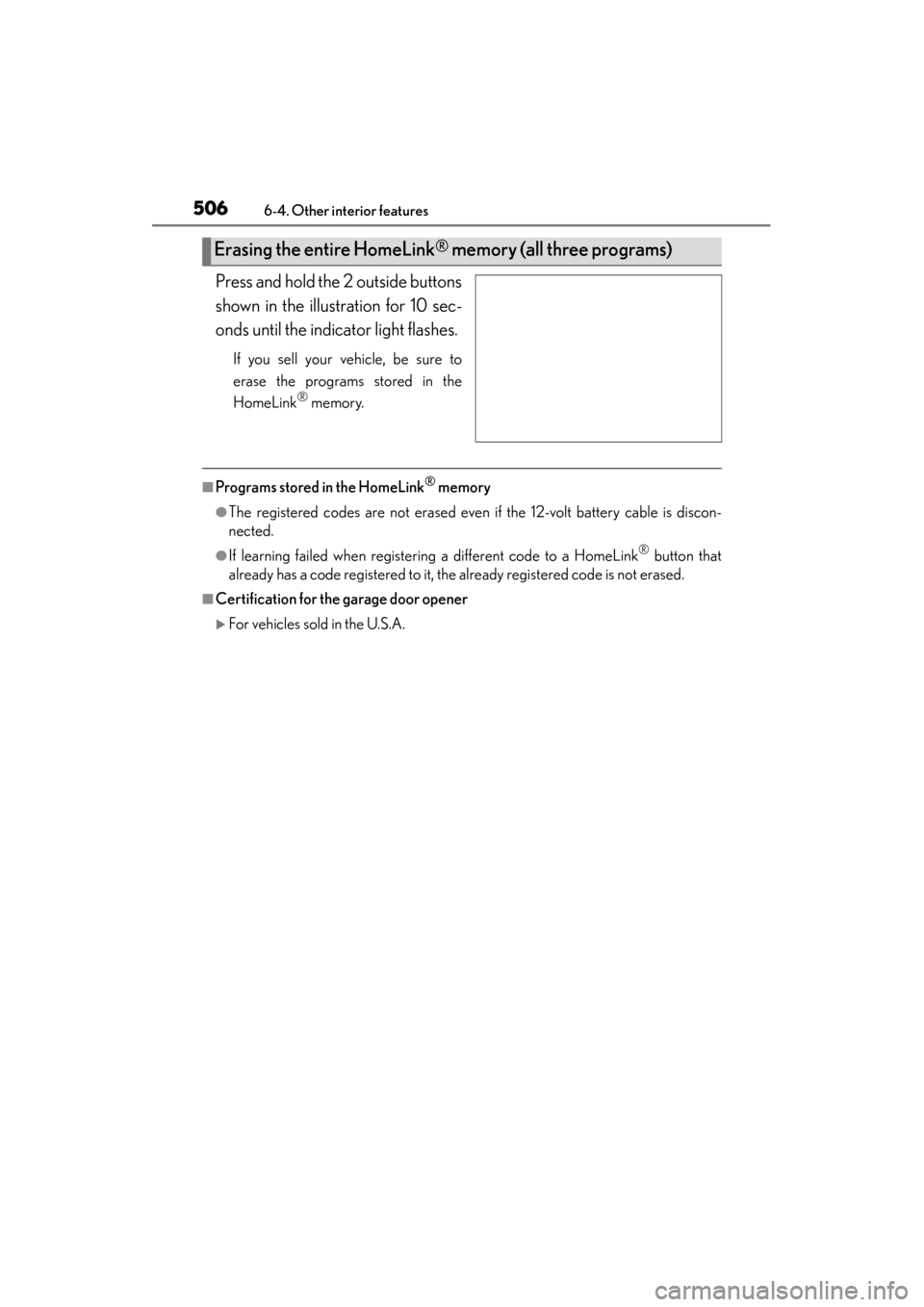
Press and hold the 2 outside buttons
shown in the illustration for 10 sec-
onds until the indicator light flashes.
If you sell your vehicle, be sure to
erase the programs stored in the
HomeLink
® memory.
■Programs stored in the HomeLink® memory
●The registered codes are not erased even if the 12-volt battery cable is discon-
nected.
●If learning failed when registering a different code to a HomeLink® button that
already has a code registered to it, the already registered code is not erased.
■Certification for the garage door opener
XFor vehicles sold in the U.S.A.
Erasing the entire HomeLink® memory (all three programs)
Page 512 of 786
ES350_300h_OM_OM33B36U_(U)
5116-4. Other interior features
6
Interior features
■Conditions unfavorable to correct operation
The compass may not show the correct direction in the following conditions:
●The vehicle is stopped immediately after turning.
●The vehicle is on an inclined surface.
●The vehicle is in a place where the earth’s magnetic field is subject to interference
by artificial magnetic fields (underground car park/parking lot, under a steel tower,
between buildings, roof car park/parking lot, near an intersection, near a large
vehicle, etc.).
●The vehicle has become magnetized.
(There is a magnet or metal object near the inside rear view mirror.)
●The 12-volt battery has been disconnected.
●A door is open.
CAUTION
■While driving the vehicle
Do not adjust the display. Adjust the display only when the vehicle is stopped.
■When doing the circling calibration
Secure a wide space, and watch out for people and vehicles in the vicinity. Do not
violate any local traffic rules while performing circling calibration.
Page 522 of 786

521
ES350_300h_OM_OM33B36U_(U)
7Maintenance and care
7-1. Maintenance and careCleaning and protecting the vehicle exterior................. 522
Cleaning and protecting the vehicle interior .................. 526
7-2. Maintenance Maintenance requirements............................. 529
General maintenance .............. 532
Emission inspection and maintenance (I/M)
programs .................................... 536
7-3. Do-it-yourself maintenance Do-it-yourself service precautions................................ 537
Hood ................................................ 541
Positioning a floor jack ............. 542
Engine compartment ............... 545
12-volt battery (hybrid vehicles) ...................... 562
Tires.................................................. 566
Tire inflation pressure ................577
Wheels .......................................... 580
Air conditioning filter ...............582
Electronic key battery ..............584
Checking and replacing fuses..............................................586
Light bulbs.....................................598
Page 524 of 786
ES350_300h_OM_OM33B36U_(U)
5237-1. Maintenance and care
7
Maintenance and care
■Notes for a smart access system with push-button start
If the door handle becomes wet while the electronic key is within the effective range,
the door may lock and unlock repeatedly. In that case, follow the following correc-
tion procedures to wash the vehicle:
●Place the key in a position 6 ft. (2 m) or more separate from the vehicle while the
vehicle is being washed. (Take care to ensure that the key is not stolen.)
●Set the electronic key to battery-saving mode to disable the smart access system
with push-button start. (→P. 1 3 3 )
■Aluminum wheels
●Remove any dirt immediately by using a neutral detergent. Do not use hard
brushes or abrasive cleaners. Do not use strong or harsh chemical cleaners.
Use the same mild detergent and wax as used on the paint.
●Do not use detergent on the wheels when th ey are hot, for example after driving for
long distance in the hot weather.
●Wash detergent from the wheels immediately after use.
■Bumpers and side moldings
Do not scrub with abrasive cleaners.