audio Lexus ES300h 2015 Manual PDF
[x] Cancel search | Manufacturer: LEXUS, Model Year: 2015, Model line: ES300h, Model: Lexus ES300h 2015Pages: 786, PDF Size: 23.74 MB
Page 395 of 786
3945-5. Playing an audio CD and MP3/WMA/AAC discs
ES350_300h_OM_OM33B36U_(U)
NOTICE
■Discs and adapters that cannot be used
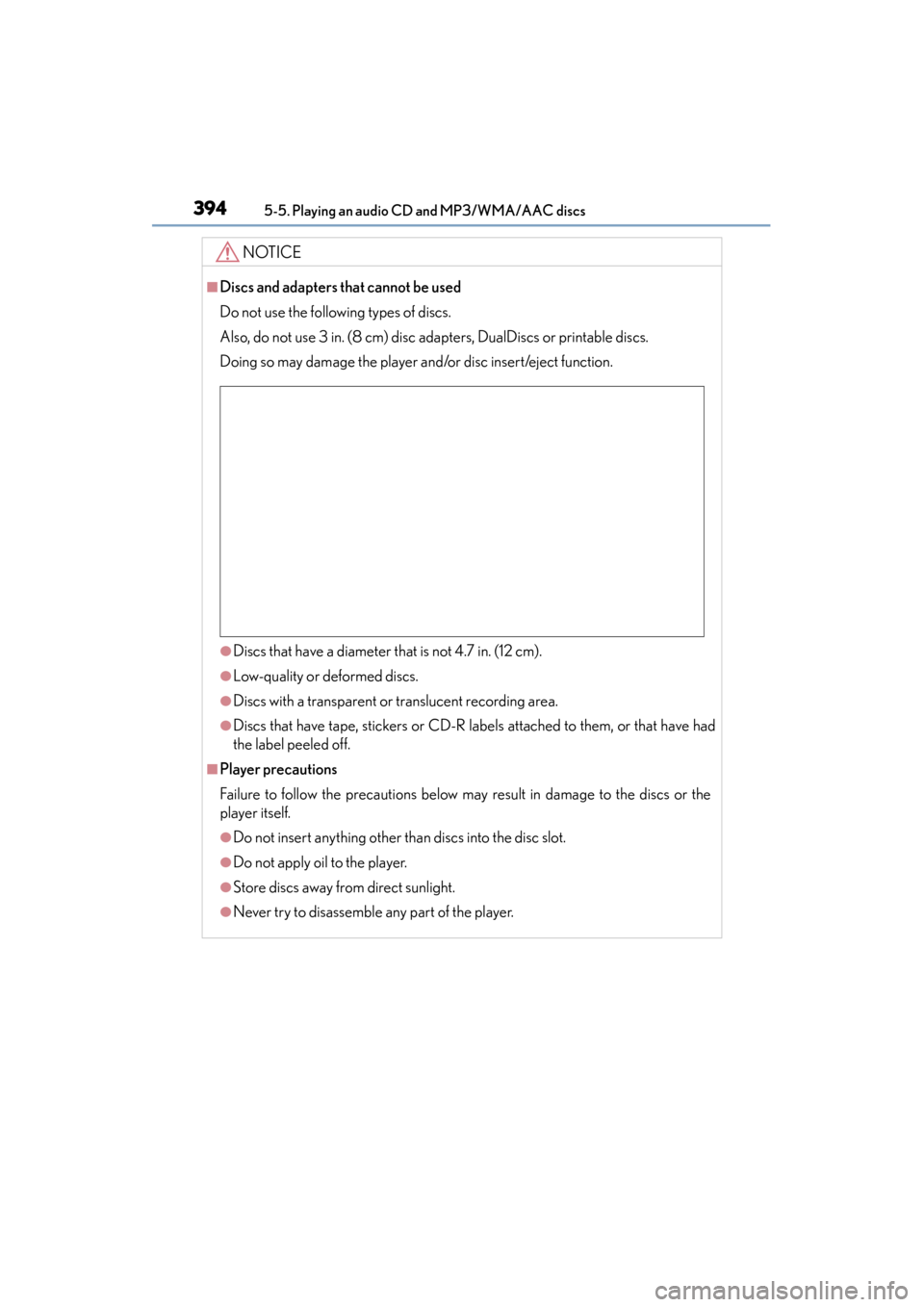
Do not use the following types of discs.
Also, do not use 3 in. (8 cm) disc adapters, DualDiscs or printable discs.
Doing so may damage the player and/or disc insert/eject function.
●Discs that have a diameter that is not 4.7 in. (12 cm).
●Low-quality or deformed discs.
●Discs with a transparent or translucent recording area.
●Discs that have tape, stickers or CD-R labels attached to them, or that have had
the label peeled off.
■Player precautions
Failure to follow the precautions below may result in damage to the discs or the
player itself.
●Do not insert anything other than discs into the disc slot.
●Do not apply oil to the player.
●Store discs away from direct sunlight.
●Never try to disassemble any part of the player.
Page 396 of 786
395
ES350_300h_OM_OM33B36U_(U)
5-6. Using an external device
5
Lexus Display Audio system
Listening to an iPod
→P. 359
Pressing the “MEDIA” button displays the iPod top screen from any
screen of the selected source.
■Menu screen
→ P. 3 7 5
■Selecting a song
Press the “ ∧” or “∨ ” button or turn the “TUNE•SCROLL” knob to select
the desired song number.
To fast-forward or rewind, press and hold the “ ∧” or “ ∨” button.
■Selecting a play mode
Move the controller to the right and then select “Browse”.
Select the desired play mode, and th en select a song to begin using
the selected play mode.
■Displaying the now playing list
Move the controller to the right and then select “Now Playing List”.
Connecting an iPod enables you to enjoy music from the vehicle speak-
ers.
Press the “MEDIA” button or select “iPod” on the audio source selec-
tion screen.
Connecting an iPod
iPod top screen
1
2
Page 397 of 786
3965-6. Using an external device
ES350_300h_OM_OM33B36U_(U)
■About iPod
●“Made for iPod” and “Made for iPhone” mean that an electronic accessory has
been designed to connect specifically to an iPod, or iPhone, respectively, and has
been certified by the developer to meet Apple performance standards.
●Apple is not responsible for the operation of this device or its compliance with
safety and regulatory standards. Please note that the use of this accessory with
iPod or iPhone may affect wireless performance.
●iPhone, iPod, iPod classic, iPod nano and iPod touch are trademarks of Apple Inc.,
registered in the U.S. and other countries.
■iPod cover art
●Depending on the iPod and songs in the iPod, iPod cover art may be displayed.
●This function can be changed to on/off. (→P. 3 74 )
●It may take time to display iPod cover art, and the iPod may not be operated while
the cover art display is in process.
■iPod functions
●When an iPod is connected and the audio source is changed to iPod mode, the
iPod will resume play from the same point in which it was last used.
●Depending on the iPod that is connected to the system, certain functions may not
be available. If a function is unavailable due to a malfunction (as opposed to a sys-
tem specification), disconnecting the device and reconnecting it may resolve the
problem.
●Depending on the iPod, while connected to the system, the iPod cannot be oper-
ated with its own controls. It is necessary to use the controls of the vehicle’s audio
system instead.
●When the battery level of an iPod is very low, the iPod may not operate. If so, charge
the iPod before use.
●Compatible models ( →P. 3 9 8 )
Page 398 of 786
ES350_300h_OM_OM33B36U_(U)
3975-6. Using an external device
5
Lexus Display Audio system
■iPod problems
To resolve most problems encountered when using your iPod, disconnect your iPod
from the vehicle iPod connection and reset it. For instructions on how to reset your
iPod, refer to your iPod Owner’s Manual.
■Error messages
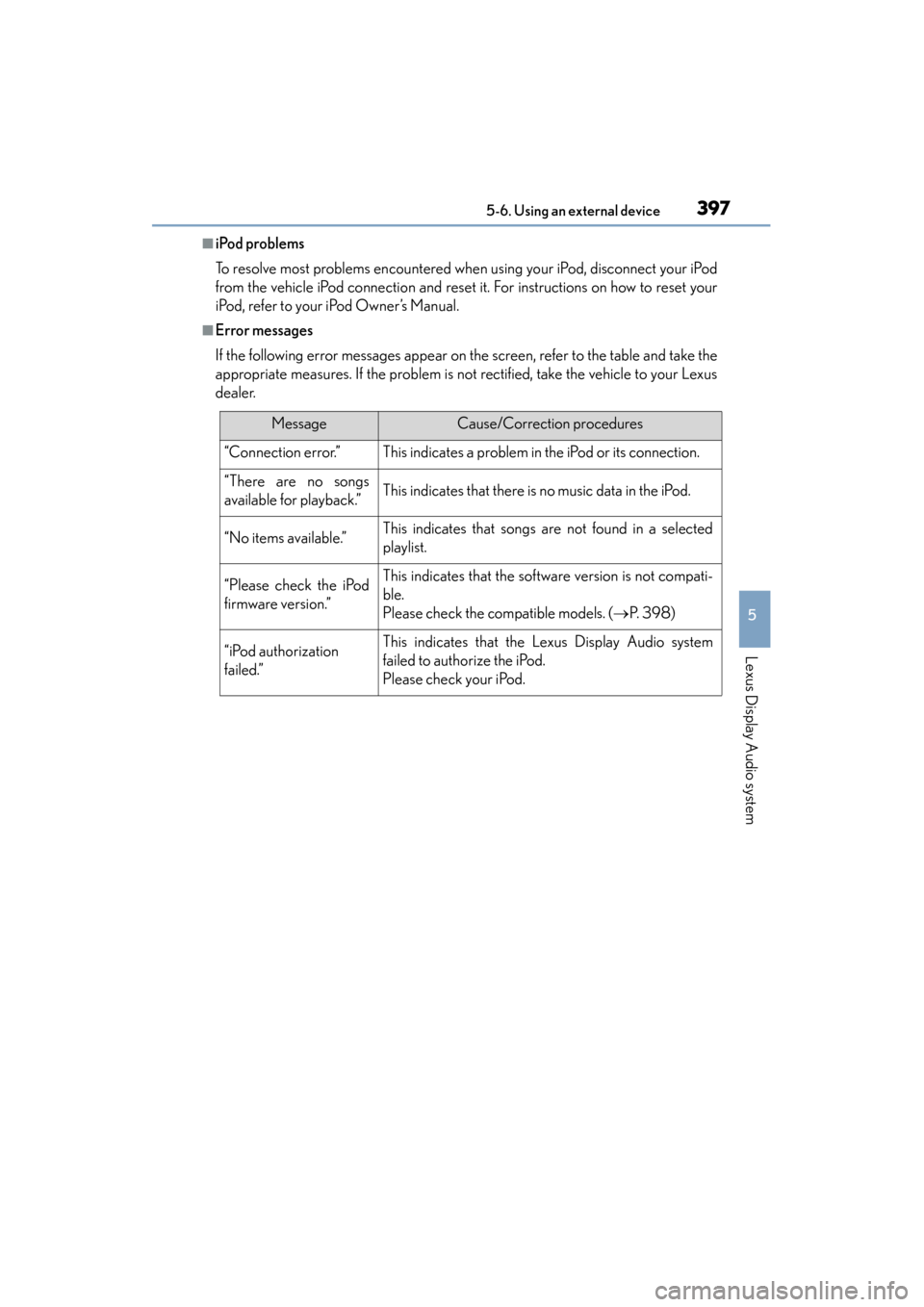
If the following error messages appear on the screen, refer to the table and take the
appropriate measures. If the problem is not rectified, take the vehicle to your Lexus
dealer.
MessageCause/Correction procedures
“Connection error.”This indicates a problem in the iPod or its connection.
“There are no songs
available for playback.”This indicates that there is no music data in the iPod.
“No items available.”This indicates that songs are not found in a selected
playlist.
“Please check the iPod
firmware version.”This indicates that the software version is not compati-
ble.
Please check the compatible models. (→P. 3 9 8 )
“iPod authorization
failed.”This indicates that the Lexus Display Audio system
failed to authorize the iPod.
Please check your iPod.
Page 400 of 786
399
ES350_300h_OM_OM33B36U_(U)
5-6. Using an external device
5
Lexus Display Audio system
Using USB memory device
→P. 359
Pressing the “MEDIA” button displays the USB top screen from any
screen of the selected source.
■Menu screen
→ P. 3 7 5
■Selecting a file
Press the “ ∧” or “∨ ” button or turn the “TUNE•SCROLL” knob to select
the desired file number.
To fast-forward or rewind, press and hold the “ ∧” or “ ∨” button.
■Selecting a play mode
Move the controller to the right and select “Browse”.
Select the desired play mode, then select a file to begin the selected
play mode.
■Displaying the now playing list
Move the controller to the right and select “Now Playing List”.
Connecting a USB memory device enab les you to enjoy music from the
vehicle speakers.
Select “USB1” or “USB2” on the aud io source selection screen.
Connecting a USB memory device
USB top screen
1
2
Page 402 of 786
ES350_300h_OM_OM33B36U_(U)
4015-6. Using an external device
5
Lexus Display Audio system
●MP3, WMA and AAC files
MP3 (MPEG Audio LAYER 3) is a standard audio compression format.
Files can be compressed to approximately 1 /10 of their original size using MP3
compression.
WMA (Windows Media Audio) is a Microsoft audio compression format. This for-
mat compresses audio data to a size smaller than that of the MP3 format.
AAC is short for Advanced Audio Coding and refers to an audio compression
technology standard used with MPEG2 and MPEG4.
MP3, WMA and AAC file and media/formats compatibility are limited.
●MP3 file compatibility
• Compatible standards MP3 (MPEG1 AUDIO LAYERIII, MPEG2 AUDIO LAYERIII)
• Compatible sampling frequencies MPEG1 AUDIO LAYERIII: 32, 44.1, 48 (kHz)
MPEG2 AUDIO LAYERIII: 16, 22.05, 24 (kHz)
• Compatible bit rates (compatible with VBR) MPEG1 AUDIO LAYERIII: 32-320 (kbps)
MPEG2 AUDIO LAYERIII: 8-160 (kbps)
• Compatible channel modes: stereo, joint stereo, dual channel and monaural
●WMA file compatibility
• Compatible standards WMA Ver. 7, 8, 9 (only compatible with Window Media Audio Standard)
• Compatible sampling frequencies 32, 44.1, 48 (kHz)
• Compatible bit rates (only compatible with 2-channel playback) Ver. 7, 8: CBR 48-192 (kbps)
Ver. 9: CBR 48-320 (kbps)
●AAC file compatibility
• Compatible standards MPEG4/AAC-LC
• Compatible sampling frequencies 11.025/12 /16/22.05/24/32 /44.1 /48 (kHz)
• Compatible bit rates 16-320 (kbps)
• Compatible channel modes: 1 ch and 2 ch
●File names
The only files that can be recognized as MP3/WMA/AAC and played are those
with the extension .mp3, .wma or .m4a.
Page 403 of 786
4025-6. Using an external device
ES350_300h_OM_OM33B36U_(U)
●ID3, WMA and AAC tags
ID3 tags can be added to MP3 files, making it possible to record the track title,
artist name, etc.
The system is compatible with ID3 Ver. 1.0, 1.1, and Ver. 2.2, 2.3 ID3 tags. (The
number of characters is based on ID3 Ver. 1.0 and 1.1.)
WMA tags can be added to WMA files, making it possible to record the track title
and artist name in the same way as with ID3 tags.
AAC tags can be added to AAC files, making it possible to record the track title
and artist name in the same way as with ID3 tags.
●MP3, WMA and AAC playback
• When a device containing MP3, WMA or AAC files is connected, all files in theUSB memory device are checked. Once the file check is finished, the first MP3,
WMA or AAC file is played. To make the file check finish more quickly, we rec-
ommend that you do not include any files other than MP3, WMA or AAC files
or create any unnecessary folders.
• When a USB memory device is connected and the audio source is changed to USB memory mode, the USB memory device wi ll start playing the first file in the
first folder. If the same device is removed and reconnected (and the contents
have not been changed), the USB memory device will resume play from the
same point in which it was last used.
●Extensions
If the file extensions .mp3, .wma and .m4a are used for files other than MP3, WMA
and AAC files, they will be skipped (not played).
●Playback
• To play MP3 files with steady sound quality, we recommend a fixed bit rate of at least 128 kbps and a sampling frequency of 44.1 kHz.
• There is a wide variety of freeware and other encoding software for MP3, WMA and AAC files on the market, and depending on the status of the encod-
ing and the file format, poor sound quality or noise at the start of playback may
result. In some cases, playback may not be possible at all.
• Microsoft, Windows, and Windows Media are the registered trademarks of Microsoft Corporation in the U.S.A. and other countries.
Page 404 of 786
ES350_300h_OM_OM33B36U_(U)
4035-6. Using an external device
5
Lexus Display Audio system
NOTICE
■If the armrest cannot be fully closed
Depending on the size and shape of the USB memory that is connected to the sys-
tem, the armrest may not close fully. In this case, do not forcibly close the armrest
as this may damage the USB memory or the terminal, etc.
■To prevent damage to the USB memory device or its terminals
●Do not leave the USB memory device in the vehicle. The temperature inside the
vehicle may become high.
●Do not push down on or apply unnecessary pressure to the USB memory device
while it is connected.
●Do not insert foreign objects into the port.
Page 405 of 786
404
ES350_300h_OM_OM33B36U_(U)
5-6. Using an external device
Using the AUX port
→P. 359
Pressing the “MEDIA” button displays the top screen from any screen of
the selected source.
■Menu screen
→ P. 3 7 5
■Operating portable players connected to the audio system
Volume can be adjusted using the vehicle’s audio controls. All other adjustments
must be made on the portable player itself.
■When using a portable player connected to the power outlet
Noise may occur during playback. Use the power source of the portable player.
To use the AUX port, connect a portable player, press the “MEDIA”
button or select “AUX” or “A/V” on the “Source” screen.
Connecting a portable player
To p s c r e e n
NOTICE
■To prevent damage to the portable player or its terminal
●Do not leave portable player in the vehicle. The temperature inside the vehicle
may become high.
●Do not push down on or apply unnecessary pressure to the portable player while
it is connected.
●Do not insert foreign objects into the port.
Page 406 of 786
405
ES350_300h_OM_OM33B36U_(U)
5-7. Connecting Bluetooth®
5
Lexus Display Audio system
Steps for using Bluetooth® devices
The following can be performed using Bluetooth® wireless communi-
cation:
■A portable audio player can be op erated and listened to via the
Lexus Display Audio system
■Hands-free phone calls can be made via a cellular phone
In order to use wireless commun ication, register and connect a
Bluetooth
® device by performing the following procedures.