warning Lexus ES350 2009 User Guide
[x] Cancel search | Manufacturer: LEXUS, Model Year: 2009, Model line: ES350, Model: Lexus ES350 2009Pages: 475, PDF Size: 6.2 MB
Page 94 of 475
92
1-7. Safety information
ES350_U_(L/O_0808)
CAUTION
■Front passenger occupant classification system precautions
●If an adult sits in the front passenger seat, the AIR BAG ON indicator light is illu-
minated. If the AIR BAG OFF indicator is illuminated, ask the passenger to sit up
straight, well back in the seat, feet on the floor, and with the seat belt worn cor-
rectly. If the AIR BAG OFF indicator still remain illuminated, either ask the pas-
senger to move to the rear seat, or if that is not possible, move the front passenger
seat fully rearward.
●When it is unavoidable to install the forward-facing child restraint system on the
front passenger seat, install the child restraint system on the front passenger seat
in the proper order. (→P. 9 7 )
●Do not modify or remove the front seats.
●Do not kick the front passenger seat or subject it to severe impact. Otherwise,
the SRS warning light may come on to indicate a malfunction of the detection sys-
tem. In this case, contact your Lexus dealer immediately.
●Child restraint systems installed on the rear seat should not contact the front seat-
backs.
●Do not use a seat accessory, such as a cushion or seat cover, that covers the seat
cushion surface.
●Do not modify or replace the upholstery of the front seat.
Page 109 of 475
When driving2
107
ES350_U_(L/O_0808)
2-1. Driving proceduresDriving the vehicle................. 108
Engine (ignition) switch .......... 116
Automatic Transmission ......... 119
Turn signal lever ....................... 122
Parking brake ........................... 123
Horn ............................................ 124
2-2. Instrument cluster Gauges and meters ................ 125
Indicators and warning lights ......................................... 127
Multi-information display ...... 131
2-3. Operating the lights and windshield wipers
Headlight switch...................... 135
Fog light switch ........................ 138
Windshield wipers and washer ..................................... 139 2-4. Using other driving systems
Cruise control.......................... 143
Dynamic radar cruise control ..................................... 146
Intuitive parking assist ........... 155
Driving assist systems .............. 161
PCS (Pre-Collision System) ................................... 164
2-5. Driving information Cargo and luggage ................ 168
Vehicle load limits ..................... 171
Winter driving tips ................... 172
Trailer towing ........................... 178
Dinghy towing.......................... 185
Page 123 of 475
121
2-1. Driving procedures
2
When driving
ES350_U_(L/O_0808)
■Downshifting restrictions warning buzzer (in the S mode)
To help ensure safety and driving performance, downshifting operation may some-
times be restricted. In some circumstances, downshifting may not be possible even
when the shift lever is operated. (The warning buzzer will sound twice.)
■When driving with the cruise control system or dynamic radar cruise control sys-
tem
The engine brake will not operate in the S mode, even when downshifting to 5 or 4.
(→ P. 1 4 3 , 1 4 6 )
■If the shift lever cannot be shifted from P
→ P. 4 0 9
■If the indicator does not come on even after shifting the shift lever to S
This may indicate a malfunction in the automatic transmission system. Have the
vehicle inspected by your Lexus dealer immediately.
(In this situation, the vehicle will operate as if the shift lever is in D.)
■AI-SHIFT (Artificial Intelligence Shift)
The AI-SHIFT automatically shifts the gear to the optimal position according to the
driver performance and driving conditions.
The AI-SHIFT automatically operates when the shift lever is in the D position. (Shift-
ing the shift lever to the S position cancels the function.)
Page 129 of 475
127
2-2. Instrument cluster
2
When driving
ES350_U_(L/O_0808)
Indicators and warning lights
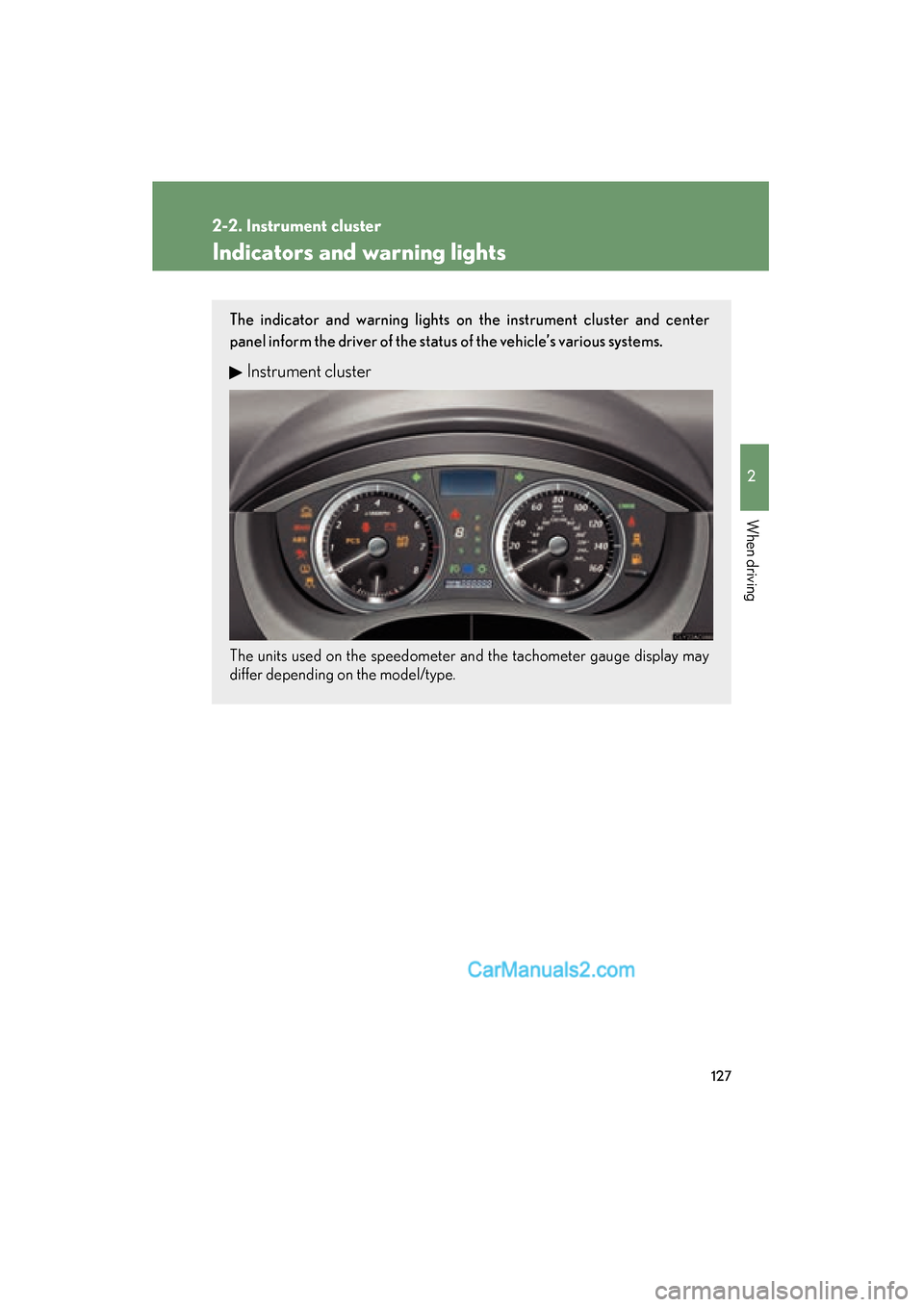
The indicator and warning lights on the instrument cluster and center
panel inform the driver of the status of the vehicle’s various systems.
Instrument cluster
The units used on the speedometer and the tachometer gauge display may
differ depending on the model/type.
Page 132 of 475
130
2-2. Instrument cluster
ES350_U_(L/O_0808)
CAUTION
■If a safety system warning light does not come on
Should a safety system light such as the ABS and SRS airbag warning lights not
come on when you start the engine, this could mean that these systems are not
available to help protect you in an accident, which could result in death or serious
injury. Have the vehicle inspected by your Lexus dealer immediately if this occurs.
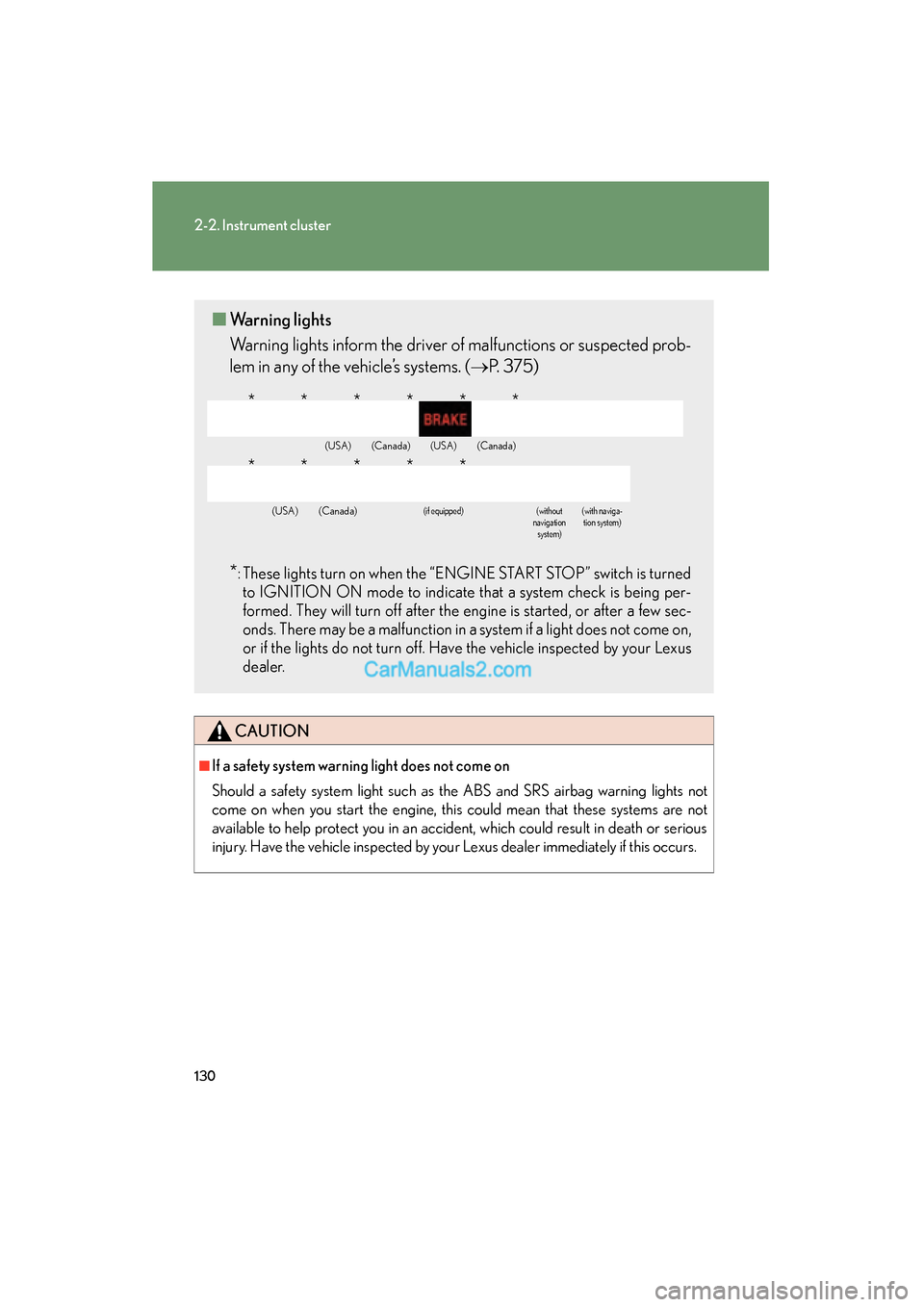
■Warning lights
Warning lights inform the driver of malfunctions or suspected prob-
lem in any of the vehicle’s systems. ( →P. 3 7 5 )
*: These lights turn on when the “ENGINE START STOP” switch is turned
to IGNITION ON mode to indicate that a system check is being per-
formed. They will turn off after the engine is started, or after a few sec-
onds. There may be a malfunction in a system if a light does not come on,
or if the lights do not turn off. Have the vehicle inspected by your Lexus
dealer.
(USA)(Canada)(USA)(Canada)
(USA)(Canada)(if equipped)(without
navigation system)(with naviga-
tion system)
******
*****
Page 133 of 475
131
2-2. Instrument cluster
2
When driving
ES350_U_(L/O_0808)
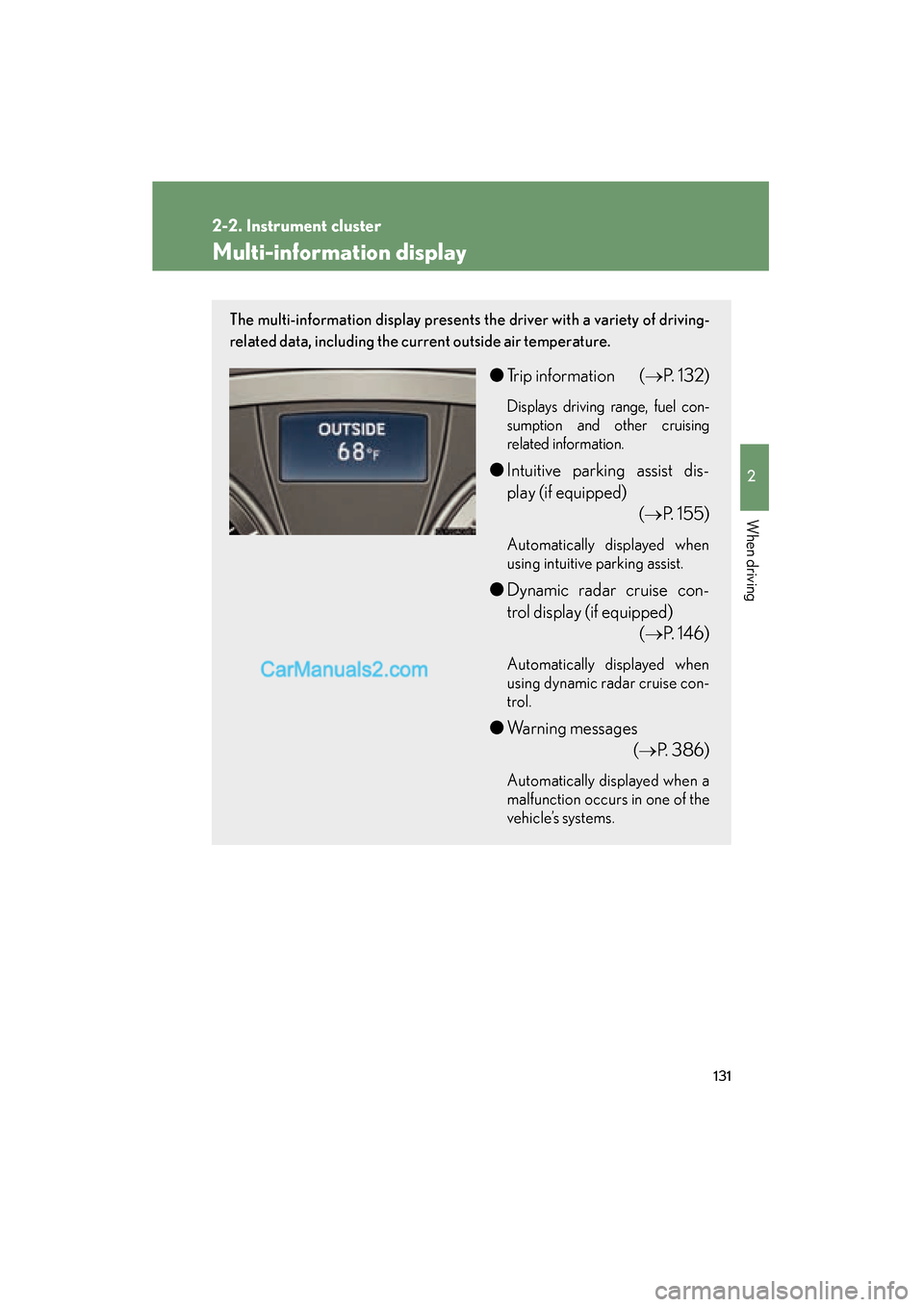
Multi-information display
The multi-information display presents the driver with a variety of driving-
related data, including the current outside air temperature.
●Trip information ( →P. 1 3 2 )
Displays driving range, fuel con-
sumption and other cruising
related information.
●Intuitive parking assist dis-
play (if equipped)
(→P. 1 5 5 )
Automatically displayed when
using intuitive parking assist.
●Dynamic radar cruise con-
trol display (if equipped)
(→P. 1 4 6 )
Automatically displayed when
using dynamic radar cruise con-
trol.
●Warning messages
(→P. 386)
Automatically displayed when a
malfunction occurs in one of the
vehicle’s systems.
Page 151 of 475
149
2-4. Using other driving systems
2
When driving
ES350_U_(L/O_0808)
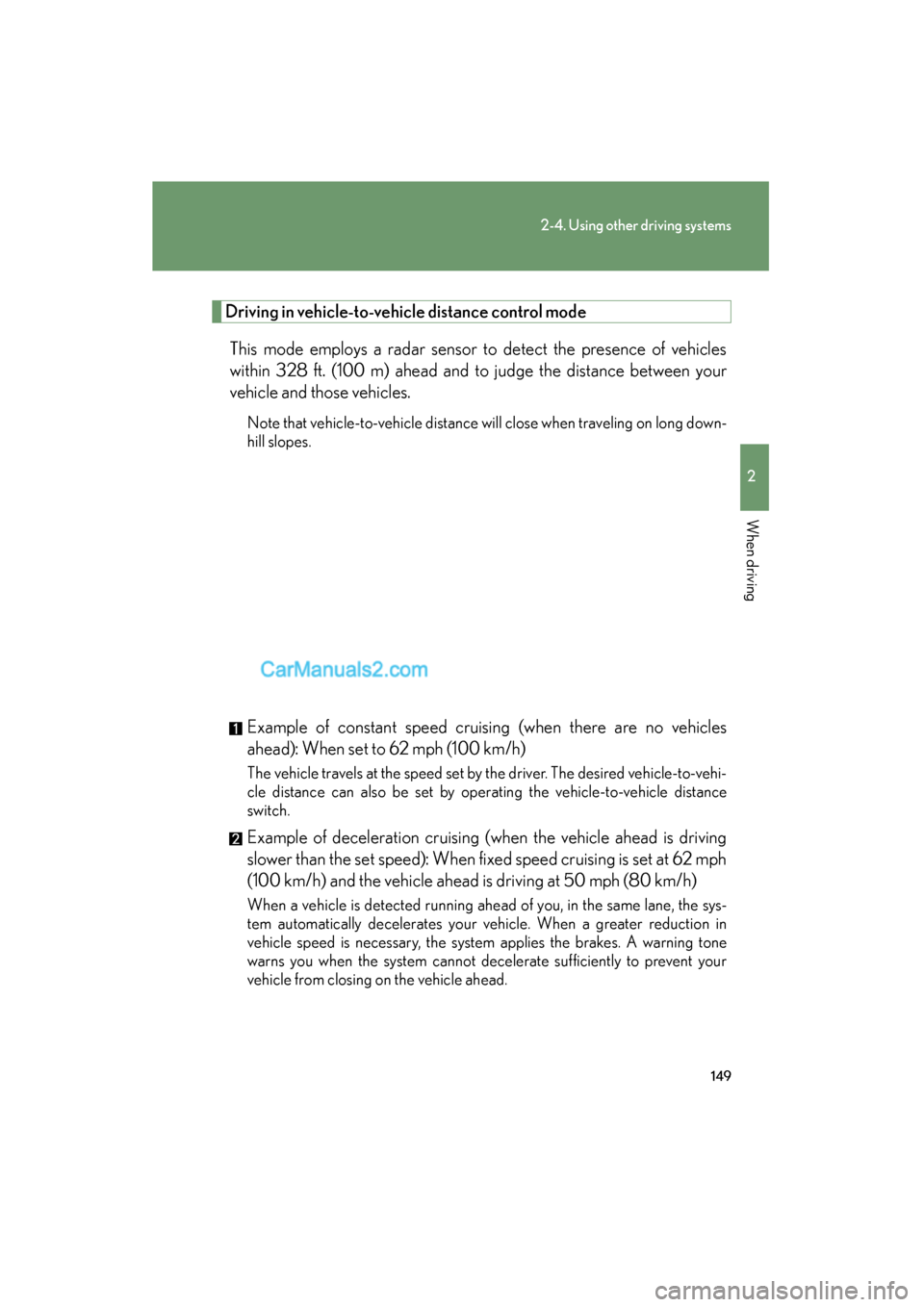
Driving in vehicle-to-vehicle distance control mode
This mode employs a radar sensor to detect the presence of vehicles
within 328 ft. (100 m) ahead and to judge the distance between your
vehicle and those vehicles.
Note that vehicle-to-vehicle distance will close when traveling on long down-
hill slopes.
Example of constant speed cruising (when there are no vehicles
ahead): When set to 62 mph (100 km/h)
The vehicle travels at the speed set by the driver. The desired vehicle-to-vehi-
cle distance can also be set by operating the vehicle-to-vehicle distance
switch.
Example of deceleration cruising (when the vehicle ahead is driving
slower than the set speed): When fixed speed cruising is set at 62 mph
(100 km/h) and the vehicle ahead is driving at 50 mph (80 km/h)
When a vehicle is detected running ahead of you, in the same lane, the sys-
tem automatically decelerates your vehicle. When a greater reduction in
vehicle speed is necessary, the system applies the brakes. A warning tone
warns you when the system cannot decelerate sufficiently to prevent your
vehicle from closing on the vehicle ahead.
Page 152 of 475
150
2-4. Using other driving systems
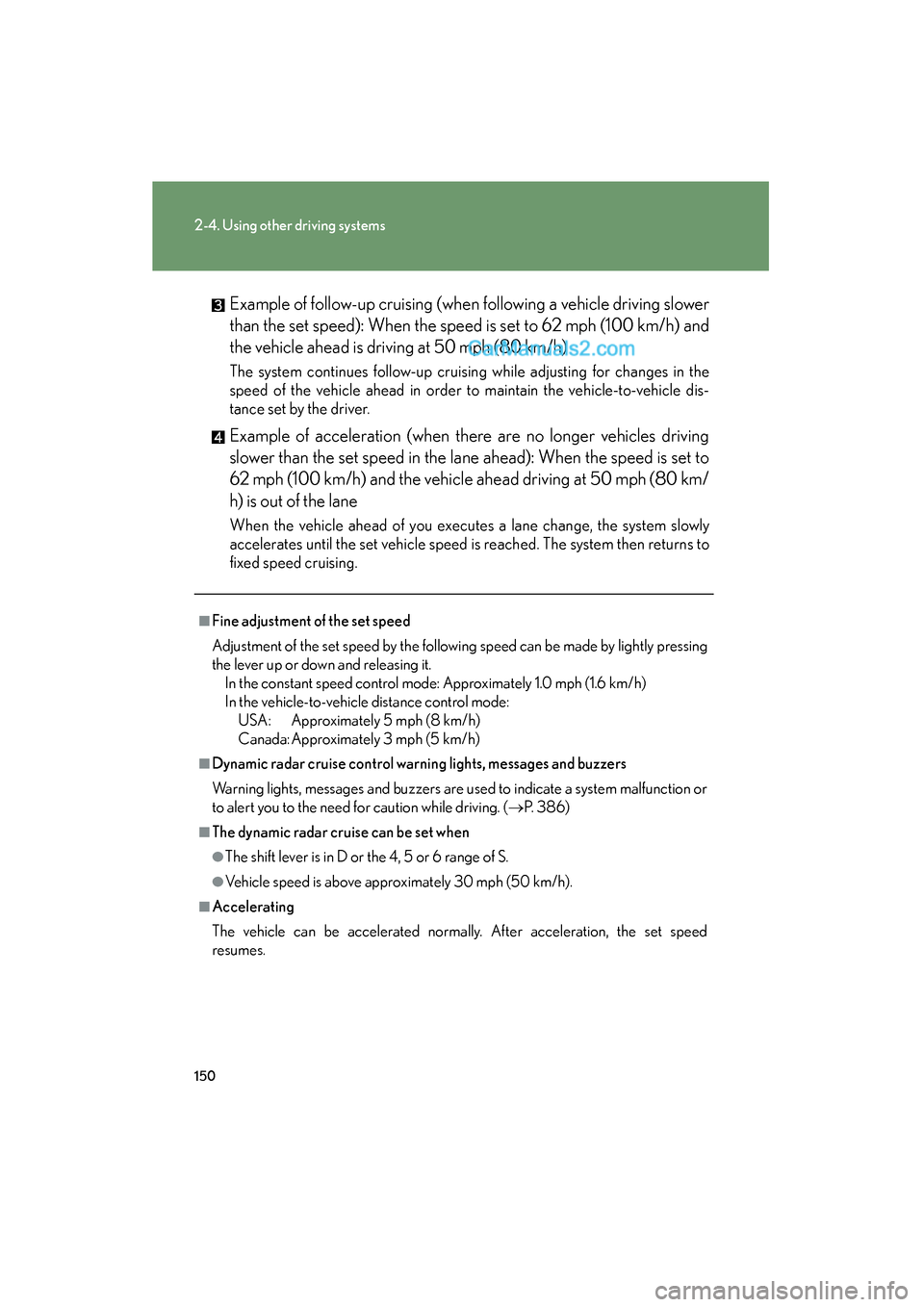
ES350_U_(L/O_0808)Example of follow-up cruising (when following a vehicle driving slower
than the set speed): When the speed is set to 62 mph (100 km/h) and
the vehicle ahead is driving at 50 mph (80 km/h)
The system continues follow-up cruising while adjusting for changes in the
speed of the vehicle ahead in order to maintain the vehicle-to-vehicle dis-
tance set by the driver.
Example of acceleration (when there are no longer vehicles driving
slower than the set speed in the lane ahead): When the speed is set to
62 mph (100 km/h) and the vehicle ahead driving at 50 mph (80 km/
h) is out of the lane
When the vehicle ahead of you executes a lane change, the system slowly
accelerates until the set vehicle speed is reached. The system then returns to
fixed speed cruising.
■Fine adjustment of the set speed
Adjustment of the set speed by the following speed can be made by lightly pressing
the lever up or down and releasing it.
In the constant speed control mode: Approximately 1.0 mph (1.6 km/h)
In the vehicle-to-vehicle distance control mode: USA: Approximately 5 mph (8 km/h)
Canada: Approximately 3 mph (5 km/h)
■Dynamic radar cruise control warning lights, messages and buzzers
Warning lights, messages and buzzers are used to indicate a system malfunction or
to alert you to the need for caution while driving. ( →P. 3 8 6 )
■The dynamic radar cruise can be set when
●The shift lever is in D or the 4, 5 or 6 range of S.
●Vehicle speed is above approximately 30 mph (50 km/h).
■Accelerating
The vehicle can be accelerated normally. After acceleration, the set speed
resumes.
Page 154 of 475
152
2-4. Using other driving systems
ES350_U_(L/O_0808)
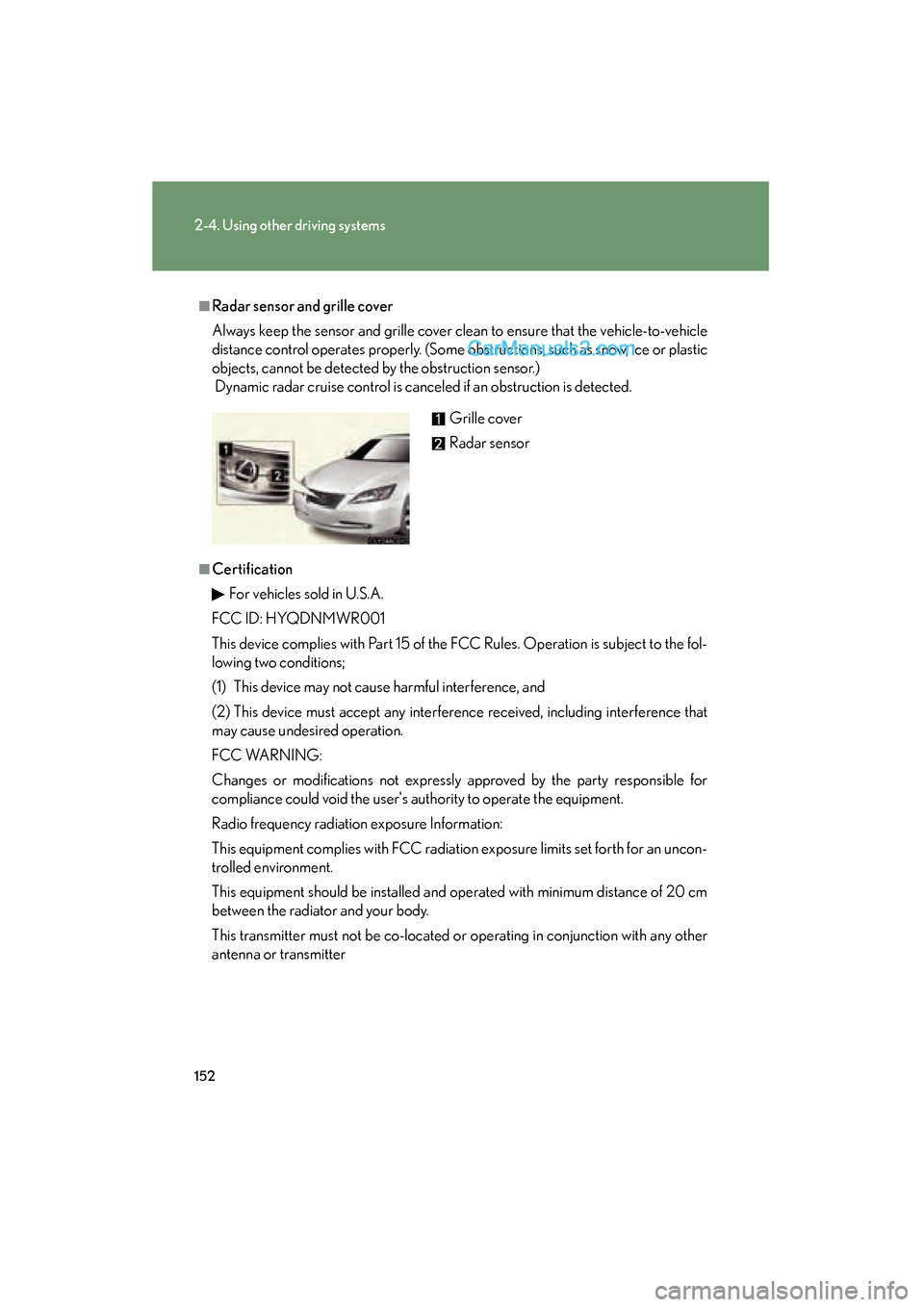
■Radar sensor and grille cover
Always keep the sensor and grille cover clean to ensure that the vehicle-to-vehicle
distance control operates properly. (Some obstructions, such as snow, ice or plastic
objects, cannot be detected by the obstruction sensor.)
Dynamic radar cruise control is canceled if an obstruction is detected.
■CertificationFor vehicles sold in U.S.A.
FCC ID: HYQDNMWR001
This device complies with Part 15 of the FCC Rules. Operation is subject to the fol-
lowing two conditions;
(1) This device may not cause harmful interference, and
(2) This device must accept any interference received, including interference that
may cause undesired operation.
FCC WARNING:
Changes or modifications not expressly approved by the party responsible for
compliance could void the user's authority to operate the equipment.
Radio frequency radiation exposure Information:
This equipment complies with FCC radiation exposure limits set forth for an uncon-
trolled environment.
This equipment should be installed and operated with minimum distance of 20 cm
between the radiator and your body.
This transmitter must not be co-located or operating in conjunction with any other
antenna or transmitter Grille cover
Radar sensor
Page 159 of 475
157
2-4. Using other driving systems
2
When driving
ES350_U_(L/O_0808)■
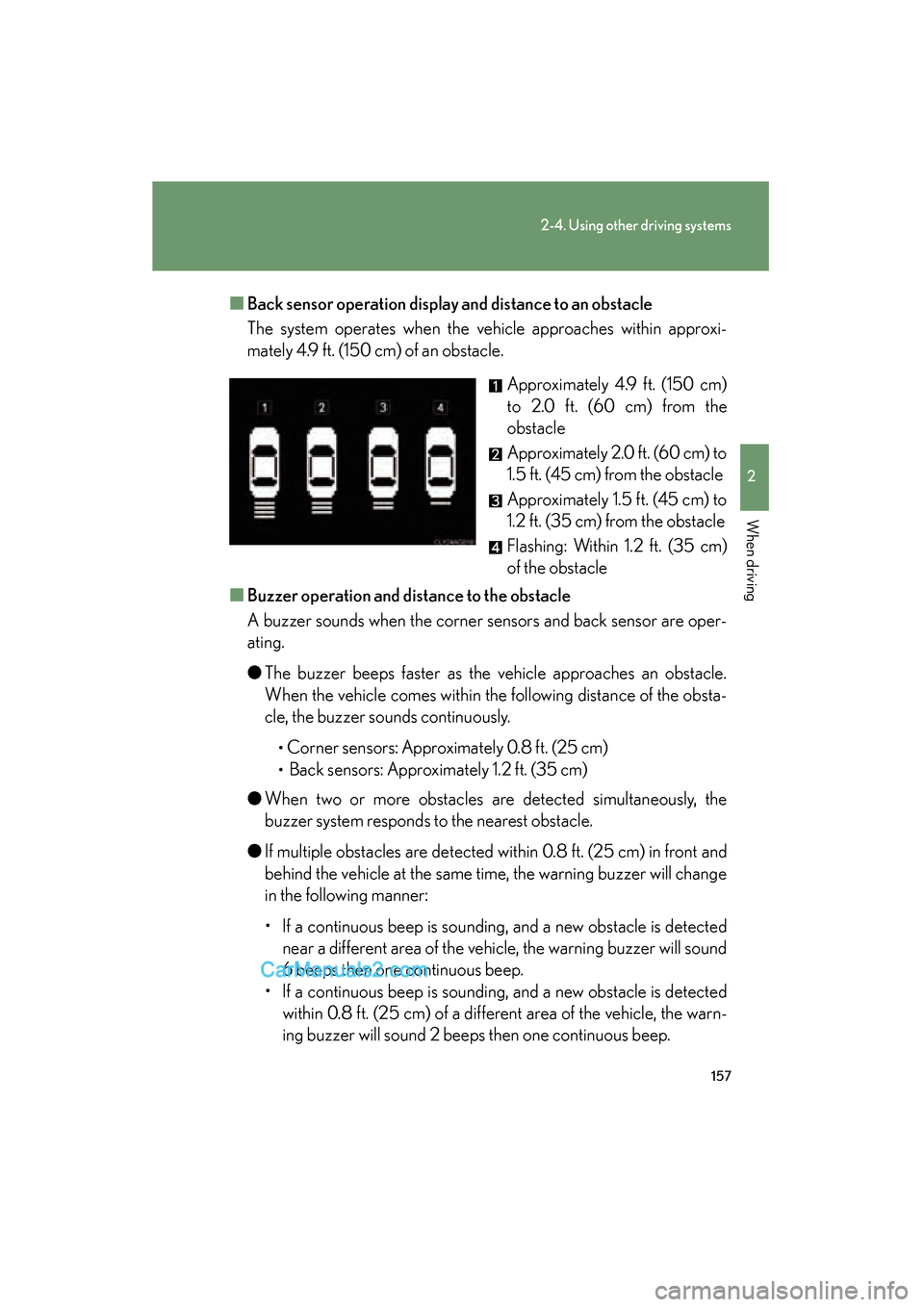
Back sensor operation display and distance to an obstacle
The system operates when the vehicle approaches within approxi-
mately 4.9 ft. (150 cm) of an obstacle.
Approximately 4.9 ft. (150 cm)
to 2.0 ft. (60 cm) from the
obstacle
Approximately 2.0 ft. (60 cm) to
1.5 ft. (45 cm) from the obstacle
Approximately 1.5 ft. (45 cm) to
1.2 ft. (35 cm) from the obstacle
Flashing: Within 1.2 ft. (35 cm)
of the obstacle
■ Buzzer operation and di stance to the obstacle
A buzzer sounds when the corner sensors and back sensor are oper-
ating.
● The buzzer beeps faster as the vehicle approaches an obstacle.
When the vehicle comes within the following distance of the obsta-
cle, the buzzer sounds continuously.
•Corner sensors: Approximately 0.8 ft. (25 cm)
• Back sensors: Approximately 1.2 ft. (35 cm)
● When two or more obstacles are detected simultaneously, the
buzzer system responds to the nearest obstacle.
● If multiple obstacles are detected within 0.8 ft. (25 cm) in front and
behind the vehicle at the same time, the warning buzzer will change
in the following manner:
• If a continuous beep is sounding, and a new obstacle is detected
near a different area of the vehicle, the warning buzzer will sound
6 beeps then one continuous beep.
• If a continuous beep is sounding, and a new obstacle is detected within 0.8 ft. (25 cm) of a different area of the vehicle, the warn-
ing buzzer will sound 2 beeps then one continuous beep.