lock Lexus ES350 2011 s Repair Manual
[x] Cancel search | Manufacturer: LEXUS, Model Year: 2011, Model line: ES350, Model: Lexus ES350 2011Pages: 563, PDF Size: 6.72 MB
Page 125 of 563
123
2-1. Driving procedures
2
When driving
ES350_U
CAUTION
●Always apply the parking brake, shift the shift lever to P, stop the engine and lock
the vehicle.
Do not leave the vehicle unattended while the engine is running.
●Do not touch the exhaust pipe while the engine is running or immediately after
turning the engine off.
Doing so may cause burns.
●Do not leave the engine running in an area with snow build-up, or where it is
snowing. If snowbanks build up around the vehicle while the engine is running,
exhaust gases may collect and enter the vehicle. This may lead to death or a seri-
ous health hazard.
■Exhaust gases
Exhaust gases include harmful carbon monoxide (CO) that is colorless and odor-
less. Inhaling exhaust gases may lead to death or a serious health hazard.
●If the vehicle is in a poorly ventilated area, stop the engine. In a closed area, such
as a garage, exhaust gases may collect and enter the vehicle. This may lead to
death or a serious health hazard.
●The exhaust should be checked occasionally. If there is a hole or crack caused by
corrosion, damage to a joint or abnormal exhaust noise, be sure to have the vehi-
cle inspected and repaired by your Lexus dealer. Failure to do so may allow
exhaust gases to enter the vehicle, resulting in death or a serious health hazard.
■When taking a nap in the vehicle
Always turn the engine off. Otherwise, you may accidentally move the shift lever or
depress the accelerator pedal, which could cause an accident or fire due to engine
overheating. Additionally, if the vehicle is parked in a poorly ventilated area, exhaust
gases may collect and enter the vehicle, leading to death or a serious health hazard.
■When braking the vehicle
●When the brakes are wet, drive more cautiously.
Braking distance increases when the brakes are wet, and may cause one side of
the vehicle to brake differently than the other side. Also the parking brake may
not securely hold the vehicle.
Page 151 of 563

149
2-3. Operating the lights and windshield wipers
2
When driving
ES350_U
■Daytime running light system
●To make your vehicle more visible to other drivers, the headlights turn on auto-
matically (at a reduced intensity) whenever the engine is started and the parking
brake is released. Daytime running lights are not designed for use at night.
●Compared to turning on the headlights, the daytime running light system offers
greater durability and consumes less electricity, so it can help improve fuel
economy.
■Headlight control sensor
■Automatic light off system
●When the headlights come on: The headlights and tail lights turn off 30 seconds
after all doors are closed with the “ENGINE START STOP” switch switched to
ACCESSORY mode or turned OFF. (The light turns off immediately if
the button on the key is pressed after all doors are locked.)
●When only the tail lights come on: The tail lights turn off automatically if the
“ENGINE START STOP” switch is switched to ACCESSORY mode or turned
OFF and driver’s door is opened.
To turn the lights on again, switch to IGNITION ON mode, or turn the light switch
OFF once and then back to the
or position.
■Automatic headlight leveling system (vehicles with discharge headlights)
The level of the headlights is automatically adjusted according to the number of
passengers and the loading condition of the vehicle to ensure that the headlights do
not interfere with other road users.
■If the indicator flashes... (vehicles with discharge headlights)
It may indicate a malfunction in the system. Contact your Lexus dealer. The sensor may not function properly if an
object is placed on the sensor, or anything
that blocks the sensor is affixed to the wind-
shield.
Doing so interferes with the sensor detecting
the level of ambient light and may cause the
automatic headlight control system to mal-
function.
Page 155 of 563
153
2-3. Operating the lights and windshield wipers
2
When driving
ES350_U
■The windshield wiper and washer can be operated when
The “ENGINE START STOP” switch is in IGNITION ON mode.
■Raindrop sensor
●If the temperature of the raindrop sensor is 194°F (90 °C) or higher, or 5 °F
( -1 5 °C) or lower, automatic operation may not occur. In this case, operate
the wipers in any mode other than “AUTO”.
■AUTO mode
If the wiper switch is turned to AUTO position while the “ENGINE START STOP”
switch is in IGNITION ON mode, the wiper will operate once to show that AUTO
mode is activated.
■If no windshield washer fluid sprays
Check that the washer nozzles are not blocked if there is washer fluid in the wind-
shield washer fluid reservoir.
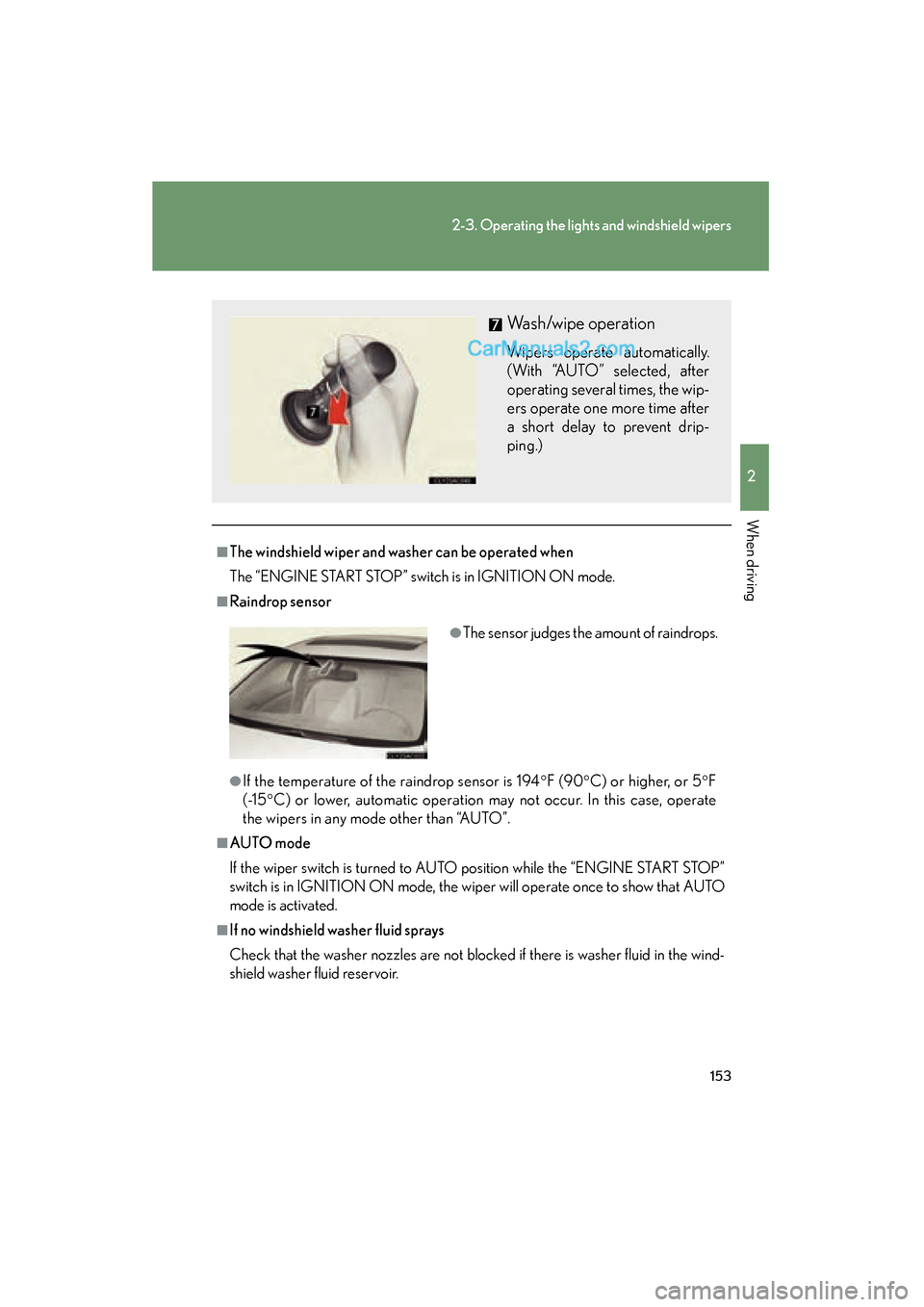
Wash/wipe operation
Wipers operate automatically.
(With “AUTO” selected, after
operating several times, the wip-
ers operate one more time after
a short delay to prevent drip-
ping.)
●The sensor judges the amount of raindrops.
Page 156 of 563
154
2-3. Operating the lights and windshield wipers
ES350_U
CAUTION
■Caution regarding the use of windshield wipers in AUTO mode
The windshield wipers may operate unexpectedly if the sensor is touched or the
windshield is subjected to vibration in AUTO mode. Take care that your fingers or
anything else do not become caught in the windshield wipers.
NOTICE
■When the windshield is dry
Do not use the wipers, as they may damage the windshield.
■When there is no washer fluid spray from the nozzle
Damage to the washer fluid pump may be caused if the lever is pulled toward you
and held continually.
■When a nozzle becomes blocked
In this case, contact your Lexus dealer.
Do not try to clear it with a pin or other object. The nozzle will be damaged.
Page 179 of 563
177
2-4. Using other driving systems
2
When driving
ES350_U
Driving assist systems
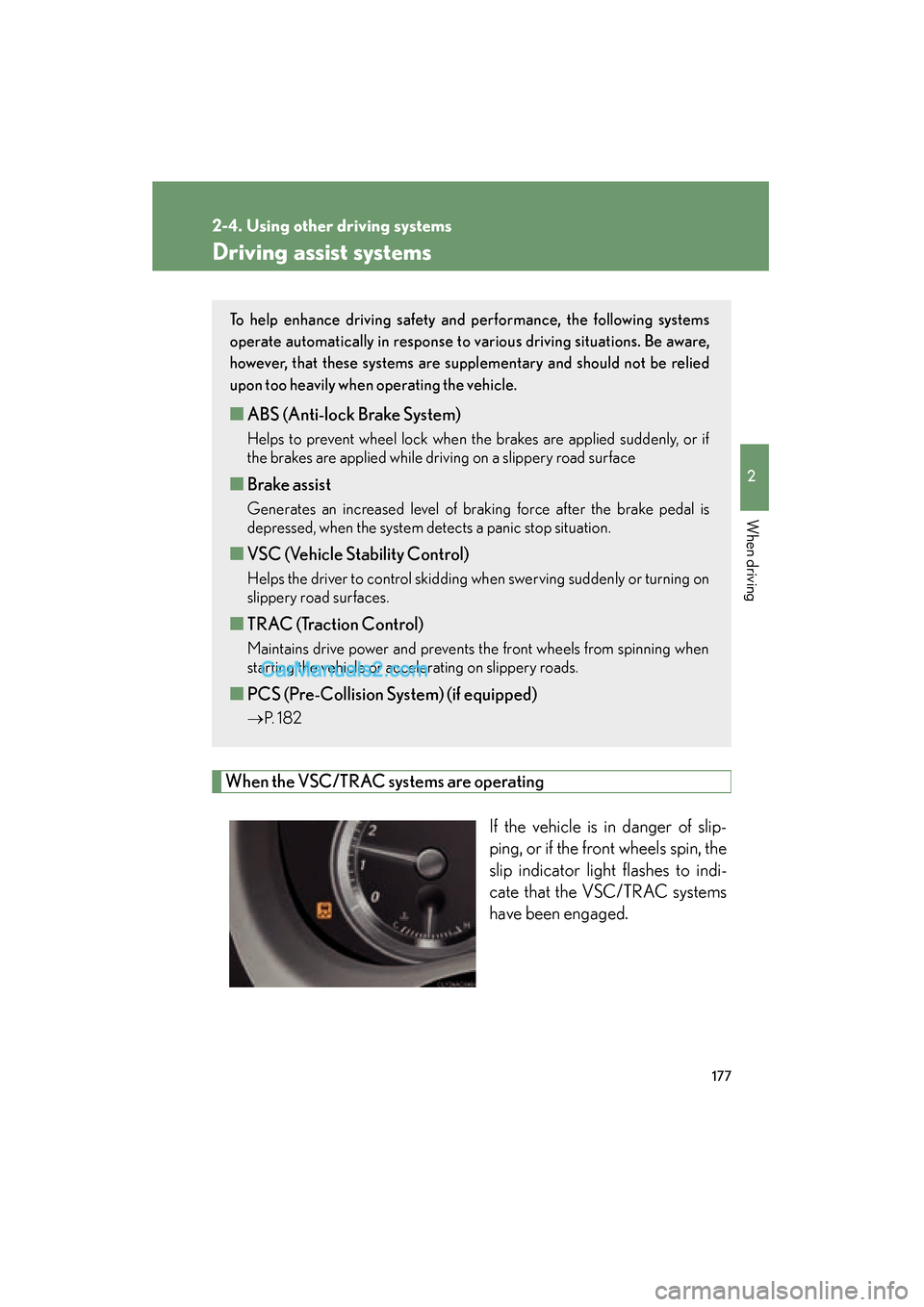
When the VSC/TRAC systems are operatingIf the vehicle is in danger of slip-
ping, or if the front wheels spin, the
slip indicator light flashes to indi-
cate that the VSC/TRAC systems
have been engaged.
To help enhance driving safety and performance, the following systems
operate automatically in response to various driving situations. Be aware,
however, that these systems are suppl ementary and should not be relied
upon too heavily when operating the vehicle.
■ ABS (Anti-lock Brake System)
Helps to prevent wheel lock when the brakes are applied suddenly, or if
the brakes are applied while driving on a slippery road surface
■Brake assist
Generates an increased level of braking force after the brake pedal is
depressed, when the system detects a panic stop situation.
■VSC (Vehicle Stability Control)
Helps the driver to control skidding when swerving suddenly or turning on
slippery road surfaces.
■TRAC (Traction Control)
Maintains drive power and prevents the front wheels from spinning when
starting the vehicle or accelerating on slippery roads.
■PCS (Pre-Collision System) (if equipped)
→ P. 1 8 2
Page 186 of 563
184
2-4. Using other driving systems
ES350_U
●When climbing a steep hill causes an overhead billboard or other metallic struc-
ture to appear directly in the vehicle's line of travel.
●When an extreme change in vehicle height occurs
●When the axis of the radar is out of adjustment
●When passing through certain toll gates
When the system is activated in the situations described above there is also a possi-
bility that the seat belts will retract quickly and the brakes will be applied with a force
greater than normal. When the seat belt is locked in the retracted position, stop the
vehicle in a safe place, release the seat belt and refasten.
■Situations in which the pre-collision system does not function properly
The system may not function effectively in situations such as the following:
●On roads with sharp bends or uneven surfaces
●On slippery roads such as those covered with ice or snow
●If a vehicle suddenly moves in front of your vehicle, such as at an intersection
●If a vehicle suddenly cuts in front of your vehicle, such as when overtaking
●In inclement weather such as heavy rain, fog, snow or sand storms
■Automatic cancelation of the pre-collision system
When a malfunction occurs due to sensor contamination, etc. that results in the
sensors being unable to detect obstacles, the pre-collision system will be automati-
cally disabled. In this case, the system will not activate even if there is a collision pos-
sibility.
■When there is a malfunction in the system
Warning lights and/or warning messages will turn on or flash. ( →P. 445, 455)
Page 191 of 563
189
2-5. Driving information
2
When driving
ES350_U
CAUTION
■Storage precautions
Observe the following precautions.
Failing to do so may result in death or serious injury.
●Do not place cargo or luggage in or on the following locations as the item may
get under the brake or accelerator pedal and prevent the pedals from being
depressed properly, block the driver’s vision, or hit the driver or passengers,
causing an accident.
• Driver’s feet
• Front passenger or rear seats (when stacking items)
• Package tray
• Instrument panel
• Dashboard
●Secure all items in the occupant compartment, as they may shift and injure some-
one during sudden braking, sudden swerving or an accident.
■Capacity and distribution
●Do not exceed the maximum axle weight rating or the total vehicle weight rating.
●Even if the total load of occupant's weight and the cargo load is less than the total
load capacity, do not apply the load unevenly.
Improper loading may cause deterioration of steering or braking control which
may cause death or serious injury.
Page 194 of 563
192
2-5. Driving information
ES350_U
■Before driving the vehicle
Perform the following according to the driving conditions.
● Do not try to forcibly open a window or move a wiper that is fro-
zen. Pour warm water over the frozen area to melt the ice. Wipe
away the water immediately to prevent it from freezing.
● To ensure proper operation of the climate control system fan,
remove any snow that has accumulated on the air inlet vents in
front of the windshield.
● Remove any ice that has accumulated on the vehicle chassis.
● Periodically check for and remove any excess ice or snow that
may have accumulated in the wheel well or on the brakes.
■ When driving the vehicle
Accelerate the vehicle slowly and drive at a reduced speed suitable
to road conditions.
■ When parking the vehicle
Park the vehicle and move the shift lever to P without setting the
parking brake. The parking brake may freeze up, preventing it from
being released. If necessary, block the wheels to prevent inadvert-
ent sliding or creeping.
Page 205 of 563
203
2-5. Driving information
2
When driving
ES350_U●
Always place wheel blocks under both the vehicle and the trailer
wheels when parking. Apply the parking brake firmly, and put the
transmission in P. Avoid parking on a slope, but if unavoidable, do so
only after performing the following:
Apply the brakes and keep them applied.
Have someone place wheel blocks under both the vehicle and
trailer wheels.
When the wheel blocks are in place, release the brakes slowly
until the blocks absorb the load.
Apply the parking brake firmly.
Shift into P and turn off the engine.
● When restarting after parking on a slope:
With the transmission in the P position, start the engine. Be sure
to keep the brake pedal pressed.
Shift into 3, 2, 1, or the R position (if reversing).
Release the parking brake and brake pedal, and slowly pull or
back away from the wheel blocks.
Stop and apply the brakes.
Have someone retrieve the blocks.
CAUTION
■To avoid an accident
●Do not exceed 45 mph (72 km/h) or posted towing speed limit, whichever is
lower. As instability (swaying) of the towing vehicle-trailer combination increases
as speed increases, exceeding 45 mph (72 km/h) may cause loss of control.
●Slow down and downshift before descending steep or long downhill grades. Do
not make sudden downshifts while descending steep or long downhill grades.
●Avoid holding the brake pedal down too lo ng or too frequently. This could cause
the brakes to overheat and result in reduced braking efficiency.
STEP1
STEP2
STEP3
STEP4
STEP5
STEP1
STEP2
STEP3
STEP4
Page 209 of 563
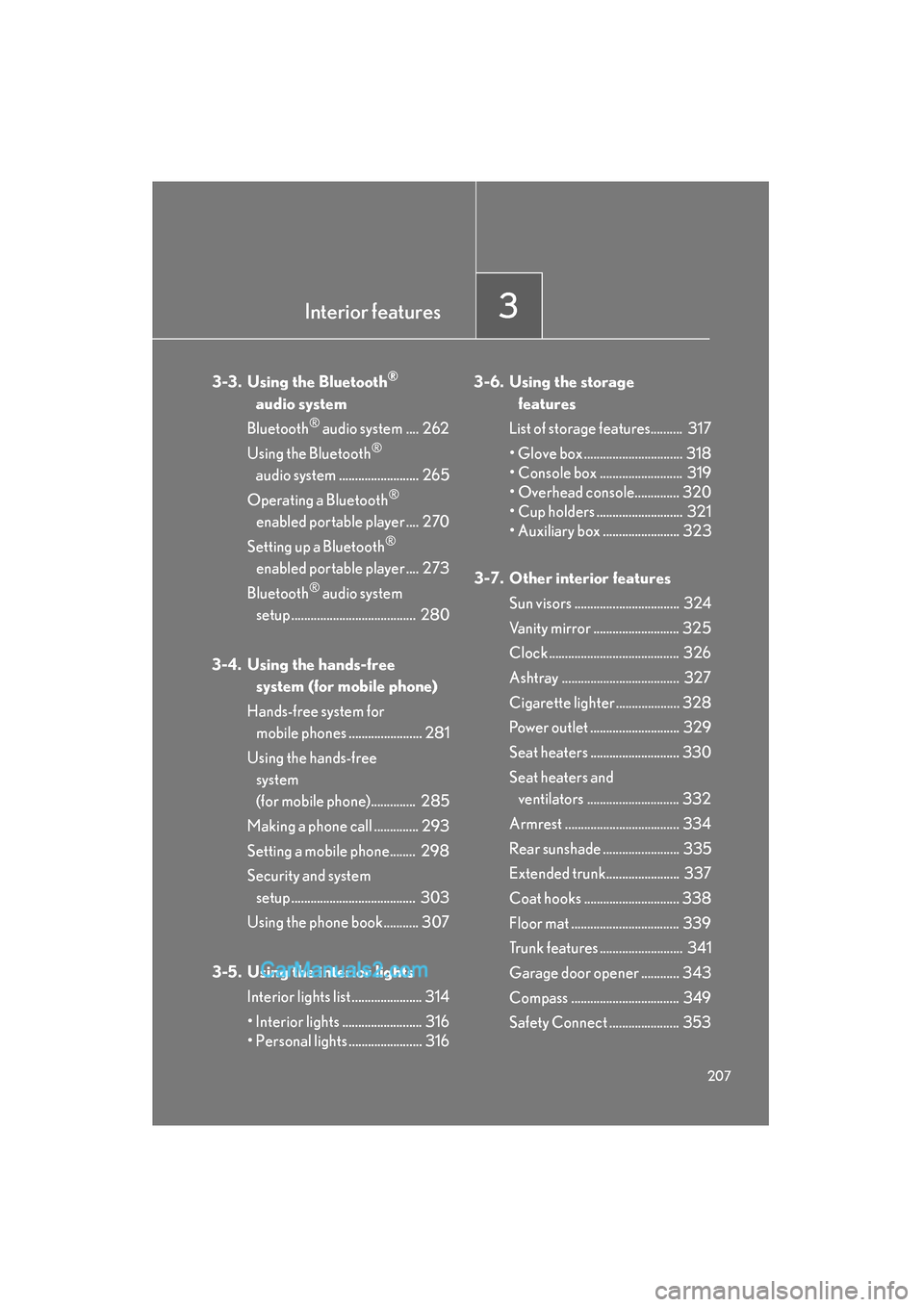
Interior features3
207
ES350_U
3-3. Using the Bluetooth®
audio system
Bluetooth
® audio system .... 262
Using the Bluetooth
®
audio system ......................... 265
Operating a Bluetooth
®
enabled portable player .... 270
Setting up a Bluetooth
®
enabled portable player .... 273
Bluetooth
® audio system
setup ....................................... 280
3-4. Using the hands-free system (for mobile phone)
Hands-free system for mobile phones ....................... 281
Using the hands-free system
(for mobile phone).............. 285
Making a phone call .............. 293
Setting a mobile phone........ 298
Security and system setup ....................................... 303
Using the phone book........... 307
3-5. Using the interior lights Interior lights list ...................... 314
• Interior lights ......................... 316
• Personal lights ....................... 316 3-6. Using the storage
features
List of storage features.......... 317
• Glove box ............................... 318
• Console box .......................... 319
• Overhead console.............. 320
• Cup holders ........................... 321
• Auxiliary box ........................ 323
3-7. Other interior features Sun visors ................................. 324
Vanity mirror ........................... 325
Clock ......................................... 326
Ashtray ..................................... 327
Cigarette lighter .................... 328
Power outlet ............................ 329
Seat heaters ............................ 330
Seat heaters and ventilators ............................. 332
Armrest .................................... 334
Rear sunshade ........................ 335
Extended trunk....................... 337
Coat hooks .............................. 338
Floor mat .................................. 339
Trunk features .......................... 341
Garage door opener ............ 343
Compass .................................. 349
Safety Connect ...................... 353