CD player Lexus ES350 2012 Owner's Manual
[x] Cancel search | Manufacturer: LEXUS, Model Year: 2012, Model line: ES350, Model: Lexus ES350 2012Pages: 554, PDF Size: 6.43 MB
Page 4 of 554
1
2
3
4
5
6
7
3
ES350_U
2-1. Driving proceduresDriving the vehicle ........................ 120
Engine (ignition) switch .............. 128
Automatic Transmission ............ 132
Turn signal lever ............................ 135
Parking brake ................................. 136
Horn.................................................... 137
2-2. Instrument cluster Gauges and meters ..................... 138
Indicators and warning lights................................................. 140
Multi-information display........... 144
2-3. Operating the lights and windshield wipers
Headlight switch ............................ 149
Fog light switch .............................. 154
Windshield wipers and washer............................................. 156
2-4. Using other driving systems Cruise control ................................ 160
Dynamic radar cruise control............................................. 164
Intuitive parking assist ................. 176
Driving assist systems.................. 182
PCS (Pre-Collision System) ............ 187 2-5. Driving information
Cargo and luggage ...................... 192
Vehicle load limits......................... 195
Winter driving tips ........................ 196
Trailer towing ................................. 202
Dinghy towing ............................... 203
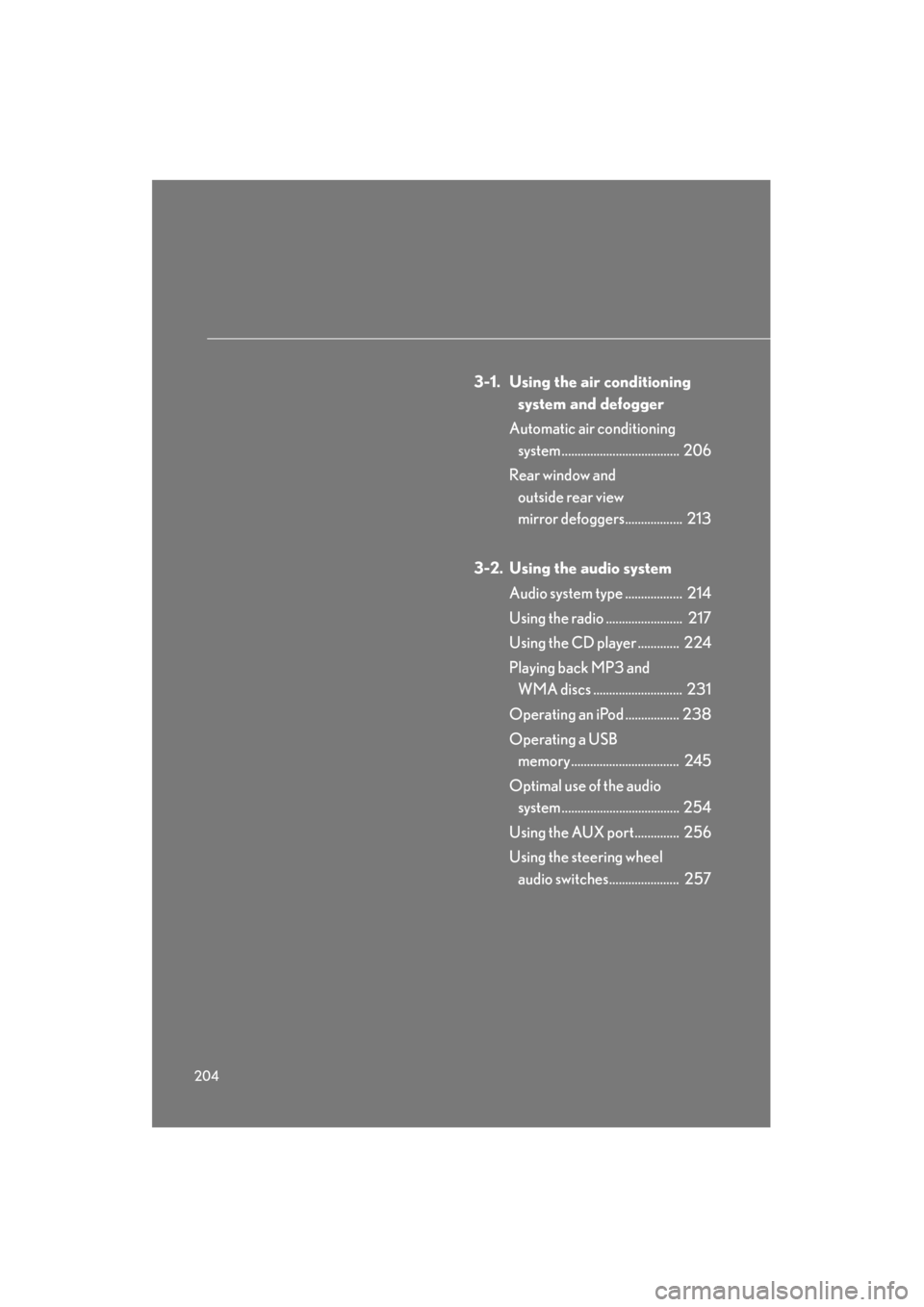
3-1. Using the air conditioning system and defogger
Automatic air conditioning system ............................................ 206
Rear window and outside rear view mirror
defoggers ...................................... 213
3-2. Using the audio system Audio system type ........................ 214
Using the radio................................ 217
Using the CD player................... 224
Playing back MP3 and WMA discs................................... 231
Operating an iPod....................... 238
Operating a USB memory....... 245
Optimal use of the audio system ............................................ 254
Using the AUX port ................... 256
Using the steering wheel audio switches ............................ 257
2When driving
3Interior features
Page 5 of 554
TABLE OF CONTENTSIndex
4
ES350_U
3-3. Using the Bluetooth® audio
system
Bluetooth
® audio system ........ 260
Using the Bluetooth
® audio
system ............................................ 263
Operating a Bluetooth
®
enabled portable player ........ 268
Setting up a Bluetooth
®
enabled portable player .......... 271
Bluetooth
® audio system
setup ............................................... 278
3-4. Using the hands-free system (for mobile phone)
Hands-free system for mobile phones ............................ 279
Using the hands-free system (for mobile phone) ................... 283
Making a phone call ..................... 291
Setting a mobile phone .............. 296
Security and system setup ......... 301
Using the phone book............... 305
3-5. Using the interior lights Interior lights list............................. 312
• Interior lights ................................ 314
• Personal lights ............................. 314 3-6. Using the storage features
List of storage features................ 315
• Glove box ..................................... 316
• Console box ................................. 317
• Overhead console .................... 318
• Cup holders.................................. 319
• Auxiliary box ................................ 321
3-7. Other interior features Sun visors......................................... 322
Vanity mirror .................................. 323
Clock ................................................. 324
Ashtray ............................................. 325
Cigarette lighter ........................... 326
Power outlet ................................... 327
Seat heaters................................... 328
Seat heaters and ventilators ... 330
Armrest ............................................ 332
Rear sunshade ............................... 333
Extended trunk............................. 335
Coat hooks ..................................... 336
Floor mat.......................................... 337
Trunk features............................... 338
Garage door opener................. 340
Compass........................................... 346
Safety Connect ............................ 350
Page 34 of 554
33
1-2. Opening, closing and locking the doors and trunk
1
Before driving
ES350_U
●When carrying or using the electronic key together with the following devices
that emit radio waves
• Another vehicle's electronic key or a wireless key that emits radio waves
• Personal computers or personal digital assistants (PDAs)
• Digital audio players
• Portable game systems
●If window tint with a metallic content or metallic objects are attached to the rear
window
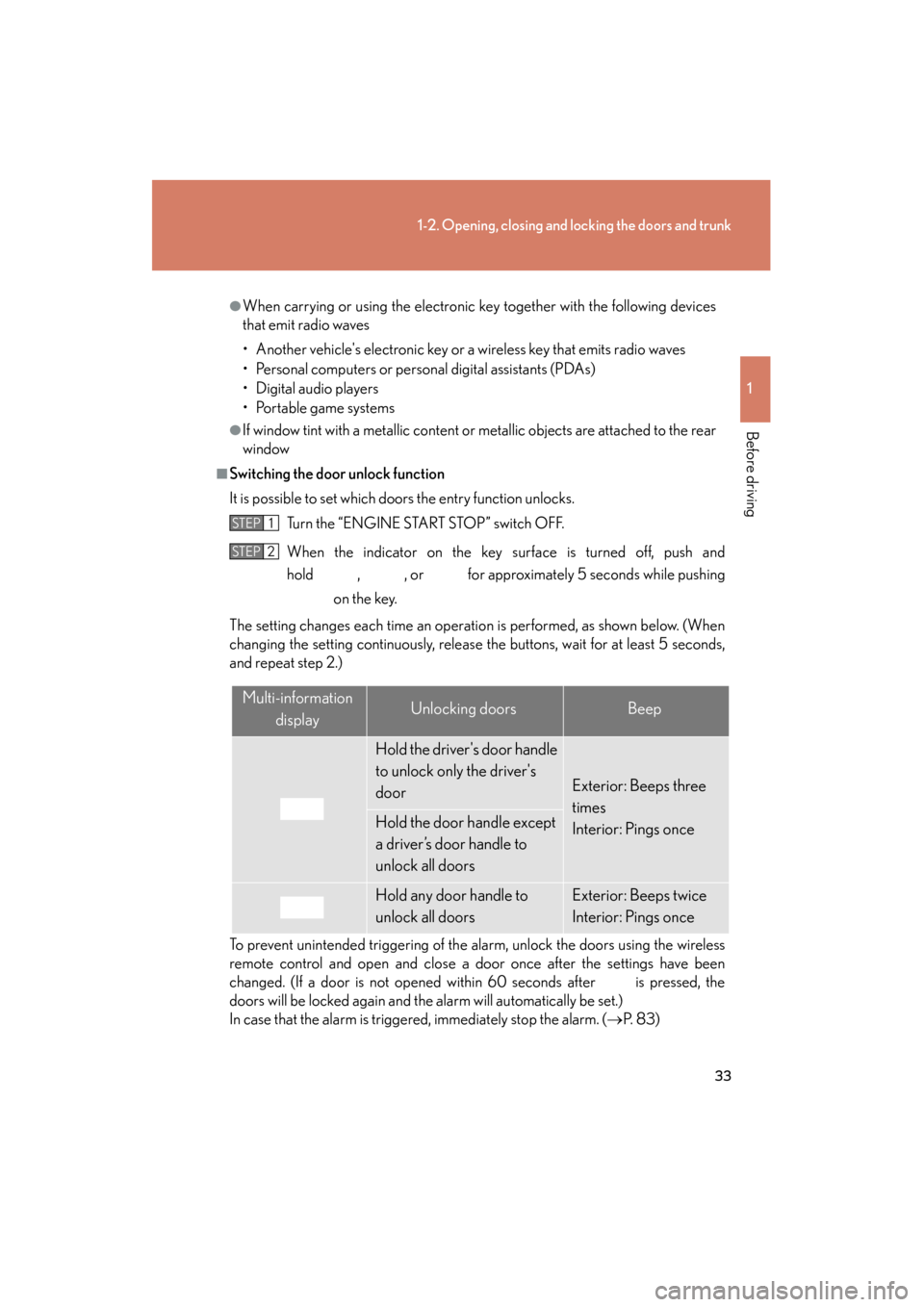
■Switching the door unlock function
It is possible to set which doors the entry function unlocks. Turn the “ENGINE START STOP” switch OFF.
When the indicator on the key surface is turned off, push and
hold , , or for approximately 5 seconds while pushing on the key.
The setting changes each time an operation is performed, as shown below. (When
changing the setting continuously, release the buttons, wait for at least 5 seconds,
and repeat step 2.)
To prevent unintended triggering of the alarm, unlock the doors using the wireless
remote control and open and close a door once after the settings have been
changed. (If a door is not opened within 60 seconds after is pressed, the
doors will be locked again and the alarm will automatically be set.)
In case that the alarm is triggered, immediately stop the alarm. (→ P. 8 3 )
STEP1
STEP2
Multi-information
displayUnlocking doorsBeep
Hold the driver's door handle
to unlock only the driver's
door
Exterior: Beeps three
times
Interior: Pings once
Hold the door handle except
a driver’s door handle to
unlock all doors
Hold any door handle to
unlock all doorsExterior: Beeps twice
Interior: Pings once
Page 99 of 554
98
1-7. Safety information
ES350_U
CAUTION
■Modification and disposal of SRS airbag system components
Do not dispose of your vehicle or perform any of the following modifications with-
out consulting your Lexus dealer.
The SRS airbag may malfunction or deploy (inflate) accidentally, causing death or
serious injury.
●Installation, removal, disassembly and repair of the SRS airbags
●Repairs, modifications, removal or replacement of the steering wheel, instrument
panel, dashboard, seats or seat upholstery, front, side and rear pillars or roof side
rails
●Repairs or modifications of the front fender, front bumper, or side of the occupant
compartment
●Installation of snow plows, winches, etc. to the front grille (bull bars, kangaroo bar
etc.)
●Modifications to the vehicle's suspension system
●Installation of electronic devices such as mobile two-way radios or CD players
●Modifications to your vehicle for a person with a physical disability
Page 205 of 554
204
ES350_U
3-1. Using the air conditioning system and defogger
Automatic air conditioning system ..................................... 206
Rear window and outside rear view
mirror defoggers.................. 213
3-2. Using the audio system Audio system type .................. 214
Using the radio ........................ 217
Using the CD player ............. 224
Playing back MP3 and WMA discs ............................ 231
Operating an iPod ................. 238
Operating a USB memory.................................. 245
Optimal use of the audio system ..................................... 254
Using the AUX port.............. 256
Using the steering wheel audio switches...................... 257
Page 206 of 554
Interior features3
205
ES350_U
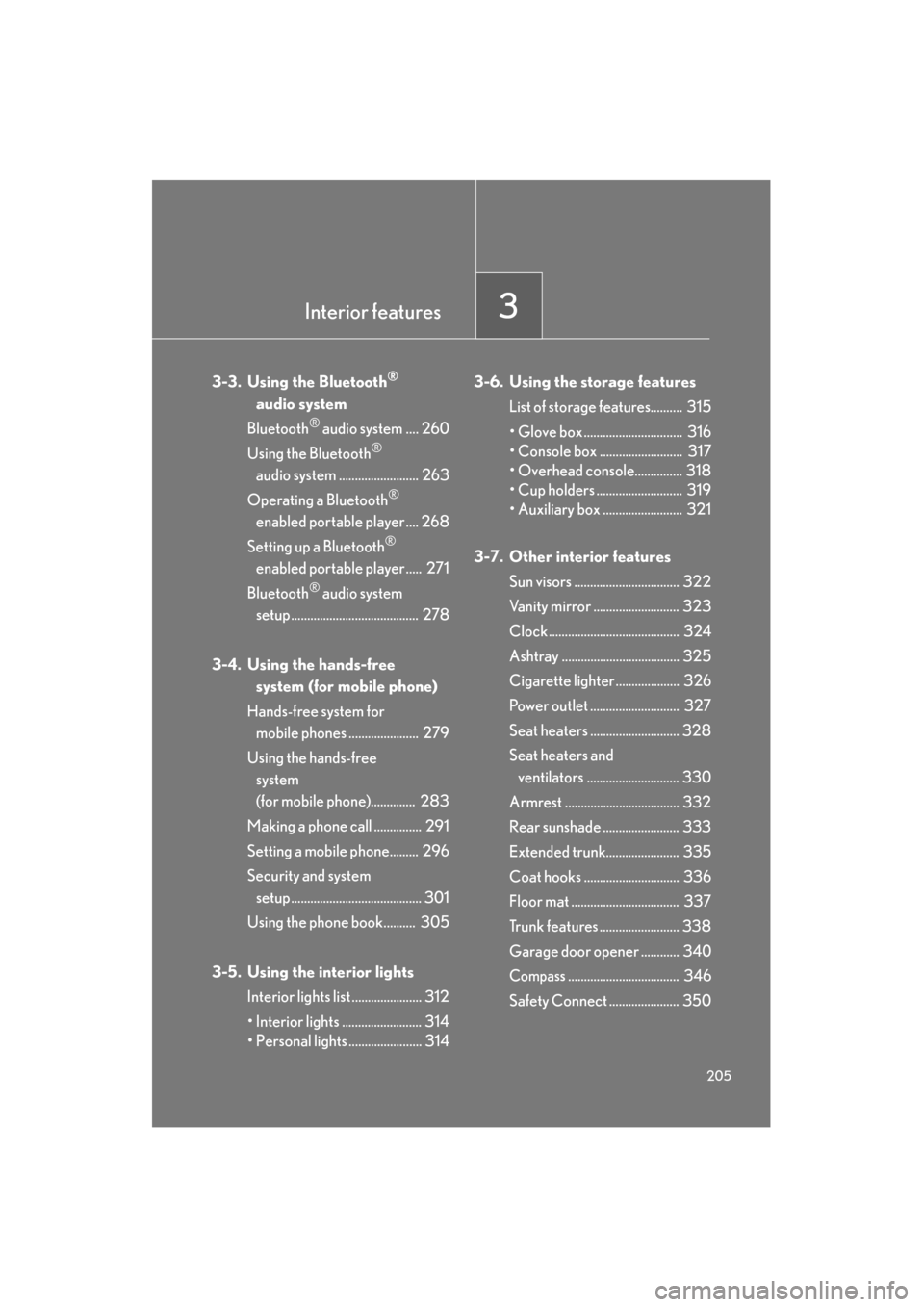
3-3. Using the Bluetooth®
audio system
Bluetooth
® audio system .... 260
Using the Bluetooth
®
audio system ......................... 263
Operating a Bluetooth
®
enabled portable player .... 268
Setting up a Bluetooth
®
enabled portable player ..... 271
Bluetooth
® audio system
setup ........................................ 278
3-4. Using the hands-free system (for mobile phone)
Hands-free system for mobile phones ...................... 279
Using the hands-free system
(for mobile phone).............. 283
Making a phone call ............... 291
Setting a mobile phone......... 296
Security and system setup ......................................... 301
Using the phone book.......... 305
3-5. Using the interior lights Interior lights list ...................... 312
• Interior lights ......................... 314
• Personal lights ....................... 314 3-6. Using the storage features
List of storage features.......... 315
• Glove box ............................... 316
• Console box .......................... 317
• Overhead console............... 318
• Cup holders ........................... 319
• Auxiliary box ......................... 321
3-7. Other interior features Sun visors ................................. 322
Vanity mirror ........................... 323
Clock ......................................... 324
Ashtray ..................................... 325
Cigarette lighter .................... 326
Power outlet ............................ 327
Seat heaters ............................ 328
Seat heaters and ventilators ............................. 330
Armrest .................................... 332
Rear sunshade ........................ 333
Extended trunk....................... 335
Coat hooks .............................. 336
Floor mat .................................. 337
Trunk features ......................... 338
Garage door opener ............ 340
Compass................................... 346
Safety Connect ...................... 350
Page 215 of 554

214
ES350_U
3-2. Using the audio system
Audio system type
With navigation system
Owners of models equipped with a navigation system should refer to
the “Navigation System Owner's Manual”.
Without navigation system (type A)
CD player with changer and AM/FM radio
Without navigation system (type B)
CD player with changer and AM/FM radio
Page 216 of 554
215
3-2. Using the audio system
3
Interior features
ES350_U
■Using mobile phones
Interference may be heard through the audio system’s speakers if a mobile phone is
being used inside or close to the vehicle while the audio system is operating.
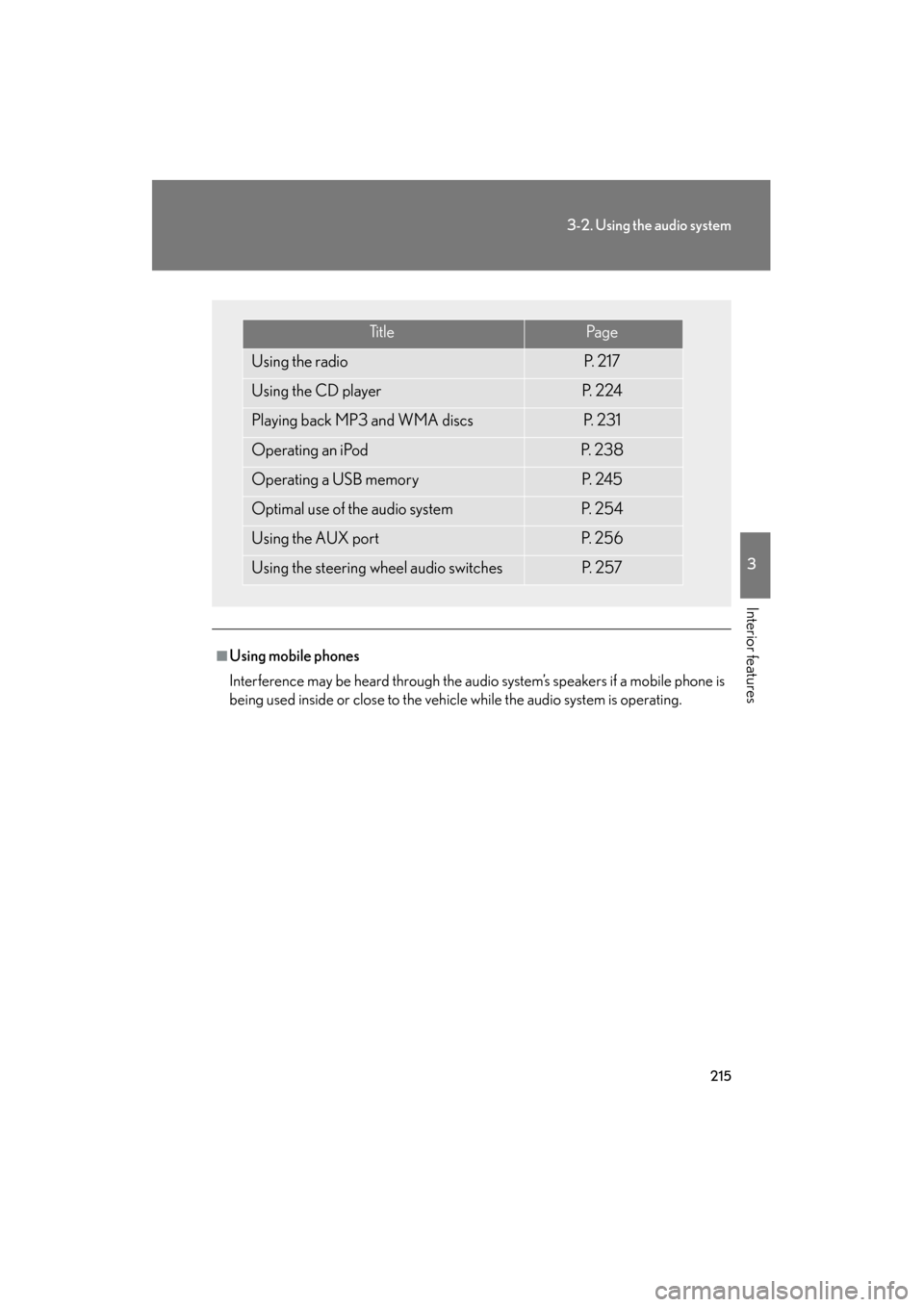
Ti t l ePa g e
Using the radioP. 2 1 7
Using the CD playerP. 2 2 4
Playing back MP3 and WMA discsP. 2 3 1
Operating an iPodP. 2 3 8
Operating a USB memoryP. 2 4 5
Optimal use of the audio systemP. 2 5 4
Using the AUX portP. 2 5 6
Using the steering wheel audio switchesP. 2 5 7
Page 217 of 554
216
3-2. Using the audio system
ES350_U
CAUTION
■For vehicles sold in USA and Canada
●Pa r t 1 5 o f t h e F CC R u l e s
FCC Warning:
Any unauthorized changes or modifications to this equipment will void the user’s
authority to operate this device.
●Laser products
• Do not take this unit apart or attempt to make any changes yourself. This is an intricate unit that uses a laser pickup to retrieve information from the
surface of compact discs. The laser is carefully shielded so that its rays remain
inside the cabinet. Therefore, never try to disassemble the player or alter any
of its parts since you may be exposed to laser rays and dangerous voltages.
• This product utilizes a laser. Use of controls or adjustments or performance of procedures other than
those specified herein may result in hazardous radiation exposure.
NOTICE
■To prevent battery discharge
Do not leave the audio system on longer than necessary with the engine off.
■To avoid damaging the audio system
Take care not to spill drinks or other fluids over the audio system.
Page 225 of 554

224
3-2. Using the audio system
ES350_U
Using the CD player
Loading CDs■ Loading a CD
Press .
“WAIT” is shown on the display.
When the indicator on the slot turns from amber to green, insert a
CD.
The display changes from “WAIT” to “LOAD”.
■Loading multiple CDs
Press and hold until you hear a beep.
“WAIT” is shown on the display.
When the indicator on the slot turns from amber to green, insert a
CD.
The display changes from “WAIT” to “LOAD”.
The indicator on the slot turns to amber when the CD is being inserted.
Po w e r Vo l u m e
Repeat play button
“PWR⋅VOL” knob
Eject buttonPlayback button
Random playback
button Te x t b u t t o n Playback/Pause button
Load button
Search
playback
button
Track selector button CD selector button
STEP1
STEP2
STEP1
STEP2