audio Lexus GS250 2012 User Guide
[x] Cancel search | Manufacturer: LEXUS, Model Year: 2012, Model line: GS250, Model: Lexus GS250 2012Pages: 914, PDF Size: 53.04 MB
Page 302 of 914

2954-5. Using the driving support
4
Driving
GS350/250_EE (OM30C36E)
The shape of the obstacle may prevent the sensor from detecting it. Pay par-
ticular attention to the following obstacles:
• Wires, fences, ropes, etc.
• Cotton, snow and other materials that absorb sound waves
• Sharply-angled objects
•Low obstacles
• Tall obstacles with upper sections projecting outwards in the direction of
your vehicle
The following situations may occur during use.
• Depending on the shape of the obstacle and other factors, the detection
distance may shorten, or detection may be impossible.
• Obstacles may not be detected if they are too close to the sensor.
• There will be a short delay between obstacle detection and display. Even
at slow speeds, there is a possibility that the obstacle will come within
the sensor’s detection areas before the display is shown and the warning
beep sounds.
• Thin posts or objects lower than the sensor may not be detected for colli-
sion when approached, even if they have been detected once.
• It might be difficult to hear beeps due to the volume of audio system or
air flow noise of air conditioning system.
If a message is displayed on the multi-information display
P. 760, 766
Page 376 of 914
366
GS350/250_EE (OM30C36E)
5-1. Remote Touch screen
Remote Touch ................... 368
Remote Touch screen ........ 370
Set up screen ..................... 382
Speech command system .. 401
5-2. Using the air conditioning
system and defogger
Front automatic
air conditioning system ... 409
Rear
air conditioning system ... 425
Rear window and outside rear
view mirror defoggers..... 430
Windshield wiper de-icer .. 4315-3. Using the audio system
Audio system type ............ 432
Using the radio.................. 457
Using the CD/DVD
player .............................. 465
Playing an audio CD and
MP3/WMA discs ............ 467
Playing DVD video .......... 473
CD/DVD player and DVD
video disc information .... 486
Listening to
Bluetooth
® audio ............ 496
Listening to
a USB memory ............... 508
Listening to an iPod .......... 519
Optimal use of
the audio/video system ... 530
Using the AUX port.......... 533
Using the rear seat
audio controls ................. 534
Using the steering wheel
audio switches ................ 539
Page 380 of 914
3705-1. Remote Touch screen
GS350/250_EE (OM30C36E)
Remote Touch screen
By using the Remote Touch, you can control the audio system and
air conditioning system, and adjust the screen display etc.
Owners of models equipped with a navigation system should refer
to the “Navigation System Owner’s Manual”.
Vehicles with a 12.3-inch display: Different information can be
displayed on the left and right of the screen. The 8-inch display
area on the left of the screen is called the “Main Display”, and the
area to the right is called the “Side Display”. For details, refer to
the “Navigation System Owner’s Manual”.
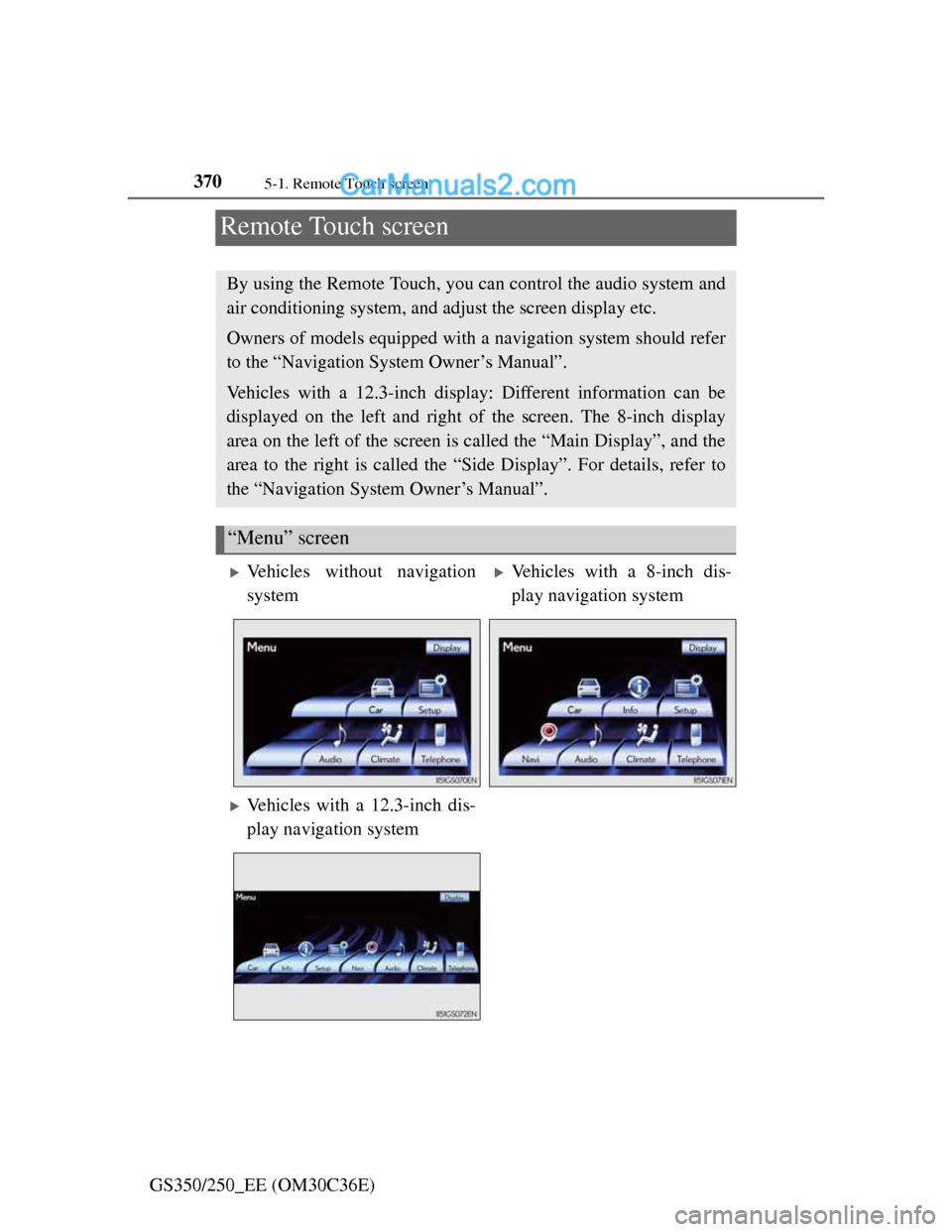
“Menu” screen
Vehicles without navigation
systemVehicles with a 8-inch dis-
play navigation system
Vehicles with a 12.3-inch dis-
play navigation system
Page 381 of 914
3715-1. Remote Touch screen
5
Interior features
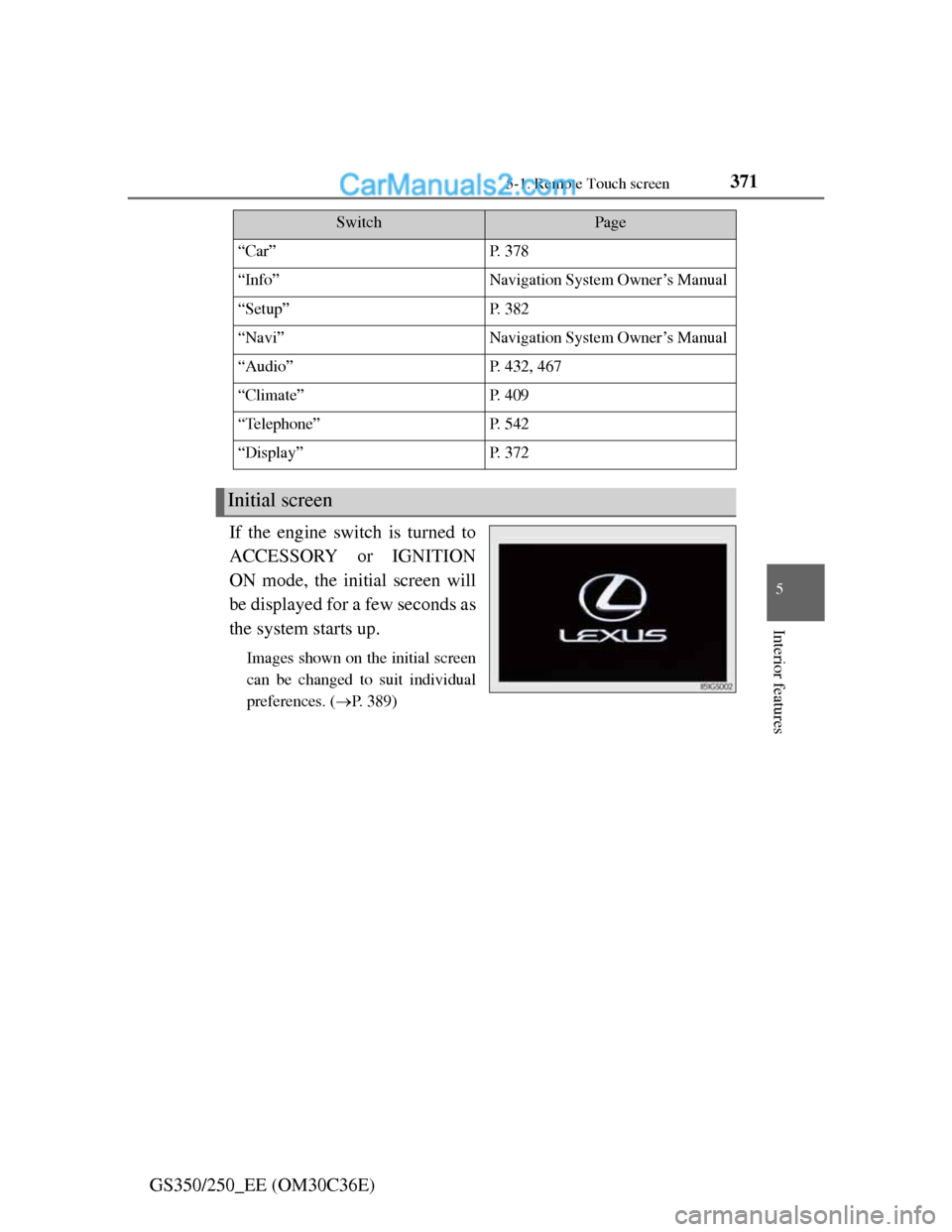
GS350/250_EE (OM30C36E)If the engine switch is turned to
ACCESSORY or IGNITION
ON mode, the initial screen will
be displayed for a few seconds as
the system starts up.
Images shown on the initial screen
can be changed to suit individual
preferences. (P. 389)
SwitchPage
“Car”P. 3 7 8
“Info”Navigation System Owner’s Manual
“Setup”P. 3 8 2
“Navi”Navigation System Owner’s Manual
“Audio”P. 432, 467
“Climate”P. 4 0 9
“Telephone”P. 5 4 2
“Display”P. 3 7 2
Initial screen
Page 382 of 914
3725-1. Remote Touch screen
GS350/250_EE (OM30C36E)The contrast and brightness of the screen display and the image the
camera displays can be adjusted. (For information regarding audio/
video screen adjustment: P. 480)
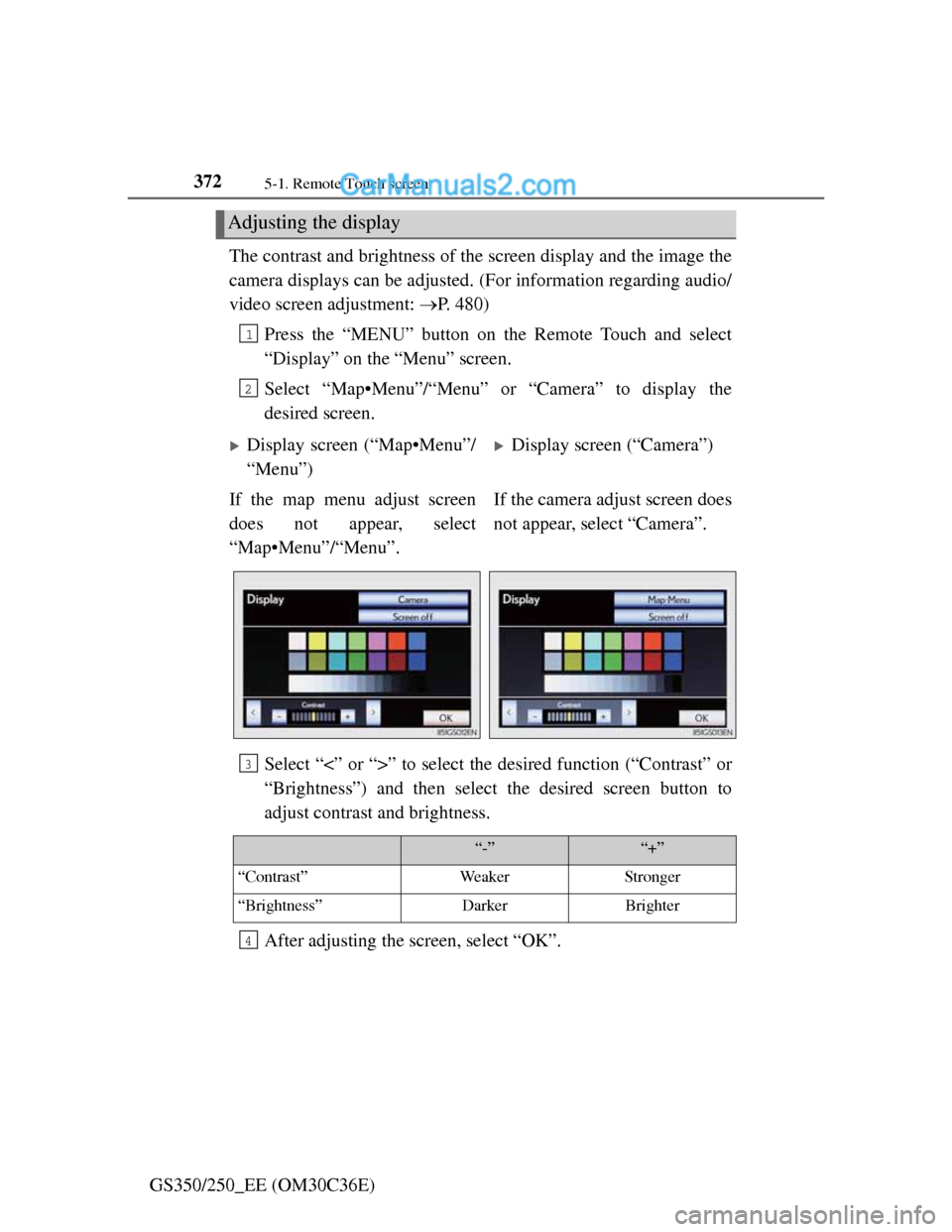
Press the “MENU” button on the Remote Touch and select
“Display” on the “Menu” screen.
Select “Map•Menu”/“Menu” or “Camera” to display the
desired screen.
Select “<” or “>” to select the desired function (“Contrast” or
“Brightness”) and then select the desired screen button to
adjust contrast and brightness.
After adjusting the screen, select “OK”.
Adjusting the display
1
2
Display screen (“Map•Menu”/
“Menu”)Display screen (“Camera”)
If the map menu adjust screen
does not appear, select
“Map•Menu”/“Menu”.If the camera adjust screen does
not appear, select “Camera”.
3
“-”“+”
“Contrast”WeakerStronger
“Brightness”DarkerBrighter
4
Page 392 of 914
3825-1. Remote Touch screen
GS350/250_EE (OM30C36E)
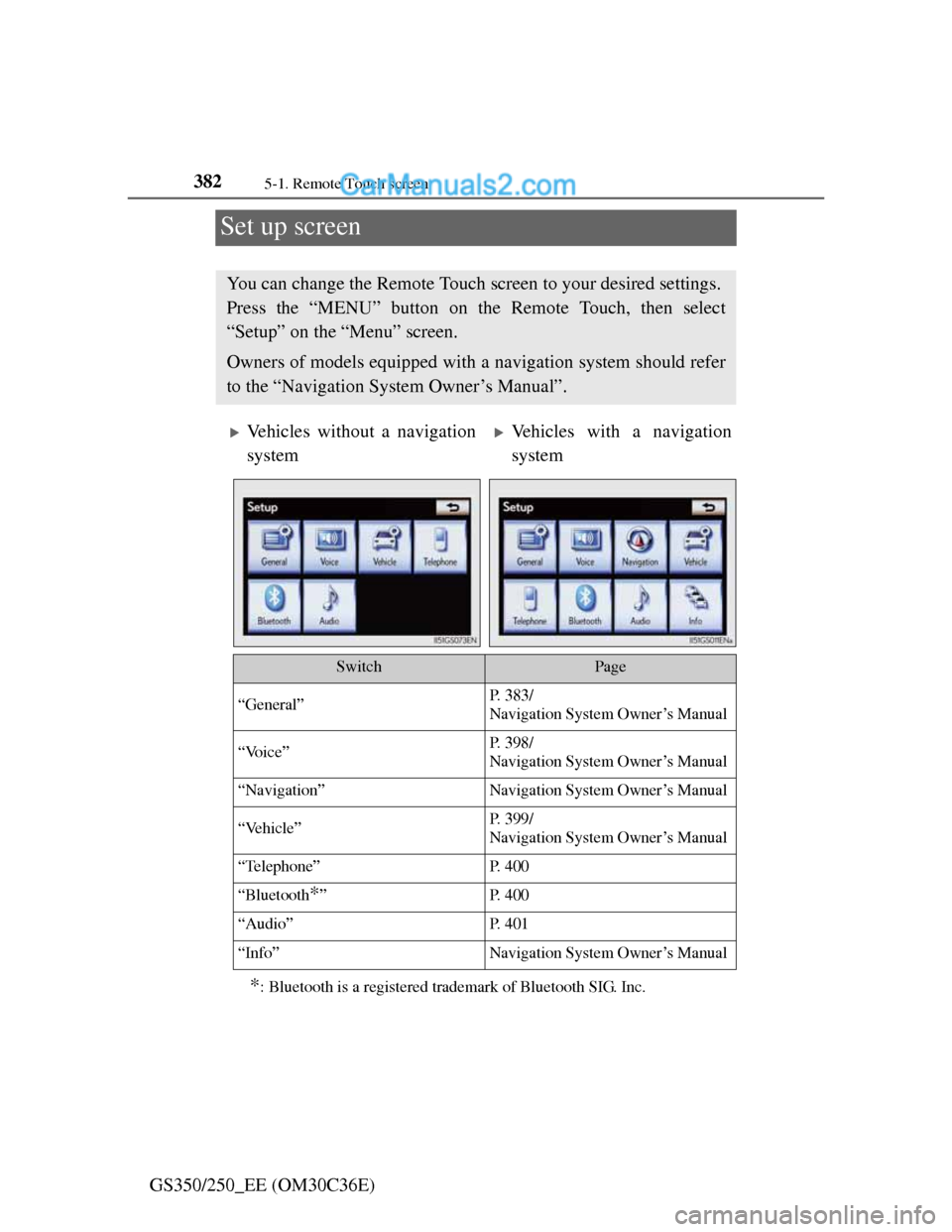
Set up screen
*: Bluetooth is a registered trademark of Bluetooth SIG. Inc.
You can change the Remote Touch screen to your desired settings.
Press the “MENU” button on the Remote Touch, then select
“Setup” on the “Menu” screen.
Owners of models equipped with a navigation system should refer
to the “Navigation System Owner’s Manual”.
Vehicles without a navigation
systemVehicles with a navigation
system
SwitchPage
“General”P. 383/
Navigation System Owner’s Manual
“Voice”P. 398/
Navigation System Owner’s Manual
“Navigation”Navigation System Owner’s Manual
“Vehicle”P. 399/
Navigation System Owner’s Manual
“Telephone”P. 4 0 0
“Bluetooth*”P. 4 0 0
“Audio”P. 4 0 1
“Info”Navigation System Owner’s Manual
Page 397 of 914
3875-1. Remote Touch screen
5
Interior features
GS350/250_EE (OM30C36E)
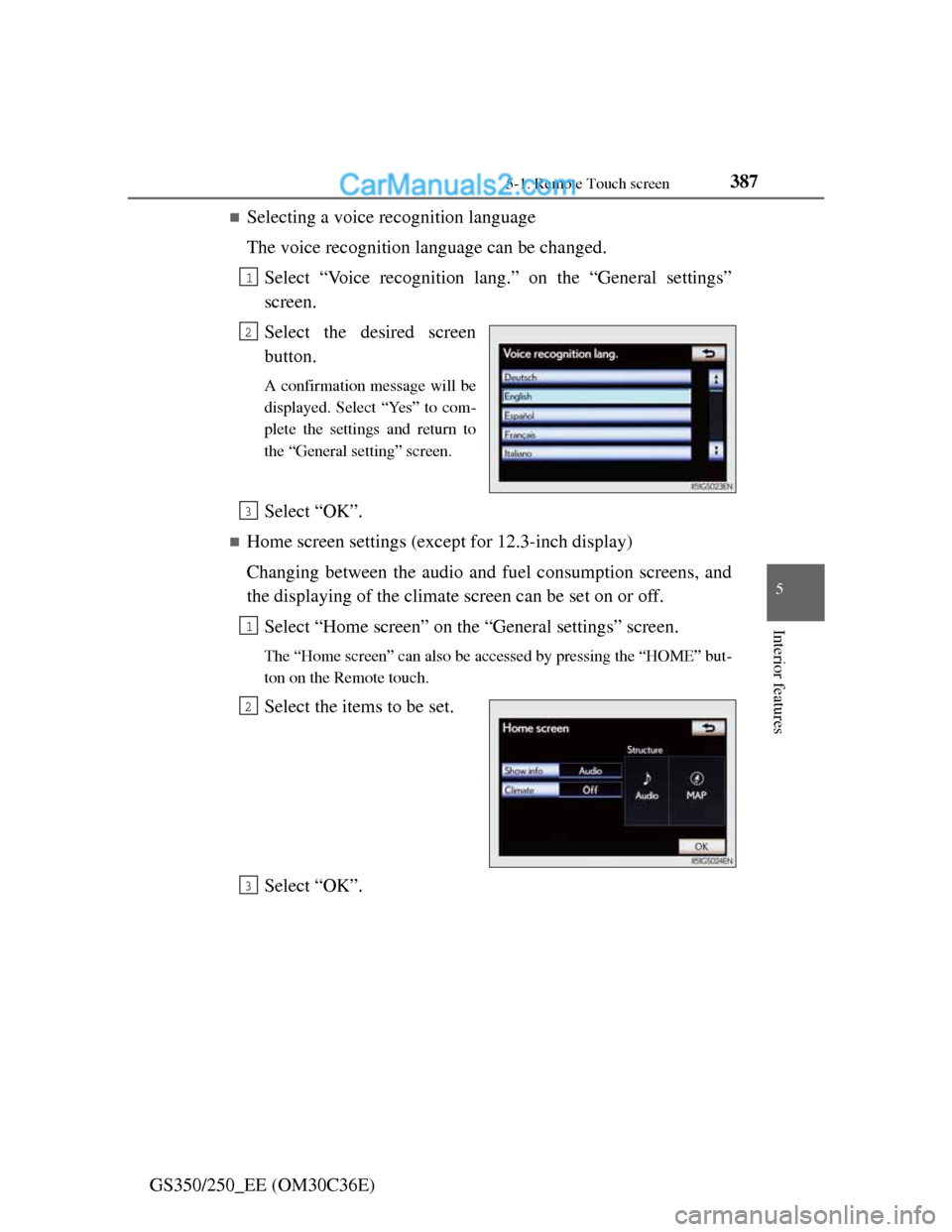
Selecting a voice recognition language
The voice recognition language can be changed.
Select “Voice recognition lang.” on the “General settings”
screen.
Select the desired screen
button.
A confirmation message will be
displayed. Select “Yes” to com-
plete the settings and return to
the “General setting” screen.
Select “OK”.
Home screen settings (except for 12.3-inch display)
Changing between the audio and fuel consumption screens, and
the displaying of the climate screen can be set on or off.
Select “Home screen” on the “General settings” screen.
The “Home screen” can also be accessed by pressing the “HOME” but-
ton on the Remote touch.
Select the items to be set.
Select “OK”.
1
2
3
1
2
3
Page 406 of 914
3965-1. Remote Touch screen
GS350/250_EE (OM30C36E)
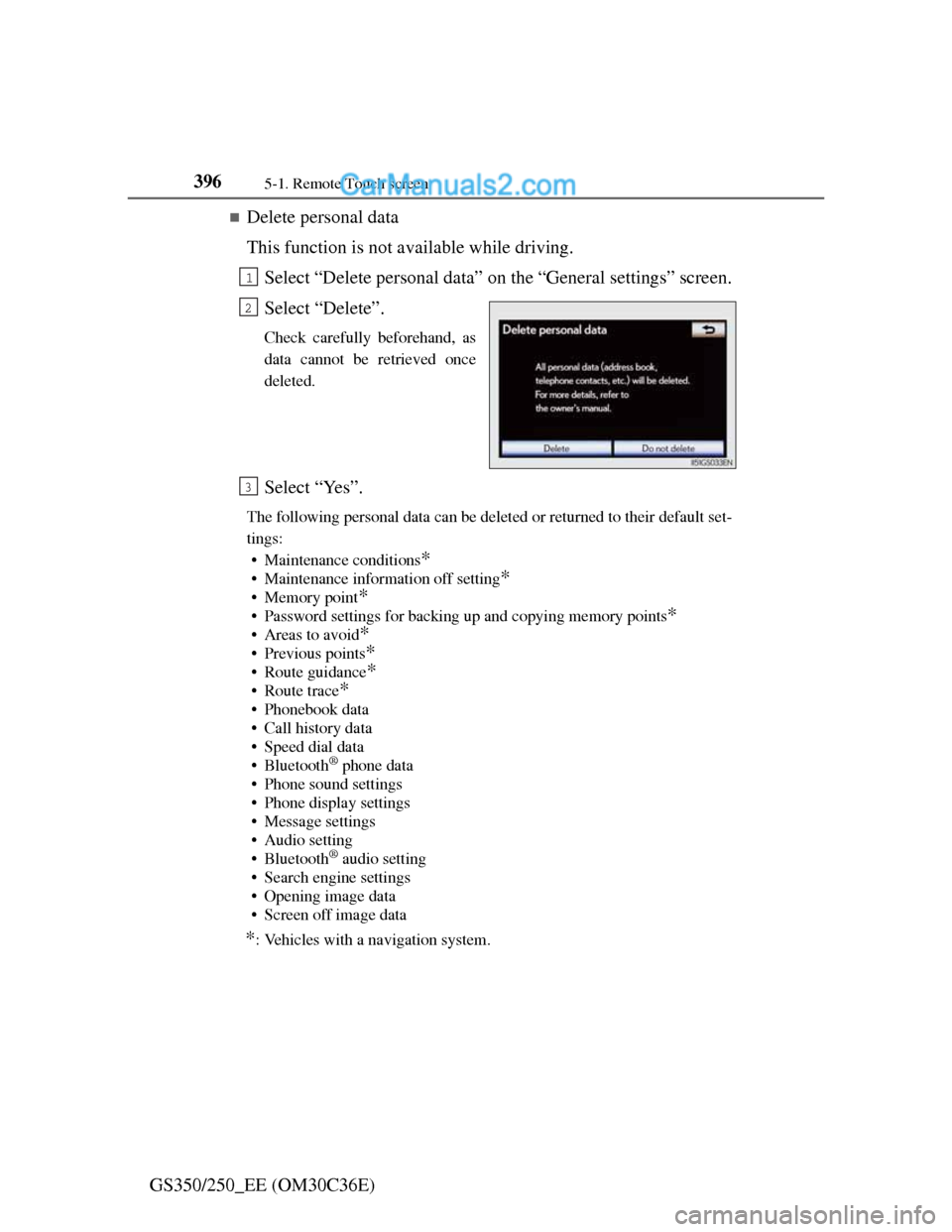
Delete personal data
This function is not available while driving.
Select “Delete personal data” on the “General settings” screen.
Select “Delete”.
Check carefully beforehand, as
data cannot be retrieved once
deleted.
Select “Yes”.
The following personal data can be deleted or returned to their default set-
tings:
• Maintenance conditions
*
• Maintenance information off setting*
• Memory point*
• Password settings for backing up and copying memory points*
•Areas to avoid*
• Previous points*
• Route guidance*
•Route trace*
• Phonebook data
• Call history data
• Speed dial data
•Bluetooth
® phone data
• Phone sound settings
• Phone display settings
• Message settings
• Audio setting
•Bluetooth
® audio setting
• Search engine settings
• Opening image data
• Screen off image data
*: Vehicles with a navigation system.
1
2
3
Page 408 of 914
3985-1. Remote Touch screen
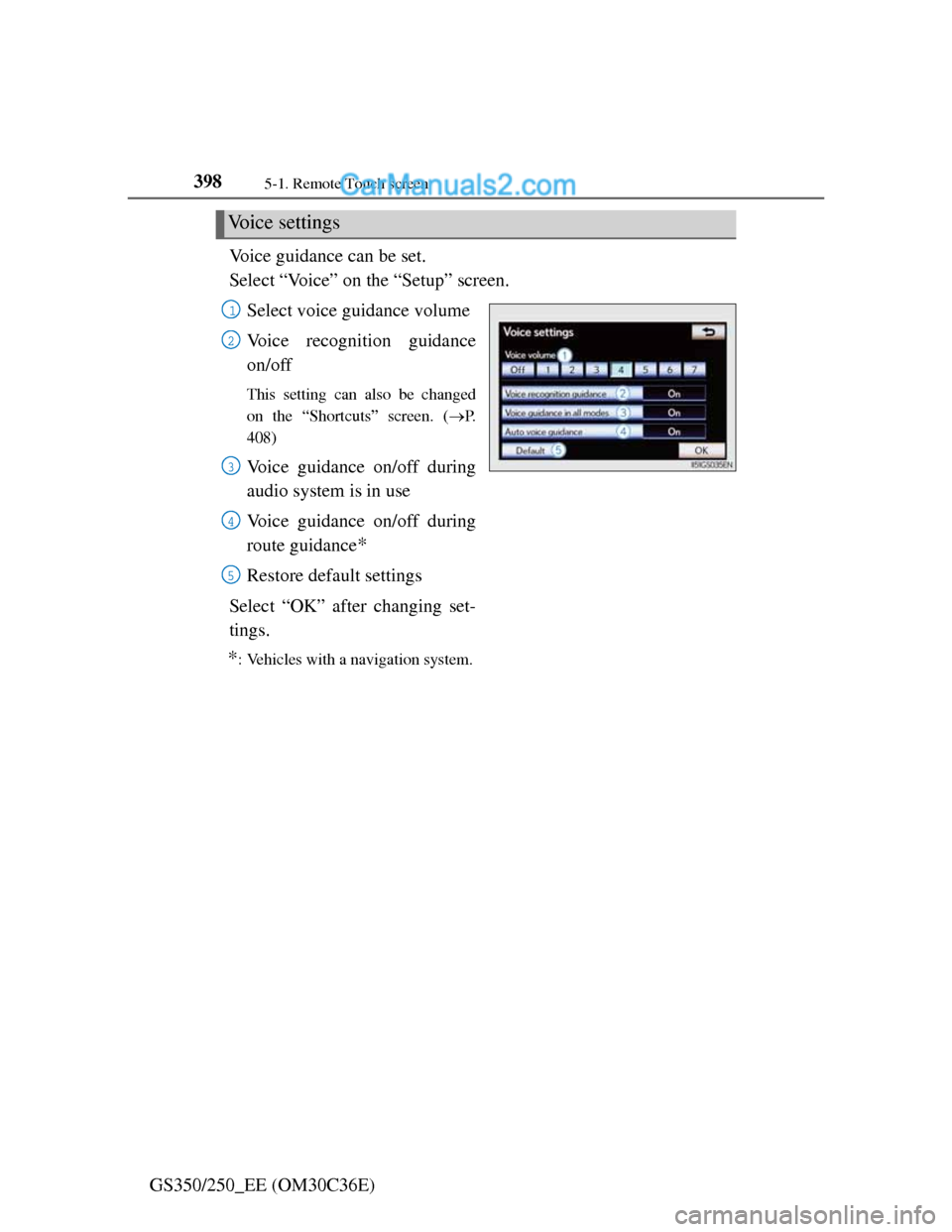
GS350/250_EE (OM30C36E)Voice guidance can be set.
Select “Voice” on the “Setup” screen.
Select voice guidance volume
Voice recognition guidance
on/off
This setting can also be changed
on the “Shortcuts” screen. (P.
408)
Voice guidance on/off during
audio system is in use
Voice guidance on/off during
route guidance
*
Restore default settings
Select “OK” after changing set-
tings.
*: Vehicles with a navigation system.
Voice settings
1
2
3
4
5
Page 411 of 914
401
5 5-1. Remote Touch screen
Interior features
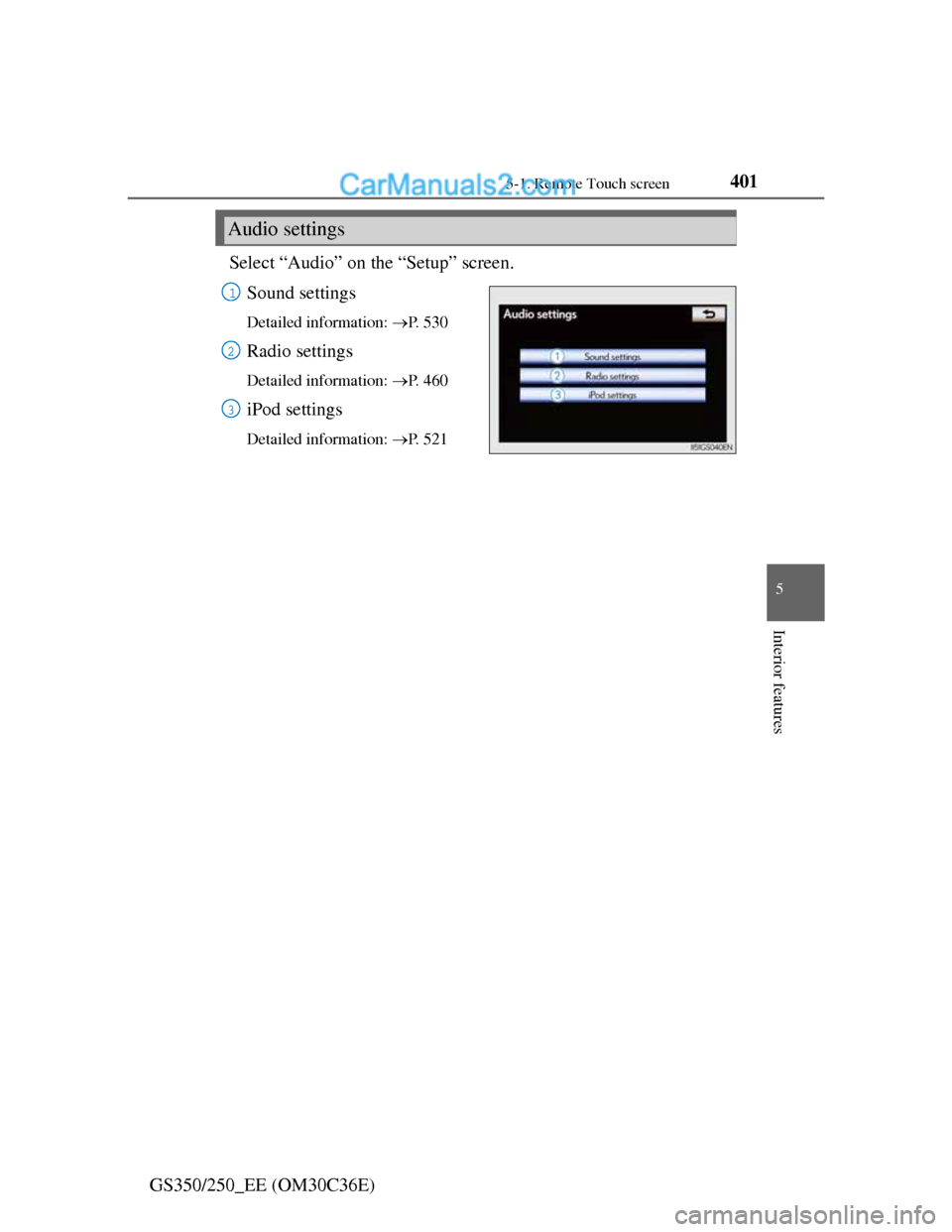
GS350/250_EE (OM30C36E)Select “Audio” on the “Setup” screen.
Sound settings
Detailed information: P. 5 3 0
Radio settings
Detailed information: P. 4 6 0
iPod settings
Detailed information: P. 5 2 1
Audio settings
1
2
3