cruise control Lexus GS250 2012 Owner's Guide
[x] Cancel search | Manufacturer: LEXUS, Model Year: 2012, Model line: GS250, Model: Lexus GS250 2012Pages: 914, PDF Size: 53.04 MB
Page 280 of 914
2734-5. Using the driving support
4
Driving
GS350/250_EE (OM30C36E)
CAUTION
Handling the radar sensor
Observe the following to ensure the cruise control system can function
effectively.
Otherwise, the system may not function correctly and could result in an
accident.
Keep the sensor and grille cover clean at all times.
Clean the sensor and grille cover with a soft cloth so you do not mark or
damage them.
Do not subject the sensor or surrounding area to a strong impact.
If the sensor moves even slightly off position, the system may malfunc-
tion. If the sensor or surrounding area is subject to a strong impact, always
have the area inspected and adjusted by a any authorized Lexus dealer or
repairer, or another duly qualified and equipped professional.
Do not disassemble the sensor.
Do not attach accessories or stickers to the sensor, grille cover or sur-
rounding area.
Do not modify or paint the sensor and grille cover.
Do not replace them with non-genuine parts.
Page 282 of 914

2754-5. Using the driving support
4
Driving
GS350/250_EE (OM30C36E)Lane departure warning function
If the system judges that the vehicle may deviate from its lane, it
alerts the driver using beeping, screen displays and a sensory
warning
* given via the steering wheel.
*: A slight steering torque is applied for a short period of time in the direc-
tion of the center of the lane.
Lane keeping assist function
• This function will be active when the vehicle-to-vehicle dis-
tance control mode of the cruise control (P. 258) is set with
vehicle speed above approximately 72 km/h (45 mph) and
while the lane departure warning function is active.
• When the lane keeping assist function is active, a slight steer-
ing torque will be applied, to help the driver maintain the vehi-
cle inside the lane.
The lane keeping assist function will be temporarily canceled if the
steering wheel is not operated, or if you continue driving with your
hands lightly touching the steering wheel. (P. 279)
Functions included in the LKA
1
2
Page 284 of 914
2774-5. Using the driving support
4
Driving
GS350/250_EE (OM30C36E)
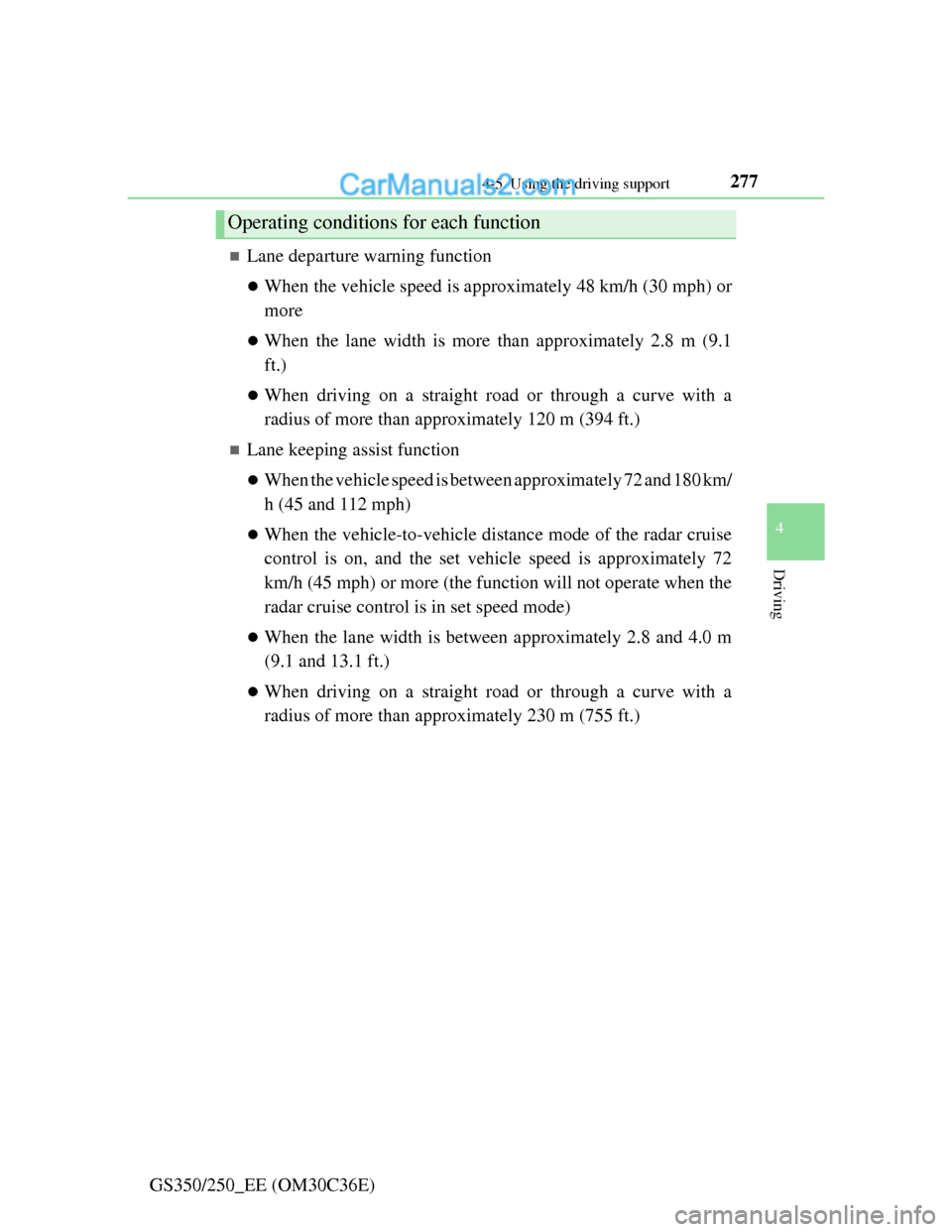
Lane departure warning function
When the vehicle speed is approximately 48 km/h (30 mph) or
more
When the lane width is more than approximately 2.8 m (9.1
ft.)
When driving on a straight road or through a curve with a
radius of more than approximately 120 m (394 ft.)
Lane keeping assist function
When the vehicle speed is between approximately 72 and 180 km/
h (45 and 112 mph)
When the vehicle-to-vehicle distance mode of the radar cruise
control is on, and the set vehicle speed is approximately 72
km/h (45 mph) or more (the function will not operate when the
radar cruise control is in set speed mode)
When the lane width is between approximately 2.8 and 4.0 m
(9.1 and 13.1 ft.)
When driving on a straight road or through a curve with a
radius of more than approximately 230 m (755 ft.)
Operating conditions for each function
Page 285 of 914
2784-5. Using the driving support
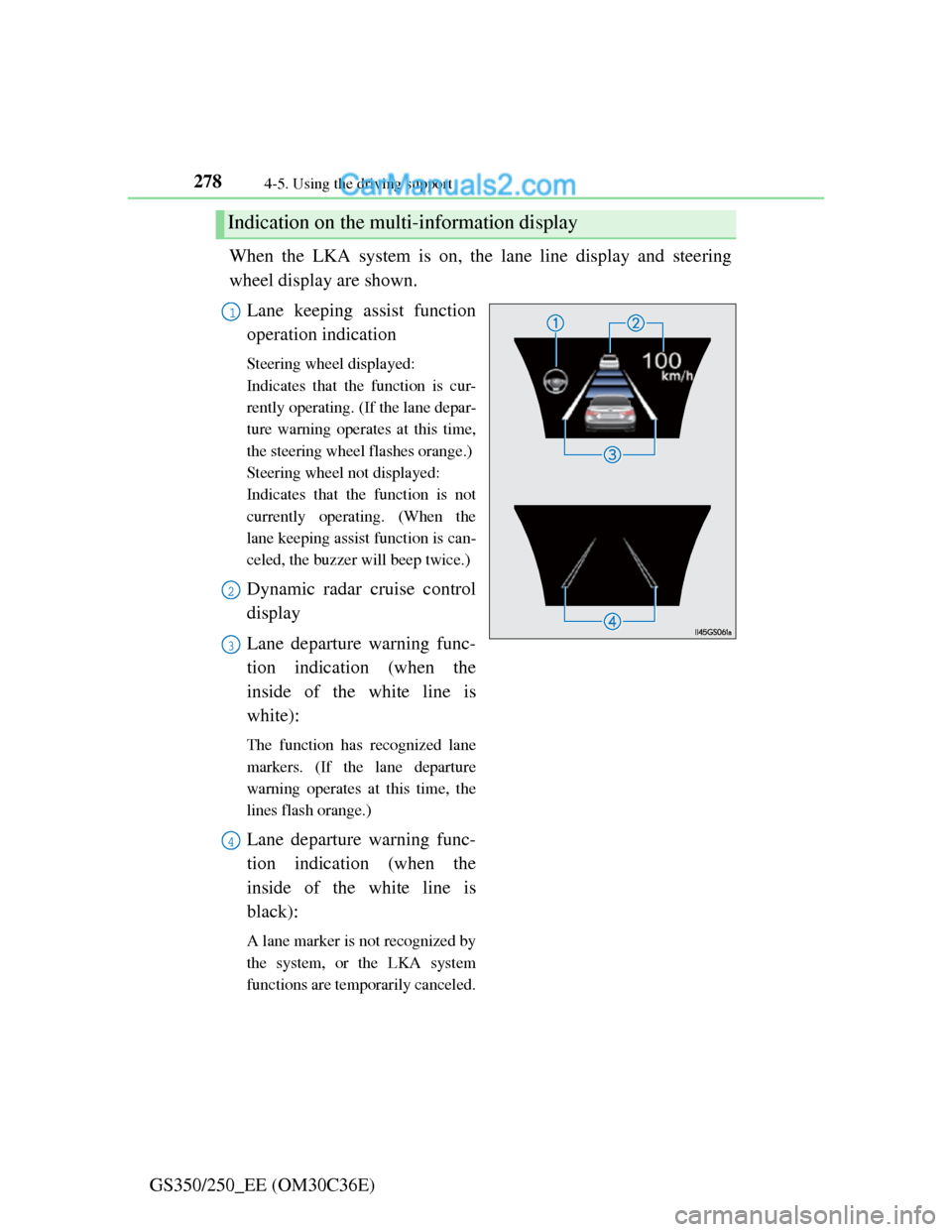
GS350/250_EE (OM30C36E)When the LKA system is on, the lane line display and steering
wheel display are shown.
Lane keeping assist function
operation indication
Steering wheel displayed:
Indicates that the function is cur-
rently operating. (If the lane depar-
ture warning operates at this time,
the steering wheel flashes orange.)
Steering wheel not displayed:
Indicates that the function is not
currently operating. (When the
lane keeping assist function is can-
celed, the buzzer will beep twice.)
Dynamic radar cruise control
display
Lane departure warning func-
tion indication (when the
inside of the white line is
white):
The function has recognized lane
markers. (If the lane departure
warning operates at this time, the
lines flash orange.)
Lane departure warning func-
tion indication (when the
inside of the white line is
black):
A lane marker is not recognized by
the system, or the LKA system
functions are temporarily canceled.
Indication on the multi-information display
1
2
3
4
Page 781 of 914
7607-2. Steps to take in an emergency
GS350/250_EE (OM30C36E)
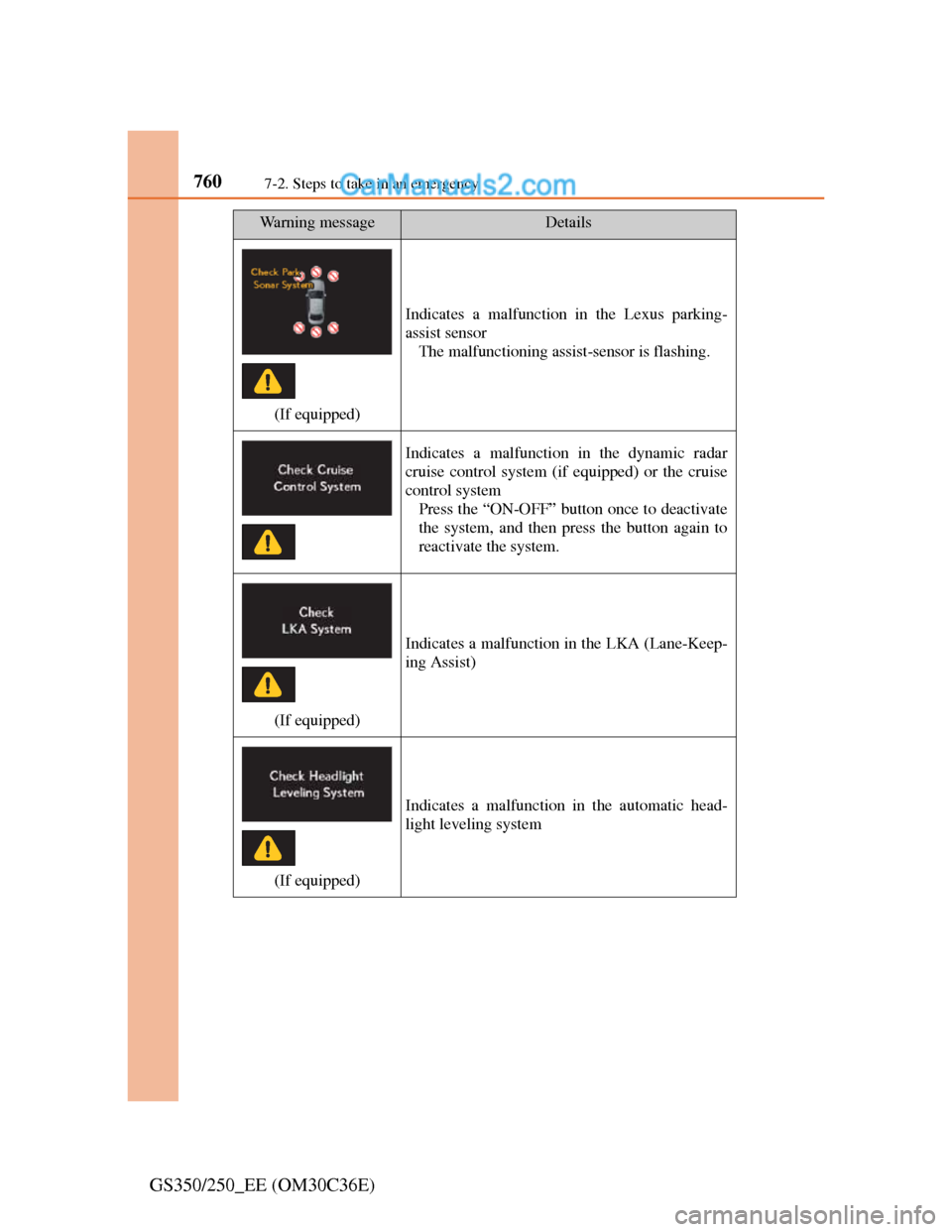
(If equipped)
Indicates a malfunction in the Lexus parking-
assist sensor
The malfunctioning assist-sensor is flashing.
Indicates a malfunction in the dynamic radar
cruise control system (if equipped) or the cruise
control system
Press the “ON-OFF” button once to deactivate
the system, and then press the button again to
reactivate the system.
(If equipped)
Indicates a malfunction in the LKA (Lane-Keep-
ing Assist)
(If equipped)
Indicates a malfunction in the automatic head-
light leveling system
Wa r n i n g m e s s a g eDetails
Page 787 of 914
7667-2. Steps to take in an emergency
GS350/250_EE (OM30C36E)
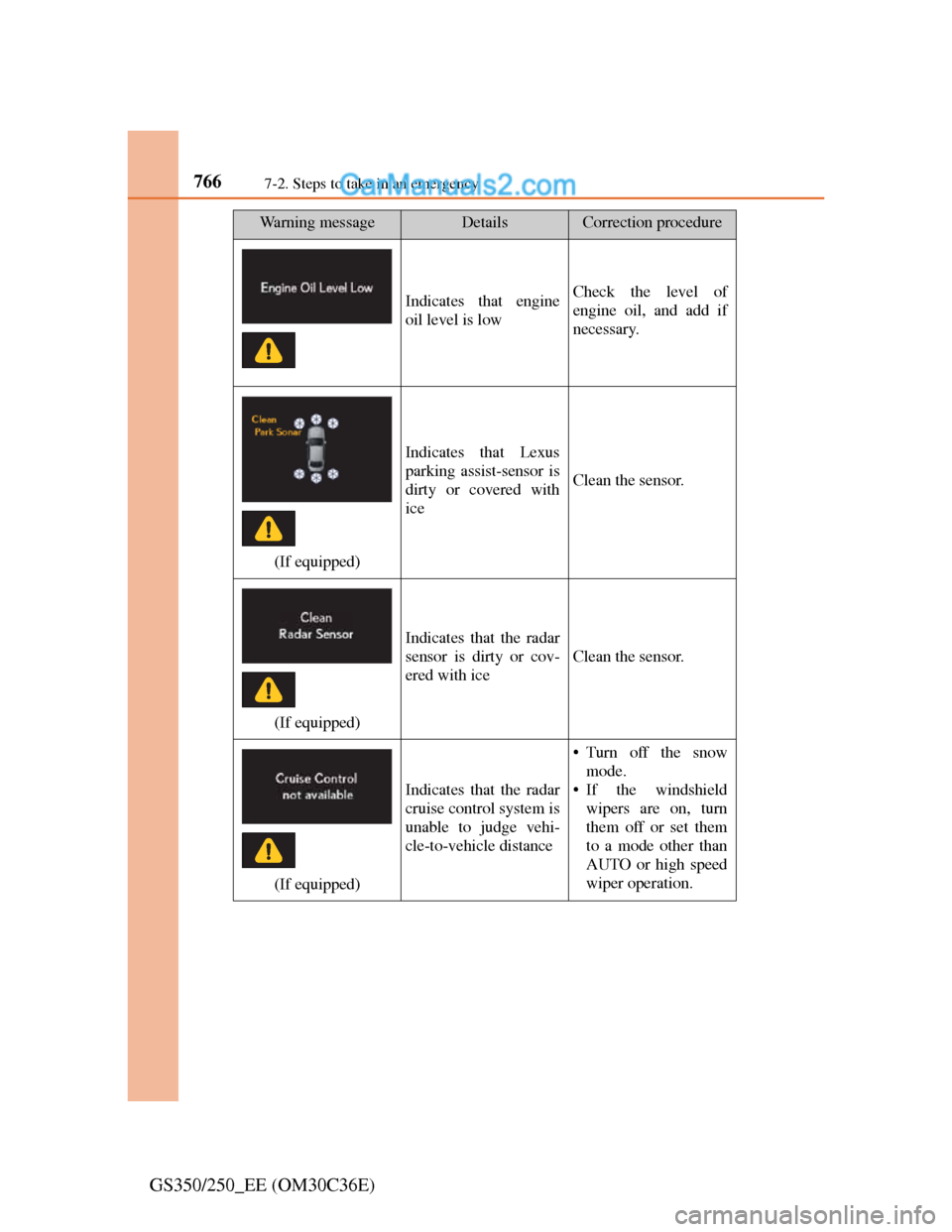
Indicates that engine
oil level is lowCheck the level of
engine oil, and add if
necessary.
(If equipped)
Indicates that Lexus
parking assist-sensor is
dirty or covered with
ice
Clean the sensor.
(If equipped)
Indicates that the radar
sensor is dirty or cov-
ered with ice
Clean the sensor.
(If equipped)
Indicates that the radar
cruise control system is
unable to judge vehi-
cle-to-vehicle distance
• Turn off the snow
mode.
• If the windshield
wipers are on, turn
them off or set them
to a mode other than
AUTO or high speed
wiper operation.
Wa r n i n g m e s s a g eDetailsCorrection procedure
Page 791 of 914
7707-2. Steps to take in an emergency
GS350/250_EE (OM30C36E)
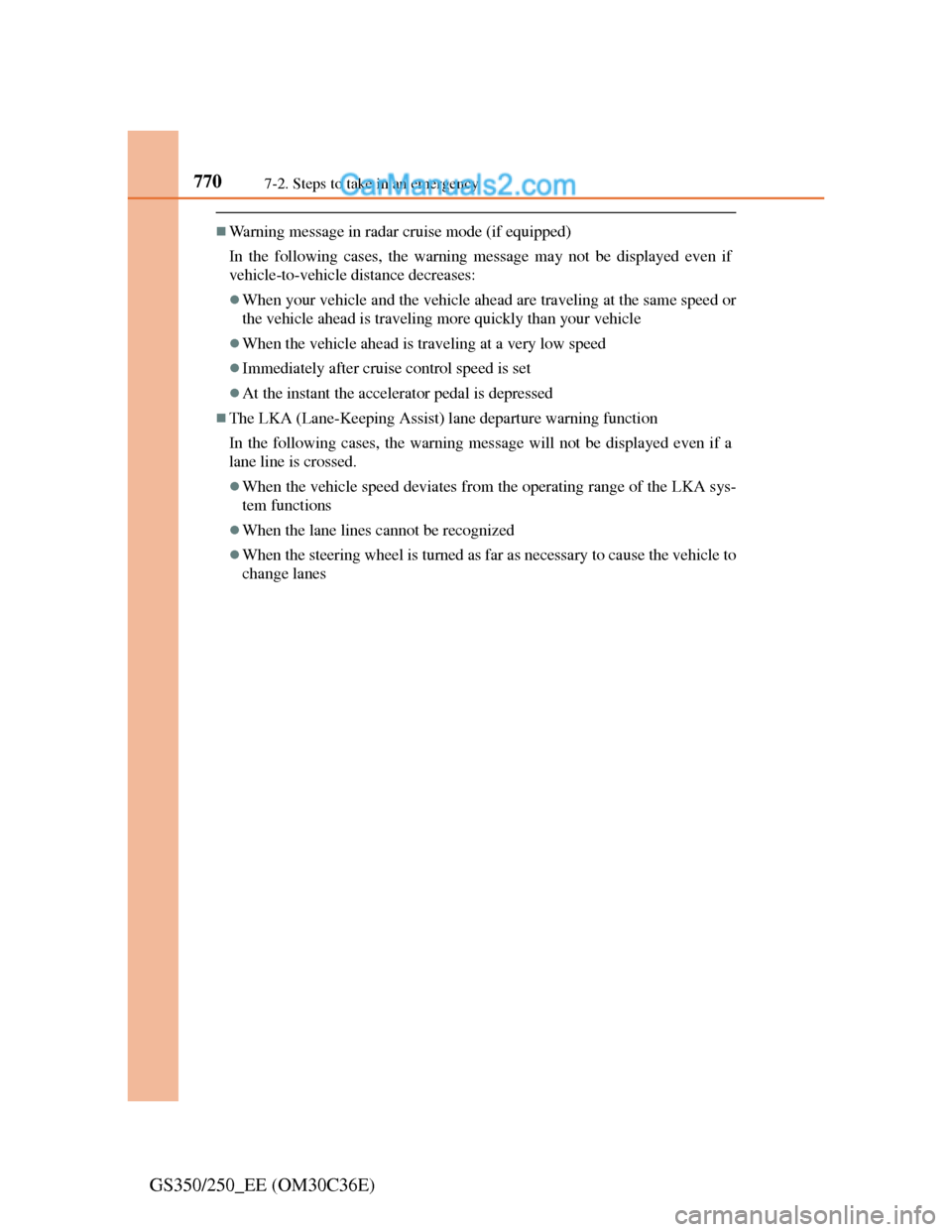
Warning message in radar cruise mode (if equipped)
In the following cases, the warning message may not be displayed even if
vehicle-to-vehicle distance decreases:
When your vehicle and the vehicle ahead are traveling at the same speed or
the vehicle ahead is traveling more quickly than your vehicle
When the vehicle ahead is traveling at a very low speed
Immediately after cruise control speed is set
At the instant the accelerator pedal is depressed
The LKA (Lane-Keeping Assist) lane departure warning function
In the following cases, the warning message will not be displayed even if a
lane line is crossed.
When the vehicle speed deviates from the operating range of the LKA sys-
tem functions
When the lane lines cannot be recognized
When the steering wheel is turned as far as necessary to cause the vehicle to
change lanes
Page 817 of 914
7967-2. Steps to take in an emergency
GS350/250_EE (OM30C36E)
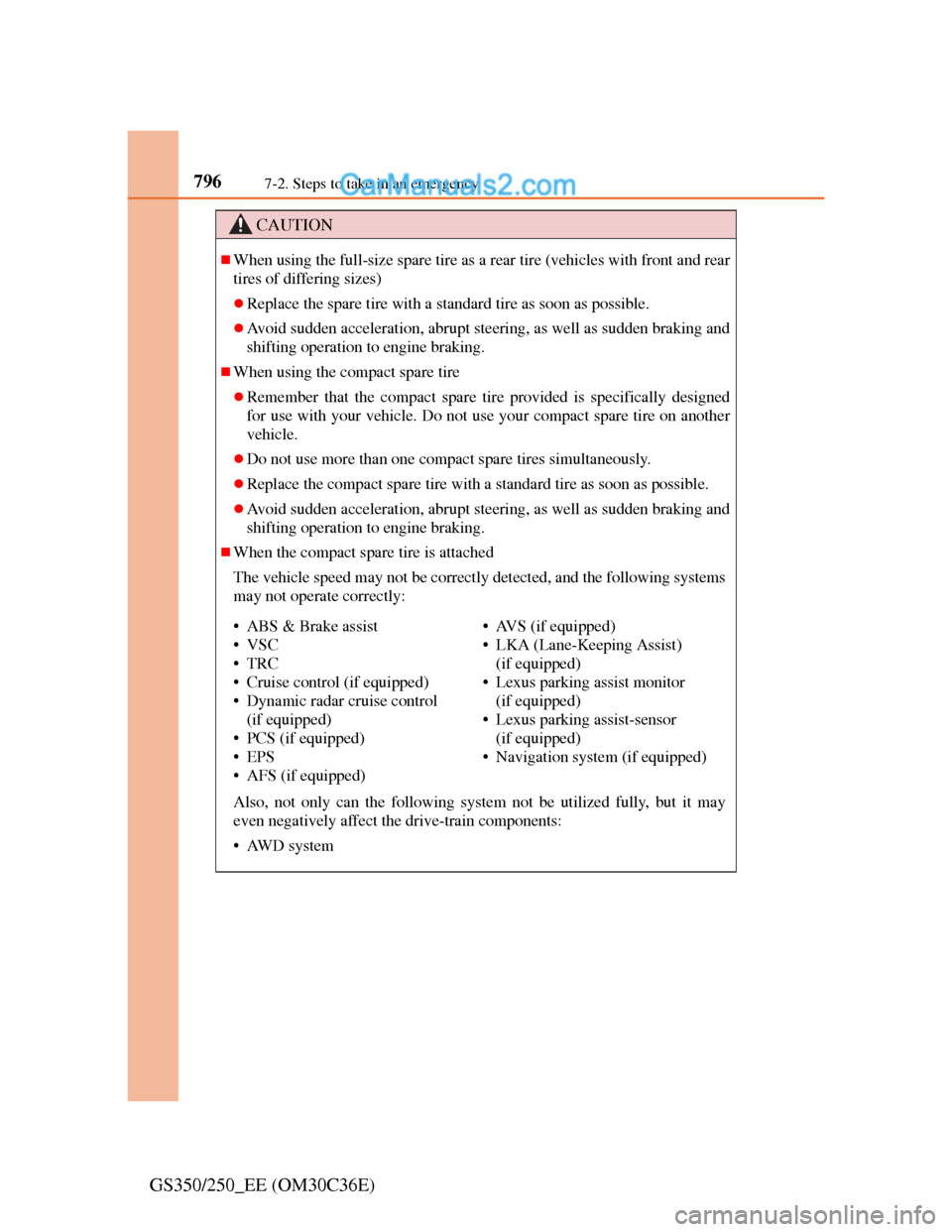
CAUTION
When using the full-size spare tire as a rear tire (vehicles with front and rear
tires of differing sizes)
Replace the spare tire with a standard tire as soon as possible.
Avoid sudden acceleration, abrupt steering, as well as sudden braking and
shifting operation to engine braking.
When using the compact spare tire
Remember that the compact spare tire provided is specifically designed
for use with your vehicle. Do not use your compact spare tire on another
vehicle.
Do not use more than one compact spare tires simultaneously.
Replace the compact spare tire with a standard tire as soon as possible.
Avoid sudden acceleration, abrupt steering, as well as sudden braking and
shifting operation to engine braking.
When the compact spare tire is attached
The vehicle speed may not be correctly detected, and the following systems
may not operate correctly:
Also, not only can the following system not be utilized fully, but it may
even negatively affect the drive-train components:
• AWD system
• ABS & Brake assist
•VSC
•TRC
• Cruise control (if equipped)
• Dynamic radar cruise control
(if equipped)
• PCS (if equipped)
•EPS
• AFS (if equipped)• AVS (if equipped)
• LKA (Lane-Keeping Assist)
(if equipped)
• Lexus parking assist monitor
(if equipped)
• Lexus parking assist-sensor
(if equipped)
• Navigation system (if equipped)
Page 899 of 914
877Alphabetical index
GS350/250_EE (OM30C36E)
Anti-lock Brake System (ABS) .333
Function ................................333
Warning light........................750
Warning message..................761
Approach warning (dynamic
radar cruise control) ................264
Armrest ......................................635
Armrest door .............................639
Ashtrays.....................................626
Assist grip..................................641
Audio input................................536
Audio system .............................432
Audio input ...........................536
AUX port/
USB port ............536, 512, 524
Bluetooth
® audio ..................498
CD/DVD player ....................467
CD/DVD player information 488
DVD video ...........................475
iPod.......................................522
MP3/WMA disc ...................469
Optimal use...........................533
Portable music player ...........536
Radio ....................................458
Rear seat audio controls........537
Steering wheel audio switch .543
USB memory ........................510
Automatic headlight leveling
system ....................................231
Automatic High Beam ..............233
Automatic light control system 228Automatic transmission ............ 215
If the shift lever cannot be
shifted from P .................... 818
M mode ................................ 219
Paddle shift switches ........... 218
AUX port .................................. 536
Auxiliary boxes ........................ 620
AVS (Adaptive Variable
Suspension system) ................ 334
Back-up light
Replacing light bulb............. 729
Wattage ................................ 853
Battery ...................................... 667
Battery checking .................. 667
If the vehicle has discharged
battery................................ 825
Preparing and checking
before winter ..................... 359
Warning light ....................... 750
Blind Spot Monitor (BSM) ...... 354
Bluetooth
®
Audio system ....................... 498
Hands-free system
(for cellular phone)............ 542
Brake
Fluid ..................................... 849
Parking brake ....................... 225
Warning light ............... 749, 751
Warning message................. 757
B
Page 901 of 914
879Alphabetical index
GS350/250_EE (OM30C36E)
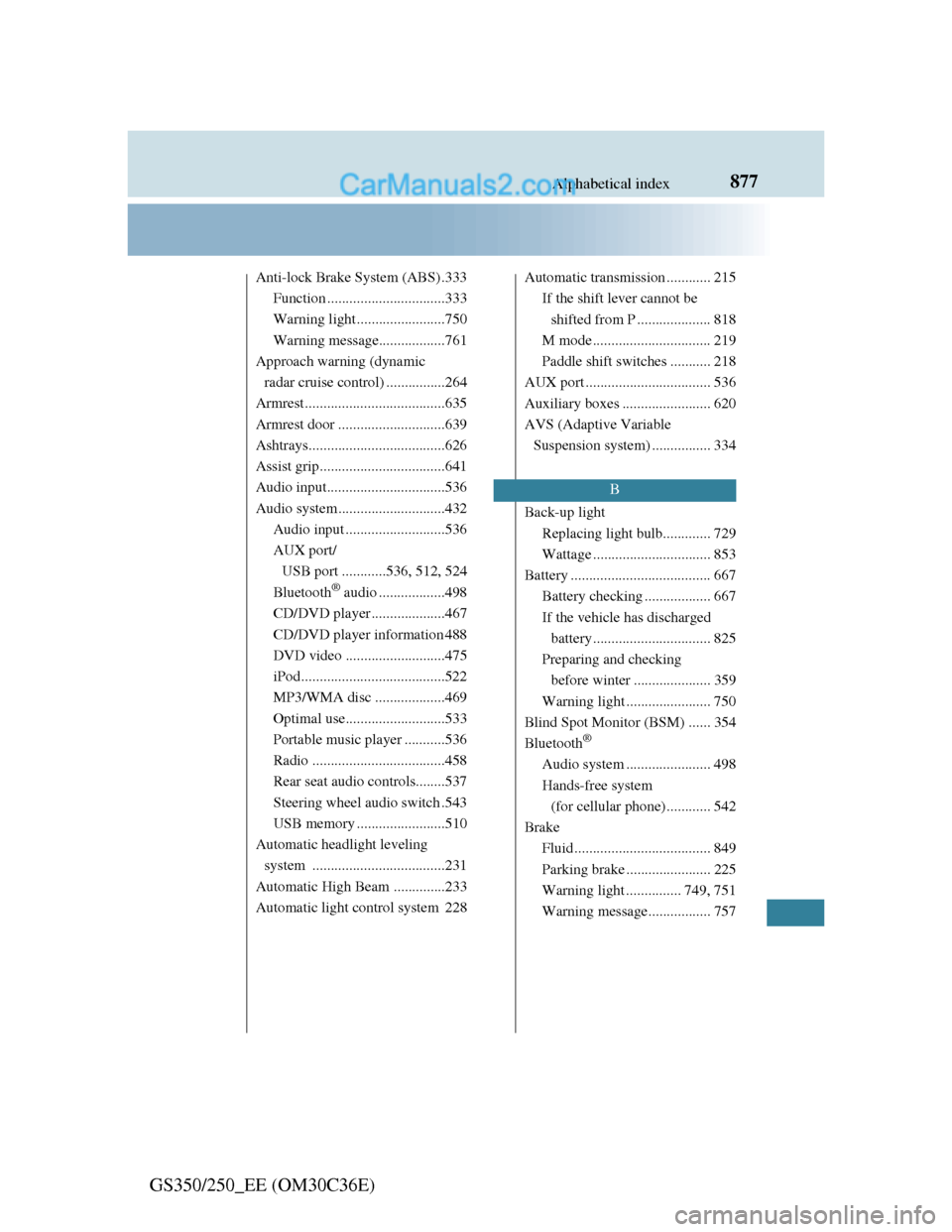
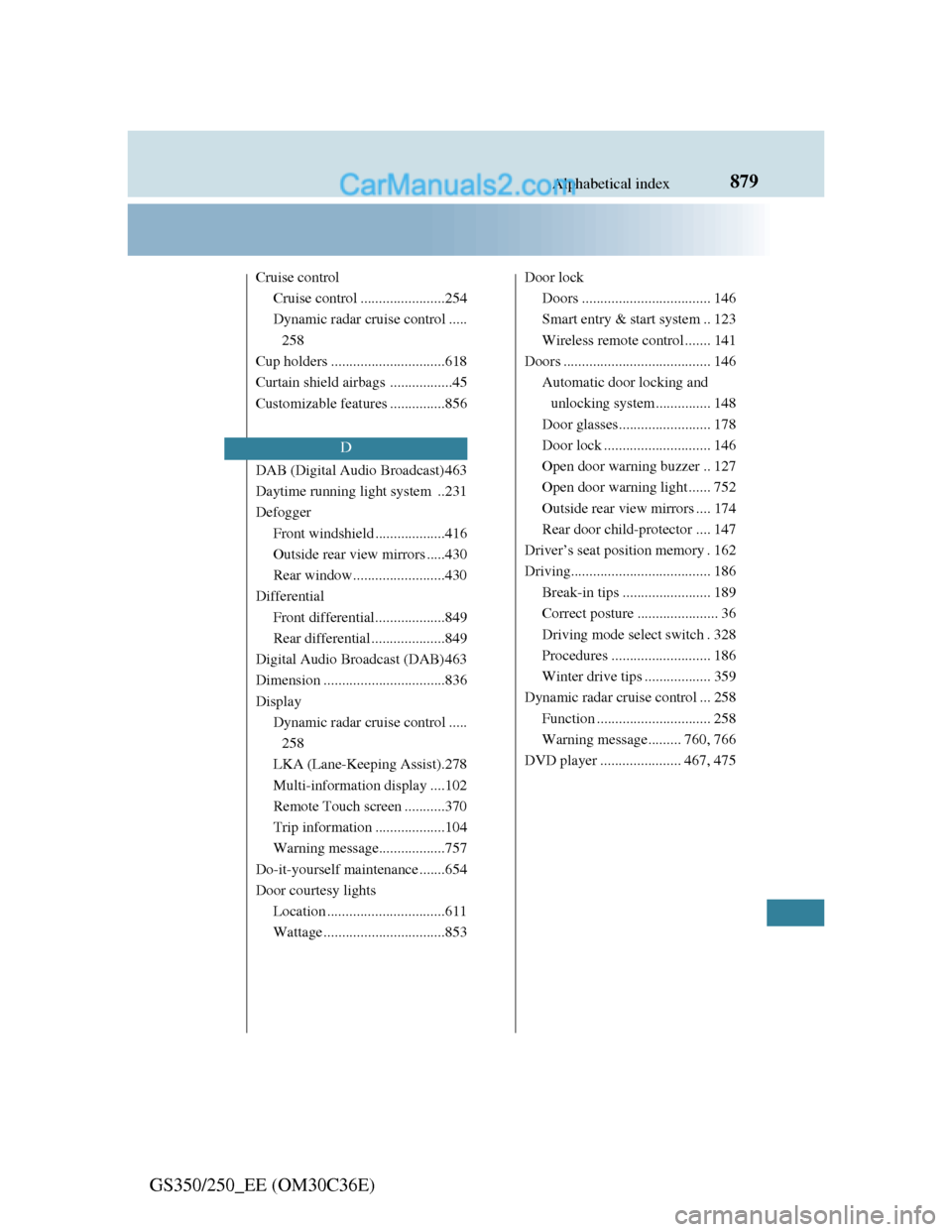
Cruise control
Cruise control .......................254
Dynamic radar cruise control .....
258
Cup holders ...............................618
Curtain shield airbags .................45
Customizable features ...............856
DAB (Digital Audio Broadcast)463
Daytime running light system ..231
Defogger
Front windshield ...................416
Outside rear view mirrors .....430
Rear window.........................430
Differential
Front differential...................849
Rear differential ....................849
Digital Audio Broadcast (DAB)463
Dimension .................................836
Display
Dynamic radar cruise control .....
258
LKA (Lane-Keeping Assist).278
Multi-information display ....102
Remote Touch screen ...........370
Trip information ...................104
Warning message..................757
Do-it-yourself maintenance .......654
Door courtesy lights
Location ................................611
Wattage .................................853Door lock
Doors ................................... 146
Smart entry & start system .. 123
Wireless remote control ....... 141
Doors ........................................ 146
Automatic door locking and
unlocking system............... 148
Door glasses......................... 178
Door lock ............................. 146
Open door warning buzzer .. 127
Open door warning light ...... 752
Outside rear view mirrors .... 174
Rear door child-protector .... 147
Driver’s seat position memory . 162
Driving...................................... 186
Break-in tips ........................ 189
Correct posture ...................... 36
Driving mode select switch . 328
Procedures ........................... 186
Winter drive tips .................. 359
Dynamic radar cruise control ... 258
Function ............................... 258
Warning message......... 760, 766
DVD player ...................... 467, 475
D