bluetooth Lexus GS300h 2013 User Guide
[x] Cancel search | Manufacturer: LEXUS, Model Year: 2013, Model line: GS300h, Model: Lexus GS300h 2013Pages: 1014
Page 590 of 1014
5705-3. Using the audio system
GS450h_300h_OM_OM30D53E_(EE)
To use the Bluetooth® audio system, you need to enter your porta-
ble player into the system. Once registered, you can enjoy your
music on the vehicle’s audio system. (P. 679)
For the operation procedure for the portable player, consult your
player’s accompanying instruction manual.
When “Bluetooth* power” is turned on
When the portable player is on standby for the connection, it will
be automatically connected whenever the power switch is in
either ACCESSORY or ON mode.
When “Bluetooth* power” is turned off
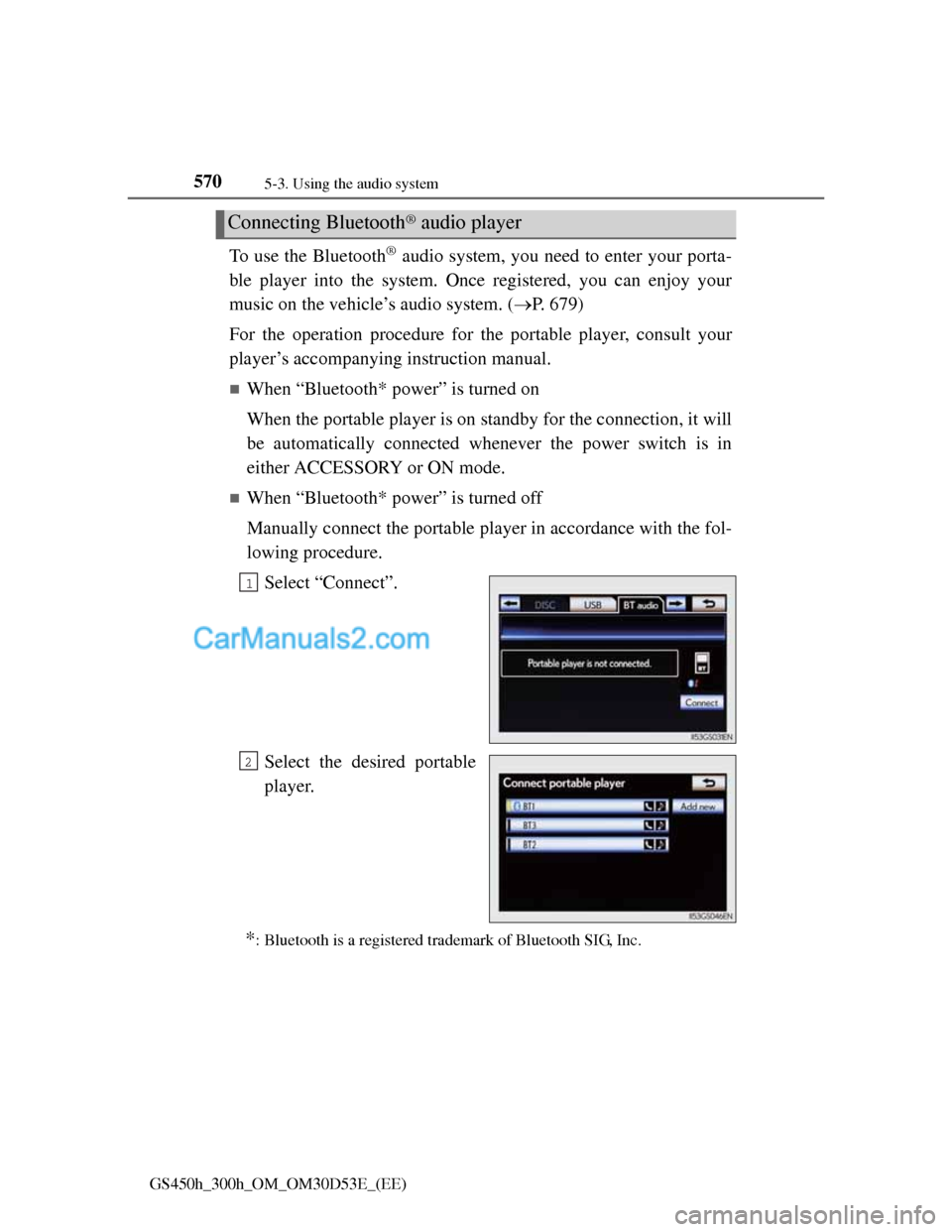
Manually connect the portable player in accordance with the fol-
lowing procedure.
Select “Connect”.
Select the desired portable
player.
*: Bluetooth is a registered trademark of Bluetooth SIG, Inc.
Connecting Bluetooth® audio player
1
2
Page 591 of 1014
5715-3. Using the audio system
5
Interior features
GS450h_300h_OM_OM30D53E_(EE)
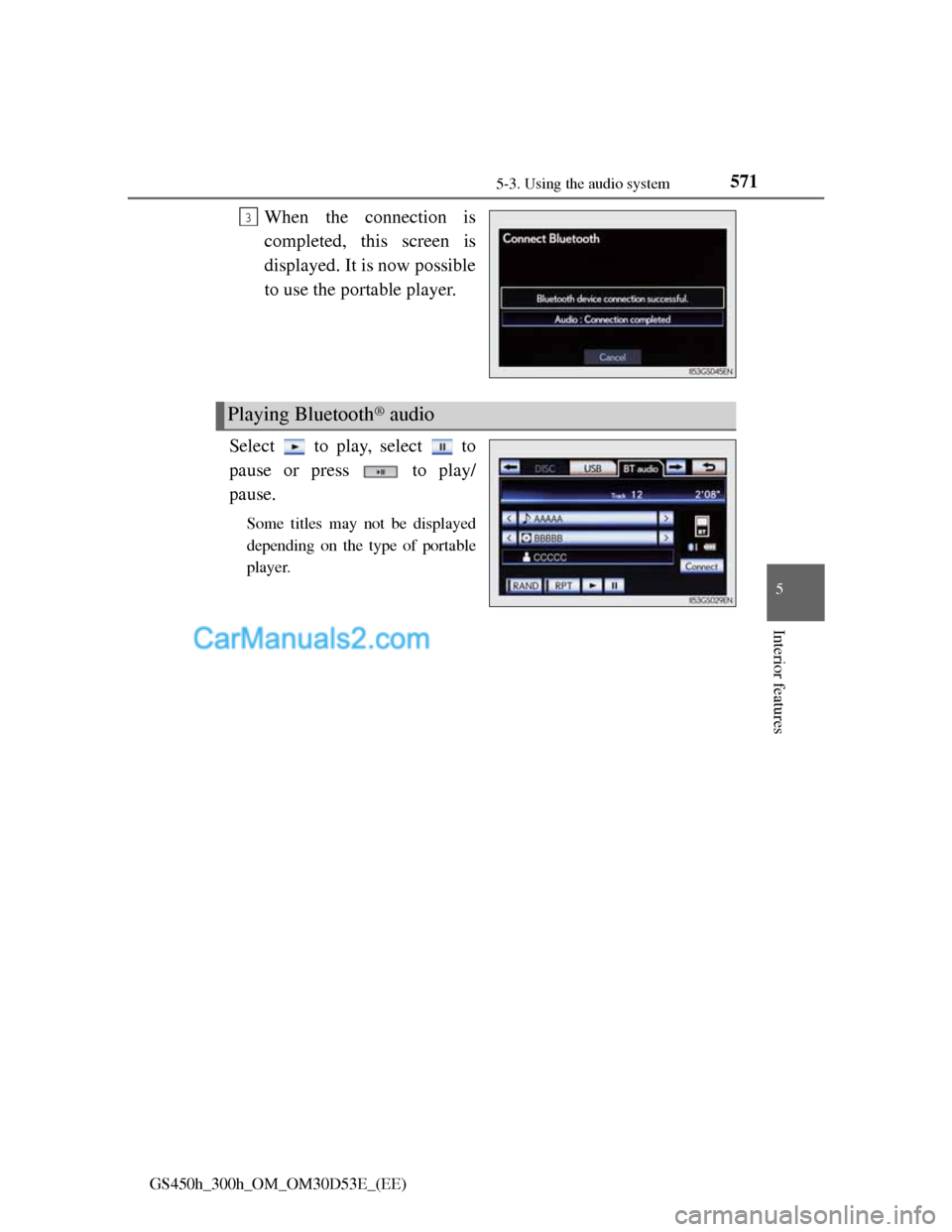
When the connection is
completed, this screen is
displayed. It is now possible
to use the portable player.
Select to play, select to
pause or press to play/
pause.
Some titles may not be displayed
depending on the type of portable
player.
3
Playing Bluetooth® audio
Page 596 of 1014
5765-3. Using the audio system
GS450h_300h_OM_OM30D53E_(EE)
If you select
The display returns to the previous screen.
Connecting Bluetooth® audio player
Selecting “Connect portable player” on the “Bluetooth*” screen also con-
nects a Bluetooth® audio player. (P. 679)
When none of the selectable portable players have been registered, a screen
confirming registration is displayed. The registration method is the same as
phone registration. (P. 672)
When the currently connected portable player is selected, a screen confirm-
ing the selected player’s disconnection is displayed. (P. 672)
If connection fails once, a changing connection method confirmation screen
is displayed. If connection fails 2 or more times, a message will be dis-
played. When this message is displayed, try again.
*: Bluetooth is a registered trademark of Bluetooth SIG, Inc.
When using the Bluetooth® audio system
In the following conditions, the system may not function.
• The portable player is turned off
• The portable player is not connected
• The portable player battery is low
There may be a delay if phone connection is carried out during Bluetooth®
audio play.
Depending on the type of portable player that is connected to the system,
operation may differ slightly and certain functions may not be available.
Bluetooth® antenna
The antenna is built into the instrument panel. If the portable player is behind
the seat or in the glove box or console box, or is touching or covered by
metal objects, connection status may deteriorate.
Battery charge/signal status
This display may not correspond exactly with the portable player, and this
system does not have a charging function.
Page 597 of 1014
577
5 5-3. Using the audio system
Interior features
GS450h_300h_OM_OM30D53E_(EE)
About Bluetooth®
Compatible models
Portable players must correspond to the following specifications:
Bluetooth® specification
Ver. 1.1 or higher
(Recommended: Ver. 2.1+EDR or higher)
Profile
• A2DP (Advanced Audio Distribution Profile) Ver. 1.0 or higher
(Recommended: Ver. 1.2 or higher)
• AVRCP (Audio/Video Remote Control Profile) Ver. 1.0 or higher
(Recommended: Ver. 1.4 or higher)
However, please note that some functions may be limited depending on the
type of portable player. Also, the different screen is displayed depending on
which portable player is connecting.
Certification
P. 6 1 8
Reconnecting the portable player
If the portable player is disconnected with a poor reception when the power
switch is in ACCESSORY or ON mode, the system automatically reconnects
the portable player.
If you have switched off the portable player yourself, follow the instructions
below to reconnect:
Select the portable player again
Enter the portable player
When transferring ownership of your vehicle
Be sure to remove the registered portable player from the system. (P. 674) Bluetooth is a registered trademark of
Bluetooth SIG, Inc.
Page 598 of 1014
5785-3. Using the audio system
GS450h_300h_OM_OM30D53E_(EE)
CAUTION
While driving
Do not use the portable player or connect the Bluetooth
® system.
Caution regarding interference with electronic devices
Your audio unit is fitted with Bluetooth® antennas. People with implant-
able cardiac pacemakers, cardiac resynchronization therapy-pacemakers
or implantable cardioverter defibrillators should maintain a reasonable
distance between themselves and the Bluetooth
® antennas. The radio
waves may affect the operation of such devices.
Before using Bluetooth® devices, users of any electrical medical device
other than implantable cardiac pacemakers, cardiac resynchronization
therapy-pacemakers or implantable cardioverter defibrillators should con-
sult the manufacturer of the device for information about its operation
under the influence of radio waves. Radio waves could have unexpected
effects on the operation of such medical devices.
NOTICE
When leaving the vehicle
Do not leave your portable player in the vehicle. The inside of the vehicle
may become hot, causing damage to the portable player.
Page 627 of 1014
6075-3. Using the audio system
5
Interior features
GS450h_300h_OM_OM30D53E_(EE)
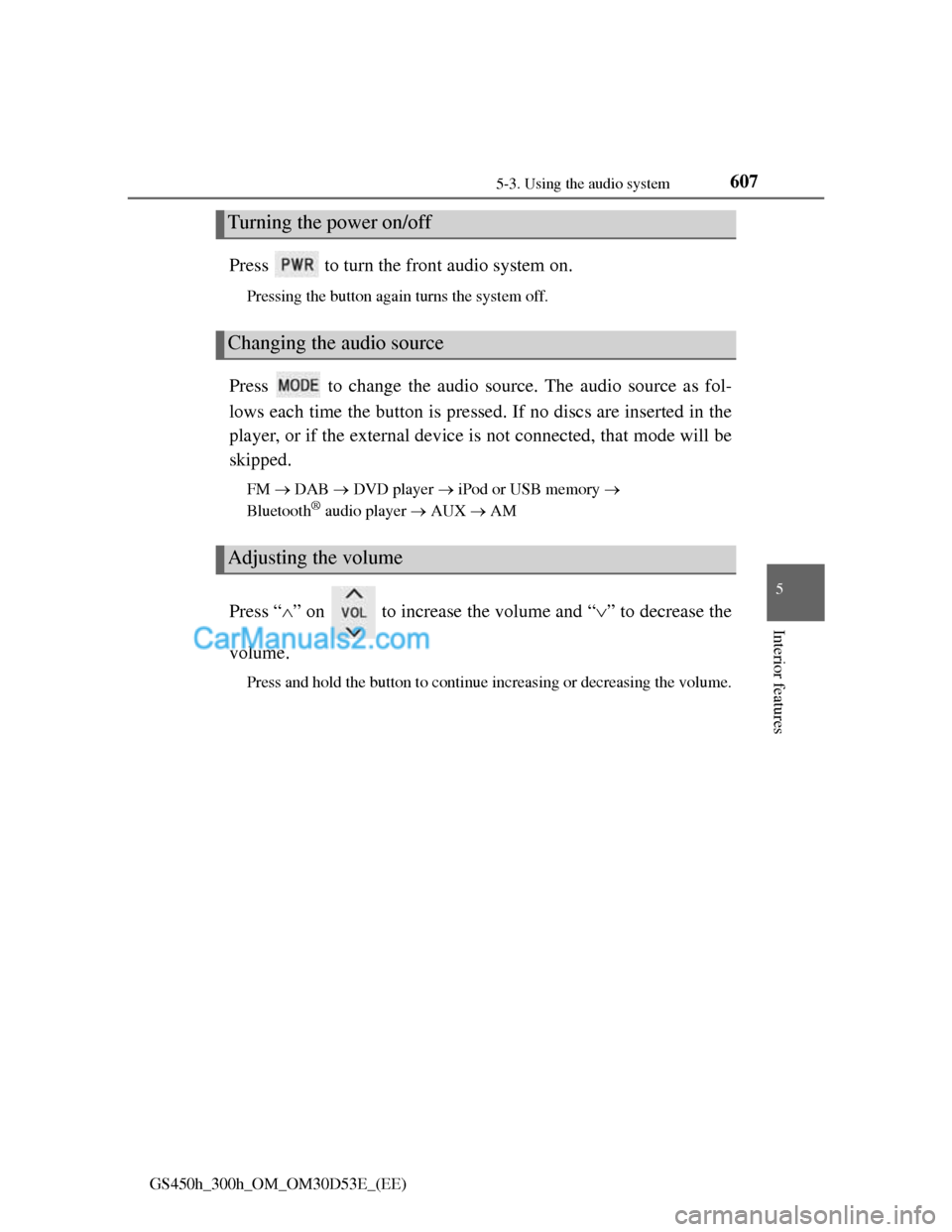
Press to turn the front audio system on.
Pressing the button again turns the system off.
Press to change the audio source. The audio source as fol-
lows each time the button is pressed. If no discs are inserted in the
player, or if the external device is not connected, that mode will be
skipped.
FM DAB DVD player iPod or USB memory
Bluetooth® audio player AUX AM
Press “” on to increase the volume and “” to decrease the
volume.
Press and hold the button to continue increasing or decreasing the volume.
Turning the power on/off
Changing the audio source
Adjusting the volume
Page 628 of 1014
6085-3. Using the audio system
GS450h_300h_OM_OM30D53E_(EE)
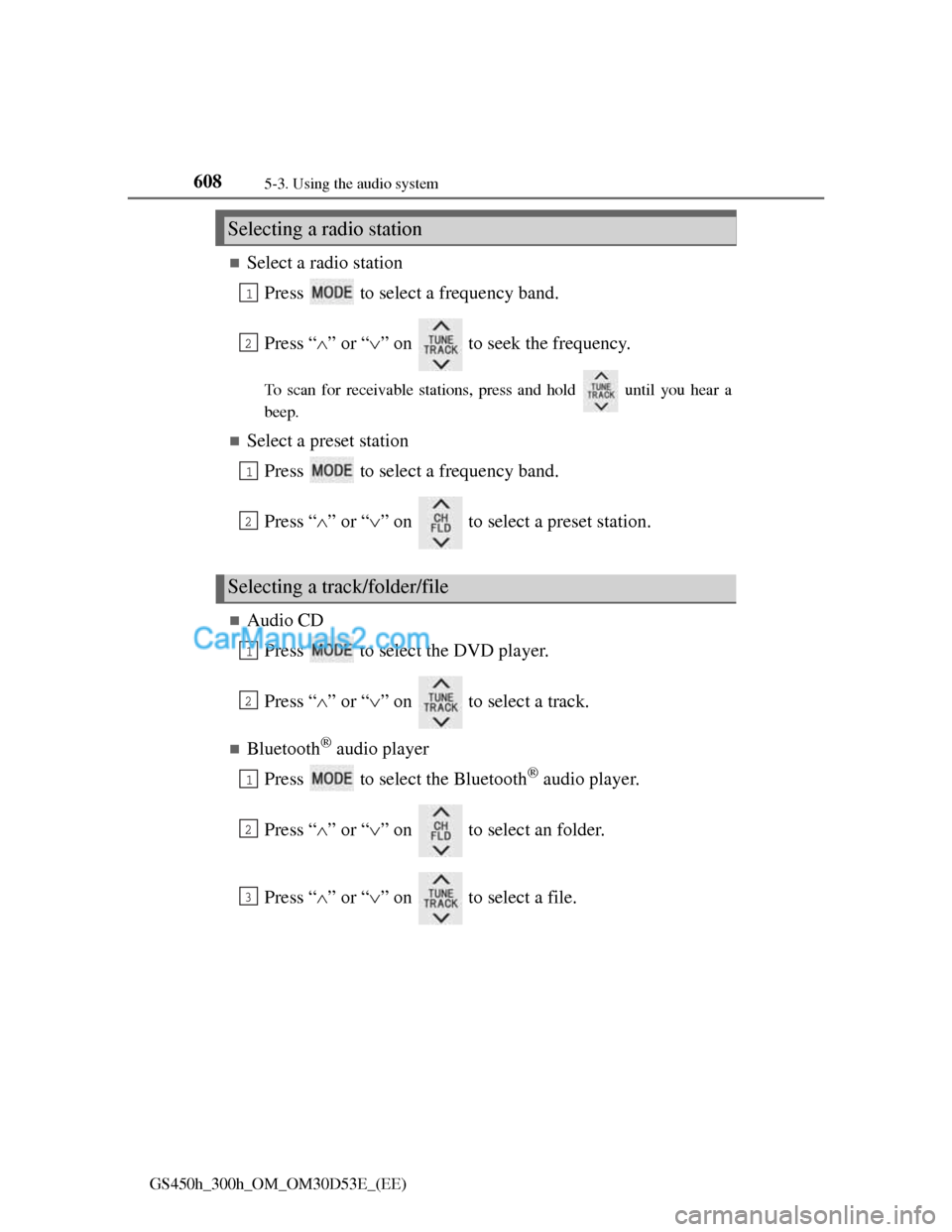
Select a radio station
Press to select a frequency band.
Press “” or “” on to seek the frequency.
To scan for receivable stations, press and hold until you hear a
beep.
Select a preset station
Press to select a frequency band.
Press “” or “” on to select a preset station.
Audio CD
Press to select the DVD player.
Press “” or “” on to select a track.
Bluetooth® audio player
Press to select the Bluetooth
® audio player.
Press “” or “” on to select an folder.
Press “” or “” on to select a file.
Selecting a radio station
Selecting a track/folder/file
1
2
1
2
1
2
1
2
3
Page 631 of 1014
6115-3. Using the audio system
5
Interior features
GS450h_300h_OM_OM30D53E_(EE)
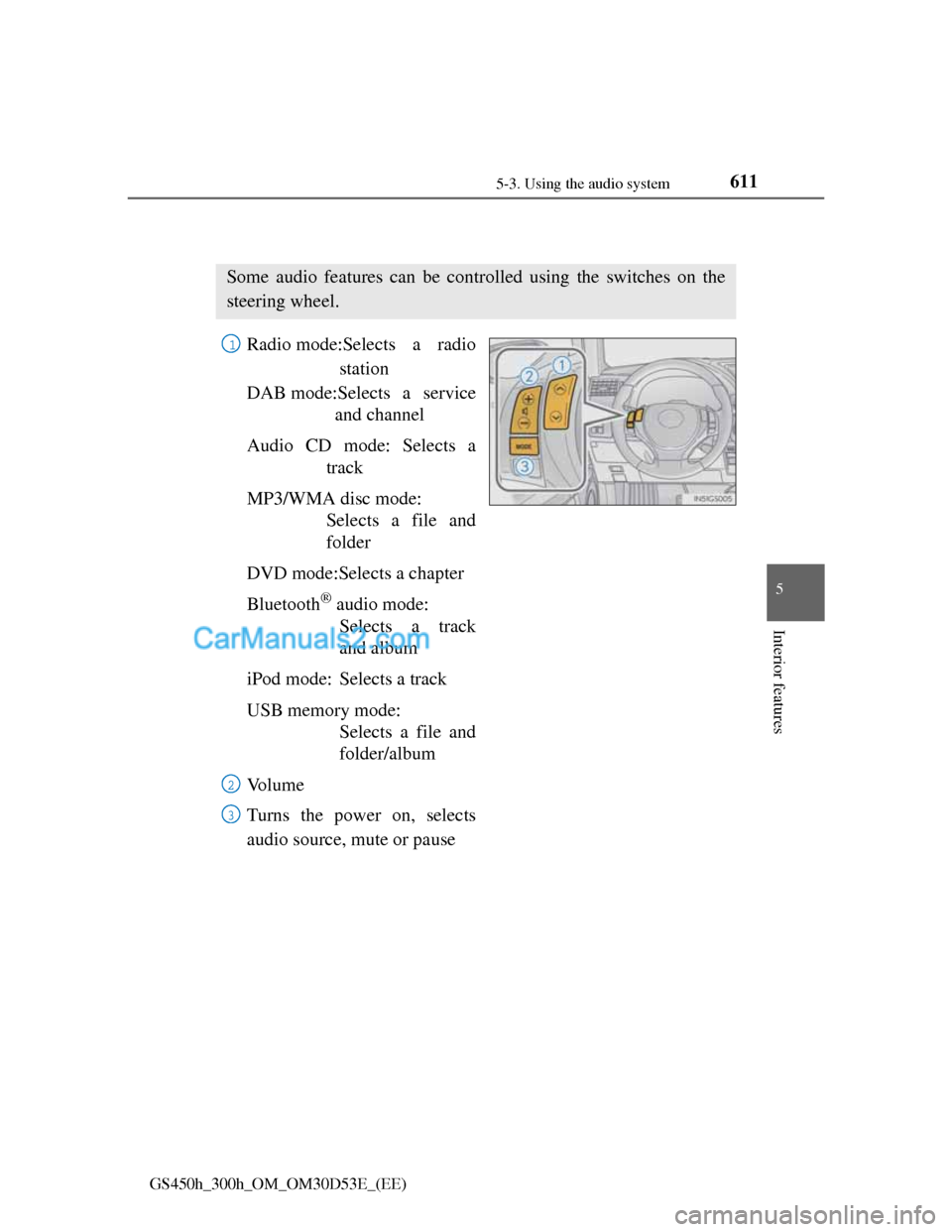
Using the steering wheel audio switches
Radio mode:Selects a radio
station
DAB mode:Selects a service
and channel
Audio CD mode: Selects a
track
MP3/WMA disc mode:
Selects a file and
folder
DVD mode:Selects a chapter
Bluetooth
® audio mode:
Selects a track
and album
iPod mode: Selects a track
USB memory mode:
Selects a file and
folder/album
Vo l u m e
Turns the power on, selects
audio source, mute or pause
Some audio features can be controlled using the switches on the
steering wheel.
1
2
3
Page 633 of 1014
6135-3. Using the audio system
5
Interior features
GS450h_300h_OM_OM30D53E_(EE)
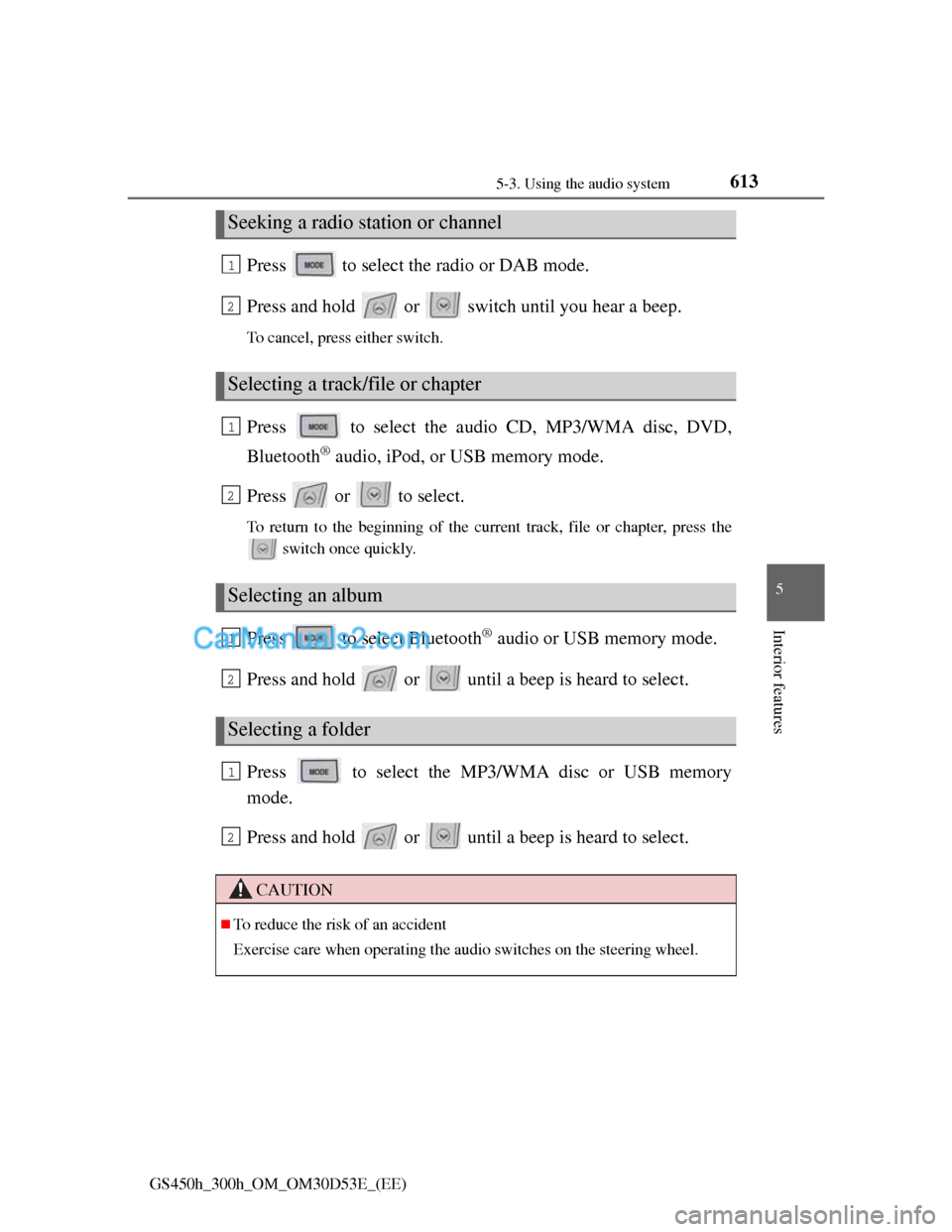
Press to select the radio or DAB mode.
Press and hold or switch until you hear a beep.
To cancel, press either switch.
Press to select the audio CD, MP3/WMA disc, DVD,
Bluetooth
® audio, iPod, or USB memory mode.
Press or to select.
To return to the beginning of the current track, file or chapter, press the
switch once quickly.
Press to select Bluetooth® audio or USB memory mode.
Press and hold or until a beep is heard to select.
Press to select the MP3/WMA disc or USB memory
mode.
Press and hold or until a beep is heard to select.
Seeking a radio station or channel
Selecting a track/file or chapter
Selecting an album
Selecting a folder
CAUTION
To reduce the risk of an accident
Exercise care when operating the audio switches on the steering wheel.
1
2
1
2
1
2
1
2
Page 634 of 1014
611
5 5-4. Using the hands-free phone system(for cellular phone)
Interior features
GS450h_300h_OM_OM30D53E_(EE)
Hands-free system (for cellular phone)
The hands-free system is a function that allows you to use your
cellular phone without touching it.
This system supports Bluetooth
® cellular phones. Bluetooth® is a
wireless data system that allows a cellular phone to wirelessly con-
nect to the hands-free system and outgoing/incoming calls.
The illustrations of the hands-free system screens shown here may
slightly vary depending on the type of the system.
Vehicles with a 12.3-inch display: The hands-free system function
can be displayed and operated on the “Side Display”. For details,
refer to the “Navigation System Owner’s Manual”.