steering Lexus GS300h 2013 Manual PDF
[x] Cancel search | Manufacturer: LEXUS, Model Year: 2013, Model line: GS300h, Model: Lexus GS300h 2013Pages: 1014
Page 413 of 1014
4024-5. Using the driving support system
GS450h_300h_OM_OM30D53E_(EE)
When the message is displayed on the multi-information display showing that
TRC has been disabled even if the VSC OFF switch has not been pressed
TRC cannot be operated. Contact any authorized Lexus dealer or repairer, or
another duly qualified and equipped professional.
VGRS is disabled when
VGRS may stop operating in the following situations.
In this event, the steering wheel may move from its straight forward position,
but it will return when the system restarts.
The steering wheel is operated for an extended period of time while the
vehicle is stopped or is moving very slowly.
When force is continuously applied for a long time with the steering wheel
turned as far as it will go.
The center position of the steering wheel may change when VGRS is dis-
abled. However, the position will return to normal after VGRS is reacti-
vated.
When the 12-volt battery is disconnected
The steering wheel may move from its straight forward position, but this will
be corrected automatically when driving.
Sounds and vibrations caused by the ABS, brake assist, VSC, TRC and
VGRS systems
A sound may be heard from the engine compartment when the brake pedal
is depressed repeatedly, when the hybrid system is started or just after the
vehicle begins to move. This sound does not indicate that a malfunction has
occurred in any of these systems.
Any of the following conditions may occur when the above systems are
operating. None of these indicates that a malfunction has occurred.
• Vibrations may be felt through the vehicle body and steering.
• A motor sound may be heard after the vehicle comes to a stop.
EPS, VGRS and DRS operation sound
When the steering wheel is operated, a motor sound (whirring sound) may be
heard. This does not indicate a malfunction.
Reactivation of the TRC/VSC systems
Even after the TRC/VSC systems have been turned off, turning the hybrid
system off and then on again will automatically reactivate the TRC/VSC sys-
tems.
Page 414 of 1014
4034-5. Using the driving support system
4
Driving
GS450h_300h_OM_OM30D53E_(EE)
Reactivation of the TRC system linked to vehicle speed
When only the TRC system is turned off, the TRC system will turn on when
vehicle speed increases. However, when both TRC and VSC systems are
turned off, the systems will not turn on even when vehicle speed increases.
Reduced effectiveness of the EPS system
The effectiveness of the EPS system is reduced to prevent the system from
overheating when there is frequent steering input over an extended period of
time. The steering wheel may feel heavy as a result.
* Should this occur,
refrain from excessive steering input or stop the vehicle and turn the hybrid
system off. The EPS system should return to normal within 10 minutes.
*: If the LKA (Lane-Keeping Assist) system cannot operate in this case, a
warning message will be shown on the multi-information display.
Operating conditions of emergency brake signal
When the following three conditions are met, the emergency brake signal
will operate:
The emergency flashers are off.
Actual vehicle speed is over 55 km/h (35 mph).
The brake pedal is depressed in a manner that cause the system to judge
from the vehicle deceleration that this is a sudden braking operation.
Automatic system cancelation of emergency brake signal
The emergency brake signal will turn off in any of the following situations:
The emergency flashers are turned on.
The brake pedal is released.
The system judges from the vehicle deceleration that is not a sudden brak-
ing operation.
Page 418 of 1014
4074-5. Using the driving support system
4
Driving
GS450h_300h_OM_OM30D53E_(EE)
Suspension control (if equipped)
When the system determines that there is a high possibility of a
frontal collision, the operation of AVS (P. 398) optimally con-
trols the damping force of the shock absorber.
Steering control (if equipped)
There is a high possibility of collision and if the steering wheel is
operated, the steering angles of the front and rear wheels and the
heaviness of the steering wheel are controlled by LDH, thus
heightening responsiveness in response to the steering operation.
Driver monitor system (if equipped)
When the system determines that there is a possibility of a colli-
sion, and either the driver is not facing forward or the driver’s
eyes are closed, PCS warnings are given in advance to warn the
driver. If the system determines that the conditions to operate
pre-crash alert braking have been met even when the possibility
of a collision increases further, pre-crash alert braking will oper-
ate.
Page 421 of 1014

4104-5. Using the driving support system
GS450h_300h_OM_OM30D53E_(EE)
The pre-crash safety system is operational when
The PCS OFF switch is not pressed and the following conditions are met:
Pre-crash warning:
• Vehicle speed is greater than about 15 km/h (10 mph).
• The speed at which your vehicle is approaching the obstacle or the vehi-
cle running ahead of you is greater than about 15 km/h (10 mph).
Pre-crash seat belts (operating conditions A):
• Vehicle speed is greater than about 30 km/h (19 mph).
• The system detects sudden braking or skidding.
• The front occupants are wearing a seat belt.
Pre-crash seat belts (operating conditions B):
• Vehicle speed is greater than about 5 km/h (4 mph).
• The speed at which your vehicle is approaching the obstacle or the vehi-
cle running ahead of you is greater than about 30 km/h (19 mph).
• The front occupants are wearing a seat belt.
Pre-crash brake assist:
• Vehicle speed is greater than about 30 km/h (19 mph).
• The speed at which your vehicle is approaching the obstacle or the vehi-
cle running ahead of you is greater than about 30 km/h (19 mph).
• The brake pedal is depressed.
Pre-crash braking:
• Vehicle speed is greater than about 15 km/h (10 mph).
• The speed at which your vehicle is approaching the obstacle or the vehi-
cle running ahead of you is greater than about 15 km/h (10 mph).
Suspension control:
• Vehicle speed is greater than about 5 km/h (4 mph).
• The speed at which your vehicle is approaching the obstacle or the vehi-
cle running ahead of you is greater than about 30 km/h (19 mph).
Steering control:
• Vehicle speed is greater than about 30 km/h (19 mph).
• The speed at which your vehicle is approaching the obstacle or the vehi-
cle running ahead of you is greater than about 30 km/h (19 mph).
Page 422 of 1014
4114-5. Using the driving support system
4
Driving
GS450h_300h_OM_OM30D53E_(EE)
Pre-crash alert braking:
• The system determines that the driver is not facing forward, or that the
driver’s eyes are closed.
• Vehicle speed is greater than about 40 km/h (25 mph).
• The speed at which your vehicle is approaching the vehicle running
ahead of you is greater than about 40 km/h (25 mph).
• The steering is not being turned.
Conditions that may trigger the system even if there is no danger of a collision
When there is an object by the roadside at the entrance to a curve
When passing an oncoming vehicle on a curve
When driving over a narrow iron bridge
When there is a metal object on the road surface
When driving on an uneven road surface
When passing an oncoming vehicle on a left-turn (left-hand drive vehicles)
or right-turn (right-hand drive vehicles)
When your vehicle rapidly closes on the vehicle in front
When a grade separation/interchange, sign, billboard, or other structure
appears to be directly in the vehicle’s line of travel
When climbing a steep hill causes an overhead billboard or other metallic
structure to appear directly in the vehicle’s line of travel
When the system is activated in the situations described above, there is also a
possibility that the seat belts will retract quickly and the brakes will be
applied with a force greater than normal. When the seat belt is locked in the
retracted position, stop the vehicle in a safe place, release the seat belt and
refasten it.
Obstacles not detected
The sensor cannot detect plastic obstacles such as traffic cones. There may
also be occasions when the sensor cannot detect pedestrians, animals, bicy-
cles, motorcycles, trees, or snowdrifts.
Page 455 of 1014
4384-6. Driving tips
GS450h_300h_OM_OM30D53E_(EE)
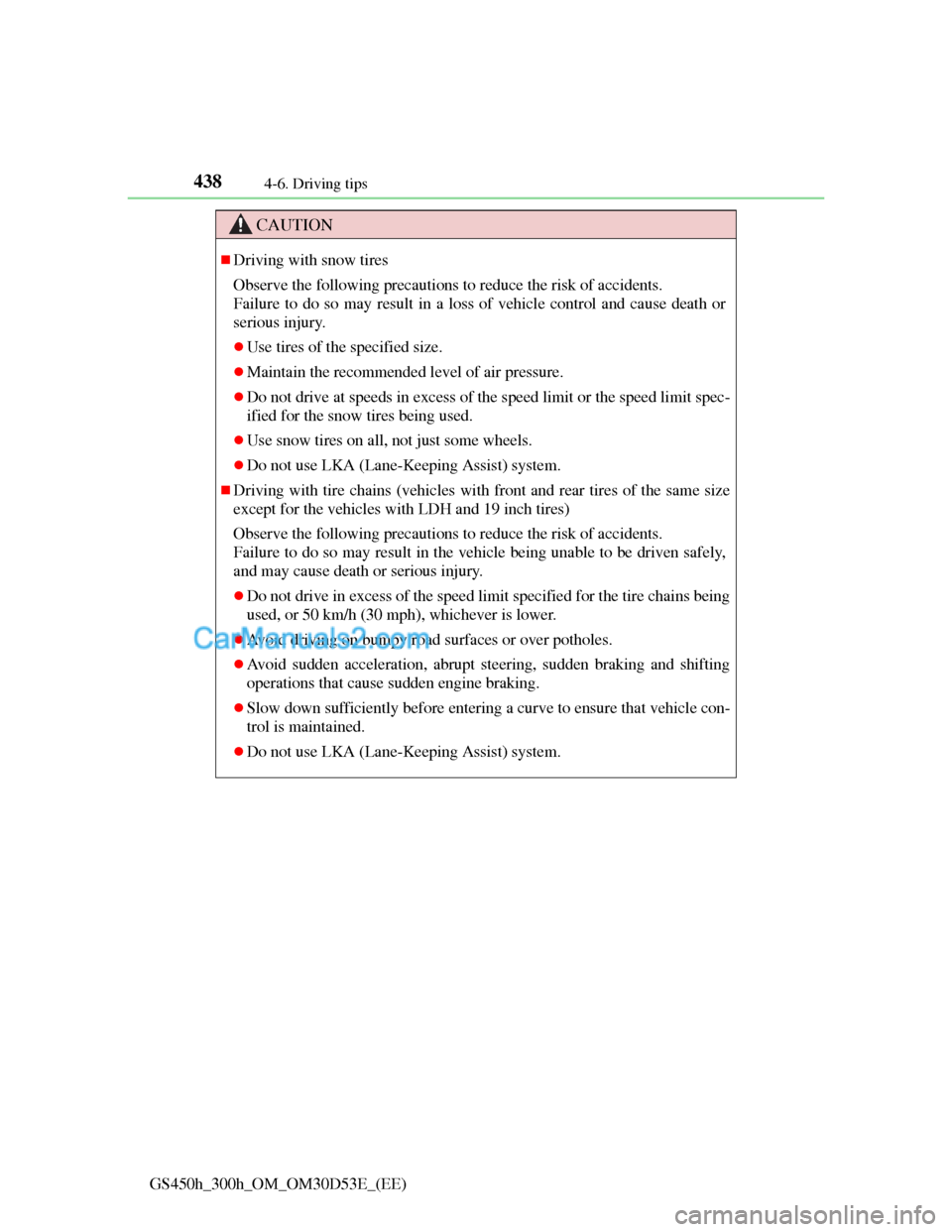
CAUTION
Driving with snow tires
Observe the following precautions to reduce the risk of accidents.
Failure to do so may result in a loss of vehicle control and cause death or
serious injury.
Use tires of the specified size.
Maintain the recommended level of air pressure.
Do not drive at speeds in excess of the speed limit or the speed limit spec-
ified for the snow tires being used.
Use snow tires on all, not just some wheels.
Do not use LKA (Lane-Keeping Assist) system.
Driving with tire chains (vehicles with front and rear tires of the same size
except for the vehicles with LDH and 19 inch tires)
Observe the following precautions to reduce the risk of accidents.
Failure to do so may result in the vehicle being unable to be driven safely,
and may cause death or serious injury.
Do not drive in excess of the speed limit specified for the tire chains being
used, or 50 km/h (30 mph), whichever is lower.
Avoid driving on bumpy road surfaces or over potholes.
Avoid sudden acceleration, abrupt steering, sudden braking and shifting
operations that cause sudden engine braking.
Slow down sufficiently before entering a curve to ensure that vehicle con-
trol is maintained.
Do not use LKA (Lane-Keeping Assist) system.
Page 457 of 1014
440
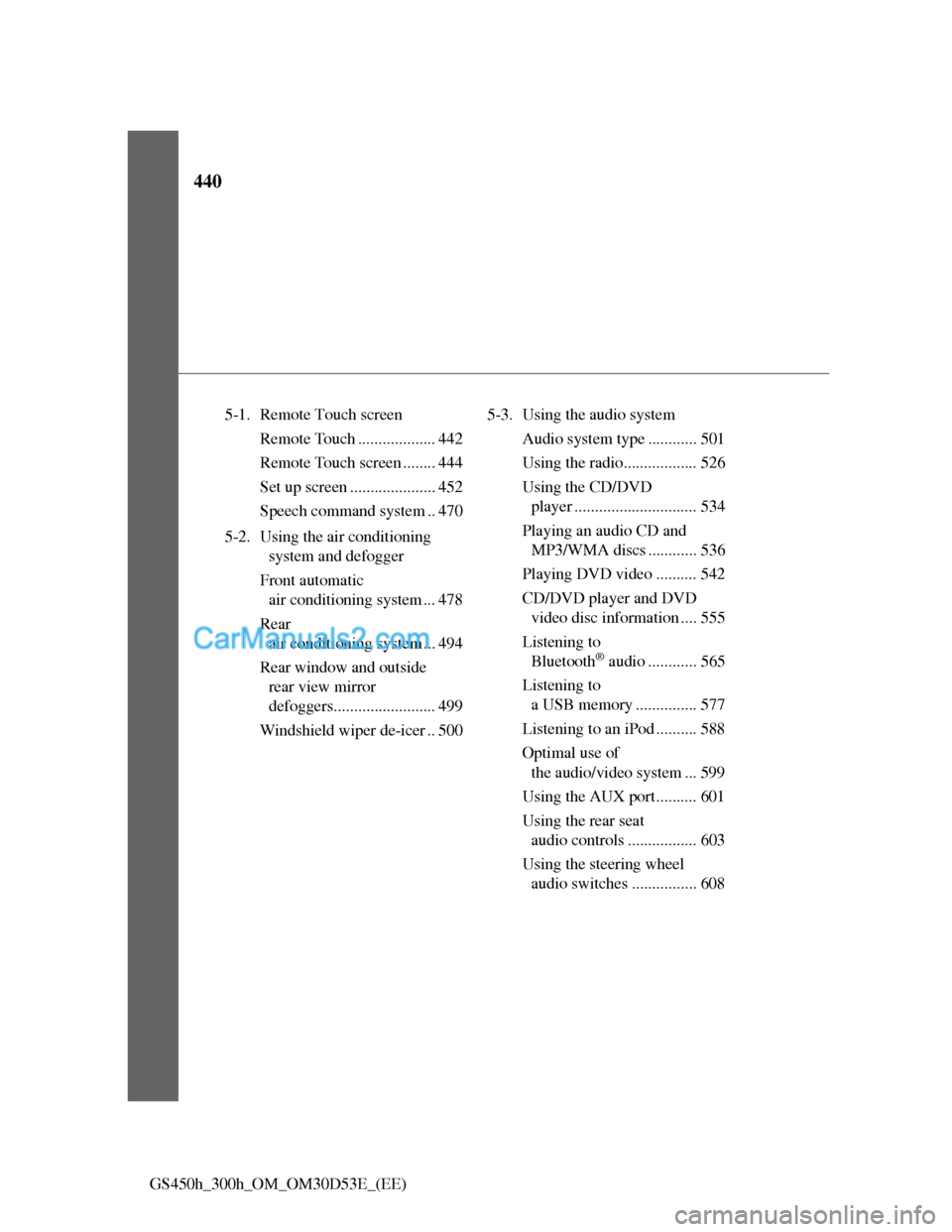
GS450h_300h_OM_OM30D53E_(EE)5-1. Remote Touch screen
Remote Touch ................... 442
Remote Touch screen ........ 444
Set up screen ..................... 452
Speech command system .. 470
5-2. Using the air conditioning
system and defogger
Front automatic
air conditioning system ... 478
Rear
air conditioning system ... 494
Rear window and outside
rear view mirror
defoggers......................... 499
Windshield wiper de-icer .. 5005-3. Using the audio system
Audio system type ............ 501
Using the radio.................. 526
Using the CD/DVD
player .............................. 534
Playing an audio CD and
MP3/WMA discs ............ 536
Playing DVD video .......... 542
CD/DVD player and DVD
video disc information .... 555
Listening to
Bluetooth
® audio ............ 565
Listening to
a USB memory ............... 577
Listening to an iPod .......... 588
Optimal use of
the audio/video system ... 599
Using the AUX port.......... 601
Using the rear seat
audio controls ................. 603
Using the steering wheel
audio switches ................ 608
Page 458 of 1014
441
5Interior features
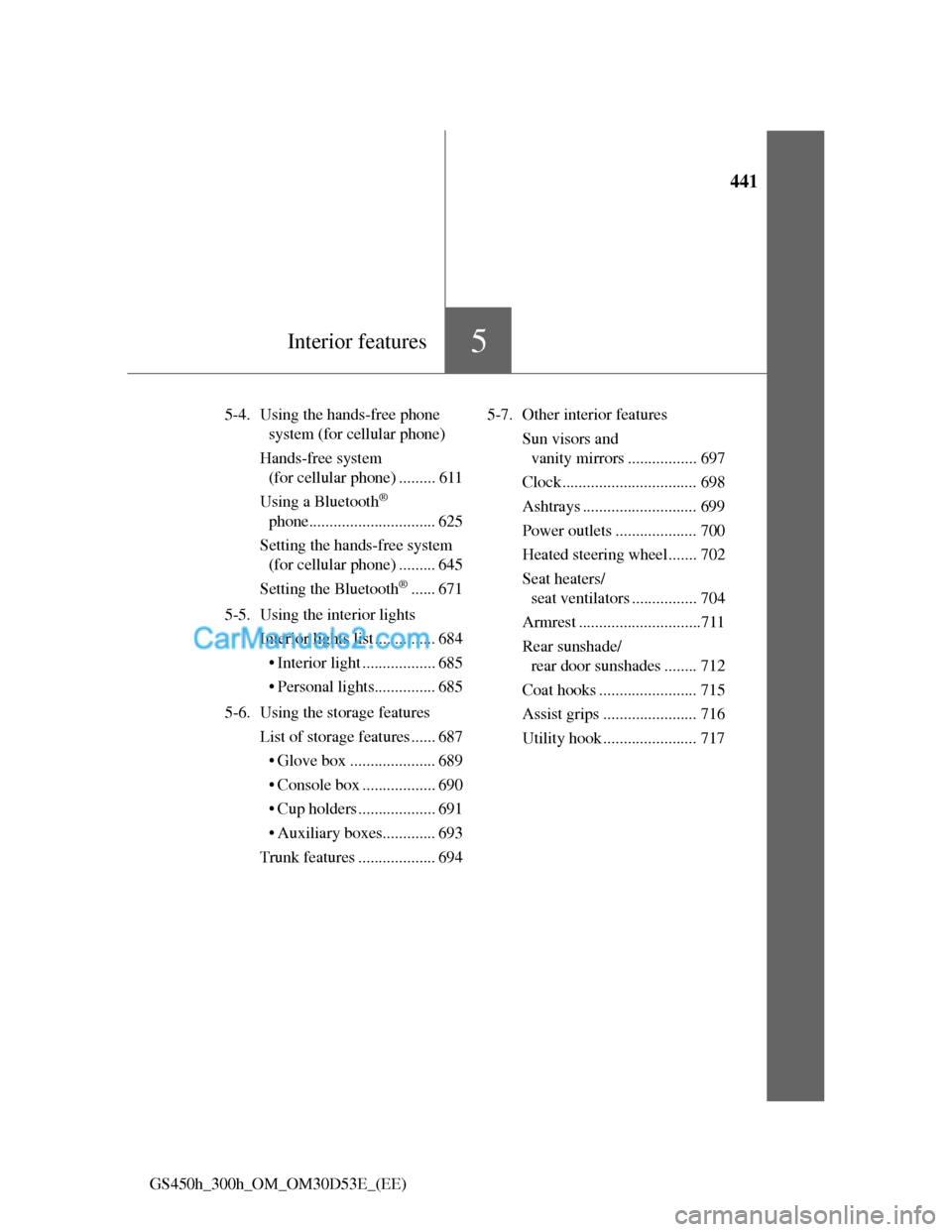
GS450h_300h_OM_OM30D53E_(EE)5-4. Using the hands-free phone
system (for cellular phone)
Hands-free system
(for cellular phone) ......... 611
Using a Bluetooth
®
phone............................... 625
Setting the hands-free system
(for cellular phone) ......... 645
Setting the Bluetooth
®...... 671
5-5. Using the interior lights
Interior lights list ............... 684
• Interior light .................. 685
• Personal lights............... 685
5-6. Using the storage features
List of storage features ...... 687
• Glove box ..................... 689
• Console box .................. 690
• Cup holders ................... 691
• Auxiliary boxes............. 693
Trunk features ................... 6945-7. Other interior features
Sun visors and
vanity mirrors ................. 697
Clock................................. 698
Ashtrays ............................ 699
Power outlets .................... 700
Heated steering wheel....... 702
Seat heaters/
seat ventilators ................ 704
Armrest ..............................711
Rear sunshade/
rear door sunshades ........ 712
Coat hooks ........................ 715
Assist grips ....................... 716
Utility hook ....................... 717
Page 523 of 1014
5035-3. Using the audio system
5
Interior features
GS450h_300h_OM_OM30D53E_(EE)
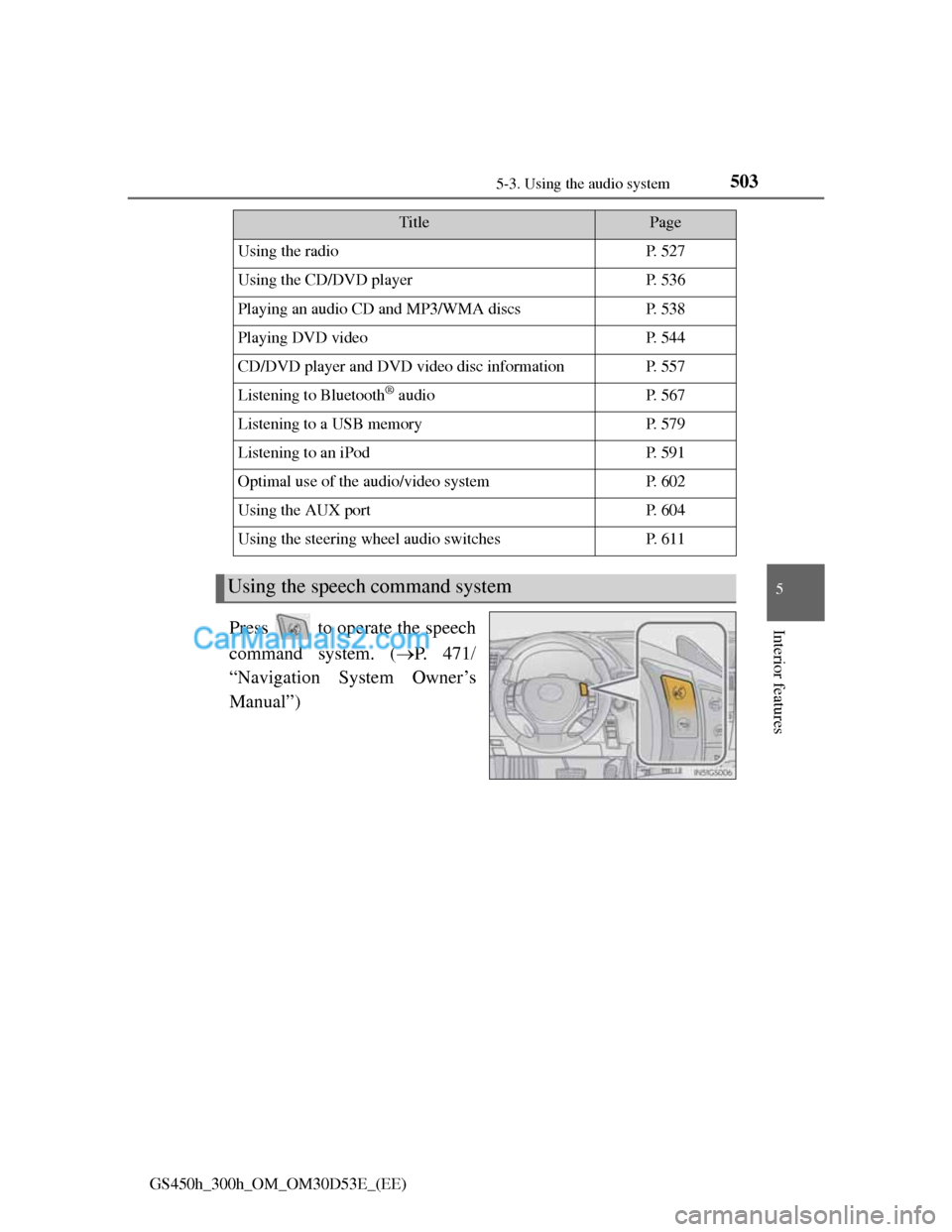
Press to operate the speech
command system. (P. 4 7 1
“Navigation System Owner’s
Manual”)
TitlePage
Using the radioP. 5 2 7
Using the CD/DVD playerP. 5 3 6
Playing an audio CD and MP3/WMA discsP. 5 3 8
Playing DVD videoP. 5 4 4
CD/DVD player and DVD video disc informationP. 5 5 7
Listening to Bluetooth® audioP. 5 6 7
Listening to a USB memoryP. 5 7 9
Listening to an iPodP. 5 9 1
Optimal use of the audio/video systemP. 6 0 2
Using the AUX portP. 6 0 4
Using the steering wheel audio switchesP. 6 1 1
Using the speech command system
Page 631 of 1014
6115-3. Using the audio system
5
Interior features
GS450h_300h_OM_OM30D53E_(EE)
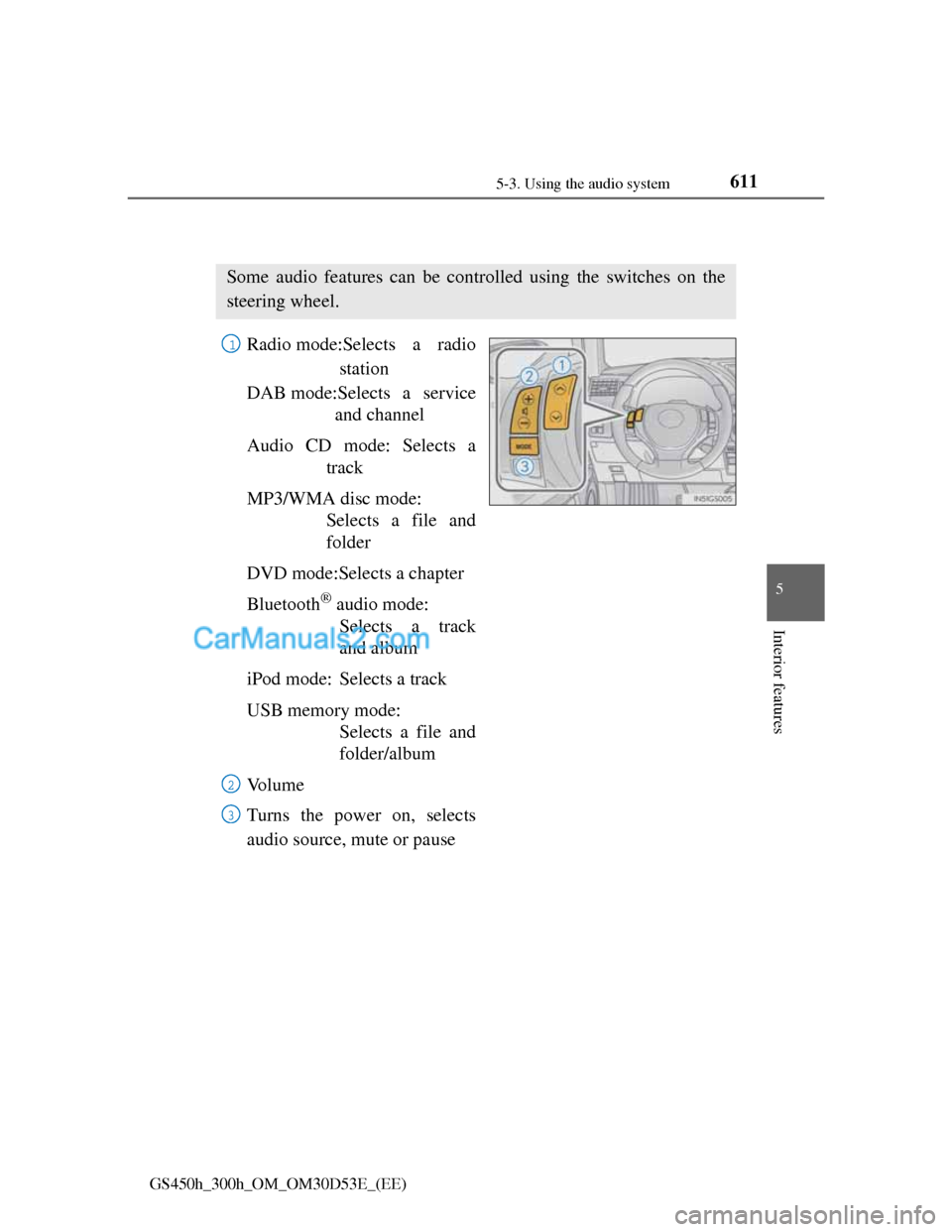
Using the steering wheel audio switches
Radio mode:Selects a radio
station
DAB mode:Selects a service
and channel
Audio CD mode: Selects a
track
MP3/WMA disc mode:
Selects a file and
folder
DVD mode:Selects a chapter
Bluetooth
® audio mode:
Selects a track
and album
iPod mode: Selects a track
USB memory mode:
Selects a file and
folder/album
Vo l u m e
Turns the power on, selects
audio source, mute or pause
Some audio features can be controlled using the switches on the
steering wheel.
1
2
3