ESP Lexus GS350 2009 Owner's Guide
[x] Cancel search | Manufacturer: LEXUS, Model Year: 2009, Model line: GS350, Model: Lexus GS350 2009Pages: 622, PDF Size: 17.98 MB
Page 387 of 622
386
3-7. Other interior features
GS_G_U (OM30B43U)
April 27, 2009 10:48 am
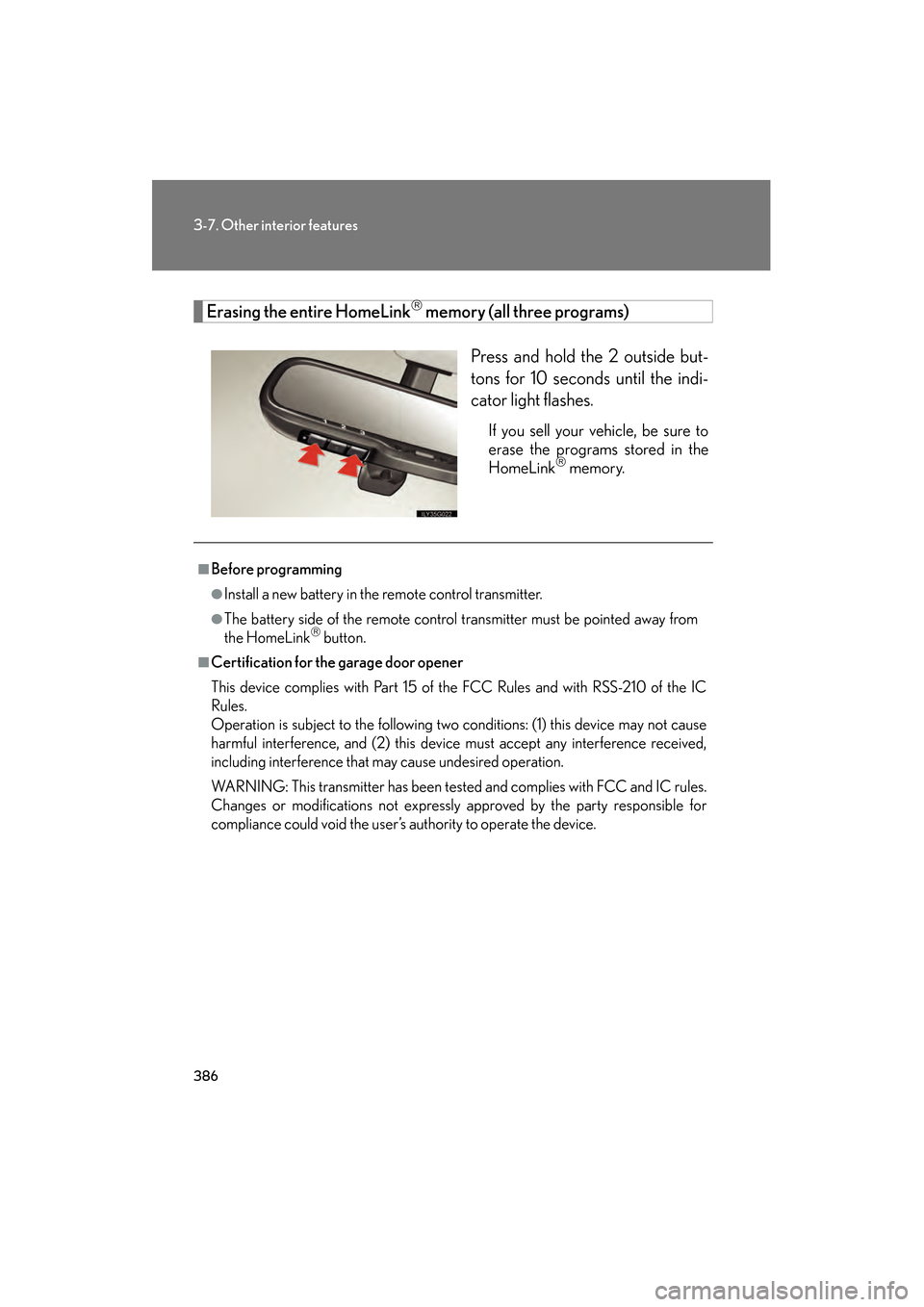
Erasing the entire HomeLink memory (all three programs)Press and hold the 2 outside but-
tons for 10 seconds until the indi-
cator light flashes.
If you sell your vehicle, be sure to
erase the programs stored in the
HomeLink
memory.
■Before programming
●Install a new battery in the remote control transmitter.
●The battery side of the remote control transmitter must be pointed away from
the HomeLink button.
■Certification for the garage door opener
This device complies with Part 15 of the FCC Rules and with RSS-210 of the IC
Rules.
Operation is subject to the following two conditions: (1) this device may not cause
harmful interference, and (2) this device must accept any interference received,
including interference that may cause undesired operation.
WARNING: This transmitter has been tested and complies with FCC and IC rules.
Changes or modifications not expressly approved by the party responsible for
compliance could void the user’s authority to operate the device.
GS_U_G.book Page 386 Monday, April 27, 2009 10:50 AM
Page 397 of 622
396
3-7. Other interior features
GS_G_U (OM30B43U)
April 27, 2009 10:48 am
Advisor record■ Recording a conversation with an advisor
Press the button to record a co nversation. To stop recording,
press the button again.
• Up to 2 minutes of recording time is available.
• Recording a new conversation deletes the previously recorded conversation.
■Playing the recorded conversation
Press the or button.
Say “Advisor playback”.
Press the button again to stop the playback.
To restart the playback, press the button, say “Advisor playback”
and then select either of the following methods.
• Say “Resume” to resume the playback.
• Say “Play” to start from the beginning.
Personal calling
The hands-free personal calling feature can be added to the Lexus Link
System as an option. You can purcha se a package of minutes that works
best for you. As you make and receive calls, minutes are deducted from
your plan. They are easily billed to a credit card that is kept on file so no
separate phone bill is needed.
Personal calling universal voice recognition commands:
• “Help” The system will provide a list of available commands.
• “Clear” When you are entering digits, this command will erase the last
digit entered.
• “Cancel” This command takes you from the current function to the “Lexus
Link ready” prompt. If the last response from the system was “Lexus Link
ready”, this command will exit voice mode.
STEP1
STEP2
GS_U_G.book Page 396 Monday, April 27, 2009 10:50 AM
Page 398 of 622
397
3-7. Other interior features
3
Interior features
GS_G_U (OM30B43U)
April 27, 2009 10:48 am
Voice recognition error message:
•“Pardon” The system responds with this message if the system does not
recognize your voice command proper ly. Say the command slowly again.
After the third time this happens, the system will try to guess the command
you are requesting. If correct, say “Yes”. If not, say “No”, and the system will
prompt you with its next-best guess.
• “Slower please” The system responds with this message if you say a com-
mand before the system is ready to listen or if your voice command cannot
be recognized because of substant ial background noise. Try to wait
slightly longer before speaking.
■ There are 5 ways to make a call.
Dialing a specific number
Press the button. When the system responds with “Lexus
Link ready”, say “Dial”.
When the system responds with “Phone number to dial please”,
say the entire number you wish to dial without pausing.
The system will repeat the number and ask “Yes or No”.
Say “Yes” (or “No” to try again).
The system responds with “Dialin g” (your call will then be con-
nected).
Dialing digit-by-digit (“Digit Dial”)
“Digit Dial” enables you to dial a phone number by individual digit. This is
helpful when there is background no ise and also improves voice recogni-
tion.
Press the button. When the system responds with “Lexus
Link ready”, say “Digit dial”.
When the system responds with “Dig it please”, say the first digit
of the number to be dialed and wait for it to be repeated back to
you.
Continue one digit at a time until all digits are entered.
STEP1
STEP2
STEP3
STEP4
STEP5
STEP1
STEP2
STEP3
GS_U_G.book Page 397 Monday, April 27, 2009 10:50 AM
Page 399 of 622
398
3-7. Other interior features
GS_G_U (OM30B43U)
April 27, 2009 10:48 am
When finished, say “Dial”. The system responds with “Dialing” and
your call is placed.
If you have problems storing a nu mber using the continuous number
method, you can store numbers one digit at a time using “Digit Store”.
Simply follow the instructions above for “Digit Dial”, except say “Digit
Store” in STEP 1 and “Store” in STEP 4.
Dialing a phone number saved as a nametag
A nametag is a convenient way to st ore important or frequently called
phone numbers for easy access at any time. To do th is, choose a fre-
quently-called number to store, the example below uses your home tele-
phone number.
● How to store a nametag
Press the button. When the system responds with “Lexus
Link ready”, say “Store”.
When the system responds with “Phone number to store, please”,
say the entire number you wish to store with no pauses. The sys-
tem will repeat the number and ask “Yes or No”.
Say “Yes” (or “No” to try again).
When the system responds with “Nametag, please”, say “home”.
When the system responds with “About to store home. Does that
sound OK?”, say “Yes” (or “No” to try again).
The system responds wi th “Storing home”.
- The system can store up to 20 nametags.
- Try to use multi-syllable nametags such as “my home”, and “the office”.
- Try to avoid similar-sounding nametags like “Tim” and “Kim”.
When using the “Dial” and “Store” commands, the system will recog-
nize 7, 10, and 11-digit phone numbers. When dialing or storing a phone
number, you can say “zero” or “oh” for 0.
STEP4
STEP1
STEP2
STEP3
STEP4
STEP5
STEP6
GS_U_G.book Page 398 Monday, April 27, 2009 10:50 AM
Page 400 of 622
399
3-7. Other interior features
3
Interior features
GS_G_U (OM30B43U)
April 27, 2009 10:48 am
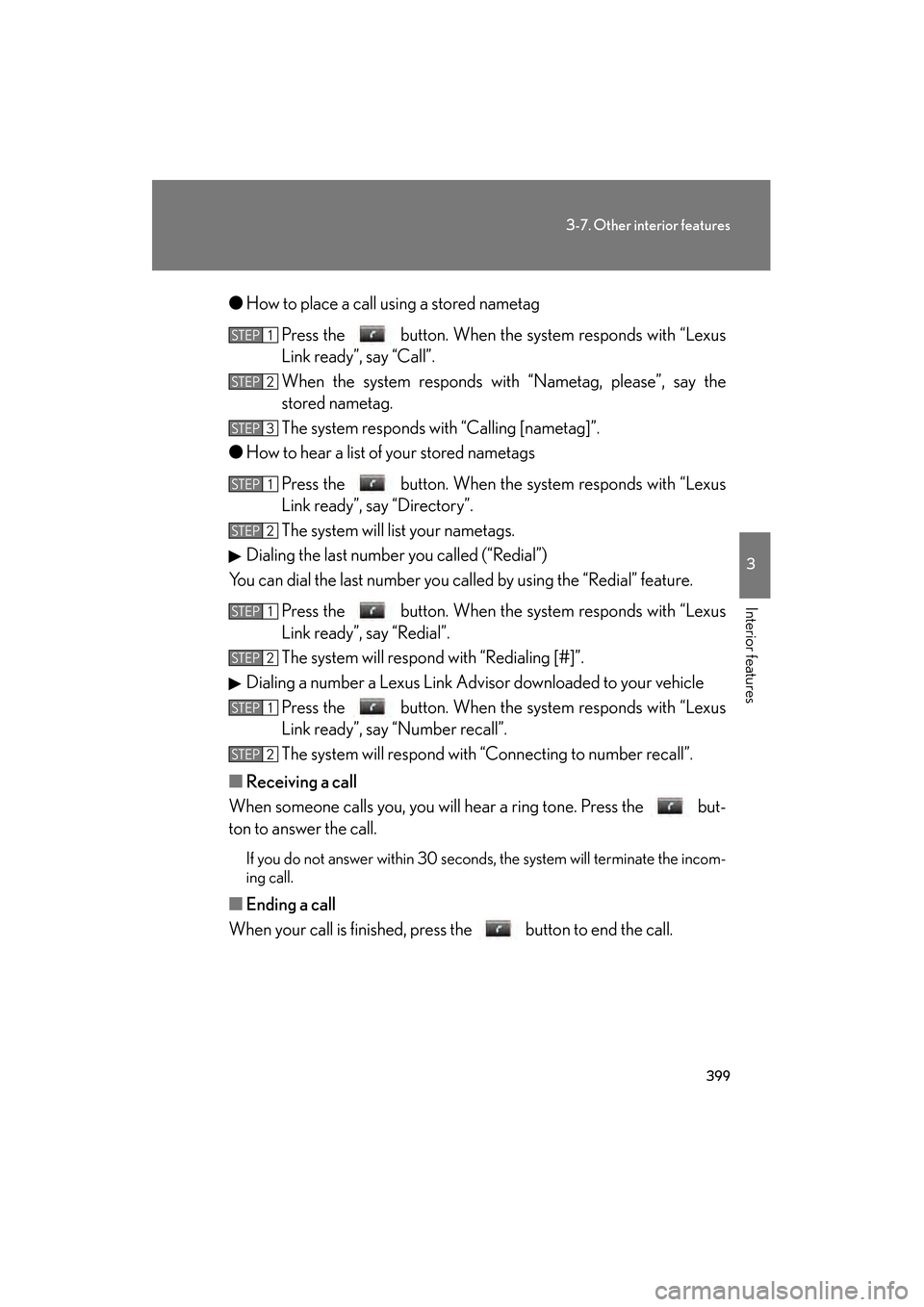
●How to place a call using a stored nametag
Press the button. When the system responds with “Lexus
Link ready”, say “Call”.
When the system responds with “Nametag, please”, say the
stored nametag.
The system responds with “Calling [nametag]”.
● How to hear a list of your stored nametags
Press the button. When the system responds with “Lexus
Link ready”, say “Directory”.
The system will list your nametags.
Dialing the last number you called (“Redial”)
You can dial the last number you called by using the “Redial” feature.
Press the button. When the system responds with “Lexus
Link ready”, say “Redial”.
The system will respond with “Redialing [#]”.
Dialing a number a Lexus Link Adviso r downloaded to your vehicle
Press the button. When the system responds with “Lexus
Link ready”, say “Number recall”.
The system will respond with “Connecting to number recall”.
■ Receiving a call
When someone calls you, you will he ar a ring tone. Press the but-
ton to answer the call.
If you do not answer within 30 second s, the system will terminate the incom-
ing call.
■ Ending a call
When your call is finished, press the button to end the call.
STEP1
STEP2
STEP3
STEP1
STEP2
STEP1
STEP2
STEP1
STEP2
GS_U_G.book Page 399 Monday, April 27, 2009 10:50 AM
Page 401 of 622
400
3-7. Other interior features
GS_G_U (OM30B43U)
April 27, 2009 10:48 am
■Accessing voicemail and sending number tones to an automated
phone system
You can access a voicemail system and respond to a number request
from an automated phone system. When you receive the request for a
number while in a call, press the button after saying the numbers
one at a time, say “Dial”.
If you do not say any commands within 5 seconds after pressing the button,
or if you press the button twice, the system cannot receive the number tones
you are trying to send. Press the button to try again.
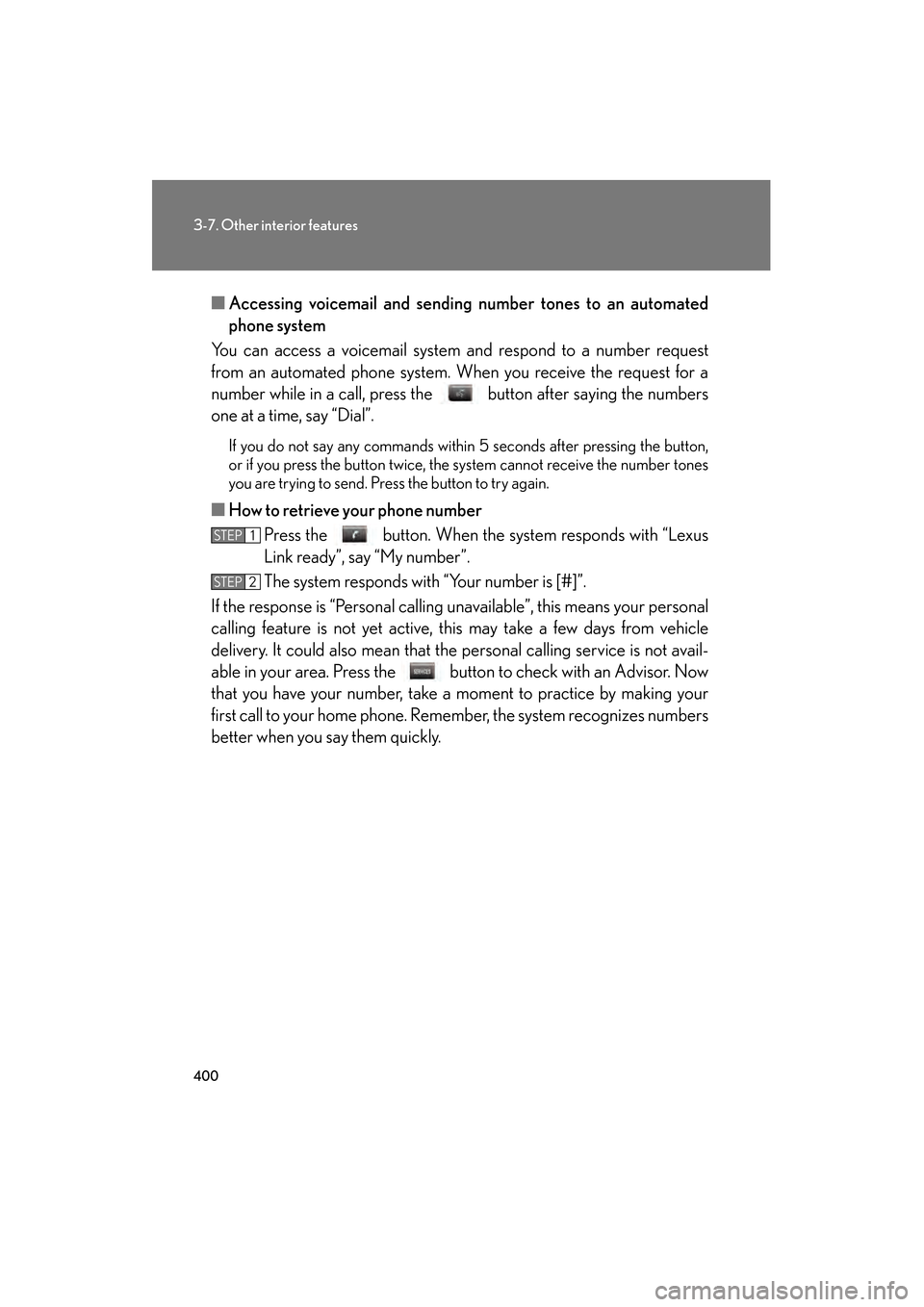
■ How to retrieve your phone number
Press the button. When the system responds with “Lexus
Link ready”, say “My number”.
The system responds with “Your number is [#]”.
If the response is “Per sonal calling unavailable”, this means your personal
calling feature is not yet active, this may take a few days from vehicle
delivery. It could also mean that the pe rsonal calling service is not avail-
able in your area. Press the butto n to check with an Advisor. Now
that you have your number, take a moment to practice by making your
first call to your home phone. Rememb er, the system recognizes numbers
better when you say them quickly.
STEP1
STEP2
GS_U_G.book Page 400 Monday, April 27, 2009 10:50 AM
Page 402 of 622
401
3-7. Other interior features
3
Interior features
GS_G_U (OM30B43U)
April 27, 2009 10:48 am
■Verifying remaining units (minutes)
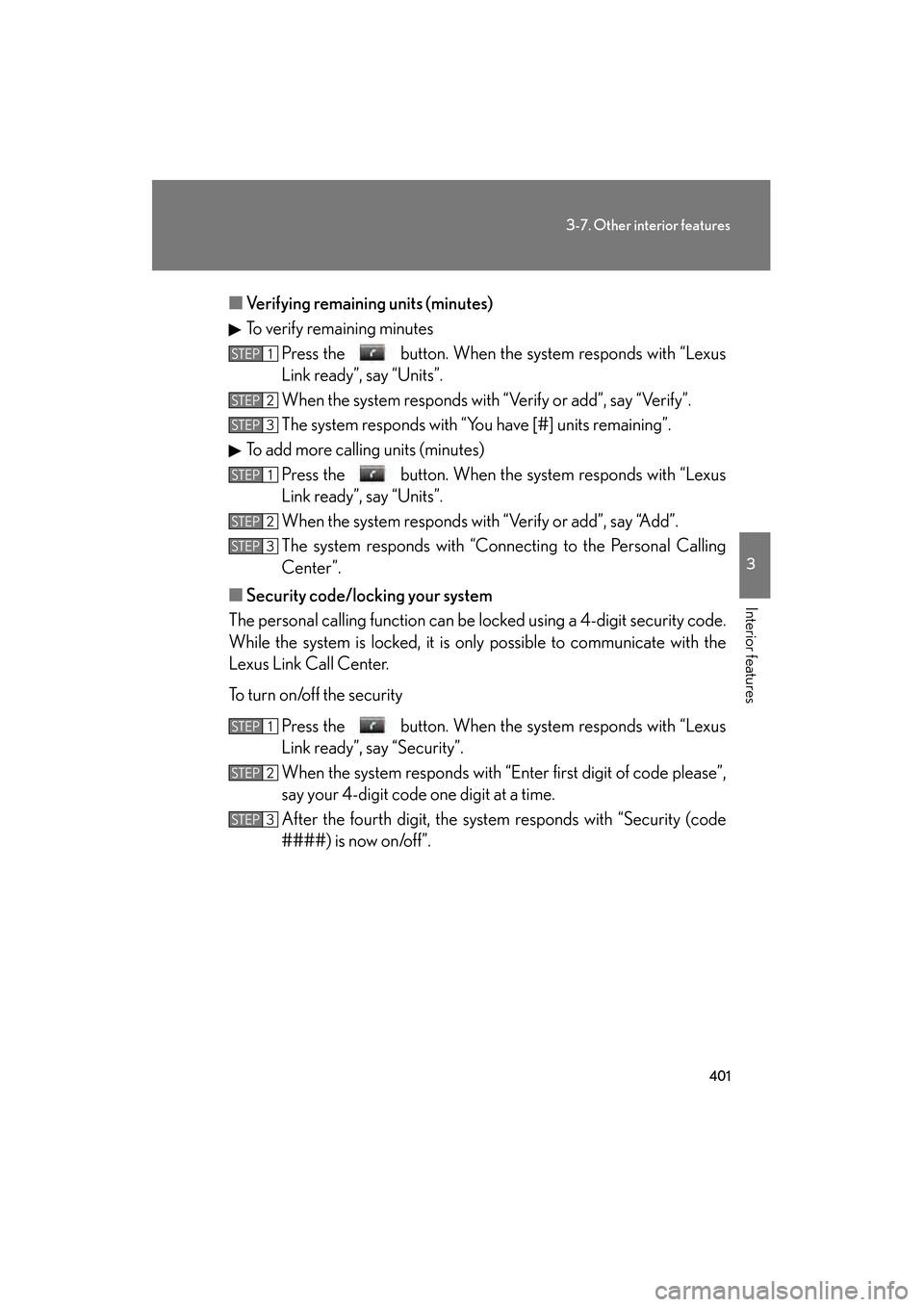
To verify remaining minutes
Press the button. When the system responds with “Lexus
Link ready”, say “Units”.
When the system responds with “Verify or add”, say “Verify”.
The system responds with “You have [#] units remaining”.
To add more calling units (minutes) Press the button. When the system responds with “Lexus
Link ready”, say “Units”.
When the system responds with “Verify or add”, say “Add”.
The system responds with “Conne cting to the Personal Calling
Center”.
■ Security code/locking your system
The personal calling functi on can be locked using a 4-digit security code.
While the system is locked, it is only possible to communicate with the
Lexus Link Call Center.
To turn on/off the security
Press the button. When the system responds with “Lexus
Link ready”, say “Security”.
When the system responds with “E nter first digit of code please”,
say your 4-digit code one digit at a time.
After the fourth digit, the system responds with “Security (code
####) is now on/off”.
STEP1
STEP2
STEP3
STEP1
STEP2
STEP3
STEP1
STEP2
STEP3
GS_U_G.book Page 401 Monday, April 27, 2009 10:50 AM
Page 405 of 622
404
3-7. Other interior features
GS_G_U (OM30B43U)
April 27, 2009 10:48 am
■Certification for the Lexus Link System
NOTE:
This device complies with Part 15 of the FCC Rules. Operation is subject to the fol-
lowing two conditions: (1) this device may not cause harmful interference and (2)
this device must accept any interference received, including interference that may
cause undesired operation.
FCC WARNING:
Changes or modifications in construction not expressly approved by the party
responsible for compliance could void the user’s authority to operate the equip-
ment.
Radio Frequency Exposure. This device is approved for Mobile Application only
and, to comply with applicable FCC radi o frequency exposure regulations, must be
used with a distance of at least 7.9 in. (20 cm) between the antenna and the body of
any person at all time during use.
FCC ID: SCWTR-423-A2
GS_U_G.book Page 404 Monday, April 27, 2009 10:50 AM
Page 412 of 622
411
4-1. Maintenance and care
4
Maintenance and care
GS_G_U (OM30B43U)
April 27, 2009 10:48 am
NOTICE
■Cleaning detergents
Do not use the following types of detergent, as they may discolor the vehicle inte-
rior or cause streaks or damage to painted surfaces.
●Non-seat portions: Organic substances su ch as benzene or gasoline, alkaline or
acidic solutions, dye, or bleach.
●Seats: Acidic solutions, such as thinner, benzene, or alcohol.
■Preventing damage to leather surfaces
Observe the following precautions to avoid damage to and deterioration of leather
surfaces.
●Remove any dust or dirt on leather surfaces immediately.
●Do not expose the vehicle to direct sunlight for extended pe riods of time. Park
the vehicle in the shade, especially during summer.
●Do not place items made of vinyl, plastic, or that contain wax on the upholstery, as
they may stick to the leather surface if th e vehicle interior heats up significantly.
■Water on the floor
Do not wash the vehicle floor with water.
Vehicle systems such as the audio system may be damaged if water comes into
contact with electrical components under the floor of the vehicle, and may also
cause the body to rust.
■Cleaning the inside of the rear window
●Do not use glass cleaner to clean the re ar window, as this may cause damage to
the rear window defogger heater wire s. Use a cloth dampened with lukewarm
water to gently wipe the window clean. Wipe the window in strokes running par-
allel to the heater wires.
●Be careful not to scratch or damage the heater wires or antenna.
GS_U_G.book Page 411 Monday, April 27, 2009 10:50 AM
Page 413 of 622
412
GS_G_U (OM30B43U)
April 27, 2009 10:48 am
4-2. Maintenance
Maintenance requirements
■Repair and replacement
It is recommended that genuine Lexus parts be used for repair to ensure perfor-
mance of each system. If non-Lexus parts are used in replacement or if a repair
shop other than a Lexus dealer performs repairs, confirm the warranty coverage.
To ensure safe and economical driving, day-to-day care and regular main-
tenance is essential. It is the owne r’s responsibility to perform regular
checks. Lexus recommends the following maintenance.
■ General maintenance
Should be performed on a daily ba sis. This can be done by yourself
or by a Lexus dealer.
■ Scheduled maintenance
Should be performed at specified intervals according to the mainte-
nance schedule.
For details about maintenance items and schedules, refer to the “War-
ranty and Services Guide/Owner’ s Manual Supplement/Scheduled
Maintenance”.
■ Do-it-yourself maintenance
You can perform some maintenance procedures yourself.
Please be aware that do-it-your self maintenance may affect war-
ranty coverage.
The use of Lexus Repair Manuals is recommended.
For details about warranty coverage, see the separate “Owner’s Guide”,
“Warranty and Services Guide”, “Owner’s Manual Supplement” or
“Warranty Booklet”.
GS_U_G.book Page 412 Monday, April 27, 2009 10:50 AM