audio adapter Lexus GS350 2009 Owner's Manual
[x] Cancel search | Manufacturer: LEXUS, Model Year: 2009, Model line: GS350, Model: Lexus GS350 2009Pages: 622, PDF Size: 17.98 MB
Page 5 of 622
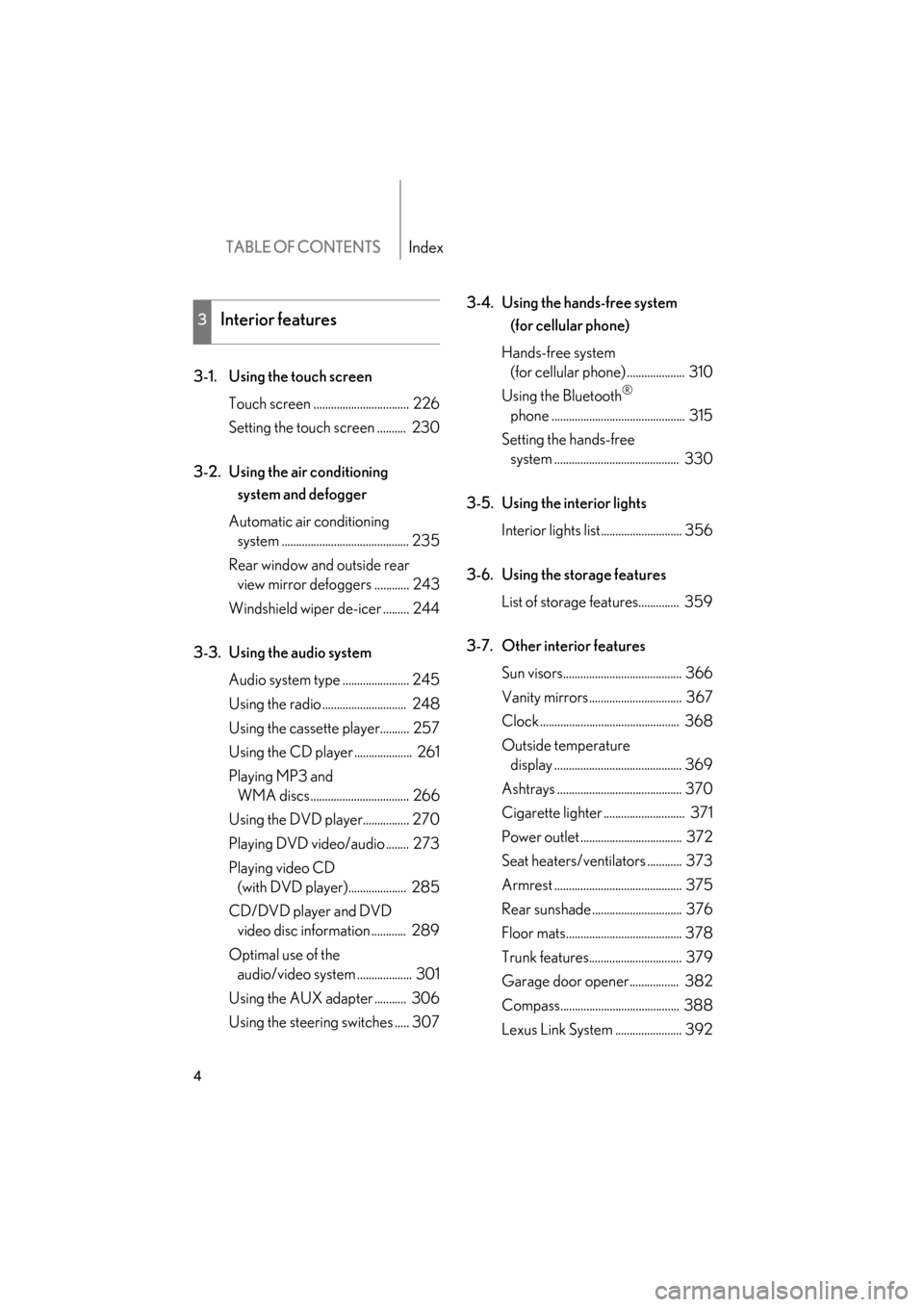
TABLE OF CONTENTSIndex
4
GS_G_U (OM30B43U)
May 1, 2009 1:17 pm
3-1. Using the touch screenTouch screen ................................. 226
Setting the touch screen .......... 230
3-2. Using the air conditioning system and defogger
Automatic air conditioning system ............................................ 235
Rear window and outside rear view mirror defoggers ............ 243
Windshield wiper de-icer ......... 244
3-3. Using the audio system Audio system type ....................... 245
Using the radio ............................. 248
Using the cassette player.......... 257
Using the CD player .................... 261
Playing MP3 and WMA discs.................................. 266
Using the DVD player................ 270
Playing DVD video/audio ........ 273
Playing video CD (with DVD player).................... 285
CD/DVD player and DVD video disc information ............ 289
Optimal use of the audio/video system ................... 301
Using the AUX adapter ........... 306
Using the steering switches ..... 307 3-4. Using the hands-free system
(for cellular phone)
Hands-free system (for cellular phone) .................... 310
Using the Bluetooth®
phone .............................................. 315
Setting the hands-free system ........................................... 330
3-5. Using the interior lights Interior lights list............................ 356
3-6. Using the storage features List of storage features.............. 359
3-7. Other interior features Sun visors......................................... 366
Vanity mirrors................................ 367
Clock ................................................ 368
Outside temperature display ............................................ 369
Ashtrays ........................................... 370
Cigarette lighter ............................ 371
Power outlet ................................... 372
Seat heaters/ventilators ............ 373
Armrest ............................................ 375
Rear sunshade ............................... 376
Floor mats........................................ 378
Trunk features................................ 379
Garage door opener................. 382
Compass......................................... 388
Lexus Link System ....................... 392
3Interior features
GS_U_G_TOC.fm Page 4 Friday, May 1, 2009 1:17 PM
Page 226 of 622
Interior features3
225
GS_G_U (OM30B43U)
April 27, 2009 10:42 am
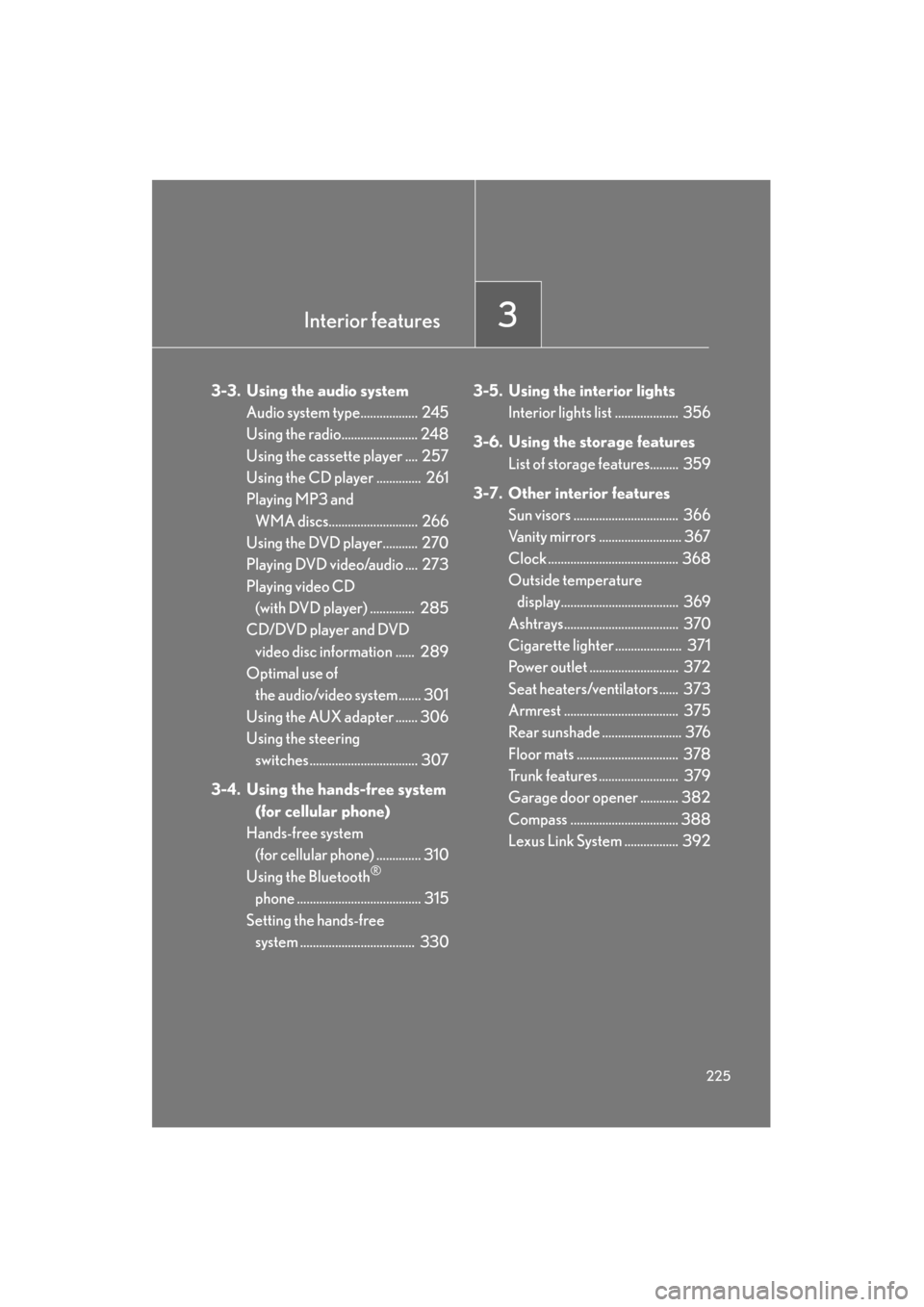
3-3. Using the audio systemAudio system type.................. 245
Using the radio........................ 248
Using the cassette player .... 257
Using the CD player .............. 261
Playing MP3 and WMA discs............................ 266
Using the DVD player........... 270
Playing DVD video/audio .... 273
Playing video CD (with DVD player) .............. 285
CD/DVD player and DVD
video disc information ...... 289
Optimal use of the audio/video system ....... 301
Using the AUX adapter ....... 306
Using the steering switches .................................. 307
3-4. Using the hands-free system (for cellular phone)
Hands-free system (for cellular phone) .............. 310
Using the Bluetooth
®
phone ....................................... 315
Setting the hands-free system .................................... 330 3-5. Using the interior lights
Interior lights list .................... 356
3-6. Using the storage features List of storage features......... 359
3-7. Other interior features Sun visors ................................. 366
Vanity mirrors .......................... 367
Clock ......................................... 368
Outside temperature display..................................... 369
Ashtrays.................................... 370
Cigarette lighter ..................... 371
Power outlet ............................ 372
Seat heaters/ventilators ...... 373
Armrest .................................... 375
Rear sunshade ......................... 376
Floor mats ................................ 378
Trunk features ......................... 379
Garage door opener ............ 382
Compass .................................. 388
Lexus Link System ................. 392
GS_U_G.book Page 225 Monday, April 27, 2009 10:50 AM
Page 247 of 622
246
3-3. Using the audio system
GS_G_U (OM30B43U)
April 27, 2009 10:48 am
■Using cellular phones
Interference may be heard through the audio system’s speakers if a cellular phone is
being used inside or close to the vehicle while the audio system is operating.
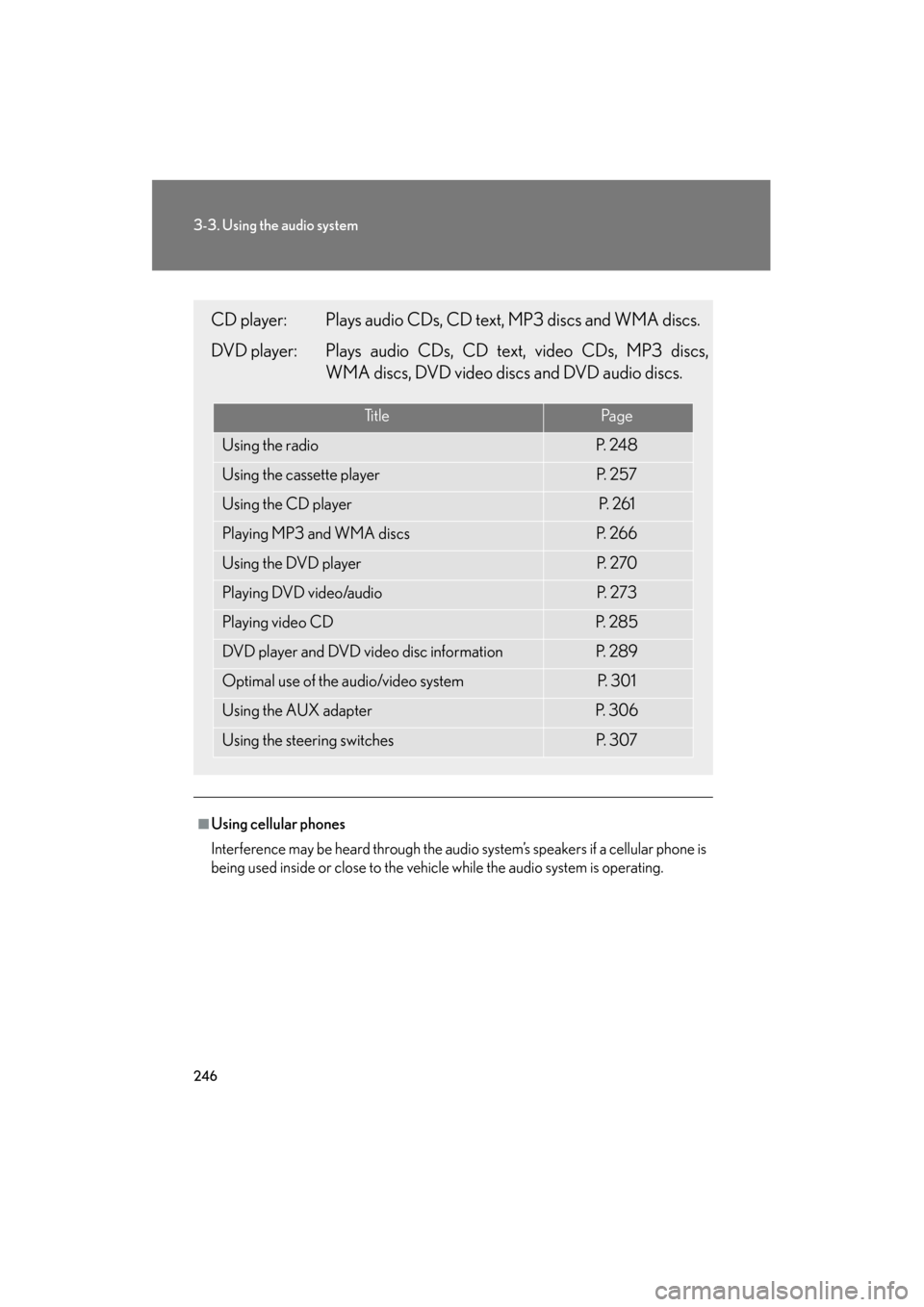
CD player: Plays audio CDs, CD text, MP3 discs and WMA discs.
DVD player: Plays audio CDs, CD text, video CDs, MP3 discs,
WMA discs, DVD video discs and DVD audio discs.
Ti t l ePa g e
Using the radioP. 2 4 8
Using the cassette playerP. 2 5 7
Using the CD playerP. 2 6 1
Playing MP3 and WMA discsP. 2 6 6
Using the DVD playerP. 2 7 0
Playing DVD video/audioP. 2 7 3
Playing video CDP. 2 8 5
DVD player and DVD video disc informationP. 2 8 9
Optimal use of the audio/video systemP. 3 0 1
Using the AUX adapterP. 3 0 6
Using the steering switchesP. 3 0 7
GS_U_G.book Page 246 Monday, April 27, 2009 10:50 AM
Page 300 of 622
299
3-3. Using the audio system
3
Interior features
GS_G_U (OM30B43U)
April 27, 2009 10:48 am
NOTICE
■Discs and adapters that cannot be used
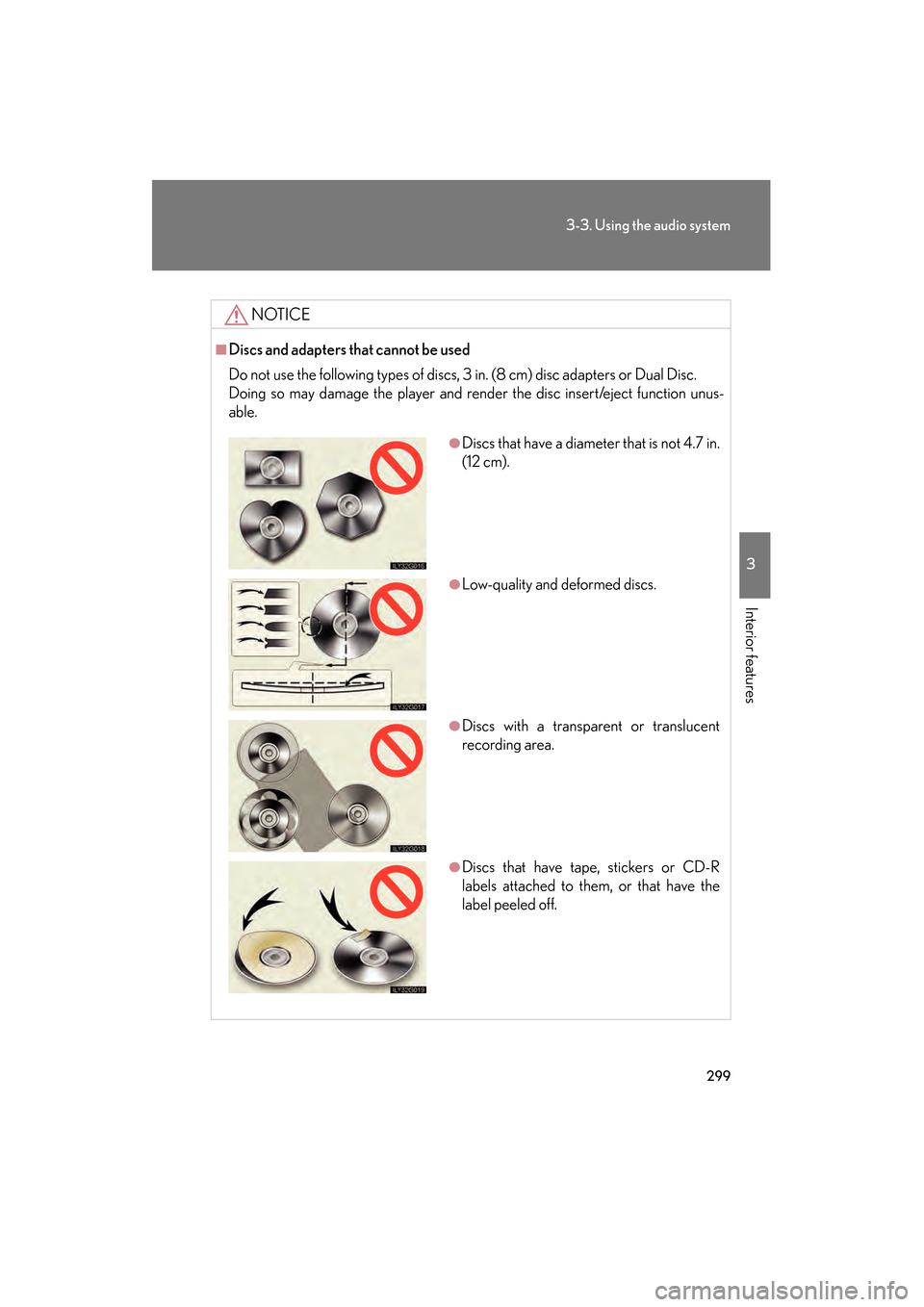
Do not use the following types of discs, 3 in. (8 cm) disc adapters or Dual Disc.
Doing so may damage the player and render the disc insert/eject function unus-
able.
●Discs that have a diameter that is not 4.7 in.
(12 cm).
●Low-quality and deformed discs.
●Discs with a transparent or translucent
recording area.
●Discs that have tape, stickers or CD-R
labels attached to them, or that have the
label peeled off.
GS_U_G.book Page 299 Monday, April 27, 2009 10:50 AM
Page 307 of 622
306
3-3. Using the audio system
GS_G_U (OM30B43U)
April 27, 2009 10:48 am
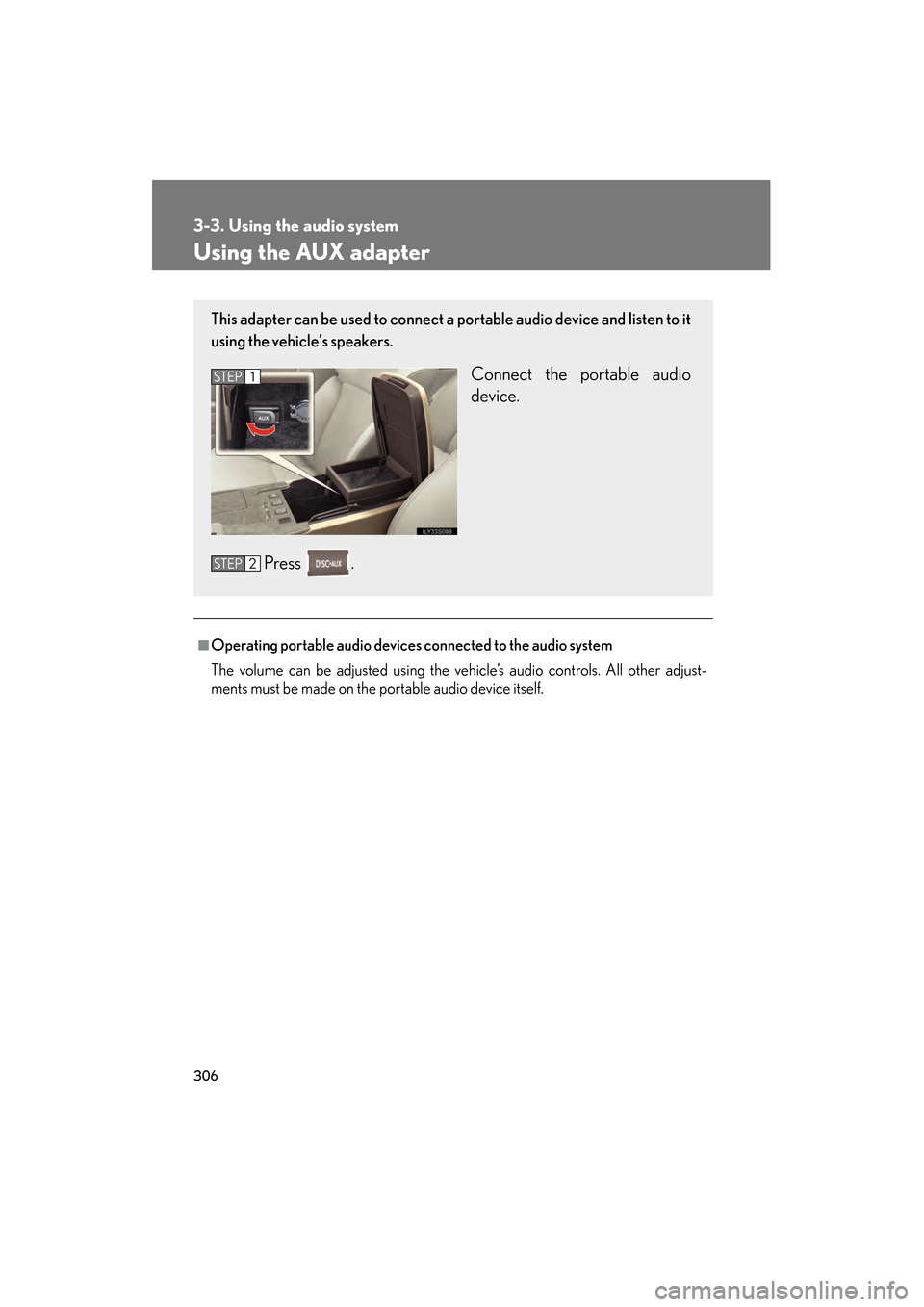
Using the AUX adapter
■Operating portable audio devices connected to the audio system
The volume can be adjusted using the vehicle’s audio controls. All other adjust-
ments must be made on the portable audio device itself.
This adapter can be used to connect a portable audio device and listen to it
using the vehicle’s speakers.
Connect the portable audio
device.
Press .STEP1
STEP2
GS_U_G.book Page 306 Monday, April 27, 2009 10:50 AM