mirror Lexus GS350 2011 Owner's Guide
[x] Cancel search | Manufacturer: LEXUS, Model Year: 2011, Model line: GS350, Model: Lexus GS350 2011Pages: 654, PDF Size: 11.03 MB
Page 195 of 654
194
2-4. Using other driving systems
GS_G_U (OM30C11U)
October 28, 2011 5:15 pm
Rear view monitor system∗
∗: If equipped
The rear view monitor system assists the driver by displaying an image of
the view behind the vehicle while reversing. The image is displayed in
reverse on the screen. This allows the image to appear in the same manner
as that of the rear view mirror.
Rear view image is displayed
when the shift lever is in “R”.
If you move the lever out of “R”,
the screen returns to the previ-
ous one.
Page 197 of 654
196
2-4. Using other driving systems
GS_G_U (OM30C11U)
October 28, 2011 5:15 pm
■Smear effect
■Flicker effect
When the camera is used under fluorescent lights, sodium lights, or mercury lights
etc., the lights and the illuminated areas may appear to flicker.
CAUTION
■When using the rear view monitor system
Observe the following precautions to avoid an accident that could result in death or
serious injuries.
●Never depend solely on the monitor system when reversing.
●Always check visually and with the mirrors to confirm your intended path is clear.
●Depicted distances between objects and flat surfaces differ from actual dis-
tances.
●Do not use the system if the trunk is open.
If a bright light (for example, sunlight
reflected off the vehicle body) is picked up by
the camera, a smear effect
* peculiar to the
camera may occur.
*: Smear effect — A phenomenon that occurs when a bright light (for example, sunlight
reflected off the vehicle body) is picked up
by the camera; when transmitted by the
camera, the light source appears to have a
vertical streak above and below it.
Page 227 of 654
226
GS_G_U (OM30C11U)
May 21, 2010 4:03 pm
3-1. Using the touch screenTouch screen ........................... 228
Setting the touch screen ..... 235
3-2. Using the air conditioning system and defogger
Automatic air conditioning system ..................................... 246
Rear window and outside rear view mirror defoggers ....... 255
Windshield wiper
de-icer .................................... 256
Page 228 of 654
Interior features3
227
GS_G_U (OM30C11U)
May 21, 2010 4:03 pm
3-3. Using the audio systemAudio system type.................. 257
Using the radio........................ 260
Using the CD/DVD player ...................................... 269
Playing an audio CD ............. 272
Playing MP3 and WMA discs............................. 276
Playing DVD video/audio (with DVD player) .............. 280
Playing a video CD
(with DVD player) ............... 294
CD/DVD player and DVD video disc information ....... 297
Listening to Bluetooth
®
audio....................................... 308
Listening to a USB
memory/iPod ......................... 316
Optimal use of the audio/video system ............. 326
Using the AUX port ............. 328
Using the steering switches.................................. 329 3-4. Using the hands-free system
(for cellular phone)
Hands-free system (for cellular phone) ............. 332
Using a Bluetooth
®
phone ...................................... 338
Setting the hands-free system (for cellular phone) ............. 353
3-5. Using the interior lights Interior lights list .................... 382
3-6. Using the storage features List of storage features......... 385
3-7. Other interior features Sun visors ................................. 393
Vanity mirrors ......................... 394
Clock ......................................... 395
Outside temperature
display..................................... 396
Ashtrays.................................... 397
Cigarette lighter .................... 398
Power outlet ............................ 399
Seat heaters/ventilators ...... 400
Armrest .................................... 402
Rear sunshade ........................ 403
Floor mats ................................ 406
Trunk features ......................... 408
Garage door opener .............. 411
Compass ................................... 418
Safety Connect ...................... 422
Page 256 of 654
255
3-2. Using the air conditioning system and defogger
3
Interior features
GS_G_U (OM30C11U)
May 21, 2010 12:06 pm
Rear window and outside rear view mirror defoggers
■Operating conditions
The “ENGINE START STOP” switch must be in the IGNITION ON mode.
CAUTION
■When the outside rear view mirror defoggers are on
Do not touch the rear view mirror surfaces, as they can become very hot and burn
you.
NOTICE
■To prevent 12 volt battery discharge
Turn the defoggers off when the engine is off.
These features are used to defog the rear window, and to remove rain-
drops, dew and frost from the outside rear view mirrors.
On/off
The defoggers will automatically
turn off after 15 to 60 minutes.
The operation time changes
according to the ambient tem-
perature and vehicle speed.
Page 395 of 654
394
3-7. Other interior features
GS_G_U (OM30C11U)
October 28, 2011 5:15 pm
Vanity mirrors
NOTICE
■To prevent battery discharge
Do not leave the vanity lights on for extended periods while the engine is off.
Slide the cover.
The light turns on when the
cover is opened.
Page 419 of 654
418
3-7. Other interior features
GS_G_U (OM30C11U)
October 28, 2011 5:15 pm
Compass∗
∗: If equipped
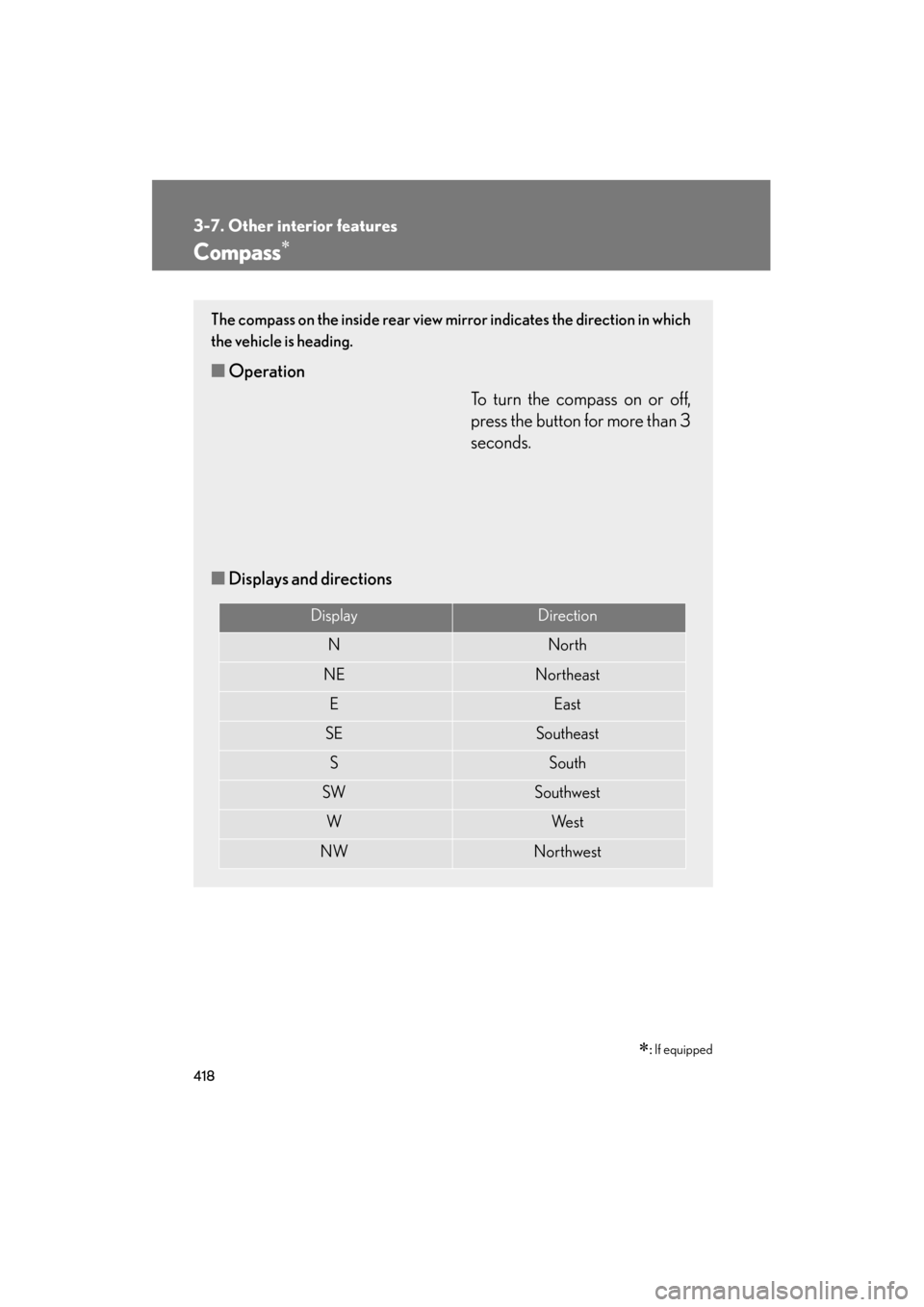
The compass on the inside rear view mirror indicates the direction in which
the vehicle is heading.
■ Operation
To turn the compass on or off,
press the button for more than 3
seconds.
■ Displays and directions
DisplayDirection
NNorth
NENortheast
EEast
SESoutheast
SSouth
SWSouthwest
WWe s t
NWNorthwest
Page 421 of 654
420
3-7. Other interior features
GS_G_U (OM30C11U)
October 28, 2011 5:15 pm
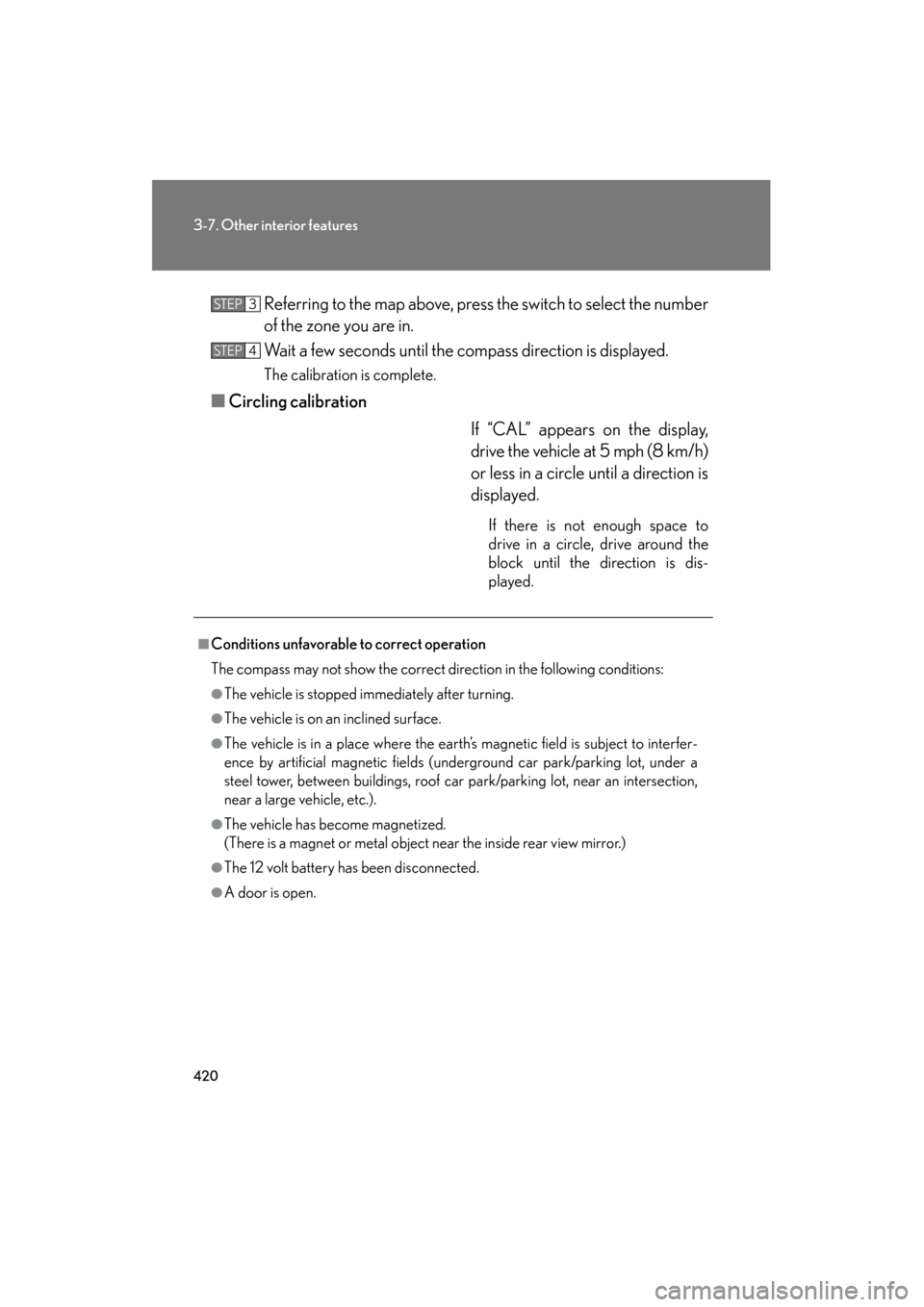
Referring to the map above, press the switch to select the number
of the zone you are in.
Wait a few seconds until the compass direction is displayed.
The calibration is complete.
■Circling calibration
If “CAL” appears on the display,
drive the vehicle at 5 mph (8 km/h)
or less in a circle until a direction is
displayed.
If there is not enough space to
drive in a circle, drive around the
block until the direction is dis-
played.
STEP3
STEP4
■Conditions unfavorable to correct operation
The compass may not show the correct direction in the following conditions:
●The vehicle is stopped immediately after turning.
●The vehicle is on an inclined surface.
●The vehicle is in a place where the earth’s magnetic field is subject to interfer-
ence by artificial magnetic fields (underground car park/parking lot, under a
steel tower, between buildings, roof car park/parking lot, near an intersection,
near a large vehicle, etc.).
●The vehicle has become magnetized.
(There is a magnet or metal object near the inside rear view mirror.)
●The 12 volt battery has been disconnected.
●A door is open.
Page 422 of 654
421
3-7. Other interior features
3
Interior features
GS_G_U (OM30C11U)
October 28, 2011 5:15 pm
CAUTION
■While driving
Do not adjust the display.
Be sure to adjust the display only when the vehicle is stopped.
■When doing the circling calibration
Be sure to secure a wide space, and watch out for people and vehicles in the neigh-
borhood. Do not violate any local traffic rules while performing circling calibration.
NOTICE
■To avoid the compass malfunctions
Do not place magnets or any metal objects near the inside rear view mirror.
Doing this may cause a malfunction of the compass sensor.
■To ensure normal operation of the compass
●Do not perform circling calibration of the compass in a place where the earth’s
magnetic field is subject to interference by artificial magnetic fields.
●During calibration, do not operate electric systems (moon roof, power windows,
etc.) as they may interfere with the calibration.
Page 432 of 654
431
4-1. Maintenance and care
4
Maintenance and care
GS_G_U (OM30C11U)
October 28, 2011 5:15 pm
■Automatic car washes
●Fold the mirrors back before washing the vehicle.
●Brushes used in automatic car washes may scratch the vehicle surface and
harm your vehicle’s paint.
●Before entering an automatic car wash, check that the fuel filler door is closed.
■High pressure washers
Do not allow the nozzles of the washers to come within close proximity of the win-
dows and fuel filler door.
■Aluminum wheels
●Remove any dirt immediately by using a neutral detergent. Do not use hard
brushes or abrasive cleaners. Do not use strong or harsh chemical cleaners.
Use the same mild detergent and wax as used on the paint.
●Do not use detergent on the wheels when they are hot, for example after driving
for long distance in the hot weather.
●Wash detergent from the wheels immediately after use.
■Bumpers and side moldings
Do not scrub with abrasive cleaners.
CAUTION
■Caution about the exhaust pipe
Exhaust gasses cause the exhaust pipe to become quite hot.
When washing the vehicle, be careful not to touch the pipe until it has cooled suffi-
ciently, as touching a hot exhaust pipe can cause burns.