Start Lexus GS350 2011 Repair Manual
[x] Cancel search | Manufacturer: LEXUS, Model Year: 2011, Model line: GS350, Model: Lexus GS350 2011Pages: 654, PDF Size: 11.03 MB
Page 206 of 654
205
2-4. Using other driving systems
2
When driving
GS_G_U (OM30C11U)
October 28, 2011 5:15 pm
CAUTION
■If the hill-start assist control does not operate effectively
Do not overly rely on the hill-start assist control. The hill-start assist control may not
operate effectively on steep inclines and roads covered in ice.
■When the Enhanced VSC is activated
The slip indicator light flashes and a warning buzzer sounds. Always drive carefully.
Reckless driving may cause an accident. Exercise particular care when the indica-
tor light flashes and a buzzer sounds.
■When TRAC and Enhanced VSC are off
Be especially careful and drive at a speed appropriate to the road conditions. As
these are systems to ensure vehicle stability and driving force, do not turn off TRAC
and Enhanced VSC unless necessary.
■Replacing tires
Make sure that all tires are of the same size, brand, tread pattern and total load
capacity. In addition, make sure that the tires are inflated to the specified tire pres-
sure level.
The ABS and Enhanced VSC will not function correctly if different tires are fitted on
the vehicle.
Contact your Lexus dealer for further information when replacing tires or wheels.
■Handling of tires and suspension
Using tires with any kind of problem or modifying the suspension will affect the driv-
ing assist systems, and may cause the system to malfunction.
Page 232 of 654
231
3-1. Using the touch screen
3
Interior features
GS_G_U (OM30C11U)
October 28, 2011 5:15 pm
Initial screenIf the “ENGINE START STOP”
switch is turned to ACCESSORY
or IGNITION ON mode, the ini-
tial screen will be displayed for a
few seconds as the system starts
up.Subscribers will be shown the
“LEXUS ENFORM” screen
next.
Page 255 of 654
254
3-2. Using the air conditioning system and defogger
GS_G_U (OM30C11U)
May 21, 2010 12:06 pm
■When the indicator light on “A/C” flashes
Touch “A/C” and turn off the air conditioning system before turning it on once more.
There may be a problem in the air conditioning system if the indicator light contin-
ues to flash. Turn the air conditioning system off and have it inspected by your Lexus
dealer.
■Air conditioning odors
●During use, various odors from inside and outside the vehicle may enter into
and accumulate in the air conditioning system. This may then cause odor to be
emitted from the vents.
●To reduce potential odors from occurring:
• It is recommended that the air conditioning system be set to outside air mode
prior to turning the vehicle off.
• The start timing of the blower may be delayed for a short period of time immediately after the air conditioning system is started in automatic mode.
CAUTION
■To prevent the windshield from fogging up
Do not use during cool air operation in extremely humid weather. The differ-
ence between the temperature of the outside air and that of the windshield can
cause the outer surface of the windshield to fog up, blocking your vision.
NOTICE
■To prevent 12 volt battery discharge
Do not leave the automatic air conditioning system on longer than necessary when
the engine is off.
Page 256 of 654
255
3-2. Using the air conditioning system and defogger
3
Interior features
GS_G_U (OM30C11U)
May 21, 2010 12:06 pm
Rear window and outside rear view mirror defoggers
■Operating conditions
The “ENGINE START STOP” switch must be in the IGNITION ON mode.
CAUTION
■When the outside rear view mirror defoggers are on
Do not touch the rear view mirror surfaces, as they can become very hot and burn
you.
NOTICE
■To prevent 12 volt battery discharge
Turn the defoggers off when the engine is off.
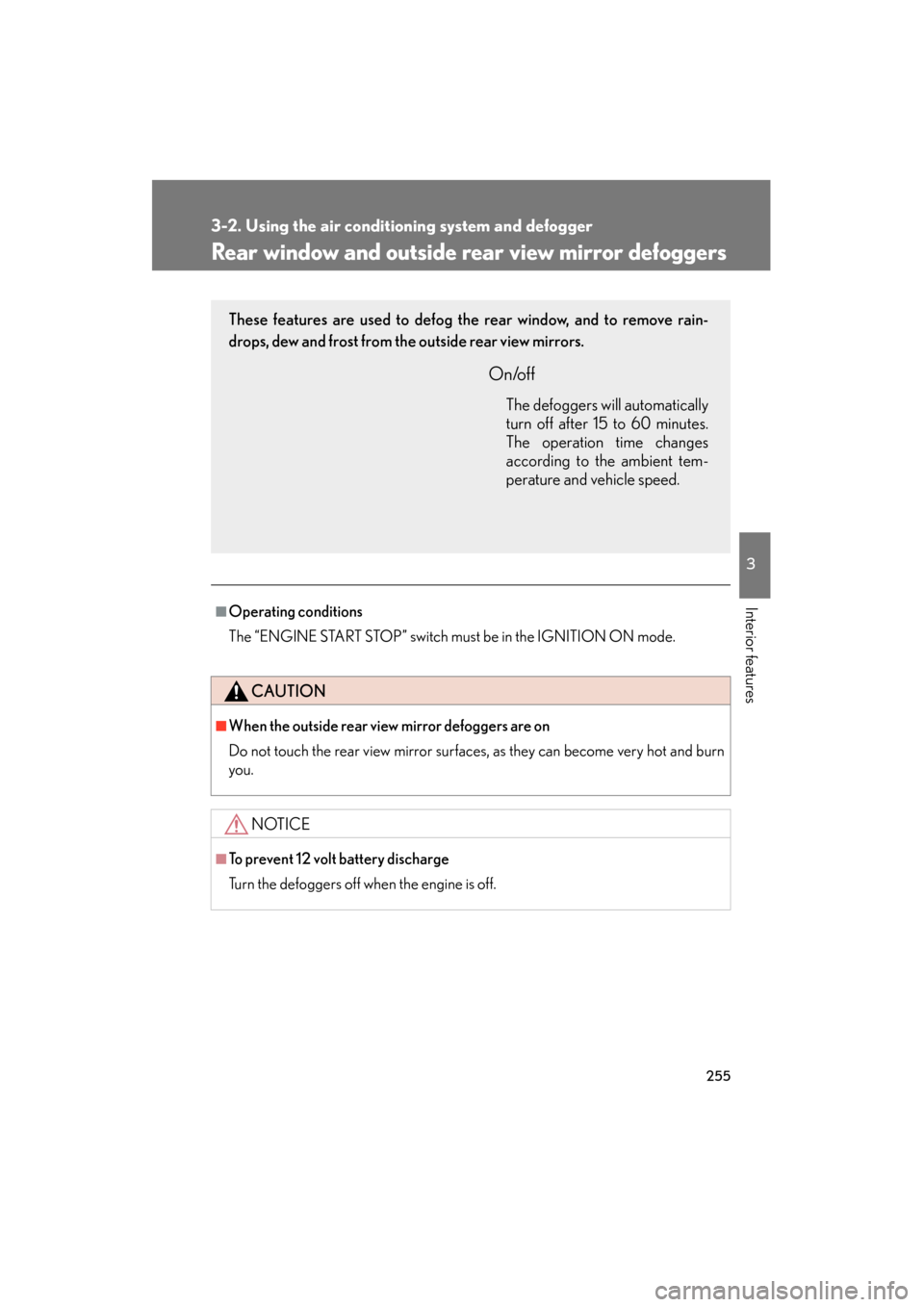
These features are used to defog the rear window, and to remove rain-
drops, dew and frost from the outside rear view mirrors.
On/off
The defoggers will automatically
turn off after 15 to 60 minutes.
The operation time changes
according to the ambient tem-
perature and vehicle speed.
Page 257 of 654
256
3-2. Using the air conditioning system and defogger
GS_G_U (OM30C11U)
May 21, 2010 12:06 pm
Windshield wiper de-icer∗
■Operating conditions
The “ENGINE START STOP” switch must be in the IGNITION ON mode.
CAUTION
■When the windshield wiper de-icer is on
Do not touch the glass at the lower part of the windshield or to the side of the front
pillars as the surfaces can become very hot and burn you.
∗: If equipped
This feature is used to prevent ice from building up on the windshield and
wiper blades.
Press .
ON/OFF
Touch the switch to turn on the
windshield wiper de-icer. The
windshield wiper de-icer will
automatically turn off after
approximately 15 minutes.
Touching the switch again also
turns the de-icer off.
STEP1
STEP2
Page 264 of 654
263
3-3. Using the audio system
3
Interior features
GS_G_U (OM30C11U)
October 28, 2011 5:15 pm
Touch “Type Seek” on the screen.
The radio seeks or scans for stations by the relevant program type.
If no radio station of that type is found, “Nothing” appears on the screen.
■Displaying radio text messages
If “Message” appears on the screen, a text message may be displayed.
■ Traffic announcement
Touch “Traffic” on the screen.
“Traf. Seek” appears on the display,
and the radio will start seeking any
station broadcasting traffic pro-
gram information.
If no traffic program station is
found, “Nothing” appears on the
display.
STEP2
Page 272 of 654
271
3-3. Using the audio system
3
Interior features
GS_G_U (OM30C11U)
October 28, 2011 5:15 pm
Selecting a disc■ To select a disc to play
Touch “Change Discs” on the screen.
Touch the desired disc on the
screen or press ∧ or ∨ on .
STEP1
STEP2
■When loading a disc
If you do not insert a disc within 15 seconds, loading will be canceled automatically.
■Vehicles with DVD player
This screen appears when the video screen is
first displayed after the “ENGINE START
STOP” switch in ACCESSORY or IGNI-
TION ON mode.
Page 281 of 654
280
3-3. Using the audio system
GS_G_U (OM30C11U)
October 28, 2011 5:15 pm
Playing DVD video/audio (with DVD player)
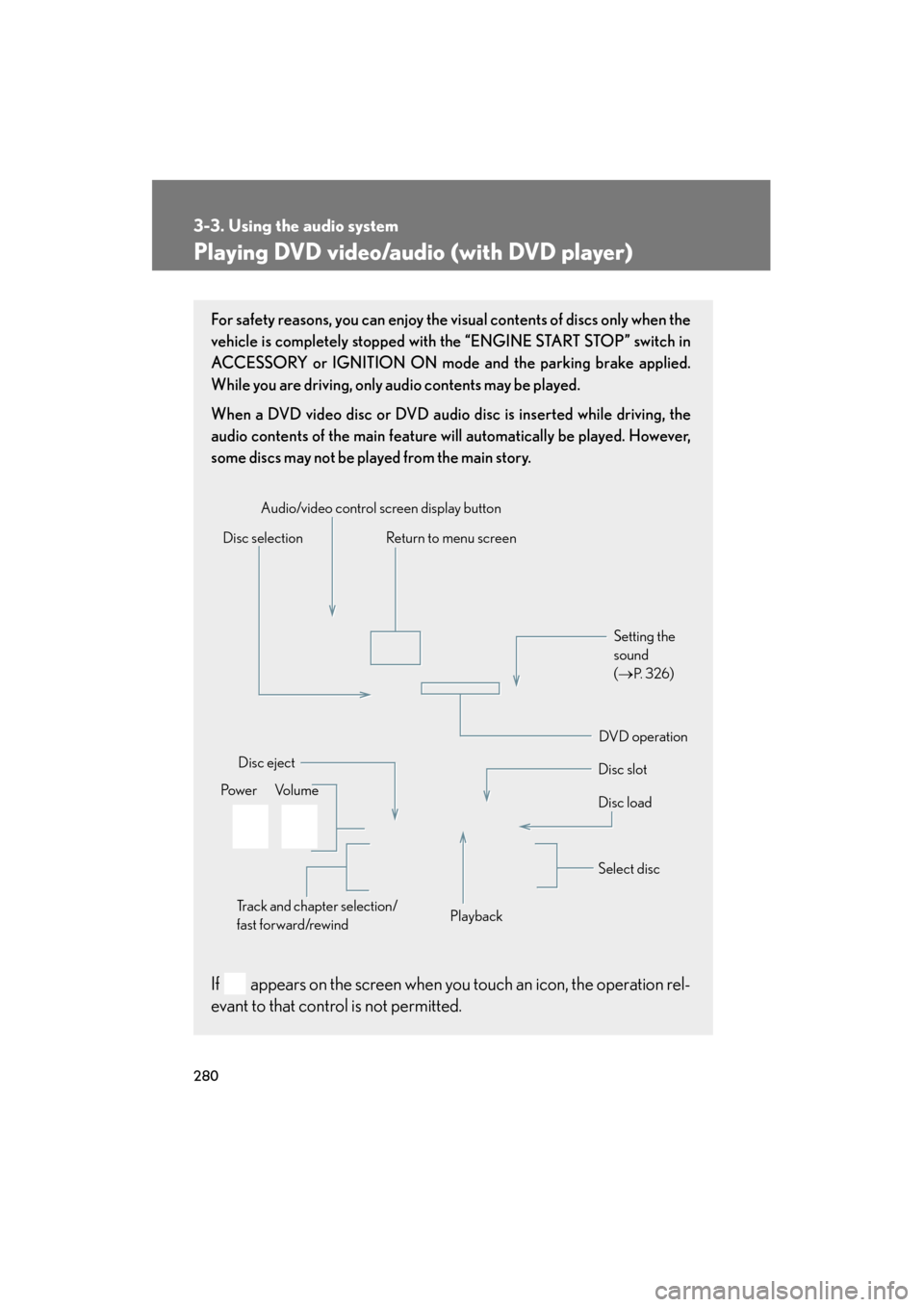
For safety reasons, you can enjoy the visual contents of discs only when the
vehicle is completely stopped with the “ENGINE START STOP” switch in
ACCESSORY or IGNITION ON mode and the parking brake applied.
While you are driving, only audio contents may be played.
When a DVD video disc or DVD audio disc is inserted while driving, the
audio contents of the main feature will automatically be played. However,
some discs may not be played from the main story.
If appears on the screen when you touch an icon, the operation rel-
evant to that control is not permitted.
Disc selectionDisc slot
Disc eject
PlaybackDisc load
Audio/video control screen display button
Po w e r Vo l u m e Select disc
Track and chapter selection/
fast forward/rewind
DVD operation Setting the
sound
(
→
P. 3 2 6)
Return to menu screen
Page 283 of 654
282
3-3. Using the audio system
GS_G_U (OM30C11U)
October 28, 2011 5:15 pm
Loading, ejecting and selecting discs
→ P. 2 7 0
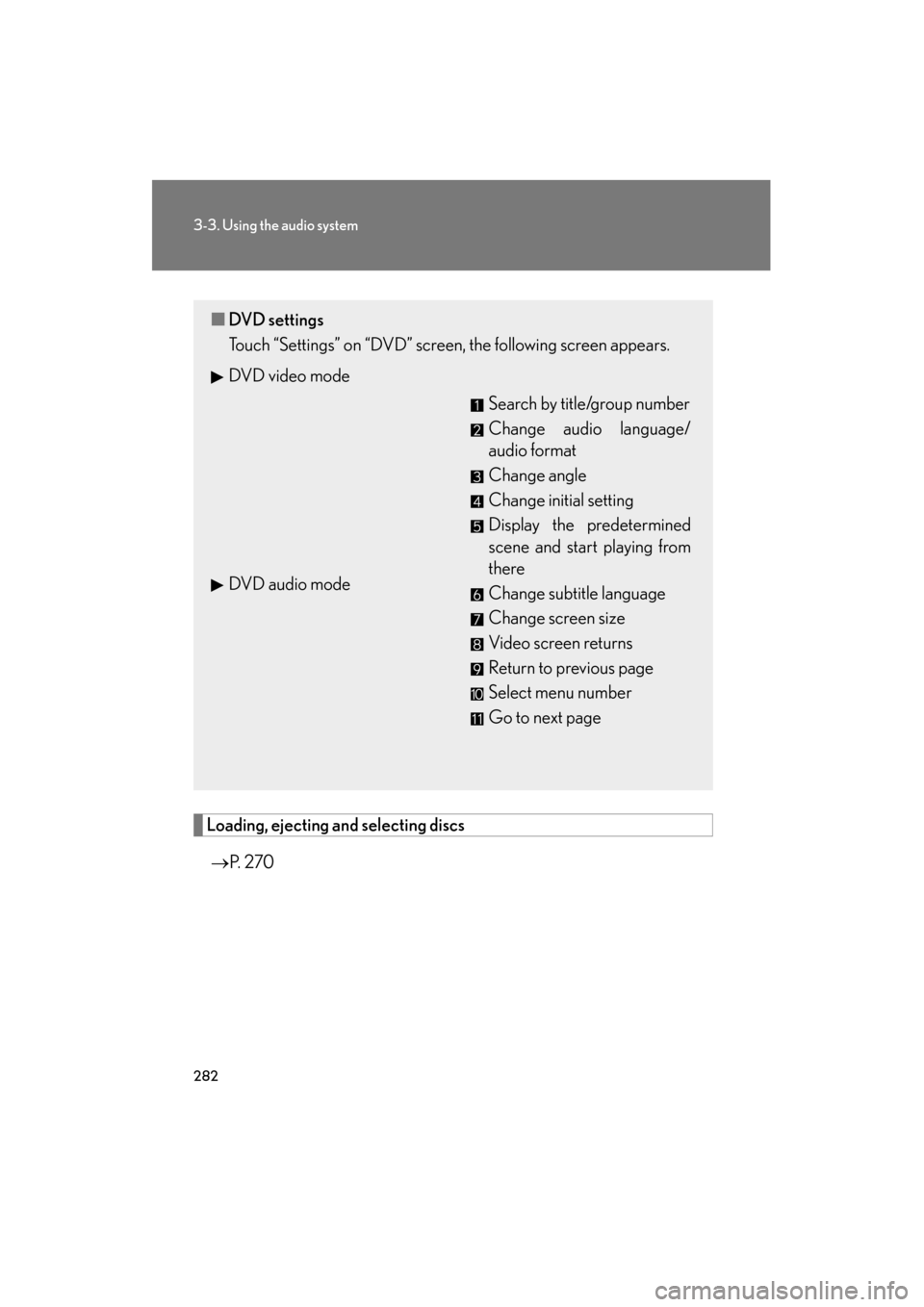
■DVD settings
Touch “Settings” on “DVD” screen, the following screen appears.
DVD video mode
Search by title/group number
Change audio language/
audio format
Change angle
Change initial setting
Display the predetermined
scene and start playing from
there
Change subtitle language
Change screen size
Video screen returns
Return to previous page
Select menu number
Go to next page
DVD audio mode
Page 291 of 654
290
3-3. Using the audio system
GS_G_U (OM30C11U)
October 28, 2011 5:15 pm
■Parental lock (DVD video only)
Touch “Parental Lock”.
Input the 4-digit personal code and then touch “OK”.
If you enter wrong numbers, touch to delete the numbers.
Select a parental level (1 - 8). ( →P. 300)
■ Setting the auto start
Discs that are inserted while the vehicle is in motion will automatically
start playing.
Touch “Auto Start”.
Select “On” or “Off”.
Certain discs may not play if you set to “On”.
■Setting sound dynamic range (DVD video only)
The difference between the lowest volume and the highest volume can
be adjusted.
Touch “Sound Dynamic Range”.
Select the desired level.
■ Entering a language code
If you touch “Other” on the “Select Audio Language” screen, “Select
Subtitle Language” screen or “Select DVD Language” screen, you can
select a language by entering the 4-digit language code if that lan-
guage is available.
Input the 4-digit language code and then touch “OK”.
: Deletes the last input digit
: Returns to the previous screen
STEP1
STEP2
STEP3
STEP1
STEP2
STEP1
STEP2