engine Lexus GS350 2011 Repair Manual
[x] Cancel search | Manufacturer: LEXUS, Model Year: 2011, Model line: GS350, Model: Lexus GS350 2011Pages: 654, PDF Size: 11.03 MB
Page 204 of 654
203
2-4. Using other driving systems
2
When driving
GS_G_U (OM30C11U)
October 28, 2011 5:15 pm
■Automatic reactivation of TRAC and Enhanced VSC
Turning the “ENGINE START STOP” switch OFF after turning off the TRAC and
Enhanced VSC systems will automatically re-enable them.
■Automatic TRAC reactivation
If only the TRAC system is turned off, the TRAC system will turn on when the vehi-
cle speed increases.
■Automatic TRAC and Enhanced VSC reactivation
If the TRAC and Enhanced VSC systems are turned off, the systems will not turn on
even when the vehicle speed increases.
■Sounds and vibrations caused by the ABS, brake assist, Enhanced VSC, TRAC,
hill-start assist control and VGRS (GS460) systems
●A sound may be heard from the engine compartment when the engine is
started or just after the vehicle begins to move. This sound does not indicate that
a malfunction has occurred in any of these systems.
●Any of the following conditions may occur when the above systems are operat-
ing. None of these indicates that a malfunction has occurred.
• Vibrations may be felt through the vehicle body and steering.
• A motor sound may be heard after the vehicle comes to a stop.
• The brake pedal may pulsate slightly after the ABS is activated.
• The brake pedal may move down slightly after the ABS is activated.
■Hill-start assist control operating conditions
This system comes into operation under the following conditions after the brake
pedal has been depressed and the vehicle has come to a stop:
●The shift lever is in the “D” or “S”.
●The system has detected that the vehicle is moving backwards.
●GS350: The brake pedal is not depressed.
■EPS operation sound
When the steering wheel operates, a motor sound (whirring sound) may be heard.
This does not indicate a malfunction.
Page 205 of 654
204
2-4. Using other driving systems
GS_G_U (OM30C11U)
October 28, 2011 5:15 pm
■Reduced effectiveness of EPS
The effectiveness of EPS is reduced to prevent the system from overheating when
there is frequent steering input over an extended period of time. The steering wheel
may feel heavy as a result. Should this occur, refrain from excessive steering input or
stop the vehicle and turn the engine off. The system should return to normal about
10 minutes.
■GS460: VGRS is disabled in the following situations
●During stopping or the steering wheel has been moved for a long time while
driving at lower speeds.
●After the engine is restarted at less than -22°F (-30°C).
CAUTION
Any of the following conditions may result in an accident which could cause death or
serious injury:
■The ABS does not operate effectively when
●The limits of tire gripping performance have been exceeded.
●The vehicle hydroplanes while driving at high speed on a wet or slick road.
■Stopping distance when the ABS is operating will exceed that of normal condi-
tions
The ABS is not designed to shorten the vehicle’s stopping distance. Always main-
tain a safe distance from the vehicle in front of you in the following situations.
●When driving on dirt, gravel or snow-covered roads
●When driving with tire chains
●When driving over bumps in the road
●When driving over roads with potholes or uneven roads
■TRAC may not operate effectively when
Directional control and power may not be achievable while driving on slippery road
surfaces, even if the TRAC is operating.
Do not drive the vehicle in conditions where stability and power may be lost.
Page 219 of 654
218
2-5. Driving information
GS_G_U (OM30C11U)
October 28, 2011 5:15 pm
Winter driving tips
Carry out the necessary preparations and inspections before driving the
vehicle in winter. Always drive the vehicle in a manner appropriate to the
prevailing weather conditions.
■Pre-winter preparations
●Use fluids that are appropriate to the prevailing outside tempera-
tures.
• Engine oil
• Engine coolant
• Washer fluid
● Have a service technician inspect the level and specific gravity of
battery electrolyte.
● Have the vehicle fitted with four snow tires or purchase a set of
tire chains for the rear tires.
Ensure that all tires are the same size and brand, and that chains match
the size of the tires.
■ Before driving the vehicle
Perform the following according to the driving conditions.
●Do not try to forcibly open a window or move a wiper that is fro-
zen. Pour warm water over the frozen area to melt the ice. Wipe
away the water immediately to prevent it from freezing.
● To ensure proper operation of the climate control system fan,
remove any snow that has accumulated on the air inlet vents in
front of the windshield.
● Remove any ice that has accumulated on the vehicle chassis.
● Periodically check for and remove any excess ice or snow that
may have accumulated in the wheel well or on the brakes.
Page 232 of 654
231
3-1. Using the touch screen
3
Interior features
GS_G_U (OM30C11U)
October 28, 2011 5:15 pm
Initial screenIf the “ENGINE START STOP”
switch is turned to ACCESSORY
or IGNITION ON mode, the ini-
tial screen will be displayed for a
few seconds as the system starts
up.Subscribers will be shown the
“LEXUS ENFORM” screen
next.
Page 255 of 654
254
3-2. Using the air conditioning system and defogger
GS_G_U (OM30C11U)
May 21, 2010 12:06 pm
■When the indicator light on “A/C” flashes
Touch “A/C” and turn off the air conditioning system before turning it on once more.
There may be a problem in the air conditioning system if the indicator light contin-
ues to flash. Turn the air conditioning system off and have it inspected by your Lexus
dealer.
■Air conditioning odors
●During use, various odors from inside and outside the vehicle may enter into
and accumulate in the air conditioning system. This may then cause odor to be
emitted from the vents.
●To reduce potential odors from occurring:
• It is recommended that the air conditioning system be set to outside air mode
prior to turning the vehicle off.
• The start timing of the blower may be delayed for a short period of time immediately after the air conditioning system is started in automatic mode.
CAUTION
■To prevent the windshield from fogging up
Do not use during cool air operation in extremely humid weather. The differ-
ence between the temperature of the outside air and that of the windshield can
cause the outer surface of the windshield to fog up, blocking your vision.
NOTICE
■To prevent 12 volt battery discharge
Do not leave the automatic air conditioning system on longer than necessary when
the engine is off.
Page 256 of 654
255
3-2. Using the air conditioning system and defogger
3
Interior features
GS_G_U (OM30C11U)
May 21, 2010 12:06 pm
Rear window and outside rear view mirror defoggers
■Operating conditions
The “ENGINE START STOP” switch must be in the IGNITION ON mode.
CAUTION
■When the outside rear view mirror defoggers are on
Do not touch the rear view mirror surfaces, as they can become very hot and burn
you.
NOTICE
■To prevent 12 volt battery discharge
Turn the defoggers off when the engine is off.
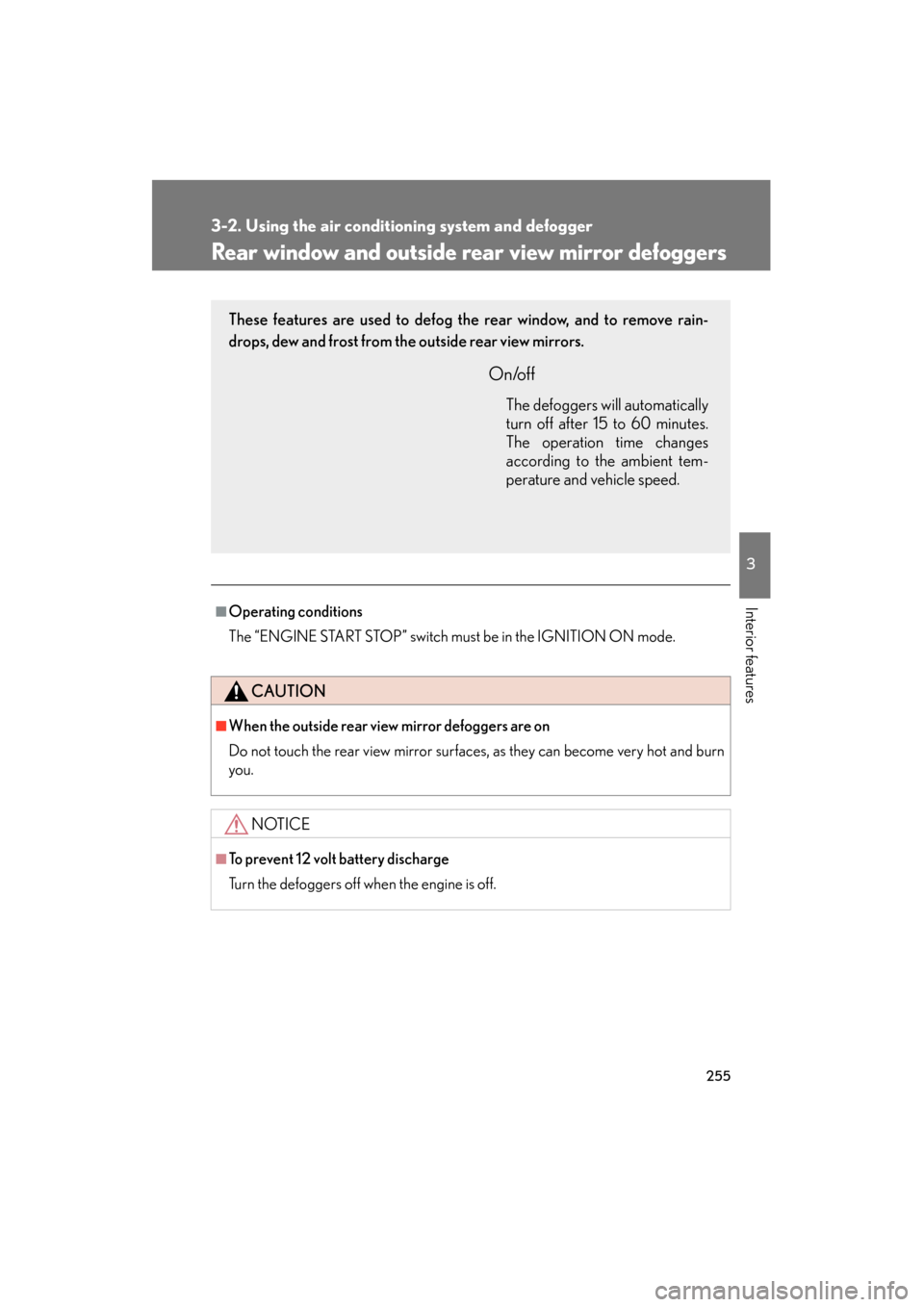
These features are used to defog the rear window, and to remove rain-
drops, dew and frost from the outside rear view mirrors.
On/off
The defoggers will automatically
turn off after 15 to 60 minutes.
The operation time changes
according to the ambient tem-
perature and vehicle speed.
Page 257 of 654
256
3-2. Using the air conditioning system and defogger
GS_G_U (OM30C11U)
May 21, 2010 12:06 pm
Windshield wiper de-icer∗
■Operating conditions
The “ENGINE START STOP” switch must be in the IGNITION ON mode.
CAUTION
■When the windshield wiper de-icer is on
Do not touch the glass at the lower part of the windshield or to the side of the front
pillars as the surfaces can become very hot and burn you.
∗: If equipped
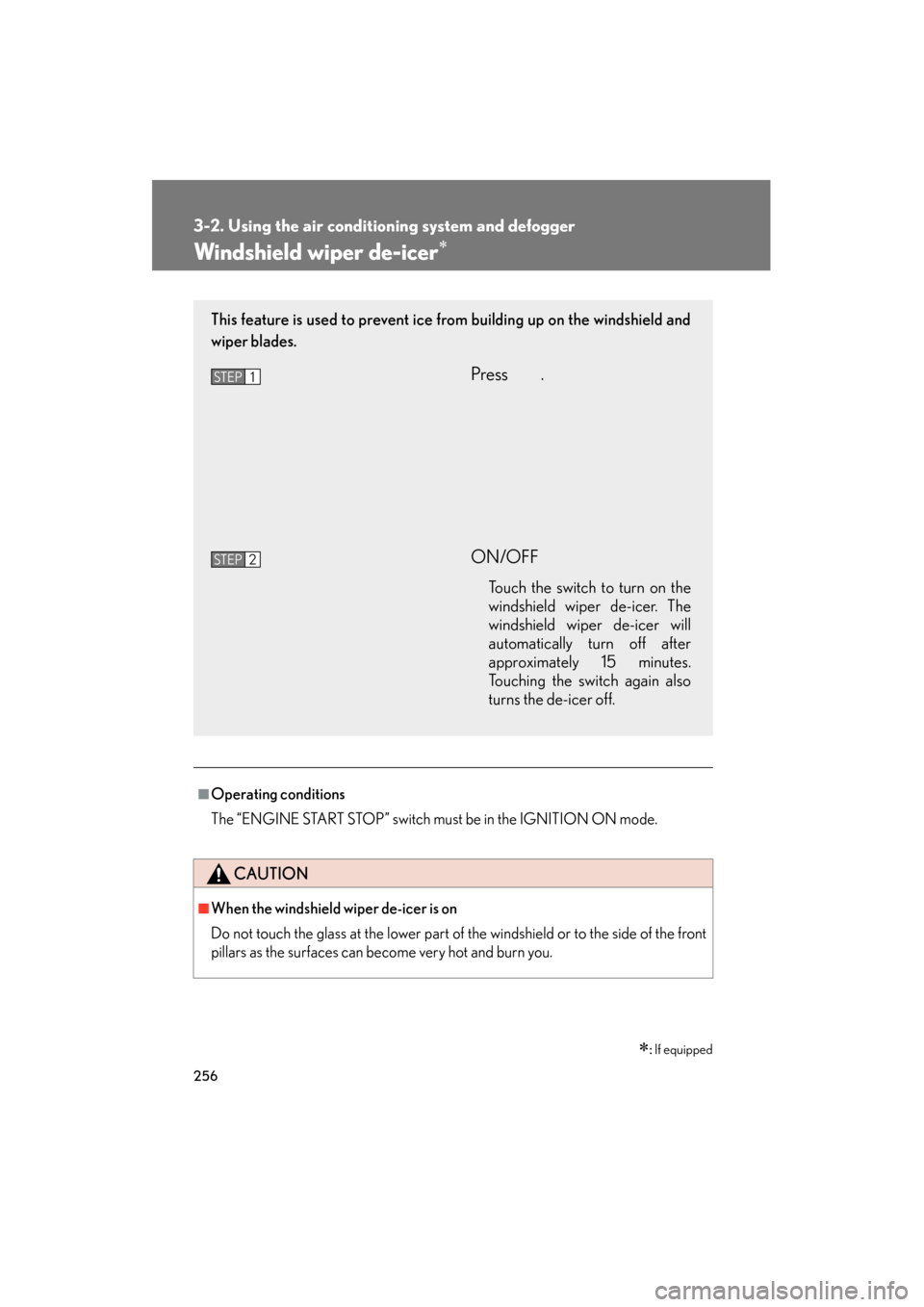
This feature is used to prevent ice from building up on the windshield and
wiper blades.
Press .
ON/OFF
Touch the switch to turn on the
windshield wiper de-icer. The
windshield wiper de-icer will
automatically turn off after
approximately 15 minutes.
Touching the switch again also
turns the de-icer off.
STEP1
STEP2
Page 260 of 654
259
3-3. Using the audio system
3
Interior features
GS_G_U (OM30C11U)
October 28, 2011 5:15 pm
■Using cellular phones
Interference may be heard through the audio system’s speakers if a cellular phone is
being used inside or close to the vehicle while the audio system is operating.
CAUTION
■For vehicles sold in the U.S.A. and Canada
●Pa r t 1 5 o f t h e FCC Ru l e s
FCC Warning:
Any unauthorized changes or modifications to this equipment will void the user’s
authority to operate this device.
●Laser products
• Do not take this unit apart or attempt to make any changes yourself. This is an intricate unit that uses a laser pickup to retrieve information from the
surface of compact discs. The laser is carefully shielded so that its rays remain
inside the cabinet. Therefore, never try to disassemble the player or alter any
of its parts since you may be exposed to laser rays and dangerous voltages.
• This product utilizes a laser. Use of controls or adjustments or performance of procedures other than
those specified herein may result in hazardous radiation exposure.
NOTICE
■To prevent 12 volt battery discharge
Do not leave the audio system on longer than necessary with the engine off.
■To avoid damaging the audio/video system
Take care not to spill drinks or other fluids over the audio system.
Page 272 of 654
271
3-3. Using the audio system
3
Interior features
GS_G_U (OM30C11U)
October 28, 2011 5:15 pm
Selecting a disc■ To select a disc to play
Touch “Change Discs” on the screen.
Touch the desired disc on the
screen or press ∧ or ∨ on .
STEP1
STEP2
■When loading a disc
If you do not insert a disc within 15 seconds, loading will be canceled automatically.
■Vehicles with DVD player
This screen appears when the video screen is
first displayed after the “ENGINE START
STOP” switch in ACCESSORY or IGNI-
TION ON mode.
Page 281 of 654
280
3-3. Using the audio system
GS_G_U (OM30C11U)
October 28, 2011 5:15 pm
Playing DVD video/audio (with DVD player)
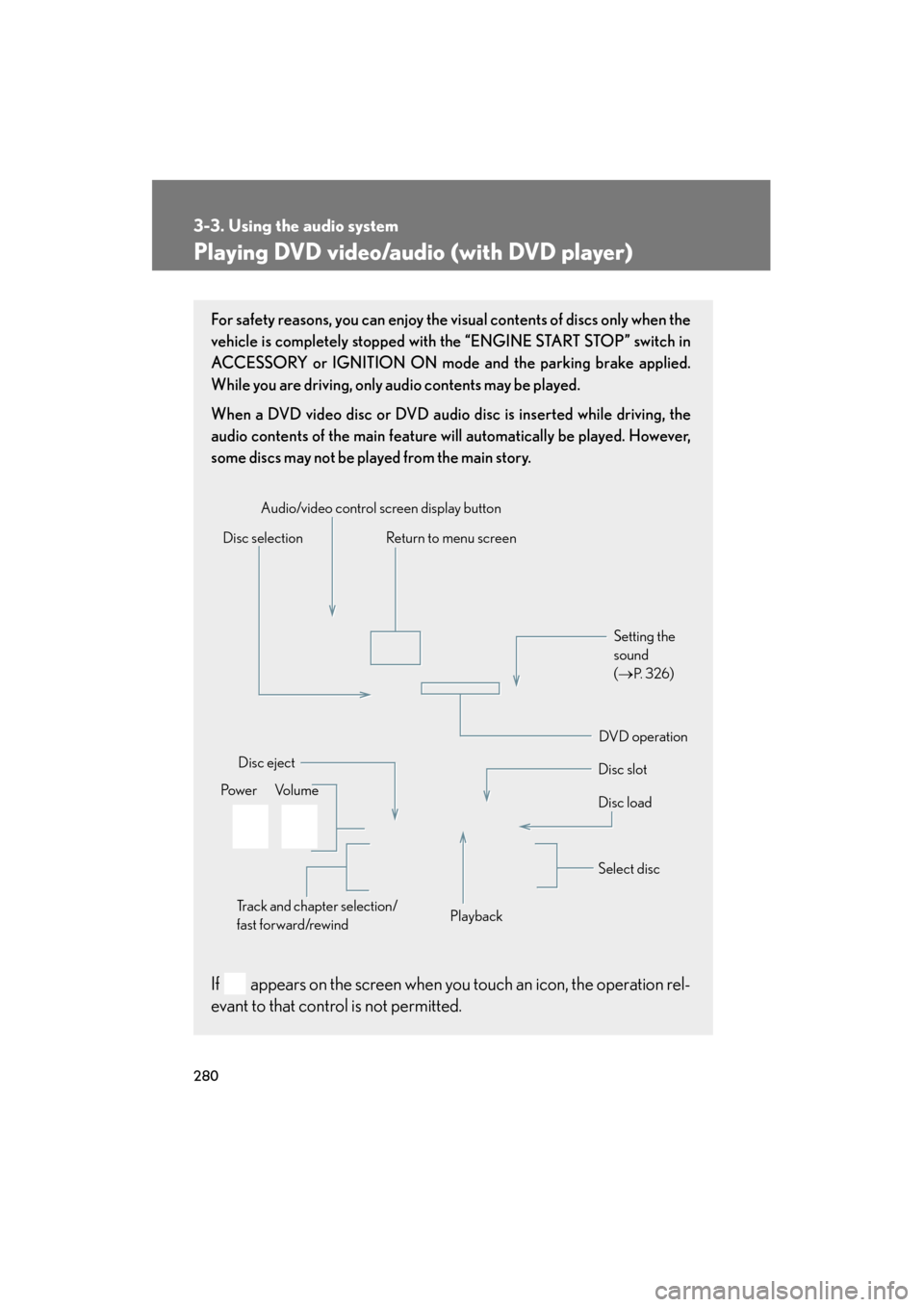
For safety reasons, you can enjoy the visual contents of discs only when the
vehicle is completely stopped with the “ENGINE START STOP” switch in
ACCESSORY or IGNITION ON mode and the parking brake applied.
While you are driving, only audio contents may be played.
When a DVD video disc or DVD audio disc is inserted while driving, the
audio contents of the main feature will automatically be played. However,
some discs may not be played from the main story.
If appears on the screen when you touch an icon, the operation rel-
evant to that control is not permitted.
Disc selectionDisc slot
Disc eject
PlaybackDisc load
Audio/video control screen display button
Po w e r Vo l u m e Select disc
Track and chapter selection/
fast forward/rewind
DVD operation Setting the
sound
(
→
P. 3 2 6)
Return to menu screen