audio Lexus GS350 2013 Owners Manual
[x] Cancel search | Manufacturer: LEXUS, Model Year: 2013, Model line: GS350, Model: Lexus GS350 2013Pages: 830, PDF Size: 9.71 MB
Page 439 of 830

438
GS350_U (OM30C34U)
5-3. Using the audio system
●ID3 and WMA tags
ID3 tags can be added to MP3 files, making it possible to record the track title,
artist name, etc.
The system is compatible with ID3 Ver. 1.0, 1.1, and Ver. 2.2, 2.3 ID3 tags. (The
number of characters is based on ID3 Ver. 1.0 and 1.1.)
WMA tags can be added to WMA files, making it possible to record the track title
and artist name in the same way as with ID3 tags.
●MP3 and WMA playback
When a disc containing MP3 or WMA files is inserted, all files on the disc are first
checked. Once the file check is finished, the first MP3 or WMA file is played. To
make the file check finish more quickly, we recommend you do not write in any
files other than MP3 or WMA files or create any unnecessary folders.
Discs that contain a mixture of music data and MP3 or WMA format data cannot
be played.
●Extensions
If the file extensions .mp3 and .wma are used for files other than MP3 and WMA
files, they may be mistakenly recognized and played as MP3 and WMA files. This
may result in large amounts of interference and damage to the speakers.
●Playback
• To play MP3 files with steady sound quality, we recommend a fixed bit rate of atleast 128 kbps and a sampling frequency of 44.1 kHz.
• CD-R or CD-RW playback may not be possible in some instances, depending on the characteristics of the disc.
• There is a wide variety of freeware and other encoding software for MP3 and WMA files on the market, and depending on the status of the encoding and the
file format, poor sound quality or noise at the start of playback may result. In
some cases, playback may not be possible at all.
• When files other than MP3 or WMA files are recorded on a disc, it may take more time to recognize the disc and in some cases, playback may not be possi-
ble at all.
• Microsoft, Windows, and Windows Media are the registered trademarks of Microsoft Corporation in the U.S. and other countries.
Page 440 of 830
GS350_U (OM30C34U)
4395-3. Using the audio system
5
Interior features
■The Gracenote® media database
●Music recognition technology and related data are provided by Gracenote®.
Gracenote is the industry standard in music recognition technology and related
content delivery. For more information visit www.gracenote.com
.
●CD and music-related data from Gracenote, Inc., copyright © 2000 to present
Gracenote. Gracenote Software, copyright © 2000 to present Gracenote. One
or more patents owned by Gracenote apply to this product and service. See the
Gracenote website for a non-exhaustive list of applicable Gracenote patents.
Gracenote, CDDB, MusicID, MediaVOCS, the Gracenote logo and logotype,
and the “Powered by Gracenote” logo are either registered trademarks or trade-
marks of Gracenote in the United States and/or other countries.
■Gracenote® End User License Agreement
This application or device contains software from Gracenote, Inc. of Emeryville, Cal-
ifornia (“Gracenote”). The software from Gracenote (the “Gracenote Software”)
enables this application to perform disc and/or file identification and obtain music-
related information, including name, artist, track, and title information (“Gracenote
Data”) from online servers or embedded databases (collectively, “Gracenote Serv-
ers”) and to perform other functions. You may use Gracenote Data only by means of
the intended End-User functions of this application or device.
You agree that you will use Gracenote Data, the Gracenote Software, and
Gracenote Servers for your own personal non-commercial use only. You agree not
to assign, copy, transfer or transmit th e Gracenote Software or any Gracenote Data
to any third party.
YOU AGREE NOT TO USE OR EXPLOIT GRACENOTE DATA, THE
GRACENOTE SOFTWARE, OR GRACENOTE SERVERS, EXCEPT AS
EXPRESSLY PERMITTED HEREIN.
Page 441 of 830
440
GS350_U (OM30C34U)
5-3. Using the audio system
You agree that your non-exclusive license to use the Gracenote Data, the
Gracenote Software, and Gracenote Servers will terminate if you violate these
restrictions. If your license terminates, you agree to cease any and all use of the
Gracenote Data, the Gracenote Software, and Gracenote Servers. Gracenote
reserves all rights in Gracenote Data, the Gracenote Software, and the Gracenote
Servers, including all ownership rights. Under no circumstances will Gracenote
become liable for any payment to you for any information that you provide. You
agree that Gracenote, Inc. may enforce its rights under this Agreement against you
directly in its own name.
The Gracenote service uses a unique identifier to track queries for statistical pur-
poses. The purpose of a randomly assigned numeric identifier is to allow the
Gracenote service to count queries without knowing anything about who you are.
For more information, see the web page for the Gracenote Privacy Policy for the
Gracenote service.
The Gracenote Software and each item of Gracenote Data are licensed to you “AS
IS.” Gracenote makes no representations or warranties, express or implied, regard-
ing the accuracy of any Gracenote Data from in the Gracenote Servers. Gracenote
reserves the right to delete data from the Gracenote Servers or to change data cat-
egories for any cause that Gracenote deems sufficient. No warranty is made that the
Gracenote Software or Gracenote Servers are error-free or that functioning of
Gracenote Software or Gracenote Servers will be uninterrupted. Gracenote is not
obligated to provide you with new enhanced or additional data types or categories
that Gracenote may provide in the future and is free to discontinue its services at any
time.
GRACENOTE DISCLAIMS ALL WARRANTIES EXPRESS OR IMPLIED,
INCLUDING, BUT NOT LIMITED TO, IMPLIED WARRANTIES OF MER-
CHANTABILITY, FITNESS FOR A PARTICULAR PURPOSE, TITLE, AND NON-
INFRINGEMENT. GRACENOTE DOES NOT WARRANT THE RESULTS THAT
WILL BE OBTAINED BY YOUR USE OF THE GRACENOTE SOFTWARE OR
ANY GRACENOTE SERVER. IN NO CASE WILL GRACENOTE BE LIABLE
FOR ANY CONSEQUENTIAL OR INCIDENTAL DAMAGES OR FOR ANY
LOST PROFITS OR LOST REVENUES.
copyright © 2000 to present Gracenote
Page 442 of 830
GS350_U (OM30C34U)
4415-3. Using the audio system
5
Interior features
CAUTION
■DVD video precaution
Conversational speech on some DVDs is recorded at a low volume to emphasize
the impact of sound effects. If you adjust the volume assuming that the conversa-
tions represent the maximum volume level that the DVD will play, you may be star-
tled by louder sound effects or startled when you change to a different audio
source.
Loud sounds may have a significant impact on the human body or pose a driving
hazard. Keep this in mind when you adjust the volume.
Page 443 of 830
442
GS350_U (OM30C34U)
5-3. Using the audio system
NOTICE
■Discs and adapters that cannot be used
Do not use the following types of discs, 3 in. (8 cm) disc adapters or Dual Disc.
Doing so may damage the player and/or disc insert/eject function.
●Discs that have a diameter that is not 4.7 in.
(12 cm)
●Low-quality or deformed discs
●Discs with a transparent or translucent
recording area
●Discs that have tape, stickers or CD-R
labels attached to them, or that have had
the label peeled off
Page 444 of 830
GS350_U (OM30C34U)
4435-3. Using the audio system
5
Interior features
NOTICE
■Player precautions
Failure to follow the precautions below may result in damage to the discs or the
player itself.
●Do not insert anything other than discs into the disc slot.
●Do not apply oil to the player.
●Store discs away from direct sunlight.
●Never try to disassemble any part of the player.
Page 445 of 830
444
GS350_U (OM30C34U)
5-3. Using the audio system
Listening to Bluetooth® audio
The Bluetooth® audio system enables users to enjoy music played on a
portable player from the vehicle speaker via wireless communication.
This audio system supports Bluetooth
®, a wireless data system capable
of playing portable audio music with out cables. If your portable player
does not support Bluetooth
®, the Bluetooth® audio system will not
function.
Press the “MEDIA” button if a Bluetooth
® audio player has already
been connected.
Select the “BT Audio” tab or press the “MEDIA” button repeatedly until
the “BT Audio” tab is selected.
Page 446 of 830
GS350_U (OM30C34U)
4455-3. Using the audio system
5
Interior features
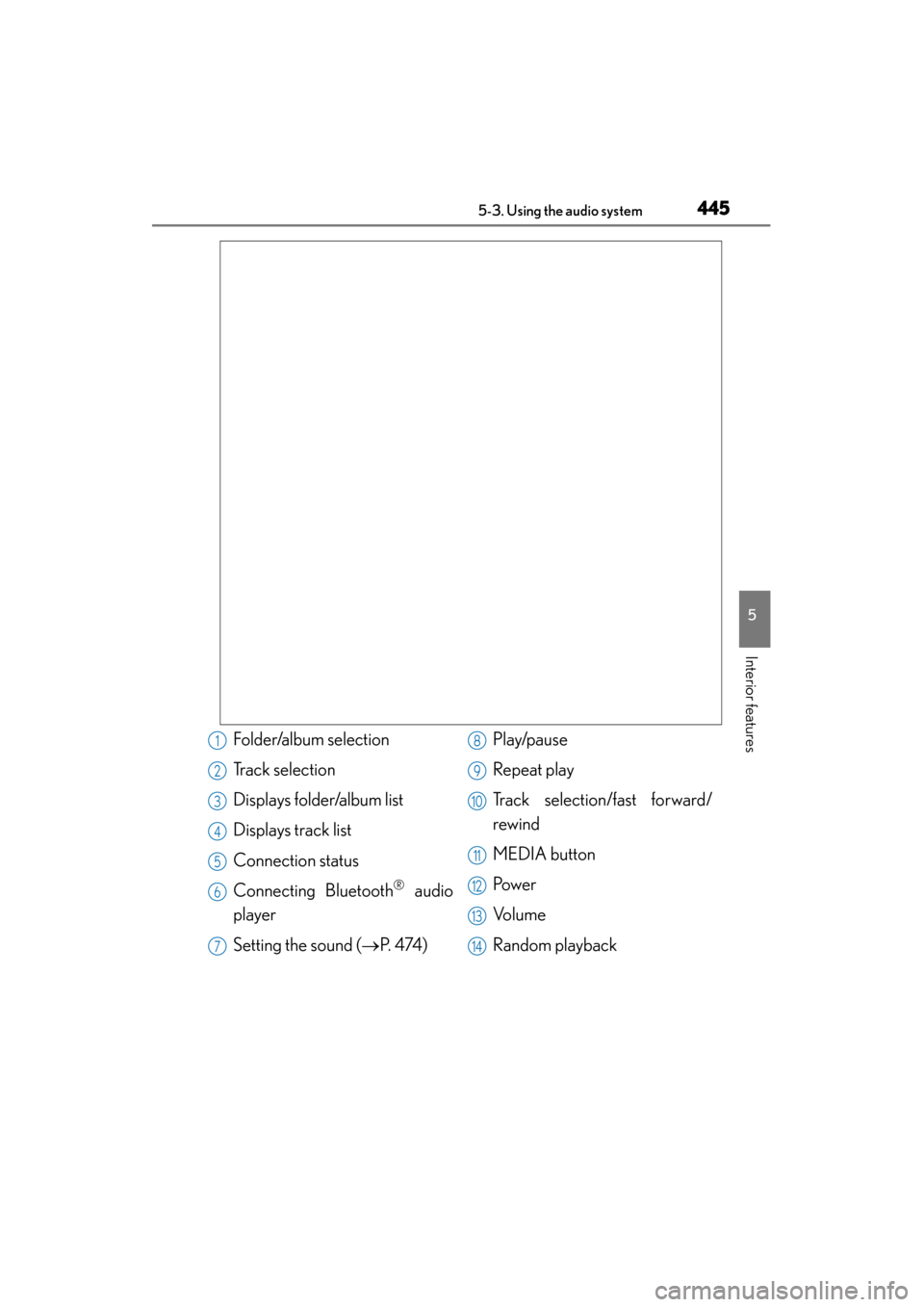
Folder/album selection
Track selection
Displays folder/album list
Displays track list
Connection status
Connecting Bluetooth
® audio
player
Setting the sound ( →P. 4 74 ) Play/pause
Repeat play
Track selection/fast forward/
rewind
MEDIA button
Pow e r
Vo l u m e
Random playback
1
2
3
4
5
6
7
8
9
10
11
12
13
14
Page 447 of 830
446
GS350_U (OM30C34U)
5-3. Using the audio system
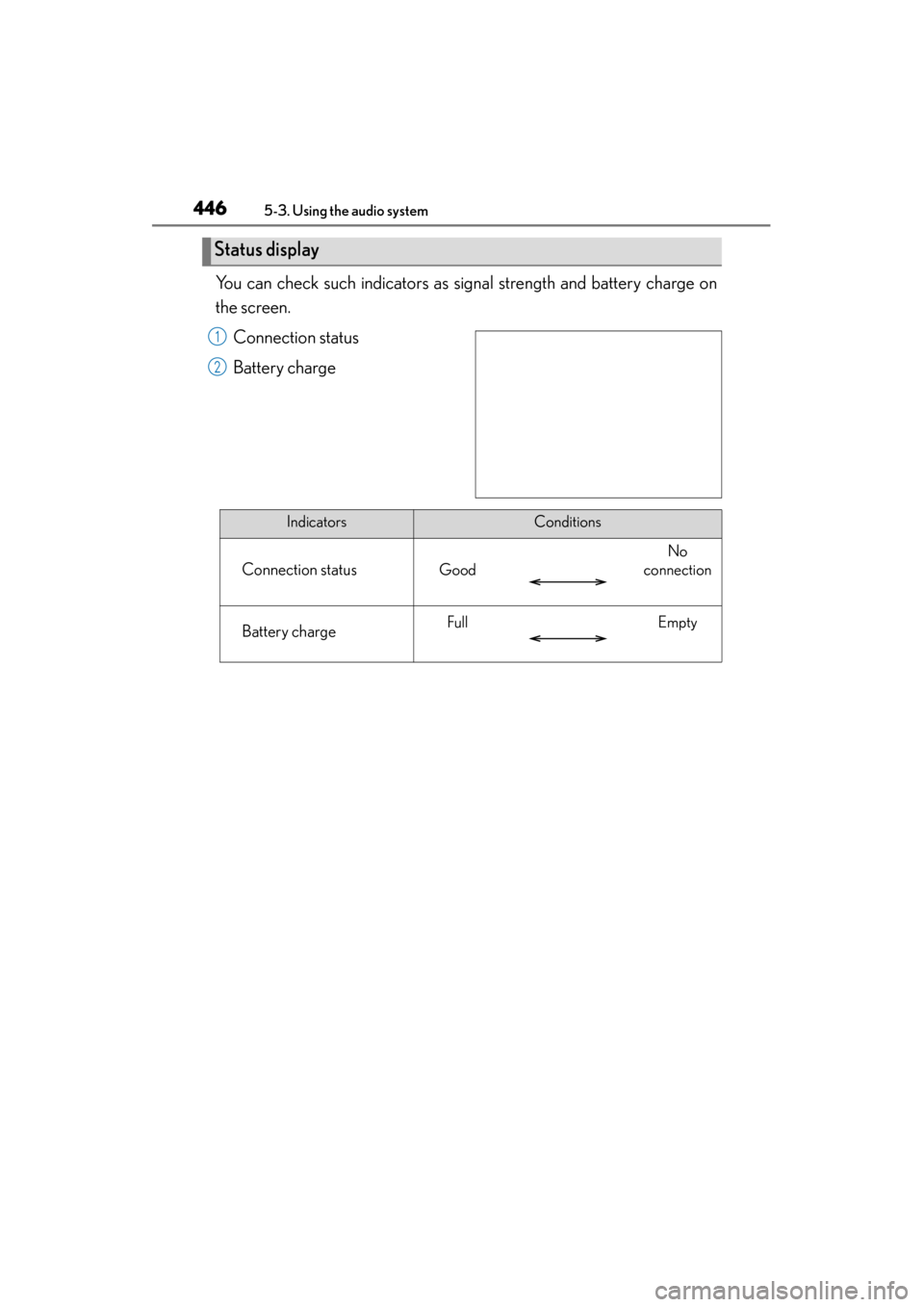
You can check such indicators as signal strength and battery charge on
the screen.Connection status
Battery charge
Status display
1
2
IndicatorsConditions
Connection statusGood
No
connection
Battery chargeFullEmpty
Page 448 of 830
GS350_U (OM30C34U)
4475-3. Using the audio system
5
Interior features
To use the Bluetooth® audio system, you need to enter your portable
player into the system. Once registered, you can enjoy your music on the
vehicle’s audio system. ( →P. 543)
For the operation procedure for the portable player, consult your player’s
accompanying instruction manual.
■When “Bluetooth* Power” is turned on
When the portable player is on standby for the connection, it will be
automatically connected whenever the engine switch is in either
ACCESSORY or IGNITION ON mode.
■When “Bluetooth* Power” is turned off
Manually connect the portable player in accordance with the following
procedure. Select “Connect”.
Select the desired portable
player.
*: Bluetooth is a registered trademark of Bluetooth SIG, Inc.
Connecting Bluetooth® audio player
1
2