audio Lexus GS350 2013 Owner's Manual
[x] Cancel search | Manufacturer: LEXUS, Model Year: 2013, Model line: GS350, Model: Lexus GS350 2013Pages: 830, PDF Size: 9.71 MB
Page 479 of 830
478
GS350_U (OM30C34U)
5-3. Using the audio system
Press to turn the front audio system on.
Pressing the button again turns the system off.
Press to change the audio source. The audio source as follows
each time the button is pressed. If no discs are inserted in the player, or if
the external device is not connected, that mode will be skipped.
FM → SAT → Apps → DVD player → iPod or USB memory →
Bluetooth® audio player → AUX → AM
Press “ ∧” on to increase the volume and “ ∨” to decrease the vol-
ume.
Press and hold the button to continue increasing or decreasing the volume.
Turning the power on/off
Changing the audio source
Adjusting the volume
Page 480 of 830
GS350_U (OM30C34U)
4795-3. Using the audio system
5
Interior features
■Select a radio stationPress to select a frequency band.
Press “ ∧” or “ ∨” on to seek the frequency.
To scan for receivable stations, press and hold until you hear a beep.
■Select a preset station
Press to select a frequency band.
Press “ ∧” or “ ∨” on to select a preset station.
■Audio CD
Press to select the DVD player.
Press “ ∧” or “ ∨” on to select a track.
■Bluetooth® audio player
Press to select the Bluetooth
® audio player.
Press “ ∧” or “ ∨” on to select an folder.
Press “ ∧” or “ ∨” on to select a file.
■iPod
Press to select the iPod.
Press “ ∧” or “ ∨” on to select a file.
Selecting a radio station
Selecting a track
1
2
1
2
1
2
1
2
3
1
2
Page 481 of 830
480
GS350_U (OM30C34U)
5-3. Using the audio system
Press to select the DVD player.
Press “∧” or “ ∨” on to select a chapter.
■MP3 disc or WMA disc
Press to select the DVD player.
Press “ ∧” or “ ∨” on to select a folder.
Press “ ∧” or “ ∨” on to select a file.
■USB memory
Press to select the USB memory.
Press “ ∧” or “ ∨” on to select a folder.
Press “ ∧” or “ ∨” on to select a file.
Selecting a chapter (DVD video mode)
Selecting a file
1
2
1
2
3
1
2
3
Page 482 of 830
GS350_U (OM30C34U)
4815-3. Using the audio system
5
Interior features
■Fast forwarding or rewinding a chapter or file
Press and hold “∧” or “ ∨” on .
■Button lock function
To prevent inadvertent operation, some buttons on the rear armrest can be locked.
(→ P. 3 6 4 )
■Rear control panel illumination off function
Control panel illumination on the rear armrest can be turned off. ( →P. 3 6 4 )
■When “ERROR”, “WAIT” or “NO MUSIC” is shown on the display
Refer to the following and take the appropriate measures. If the problem is not recti-
fied, take the vehicle to your Lexus dealer.
“ERROR”: This indicates a trouble either in the disc or inside the player. The disc
may be dirty, damaged, or inserted up-side down.
“WAIT”: Operation is stopped due to a high temperature inside the player. Eject the disc and allow the player to cool down.
“NO MUSIC”: This indicates that an MP3/WMA file is not included in the disc.
Page 483 of 830
482
GS350_U (OM30C34U)
5-3. Using the audio system
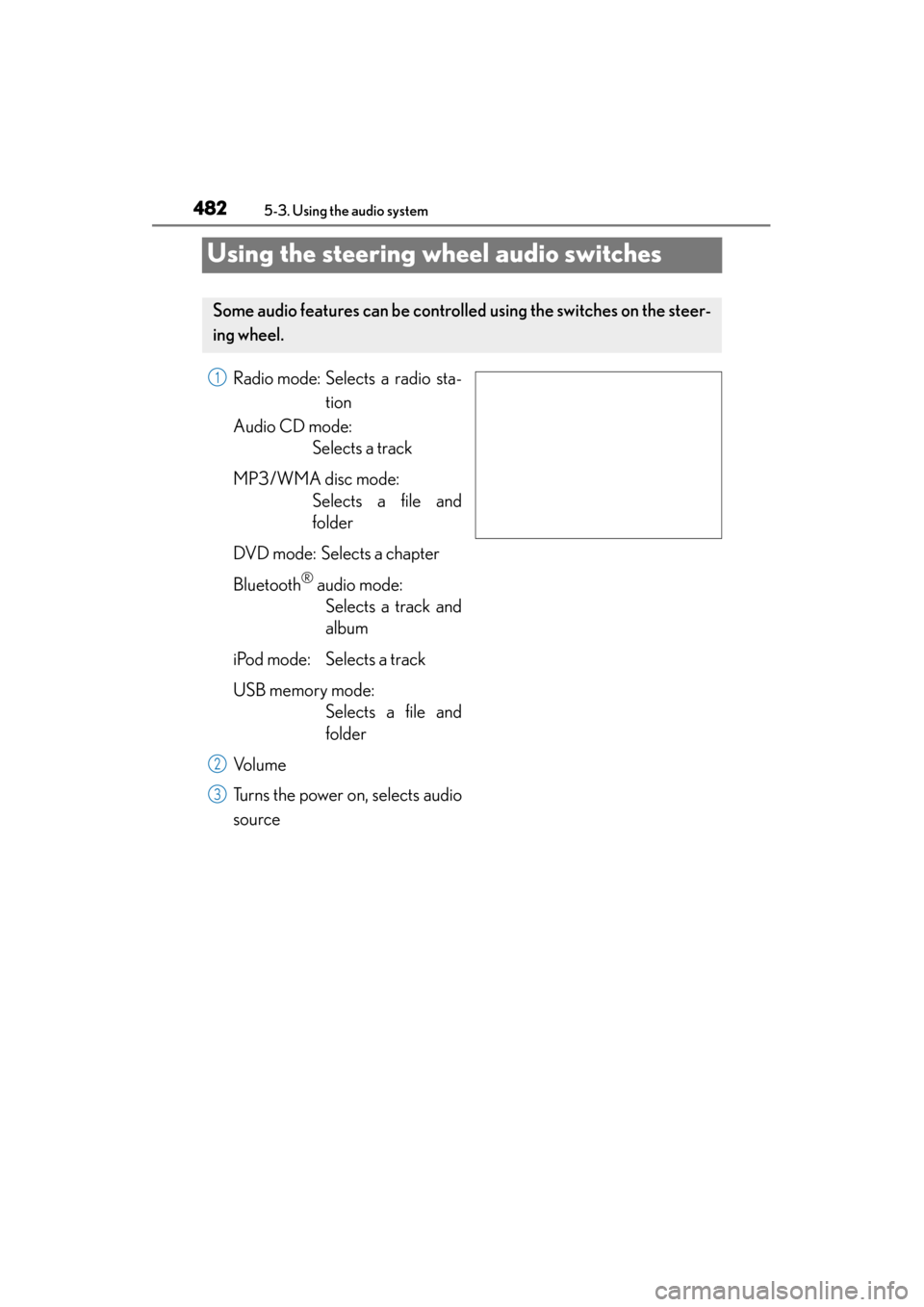
Using the steering wheel audio switches
Radio mode: Selects a radio sta-tion
Audio CD mode: Selects a track
MP3/WMA disc mode: Selects a file and
folder
DVD mode: Selects a chapter
Bluetooth
® audio mode: Selects a track and
album
iPod mode: Selects a track
USB memory mode: Selects a file and
folder
Vo l u m e
Turns the power on, selects audio
source
Some audio features can be controll ed using the switches on the steer-
ing wheel.
1
2
3
Page 484 of 830
GS350_U (OM30C34U)
4835-3. Using the audio system
5
Interior features
Press when the audio system is turned off.
Press the to select an audio mode.
Each press changes the mode sequentially if the desired mode is ready to
use.
Press to increase the volume and to decrease the volume.
Hold down the switch to continue increasing or decreasing the volume.
Press and hold .
To cancel, press and hold again.
Press to select the radio mode.
Press or to select.
Press to select the radio mode.
Press and hold the or switch until you hear a beep.
To cancel, press either switch.
Turning on the power
Changing the audio source
Adjusting the volume
Silencing a sound or pause the current operation
Selecting the preset station/channel (radio)
Seeking a radio station/channel
1
2
1
2
Page 485 of 830
484
GS350_U (OM30C34U)
5-3. Using the audio system
Press to select the audio CD, MP3/WMA disc, DVD, Blue-
tooth
® audio, iPod, or USB memory mode.
Press or to select.
To return to the beginning of the current track, file or chapter, press the
switch once quickly.
Press to select Bluetooth® audio or USB memory mode.
Press and hold or until a beep is heard to select.
Press to select the MP3/W MA disc or USB memory mode.
Press and hold or until a beep is heard to select.
Selecting a track/file or chapter
Selecting an album
Selecting a folder
CAUTION
■To reduce the risk of an accident
Exercise care when operating the audio switches on the steering wheel.
1
2
1
2
1
2
Page 489 of 830
488
GS350_U (OM30C34U)
5-4. Using the hands-free phone system (for cellular phone)
■When using the hands-free system
●The audio system is muted when making a call.
●If both parties speak at the same time, it may be difficult to hear.
●If the incoming call volume is overly loud, an echo may be heard.
●Try to face toward the microphone as much as possible when speaking.
●In the following circumstances, it may be difficult to hear the other party:
• When driving on unpaved roads
• When driving at high speeds
• If a window is open
• If the air conditioning is blowing directly on the microphone
• If the air conditioning is set to high
• There is an effect from the network of the cellular phone
■Conditions under which the system will not operate
●If using a cellular phone that does not support Bluetooth®
●If the cellular phone is turned off
●If you are outside service range
●If the cellular phone is not connected
●If the cellular phone’s battery is low
●When the cellular phone is not connected, “No connect” is displayed.
■Bluetooth® antenna
The antenna is built into the instrument panel. If the cellular phone is behind the seat
or in the console box, or touching or covered by metal objects, connection status
may deteriorate.
■Battery charge/Signal status
●This display may not correspond exactly with the cellular phone itself.
●When the cellular phone is out of the service area or in a place inaccessible by
radio waves, “No Service” is displayed.
■When using Bluetooth® audio and hands-free system at the same time
The following problems may occur.
●The Bluetooth® connection may be cut.
●Noise may be heard on the Bluetooth® audio playback.
Page 498 of 830
GS350_U (OM30C34U)
4975-4. Using the hands-free phone system (for cellular phone)
5
Interior features
■Reconnecting to the Bluetooth® phone
If the system cannot connect due to poor signal strength with the engine switch in
ACCESSORY or IGNITION ON mode, the system will automatically attempt to
reconnect.
If the phone is turned off, the system will not attempt to reconnect. In this case, it must
be connected manually, or the phone must be re-selected or re-entered.
■Connecting the phone while Bluetooth® audio is playing
●Bluetooth® audio will stop temporarily.
●It may take time to connect.
■Connecting the phone while another Bluetooth® device is connected
When another Bluetooth
® device is currently connected, a confirmation message
will be displayed. To disconnect the Bluetooth® device, select “Yes”.
■Connecting the phone while 5 Bluetooth® devices have already been registered
When 5 Bluetooth
® devices have already been registered, a registered device
needs to be deleted. Select “Yes” to delete one or more.
Select the device to be deleted, then select “Remove”, and “Yes”.
■If the Bluetooth® phone has a Bluetooth® audio function
When the Bluetooth
® phone to be registered has a Bluetooth® audio function, this
audio function will be registered automatically at the same time and confirmation
message may be displayed. If this screen is displayed, select “Yes” to connect the
audio function or select “No” to cancel the connection.
Page 541 of 830
540
GS350_U (OM30C34U)
5-4. Using the hands-free phone system (for cellular phone)
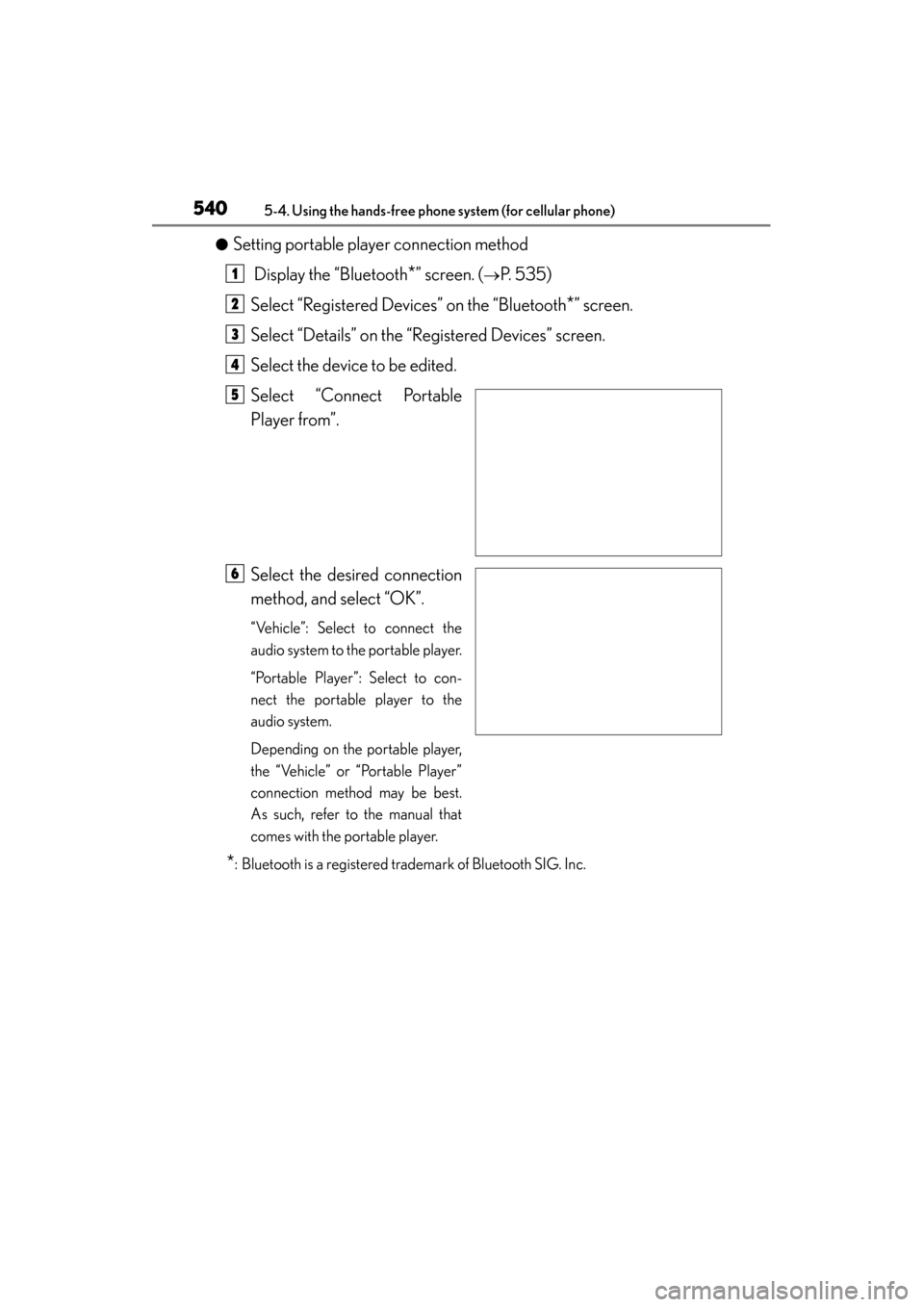
●Setting portable player connection method Display the “Bluetooth
*” screen. (→P. 535)
Select “Registered Devices” on the “Bluetooth
*” screen.
Select “Details” on the “Registered Devices” screen.
Select the device to be edited.
Select “Connect Portable
Player from”.
Select the desired connection
method, and select “OK”.
“Vehicle”: Select to connect the
audio system to the portable player.
“Portable Player”: Select to con-
nect the portable player to the
audio system.
Depending on the portable player,
the “Vehicle” or “Portable Player”
connection method may be best.
As such, refer to the manual that
comes with the portable player.
*: Bluetooth is a registered trademark of Bluetooth SIG. Inc.
1
2
3
4
5
6