light Lexus GS350 2013 Owner's Manual
[x] Cancel search | Manufacturer: LEXUS, Model Year: 2013, Model line: GS350, Model: Lexus GS350 2013Pages: 830, PDF Size: 9.71 MB
Page 297 of 830
296
GS350_U (OM30C34U)
4-5. Using the driving support systems
CAUTION
■Before using the Lexus night view
Never depend on this system only.
Lexus night view is intended as a supplemental aid to help you see pedestrians and
road conditions ahead of the vehicle. As there are limits to the system, do not rely
solely on the system while in use, and drive safely while observing the following
precautions.
■When using the Lexus night view
Observe the following precautions.
Failure to do so may cause an accident resulting in death or serious injury.
●Never drive while looking at the Lexus night view screen only.
●Do not look continuously at the Lexus night view screen while driving. Pedestri-
ans, objects etc. ahead of the vehicle may be overlooked by the system. The sys-
tem should always be used as a supplemental aid only.
●Lexus night view is designed to help you see objects better when driving in dark-
ness on a road with few curves. Do not use the Lexus night view in well-lit areas or
on roads with many curves or slopes. There may be areas that cannot be dis-
played by the system due to the road conditions (curve size, gradient, etc.)
●Lexus night view may be unable to project some features at an appropriate level
of brightness. Some or all parts of certain features may be dark or difficult to see.
Do not rely solely on the Lexus night view, and drive carefully while checking the
surroundings for safety, as you would with a normal vehicle. Also, the following
features and conditions may not be displayed clearly.
Features that are difficult to display:
• Clothing of a pedestrian made of a certain kind of material (ex. leather jackets)
• The characters on signs and billboards
• The information on road signs
Conditions in which display is difficult:
• Unfavorable weather conditions such as rain, fog, snowfall, snow storms etc.
• There are large puddles of water on the road surface following rainfall
• The area of the front windshield in front of the camera is fogged up, dirty or icy
• The areas around the headlights are covered with ice, snow, mud etc.
• The battery voltage is remarkably low
• There are bright lights ahead of the vehicle
Page 298 of 830
GS350_U (OM30C34U)
2974-5. Using the driving support systems
4
Driving
NOTICE
■The near-infrared camera
●Make sure the front windshield is kept clean.
●System performance may deteriorate if rain water, condensation or ice adheres
to the camera. If you notice the inner lens of the camera is dirty, the garnish will
have to be replaced. Consult your Lexus dealer.
●Do not subject the camera to strong impacts, or disassemble the camera.
●As the alignment of the camera has been very finely adjusted, do not change or
remove the mounting.
●If the front windshield fogs up, defog the windshield using the front defroster.
●Do not dirty or scratch the camera lens.
●Night view may not function properly if an object is placed on the sensor, or any-
thing that blocks the sensor is affixed to the windshield.
■The near-infrared light
●System performance may deteriorate if the areas around the headlights are dirty.
Clean the vehicle if it is dirty.
●The near-infrared light irradiates strong energy not visible to the eyes. Do not
stare at the light at close range for a long time.
Follow these precautions to avoid damage to
or incorrect operation of the Lexus night
view.
Follow these precautions to avoid damage to
or incorrect operation of the Lexus night
view system
Page 300 of 830
GS350_U (OM30C34U)
2994-6. Driving tips
4
Driving
Perform the following according to the driving conditions:
●Do not try to forcibly open a window or move a wiper that is frozen.
Pour warm water over the frozen area to melt the ice. Wipe away the
water immediately to prevent it from freezing.
●To ensure proper operation of the climate control system fan, remove
any snow that has accumulated on the air inlet vents in front of the wind-
shield.
●Check for and remove any excess ice or snow that may have accumu-
lated on the exterior lights, vehicle’s roof, chassis, around the tires or on
the brakes.
●Remove any snow or mud from the bottom of your shoes before getting
in the vehicle.
Accelerate the vehicle slowly, keep a safe distance between you and the
vehicle ahead, and drive at a reduced speed suitable to road conditions.
Park the vehicle and move the shift lever to P without setting the parking
brake. The parking brake may freeze up, preventing it from being
released. If necessary, block the wheels to prevent inadvertent sliding or
creeping.
Before driving the vehicle
When driving the vehicle
When parking the vehicle
Page 306 of 830
305
GS350_U (OM30C34U)
Interior features5
5-3. Using the audio system Audio system type ..................... 367
Using the radio ........................... 390
Using the CD/DVD player ..... 412
Playing an audio CD and MP3 /WMA discs ........... 414
Playing DVD video ....................420
CD/DVD player and DVD video disc information ...........432
Listening to Bluetooth
® audio....................444
Listening to a USB memory.........................454
Listening to an iPod ...................464
Optimal use of the audio/video system .......... 474
Using the AUX port...................476
Using the rear seat audio controls ........................... 477
Using the steering wheel audio switches ..........................482
5-4. Using the hands-free phone system (for cellular phone)
Hands-free system (for cellular phone) ................ 485
Using a Bluetooth
® phone .... 493
Setting the hands-free system (for cellular phone) .................. 512
Setting the Bluetooth
®............535 5-5. Using the interior lights
Interior lights list .........................548• Interior light ............................ 549
• Personal lights ....................... 549
5-6. Using the storage features List of storage features ............. 551• Glove box ............................... 553
• Console box........................... 554
• Cup holders ........................... 555
• Auxiliary boxes ..................... 557
Trunk features ..............................558
5-7. Other interior features Sun visors and vanity mirrors .....................561
Clock............................................... 562
Ashtrays ......................................... 563
Power outlets ............................... 564
Heated steering wheel ............ 566
Seat heaters/ seat ventilators .........................568
Armrest ............................................571
Rear sunshade/ rear door sunshades .............. 572
Trunk storage extension .......... 575
Coat hooks ....................................576
Assist grip.......................................577
Utility hook.................................... 578
Garage door opener................ 579
Safety Connect ...........................586
Page 312 of 830
GS350_U (OM30C34U)
3115-1. Remote Touch screen
5
Interior features
■To avoid damaging the Remote Touch screen
Remove any dirt on the screen by wiping with a soft cloth. Do not use detergent.
■When using the Remote Touch screen
●If the screen is cold, the display may be dark, or the system may seem to be operat-
ing slightly slower than normal.
●When the screen is viewed through polarized sunglasses, a rainbow pattern may
appear on the screen due to optical characteristics of the screen. If this is disturb-
ing, please operate the screen without polarized sunglasses.
●Dimmed screen buttons cannot be operated.
■Changing between day mode and night mode
The display condition is not changed to night mode even if the headlight switch is
turned on when the vehicle is in a bright area such as daytime.
■To t u r n o f f t h e d i s p l a y
The display goes off when “Screen Off” is selected. To turn the “Display” screen back
on, select any button. The selected screen appears. To display the screen in day mode, even with
the headlight switch on, select “Day Mode”
for brightness and contrast control.
If the screen is set to day mode with the
headlight switch turned on, this condition is
memorized even with the engine turned off.
Page 315 of 830
314
GS350_U (OM30C34U)
5-1. Remote Touch screen
Fuel consumption information from recent resets will be displayed.
Vehicles with a navigation system: The fuel consumption information can
be displayed and operated on the “Side Display”. For details, refer to the
“Navigation System Owner’s Manual”.
XVehicles without navigation system
Press the “MENU” button on the Remote Touch, then select “Info” on the
“Menu” screen.
XVehicles with a navigation system Press the “MENU” button on the Remote Touch, then select “Info/
Apps” on the “Menu” screen.
Select “Fuel consumption” on the “Information” screen.
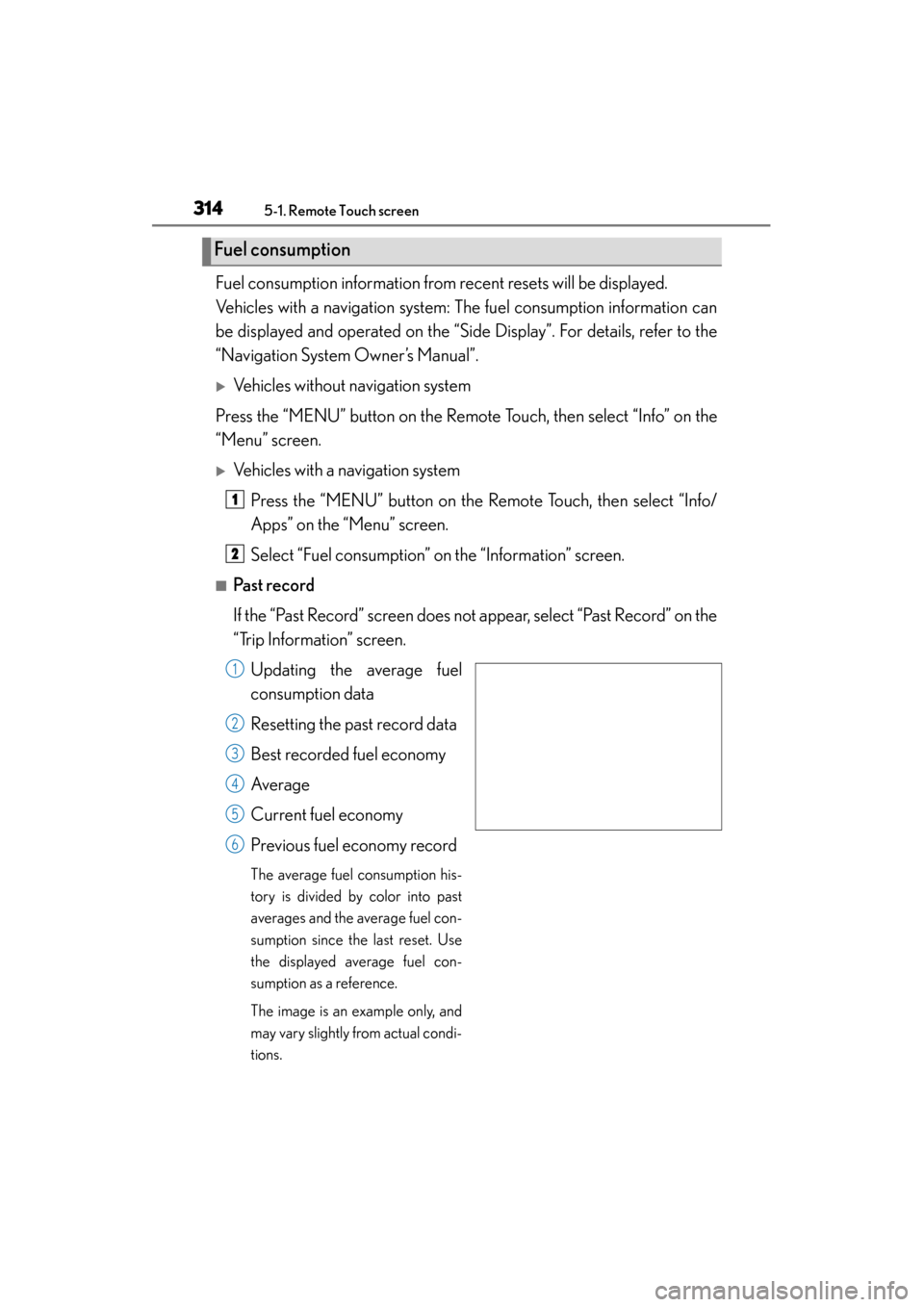
■Past record
If the “Past Record” screen does not appear, select “Past Record” on the
“Trip Information” screen.Updating the average fuel
consumption data
Resetting the past record data
Best recorded fuel economy
Average
Current fuel economy
Previous fuel economy record
The average fuel consumption his-
tory is divided by color into past
averages and the average fuel con-
sumption since the last reset. Use
the displayed average fuel con-
sumption as a reference.
The image is an example only, and
may vary slightly from actual condi-
tions.
Fuel consumption
1
2
1
2
3
4
5
6
Page 316 of 830
GS350_U (OM30C34U)
3155-1. Remote Touch screen
5
Interior features
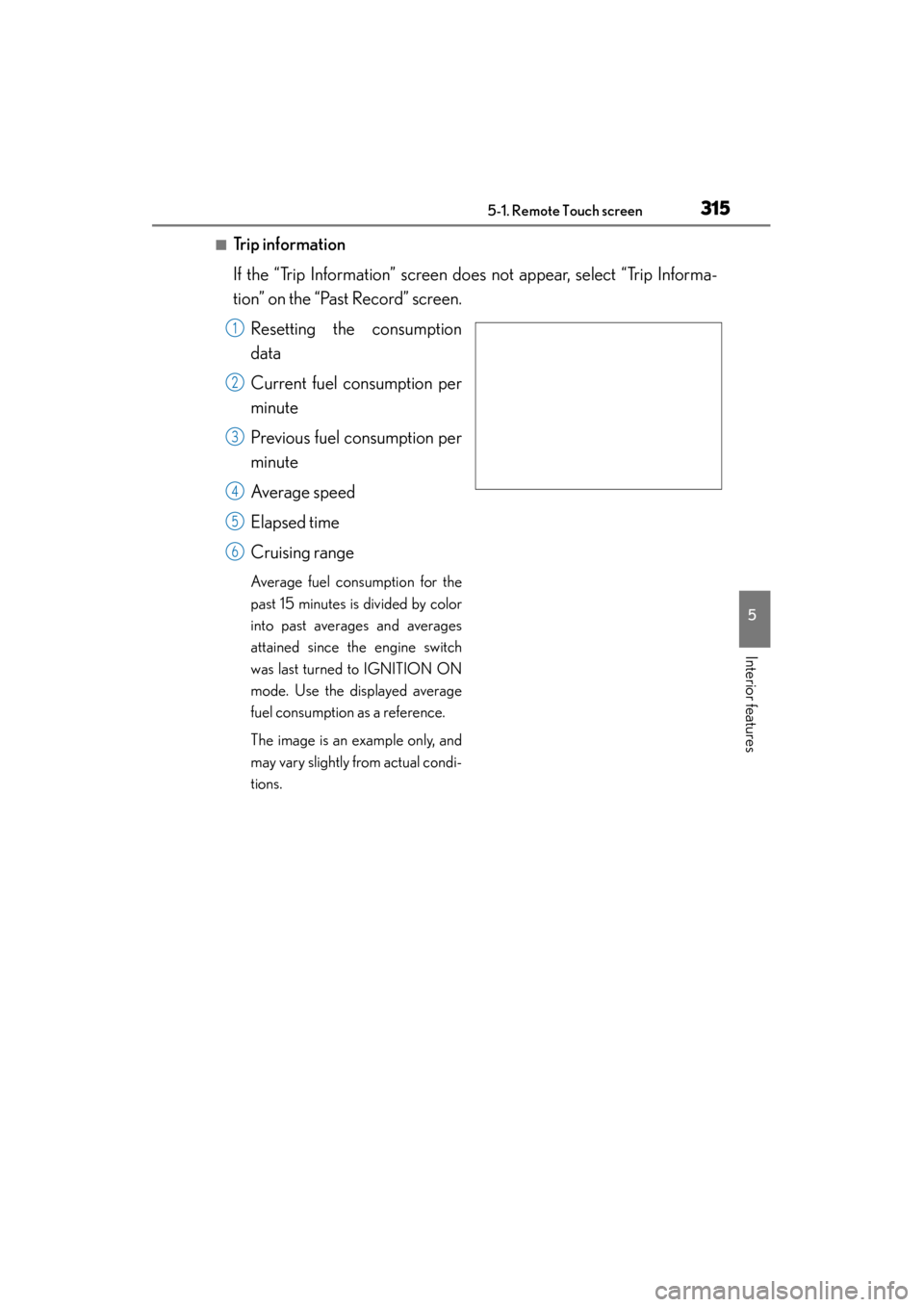
■Trip information
If the “Trip Information” screen does not appear, select “Trip Informa-
tion” on the “Past Record” screen.Resetting the consumption
data
Current fuel consumption per
minute
Previous fuel consumption per
minute
Average speed
Elapsed time
Cruising range
Average fuel consumption for the
past 15 minutes is divided by color
into past averages and averages
attained since the engine switch
was last turned to IGNITION ON
mode. Use the displayed average
fuel consumption as a reference.
The image is an example only, and
may vary slightly from actual condi-
tions.
1
2
3
4
5
6
Page 320 of 830
GS350_U (OM30C34U)
3195-1. Remote Touch screen
5
Interior features
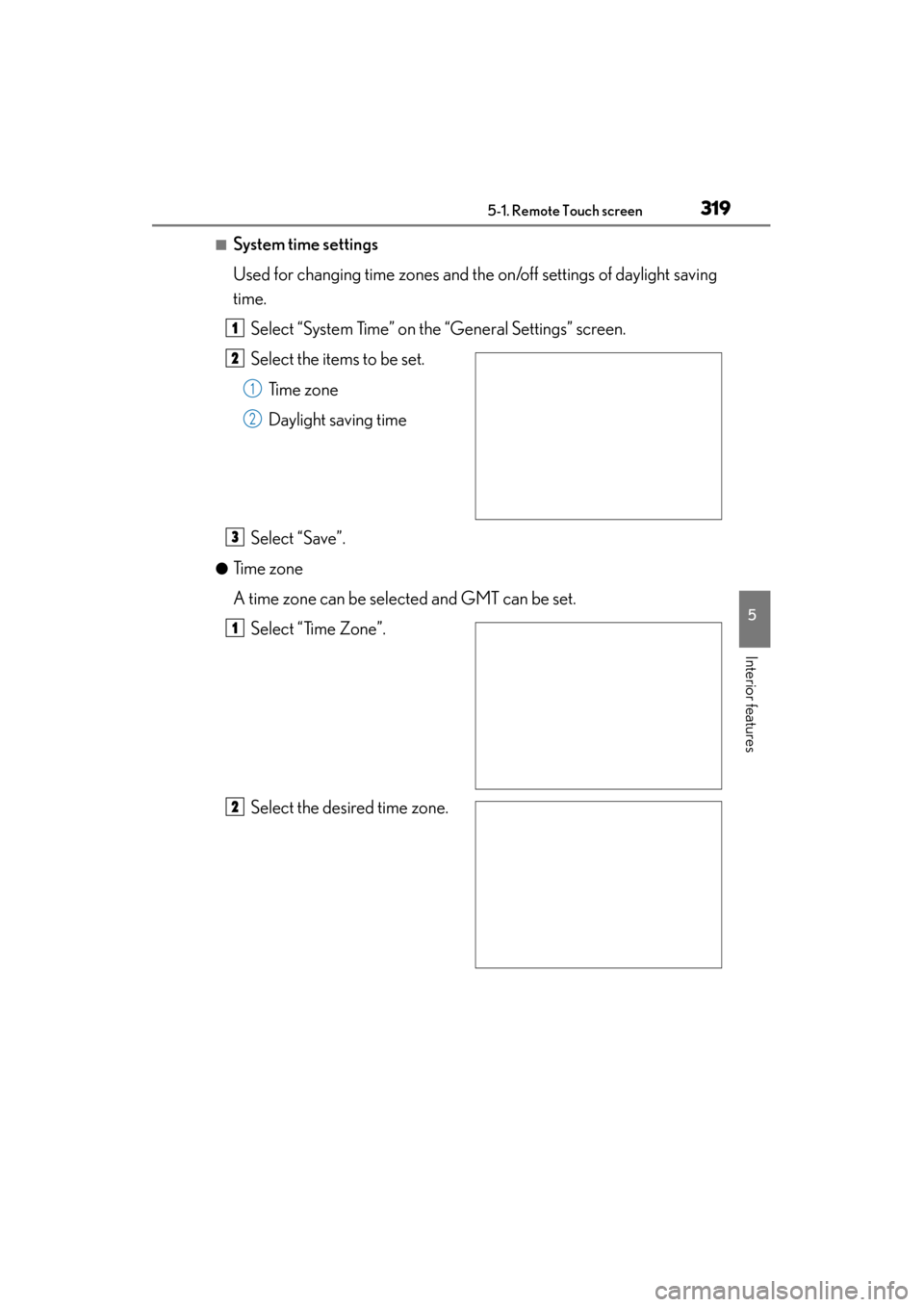
■System time settings
Used for changing time zones and the on/off settings of daylight saving
time.Select “System Time” on the “General Settings” screen.
Select the items to be set. Time zone
Daylight saving time
Select “Save”.
●Time zone
A time zone can be selected and GMT can be set. Select “Time Zone”.
Select the desired time zone.
1
2
1
2
3
1
2
Page 321 of 830
320
GS350_U (OM30C34U)
5-1. Remote Touch screen
If “Other” is selected, the zone
can be adjusted manually. Select
“+” or “-” to adjust the time zone
and then select “OK”.
●Daylight saving time
To select “On” or “Off” for daylight saving time.
■Selecting a language
The language can be changed.Select “Language” on the “General Settings” screen.
Select the desired screen but-
ton.
Select “Yes”.
The previous screen will be displayed.
Select “Save”.
1
2
3
4
Page 427 of 830
426
GS350_U (OM30C34U)
5-3. Using the audio system
Select “Display” on the “DVD Options” screen.
Select “<” or “>” to display the
desired item to be adjusted, and
then select “OK”.
The screen goes off when “Screen
Off” is selected. To turn the display
screen back on, select any button. The
selected screen appears.
Adjusting the screen
1
2
RG
ColorRedGreen
+-
To n eLighterDarker
ContrastWeakerStronger
BrightnessDarkerBrighter