light Lexus GS350 2013 Owner's Manual
[x] Cancel search | Manufacturer: LEXUS, Model Year: 2013, Model line: GS350, Model: Lexus GS350 2013Pages: 830, PDF Size: 9.71 MB
Page 567 of 830
566
GS350_U (OM30C34U)
5-7. Other interior features
Heated steering wheel∗
Turns the heater on/off
The indicator light comes on when the
heater is operating.
■Operating condition
The engine switch is in IGNITION ON mode.
■Timer
The heated steering wheel will automatically turn off after about 30 minutes.
■If the indicator light flashes
Press the button to turn the heated steering wheel off and then press the button
again. If the indicator light still flashes, a malfunction may be occurring. Turn the
heated steering wheel off and have the vehicle inspected by your Lexus dealer.
∗: If equipped
The heated steering wheel heats the side grips of the steering wheel.
Page 569 of 830
568
GS350_U (OM30C34U)
5-7. Other interior features
Seat heaters∗/s e a t v e n t i l a t o r s∗
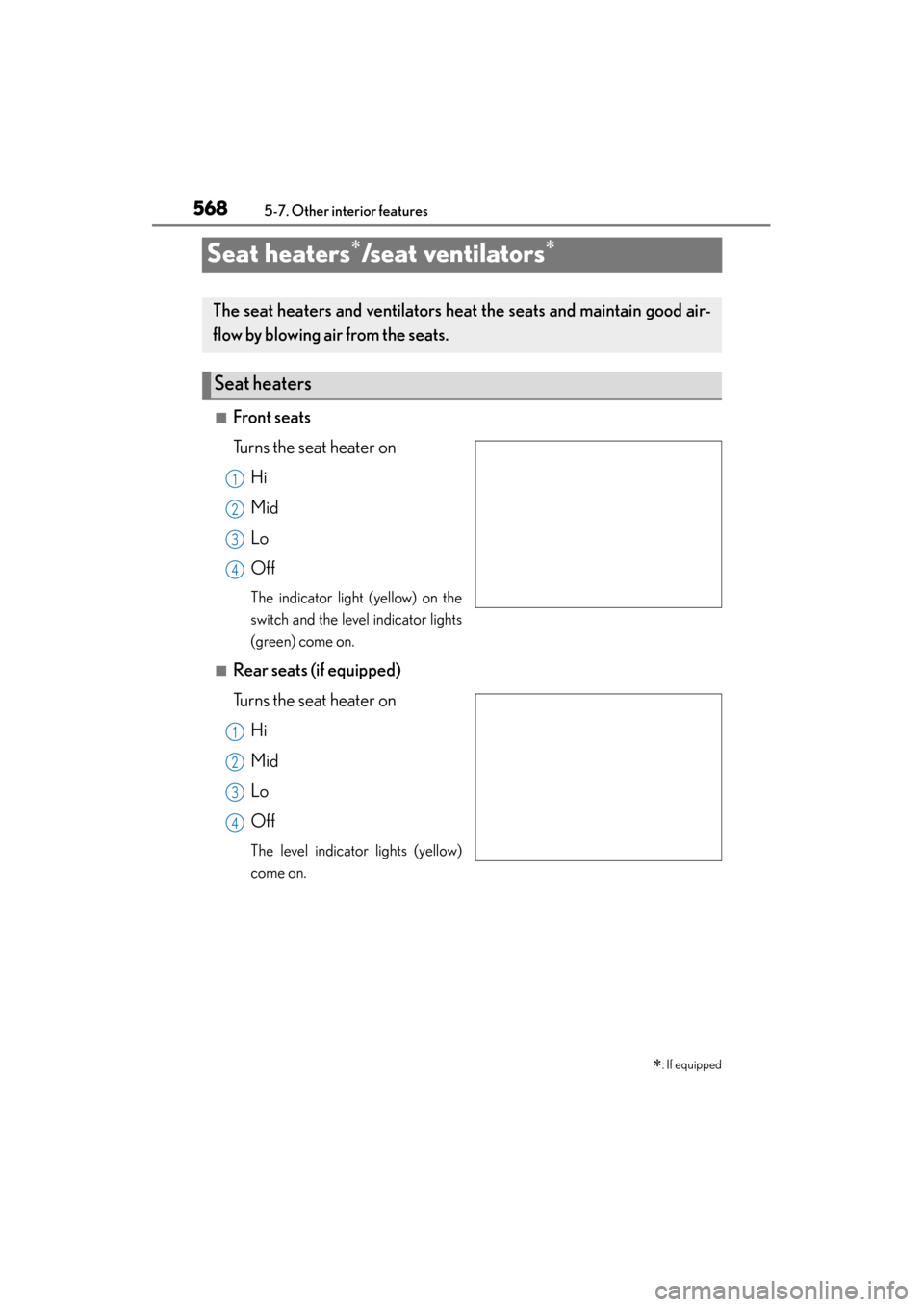
■Front seats
Turns the seat heater onHi
Mid
Lo
Off
The indicator light (yellow) on the
switch and the level indicator lights
(green) come on.
■Rear seats (if equipped)
Turns the seat heater onHi
Mid
Lo
Off
The level indicator lights (yellow)
come on.
∗: If equipped
The seat heaters and ventilators heat the seats and maintain good air-
flow by blowing air from the seats.
Seat heaters
1
2
13
4
1
2
13
4
Page 570 of 830
GS350_U (OM30C34U)
5695-7. Other interior features
5
Interior features
Blows air from the seatHi
Mid
Lo
Off
The indicator light (green) on the
switch and the level indicator lights
(green) come on.
■The seat heaters/seat ventilators can be used when
The engine switch is in IGNITION ON mode.
■The seat heater timer control
The seat heater automatically switches from Hi → Mid → Lo → Off. The switching
timing differs depending on the temperature inside the cabin etc. when the seat
heater was operated.
■Automatic operation of the seat heater during Eco drive mode
If the driving mode select switch is switched to Eco drive mode in cold temperatures,
the seat heater may be automatically operated to assist heating performance.
■Button lock function (vehicles with rear control panel)
To prevent inadvertent operation, some buttons on the rear armrest can be locked.
( → P. 3 6 4 )
■Rear control panel illumination off function (vehicles with rear control panel)
Control panel illumination on the rear armrest can be turned off. ( →P. 3 6 4 )
Seat ventilators (front seats only)
1
2
13
4
Page 580 of 830
579
GS350_U (OM30C34U)5-7. Other interior features
5
Interior features
Garage door opener∗
The garage door opener (HomeLink® Universal Transceiver) is manufac-
tured under license from HomeLink
®.
The HomeLink
® compatible transceiver in your vehicle has 3 buttons
which can be programmed to operate 3 different devices. Refer to the
programming method below appropriate for the device.
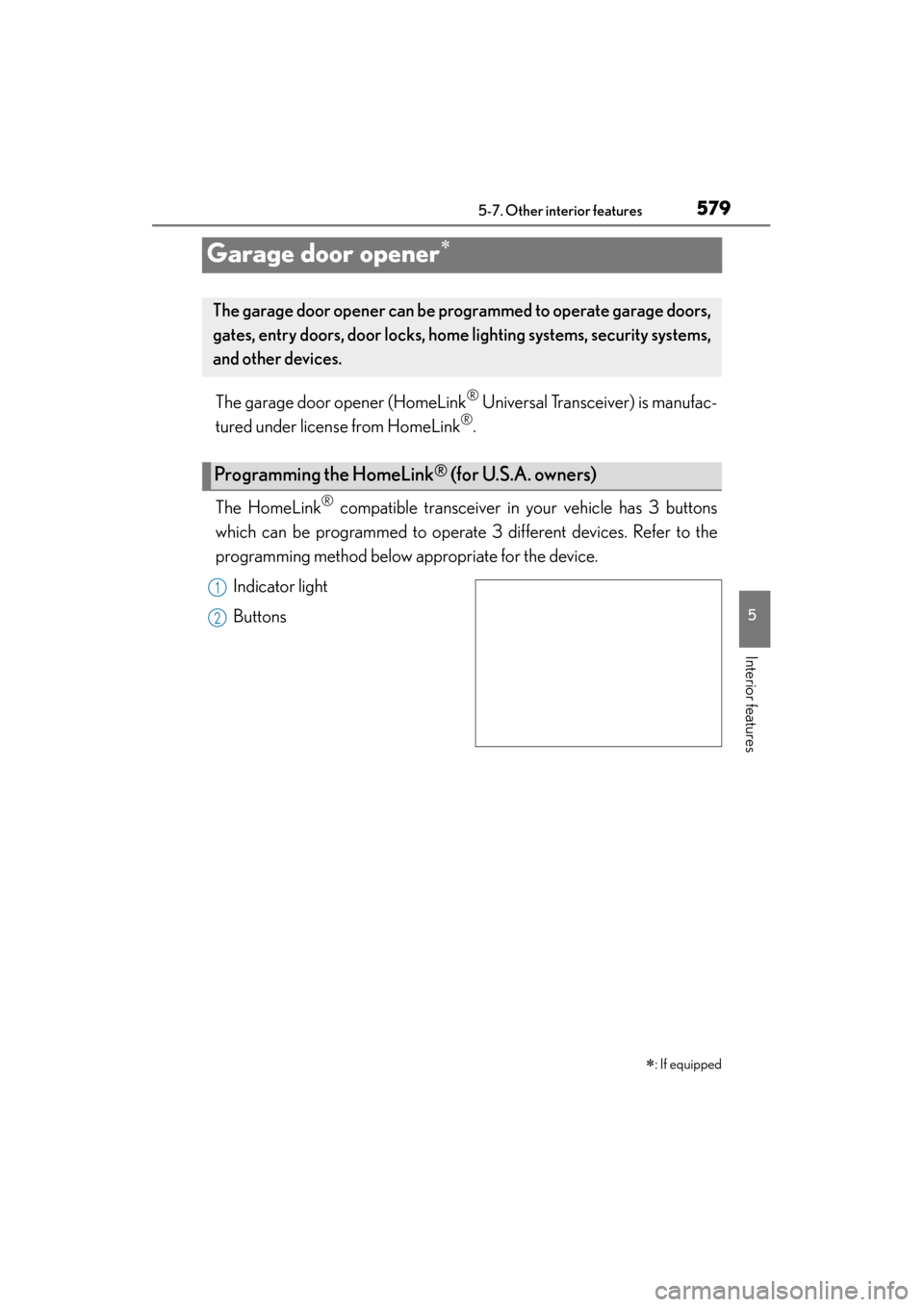
Indicator light
Buttons
∗
: If equipped
The garage door opener can be programmed to operate garage doors,
gates, entry doors, door locks, home lighting systems, security systems,
and other devices.
Programming the HomeLink® (for U.S.A. owners)
1
2
Page 581 of 830
580
GS350_U (OM30C34U)
5-7. Other interior features
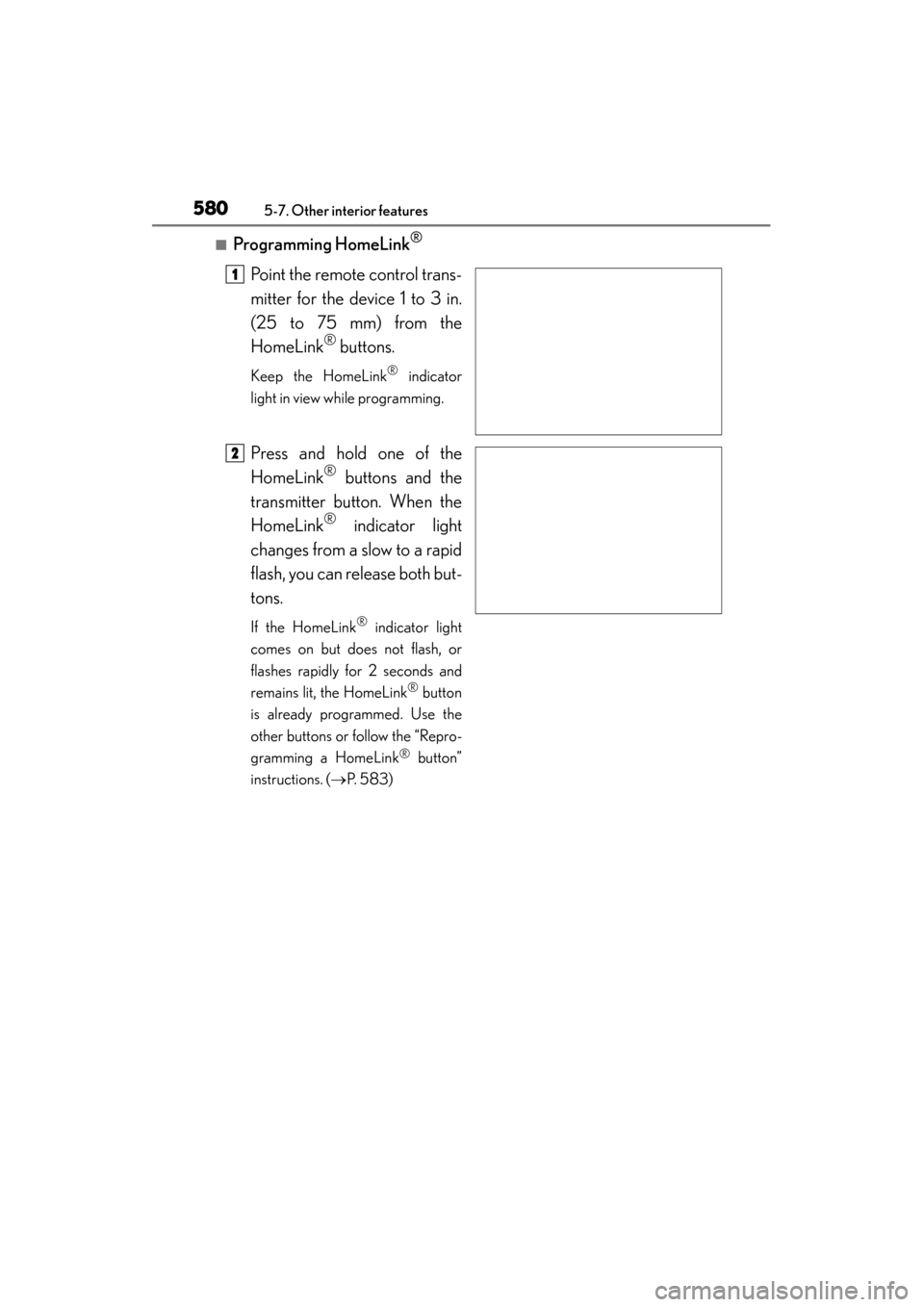
■Programming HomeLink®
Point the remote control trans-
mitter for the device 1 to 3 in.
(25 to 75 mm) from the
HomeLink
® buttons.
Keep the HomeLink® indicator
light in view while programming.
Press and hold one of the
HomeLink
® buttons and the
transmitter button. When the
HomeLink
® indicator light
changes from a slow to a rapid
flash, you can release both but-
tons.
If the HomeLink® indicator light
comes on but does not flash, or
flashes rapidly for 2 seconds and
remains lit, the HomeLink
® button
is already programmed. Use the
other buttons or follow the “Repro-
gramming a HomeLink
® button”
instructions. ( →P. 5 8 3 )
1
2
Page 582 of 830
GS350_U (OM30C34U)
5815-7. Other interior features
5
Interior features
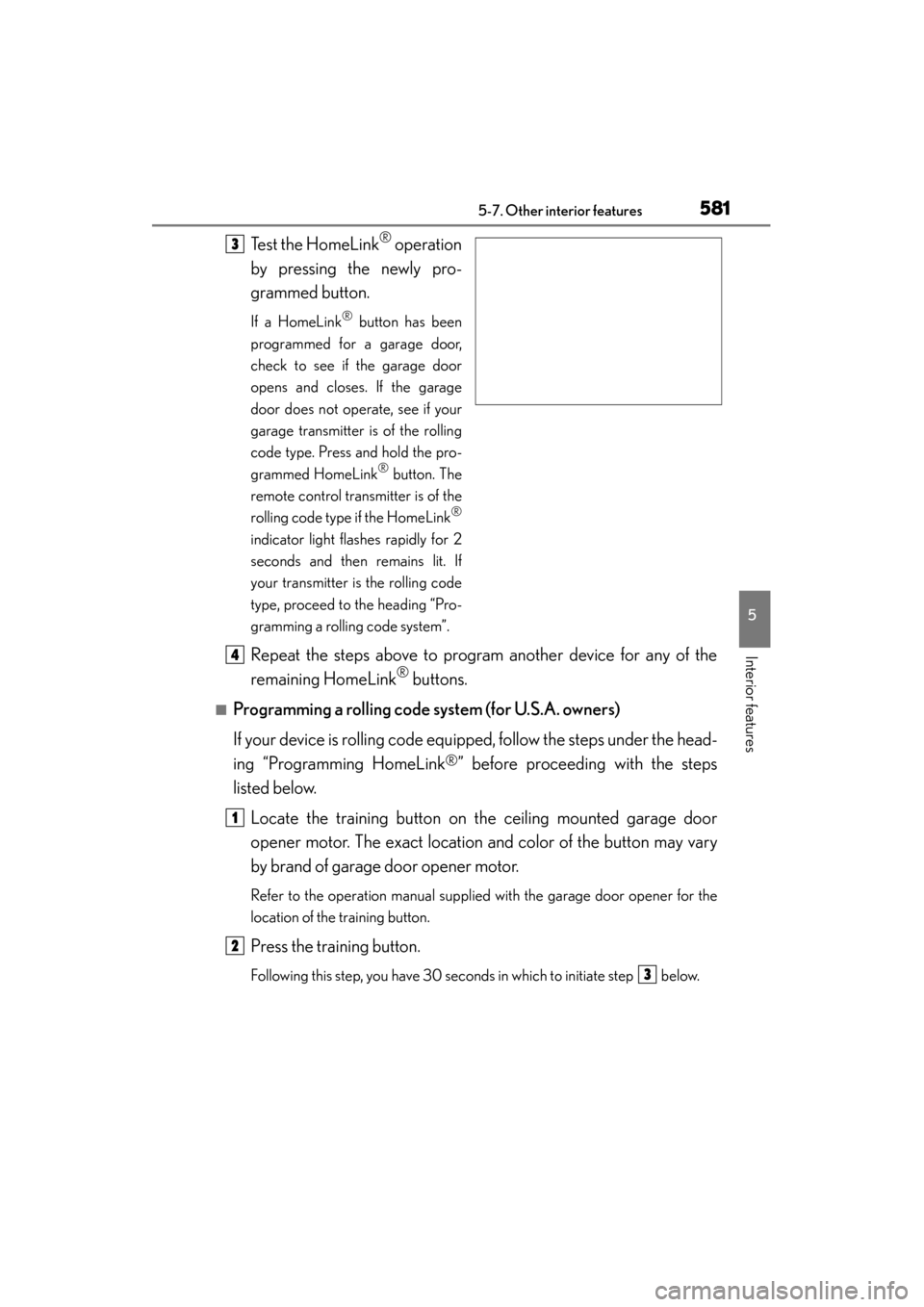
Test the HomeLink® operation
by pressing the newly pro-
grammed button.
If a HomeLink® button has been
programmed for a garage door,
check to see if the garage door
opens and closes. If the garage
door does not operate, see if your
garage transmitter is of the rolling
code type. Press and hold the pro-
grammed HomeLink
® button. The
remote control transmitter is of the
rolling code type if the HomeLink
®
indicator light flashes rapidly for 2
seconds and then remains lit. If
your transmitter is the rolling code
type, proceed to the heading “Pro-
gramming a rolling code system”.
Repeat the steps above to program another device for any of the
remaining HomeLink
® buttons.
■Programming a rolling code system (for U.S.A. owners)
If your device is rolling code equipped, follow the steps under the head-
ing “Programming HomeLink
®” before proceeding with the steps
listed below.
Locate the training button on the ceiling mounted garage door
opener motor. The exact location and color of the button may vary
by brand of garage door opener motor.
Refer to the operation manual supplied with the garage door opener for the
location of the training button.
Press the training button.
Following this step, you have 30 seconds in which to initiate step below.
3
4
1
2
3
Page 583 of 830
582
GS350_U (OM30C34U)
5-7. Other interior features
Press and hold the vehicle’s programmed HomeLink® button for 2
seconds and release it. Repeat this step once again. The garage door
may open.
If the garage door opens, the programming process is complete. If the door
does not open, press and release the button a third time. This third press and
release will complete the programming process by opening the garage door.
The ceiling mounted garage door opener motor should now recognize the
HomeLink
® signal and operate the garage door.
Repeat the steps above to program another rolling code system for
any of the remaining HomeLink
® buttons.
■Programming an entry gate (for U.S.A. owners)/Programming a
devices in the Canadian market
Place the remote control transmit ter 1 to 3 in. (25 to 75 mm) away
from the HomeLink
® buttons.
Keep the HomeLink® indicator light in view while programming.
Press and hold the selected HomeLink® button.
Repeatedly press and release (cycle) the remote control transmitter
for 2 seconds each until step is completed.
When the HomeLink
® indicator light starts to flash rapidly, release
the buttons.
Test the HomeLink
® operation by pressing the newly programmed
button. Check to see if the gate/device operates correctly.
Repeat the steps above to program another device for any of the
remaining HomeLink
® buttons.
■Programming other devices
To program other devices such as home security systems, home door
locks and lighting, contact your Lexus dealer for assistance.
■Reprogramming a button
The individual HomeLink
® buttons cannot be erased but can be repro-
grammed. To reprogram a button, follow the “Reprogramming a
HomeLink
® button” instructions.
3
4
1
2
3
4
4
5
6
Page 584 of 830
GS350_U (OM30C34U)
5835-7. Other interior features
5
Interior features
Press the appropriate HomeLink® button. The HomeLink® indicator light
should come on.
The HomeLink® compatible transceiver in your vehicle continues to send a sig-
nal for up to 20 seconds as long as the button is pressed.
Press and hold the desired HomeLink® button. After 20 seconds, the
HomeLink
® indicator light will start flashing slowly. Keep pressing the
HomeLink
® button and press and hold the transmitter button until the
HomeLink
® indicator light changes from a slow to a rapid flash. Release
the buttons.
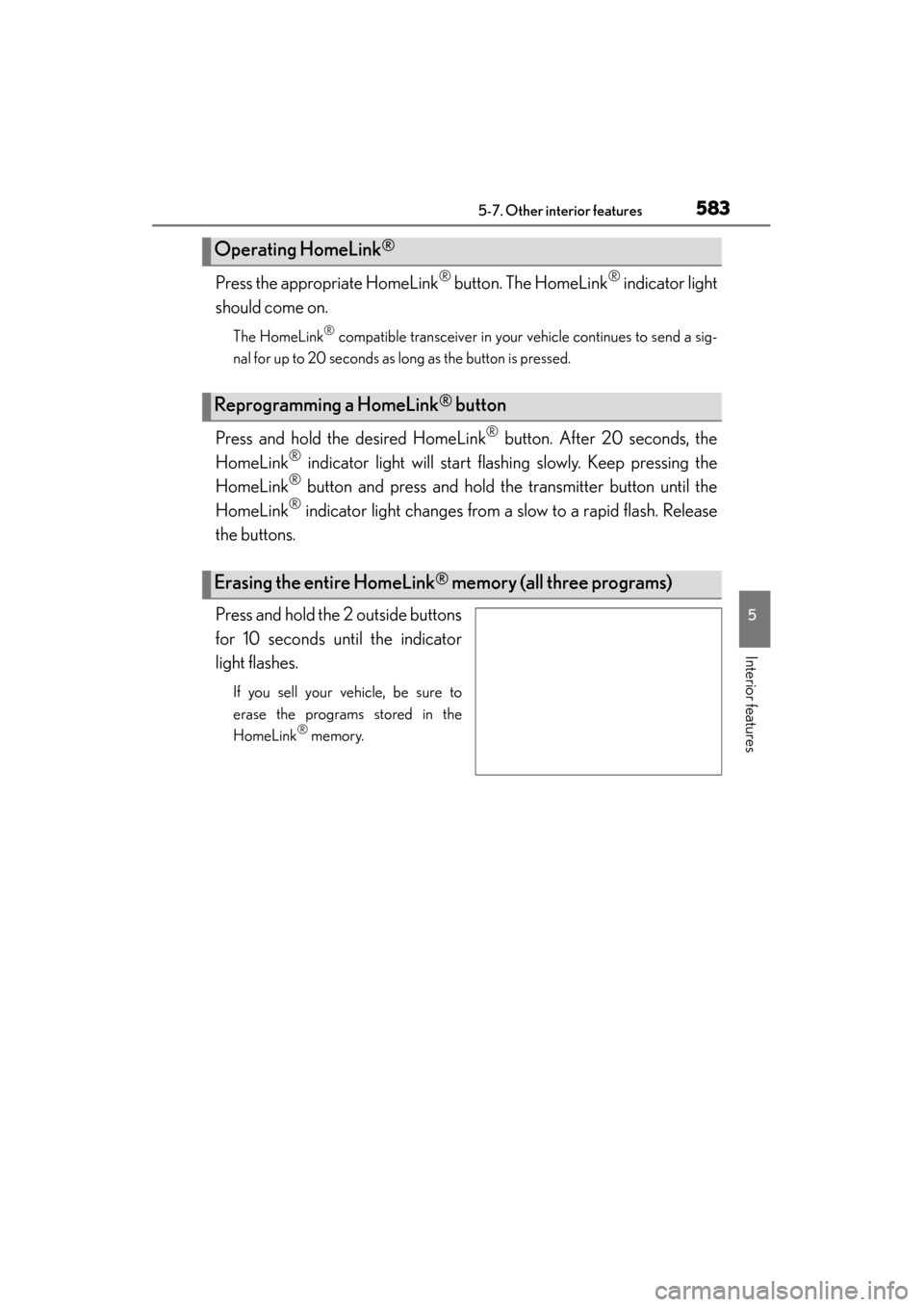
Press and hold the 2 outside buttons
for 10 seconds until the indicator
light flashes.
If you sell your vehicle, be sure to
erase the programs stored in the
HomeLink
® memory.
Operating HomeLink®
Reprogramming a HomeLink® button
Erasing the entire HomeLink® memory (all three programs)
Page 587 of 830
586
GS350_U (OM30C34U)
5-7. Other interior features
Safety Connect∗
“SOS” button
LED light indicators
Microphone∗
: If equipped
Safety Connect is a subscription-based telematics service that uses
Global Positioning System (GPS) data and embedded cellular technol-
ogy to provide safety and security features to subscribers. Safety Con-
nect is supported by Lexus’ de signated response center, which
operates 24 hours per day, 7 days per week.
Safety Connect service is available by subscription on select, telemat-
ics hardware-equipped vehicles.
By using the Safety Connect service, you are agreeing to be bound by
the Telematics Subscription Ser vice Agreement and its Terms and
Conditions, as in effect and amended from time to time, a current copy
of which is available at Lexus.com. All use of the Safety Connect ser-
vice is subject to such then-app licable Terms and Conditions.
System components
1
2
3
Page 590 of 830
GS350_U (OM30C34U)
5895-7. Other interior features
5
Interior features
When the engine switch is turned to IGNITION ON mode, the red indi-
cator light comes on for 2 seconds then turns off. Afterward, the green
indicator light comes on, indicating that the service is active.
The following indicator light patterns indicate specific system usage con-
ditions:
●Green indicator light on = Active service
●Green indicator light flashing = Safety Connect call in process
●Red indicator light (except at vehicle start-up) = System malfunction
(contact your Lexus dealer)
●No indicator light (off) = Safety Connect service not active
■Automatic Collision Notification
In case of either airbag deployment or severe rear-end collision, the
system is designed to automatically call the response center. The
responding agent receives the vehicle’s location and attempts to speak
with the vehicle occupants to assess the level of emergency. If the occu-
pants are unable to communicate, the agent automatically treats the
call as an emergency, contacts the nearest emergency services pro-
vider to describe the situation, and requests that assistance be sent to
the location.
Safety Connect LED light Indicators
Safety Connect services