display Lexus GS350 2013 Owner's Manual
[x] Cancel search | Manufacturer: LEXUS, Model Year: 2013, Model line: GS350, Model: Lexus GS350 2013Pages: 830, PDF Size: 9.71 MB
Page 486 of 830
485
GS350_U (OM30C34U)5-4. Using the hands-free phone system (for cellular phone)
5
Interior features
Hands-free system (for cellular phone)
The hands-free system is a function th at allows you to use your cellular
phone without touching it.
This system supports Bluetooth
® cellular phones. Bluetooth® is a wire-
less data system that allows a cellular phone to wirelessly connect to
the hands-free system and outgoing/incoming calls.
The illustrations of the hands-fr ee system screens shown here may
slightly vary depending on the type of the system.
Vehicles with a navigation system: The hands-free system function can
be displayed and operated on the “S ide Display”. For details, refer to
the “Navigation System Owner’s Manual”.
Page 487 of 830
486
GS350_U (OM30C34U)
5-4. Using the hands-free phone system (for cellular phone)
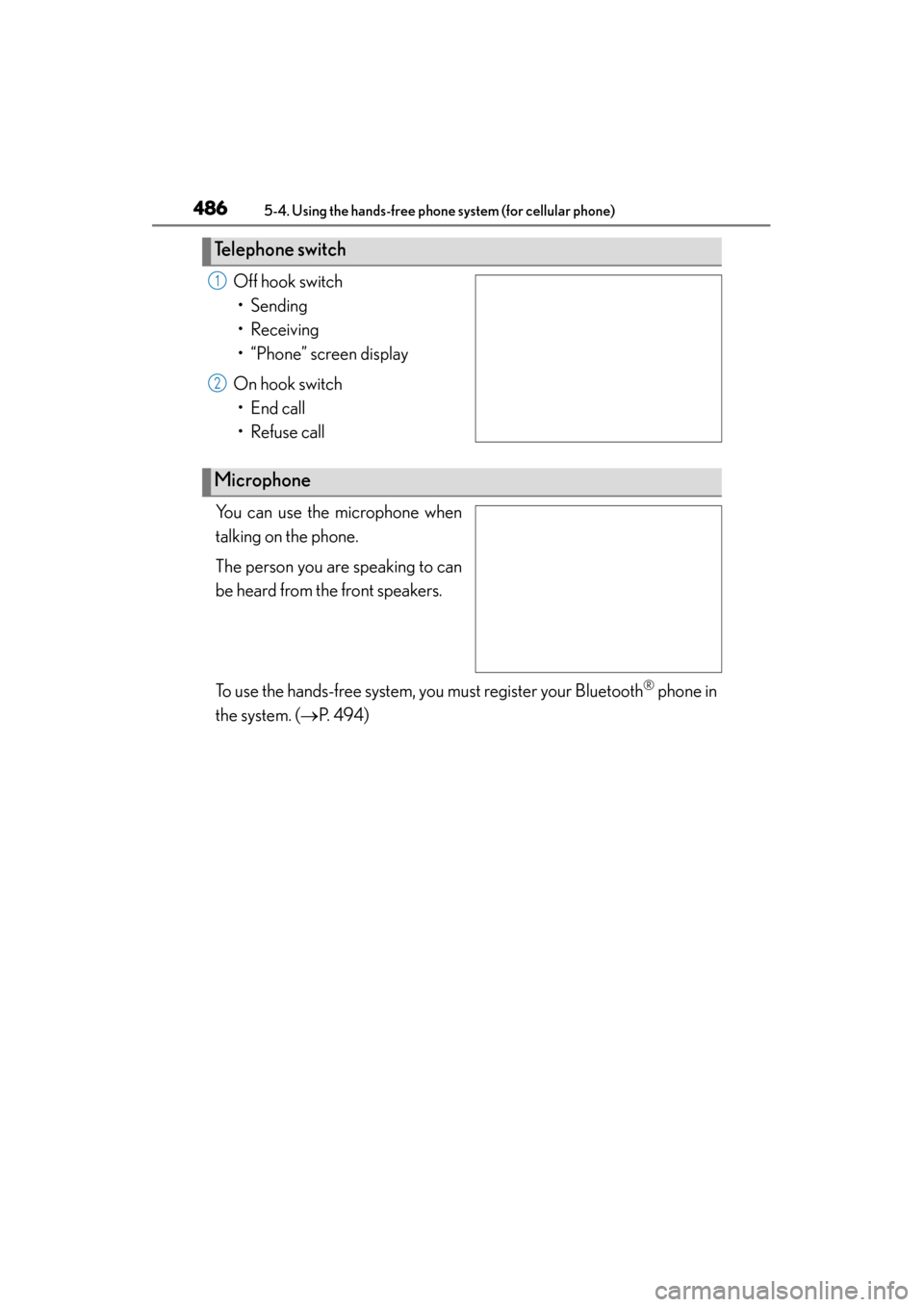
Off hook switch• Sending
• Receiving
• “Phone” screen display
On hook switch • End call
• Refuse call
You can use the microphone when
talking on the phone.
The person you are speaking to can
be heard from the front speakers.
To use the hands-free system, you must register your Bluetooth
® phone in
the system. ( →P. 4 9 4 )
Te l e p h o n e s w i t c h
1
2
Microphone
Page 488 of 830
GS350_U (OM30C34U)
4875-4. Using the hands-free phone system (for cellular phone)
5
Interior features
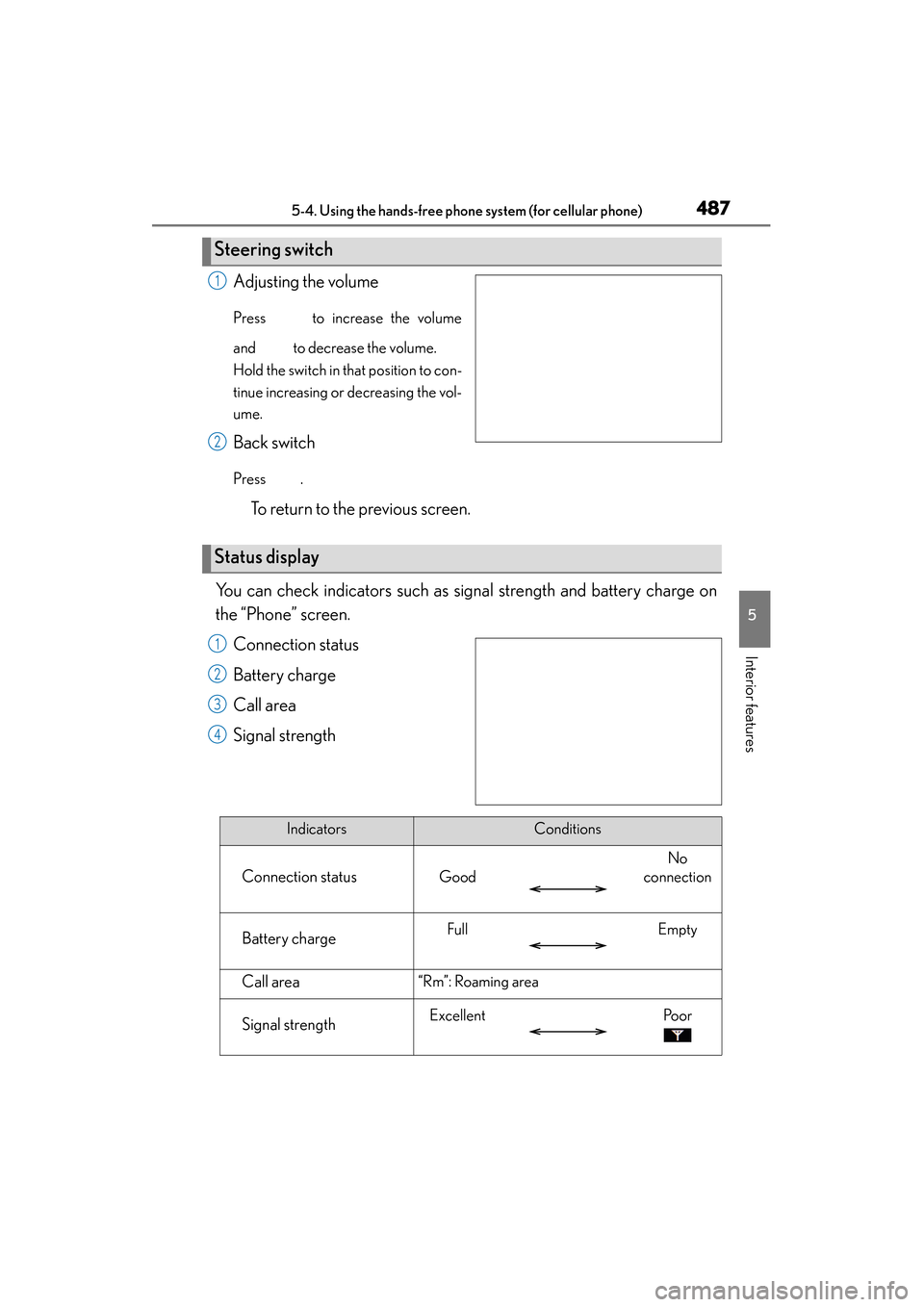
Adjusting the volume
Press to increase the volume
and to decrease the volume.
Hold the switch in that position to con-
tinue increasing or decreasing the vol-
ume.
Back switch
Press .
To return to the previous screen.
You can check indicators such as signal strength and battery charge on
the “Phone” screen. Connection status
Battery charge
Call area
Signal strength
Steering switch
1
2
Status display
1
2
3
4
IndicatorsConditions
Connection statusGood
No
connection
Battery chargeFullEmpty
Call area“Rm”: Roaming area
Signal strengthExcellentPo o r
Page 489 of 830
488
GS350_U (OM30C34U)
5-4. Using the hands-free phone system (for cellular phone)
■When using the hands-free system
●The audio system is muted when making a call.
●If both parties speak at the same time, it may be difficult to hear.
●If the incoming call volume is overly loud, an echo may be heard.
●Try to face toward the microphone as much as possible when speaking.
●In the following circumstances, it may be difficult to hear the other party:
• When driving on unpaved roads
• When driving at high speeds
• If a window is open
• If the air conditioning is blowing directly on the microphone
• If the air conditioning is set to high
• There is an effect from the network of the cellular phone
■Conditions under which the system will not operate
●If using a cellular phone that does not support Bluetooth®
●If the cellular phone is turned off
●If you are outside service range
●If the cellular phone is not connected
●If the cellular phone’s battery is low
●When the cellular phone is not connected, “No connect” is displayed.
■Bluetooth® antenna
The antenna is built into the instrument panel. If the cellular phone is behind the seat
or in the console box, or touching or covered by metal objects, connection status
may deteriorate.
■Battery charge/Signal status
●This display may not correspond exactly with the cellular phone itself.
●When the cellular phone is out of the service area or in a place inaccessible by
radio waves, “No Service” is displayed.
■When using Bluetooth® audio and hands-free system at the same time
The following problems may occur.
●The Bluetooth® connection may be cut.
●Noise may be heard on the Bluetooth® audio playback.
Page 494 of 830
493
GS350_U (OM30C34U)5-4. Using the hands-free phone system (for cellular phone)
5
Interior features
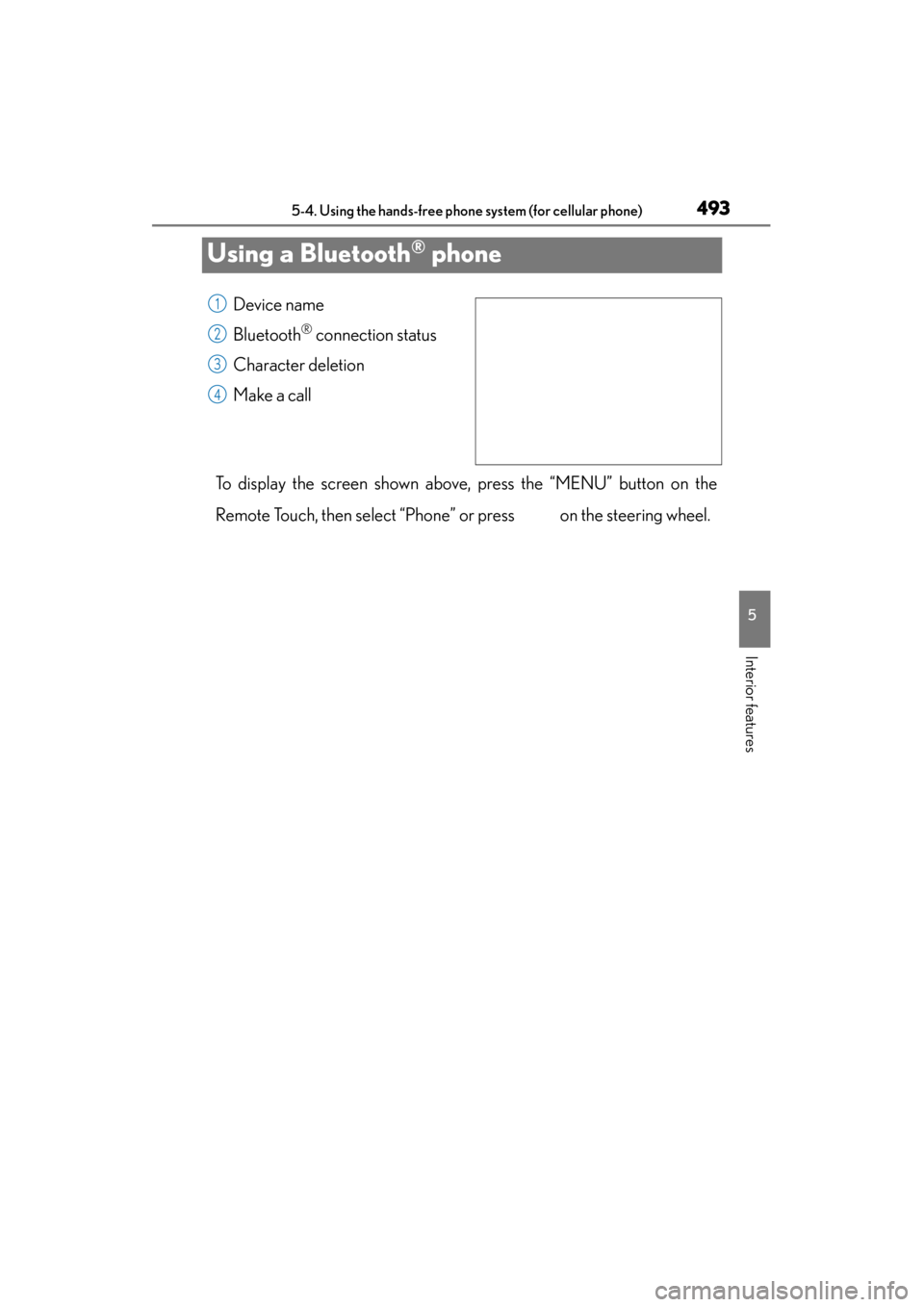
Using a Bluetooth® phone
Device name
Bluetooth
® connection status
Character deletion
Make a call
To display the screen shown above, press the “MENU” button on the
Remote Touch, then select “Phone” or press on the steering wheel.
1
2
3
4
Page 495 of 830
494
GS350_U (OM30C34U)
5-4. Using the hands-free phone system (for cellular phone)
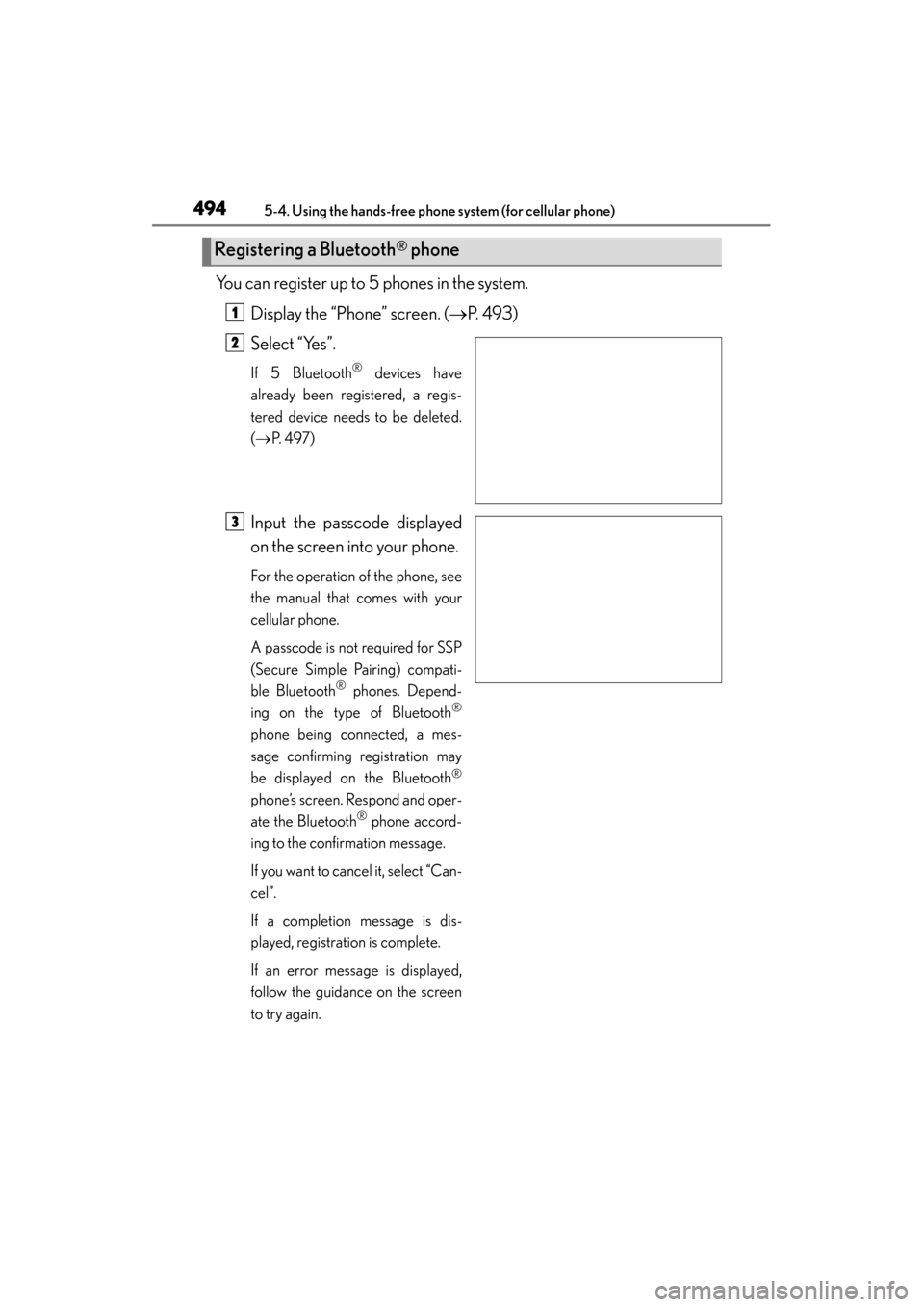
You can register up to 5 phones in the system.Display the “Phone” screen. ( →P. 493)
Select “Yes”.
If 5 Bluetooth® devices have
already been registered, a regis-
tered device needs to be deleted.
( → P. 4 9 7 )
Input the passcode displayed
on the screen into your phone.
For the operation of the phone, see
the manual that comes with your
cellular phone.
A passcode is not required for SSP
(Secure Simple Pairing) compati-
ble Bluetooth
® phones. Depend-
ing on the type of Bluetooth
®
phone being connected, a mes-
sage confirming registration may
be displayed on the Bluetooth
®
phone’s screen. Respond and oper-
ate the Bluetooth® phone accord-
ing to the confirmation message.
If you want to cancel it, select “Can-
cel”.
If a completion message is dis-
played, registration is complete.
If an error message is displayed,
follow the guidance on the screen
to try again.
Registering a Bluetooth® phone
1
2
3
Page 496 of 830
GS350_U (OM30C34U)
4955-4. Using the hands-free phone system (for cellular phone)
5
Interior features
There are two connection methods available — automatic and manual.
■Automatic
When you register your phone, auto
connection will be activated. Always
set it to this mode and leave the
Bluetooth
® phone on the place
where connection can be estab-
lished.
When the engine switch is turned to
ACCESSORY or IGNITION ON
mode, the system will search for a
nearby cellular phone you have reg-
istered. The system will connect with
the phone that was last connected, if
it is nearby.
When “Display Phone Status” is set
to “On”, the connection status is dis-
played. ( →P. 546)
Bluetooth® phone connection
Page 497 of 830
496
GS350_U (OM30C34U)
5-4. Using the hands-free phone system (for cellular phone)
■Manual
When the auto connection has failed or “Bluetooth* Power” is turned off,
you must connect Bluetooth
® manually.
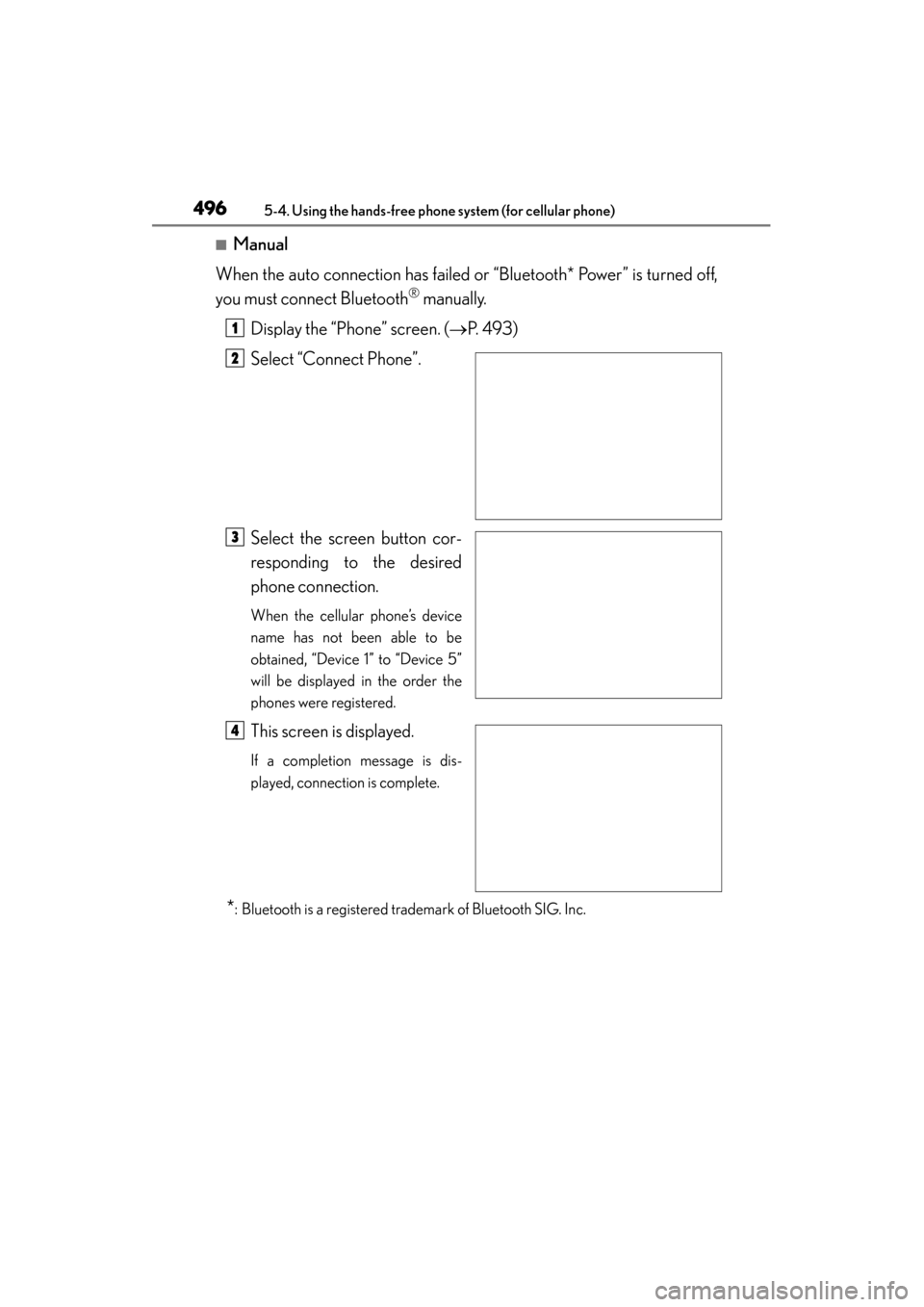
Display the “Phone” screen. ( →P. 493)
Select “Connect Phone”.
Select the screen button cor-
responding to the desired
phone connection.
When the cellular phone’s device
name has not been able to be
obtained, “Device 1” to “Device 5”
will be displayed in the order the
phones were registered.
This screen is displayed.
If a completion message is dis-
played, connection is complete.
*: Bluetooth is a registered trademark of Bluetooth SIG. Inc.
1
2
3
4
Page 498 of 830
GS350_U (OM30C34U)
4975-4. Using the hands-free phone system (for cellular phone)
5
Interior features
■Reconnecting to the Bluetooth® phone
If the system cannot connect due to poor signal strength with the engine switch in
ACCESSORY or IGNITION ON mode, the system will automatically attempt to
reconnect.
If the phone is turned off, the system will not attempt to reconnect. In this case, it must
be connected manually, or the phone must be re-selected or re-entered.
■Connecting the phone while Bluetooth® audio is playing
●Bluetooth® audio will stop temporarily.
●It may take time to connect.
■Connecting the phone while another Bluetooth® device is connected
When another Bluetooth
® device is currently connected, a confirmation message
will be displayed. To disconnect the Bluetooth® device, select “Yes”.
■Connecting the phone while 5 Bluetooth® devices have already been registered
When 5 Bluetooth
® devices have already been registered, a registered device
needs to be deleted. Select “Yes” to delete one or more.
Select the device to be deleted, then select “Remove”, and “Yes”.
■If the Bluetooth® phone has a Bluetooth® audio function
When the Bluetooth
® phone to be registered has a Bluetooth® audio function, this
audio function will be registered automatically at the same time and confirmation
message may be displayed. If this screen is displayed, select “Yes” to connect the
audio function or select “No” to cancel the connection.
Page 499 of 830
498
GS350_U (OM30C34U)
5-4. Using the hands-free phone system (for cellular phone)
Once the Bluetooth® phone is registered, you can make a call using the
following procedure:
■Dialing
Display the “Phone” screen. ( →P. 493)
Input the phone number.
To delete the inputted phone num-
ber, select .
Select or press on the steering wheel.
■Dialing from the phonebook
You can dial a number from the phonebook data imported from your
cellular phone. The system has one phonebook for each phone. Up to
1000 entries may be stored in each phonebook. ( →P. 5 1 4 )
Display the “Phone” screen. ( →P. 493)
Select “Contacts” on the “Phone” screen.
Choose the desired data to
call from the list.
Making a call
1
2
3
1
2
3