USB Lexus GS450h 2014 User Guide
[x] Cancel search | Manufacturer: LEXUS, Model Year: 2014, Model line: GS450h, Model: Lexus GS450h 2014Pages: 890, PDF Size: 40.62 MB
Page 502 of 890
GS450h_OM_OM30D52U_(U)
5015-3. Using the audio system
5
Interior features
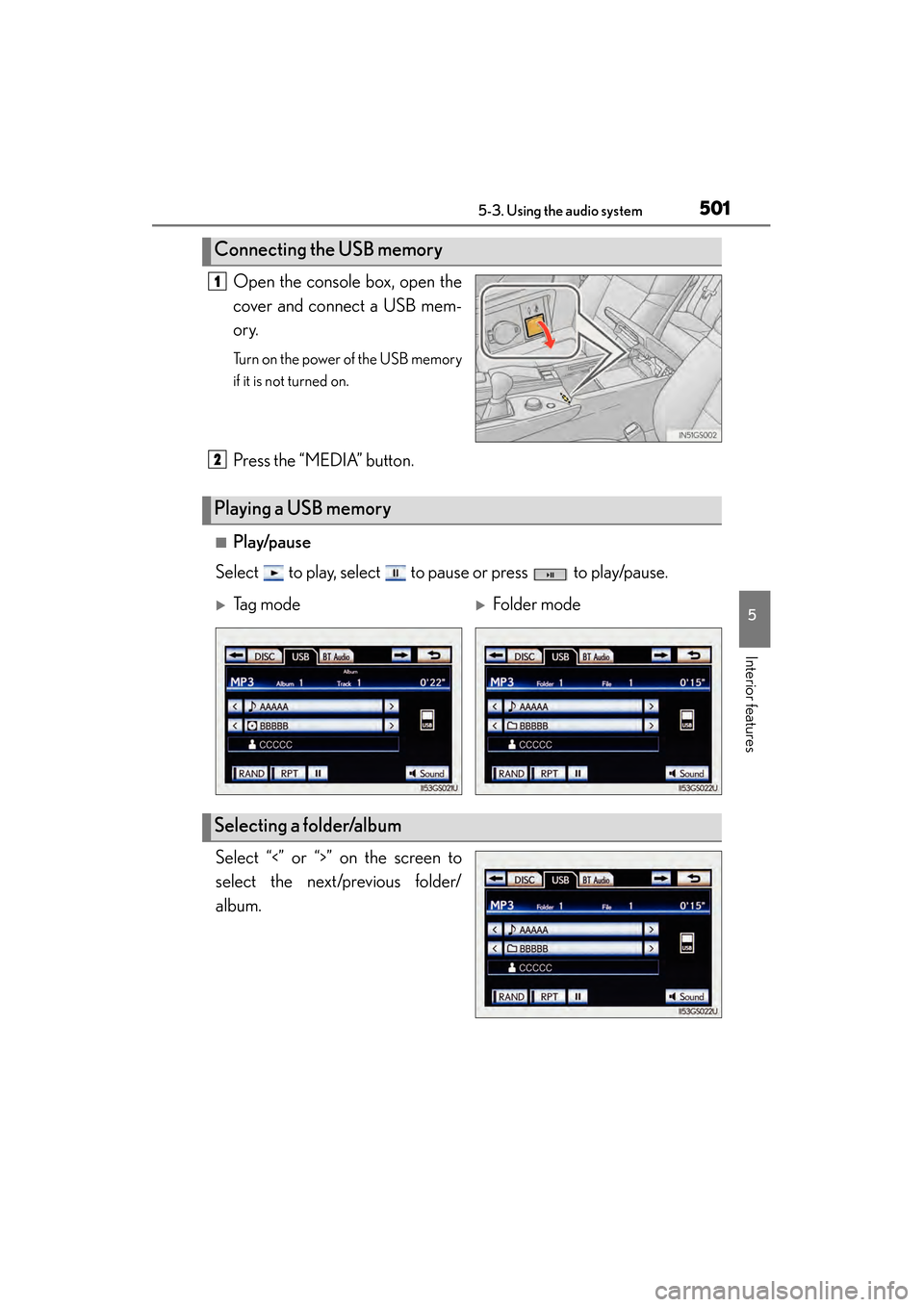
Open the console box, open the
cover and connect a USB mem-
ory.
Turn on the power of the USB memory
if it is not turned on.
Press the “MEDIA” button.
■Play/pause
Select to play, select to pause or press to play/pause.
Select “<” or “>” on the screen to
select the next/previous folder/
album.
Connecting the USB memory
1
Playing a USB memory
2
XTag modeXFolder mode
Selecting a folder/album
GS450h_OM_OM30D52U_(U).book Page 501 Monday, July 29, 2013 12:07 PM
Page 505 of 890
504
GS450h_OM_OM30D52U_(U)
5-3. Using the audio system
■Playing files/tracks from a particular folder in random order
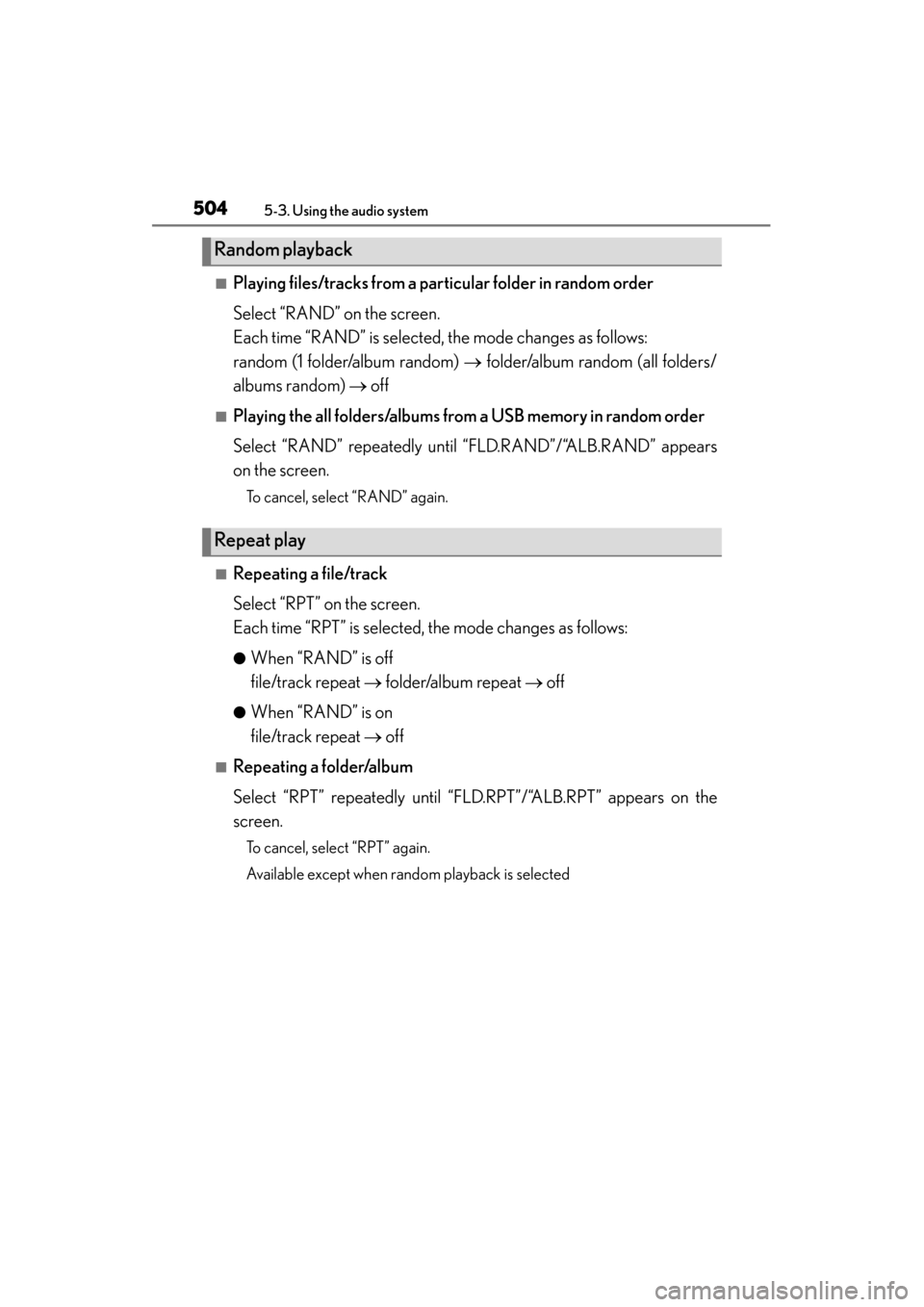
Select “RAND” on the screen.
Each time “RAND” is selected, the mode changes as follows:
random (1 folder/album random) → folder/album random (all folders/
albums random) → off
■Playing the all folders/albums from a USB memory in random order
Select “RAND” repeatedly unt il “FLD.RAND”/“ALB.RAND” appears
on the screen.
To cancel, select “RAND” again.
■Repeating a file/track
Select “RPT” on the screen.
Each time “RPT” is selected, the mode changes as follows:
●When “RAND” is off
file/track repeat → folder/album repeat → off
●When “RAND” is on
file/track repeat → off
■Repeating a folder/album
Select “RPT” repeatedly until “FLD.RPT”/“ALB.RPT” appears on the
screen.
To cancel, select “RPT” again.
Available except when random playback is selected
Random playback
Repeat play
GS450h_OM_OM30D52U_(U).book Page 504 Monday, July 29, 2013 12:07 PM
Page 506 of 890
GS450h_OM_OM30D52U_(U)
5055-3. Using the audio system
5
Interior features
■If you select
The display returns to the previous screen.
■USB memory functions
●When the USB memory is connected and the audio source is changed to USB
memory mode, the USB memory will start playing the first file in the first folder. If
the same device is removed and reinserted (and the contents have not been
changed), the USB memory will resume playing from the same point it was last
used.
●Depending on the USB memory that is connected to the system, certain functions
may not be available. Disconnecting the device and reconnecting it once again
may resolve some malfunctions.
■When using a USB memory
You may be unable to use the instrument panel power outlet if the USB memory is
connected to the USB port at the same time.
■Error messages for USB memory
“USB Error”: This indicates a problem in the USB memory or its connection.
“No music files found.”: This indicates that no MP3/WMA files are included in theUSB memory.
■USB memory
●Compatible devices
USB memory that can be used for MP3 and WMA playback.
●Compatible device formats
The following device formats can be used:
• USB communication formats: USB2.0 HS (480 Mbps) and FS (12 Mbps)
• File formats: FAT16/32 (Windows)
• Correspondence class: Mass storage class
MP3 and WMA files written in any format other than those listed above may not play
correctly, and their file names and folder names may not be displayed correctly.
Items related to standards and limitations are as follows:
• Maximum directory hierarchy: 8 levels
• Maximum number of folders in a device: 3000 (including the root)
• Maximum number of files in a device: 9999
• Maximum number of files per folder: 255
GS450h_OM_OM30D52U_(U).book Page 505 Monday, July 29, 2013 12:07 PM
Page 508 of 890
GS450h_OM_OM30D52U_(U)
5075-3. Using the audio system
5
Interior features
●MP3 and WMA playback
• When a device containing MP3 or WMA files is connected, all files in the USBmemory device are checked. Once the file check is finished, the first MP3 or
WMA file is played. To make the file check finish more quickly, we recommend
that you do not include any files other than MP3 or WMA files or create any
unnecessary folders.
• When the USB device is connected and the audio source is changed to USB memory mode, the USB device will start playing the first file in the first folder. If
the same device is removed and reinserted (and the contents have not been
changed), the USB device will resume play from the same point in which it was
last used.
●Extensions
If the file extensions .mp3 and .wma are used for files other than MP3 and WMA
files, they will be skipped (not played).
●Playback
• To play MP3 files with steady sound quality, we recommend a fixed bit rate of atleast 128 kbps and a sampling frequency of 44.1 kHz.
• There is a wide variety of freeware and other encoding software for MP3 and WMA files on the market, and depending on the status of the encoding and the
file format, poor sound quality or noise at the start of playback may result. In
some cases, playback may not be possible at all.
• Microsoft, Windows, and Windows Media are registered trademarks of Microsoft Corporation in the U.S.A. and other countries.
GS450h_OM_OM30D52U_(U).book Page 507 Monday, July 29, 2013 12:07 PM
Page 509 of 890
508
GS450h_OM_OM30D52U_(U)
5-3. Using the audio system
CAUTION
■While driving
Do not connect an USB memory or operate the controls.
NOTICE
■If the armrest cannot be fully closed
Depending on the size and shape of the USB memory that is connected to the sys-
tem, the armrest may not close fully. In this case, do not forcibly close the armrest
as this may damage the USB memory or the terminal, etc.
■To prevent damage to the USB memory or its terminal
●Do not leave USB memory in the vehicle. The temperature inside of the vehicle
may become high, resulting in damage to the USB memory.
●Do not push down on or apply unnecessary pressure to the USB memory while it
is connected.
●Do not insert foreign objects into the port.
GS450h_OM_OM30D52U_(U).book Page 508 Monday, July 29, 2013 12:07 PM
Page 517 of 890
516
GS450h_OM_OM30D52U_(U)
5-3. Using the audio system
■iPod cover art
●Depending on the iPod and the songs in the iPod, iPod cover art may be displayed.
This function can be changed to “On” or “Off”. (→P. 5 1 2 )
●It may take time to display iPod cover art, and the iPod may not be operated while
the cover art display is in process.
●Only iPod cover art that is saved in JPEG format can be displayed.
■iPod functions
●When the iPod connected to the system includes iPod video, the system can only
output the sound by selecting “Video” on the “iPod” screen.
●Depending on the iPod, the video sound may not be able to be heard.
●When an iPod is connected and the audio source is changed to iPod mode, the
iPod will resume play from the same point in which it was last used.
●Depending on the iPod that is connected to the system, certain functions may not
be available. If a function is unavailable due to a malfunction (as opposed to a sys-
tem specification), disconnecting the device and reconnecting it once again may
resolve the problem.
■When using an iPod
You maybe unable to use the instrument panel power outlet if the iPod is connected
to the USB port at the same time.
■Battery charge
When an iPod is connected using a genuine iPod cable, the iPod starts charging its
battery.
■Error messages for iPod
“iPod Error”:
This indicates a problem in the iPod or its connection.
“No music files found.”:
This indicates that there is no music data in the iPod.
“Please check the iPod firmware version.”:
This indicates that the software version is not compatible. Perform the iPod firmware
updates and try again.
“iPod authorization failed.”:
This indicates that it failed to authorize the iPod. Please check your iPod.
GS450h_OM_OM30D52U_(U).book Page 516 Monday, July 29, 2013 12:07 PM
Page 525 of 890
524
GS450h_OM_OM30D52U_(U)
5-3. Using the audio system
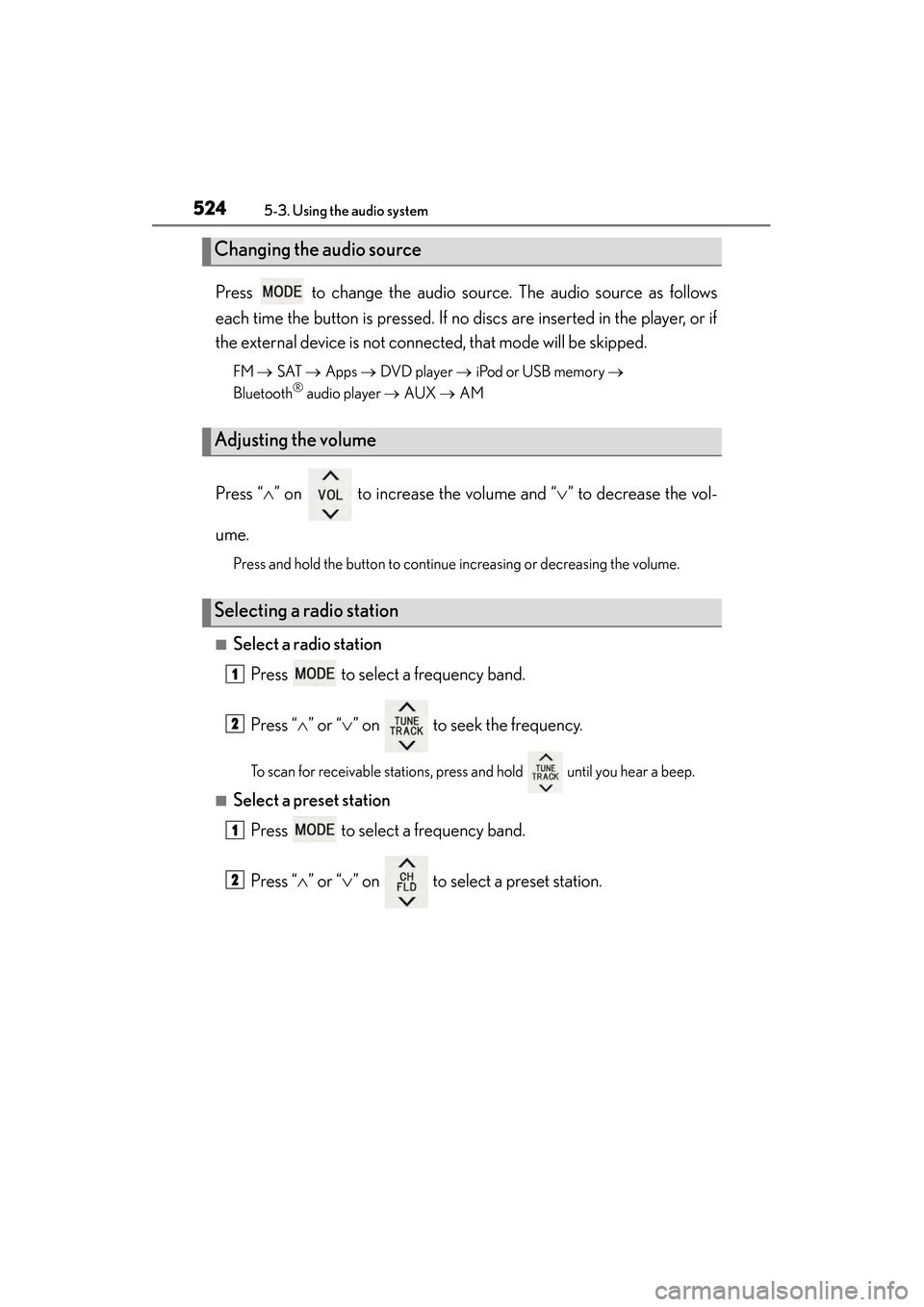
Press to change the audio source. The audio source as follows
each time the button is pressed. If no discs are inserted in the player, or if
the external device is not connected, that mode will be skipped.
FM → SAT → Apps → DVD player → iPod or USB memory →
Bluetooth® audio player → AUX → AM
Press “ ∧” on to increase the volume and “ ∨” to decrease the vol-
ume.
Press and hold the button to continue increasing or decreasing the volume.
■Select a radio station Press to select a frequency band.
Press “ ∧” or “ ∨” on to seek the frequency.
To scan for receivable stations, press and hold until you hear a beep.
■Select a preset station
Press to select a frequency band.
Press “ ∧” or “ ∨” on to select a preset station.
Changing the audio source
Adjusting the volume
Selecting a radio station
1
2
1
2
GS450h_OM_OM30D52U_(U).book Page 524 Monday, July 29, 2013 12:07 PM
Page 527 of 890
526
GS450h_OM_OM30D52U_(U)
5-3. Using the audio system
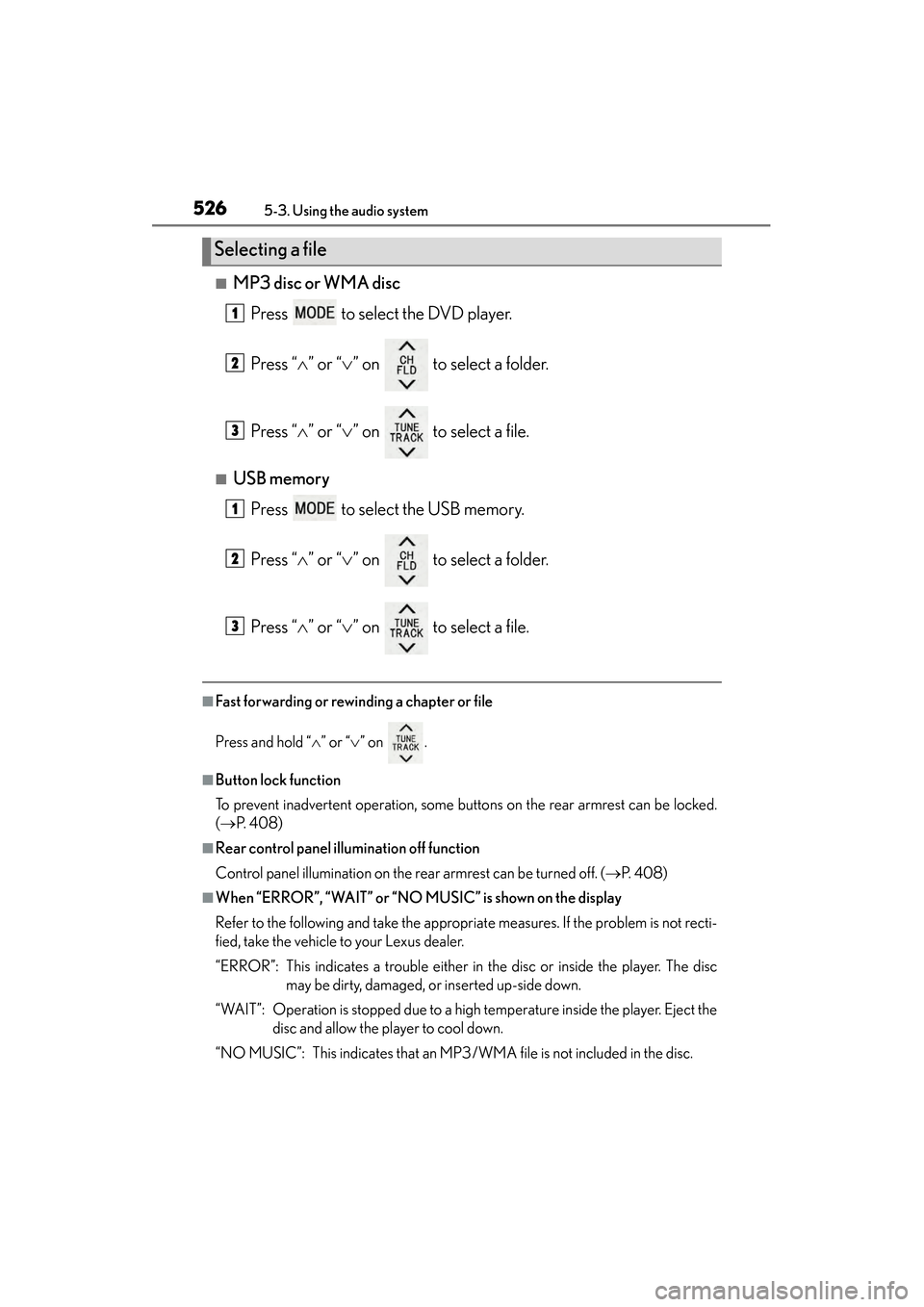
■MP3 disc or WMA discPress to select the DVD player.
Press “ ∧” or “ ∨” on to select a folder.
Press “ ∧” or “ ∨” on to select a file.
■USB memory
Press to select the USB memory.
Press “ ∧” or “ ∨” on to select a folder.
Press “ ∧” or “ ∨” on to select a file.
■Fast forwarding or rewinding a chapter or file
Press and hold “ ∧” or “ ∨” on .
■Button lock function
To prevent inadvertent operation, some buttons on the rear armrest can be locked.
(→ P. 4 0 8 )
■Rear control panel illumination off function
Control panel illumination on the rear armrest can be turned off. ( →P. 4 0 8 )
■When “ERROR”, “WAIT” or “NO MUSIC” is shown on the display
Refer to the following and take the appropriate measures. If the problem is not recti-
fied, take the vehicle to your Lexus dealer.
“ERROR”: This indicates a trouble either in the disc or inside the player. The disc
may be dirty, damaged, or inserted up-side down.
“WAIT”: Operation is stopped due to a high temperature inside the player. Eject the disc and allow the player to cool down.
“NO MUSIC”: This indicates that an MP3/WMA file is not included in the disc.
Selecting a file
1
2
3
1
2
3
GS450h_OM_OM30D52U_(U).book Page 526 Monday, July 29, 2013 12:07 PM
Page 528 of 890
527
GS450h_OM_OM30D52U_(U)5-3. Using the audio system
5
Interior features
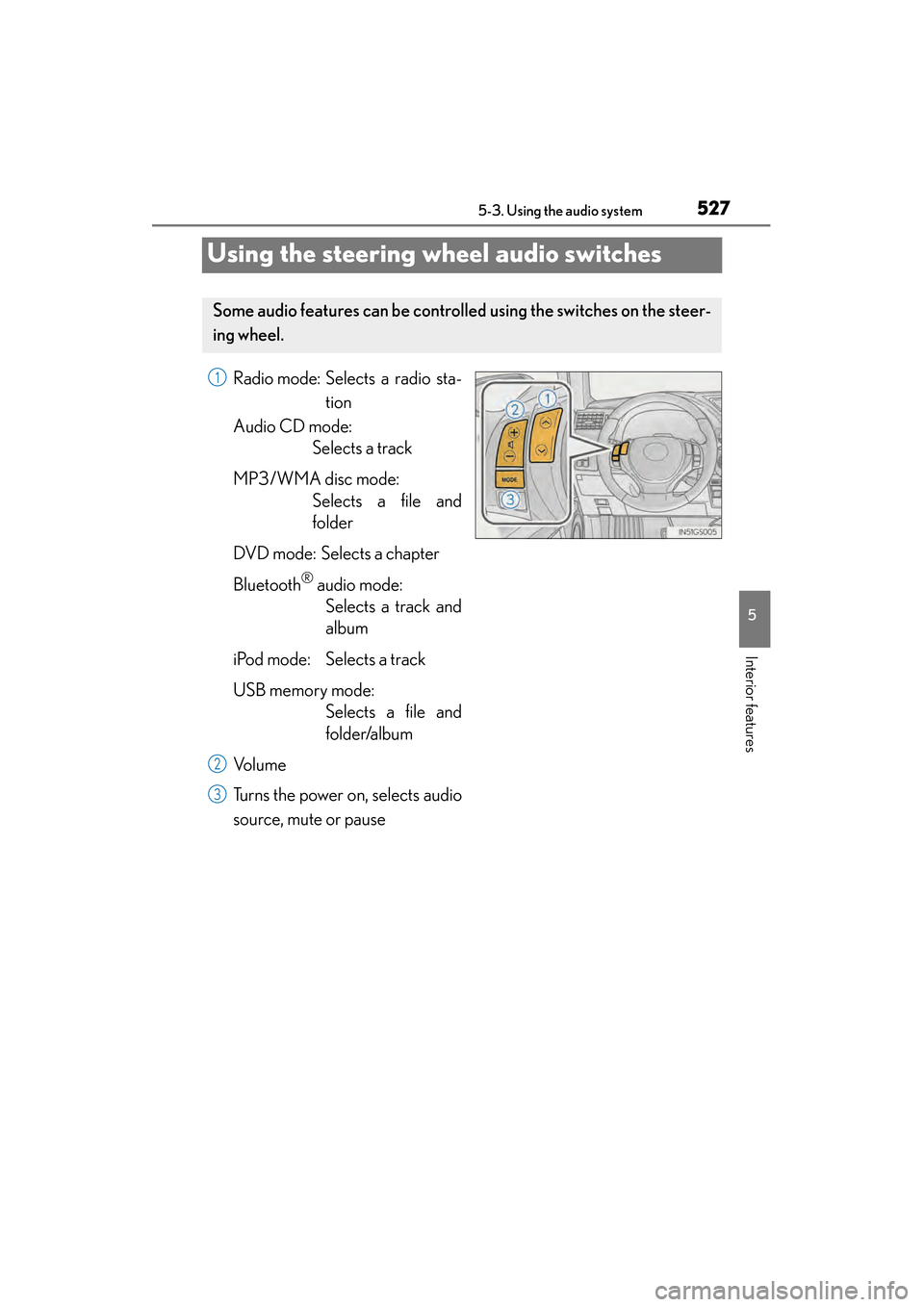
Using the steering wheel audio switches
Radio mode: Selects a radio sta- tion
Audio CD mode: Selects a track
MP3/WMA disc mode: Selects a file and
folder
DVD mode: Selects a chapter
Bluetooth
® audio mode: Selects a track and
album
iPod mode: Selects a track
USB memory mode: Selects a file and
folder/album
Vo l u m e
Turns the power on, selects audio
source, mute or pause
Some audio features can be controll ed using the switches on the steer-
ing wheel.
1
2
3
GS450h_OM_OM30D52U_(U).book Page 527 Monday, July 29, 2013 12:07 PM
Page 530 of 890
GS450h_OM_OM30D52U_(U)
5295-3. Using the audio system
5
Interior features
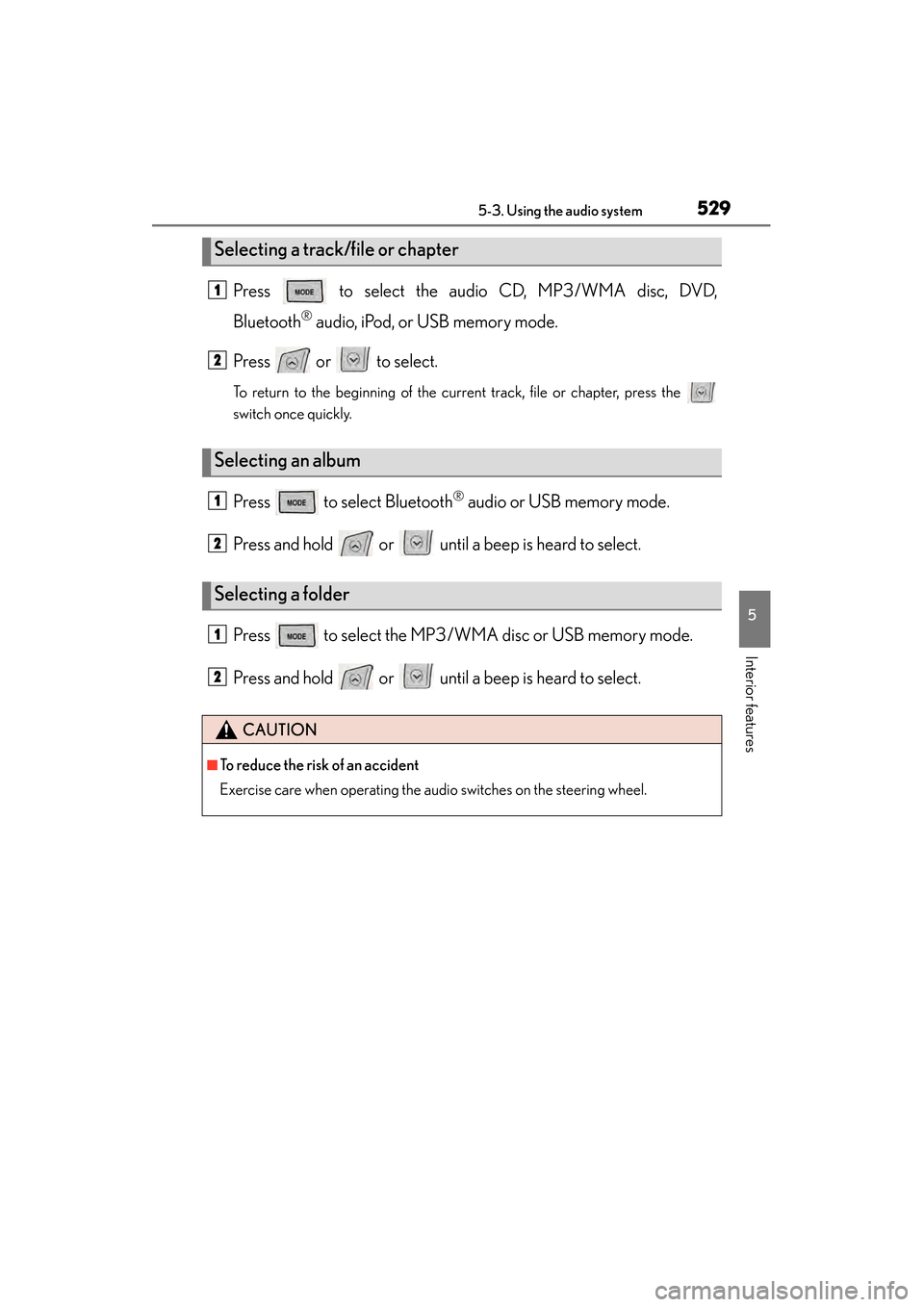
Press to select the audio CD, MP3/WMA disc, DVD,
Bluetooth
® audio, iPod, or USB memory mode.
Press or to select.
To return to the beginning of the current track, file or chapter, press the
switch once quickly.
Press to select Bluetooth® audio or USB memory mode.
Press and hold or until a beep is heard to select.
Press to select the MP3/W MA disc or USB memory mode.
Press and hold or until a beep is heard to select.
Selecting a track/file or chapter
Selecting an album
Selecting a folder
CAUTION
■To reduce the risk of an accident
Exercise care when operating the audio switches on the steering wheel.
1
2
1
2
1
2
GS450h_OM_OM30D52U_(U).book Page 529 Monday, July 29, 2013 12:07 PM