wheel Lexus GS450h 2014 Service Manual
[x] Cancel search | Manufacturer: LEXUS, Model Year: 2014, Model line: GS450h, Model: Lexus GS450h 2014Pages: 890, PDF Size: 40.62 MB
Page 309 of 890
308
GS450h_OM_OM30D52U_(U)
4-5. Using the driving support systems
Driving assist systems
◆ABS (Anti-lock Brake System)
Helps to prevent wheel lock when the brakes are applied suddenly, or if
the brakes are applied while driving on a slippery road surface
◆Brake assist
Generates an increased level of braking force after the brake pedal is
depressed when the system detects a panic stop situation
◆VSC (Vehicle Stability Control)
Helps the driver to control skidding when swerving suddenly or turning
on slippery road surfaces
◆TRAC (Traction Control)
Helps to maintain drive power and prevent the drive wheels from spin-
ning when starting the vehicle or accelerating on slippery roads
◆EPS (Electric Power Steering)
Employs an electric motor to reduce the amount of effort needed to
turn the steering wheel
To help enhance driving safety and performance, the following systems
operate automatically in response to various driving situations. Be
aware, however, that these systems are supplementary and should not
be relied upon too heavily when operating the vehicle.
GS450h_OM_OM30D52U_(U).book Page 308 Monday, July 29, 2013 12:07 PM
Page 310 of 890
GS450h_OM_OM30D52U_(U)
3094-5. Using the driving support systems
4
Driving
◆AVS (Adaptive Variable Suspension system)
By independently controlling the damping force of the shock absorbers
for each of the 4 wheels according to the road and driving conditions,
this system helps riding comfort with superior steering stability, and
helps good vehicle posture
When SPORT S+ mode is selected by the driving mode select switch,
the damping force is suitable for sporty driving ( →P. 305)
◆VDIM (Vehicle Dynamics Integrated Management)
Provides integrated control of the ABS, brake assist, TRAC, VSC and
EPS
Helps to maintain vehicle stability when swerving on slippery road sur-
faces by controlling the brakes, hybrid system output, steering assist,
and steering ratio
◆PCS (Pre-Collision System) (if equipped)
→ P. 315
GS450h_OM_OM30D52U_(U).book Page 309 Monday, July 29, 2013 12:07 PM
Page 311 of 890
310
GS450h_OM_OM30D52U_(U)
4-5. Using the driving support systems
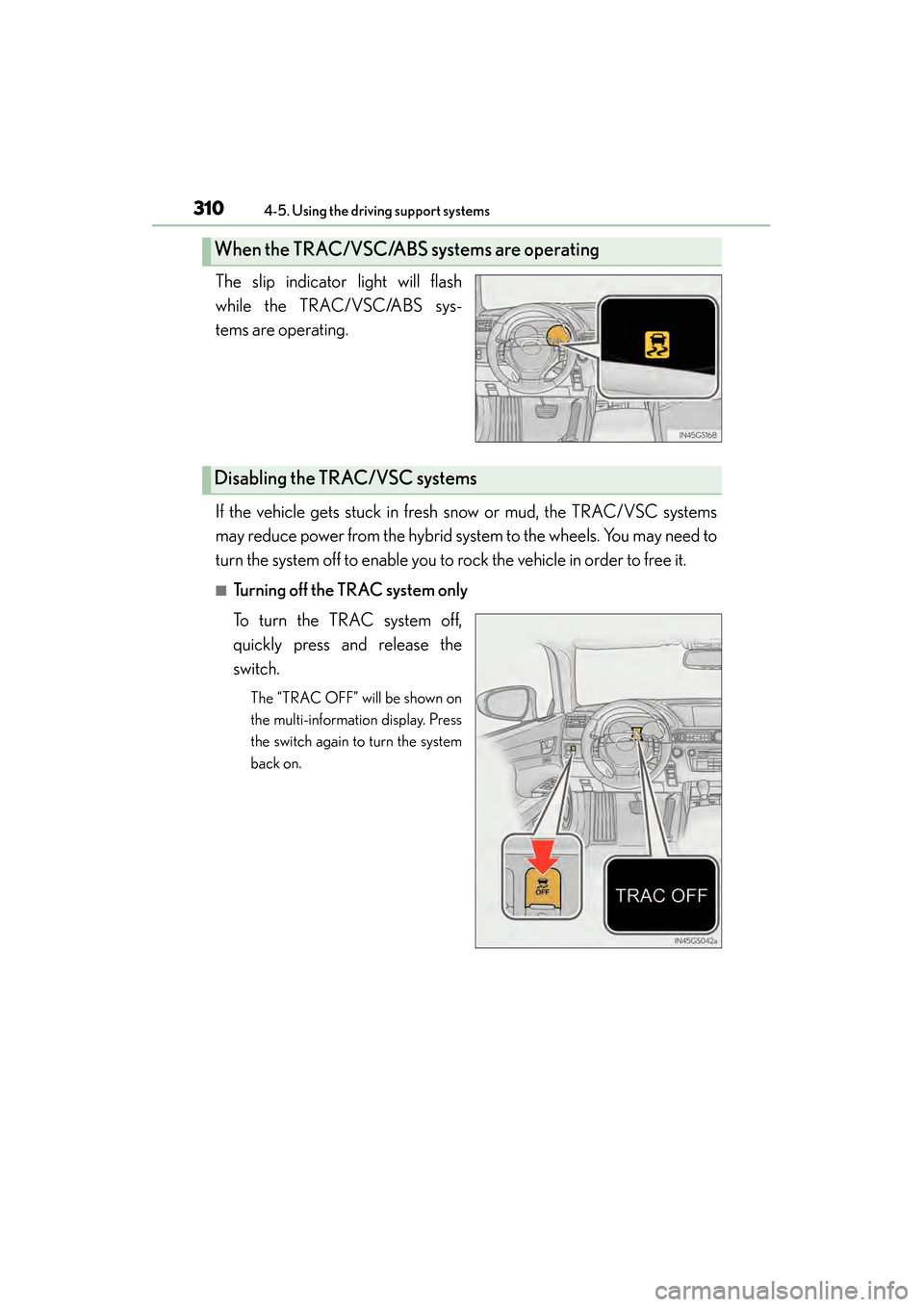
The slip indicator light will flash
while the TRAC/VSC/ABS sys-
tems are operating.
If the vehicle gets stuck in fresh snow or mud, the TRAC/VSC systems
may reduce power from the hybrid system to the wheels. You may need to
turn the system off to enable you to rock the vehicle in order to free it.
■Turning off the TRAC system only
To turn the TRAC system off,
quickly press and release the
switch.
The “TRAC OFF” will be shown on
the multi-information display. Press
the switch again to turn the system
back on.
When the TRAC/VSC/ABS systems are operating
Disabling the TRAC/VSC systems
GS450h_OM_OM30D52U_(U).book Page 310 Monday, July 29, 2013 12:07 PM
Page 313 of 890
312
GS450h_OM_OM30D52U_(U)
4-5. Using the driving support systems
■When the message is displayed on the multi-information display showing that
TRAC has been disabled even if the VSC OFF switch has not been pressed
TRAC cannot be operated. Contact your Lexus dealer.
■Sounds and vibrations caused by the ABS, brake assist, VSC and TRAC systems
●A sound may be heard from the engine compartment when the brake pedal is
depressed repeatedly, when the hybrid system is started or just after the vehicle
begins to move. This sound does not indicate that a malfunction has occurred in
any of these systems.
●Any of the following conditions may occur when the above systems are operating.
None of these indicates that a malfunction has occurred.
• Vibrations may be felt through the vehicle body and steering.
• A motor sound may be heard after the vehicle comes to a stop.
■EPS operation sound
When the steering wheel is operated, a motor sound (whirring sound) may be heard.
This does not indicate a malfunction.
■Reactivation of the TRAC/VSC systems
Even after the TRAC/VSC systems have been turned off, turning the hybrid system
off and then on again will automatically reactivate the TRAC/VSC systems.
■Reactivation of the TRAC system linked to vehicle speed
When only the TRAC system is turned off, the TRAC system will turn on when vehi-
cle speed increases. However, when both TRAC/VSC systems are turned off, the
systems will not turn on even when vehicle speed increases.
■Reduced effectiveness of the EPS system
The effectiveness of the EPS system is reduced to prevent the system from overheat-
ing when there is frequent steering input over an extended period of time. The steer-
ing wheel may feel heavy as a result.
* Should this occur, refrain from excessive
steering input or stop the vehicle and turn the hybrid system off. The EPS system
should return to normal within 10 minutes.
*: If the LKA (Lane-Keeping Assist) system cannot operate in this case, a warning
message will be shown on the multi-information display.
GS450h_OM_OM30D52U_(U).book Page 312 Monday, July 29, 2013 12:07 PM
Page 315 of 890
314
GS450h_OM_OM30D52U_(U)
4-5. Using the driving support systems
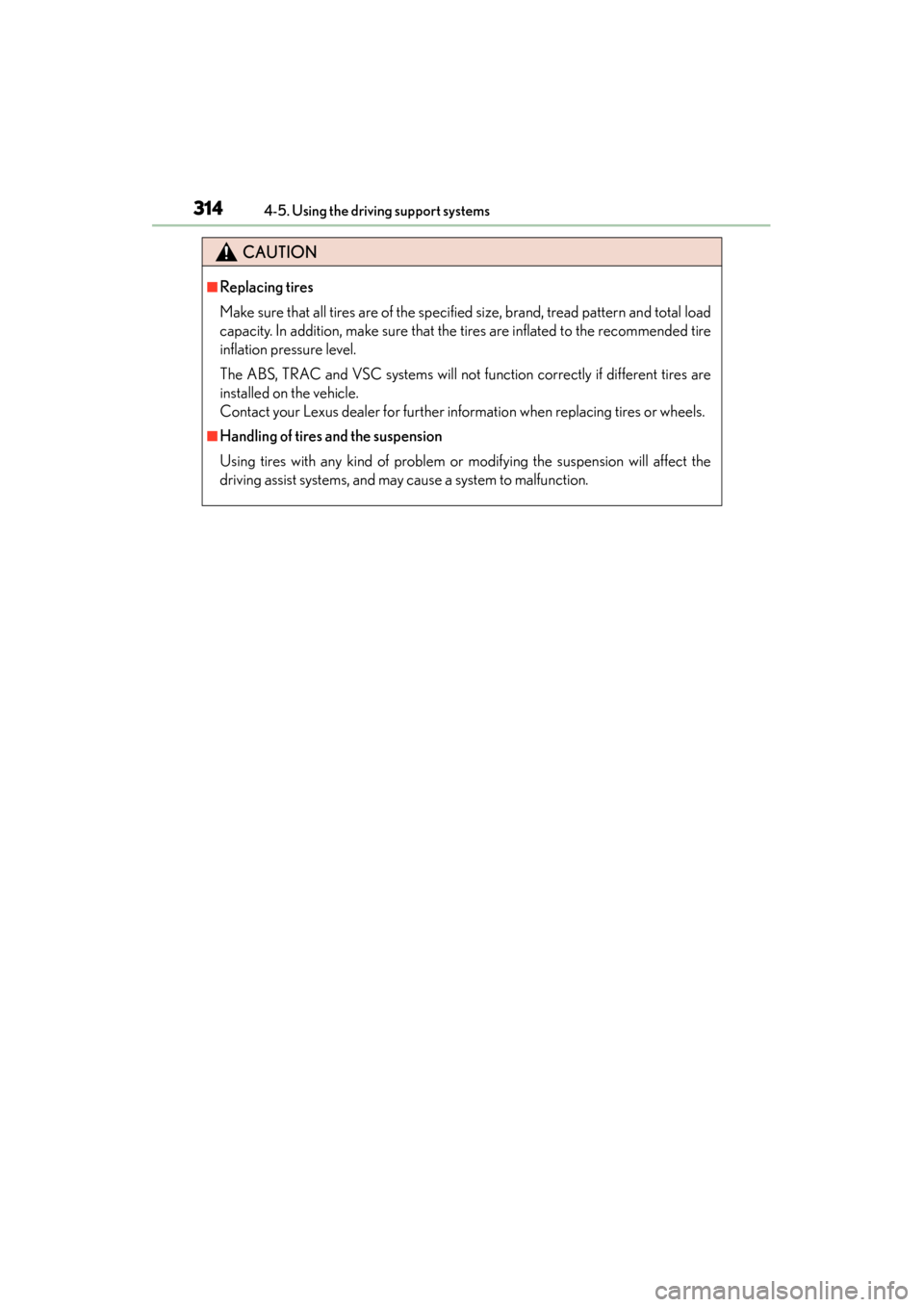
CAUTION
■Replacing tires
Make sure that all tires are of the specified size, brand, tread pattern and total load
capacity. In addition, make sure that the tires are inflated to the recommended tire
inflation pressure level.
The ABS, TRAC and VSC systems will not function correctly if different tires are
installed on the vehicle.
Contact your Lexus dealer for further information when replacing tires or wheels.
■Handling of tires and the suspension
Using tires with any kind of problem or modifying the suspension will affect the
driving assist systems, and may cause a system to malfunction.
GS450h_OM_OM30D52U_(U).book Page 314 Monday, July 29, 2013 12:07 PM
Page 344 of 890
GS450h_OM_OM30D52U_(U)
3434-6. Driving tips
4
Driving
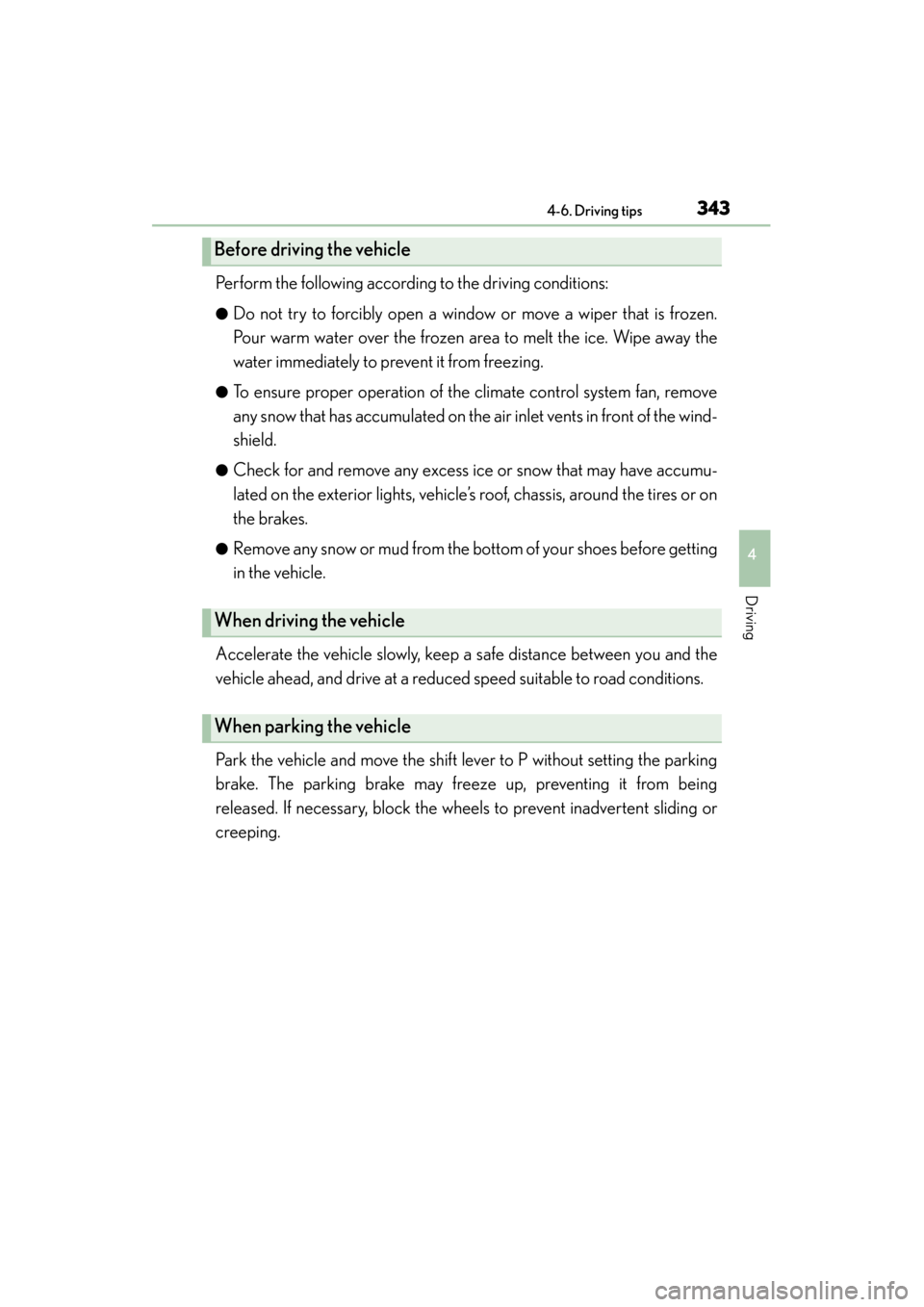
Perform the following according to the driving conditions:
●Do not try to forcibly open a window or move a wiper that is frozen.
Pour warm water over the frozen area to melt the ice. Wipe away the
water immediately to prevent it from freezing.
●To ensure proper operation of the climate control system fan, remove
any snow that has accumulated on the air inlet vents in front of the wind-
shield.
●Check for and remove any excess ice or snow that may have accumu-
lated on the exterior lights, vehicle’s roof, chassis, around the tires or on
the brakes.
●Remove any snow or mud from the bottom of your shoes before getting
in the vehicle.
Accelerate the vehicle slowly, keep a safe distance between you and the
vehicle ahead, and drive at a reduced speed suitable to road conditions.
Park the vehicle and move the shift lever to P without setting the parking
brake. The parking brake may freeze up, preventing it from being
released. If necessary, block the wheels to prevent inadvertent sliding or
creeping.
Before driving the vehicle
When driving the vehicle
When parking the vehicle
GS450h_OM_OM30D52U_(U).book Page 343 Monday, July 29, 2013 12:07 PM
Page 347 of 890
346
GS450h_OM_OM30D52U_(U)
4-6. Driving tips
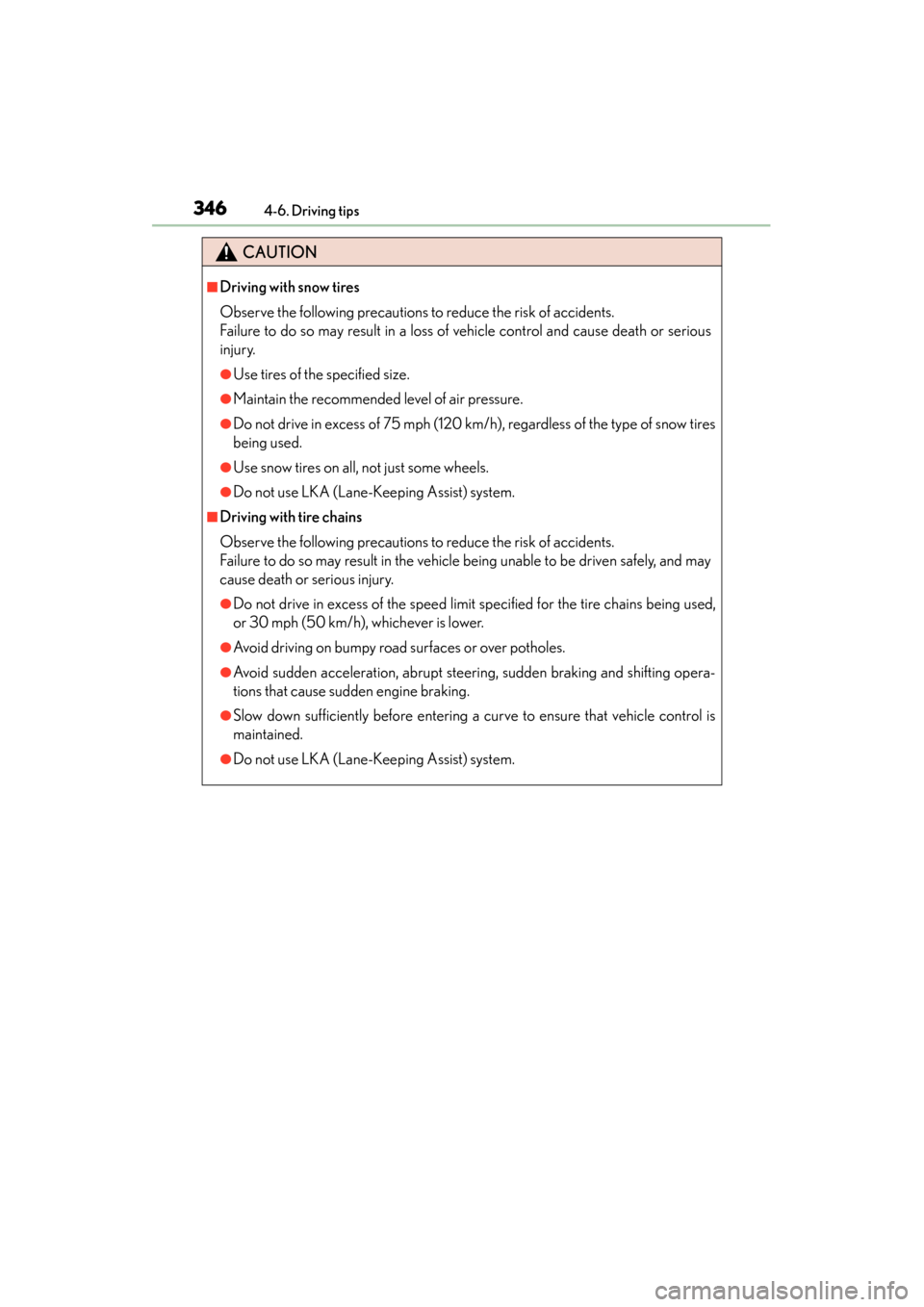
CAUTION
■Driving with snow tires
Observe the following precautions to reduce the risk of accidents.
Failure to do so may result in a loss of vehicle control and cause death or serious
injury.
●Use tires of the specified size.
●Maintain the recommended level of air pressure.
●Do not drive in excess of 75 mph (120 km/h), regardless of the type of snow tires
being used.
●Use snow tires on all, not just some wheels.
●Do not use LKA (Lane-Keeping Assist) system.
■Driving with tire chains
Observe the following precautions to reduce the risk of accidents.
Failure to do so may result in the vehicle being unable to be driven safely, and may
cause death or serious injury.
●Do not drive in excess of the speed limit specified for the tire chains being used,
or 30 mph (50 km/h), whichever is lower.
●Avoid driving on bumpy road surfaces or over potholes.
●Avoid sudden acceleration, abrupt steering, sudden braking and shifting opera-
tions that cause sudden engine braking.
●Slow down sufficiently before entering a curve to ensure that vehicle control is
maintained.
●Do not use LKA (Lane-Keeping Assist) system.
GS450h_OM_OM30D52U_(U).book Page 346 Monday, July 29, 2013 12:07 PM
Page 349 of 890
348
GS450h_OM_OM30D52U_(U)
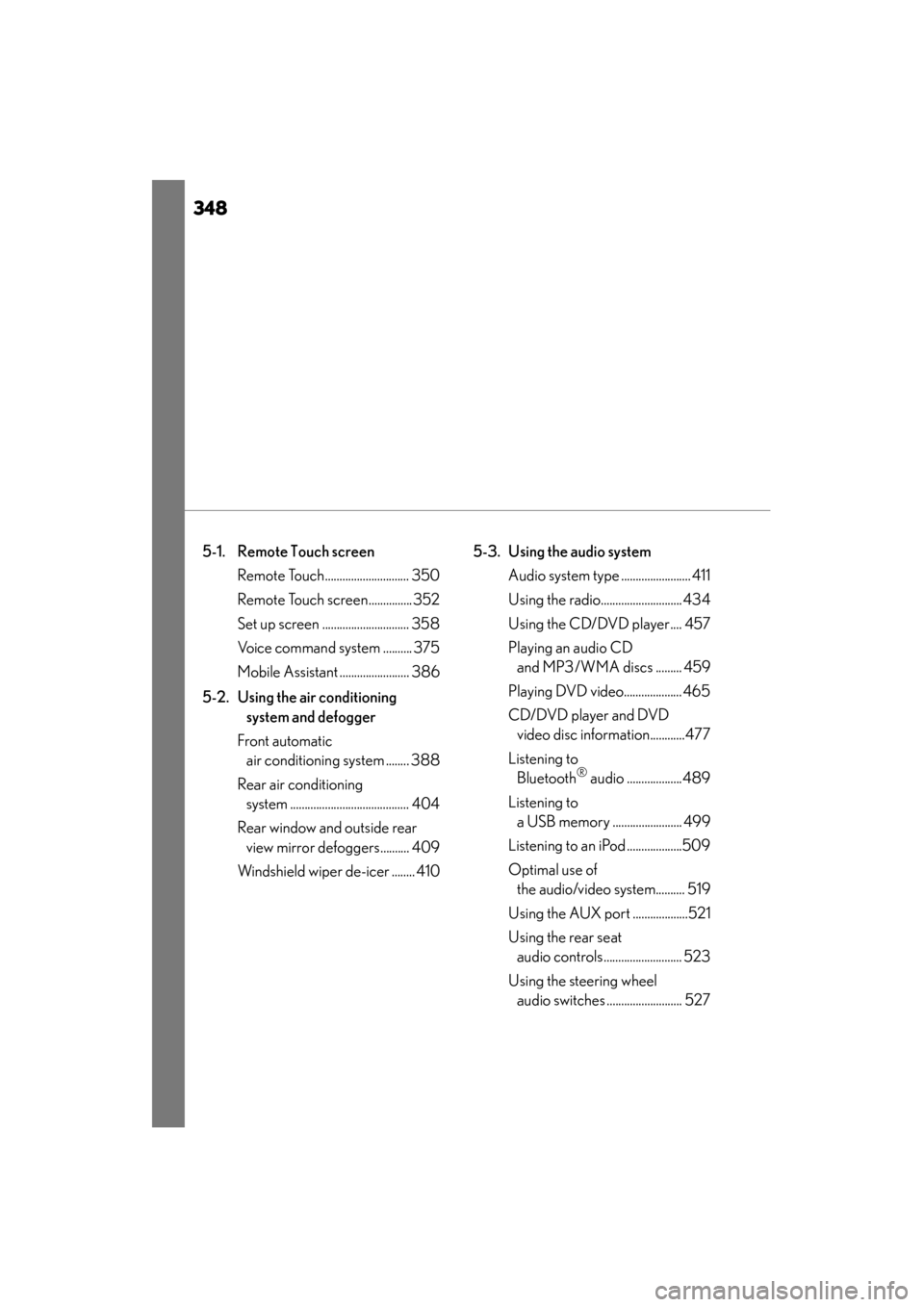
5-1. Remote Touch screen Remote Touch............................. 350
Remote Touch screen............... 352
Set up screen .............................. 358
Voice command system .......... 375
Mobile Assistant ........................ 386
5-2. Using the air conditioning system and defogger
Front automatic air conditioning system ........ 388
Rear air conditioning system ......................................... 404
Rear window and outside rear view mirror defoggers.......... 409
Windshield wiper de-icer ........ 410 5-3. Using the audio system
Audio system type ........................ 411
Using the radio............................ 434
Using the CD/DVD player.... 457
Playing an audio CD and MP3/WMA discs ......... 459
Playing DVD video.................... 465
CD/DVD player and DVD video disc information............477
Listening to Bluetooth
® audio ...................489
Listening to a USB memory ........................ 499
Listening to an iPod ...................509
Optimal use of the audio/video system.......... 519
Using the AUX port ...................521
Using the rear seat audio controls........................... 523
Using the steering wheel audio switches .......................... 527
GS450h_OM_OM30D52U_(U).book Page 348 Monday, July 29, 2013 12:07 PM
Page 350 of 890
349
GS450h_OM_OM30D52U_(U)
5Interior features
5-4. Using the hands-free phone system (for cellular phone)
Hands-free system (for cellular phone) ................ 530
Using a Bluetooth
® phone ....539
Setting the hands-free system (for cellular phone) .................559
Setting the Bluetooth
®........... 584
5-5. Using the interior lights Interior lights list.......................... 597• Interior light ........................... 598
• Personal lights....................... 598
5-6. Using the storage features List of storage features............ 600• Glove box............................... 602
• Console box .......................... 603
• Cup holders........................... 604
• Auxiliary boxes..................... 606
Trunk features .............................. 607 5-7. Other interior features
Sun visors and vanity mirrors ...................609
Clock................................................ 610
Ashtrays ............................................ 611
Power outlets .................................612
Heated steering wheel ..............614
Seat heaters/ seat ventilators ...........................616
Armrest .......................................... 620
Rear sunshade/ rear door sunshades ................621
Coat hooks ................................... 624
Assist grips.................................... 625
Utility hook.................................... 626
Garage door opener.................627
Safety Connect ........................... 634
GS450h_OM_OM30D52U_(U).book Page 349 Monday, July 29, 2013 12:07 PM
Page 387 of 890
386
GS450h_OM_OM30D52U_(U)
5-1. Remote Touch screen
Mobile Assistant
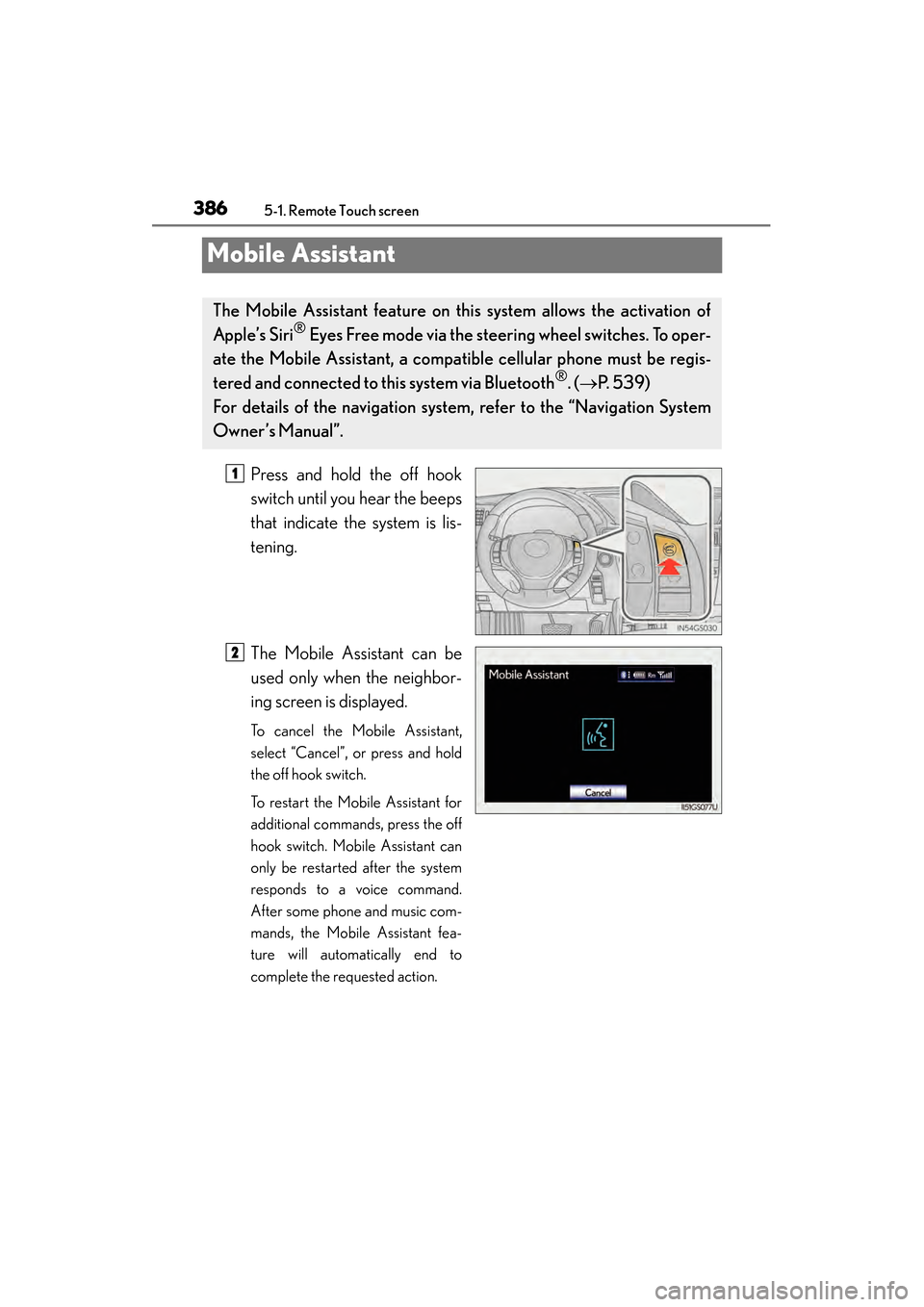
Press and hold the off hook
switch until you hear the beeps
that indicate the system is lis-
tening.
The Mobile Assistant can be
used only when the neighbor-
ing screen is displayed.
To cancel the Mobile Assistant,
select “Cancel”, or press and hold
the off hook switch.
To restart the Mobile Assistant for
additional commands, press the off
hook switch. Mobile Assistant can
only be restarted after the system
responds to a voice command.
After some phone and music com-
mands, the Mobile Assistant fea-
ture will automatically end to
complete the requested action.
The Mobile Assistant feature on this system allows the activation of
Apple’s Siri
® Eyes Free mode via the steering wheel switches. To oper-
ate the Mobile Assistant, a compat ible cellular phone must be regis-
tered and connected to this system via Bluetooth
®. ( → P. 5 3 9 )
For details of the navigation system , refer to the “Navigation System
Owner’s Manual”.
1
2
GS450h_OM_OM30D52U_(U).book Page 386 Monday, July 29, 2013 12:07 PM