sat Lexus GX470 2007 Instrument cluster / LEXUS 2007 GX470 OWNER'S MANUAL (OM60C64U)
[x] Cancel search | Manufacturer: LEXUS, Model Year: 2007, Model line: GX470, Model: Lexus GX470 2007Pages: 436, PDF Size: 11.52 MB
Page 153 of 436
133
2-4. Using other driving systems
2
When driving
When the VSC/TRAC/hill-start assist control systems are operating
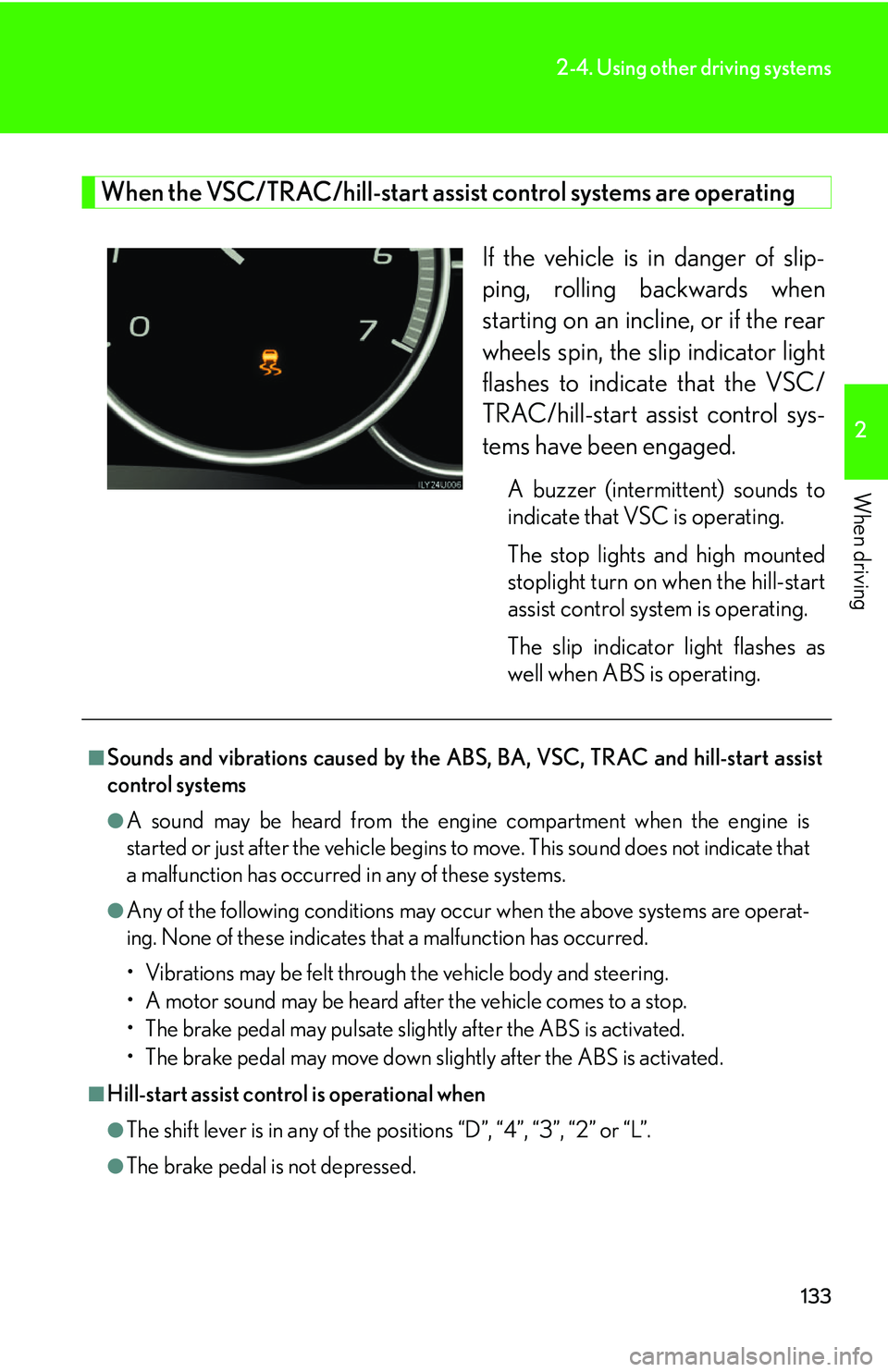
If the vehicle is in danger of slip-
ping, rolling backwards when
starting on an incline, or if the rear
wheels spin, the slip indicator light
flashes to indicate that the VSC/
TRAC/hill-start assist control sys-
tems have been engaged.
A buzzer (intermittent) sounds to
indicate that VSC is operating.
The stop lights and high mounted
stoplight turn on when the hill-start
assist control system is operating.
The slip indicator light flashes as
well when ABS is operating.
■Sounds and vibrations caused by the ABS, BA, VSC, TRAC and hill-start assist
control systems
●A sound may be heard from the engi ne compartment when the engine is
started or just after the vehicle begins to move. This sound does not indicate that
a malfunction has occurred in any of these systems.
●Any of the following conditions may occur when the above systems are operat-
ing. None of these indicates that a malfunction has occurred.
• Vibrations may be felt through the vehicle body and steering.
• A motor sound may be heard after the vehicle comes to a stop.
• The brake pedal may pulsate slightly after the ABS is activated.
• The brake pedal may move down s lightly after the ABS is activated.
■Hill-start assist control is operational when
●The shift lever is in any of the positions “D”, “4”, “3”, “2” or “L”.
●The brake pedal is not depressed.
Page 155 of 436

135
2
When driving
2-5. Driving information
Off-road precautions
Off-road vehicle feature● Specific design characteristics give it a higher center of gravity than
ordinary passenger cars. This vehicle design feature causes this type of
vehicle to be more likely to rollover . And, utility vehicles have a signifi-
cantly higher rollover rate than other types of vehicles.
● An advantage of the higher ground clearance is a better view of the
road allowing you to anticipate problems.
● It is not designed for cornering at the same speeds as ordinary passen-
ger cars any more than low-slung sports cars designed to perform sat-
isfactorily under off-road condit ions. Therefore, sharp turns at
excessive speeds may cause rollover.
This vehicle belongs to the utilit y vehicle class, which has higher
ground clearance and narrower tread in relation to the height of its
center of gravity to make it capable of performing in a wide variety of
off-road applications.
Page 178 of 436
158
2-5. Driving information
●Note that when making a turn, the tr ailer wheels will be closer than the
vehicle wheels to the inside of the turn. Compensate by making a
larger than normal turning radius.
● Crosswinds and rough roads will ad versely affect handling of your
vehicle and trailer, causing sway. Periodically check the rear to prepare
for being passed by large trucks or buses, which may cause your vehi-
cle and trailer to sway. If swaying occurs, firmly grip the steering wheel,
reduce speed immediately but grad ually, and steer straight ahead.
Never increase speed. If you make no extreme correction with the
steering or brakes, your vehi cle and trailer will stabilize.
● Take care when passing other vehi cles. Passing requires considerable
distance. After passing a vehicle, do not forget the length of your
trailer, and be sure you have plenty of room before changing lanes.
● In order to maintain efficient eng ine braking and electrical charging
performance, do not use overdrive. Transmission shift range position
must be in “4”.
● Due to the added load of the trailer, your vehicle’s engine may overheat
on hot days (at temperatures over 85°F [30°C] when driving up a
long or steep grade. If the eng ine coolant temperature gauge indicates
overheating, immediately turn off th e air conditioning (if in use), pull
your vehicle off the road and stop in a safe spot. (
P. 373)
Page 193 of 436
173
3-2. Using the audio system
3
Interior features
Using the radio
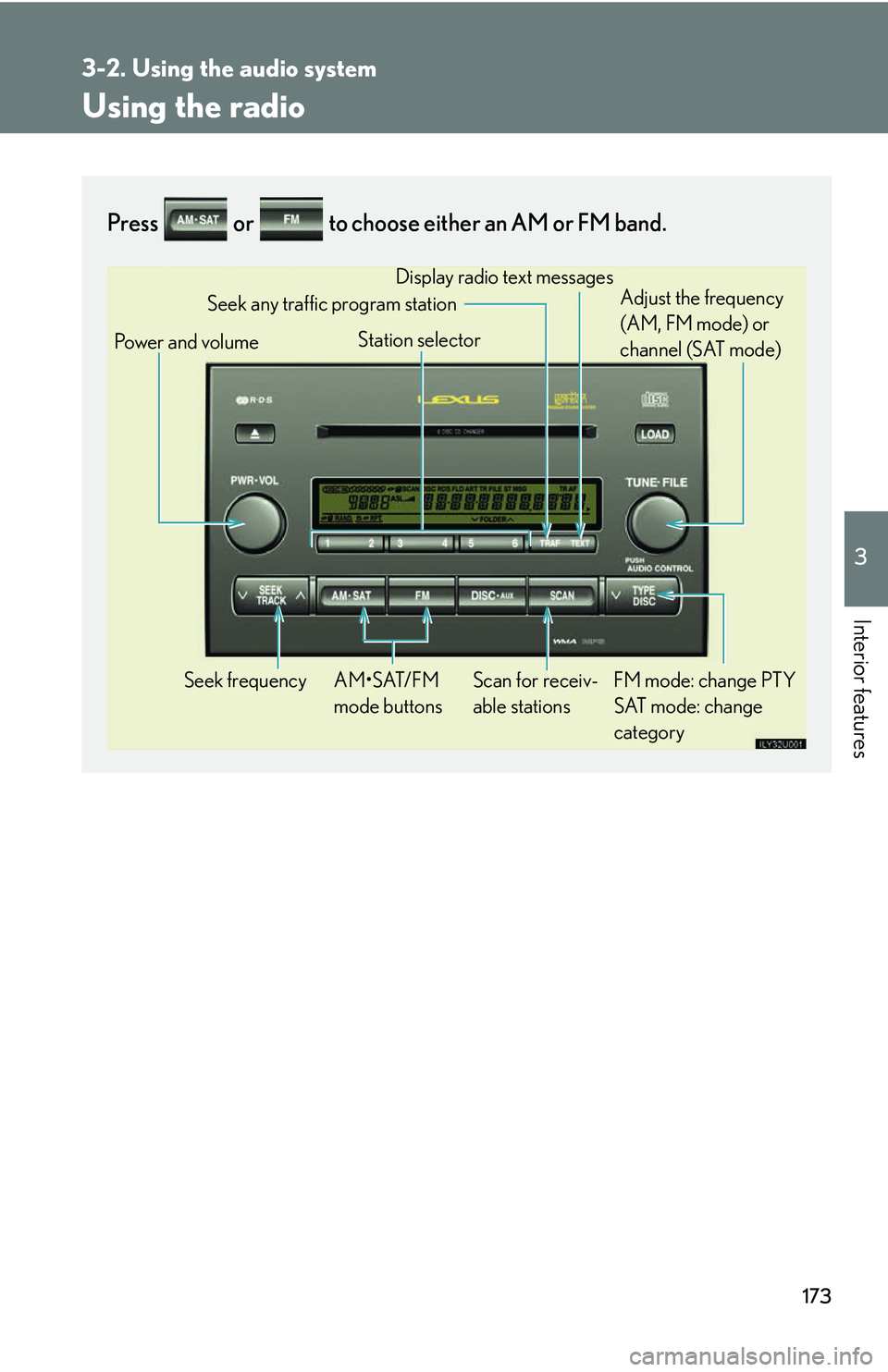
Press or to choose either an AM or FM band.
Power and volumeSeek frequency FM mode: change PTY SAT mode: change
category
AM•SAT/FM
mode buttons Display radio text messages
Adjust the frequency
(AM, FM mode) or
channel (SAT mode)
Scan for receiv-
able stations
Station selector
Seek any traffic program station
Page 194 of 436
174
3-2. Using the audio system
Setting station presets (excluding XM® satellite radio)
Search for desired stations by turning the
dial or pressing
or on .
Touch and hold one of the preset st ations (1 - 6) until you hear a
beep.
Scanning radio stations (excluding XM® satellite radio)
■ Scanning the preset radio stations
Press and hold until you hear a beep.
Preset stations will be played for a few seconds each.
When the desired station is reach ed, press the button once again.
■ Scanning all radio stations within range
Press .
“SCAN” appears on the display and all stations with reception will be
played for a few seconds each.
When the desired station is reach ed, press the button once again.
STEP1
STEP2
STEP1
STEP2
STEP1
STEP2
Page 196 of 436
176
3-2. Using the audio system
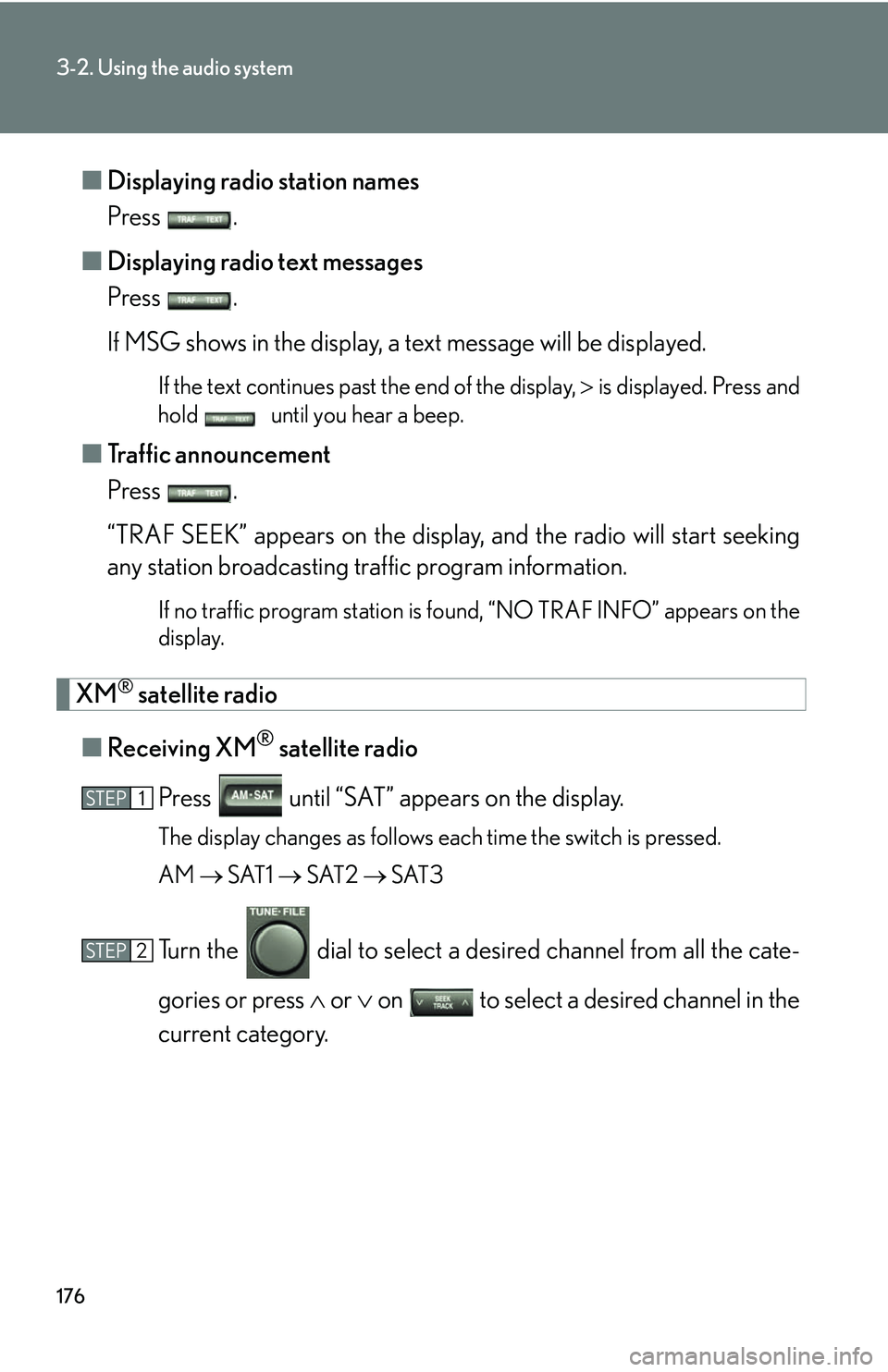
■Displaying radio station names
Press .
■ Displaying radio text messages
Press .
If MSG shows in the display, a text message will be displayed.
If the text continues past the end of the display, is displayed. Press and
hold until you hear a beep.
■ Traffic announcement
Press .
“TRAF SEEK” appears on the display, and the radio will start seeking
any station broadcasting traffic program information.
If no traffic program station is found, “NO TRAF INFO” appears on the
display.
XM® satellite radio
■ Receiving XM
® satellite radio
Press until “SAT” appears on the display.
The display changes as follows each time the switch is pressed.
AM SAT1 SAT2 SAT3
Turn the dial to select a de sired channel from all the cate-
gories or press or on to select a desired channel in the
current category.
STEP1
STEP2
Page 197 of 436
177
3-2. Using the audio system
3
Interior features
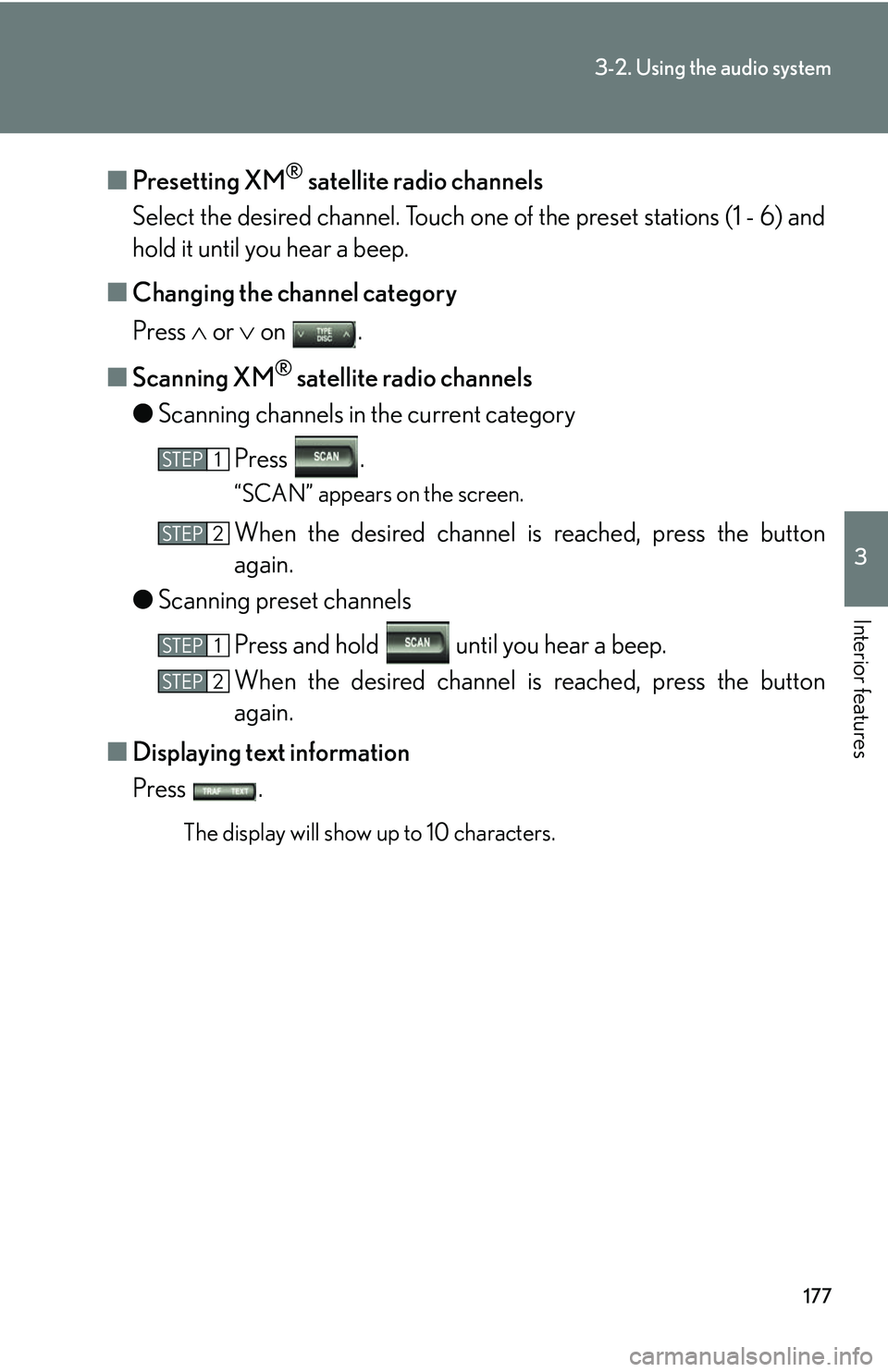
■Presetting XM® satellite radio channels
Select the desired channe l. Touch one of the preset stations (1 - 6) and
hold it until you hear a beep.
■ Changing the channel category
Press or on .
■ Scanning XM
® satellite radio channels
● Scanning channels in the current category
Press .
“SCAN” appears on the screen.
When the desired channel is reached, press the button
again.
● Scanning preset channels
Press and hold until you hear a beep.
When the desired channel is reached, press the button
again.
■ Displaying text information
Press .
The display will show up to 10 characters.
STEP1
STEP2
STEP1
STEP2
Page 198 of 436
178
3-2. Using the audio system
■When the battery is disconnected
All preset stations are erased.
■Reception sensitivity
●Maintaining perfect radio reception at all times is difficult due to the continually
changing position of the antenna, differences in signal strength and surrounding
objects, such as trains, transmitters, etc.
●The radio antenna is mounted inside the quarter window. To maintain clear
radio reception, do not attach metallic window tinting or other metallic objects
to the antenna wire mounted inside the quarter window.
■XM® satellite radio
The optional Lexus genuine satellite radio tuner and antenna allows you to receive
and play XM
® satellite radio broadcasts. (Subscri ption is required. Not available in
Hawaii and Alaska.)
*
●XM® subscriptions
For detailed information about XM® satellite radio or to subscribe, visit XM®
on the web at www.xmradio.com or call (800) 967-2346.
●Radio ID
You will need the radio ID when activating XM
® service or reporting a prob-
lem. Select “CH000” using the dial , and the receiver's 8-character ID
number will appear.
●Satellite tuner
The tuner supports only Audio Services (Music and Talk) and the accompany-
ing Text Information of XM
® satellite radio.
*: Terms and services provided by XM® Radio are subject to change without
notice.
Page 199 of 436
179
3-2. Using the audio system
3
Interior features
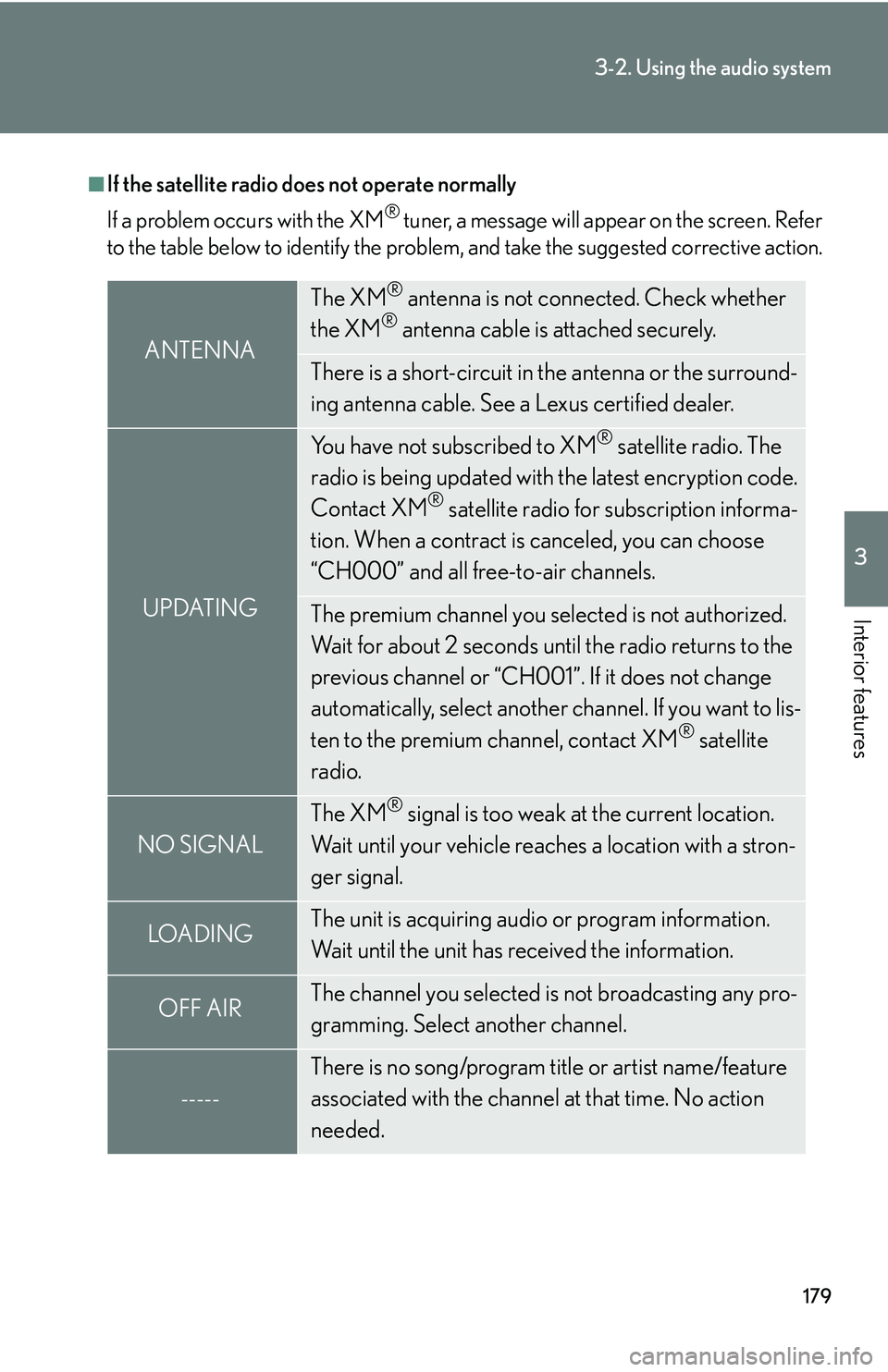
■If the satellite radio does not operate normally
If a problem occurs with the XM
® tuner, a message will appear on the screen. Refer
to the table below to identify the problem, and take the suggested corrective action.
ANTENNA
The XM® antenna is not connected. Check whether
the XM® antenna cable is attached securely.
There is a short-circuit in the antenna or the surround-
ing antenna cable. See a Lexus certified dealer.
UPDATING
You have not subscribed to XM® satellite radio. The
radio is being updated with the latest encryption code.
Contact XM
® satellite radio for subscription informa-
tion. When a contract is canceled, you can choose
“CH000” and all free-to-air channels.
The premium channel you selected is not authorized.
Wait for about 2 seconds until the radio returns to the
previous channel or “CH001”. If it does not change
automatically, select another channel. If you want to lis-
ten to the premium channel, contact XM
® satellite
radio.
NO SIGNAL
The XM® signal is too weak at the current location.
Wait until your vehicle reaches a location with a stron-
ger signal.
LOADIN GThe unit is acquiring audio or program information.
Wait until the unit has received the information.
OFF AIRThe channel you selected is not broadcasting any pro-
gramming. Select another channel.
-----
There is no song/program title or artist name/feature
associated with the channel at that time. No action
needed.
Page 200 of 436
180
3-2. Using the audio system
Contact the XM® Listener Care Center at (800) 967-2346 during the following
hours
*.
Monday - Saturday: 6 a.m. - 2 a.m. Sunday: 8 a.m. - 8 p.m. ET
*: Subject to change without notice.
■Certifications for the radio tuner
This equipment has been tested and found to comply with the limits for a class B
digital device, pursuant to Part 15 of the FCC Rules. These limits are designed to
provide reasonable protection against harmful interference in a residential installa-
tion. This equipment generate s, uses and can radiate radio frequency energy and, if
not installed and used in accordance with the instructions, may cause harmful inter-
ference to radio communications. However, there is no guarantee that interference
will not occur in a particular installation.
If this equipment does cause harmful interf erence to radio or television reception,
which can be determined by turning the eq uipment off and on, the user is encour-
aged to try to correct the interference by trying one or more of the following:
●Reorienting or relocating the receiving antenna.
●Increasing the separation between the equipment and receiver.
●Connecting the equipment into an outlet on a circuit different from that to which
the receiver is connected.
●Consulting the dealer or an experienced radio/TV technician for help.
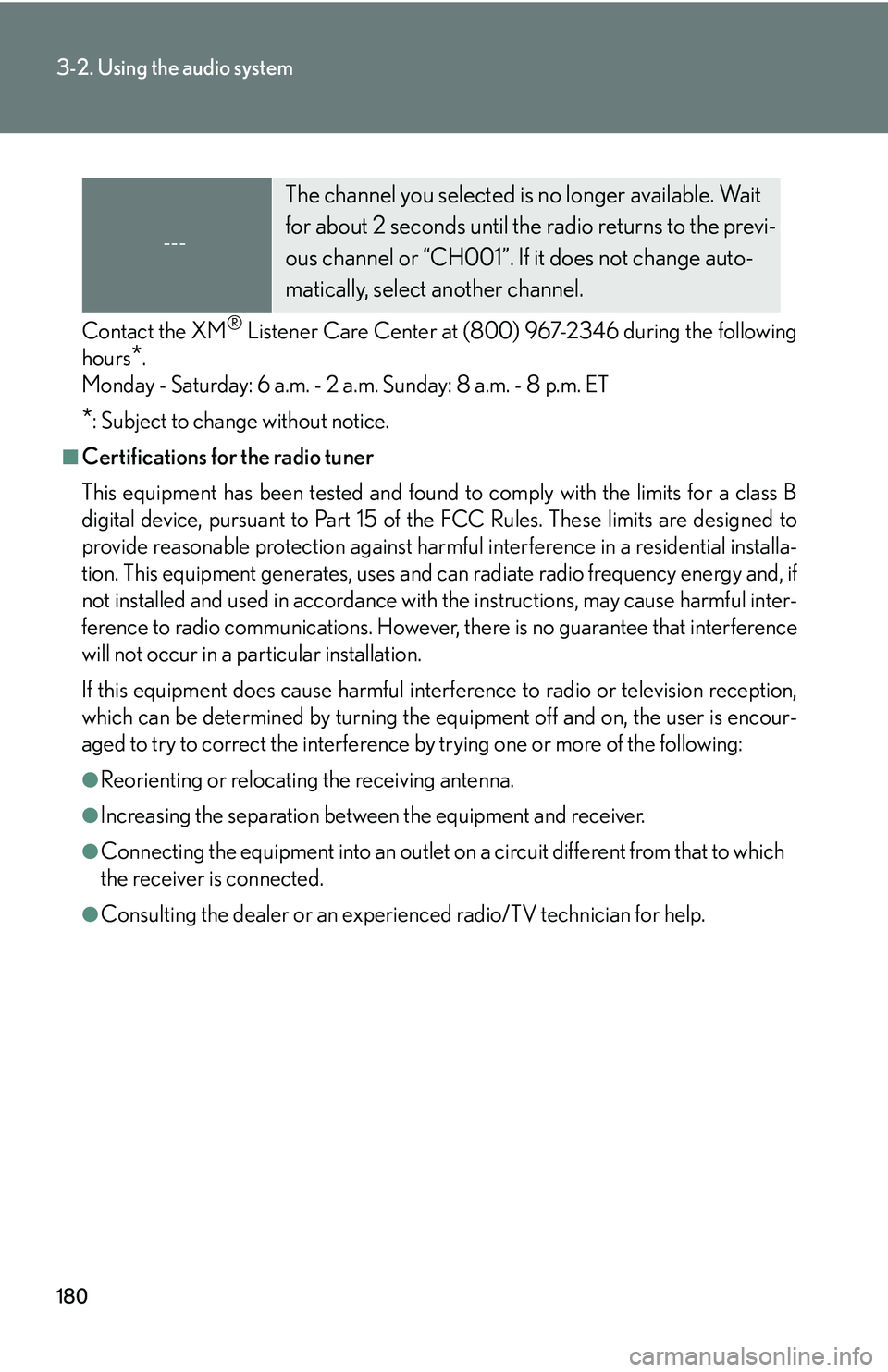
---
The channel you selected is no longer available. Wait
for about 2 seconds until the radio returns to the previ-
ous channel or “CH001”. If it does not change auto-
matically, select another channel.