ECO mode Lexus HS250h 2010 Owner's Guide
[x] Cancel search | Manufacturer: LEXUS, Model Year: 2010, Model line: HS250h, Model: Lexus HS250h 2010Pages: 611, PDF Size: 11 MB
Page 169 of 611

167
2-2. Instrument cluster
2
When driving
HS250h_U_75033U(Canada)
*1:These lights turn on when the “POWER” switch is turned to the ON modeto indicate that a system check is being performed. They will turn off after
the hybrid system is on, or after a few seconds. There may be a malfunction
in a system if a light does not come on, or if the lights do not turn off. Have
the vehicle inspected by your Lexus dealer.
*2:The indicator flashes to indicate that the system is operating.
*3:The indicator flashes faster than usual to indicate that the system is operat-
ing.
VSC OFF indicator
( → P. 2 2 6 ) Shift position indicators
(→ P. 1 5 3 )
(if equipped)
“PCS” indicator
(→ P. 2 3 3 )SRS airbag on-off
indicator ( →P. 116)
*1
*1, 3*1
Page 170 of 611

168
2-2. Instrument cluster
HS250h_U_75033U(Canada)
CAUTION
■If a safety system warning light does not come on
Should a safety system light such as the ABS and SRS airbag warning light not
come on when you start the hybrid system, this could mean that these systems are
not available to help protect you in an accident, which could result in death or seri-
ous injury. Have the vehicle inspected by your Lexus dealer immediately if this
occurs.
■Warning lights
Warning lights inform the driver of malfunctions in any of the vehi-
cle’s systems. ( →P. 4 9 2 )
*1: These lights turn on when the “POWER” switch is turned to ON mode
to indicate that a system check is being performed. They will turn off
after the hybrid system is on, or after a few seconds. There may be a
malfunction in a system if a light does not come on, or if the lights do not
turn off. Have the vehicle inspected by your Lexus dealer.
*2: The indicator flashes to indicate a malfunction.
(U.S.A.)(Canada)(U.S.A.)(Canada)
redyellow
(U.S.A.)(Canada)(if equipped)
(if equipped)(if equipped)(if equipped)
(if equipped)(for driver)(for front
passenger)
*1*1*1*1*1*1*1
*1*1*1*1*1, 2
*1*1, 2*2*2*2*1*1
*2
Page 175 of 611

173
2-2. Instrument cluster
2
When driving
HS250h_U_75033U(Canada)■
Average vehicle speed
Displays the average vehicle speed since the function was reset
The function can be reset by pushing the “ENTER” switch for longer than 1
second when the average vehicle speed is displayed.
■Outside temperature
Displays the outside temperature
■ Tire inflation pressure
Displays inflation pressure of each tire. There is no correlation between
the order of the displayed values and the tire positions.
It may take a few minutes to display the tire inflation pressure after the
“POWER” switch is turned to ON mode. It may also take a few minutes to
display the tire inflation pressure after the inflation pressure has been
adjusted.
■Electronic feature control can be turned on/off when
The “POWER” switch is in ON mode.
■Conditions for ending electronic feature control
In the following situations, the electronic feature control will end:
●The menu switch is pressed
●The radar cruise control is operated (if equipped)
●The lane keeping assist is operated (if equipped)
●Intuitive parking assist starts operating (if equipped)
●No action is performed for some time after the electronic feature control
screen is displayed
●A warning message appears after the electronic feature control screen is dis-
played
Page 183 of 611

181
2-2. Instrument cluster
2
When driving
HS250h_U_75033U(Canada)
Display customizationThe touch tracer display and audio display can be hidden (not display) if
desired.
■ Touch tracer display
Pressing and holding the HUD
(Head-up Display) main switch for
more than 2 seconds changes the
display to touch tracer display
ON/OFF mode. Press the HUD
(Head-up Display) main switch to
select ON or OFF.
Customization can be performed
when the head-up display is on and
the vehicle is traveling at less than
5 mph (8 km/h).
■Audio display
With the touch tracer display ON/
OFF selection mode displayed,
press and hold HUD (Head-up
Display) main switch for more than
2 seconds again to enter audio
display ON/OFF selection mode.
ON or OFF can be selected by
pressing HUD (Head-up Display)
main switch.
Customization can be performed
when the head-up display is on and
the vehicle is traveling at less than
5 mph (8 km/h).
Page 188 of 611

186
2-3. Operating the lights and windshield wipers
HS250h_U_75033U(Canada)Press the “ENTER” switch to
change to OFF.
The “AFS OFF” indicator will come
on.
Each pressing of the switch turns
AFS on and off.
Press the menu switch to change to
the normal display.
■Daytime running light system (if equipped)
●To make your vehicle more visible to other drivers, the headlights turn on auto-
matically (at a reduced intensity) whenever the hybrid system is started and the
parking brake is released. Daytime running lights are not designed for use at
night.
For the U.S.A.: Daytime running lights can be turned off by operating the switch.
●Compared to turning on the headlights, the daytime running light system offers
greater durability and consumes less electricity, so it can help improve fuel
economy.
■Headlight control sensor
■Automatic light off system
●When the headlights come on: The headlights and tail lights turn off 30 seconds
after a door is opened and closed if the “POWER” switch is turned to ACCES-
SORY mode or turned off. (The lights turn off immediately if on the key is
pressed after all the doors are locked.)
●When only the tail lights come on: The tail lights turn off automatically if the
“POWER” switch is turned to ACCESSORY mode or turned off and the
driver’s door is opened. The sensor may not function properly if an
object is placed on the sensor, or anything
that blocks the sensor is affixed to the wind-
shield.
Doing so interferes with the sensor detecting
the level of ambient light and may cause the
automatic headlight system to malfunction.
Page 192 of 611
190
2-3. Operating the lights and windshield wipers
HS250h_U_75033U(Canada)
■The Automatic High Beam can be operated when
The “POWER” switch is ON mode.
■Camera sensor detection information
●High beam may not be automatically turned off in the following situations:
• When oncoming vehicles suddenly appear from a curve.
• When the vehicle is cut in front of by another.
●High beam may be turned off if an oncoming vehicle that is using fog lights with-
out using the headlights is detected.
●House lights, street lights, red traffic signals, and illuminated billboards or signs
may cause the high beam to turn off.
■High beam automatic turn ing on or off conditions
When all of the following conditions are fulfilled, high beam will be
automatically turned on (after approximately 1 second):
● Vehicle speed is above approximately 20 mph (32 km/h).
● The area ahead of the vehicle is dark.
● There are no oncoming or preceding vehicles with headlights or
tail lights turned on.
If any of the following conditions are fulfilled, high beam will be auto-
matically turned off:
● Vehicle speed drops below approximately 20 mph (32 km/h).
● The area ahead of the vehicle is not dark.
● Oncoming or preceding vehicles have headlights or tail lights
turned on.
Page 200 of 611
198
2-3. Operating the lights and windshield wipers
HS250h_U_75033U(Canada)
■Raindrop sensor (vehicles with rain-sensing windshield wipers)
●If the wiper switch is turned to the position while the “POWER” switch is
in ON mode, the wipers will operate once to show that AUTO mode is acti-
vated.
●If the temperature of the raindrop sensor is 194 °F (90 °C) or higher, or 14 °F
(-10 °C) or lower, automatic operation may not occur. In this case, operate the
wipers in any mode other than “AUTO”.
■If no windshield washer fluid sprays
Check that the washer nozzles are not blocked if there is washer fluid in the washer
fluid tank.
CAUTION
■Caution regarding the use of windshield wipers in “AUTO” mode (vehicles with
rain-sensing windshield wipers)
The windshield wipers may operate unexpectedly if the sensor is touched or the
windshield is subject to vibration in “AUTO” mode. Take care that your fingers etc.
do not become caught in the windshield wipers.
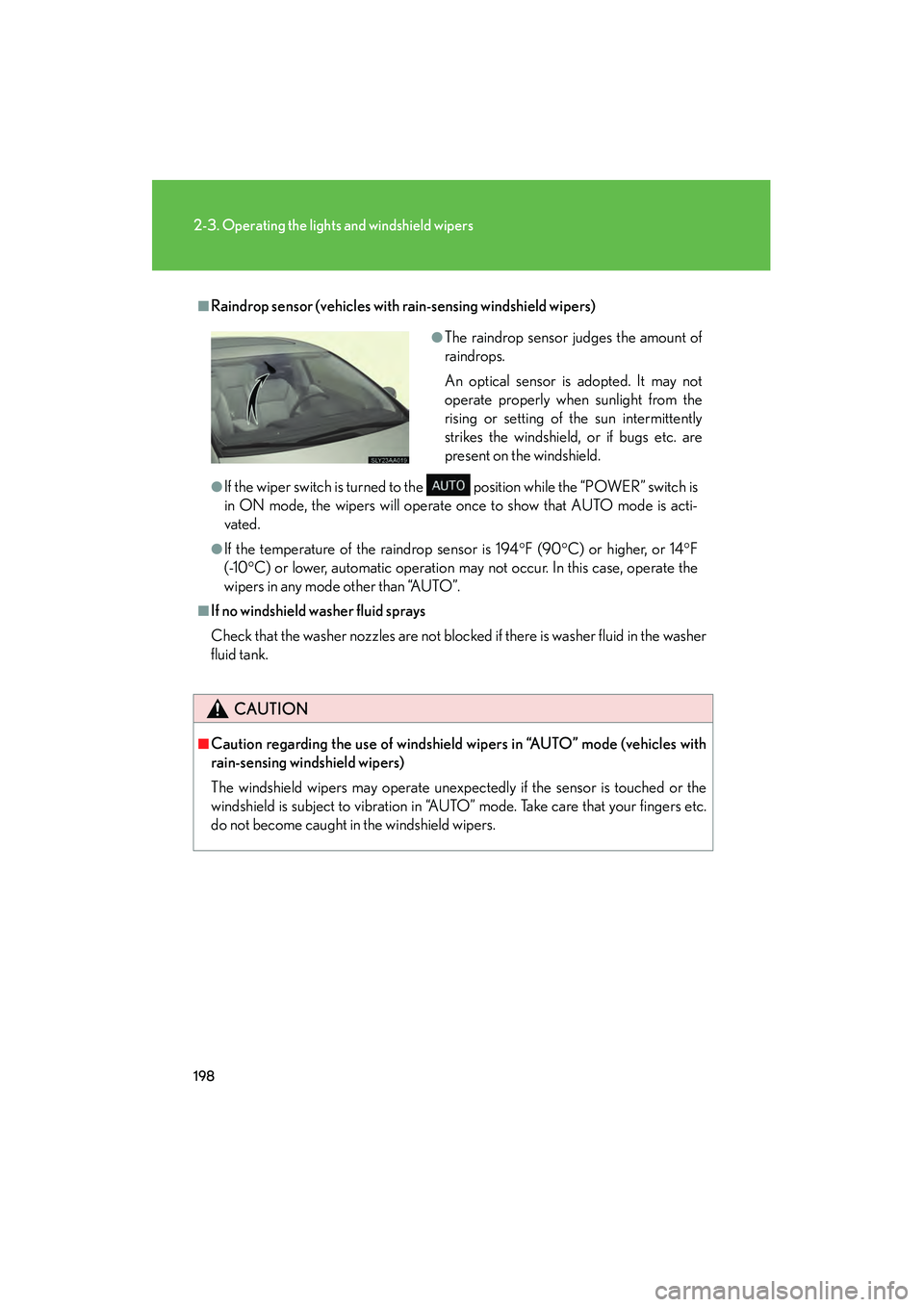
●The raindrop sensor judges the amount of
raindrops.
An optical sensor is adopted. It may not
operate properly when sunlight from the
rising or setting of the sun intermittently
strikes the windshield, or if bugs etc. are
present on the windshield.
Page 202 of 611
200
2-3. Operating the lights and windshield wipers
HS250h_U_75033U(Canada)
Headlight cleaner switch∗
∗: If equipped
■The headlight cleaners can be operated when
The “POWER” switch is in ON mode and the headlight switch is turned on.
■Windshield washer linked operation
●When the windshield washer is operated with the “POWER” switch in ON
mode and the headlights on, the headlight cleaners will operate once.
(→ P. 1 9 5 )
●From the second time the windshield washer is operated, the headlight cleaner
will not operate in sync with the windshield washer.
(Turning the “POWER” switch to OFF or the low beam headlights off resets the
headlight cleaner synchronization mode.)
NOTICE
■When the washer fluid tank is empty
Do not press the switch continually as the washer fluid pump may overheat.
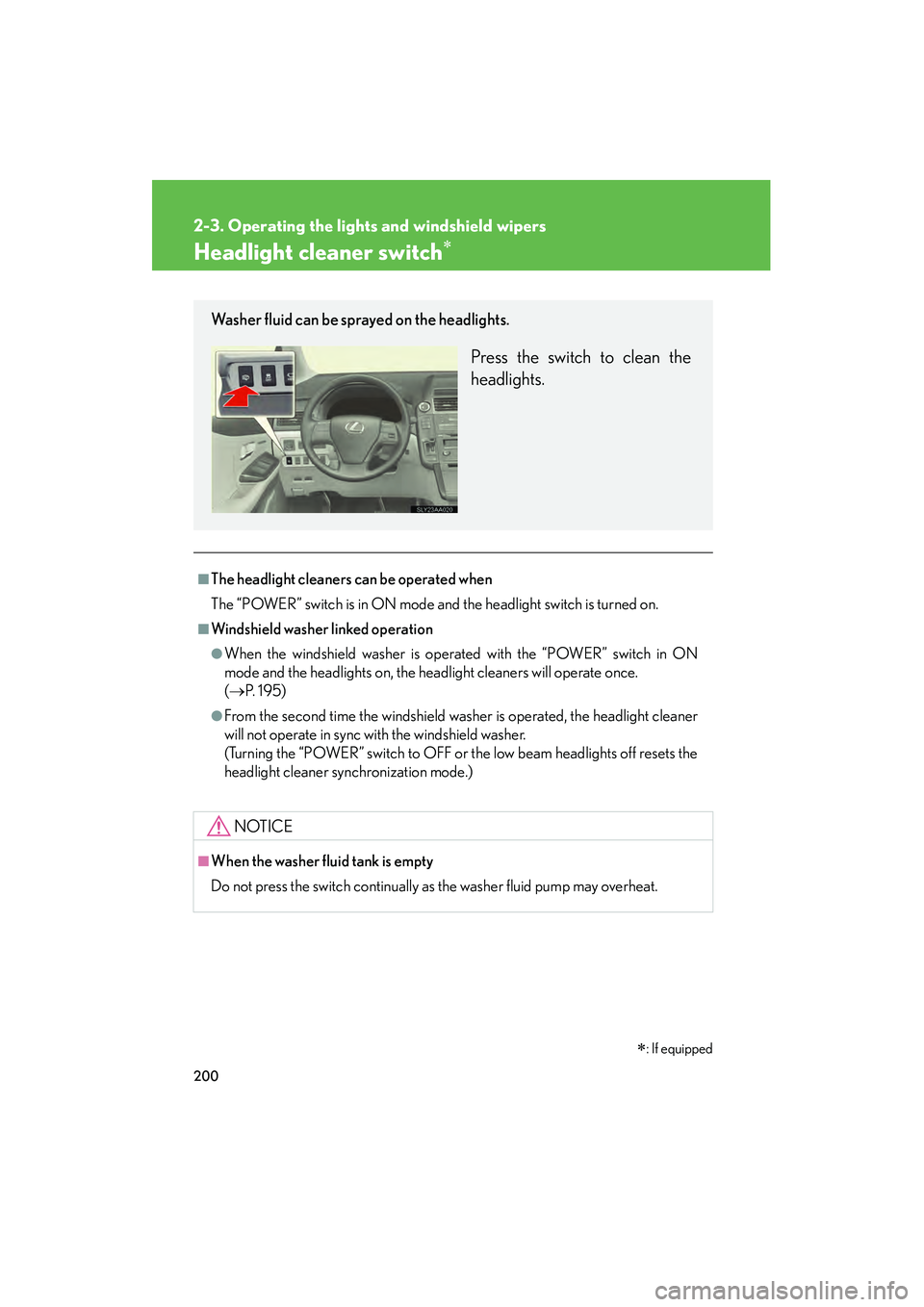
Washer fluid can be sprayed on the headlights.
Press the switch to clean the
headlights.
Page 208 of 611

206
2-4. Using other driving systems
HS250h_U_75033U(Canada)
Selecting conventional con-
stant speed control mode: Press the “ON-OFF” button
to activate the cruise control.
Press the button again to deacti-
vate the cruise control.
Vehicle-to-vehicle distance con-
trol mode is always reset when
the “POWER” switch is turned
to ON mode.
Switch to constant speed
control mode.
(Push the lever forward and
hold for approximately one
second.)
Constant speed control mode
indicator will come on.
■Driving in the selected cruise control mode
Accelerate or decelerate to the
desired speed, and push the
lever down to set the speed.
“SET” indicator will come on.
Constant speed control
mode
Vehicle-to-vehicle distance
control mode
Page 219 of 611
217
2-4. Using other driving systems
2
When driving
HS250h_U_75033U(Canada)
LKA (Lane-Keeping Assist)∗∗
: If equipped
While driving on a freeway or motor highway that has lane markers, this
system recognizes the lanes using a camera as a sensor to assist the driver
with staying in the lane. The LKA system has two functions.
■Lane departure warning function
If the system judges that the vehicle may deviate from its lane, it
alerts the driver using rapid beeping, indications on the multi-infor-
mation display, and a sensory warning
* given via the steering wheel.
*: A slight steering torque is applied for a short period of time in the
direction of the center of the lane.
■ Lane keeping assist function
This function will be active when the vehicle-to-vehicle distance
control mode of the cruise control ( →P. 205) is set with vehicle
speed above approx. 45 mph (approx. 72 km/h) and while the lane
departure warning function is active. When the lane keeping assist
function is active, a slight steering torque will be applied, to help the
driver maintain the vehicle inside the lane.