wheel Lexus HS250h 2012 Workshop Manual
[x] Cancel search | Manufacturer: LEXUS, Model Year: 2012, Model line: HS250h, Model: Lexus HS250h 2012Pages: 630, PDF Size: 16.1 MB
Page 260 of 630
259
2-5. Driving information
2
When driving
HS250h_U_75050U
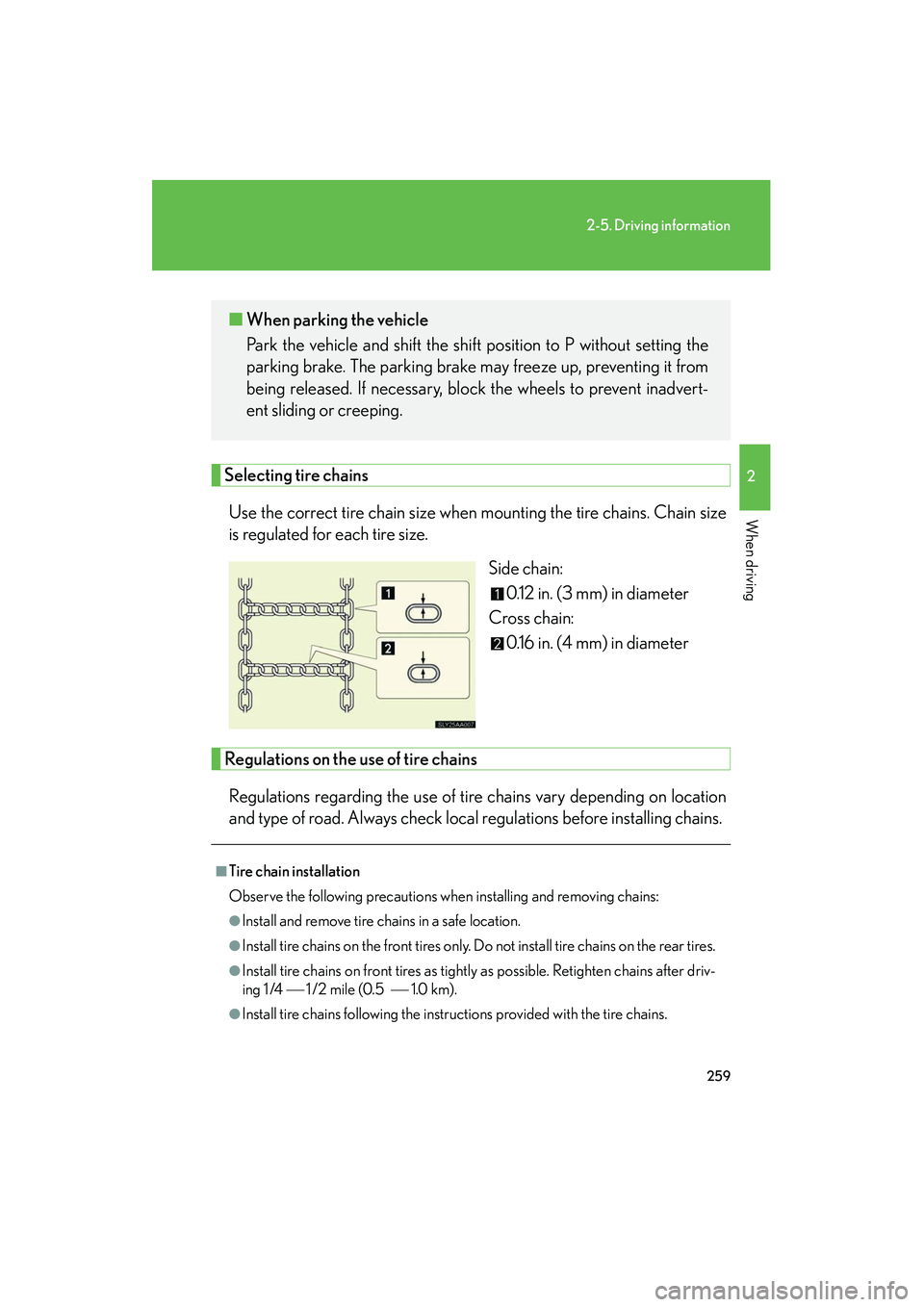
Selecting tire chainsUse the correct tire chain size when mounting the tire chains. Chain size
is regulated for each tire size. Side chain:0.12 in. (3 mm) in diameter
Cross chain: 0.16 in. (4 mm) in diameter
Regulations on the use of tire chains
Regulations regarding the use of tire chains vary depending on location
and type of road. Always check local regulations before installing chains.
■ When parking the vehicle
Park the vehicle and shift the shift position to P without setting the
parking brake. The parking brake may freeze up, preventing it from
being released. If necessary, block the wheels to prevent inadvert-
ent sliding or creeping.
■Tire chain installation
Observe the following precautions when installing and removing chains:
●Install and remove tire chains in a safe location.
●Install tire chains on the front tires only. Do not install tire chains on the rear tires.
●Install tire chains on front tires as tightly as possible. Retighten chains after driv-
ing 1 /4 1 /2 mile (0.5 1.0 km).
●Install tire chains following the instructions provided with the tire chains.
Page 261 of 630
260
2-5. Driving information
HS250h_U_75050U
CAUTION
■Driving with snow tires
Observe the following precautions to reduce the risk of accidents.
Failure to do so may result in a loss of vehicle control and cause death or serious
injury.
●Use tires of the size specified.
●Maintain the recommended level of air pressure.
●Do not drive in excess of 75 mph (120 km/h), regardless of the type of snow tires
being used.
●Use snow tires on all, not just some wheels.
■Driving with tire chains
Observe the following precautions to reduce the risk of accidents.
Failure to do so may result in the vehicle being unable to be driven safely, and may
cause death or serious injury.
●Do not drive in excess of the speed limit specified for the tire chains being used,
or 30 mph (50 km/h), whichever is lower.
●Avoid driving on bumpy road surfaces or over potholes.
●Avoid sudden acceleration, deceleration and braking, as well as sharp cornering.
●Slow down sufficiently before entering a curve to ensure that vehicle control is
maintained.
NOTICE
■Repairing or replacing snow tires
Request repairs or replacement of snow tires from Lexus dealers or legitimate tire
retailers.
This is because the removal and attachment of snow tires affects the operation of
the tire pressure warning valves and transmitters.
■Fitting tire chains
The tire pressure warning valves and transmitters may not function correctly when
tire chains are fitted.
Page 262 of 630
261
2-5. Driving information
2
When driving
HS250h_U_75050U
Trailer towing
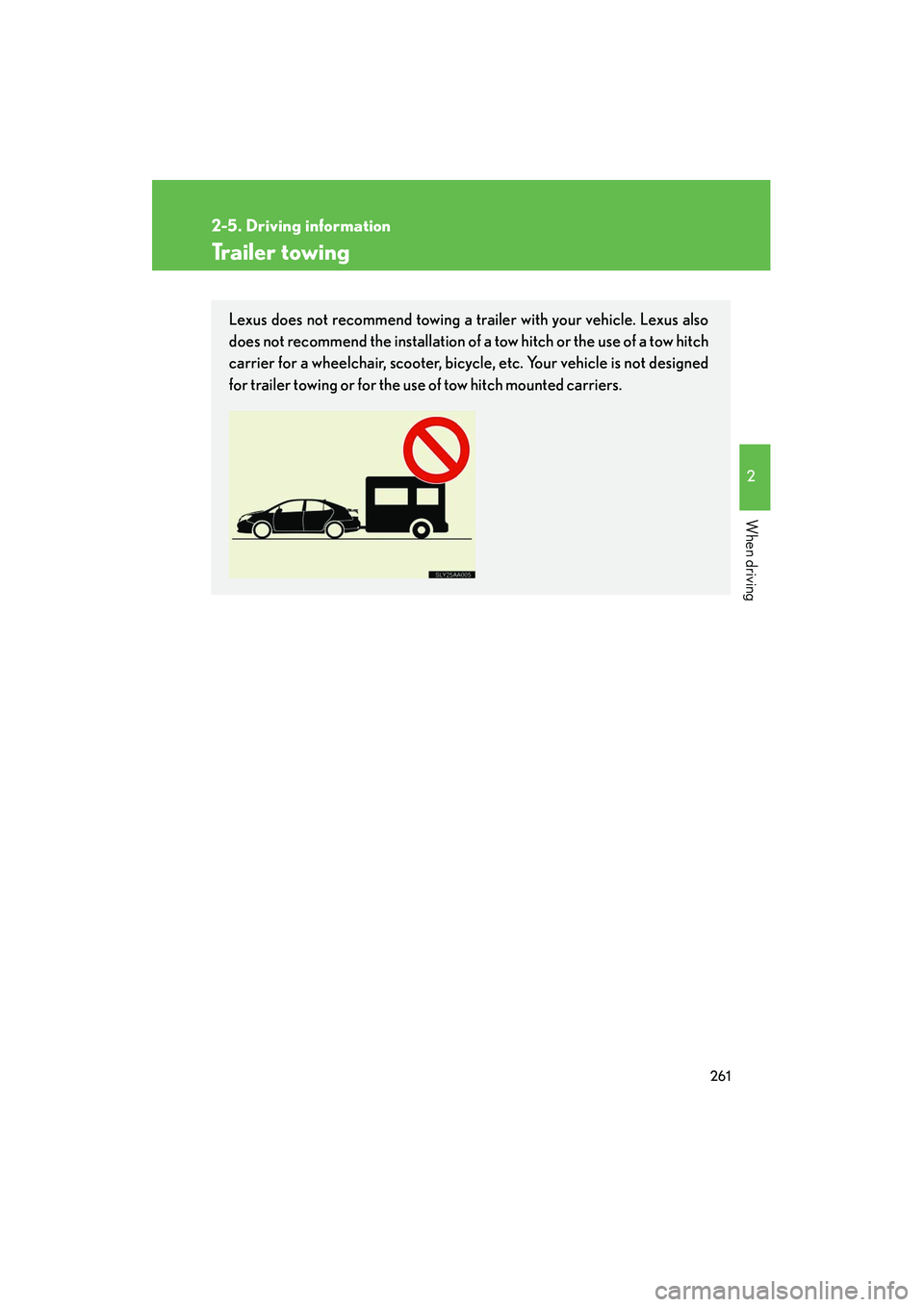
Lexus does not recommend towing a trailer with your vehicle. Lexus also
does not recommend the installation of a tow hitch or the use of a tow hitch
carrier for a wheelchair, scooter, bicycle, etc. Your vehicle is not designed
for trailer towing or for the use of tow hitch mounted carriers.
Page 263 of 630
262
2-5. Driving information
HS250h_U_75050U
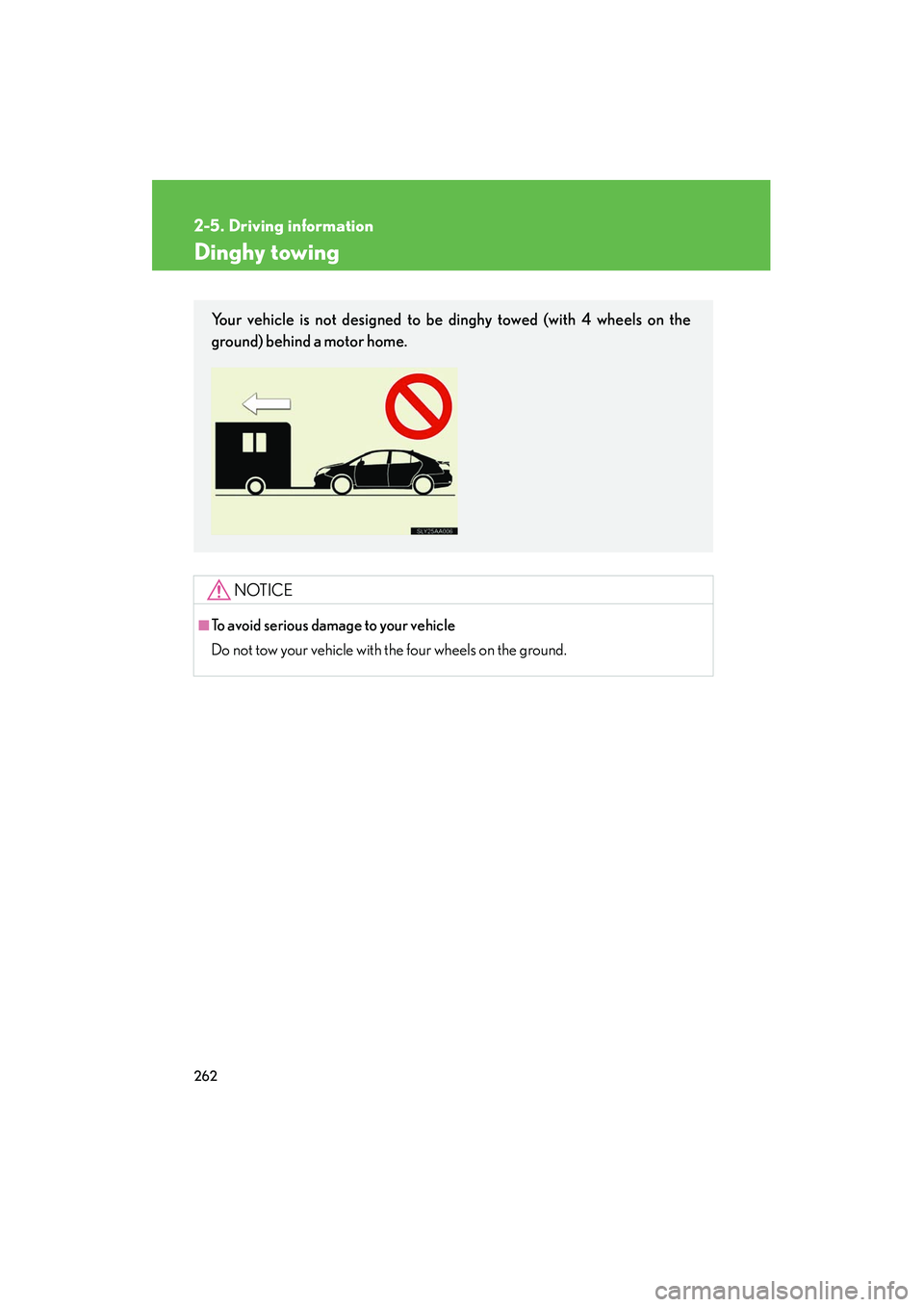
Dinghy towing
NOTICE
■To avoid serious damage to your vehicle
Do not tow your vehicle with the four wheels on the ground.
Your vehicle is not designed to be dinghy towed (with 4 wheels on the
ground) behind a motor home.
Page 265 of 630
264
HS250h_U_75050U
3-1. Using the air conditioning system and defogger
Automatic air conditioning system ..................................... 266
Rear window defogger switch ....................................... 274
Windshield wiper de-icer ..... 275
3-2. Using the audio system Audio system............................ 276
Using the radio ........................ 279
Using the CD player ............. 287
Playing MP3 and WMA
discs......................................... 295
Operating an iPod ................. 302
Operating a USB memory................................... 310
Optimal use of the audio system ...................................... 318
Using the AUX port............... 321
Using the steering wheel audio switches...................... 322
Page 278 of 630
277
3-2. Using the audio system
3
Interior features
HS250h_U_75050U
■Using cellular phones
Interference may be heard through the audio system’s speakers if a cellular phone
is being used inside or close to the vehicle while the audio system is operating.
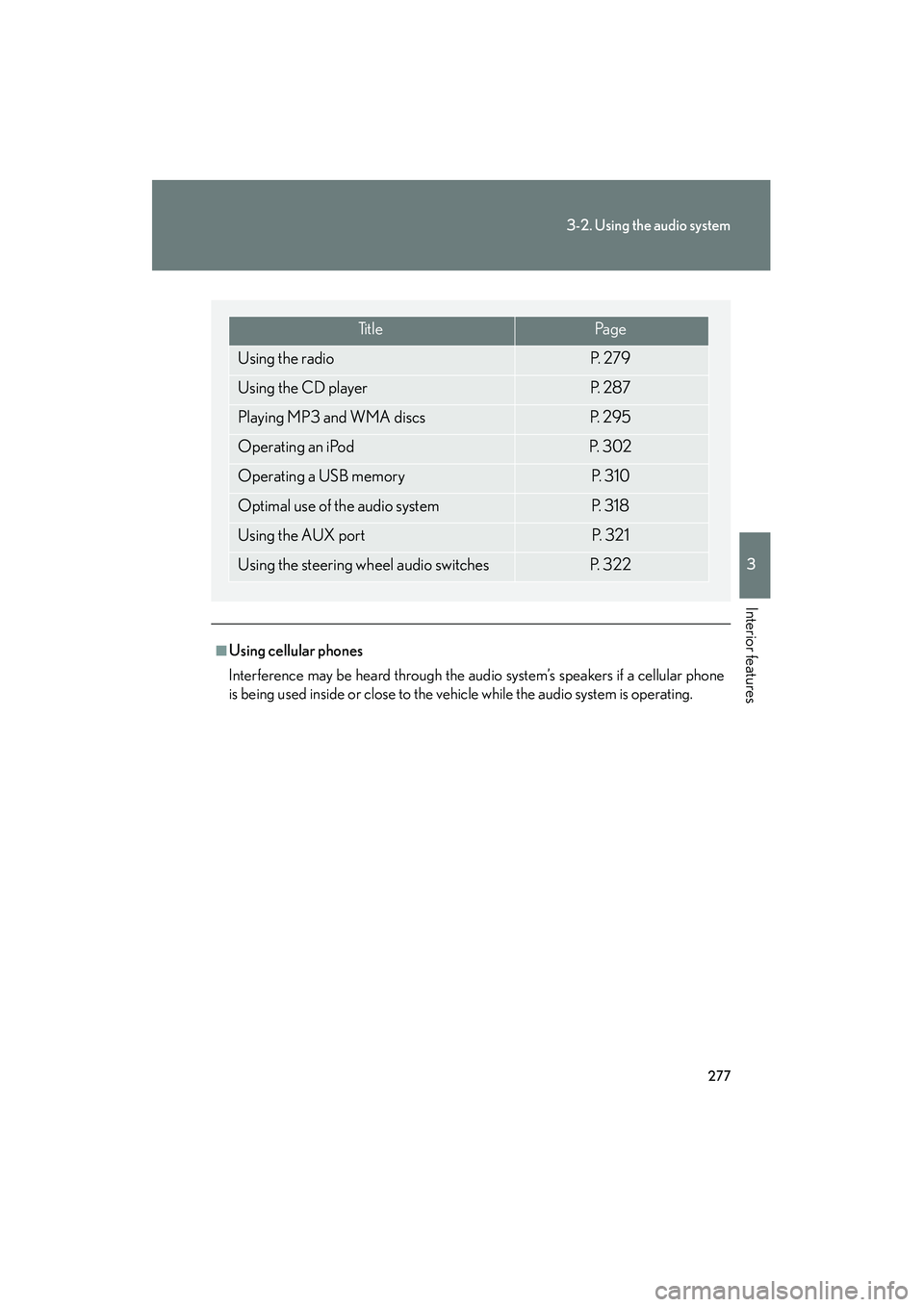
Ti t l ePa g e
Using the radioP. 2 7 9
Using the CD playerP. 2 8 7
Playing MP3 and WMA discsP. 2 9 5
Operating an iPodP. 3 0 2
Operating a USB memoryP. 3 1 0
Optimal use of the audio systemP. 3 1 8
Using the AUX portP. 3 2 1
Using the steering wheel audio switchesP. 3 2 2
Page 323 of 630
322
3-2. Using the audio system
HS250h_U_75050U
Using the steering wheel audio switches
Turning the power onPress when the audio system is turned off.
The audio system can be turned off by holding the switch down for 1 second
or more.
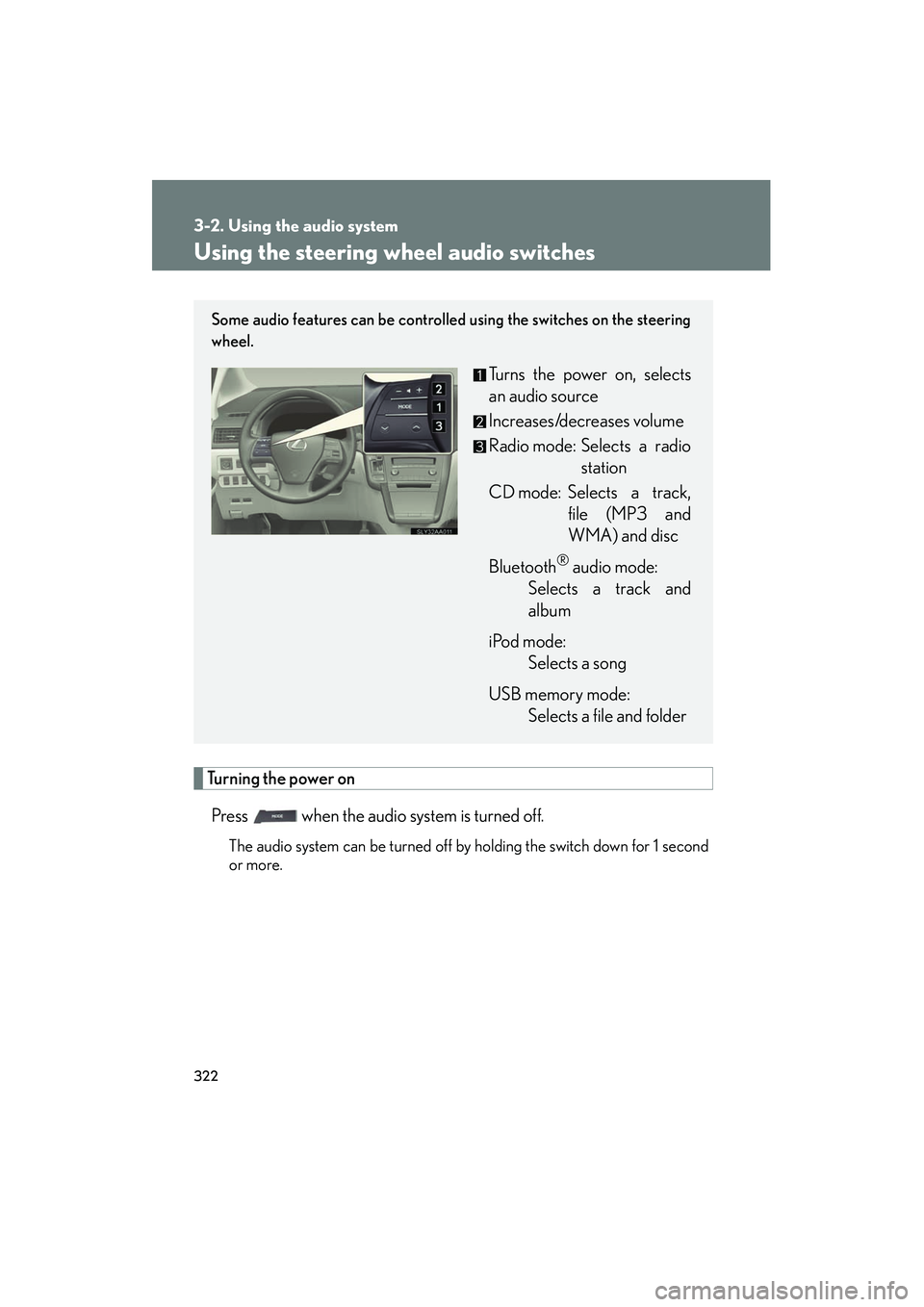
Some audio features can be controlled using the switches on the steering
wheel.
Turns the power on, selects
an audio source
Increases/decreases volume
Radio mode: Selects a radio station
CD mode: Selects a track, file (MP3 and
WMA) and disc
Bluetooth
® audio mode:
Selects a track and
album
iPod mode: Selects a song
USB memory mode: Selects a file and folder
Page 325 of 630
324
3-2. Using the audio system
HS250h_U_75050U
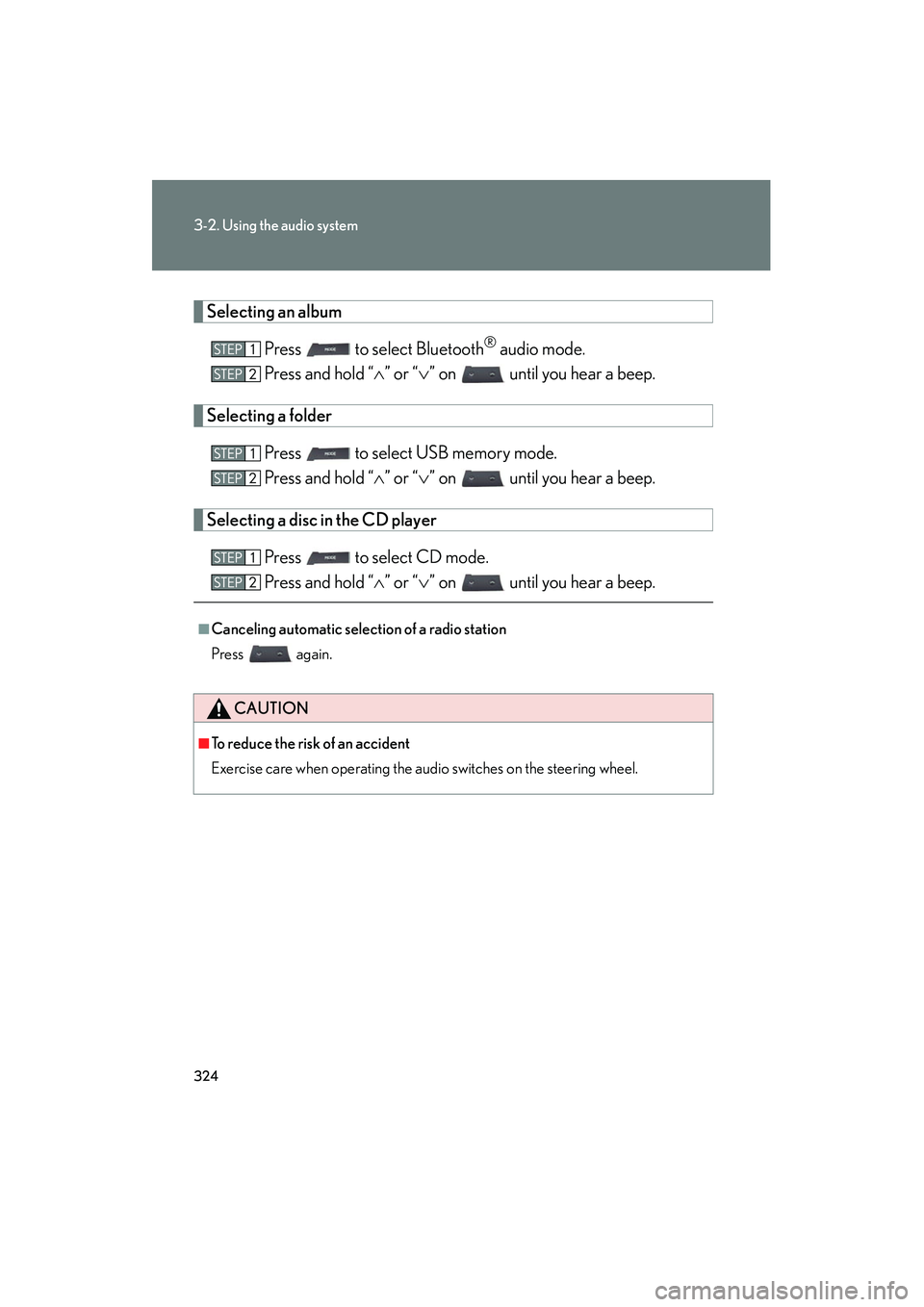
Selecting an albumPress to select Bluetooth
® audio mode.
Press and hold “ ∧” or “ ∨” on until you hear a beep.
Selecting a folder
Press to select USB memory mode.
Press and hold “ ∧” or “ ∨” on until you hear a beep.
Selecting a disc in the CD player
Press to select CD mode.
Press and hold “ ∧” or “ ∨” on until you hear a beep.
■Canceling automatic selection of a radio station
Press again.
CAUTION
■To reduce the risk of an accident
Exercise care when operating the audio switches on the steering wheel.
Page 329 of 630
328
3-3. Using the Bluetooth® audio system
HS250h_U_75050U
Using the Bluetooth® audio system
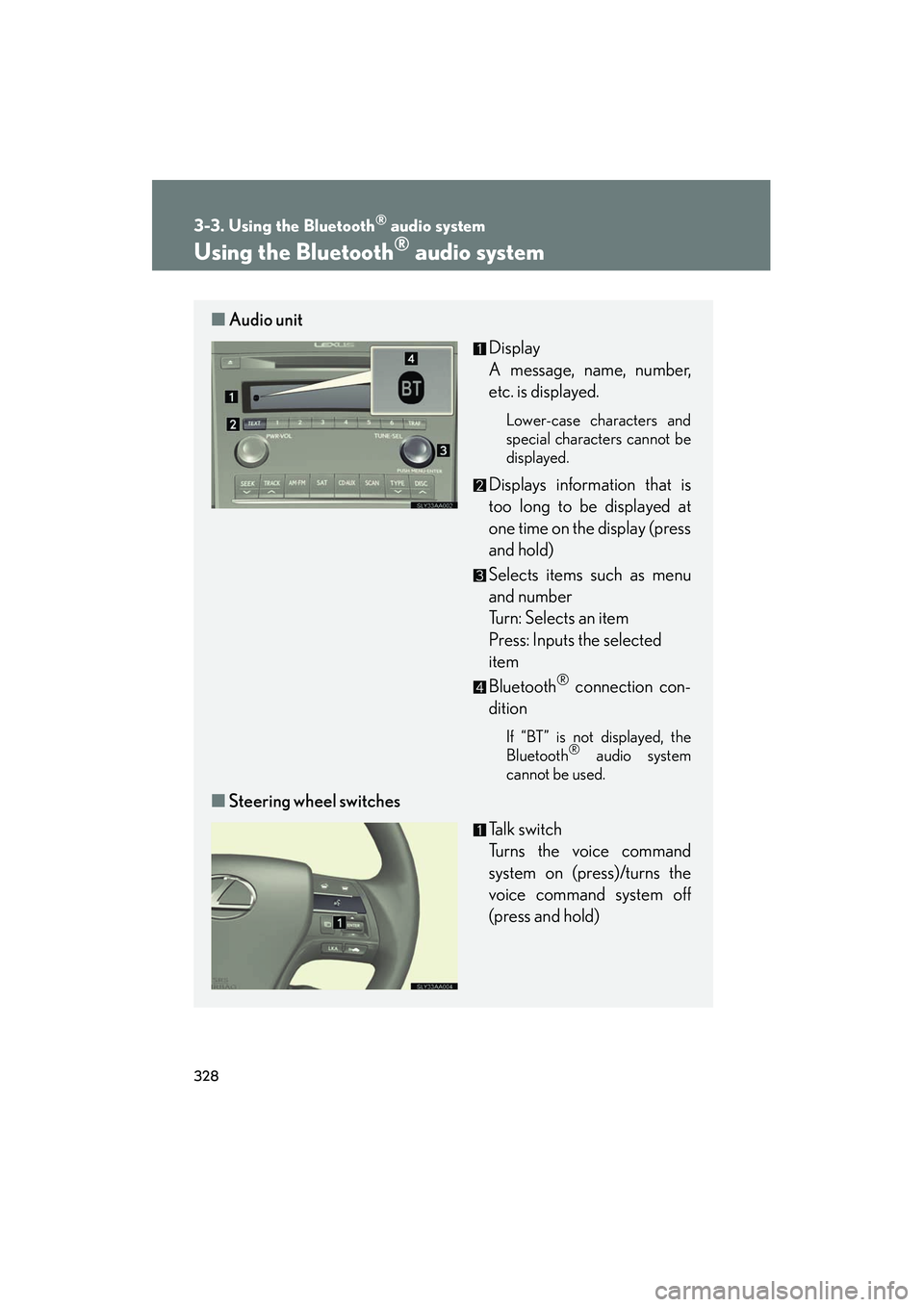
■Audio unit
Display
A message, name, number,
etc. is displayed.
Lower-case characters and
special characters cannot be
displayed.
Displays information that is
too long to be displayed at
one time on the display (press
and hold)
Selects items such as menu
and number
Turn: Selects an item
Press: Inputs the selected
item
Bluetooth
® connection con-
dition
If “BT” is not displayed, the
Bluetooth® audio system
cannot be used.
■ Steering wheel switches
Talk switch
Turns the voice command
system on (press)/turns the
voice command system off
(press and hold)
Page 348 of 630
347
3-4. Using the hands-free phone system (for cellular phones)
3
Interior features
HS250h_U_75050U
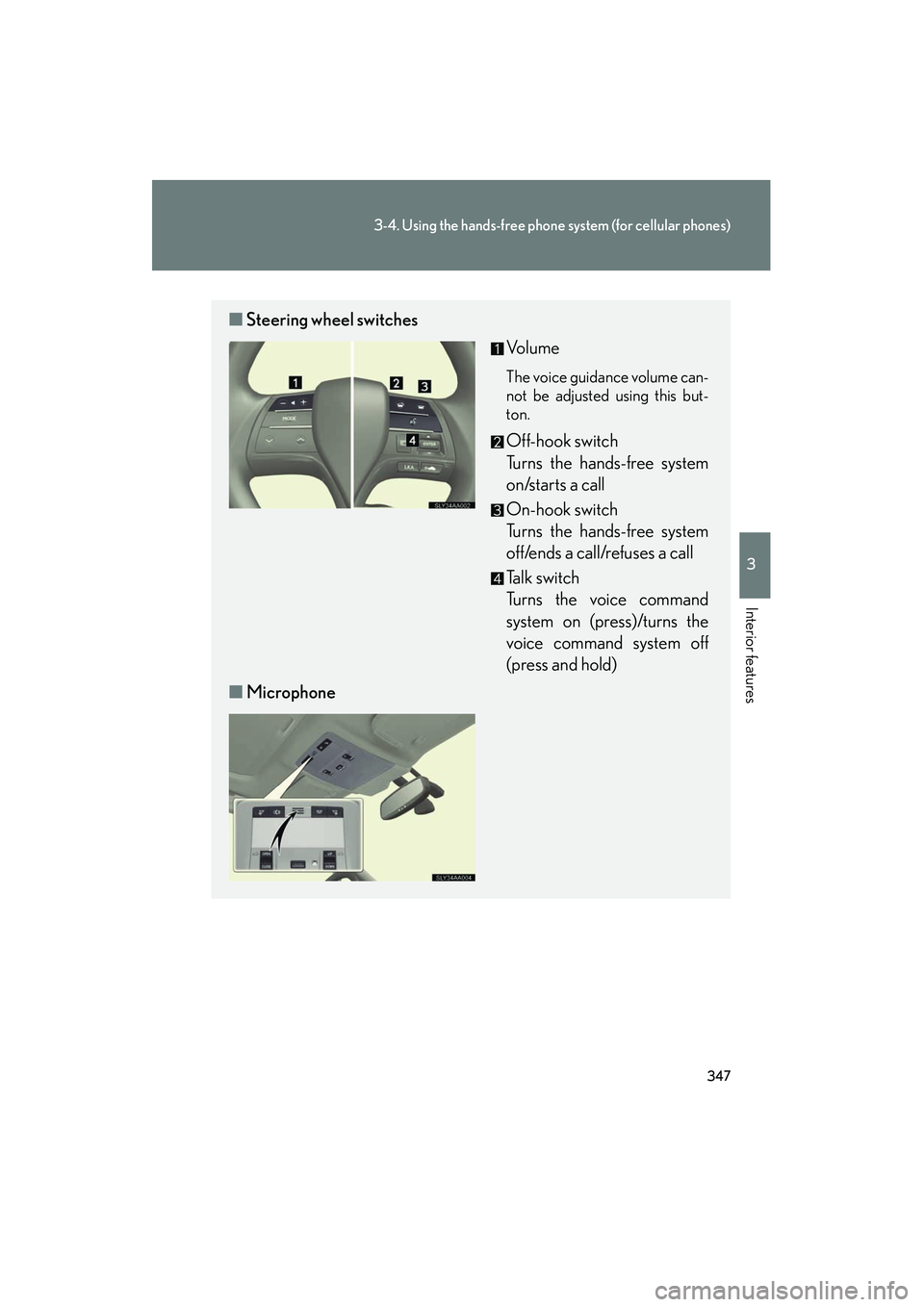
■Steering wheel switches
Vo l u m e
The voice guidance volume can-
not be adjusted using this but-
ton.
Off-hook switch
Turns the hands-free system
on/starts a call
On-hook switch
Turns the hands-free system
off/ends a call/refuses a call
Talk switch
Turns the voice command
system on (press)/turns the
voice command system off
(press and hold)
■ Microphone