door lock Lexus HS250h 2012 Owner's Manual
[x] Cancel search | Manufacturer: LEXUS, Model Year: 2012, Model line: HS250h, Model: Lexus HS250h 2012Pages: 630, PDF Size: 16.1 MB
Page 2 of 630
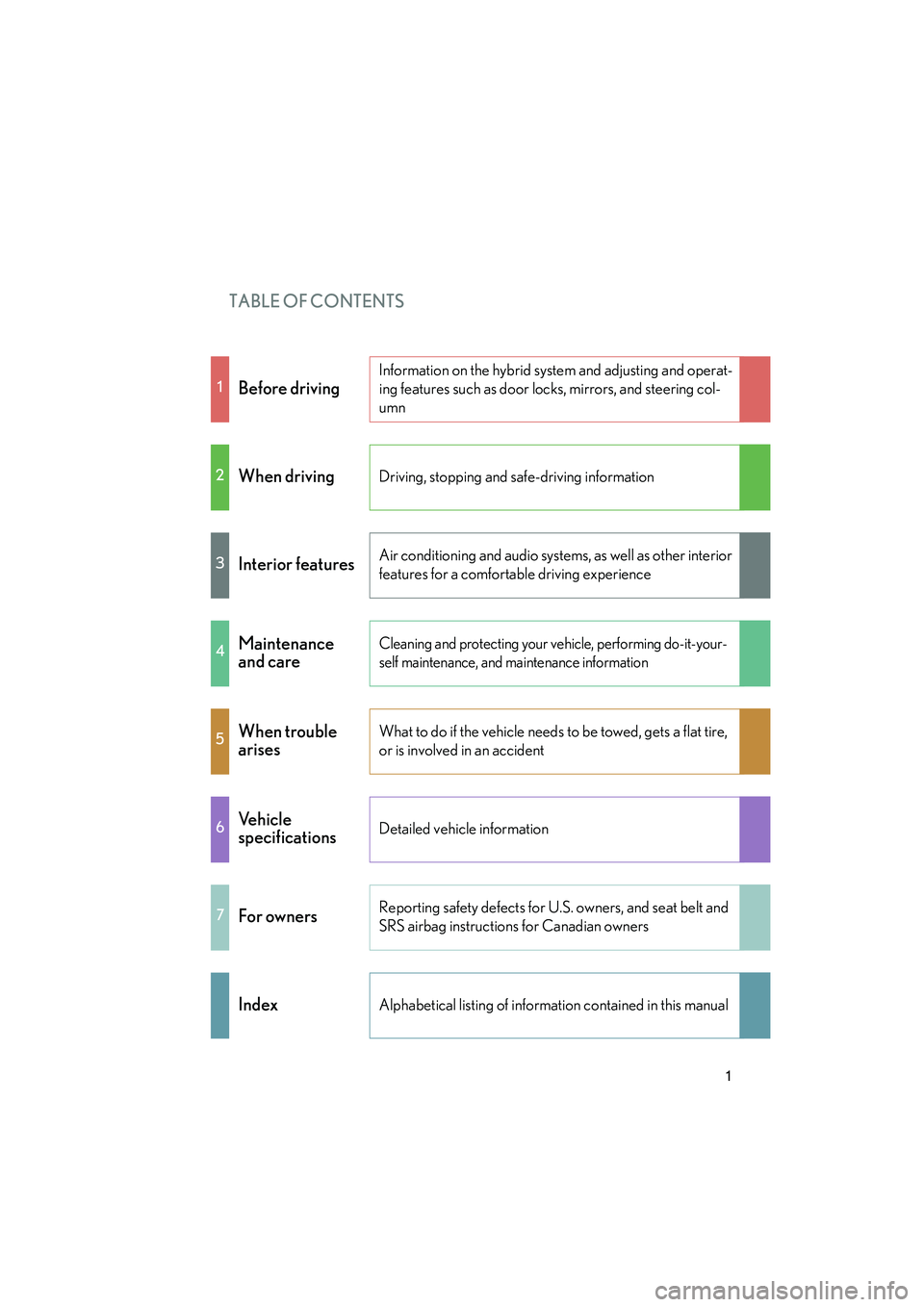
TABLE OF CONTENTS
HS250h_U_75050U
1
1Before driving
Information on the hybrid system and adjusting and operat-
ing features such as door locks, mirrors, and steering col-
umn
2When drivingDriving, stopping and safe-driving information
3Interior featuresAir conditioning and audio systems, as well as other interior
features for a comfortable driving experience
4Maintenance
and careCleaning and protecting your vehicle, performing do-it-your-
self maintenance, and maintenance information
5When trouble
arisesWhat to do if the vehicle needs to be towed, gets a flat tire,
or is involved in an accident
6Ve h i c l e
specificationsDetailed vehicle information
7For ownersReporting safety defects for U.S. owners, and seat belt and
SRS airbag instructions for Canadian owners
IndexAlphabetical listing of information contained in this manual
Page 3 of 630
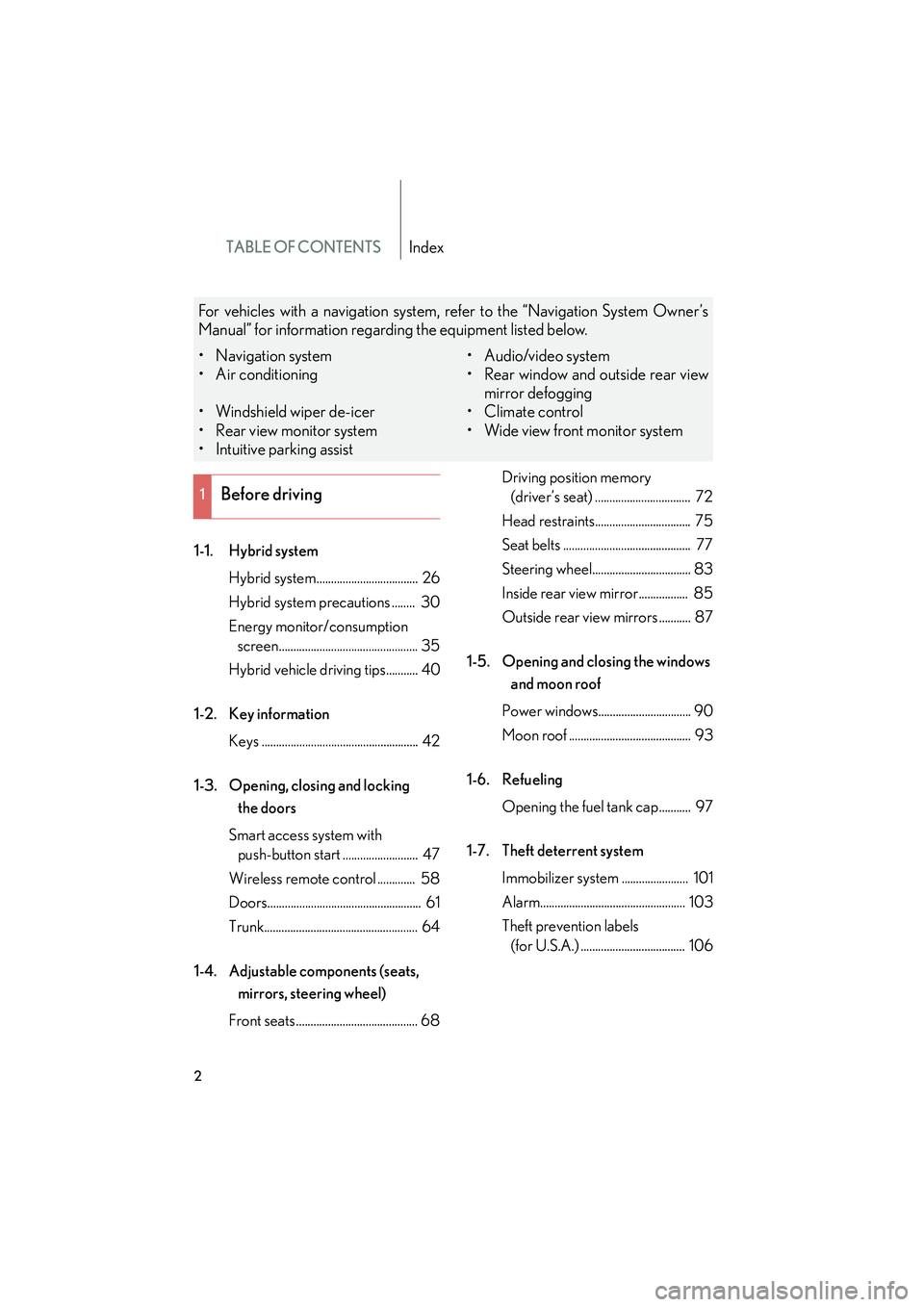
TABLE OF CONTENTSIndex
HS250h_U_75050U
2
1-1. Hybrid systemHybrid system................................... 26
Hybrid system precautions ........ 30
Energy monitor/consumption screen................................................ 35
Hybrid vehicle driving tips........... 40
1-2. Key information Keys ...................................................... 42
1-3. Opening, closing and locking the doors
Smart access system with push-button start .......................... 47
Wireless remote control ............. 58
Doors..................................................... 61
Trunk..................................................... 64
1-4. Adjustable components (seats, mirrors, steering wheel)
Front seats .......................................... 68 Driving position memory
(driver’s seat) ................................. 72
Head restraints................................. 75
Seat belts ............................................ 77
Steering wheel.................................. 83
Inside rear view mirror................. 85
Outside rear view mirrors ........... 87
1-5. Opening and closing the windows and moon roof
Power windows................................ 90
Moon roof .......................................... 93
1-6. Refueling Opening the fuel tank cap........... 97
1-7. Theft deterrent system Immobilizer system ....................... 101
Alarm.................................................. 103
Theft prevention labels (for U.S.A.) .................................... 106
1Before driving
For vehicles with a navigation system, refer to the “Navigation System Owner’s
Manual” for information regarding the equipment listed below.
• Navigation system
• Air conditioning
• Windshield wiper de-icer
• Rear view monitor system
• Intuitive parking assist • Audio/video system
• Rear window and outside rear view
mirror defogging
•Climate control
• Wide view front monitor system
Page 6 of 630
1
2
3
4
5
6
7
HS250h_U_75050U
5
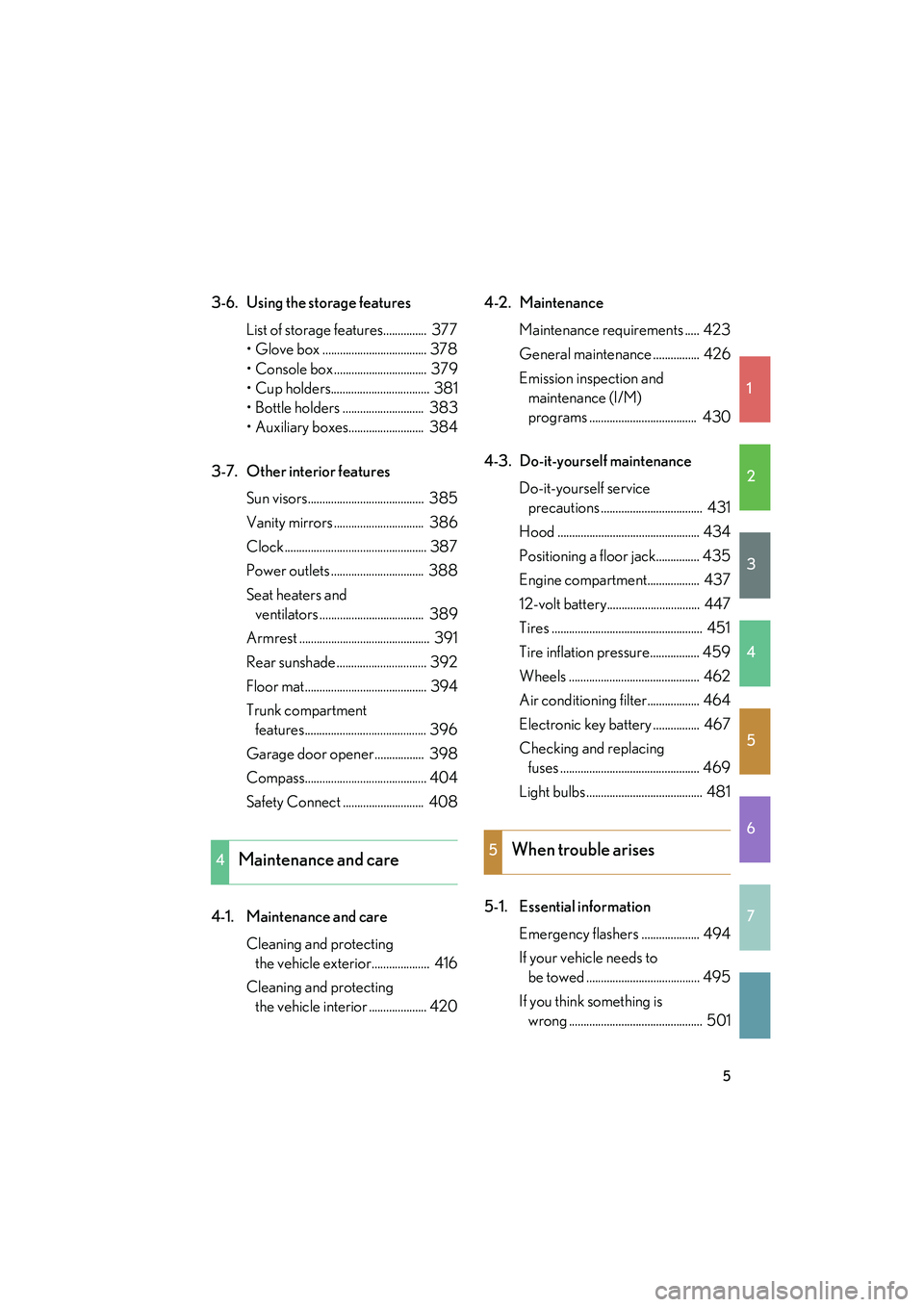
3-6. Using the storage featuresList of storage features............... 377
• Glove box .................................... 378
• Console box ................................ 379
• Cup holders.................................. 381
• Bottle holders ............................ 383
• Auxiliary boxes.......................... 384
3-7. Other interior features Sun visors........................................ 385
Vanity mirrors ............................... 386
Clock ................................................. 387
Power outlets ................................ 388
Seat heaters and ventilators .................................... 389
Armrest ............................................. 391
Rear sunshade ............................... 392
Floor mat.......................................... 394
Trunk compartment features.......................................... 396
Garage door opener................. 398
Compass.......................................... 404
Safety Connect ............................ 408
4-1. Maintenance and care Cleaning and protecting the vehicle exterior.................... 416
Cleaning and protecting the vehicle interior .................... 420 4-2. Maintenance
Maintenance requirements ..... 423
General maintenance ................ 426
Emission inspection and maintenance (I/M)
programs ..................................... 430
4-3. Do-it-yourself maintenance Do-it-yourself service precautions ................................... 431
Hood ................................................. 434
Positioning a floor jack............... 435
Engine compartment.................. 437
12-volt battery................................ 447
Tires .................................................... 451
Tire inflation pressure................. 459
Wheels ............................................. 462
Air conditioning filter.................. 464
Electronic key battery ................ 467
Checking and replacing fuses ................................................ 469
Light bulbs ........................................ 481
5-1. Essential information Emergency flashers .................... 494
If your vehicle needs to be towed ....................................... 495
If you think something is wrong .............................................. 501
4Maintenance and care5When trouble arises
Page 13 of 630
HS250h_U_75050U
12
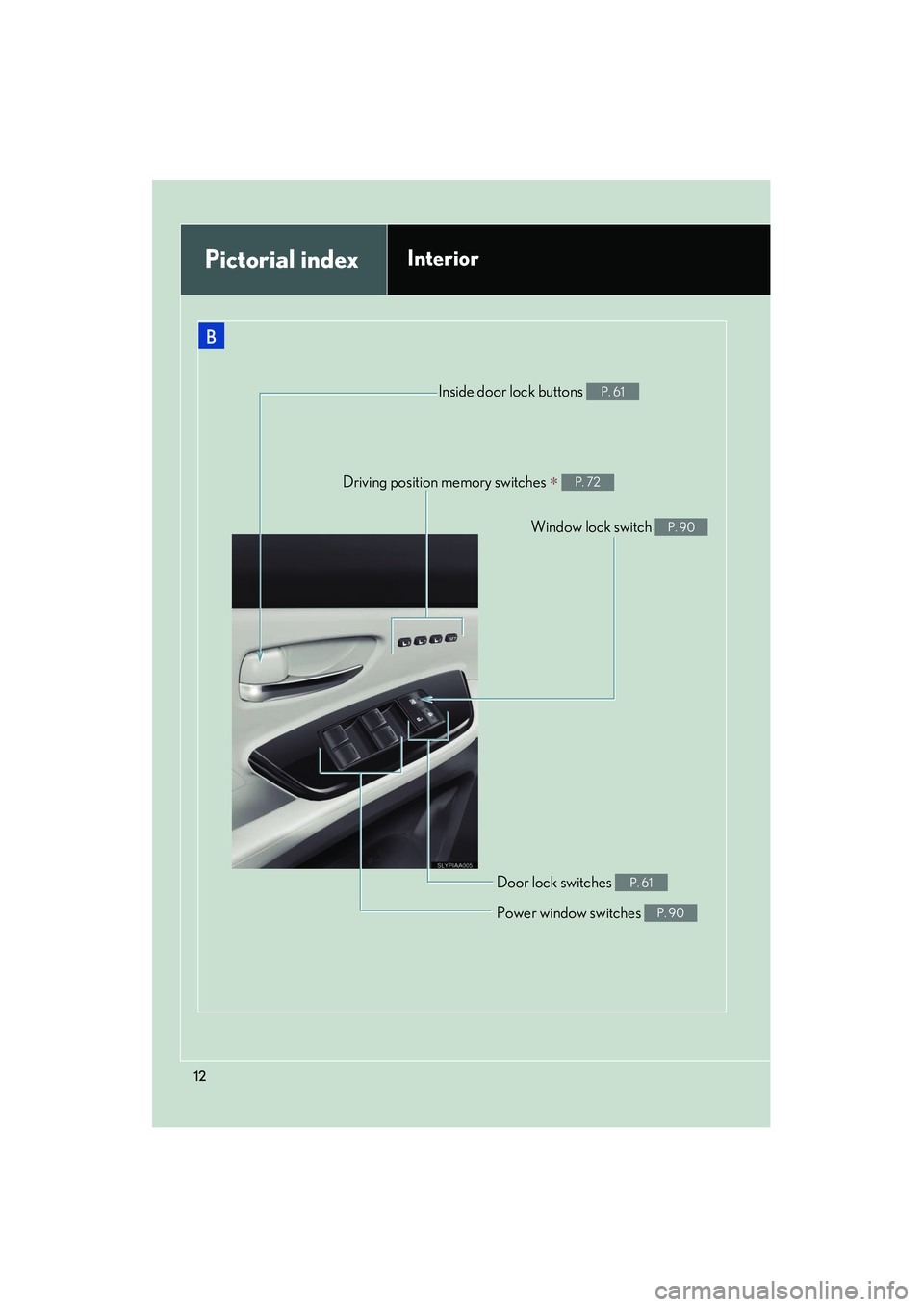
Driving position memory switches ∗ P. 72
Door lock switches P. 61
Window lock switch P. 90
Power window switches P. 90
Inside door lock buttons P. 61
Pictorial indexInterior
Page 26 of 630
Before driving1
25
HS250h_U_75050U
1-1. Hybrid systemHybrid system ............................ 26
Hybrid system precautions ............................. 30
Energy monitor/ consumption screen .............. 35
Hybrid vehicle driving tips..... 40
1-2. Key information Keys ............................................... 42
1-3. Opening, closing and locking the doors
Smart access system with push-button start .................... 47
Wireless remote control ........ 58
Doors ............................................. 61
Trunk ............................................. 64
1-4. Adjustable components (seats, mirrors, steering
wheel)
Front seats ................................... 68
Driving position memory (driver’s seat).......... 72
Head restraints .......................... 75
Seat belts ..................................... 77
Steering wheel .......................... 83 Inside rear view mirror ............ 85
Outside rear view mirrors...... 87
1-5. Opening and closing the windows and moon roof
Power windows .......................... 90
Moon roof ................................... 93
1-6. Refueling Opening the fuel tank cap ..... 97
1-7. Theft deterrent system Immobilizer system ................. 101
Alarm.......................................... 103
Theft prevention labels (for U.S.A.) ............................. 106
1-8. Safety information Correct driving posture ....... 107
SRS airbags .............................. 109
Front passenger occupant classification system............. 121
Child restraint systems ......... 126
Installing child restraints....... 130
Page 48 of 630
47
1
Before driving
HS250h_U_75050U
1-3. Opening, closing and locking the doors
Smart access system with push-button start
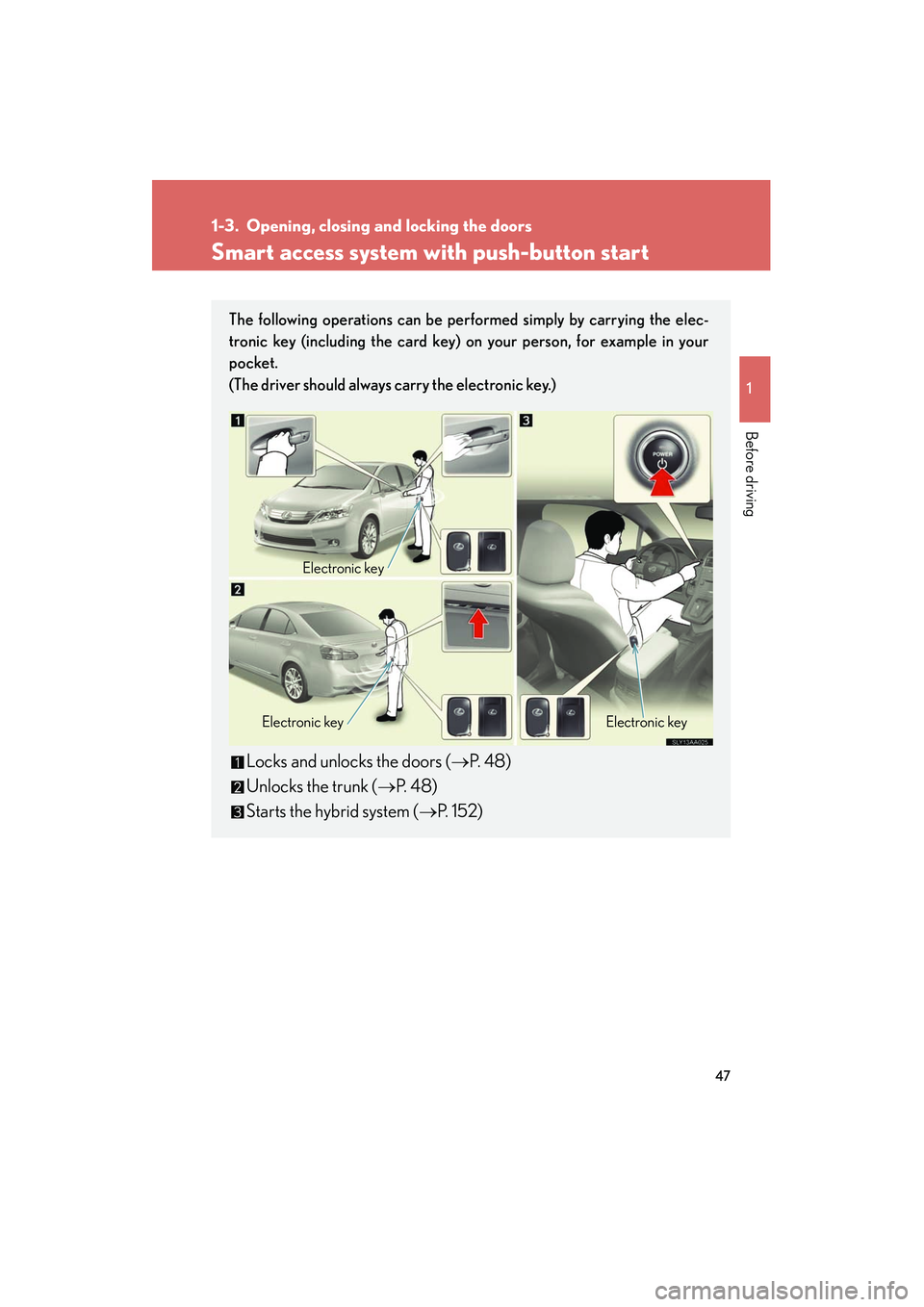
The following operations can be performed simply by carrying the elec-
tronic key (including the card key) on your person, for example in your
pocket.
(The driver should always carry the electronic key.)
Locks and unlocks the doors (→P. 4 8 )
Unlocks the trunk ( →P. 4 8 )
Starts the hybrid system ( →P. 152)
Electronic key
Electronic key Electronic key
Page 49 of 630

48
1-3. Opening, closing and locking the doors
HS250h_U_75050U
Unlocking and locking the doors (front door handles only)
Grip the driver’s door handle to
unlock the door. Grip the passen-
ger’s door handle to unlock all the
doors.*
Make sure to touch the sensor on
the back of the handle.
The doors cannot be unlocked for
3 seconds after the doors are
locked.
*: The door unlock settings can bechanged. ( →P. 5 8 4 )
Touch the lock sensor (the inden-
tation on the upper part of the
door handle) to lock the doors.
Unlocking the trunk
Press the button to unlock the
trunk.
Page 50 of 630

49
1-3. Opening, closing and locking the doors
1
Before driving
HS250h_U_75050U
Antenna location and effective range■ Antenna location
Antennas outside the cabin
Antennas inside the cabin
Antenna inside the trunk
Antenna outside the trunk
Page 51 of 630
50
1-3. Opening, closing and locking the doors
HS250h_U_75050U■
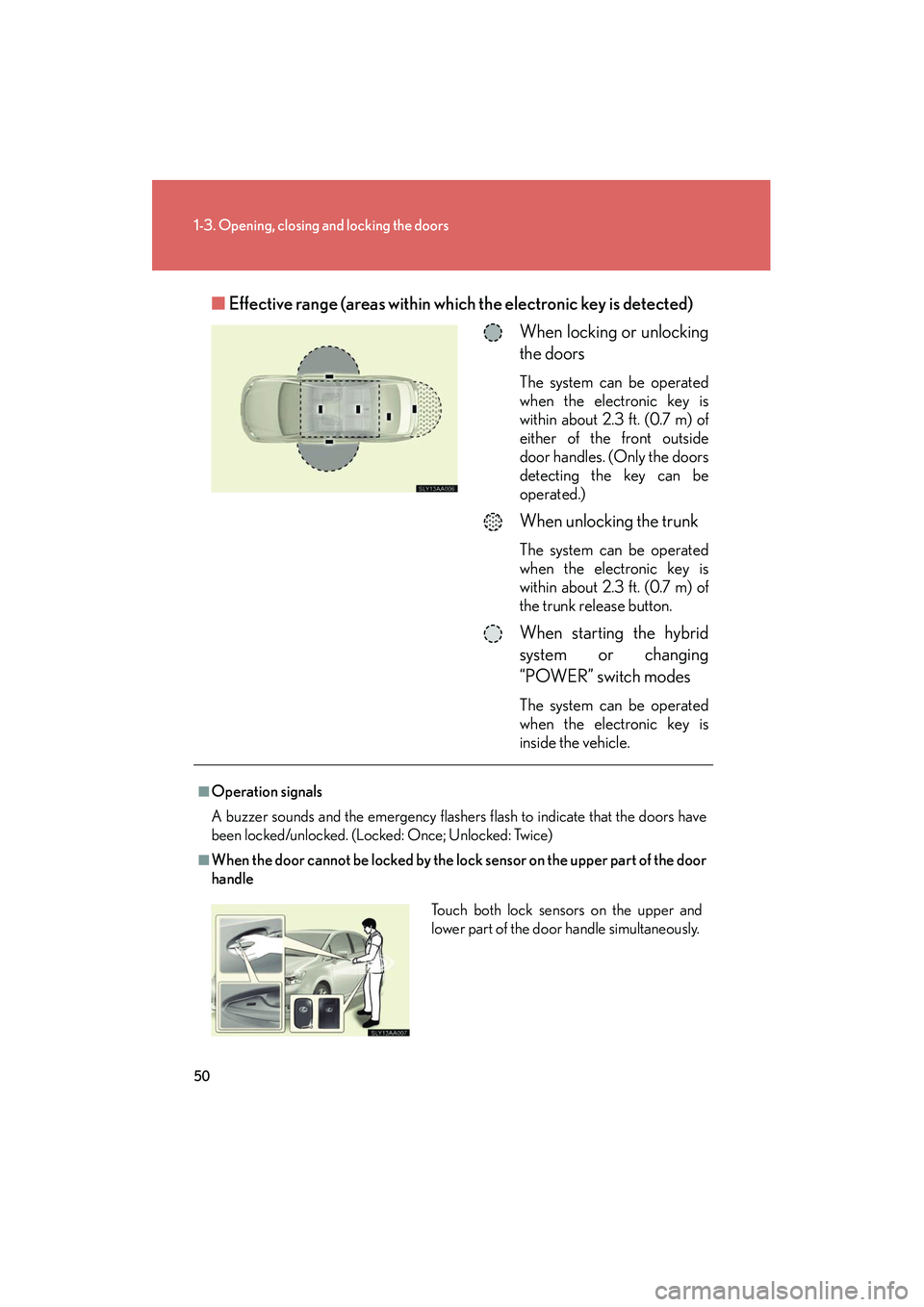
Effective range (areas within wh ich the electronic key is detected)
When locking or unlocking
the doors
The system can be operated
when the electronic key is
within about 2.3 ft. (0.7 m) of
either of the front outside
door handles. (Only the doors
detecting the key can be
operated.)
When unlocking the trunk
The system can be operated
when the electronic key is
within about 2.3 ft. (0.7 m) of
the trunk release button.
When starting the hybrid
system or changing
“POWER” switch modes
The system can be operated
when the electronic key is
inside the vehicle.
■Operation signals
A buzzer sounds and the emergency flashers flash to indicate that the doors have
been locked/unlocked. (Locked: Once; Unlocked: Twice)
■When the door cannot be locked by the lock sensor on the upper part of the door
handle
Touch both lock sensors on the upper and
lower part of the door handle simultaneously.
Page 52 of 630
51
1-3. Opening, closing and locking the doors
1
Before driving
HS250h_U_75050U
■Alarms and warning indicators
A combination of exterior and interior alarms as well as warning messages shown
on the multi-information display is used to prevent theft of the vehicle and accidents
resulting from erroneous operation. Take appropriate measures in response to any
warning message on the multi-information display. ( →P. 5 1 2 )
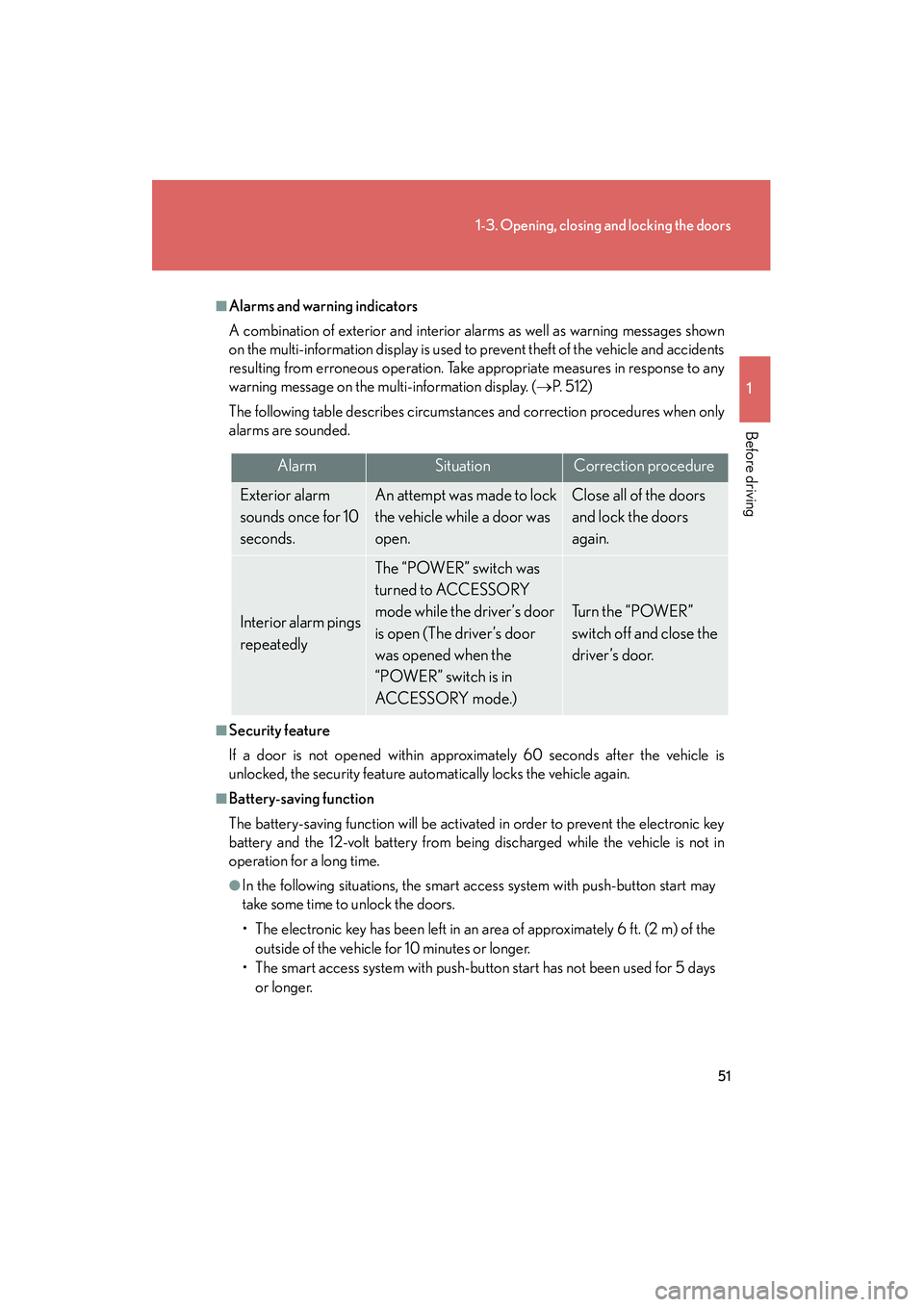
The following table describes circumstances and correction procedures when only
alarms are sounded.
■Security feature
If a door is not opened within approximately 60 seconds after the vehicle is
unlocked, the security feature automatically locks the vehicle again.
■Battery-saving function
The battery-saving function will be activated in order to prevent the electronic key
battery and the 12-volt battery from being discharged while the vehicle is not in
operation for a long time.
●In the following situations, the smart access system with push-button start may
take some time to unlock the doors.
• The electronic key has been left in an area of approximately 6 ft. (2 m) of the outside of the vehicle for 10 minutes or longer.
• The smart access system with push-button start has not been used for 5 days or longer.
AlarmSituationCorrection procedure
Exterior alarm
sounds once for 10
seconds.An attempt was made to lock
the vehicle while a door was
open.Close all of the doors
and lock the doors
again.
Interior alarm pings
repeatedly
The “POWER” switch was
turned to ACCESSORY
mode while the driver’s door
is open (The driver’s door
was opened when the
“POWER” switch is in
ACCESSORY mode.)
Turn the “POWER”
switch off and close the
driver’s door.