USB port Lexus IS200t 2017 Owner's Manuals
[x] Cancel search | Manufacturer: LEXUS, Model Year: 2017, Model line: IS200t, Model: Lexus IS200t 2017Pages: 676, PDF Size: 149.78 MB
Page 4 of 676
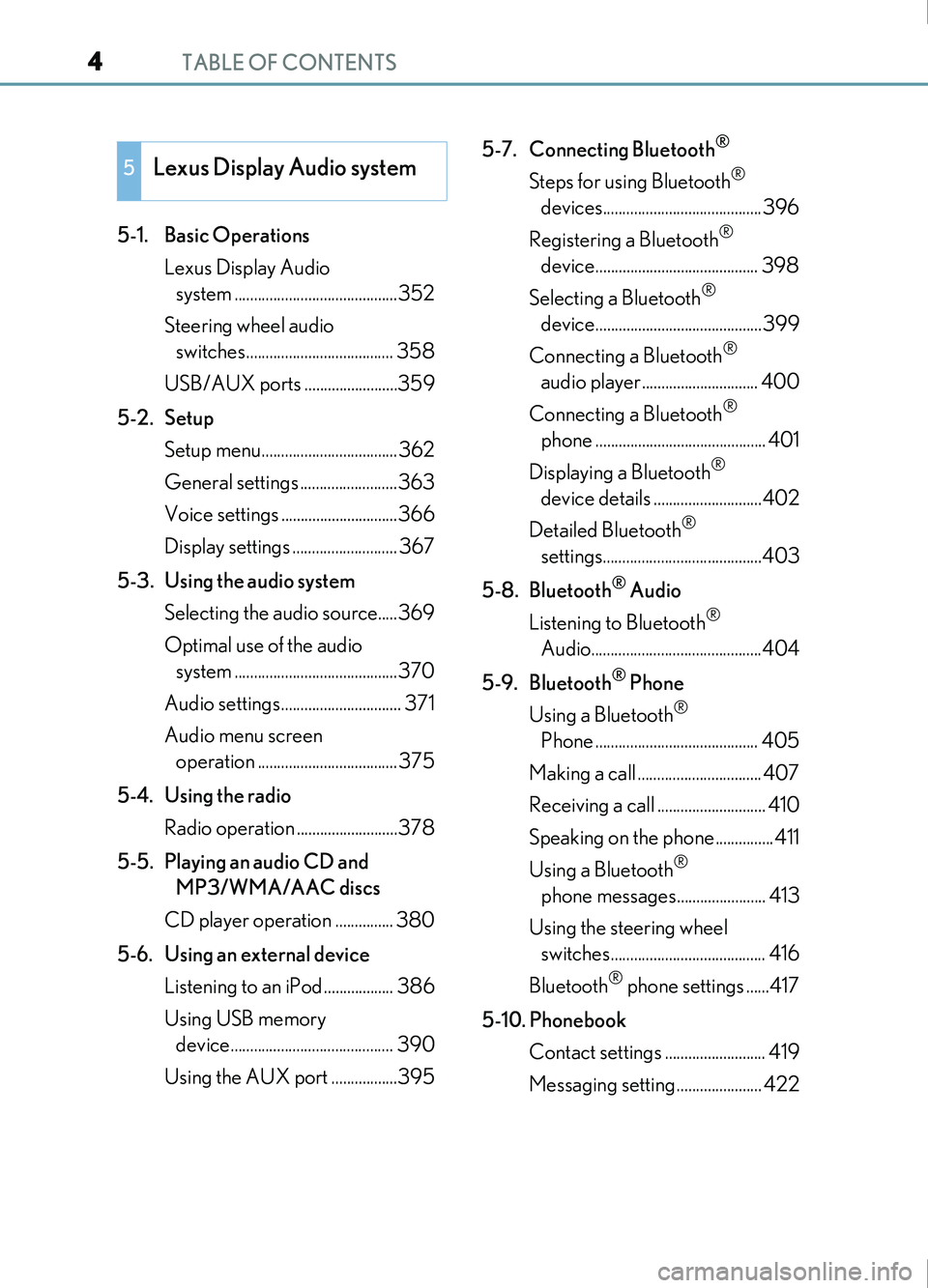
TABLE OF CONTENTS4
IS200t_EE(OM53D77E)
5-1. Basic OperationsLexus Display Audio system ..........................................352
Steering wheel audio switches...................................... 358
USB/AUX ports ........................359
5-2. Setup Setup menu...................................362
General settings .........................363
Voice settings ..............................366
Display settings ........................... 367
5-3. Using the audio system Selecting the audio source.....369
Optimal use of the audio system ..........................................370
Audio settings............................... 371
Audio menu screen operation .................................... 375
5-4. Using the radio Radio operation ..........................378
5-5. Playing an audio CD and MP3/WMA/AAC discs
CD player operation ............... 380
5-6. Using an external device Listening to an iPod .................. 386
Using USB memory device.......................................... 390
Using the AUX port .................395 5-7. Connecting Bluetooth
®
Steps for using Bluetooth®
devices.........................................396
Registering a Bluetooth
®
device.......................................... 398
Selecting a Bluetooth
®
device...........................................399
Connecting a Bluetooth
®
audio player.............................. 400
Connecting a Bluetooth
®
phone ............................................ 401
Displaying a Bluetooth
®
device details ............................402
Detailed Bluetooth
®
settings.........................................403
5-8. Bluetooth
® Audio
Listening to Bluetooth
®
Audio............................................404
5-9. Bluetooth
® Phone
Using a Bluetooth
®
Phone .......................................... 405
Making a call ................................ 407
Receiving a call ............................ 410
Speaking on the phone...............411
Using a Bluetooth
®
phone messages....................... 413
Using the steering wheel switches........................................ 416
Bluetooth
® phone settings ......417
5-10. Phonebook Contact settings .......................... 419
Messaging setting...................... 422
5Lexus Display Audio system
Page 350 of 676

350
IS200t_EE(OM53D77E)
5-1. Basic OperationsLexus Display Audio system .......................................... 352
Steering wheel audio switches.......................................358
USB/AUX ports ........................ 359
5-2. Setup Setup menu .................................. 362
General settings......................... 363
Voice settings.............................. 366
Display settings ........................... 367
5-3. Using the audio system Selecting the audio source .... 369
Optimal use of the audio system .......................................... 370
Audio settings ...............................371
Audio menu screen operation .................................... 375
5-4. Using the radio Radio operation.......................... 378
5-5. Playing an audio CD and MP3/WMA/AAC discs
CD player operation ............... 380
Page 351 of 676

351
5
Lexus DisplayAudio system
IS200t_EE(OM53D77E)
5-6. Using an external device
Listening to an iPod.................. 386
Using USB memory device.......................................... 390
Using the AUX port .................395
5-7. Connecting Bluetooth
®
Steps for using Bluetooth®
devices.........................................396
Registering a Bluetooth
®
device.......................................... 398
Selecting a Bluetooth
®
device...........................................399
Connecting a Bluetooth
®
audio player .............................. 400
Connecting a Bluetooth
®
phone ............................................ 401
Displaying a Bluetooth
®
device details ............................402
Detailed Bluetooth
®
settings........................................ 403
5-8. Bluetooth
® Audio
Listening to Bluetooth
®
Audio............................................404 5-9. Bluetooth
® Phone
Using a Bluetooth
®
Phone...........................................405
Making a call................................ 407
Receiving a call ............................ 410
Speaking on the phone .............. 411
Using a Bluetooth
®
phone messages ...................... 413
Using the steering wheel switches.........................................416
Bluetooth
® phone settings ...... 417
5-10. Phonebook Contact settings .......................... 419
Messaging setting ..................... 422
5-11. Bluetooth® What to do if... (Troubleshooting)................... 423
Bluetooth
®................................... 426
5-12. Other function “Information” screen................. 433
MirrorLink™ ................................ 434
USB photo ....................................438
Speech command system ......440
Some of the functions cannot be operated while driving.
Page 359 of 676

3595-1. Basic Operations
5
Lexus Display Audio system
IS200t_EE(OM53D77E)
■iPod
Open the cover and connect an
iPod using an iPod cable.
Turn on the power of the iPod if it is
not turned on.
■USB memory
Open the cover and connect the USB memory device.
Turn on the power, if applicable, of the USB memory device if it is not turned on.
■Portable audio player
Open the cover and connect the portable audio player.
Turn on the power of the portable audio player if it is not turned on.
USB/AUX ports
Connect an iPod, USB memory device or portable audio player to the USB/
AUX port as indicated below. Select “iPod”, “USB”, “AUX” or “A/V” on the
audio source selection screen and the device can be operated via Lexus Dis-
play Audio system.
Connecting using the USB/AUX port
Page 360 of 676

3605-1. Basic Operations
IS200t_EE(OM53D77E)
To view a video on an iPod video or VTR, it is necessary to use a 4-pole AUX
cable to connect the portable audio device.
When connecting a portable audio device to the AUX port, use a 4-pole AUX
cable with a plug that matches the exact layout shown in the illustration.Connected device (portable audio
device, etc.)
Left audio
Right audio
Ground
Video
When using an iPod video, a cable
that has a 4-pole AUX plug and a
USB connector is necessary. Con-
nect the plug and connector to the
AUX and USB ports.
Using a 4-pole AUX cable
1
2
3
4
5
Page 373 of 676
3735-3. Using the audio system
5
Lexus Display Audio system
IS200t_EE(OM53D77E)
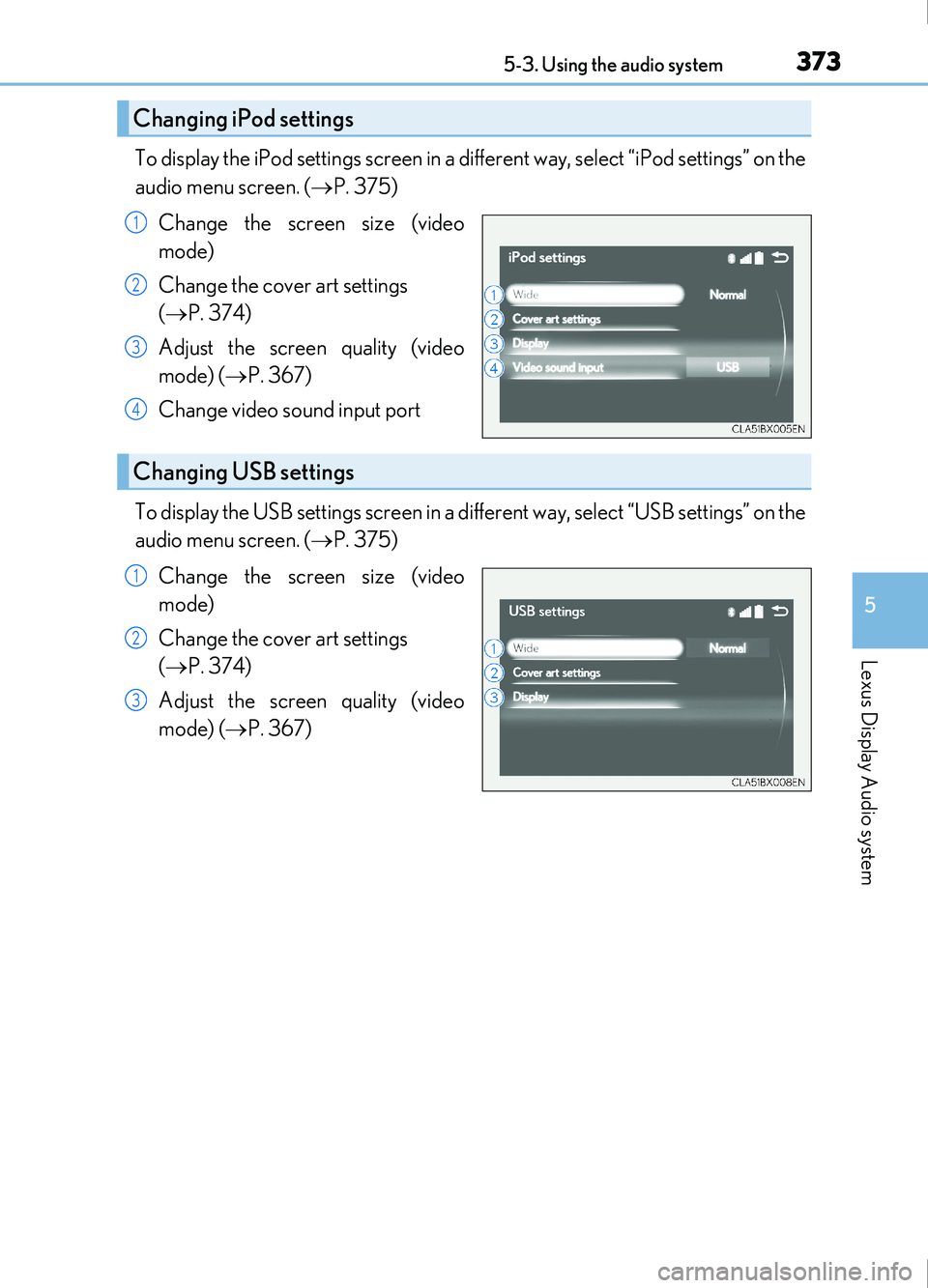
To display the iPod settings screen in a different way, select “iPod settings” on the
audio menu screen. ( P. 375)
Change the screen size (video
mode)
Change the cover art settings
( P. 374)
Adjust the screen quality (video
mode) ( P. 367)
Change video sound input port
To display the USB settings screen in a different way, select “USB settings” on the
audio menu screen. ( P. 375)
Change the screen size (video
mode)
Change the cover art settings
( P. 374)
Adjust the screen quality (video
mode) ( P. 367)
Changing iPod settings
1
2
3
4
Changing USB settings
1
2
3
Page 394 of 676
3945-6. Using an external device
IS200t_EE(OM53D77E)
NOTICE
■To prevent damage to the USB memory device or its terminals
●Depending on the size and shape of the USB memory that is connected to the sys-
tem, the console box may not close fully. In this case, do not forcibly close the console
box as this may damage the USB memory or the terminal, etc.
●Do not leave the USB memory device in the vehicle. The temperature inside the vehi-
cle may become high.
●Do not push down on or apply unnecessary pressure to the USB memory device
while it is connected.
●Do not insert foreign objects into the port.
Page 434 of 676
4345-12. Other function
IS200t_EE(OM53D77E)
P. 359
MirrorLink™
The MirrorLink™ function enables operations of some smartphone content
via the Lexus Display Audio system.
Depending on differences between models or software version etc., some
models might be incompatible with this system.
Connect a smartphone to US B port using a USB cable.
For safety reasons, the safe driving screen is displayed while driving depend-
ing on the application.
Connecting a smartphone
Page 657 of 676
657Alphabetical index
IS200t_EE(OM53D77E)
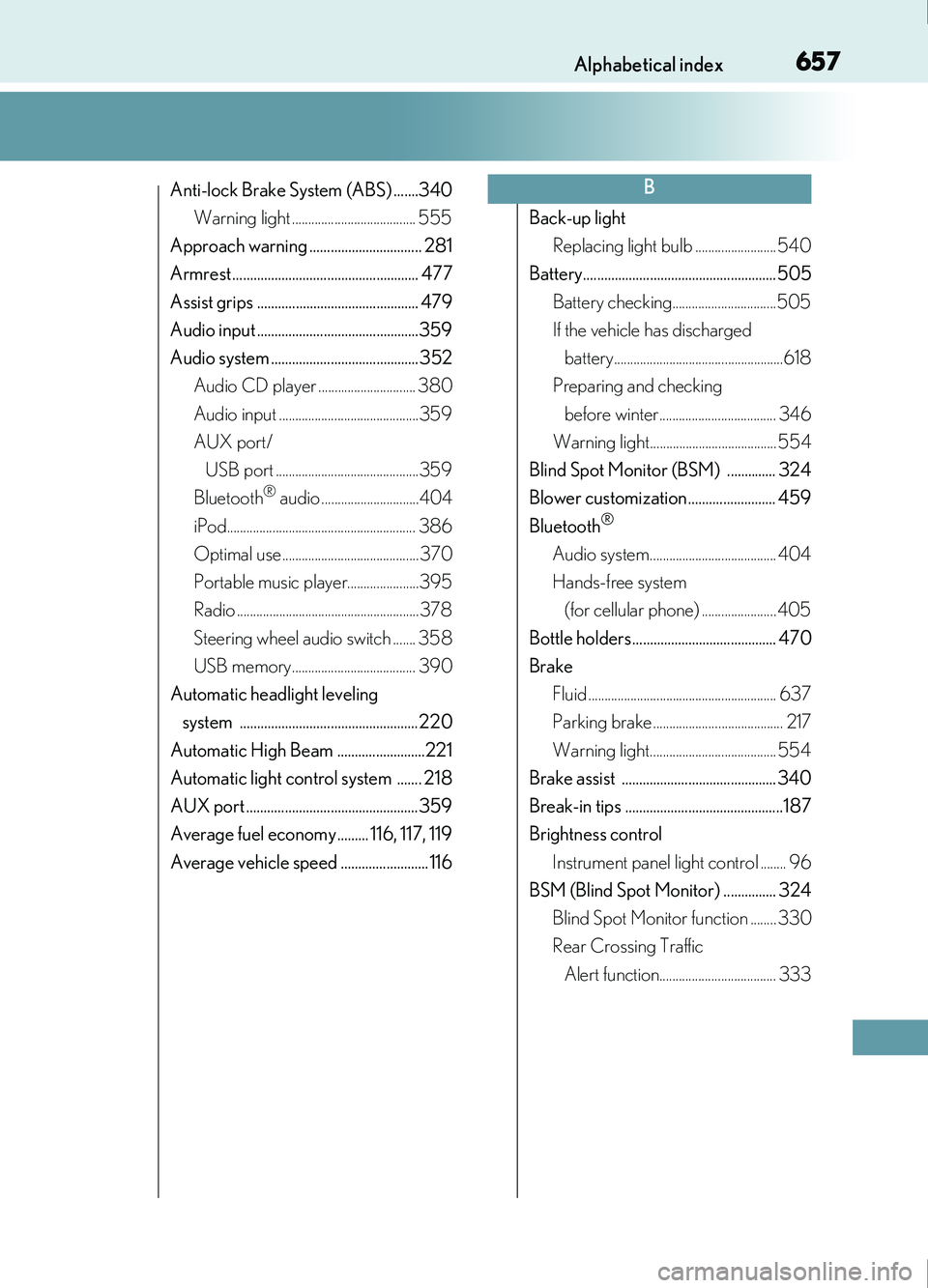
Anti-lock Brake System (ABS) .......340Warning light ...................................... 555
Approach warning ................................ 281
Armrest ..................................................... 477
Assist grips .............................................. 479
Audio input ..............................................359
Audio system .......................................... 352 Audio CD player .............................. 380
Audio input ...........................................359
AUX port/
USB port ............................................359
Bluetooth
® audio ..............................404
iPod.......................................................... 386
Optimal use .......................................... 370
Portable music player......................395
Radio ........................................................378
Steering wheel audio switch ....... 358
USB memory...................................... 390
Automatic headlight leveling system ................................................... 220
Automatic High Beam .........................221
Automatic light control system ....... 218
AUX port .................................................359
Average fuel economy......... 116, 117, 119
Average vehicle speed ......................... 116 Back-up light
Replacing light bulb ......................... 540
Battery....................................................... 505
Battery checking................................505
If the vehicle has discharged battery....................................................618
Preparing and checking
before winter.................................... 346
Warning light....................................... 554
Blind Spot Monitor (BSM) .............. 324
Blower customization......................... 459
Bluetooth®
Audio system....................................... 404
Hands-free system (for cellular phone) ....................... 405
Bottle holders......................................... 470
Brake Fluid .......................................................... 637
Parking brake ........................................ 217
Warning light....................................... 554
Brake assist ............................................ 340
Break-in tips .............................................187
Brightness control
Instrument panel light control ........ 96
BSM (Blind Spot Monitor) ............... 324
Blind Spot Monitor function ........ 330
Rear Crossing Traffic Alert function.................................... 333
B
Page 673 of 676
673Alphabetical index
IS200t_EE(OM53D77E)
Trunk ........................................................... 135Luggage security system ................. 137
Smart entry & start system ............. 135
Trunk features...................................... 472
Trunk grip ................................................136
Trunk light ............................................... 138
Trunk opener main switch .............. 137
Trunk opener switch ......................... 135
Wireless remote control ..................136
Trunk light ................................................. 138
Wattage..................................................639
Turn signal lights..................................... 216
Replacing light bulbs ........................................ 535, 540
Turn signal lever ...................................216
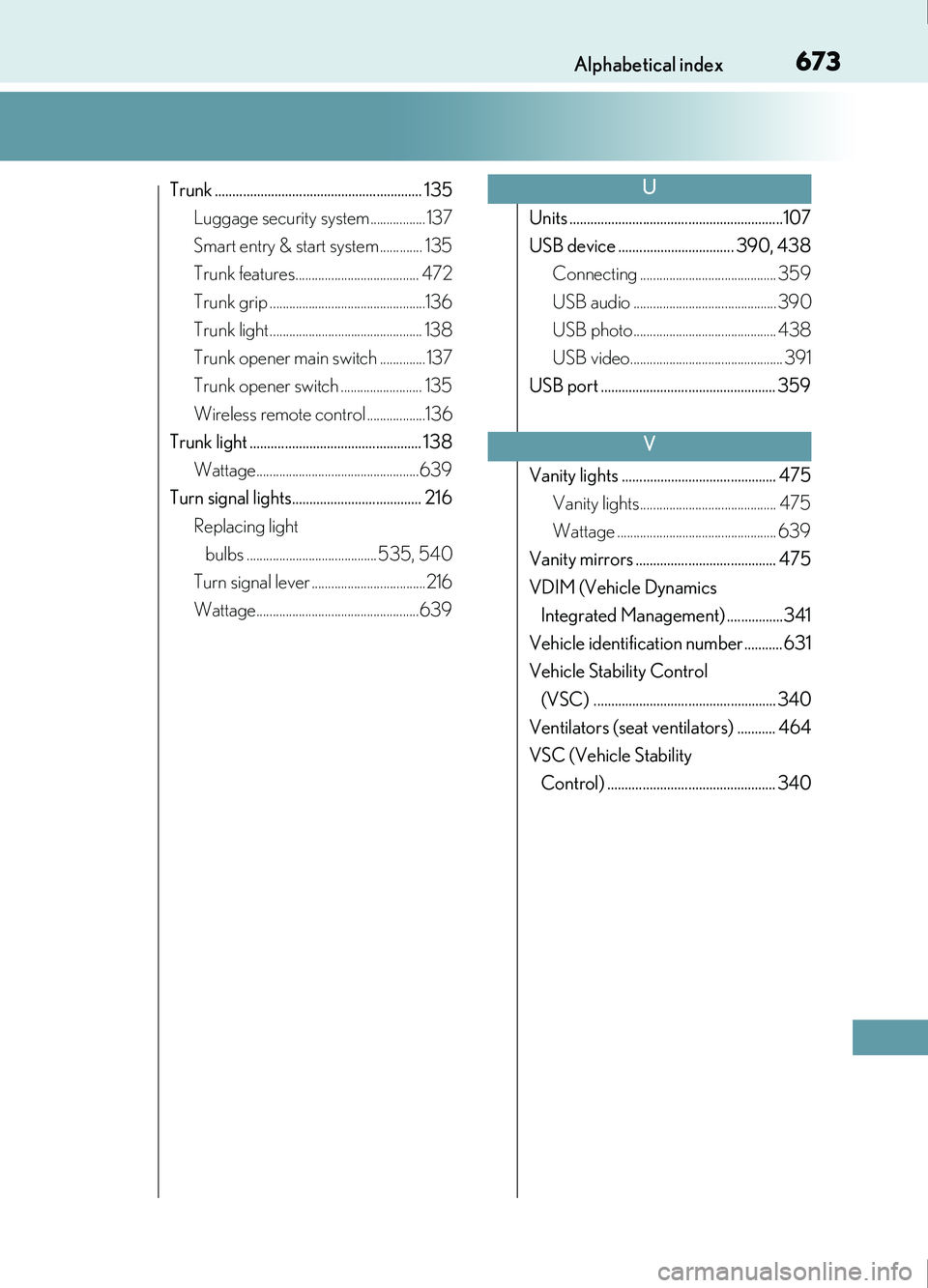
Wattage..................................................639 Units .............................................................107
USB device ................................. 390, 438
Connecting .......................................... 359
USB audio ............................................ 390
USB photo............................................ 438
USB video............................................... 391
USB port .................................................. 359
Vanity lights ............................................ 475 Vanity lights.......................................... 475
Wattage ................................................. 639
Vanity mirrors ........................................ 475
VDIM (Vehicle Dynamics Integrated Management) ................341
Vehicle identification number...........631
Vehicle Stability Control (VSC) .................................................... 340
Ventilators (seat ventilators) ........... 464
VSC (Vehicle Stability Control) ................................................ 340U
V