air Lexus IS220d 2011 Owner's Manual
[x] Cancel search | Manufacturer: LEXUS, Model Year: 2011, Model line: IS220d, Model: Lexus IS220d 2011Pages: 609, PDF Size: 14.63 MB
Page 352 of 609

335
3-4. Using the hands-free phone system (for mobile phones)
3
Interior features
IS250/220d/200d_EE
“Setup”
“Security”
“Set PIN”Setting a PIN code
“Phbk Lock”Locking the phone book
“Phbk Unlock”Unlocking the phone book
“Phone
Setup”
“Pair Phone”Registering a mobile phone
“Select Phone”Selecting a mobile phone to
be used
“Change Name”Changing the registered
name of a mobile phone
“List Phones”Listing the registered mobile
phones
“Set Passkey”Changing the passkey
“Delete Phone”Deleting a registered mobile
phone
“System
Setup”
“Guidance Vol”Setting voice guidance vol-
ume
“Device Name”Displaying the Bluetooth®
device address and name
“Initialize”Initializing the system
First menuSecond
menuThird menuOperation detail
Page 358 of 609

341
3-4. Using the hands-free phone system (for mobile phones)
3
Interior features
IS250/220d/200d_EE
Setting a mobile phone
Registering a mobile phone in the hands-free phone system allows the
system to function. The following functions can be used for registered
mobile phones:
Functions and operation procedures
To enter the menu for each function, follow the steps below.
Press the off-hook switch and select “Setup” using ,
and .
Select “Phone Setup” using , and .
Select one of the following items using , and
:
Registering a mobile phone
“Pair Phone”
Selecting a mobile phone to be used
“Select Phone”
Changing the registered name of a mobile phone
“Change Name”
Listing the registered mobile phones
“List Phones”
Changing the passkey
“Set Passkey”
Deleting a registered mobile phone
“Delete Phone”
STEP1
STEP2
STEP3
Page 359 of 609

342
3-4. Using the hands-free phone system (for mobile phones)
IS250/220d/200d_EE
Registering a mobile phone
Select “Pair Phone” using , and , and perform
the procedure for registering a mobile phone. (P. 333)
Selecting a mobile phone to be used
Select “Select Phone” using , and .
Select the mobile phone to be used using , and
.
Changing the registered name of a mobile phone
Select “Change Name” using , and .
Select the desired mobile phone name to be changed using
, and .
Select “Record Name” using , and , and
say the new name after the beep.
The name to be registered will be repeated aloud.
Select “Confirm” using , and .
Listing the registered mobile phones
Select “List Phones” using , and . The list of reg-
istered mobile phones will be read aloud.
When listing is complete, the system returns to “Phone Setup”.
STEP1
STEP2
STEP1
STEP2
STEP3
STEP4
Page 360 of 609

343
3-4. Using the hands-free phone system (for mobile phones)
3
Interior features
IS250/220d/200d_EE
Changing the passkey
Select “Set Passkey” using , and .
Select a 4 to 8-digit number using , and .
The number should be input 1 digit at a time.
When the entire number to be registered as a passkey has
been input, press again.
If the number to be registered has 8 digits, pressing is not
necessary.
Deleting a registered mobile phone
Select “Delete Phone” using , and .
Select the desired mobile phone to be deleted using ,
and .
If the mobile phone to be deleted is paired as a Bluetooth
® audio
player, the registration of the audio player can be deleted at the
same time.
When “Del Audio?” is displayed, select “Yes” or “No”
using , and . (Bluetooth
® audio player
P. 309)
The number of mobile phones that can be registered
Up to 6 mobile phones can be registered in the system.
STEP1
STEP2
STEP3
STEP1
STEP2
STEP3
Page 371 of 609

352
3-5. Using the interior lights
IS250/220d/200d_EE
To prevent battery discharge
If the overhead courtesy lights and interior lights remain on when the door is
not fully closed and the interior light switch (door position on/off) is on, the
lights will go off automatically after 20 minutes.
Customization that can be configured at any authorized Lexus dealer or
repairer, or another duly qualified and equipped professional
Settings (e.g. The time elapsed before lights turn off) can be changed.
(Customizable features P. 556)
Front door courtesy light
Front scuff lights (if equipped)
Outer foot lights
Turning the instrument panel light control knob fully to the left dis-
ables the shift lever light and front footwell lights.
Page 393 of 609

374
3-7. Other interior features
IS250/220d/200d_EE
Seat heaters and ventilators
The seat heaters and ventilators heat the seats and maintain good air-
flow by blowing air from the seats.
Vehicles with an automatic transmission
Heats the seats
The indicator light (amber)
comes on.
The higher the number, the
warmer the seats become.
Blows air from the seats
The indicator light (green)
comes on.
The higher the number, the
stronger the airflow becomes.
Left front seatRight front
: If equipped
Page 394 of 609

375
3-7. Other interior features
3
Interior features
IS250/220d/200d_EE
The seat heaters and ventilators can be used when
The “ENGINE START STOP” switch is in IGNITION ON mode.
When not in use
Set the dial to “0”. The indicator light turns off.
Vehicles with a manual transmission
Heats the seats
The indicator light (amber)
comes on.
The higher the number, the
warmer the seats become.
Blows air from the seats
The indicator light (green)
comes on.
The higher the number, the
stronger the airflow becomes.
Left frontRight front
Page 400 of 609

381
3-7. Other interior features
3
Interior features
IS250/220d/200d_EE
Coat hooks
CAUTION
Items that must not be hung on the hook
Do not hang a coat hanger or other hard or sharp object on the hook. If the
SRS curtain shield airbags deploy, these items may become projectiles that
cause death or serious injury.
To use the coat hook, push it
on.
Page 405 of 609

386
3-7. Other interior features
IS250/220d/200d_EE
CAUTION
When the cargo hooks are not in use
To avoid injury, always return the cargo hooks to their positions when they
are not in use.
NOTICE
When using the luggage mat (with a compact spare tire)
Always attach the separator.
Do not place anything that weighs 20 kg (44 lb.) or more on the mat.
When closing the trunk (except with a compact spare tire)
Do not leave the luggage mat lever hooked on the edge of the trunk.
The luggage mat may get damaged.
With a full-size spare tire or an emergency tire puncture repair
kit
Pull the lever upwards when
lifting the luggage mat up.
The lever can be hooked on
the edge of the trunk.
Page 407 of 609
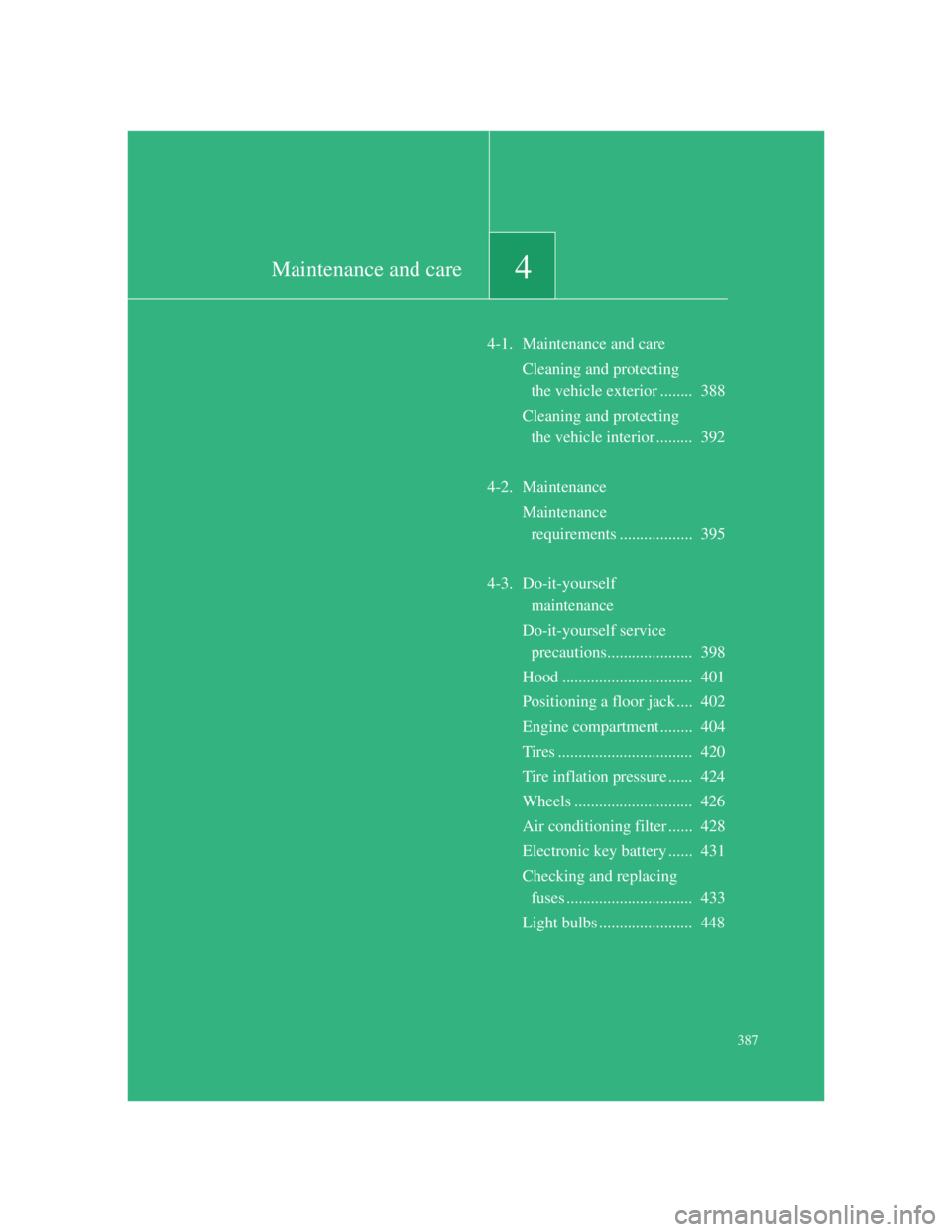
4Maintenance and care
387
4-1. Maintenance and care
Cleaning and protecting
the vehicle exterior ........ 388
Cleaning and protecting
the vehicle interior ......... 392
4-2. Maintenance
Maintenance
requirements .................. 395
4-3. Do-it-yourself
maintenance
Do-it-yourself service
precautions..................... 398
Hood ................................ 401
Positioning a floor jack .... 402
Engine compartment ........ 404
Tires ................................. 420
Tire inflation pressure ...... 424
Wheels ............................. 426
Air conditioning filter ...... 428
Electronic key battery ...... 431
Checking and replacing
fuses ............................... 433
Light bulbs ....................... 448