ECT Switch Lexus IS250 2011 Manual PDF
[x] Cancel search | Manufacturer: LEXUS, Model Year: 2011, Model line: IS250, Model: Lexus IS250 2011Pages: 578, PDF Size: 31.12 MB
Page 312 of 578
311
3-4. Using the hands-free phone system (for mobile phones)
3
Interior features
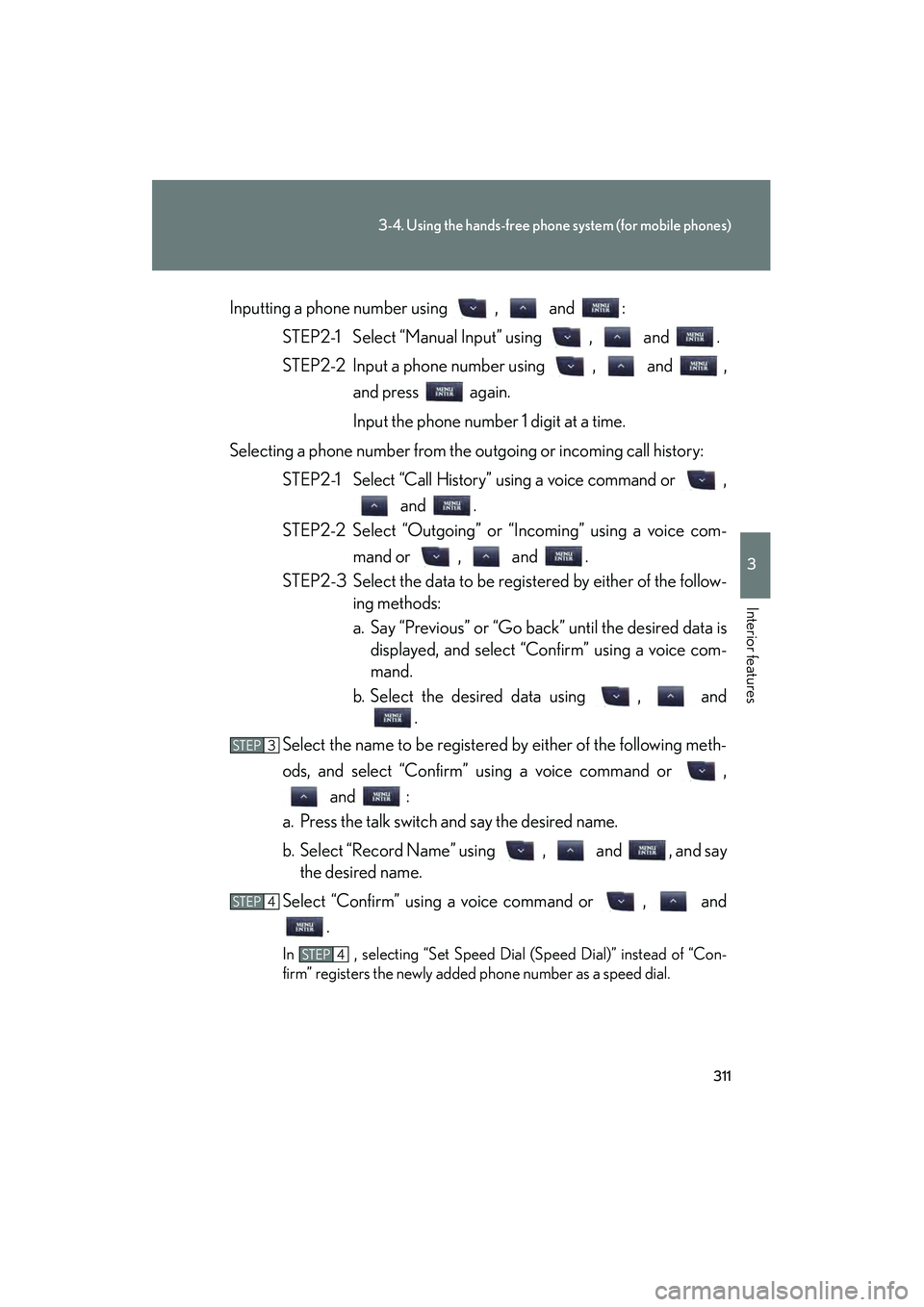
IS350/250_UInputting a phone number using , and :
STEP2-1 Select “Manual Input” using , and .
STEP2-2 Input a phone number using , and , and press again.
Input the phone number 1 digit at a time.
Selecting a phone number from the outgoing or incoming call history: STEP2-1 Select “Call History” using a voice command or , and .
STEP2-2 Select “Outgoing” or “Incoming” using a voice com-
mand or , and .
STEP2-3 Select the data to be registered by either of the follow- ing methods:
a. Say “Previous” or “Go back” until the desired data isdisplayed, and select “Confirm” using a voice com-
mand.
b. Select the desired data using , and .
Select the name to be registered by either of the following meth-
ods, and select “Confirm” using a voice command or , and :
a. Press the talk switch and say the desired name.
b. Select “Record Name” using , and , and say the desired name.
Select “Confirm” using a voice command or , and .
In , selecting “Set Speed Dial (Speed Dial)” instead of “Con-
firm” registers the newly added phone number as a speed dial.
STEP3
STEP4
STEP4
Page 313 of 578
312
3-4. Using the hands-free phone system (for mobile phones)
IS350/250_U
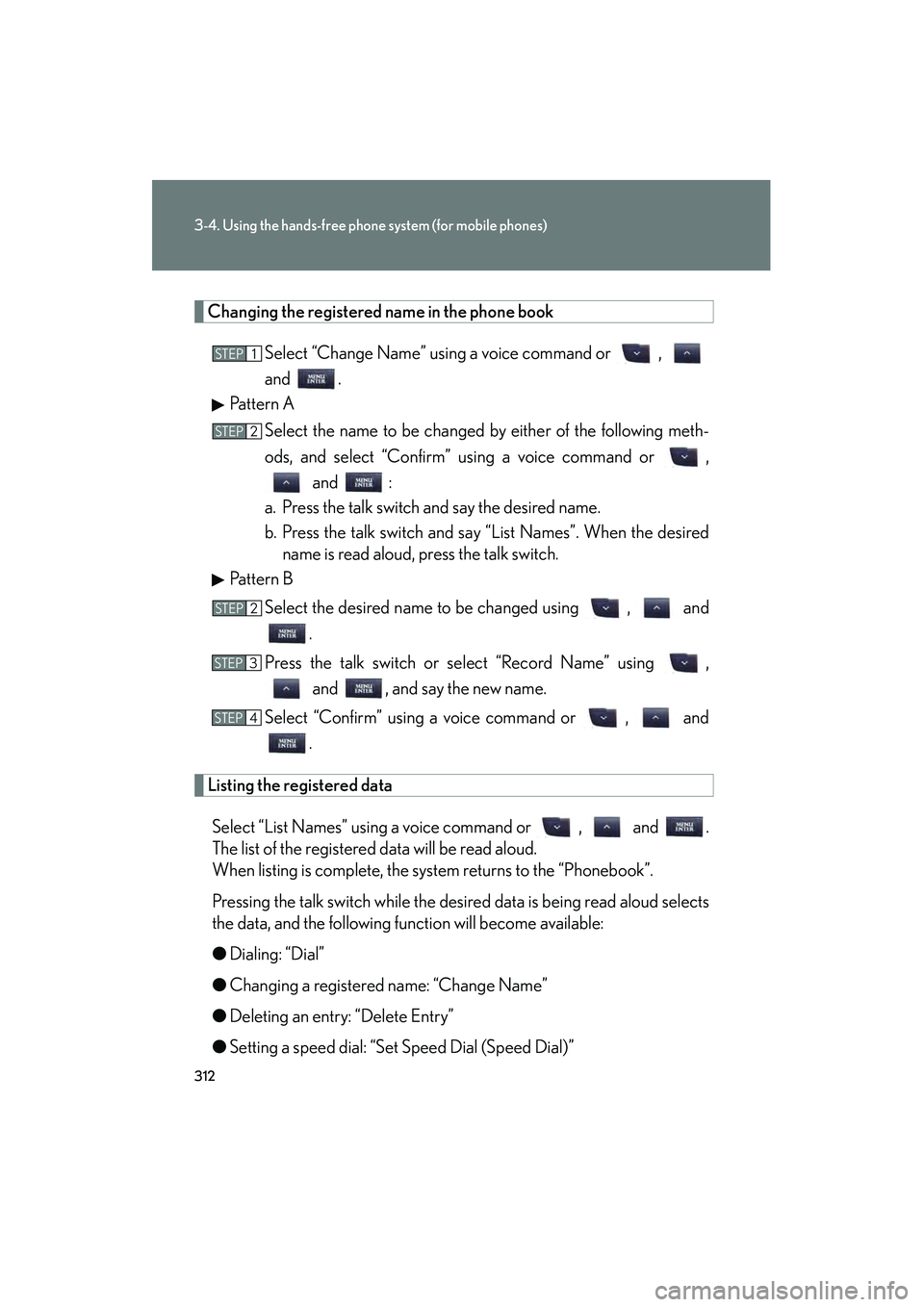
Changing the registered name in the phone bookSelect “Change Name” using a voice command or ,
and .
Pattern A
Select the name to be changed by either of the following meth-
ods, and select “Confirm” using a voice command or , and :
a. Press the talk switch and say the desired name.
b. Press the talk switch and say “List Names”. When the desired name is read aloud, press the talk switch.
Pattern B
Select the desired name to be changed using , and .
Press the talk switch or select “Record Name” using , and , and say the new name.
Select “Confirm” using a voice command or , and .
Listing the registered data
Select “List Names” using a voice command or , and .
The list of the registered data will be read aloud.
When listing is complete, the system returns to the “Phonebook”.
Pressing the talk switch while the desired data is being read aloud selects
the data, and the following function will become available:
● Dialing: “Dial”
● Changing a registered name: “Change Name”
● Deleting an entry: “Delete Entry”
● Setting a speed dial: “Set Speed Dial (Speed Dial)”
STEP1
STEP2
STEP2
STEP3
STEP4
Page 314 of 578
313
3-4. Using the hands-free phone system (for mobile phones)
3
Interior features
IS350/250_U
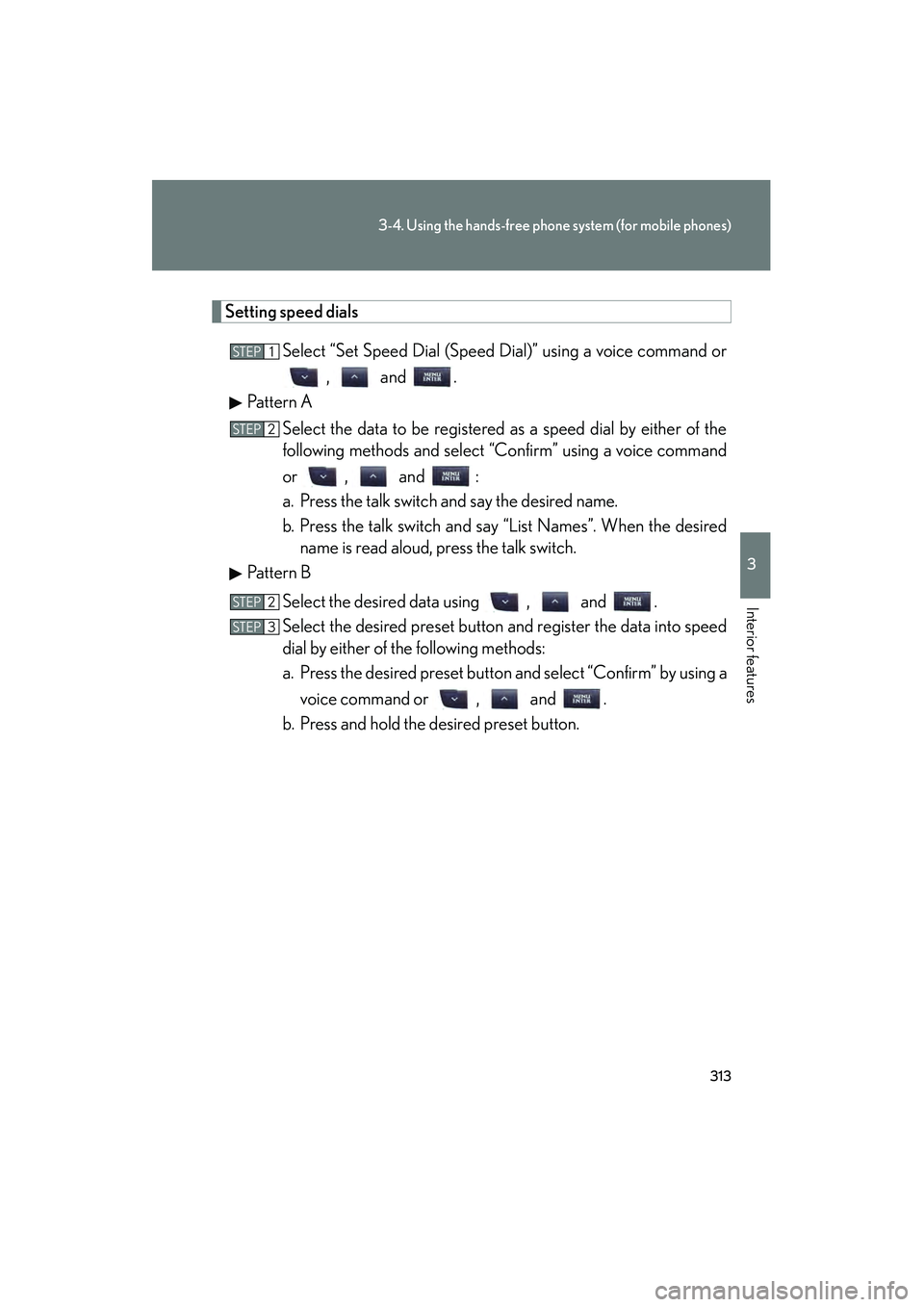
Setting speed dialsSelect “Set Speed Dial (Speed Dial)” using a voice command or, and .
Pattern A
Select the data to be registered as a speed dial by either of the
following methods and select “Confirm” using a voice command
or , and :
a. Press the talk switch and say the desired name.
b. Press the talk switch and say “List Names”. When the desiredname is read aloud, press the talk switch.
Pattern B
Select the desired data using , and .
Select the desired preset button and register the data into speed
dial by either of the following methods:
a. Press the desired preset button and select “Confirm” by using avoice command or , and .
b. Press and hold the desired preset button.
STEP1
STEP2
STEP2
STEP3
Page 315 of 578
314
3-4. Using the hands-free phone system (for mobile phones)
IS350/250_U
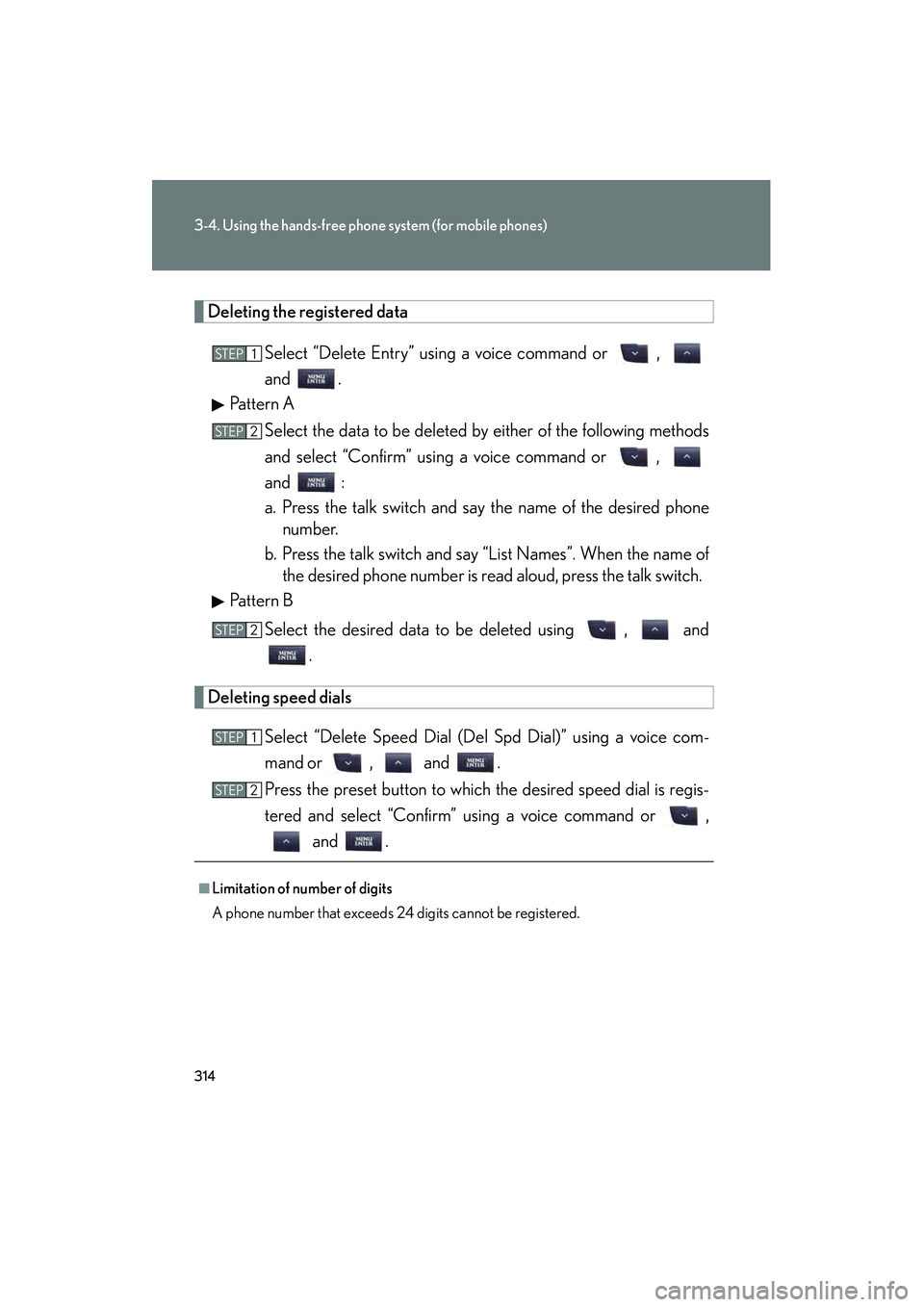
Deleting the registered dataSelect “Delete Entry” using a voice command or ,
and .
Pattern A
Select the data to be deleted by either of the following methods
and select “Confirm” using a voice command or ,
and :
a. Press the talk switch and say the name of the desired phonenumber.
b. Press the talk switch and say “List Names”. When the name of the desired phone number is read aloud, press the talk switch.
Pattern B
Select the desired data to be deleted using , and .
Deleting speed dials
Select “Delete Speed Dial (Del Spd Dial)” using a voice com-
mand or , and .
Press the preset button to which the desired speed dial is regis-
tered and select “Confirm” using a voice command or , and .
■Limitation of number of digits
A phone number that exceeds 24 digits cannot be registered.
STEP1
STEP2
STEP2
STEP1
STEP2
Page 316 of 578
315
3
Interior features
IS350/250_U
3-5. Using the interior lights
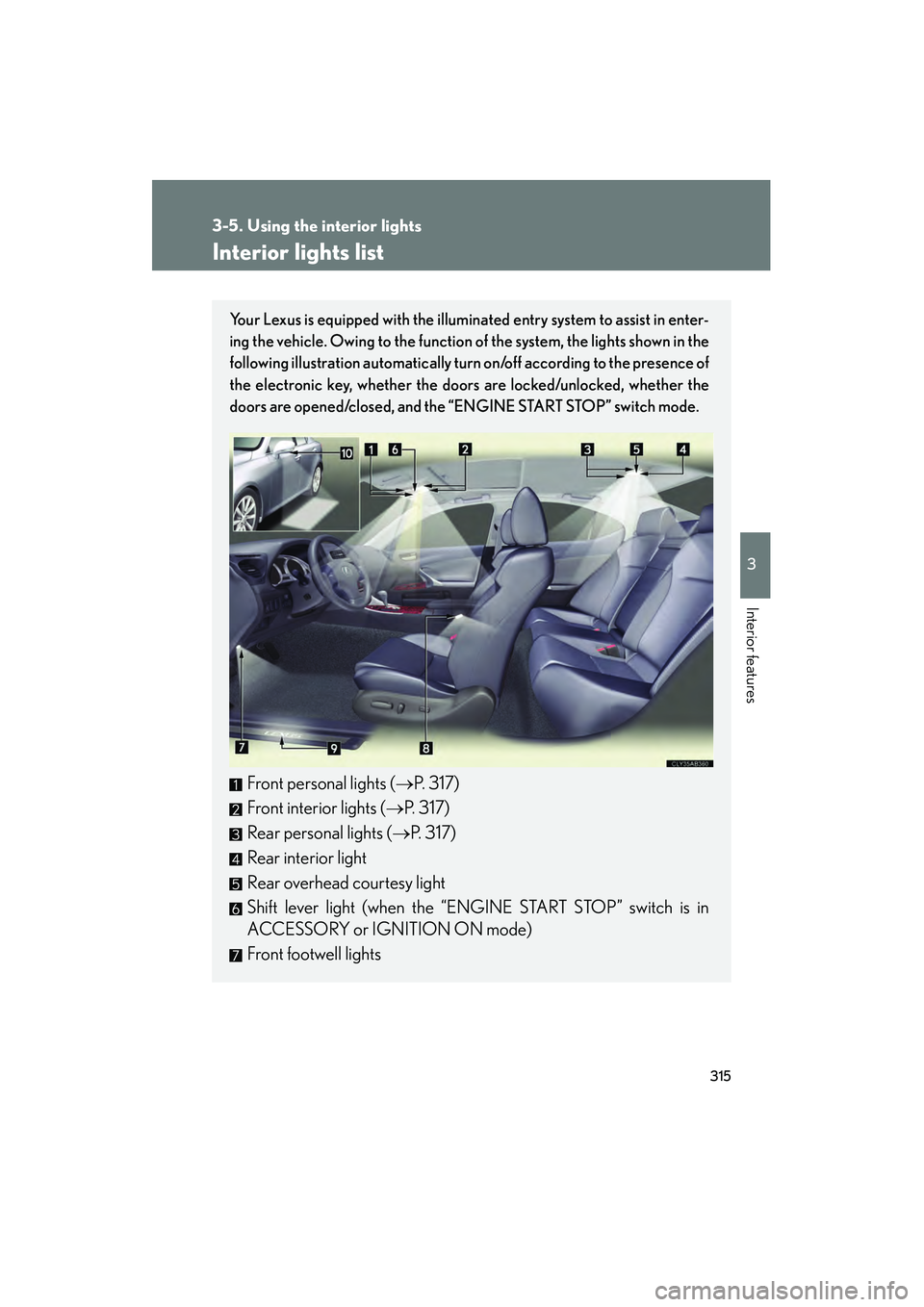
Interior lights list
Your Lexus is equipped with the illuminated entry system to assist in enter-
ing the vehicle. Owing to the function of the system, the lights shown in the
following illustration automatically turn on/off according to the presence of
the electronic key, whether the door s are locked/unlocked, whether the
doors are opened/closed, and the “ENGINE START STOP” switch mode.
Front personal lights (→P. 317)
Front interior lights ( →P. 317)
Rear personal lights ( →P. 317)
Rear interior light
Rear overhead courtesy light
Shift lever light (when the “ENGINE START STOP” switch is in
ACCESSORY or IGNITION ON mode)
Front footwell lights
Page 330 of 578
329
3-7. Other interior features
3
Interior features
IS350/250_U
Satellite switches
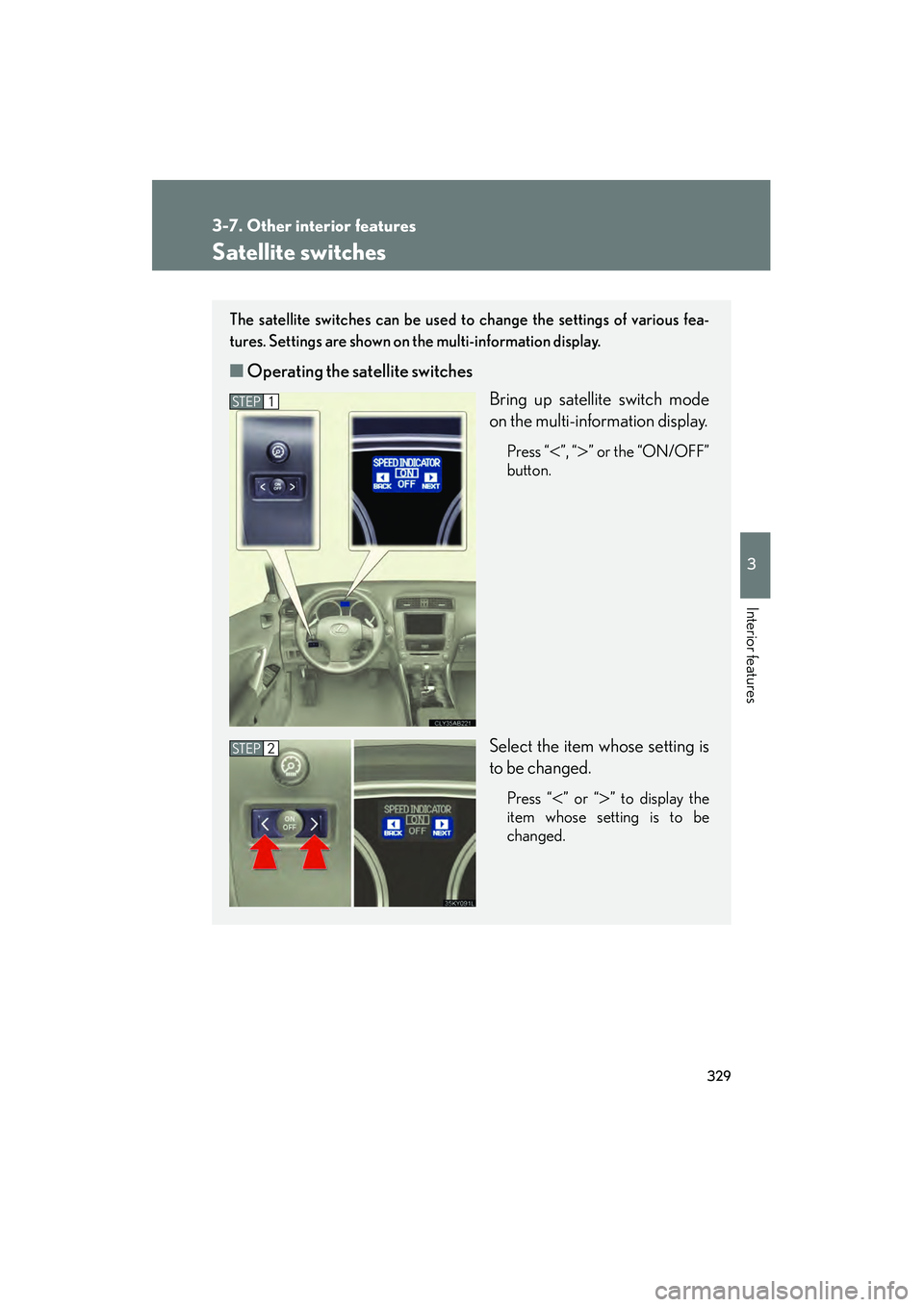
The satellite switches can be used to change the settings of various fea-
tures. Settings are shown on the multi-information display.
■Operating the satellite switches
Bring up satellite switch mode
on the multi-information display.
Press “<”, “>” or the “ON/OFF”
button.
Select the item whose setting is
to be changed.
Press “<” or “>” to display the
item whose setting is to be
changed.
STEP1
STEP2
Page 331 of 578
330
3-7. Other interior features
IS350/250_U
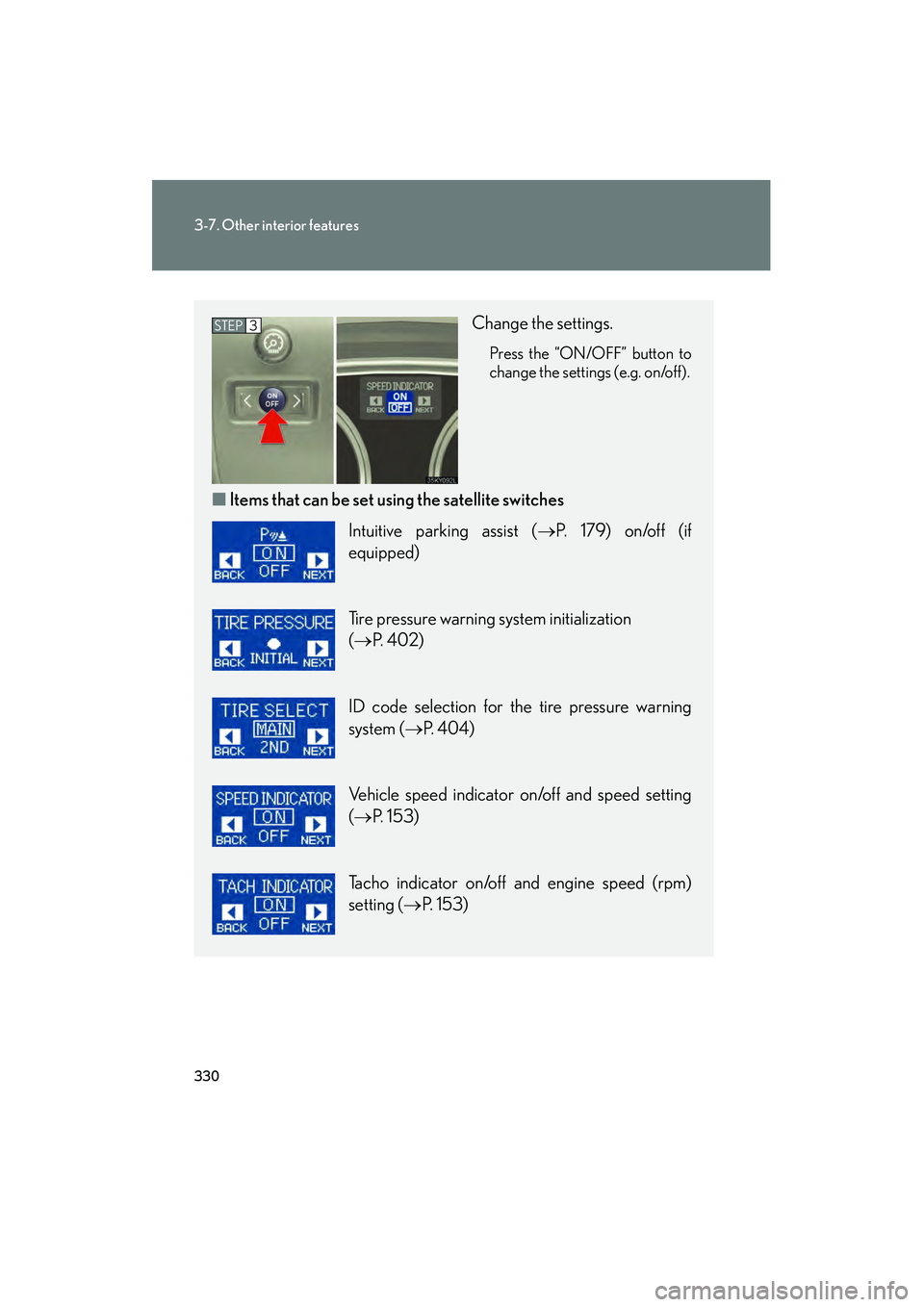
Change the settings.
Press the “ON/OFF” button to
change the settings (e.g. on/off).
■Items that can be set us ing the satellite switches
STEP3
Intuitive parking assist ( →P. 179) on/off (if
equipped)
Tire pressure warning system initialization
(→ P. 4 0 2 )
ID code selection for the tire pressure warning
system ( →P. 404)
Vehicle speed indicator on/off and speed setting
(→ P. 153)
Tacho indicator on/off and engine speed (rpm)
setting ( →P. 153)
Page 335 of 578
334
3-7. Other interior features
IS350/250_U
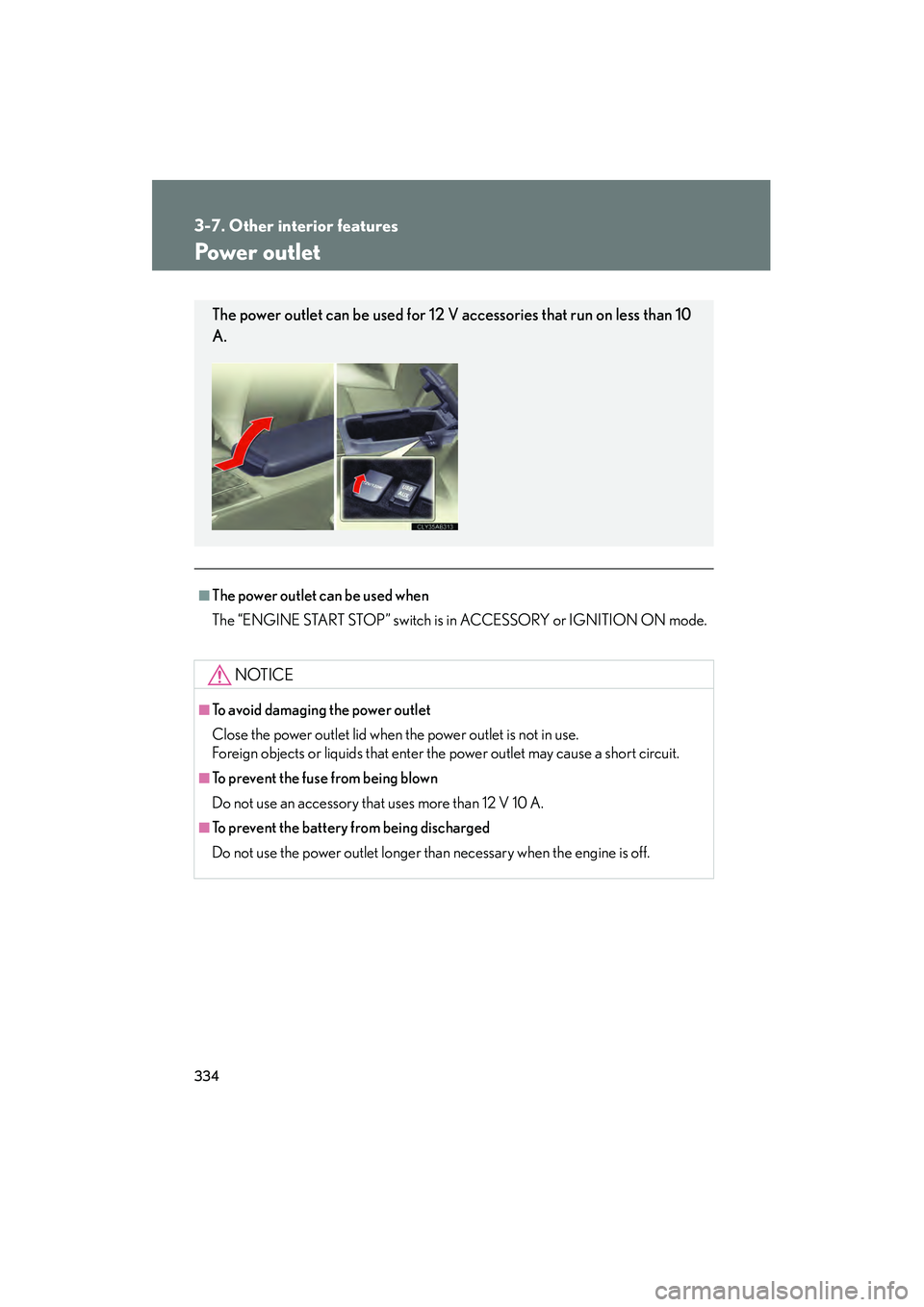
Power outlet
■The power outlet can be used when
The “ENGINE START STOP” switch is in ACCESSORY or IGNITION ON mode.
NOTICE
■To avoid damaging the power outlet
Close the power outlet lid when the power outlet is not in use.
Foreign objects or liquids that enter the power outlet may cause a short circuit.
■To prevent the fuse from being blown
Do not use an accessory that uses more than 12 V 10 A.
■To prevent the battery from being discharged
Do not use the power outlet longer than necessary when the engine is off.
The power outlet can be used for 12 V accessories that run on less than 10
A.
Page 338 of 578
337
3-7. Other interior features
3
Interior features
IS350/250_U
CAUTION
■Burns
●Use caution when seating the following persons in a seat with the seat heater on
to avoid the possibility of burns:
• Babies, small children, the elderly, the sick and the disabled
• Persons with sensitive skin
• Persons who are fatigued
• Persons who have taken alcohol or drugs that induce sleep (sleeping drugs,cold remedies, etc.)
●Do not cover the seat with anything when using the seat heater.
Using the seat heater with a blanket or cushion increases the temperature of the
seat and may lead to overheating.
NOTICE
■To prevent seat heater damage
Do not put unevenly weighted objects on the seat and do not stick sharp objects
(needles, nails, etc.) into the seat.
■To prevent battery discharge
Turn the switches off when the engine is off.
Page 341 of 578
340
3-7. Other interior features
IS350/250_U
CAUTION
■Burns
●Use caution when seating the following persons in a seat with the seat heater on
to avoid the possibility of burns:
• Babies, small children, the elderly, the sick and the disabled
• Persons with sensitive skin
• Persons who are fatigued
• Persons who have taken alcohol or drugs that induce sleep (sleeping drugs,cold remedies, etc.)
●Do not cover the seat with anything when using the seat heater.
Using the seat heater with a blanket or cushion increases the temperature of the
seat and may lead to overheating.
NOTICE
■To prevent seat heaters and ventilators damage
Do not put unevenly weighted objects on the seat and do not stick sharp objects
(needles, nails, etc.) into the seat.
■To prevent battery discharge
Turn the switches off when the engine is off.