ECT Switch Lexus IS250 2011 Service Manual
[x] Cancel search | Manufacturer: LEXUS, Model Year: 2011, Model line: IS250, Model: Lexus IS250 2011Pages: 578, PDF Size: 31.12 MB
Page 181 of 578

180
2-4. Using other driving systems
IS350/250_U
The distance display and buzzerWhen a sensor detects an obstacle, the direction of and the approximate
distance to the obstacle are displayed and the buzzer sounds.
■ Front corner sensors
Multi-information
displayApproximate distance to obstacleBuzzer
1.6 to 1.3 ft.
(50 to 40 cm)Medium
1.3 to 1.0 ft.
(40 to 30 cm)Fast
1.0 ft. (30 cm) or lessContinuous
■ Intuitive parking assist switch ( →P. 3 2 9 )
When on, an indicator is dis-
played to inform the driver that
the function is operational.
Page 202 of 578
201
2-5. Driving information
2
When driving
IS350/250_U
Dinghy towing (vehicles with a manual transmission)
Towing your vehicle with 4 wheels on the groundTo prevent damage to your vehicle, perform the following procedures
before towing. Shift the shift lever to neutral.
Switch to ACCESSORY mode. ( →P. 1 3 6 )
Ensure that the audio system and other powered devices have been
turned off.
Release the parking brake.
After towing, leave the engine in idle for at least 3 minutes before driv-
ing the vehicle.
■Necessary equipment and accessories
Specialized equipment and accessories are required for dinghy towing. Contact
the service branch of the motor home manufacturer regarding recommended
equipment.
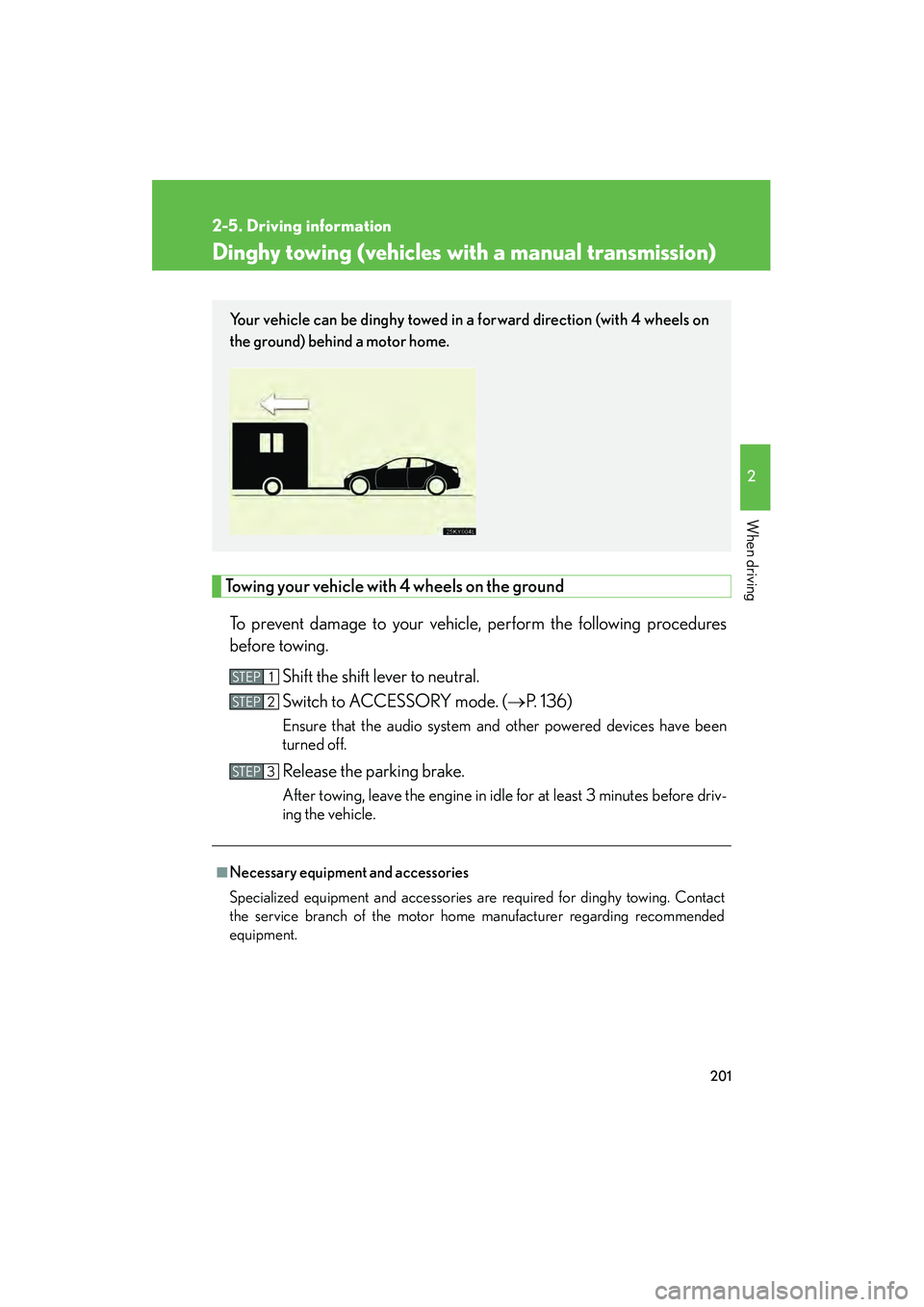
Your vehicle can be dinghy towed in a forward direction (with 4 wheels on
the ground) behind a motor home.
STEP1
STEP2
STEP3
Page 203 of 578
202
2-5. Driving information
IS350/250_U
NOTICE
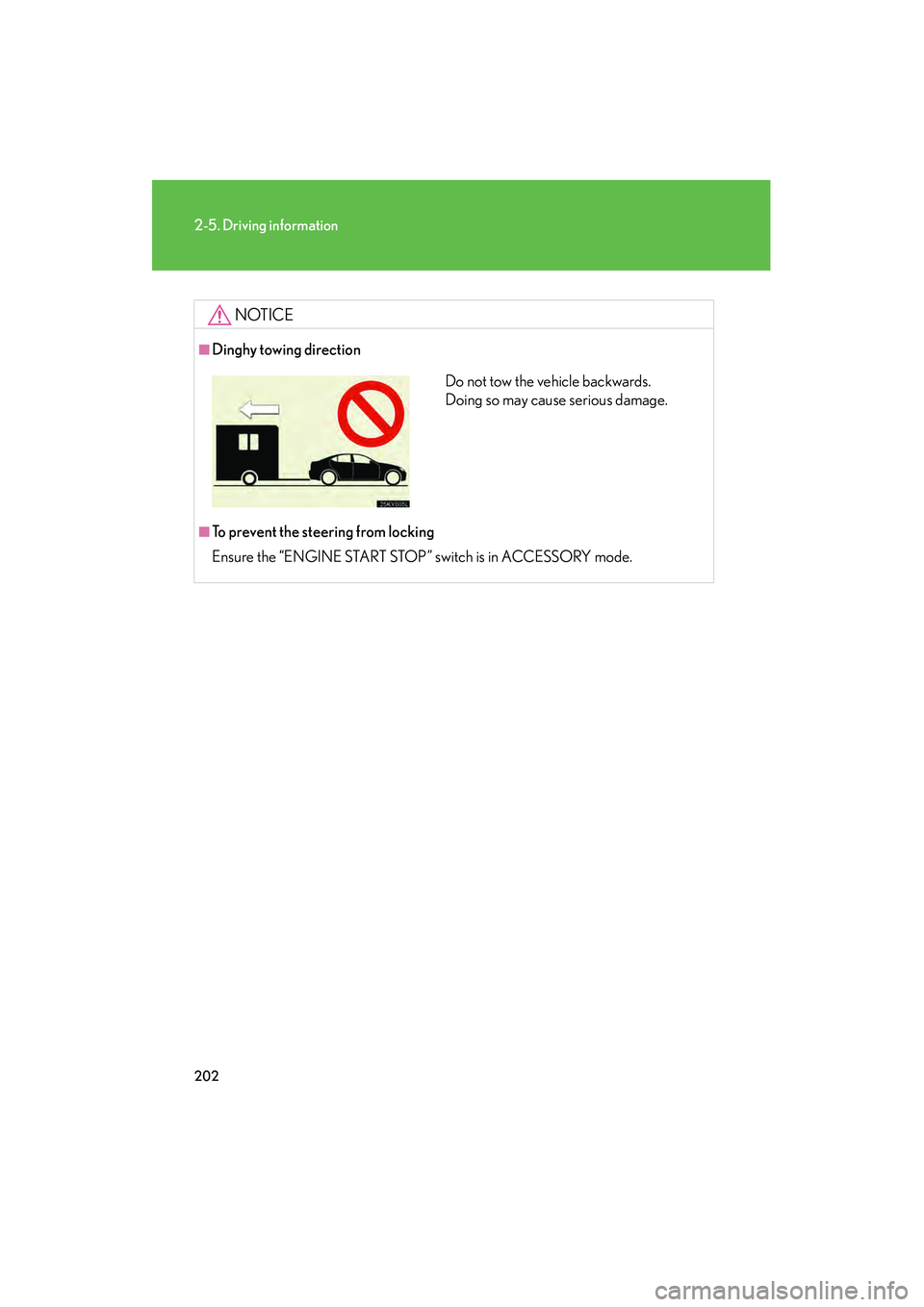
■Dinghy towing direction
■To prevent the steering from locking
Ensure the “ENGINE START STOP” switch is in ACCESSORY mode.
Do not tow the vehicle backwards.
Doing so may cause serious damage.
Page 206 of 578
Interior features3
205
IS350/250_U
3-5. Using the interior lightsInterior lights list ...................... 315
• Interior lights ......................... 317
• Personal lights ....................... 317
3-6. Using the storage features
List of storage features .......... 319
• Glove box ............................. 320
• Console boxes .................... 320
• Overhead console ............. 322
• Cup holders ......................... 322
• Bottle holders/ door pockets......................... 324
• Auxiliary box........................ 325 3-7. Other interior features
Sun visors ................................. 326
Vanity mirrors ......................... 327
Clock ......................................... 328
Satellite switches ................... 329
Ashtrays.................................... 332
Cigarette lighter .................... 333
Power outlet ............................ 334
Seat heaters ............................ 335
Seat heaters and ventilators ............................. 338
Armrest ..................................... 341
Rear sunshade ........................ 342
Trunk storage extension ...... 344
Coat hooks .............................. 345
Floor mat .................................. 346
Trunk features ......................... 347
Garage door opener ............ 350
Compass .................................. 356
Safety Connect ...................... 360
Page 213 of 578
212
3-1. Using the air conditioning system and defogger
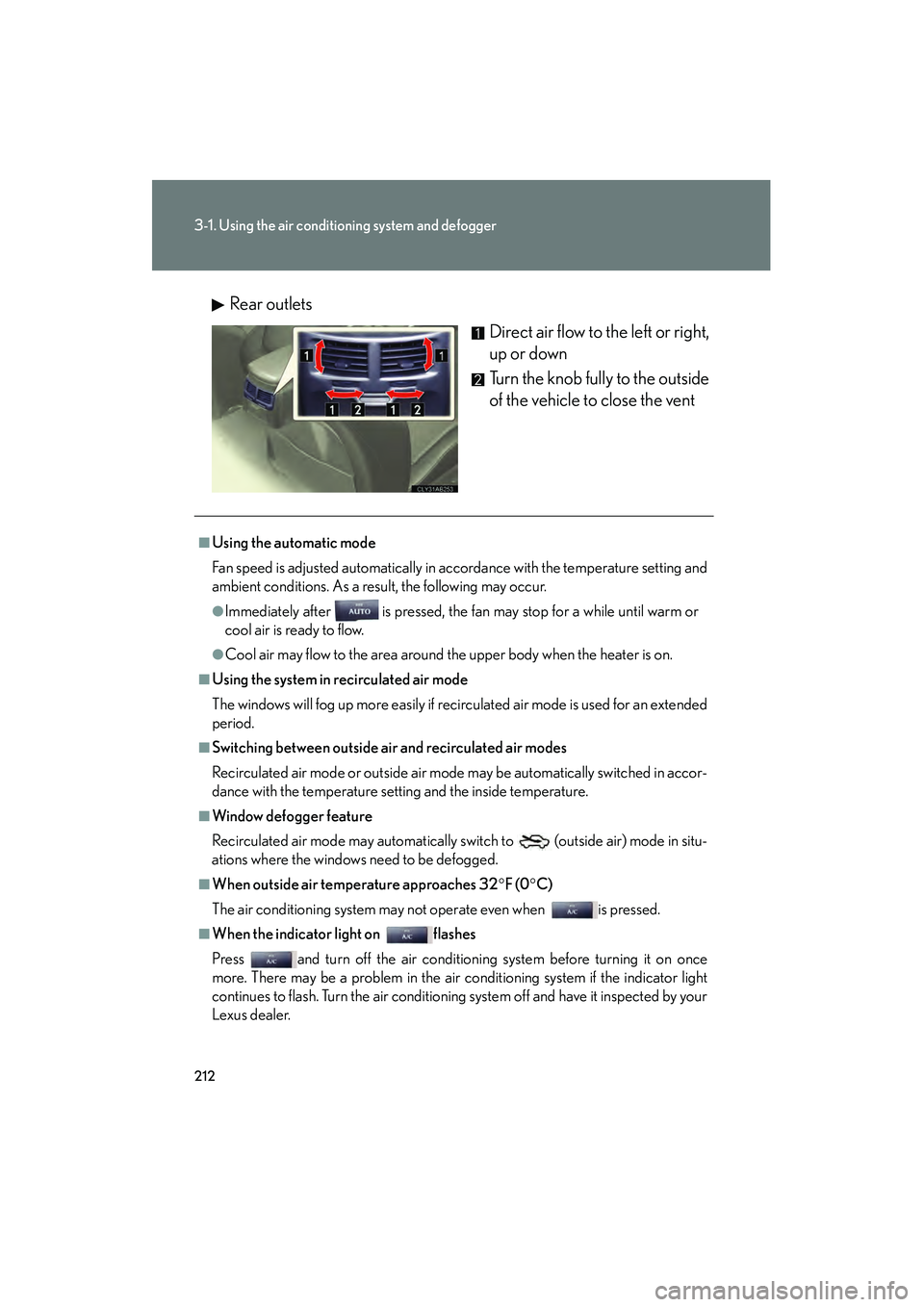
IS350/250_URear outlets
Direct air flow to the left or right,
up or down
Turn the knob fully to the outside
of the vehicle to close the vent
■Using the automatic mode
Fan speed is adjusted automatically in accordance with the temperature setting and
ambient conditions. As a result, the following may occur.
●Immediately after is pressed, the fan may stop for a while until warm or
cool air is ready to flow.
●Cool air may flow to the area around the upper body when the heater is on.
■Using the system in recirculated air mode
The windows will fog up more easily if recirculated air mode is used for an extended
period.
■Switching between outside air and recirculated air modes
Recirculated air mode or outside air mode may be automatically switched in accor-
dance with the temperature setting and the inside temperature.
■Window defogger feature
Recirculated air mode may automatically switch to
(outside air) mode in situ-
ations where the windows need to be defogged.
■When outside air temperature approaches 32° F (0°C)
The air conditioning system may not operate even when is pressed.
■When the indicator light on flashes
Press and turn off the air conditioning system before turning it on once
more. There may be a problem in the air conditioning system if the indicator light
continues to flash. Turn the air conditioning system off and have it inspected by your
Lexus dealer.
Page 214 of 578

213
3-1. Using the air conditioning system and defogger
3
Interior features
IS350/250_U
■Automatic mode for air intake control (IS350 only)
In automatic mode, the system detects exhaust gas and other pollutants and auto-
matically switches between outside air and recirculated air modes.
■Micro dust and pollen filter
●In order to prevent the windshield from fogging up when the outside air is cold,
the following may occur.
• Outside air mode does not switch to .
• The air conditioning system operates automatically.
• The operation cancels after 1 minute.
●In rainy weather, the windows may fog up. Press .
■Air conditioning odors
●During use, various odors from inside and outside the vehicle may enter into
and accumulate in the air conditioning system. This may then cause odor to be
emitted from the vents.
●To reduce potential odors from occurring:
• It is recommended that the air conditioning system be set to outside air mode
prior to turning the vehicle off.
• The start timing of the blower may be delayed for a short period of time immediately after the air conditioning system is started in automatic mode.
CAUTION
■To prevent the windshield from fogging up
Do not use during cool air operation in extremely humid weather. The dif-
ference between the temperature of the outside air and that of the windshield can
cause the outer surface of the windshield to fog up, blocking your vision.
NOTICE
■To prevent battery discharge
Do not leave the air conditio ning system on longer than necessary when the engine
is off.
Page 231 of 578
230
3-2. Using the audio system
IS350/250_U
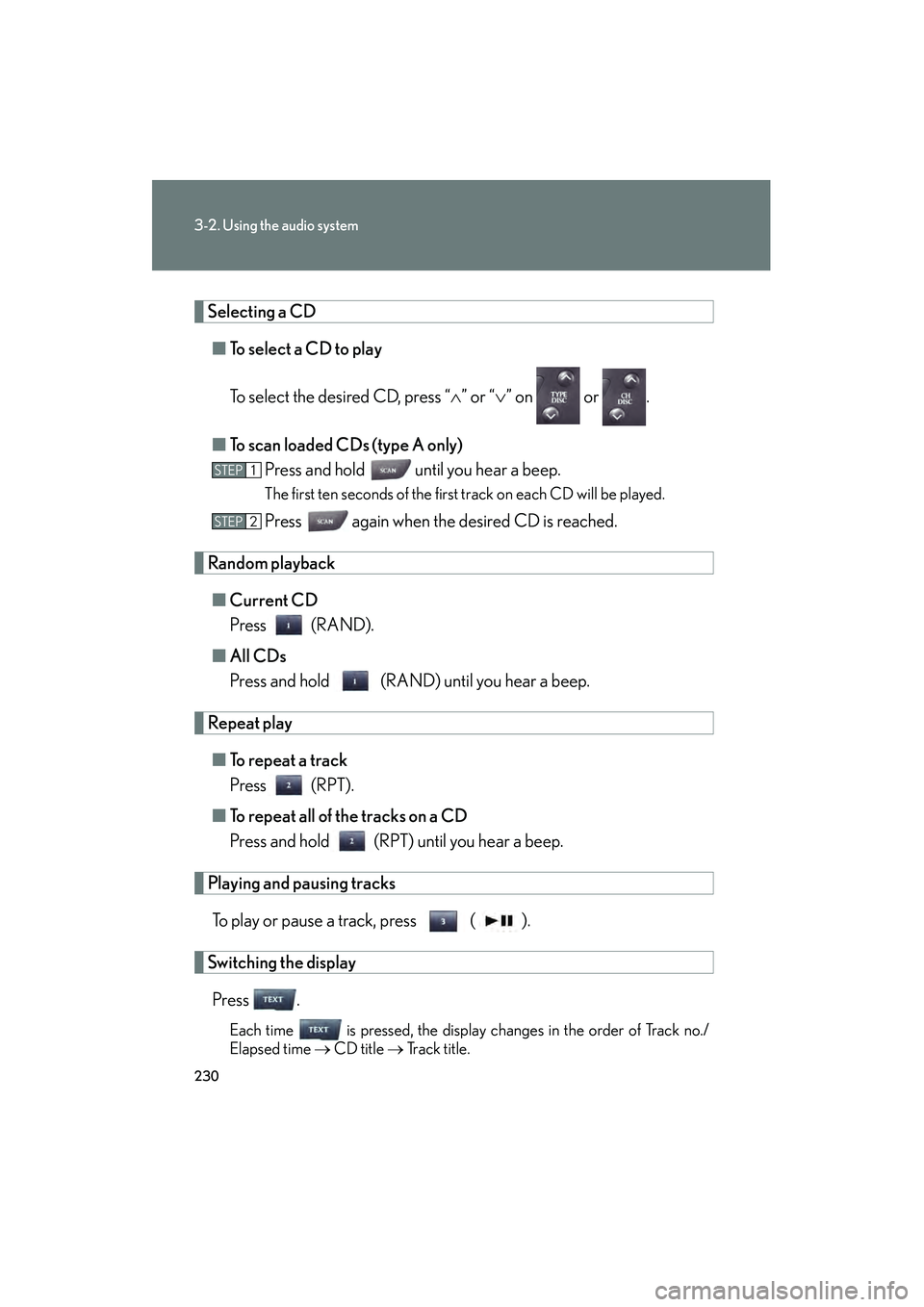
Selecting a CD■ To select a CD to play
To select the desired CD, press “ ∧” or “ ∨” on or .
■ To scan loaded CDs (type A only)
Press and hold
until you hear a beep.
The first ten seconds of the first track on each CD will be played.
Press again when the desired CD is reached.
Random playback
■ Current CD
Press (RAND).
■ All CDs
Press and hold (RAND) until you hear a beep.
Repeat play
■ To repeat a track
Press (RPT).
■ To repeat all of the tracks on a CD
Press and hold (RPT) until you hear a beep.
Playing and pausing tracks
To play or pause a track, press ( ).
Switching the displayPress .
Each time is pressed, the display changes in the order of Track no./
Elapsed time → CD title → Track title.
STEP1
STEP2
Page 247 of 578
246
3-2. Using the audio system
IS350/250_U
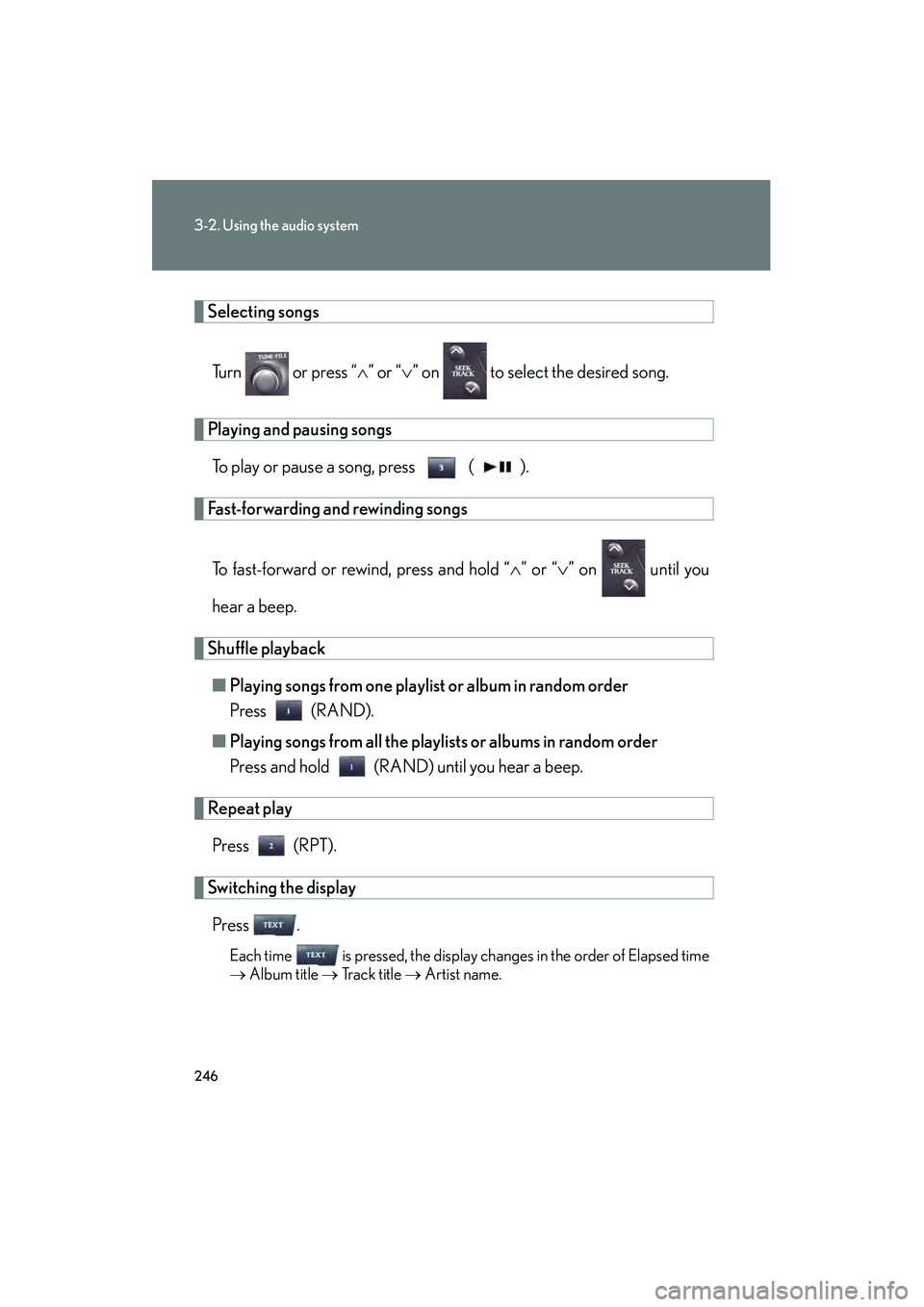
Selecting songsTurn or press “ ∧” or “ ∨” on to select the desired song.
Playing and pausing songs
To play or pause a song, press ( ).
Fast-forwarding and rewinding songs
To fast-forward or rewind, press and hold “ ∧” or “ ∨” on until you
hear a beep.
Shuffle playback ■ Playing songs from one playlist or album in random order
Press (RAND).
■ Playing songs from all the playlists or albums in random order
Press and hold (RAND) until you hear a beep.
Repeat play
Press (RPT).
Switching the displayPress .
Each time is pressed, the display changes in the order of Elapsed time
→ Album title → Tr a c k t i t l e → Artist name.
Page 255 of 578
254
3-2. Using the audio system
IS350/250_U
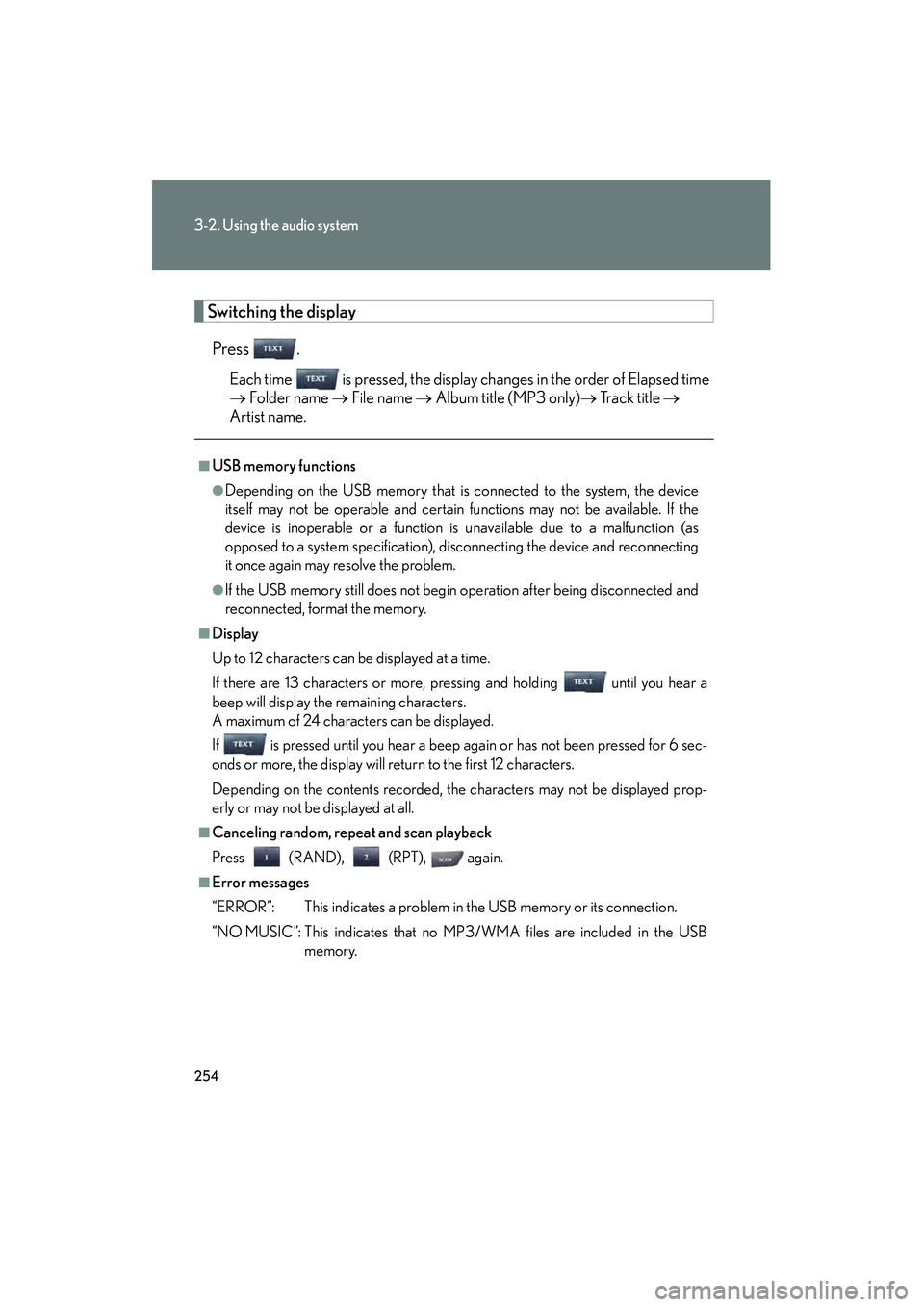
Switching the displayPress .
Each time is pressed, the display changes in the order of Elapsed time
→ Folder name → File name → Album title (MP3 only) → Tr a c k t i t l e →
Artist name.
■USB memory functions
●Depending on the USB memory that is connected to the system, the device
itself may not be operable and certain functions may not be available. If the
device is inoperable or a function is unavailable due to a malfunction (as
opposed to a system specification), disconnecting the device and reconnecting
it once again may resolve the problem.
●If the USB memory still does not begin operation after being disconnected and
reconnected, format the memory.
■Display
Up to 12 characters can be displayed at a time.
If there are 13 characters or more, pressing and holding until you hear a
beep will display the remaining characters.
A maximum of 24 characters can be displayed.
If is pressed until you hear a beep again or has not been pressed for 6 sec-
onds or more, the display will return to the first 12 characters.
Depending on the contents recorded, the characters may not be displayed prop-
erly or may not be displayed at all.
■Canceling random, repeat and scan playback
Press (RAND), (RPT), again.
■Error messages
“ERROR”: This indicates a problem in the USB memory or its connection.
“NO MUSIC”: This indicates that no MP3/WMA files are included in the USB
memory.
Page 264 of 578

263
3-2. Using the audio system
3
Interior features
IS350/250_U
Using the steering wheel audio switches
Turning on the powerPress when the audio system is turned off.
The audio system can be turned off by holding down until you hear a
beep.
Some audio features can be controlled using the switches on the steering
wheel.
Turns the power on, selects
an audio source
Increases/decreases volume
Radio mode: Selects a radio station
CD mode: Selects a track, file (MP3 and
WMA) and disc
Bluetooth
® audio mode
(type A):
Selects a track and
album
iPod mode: Selects a song
USB memory mode: Selects a file and folder