86
LS500h_QG_U
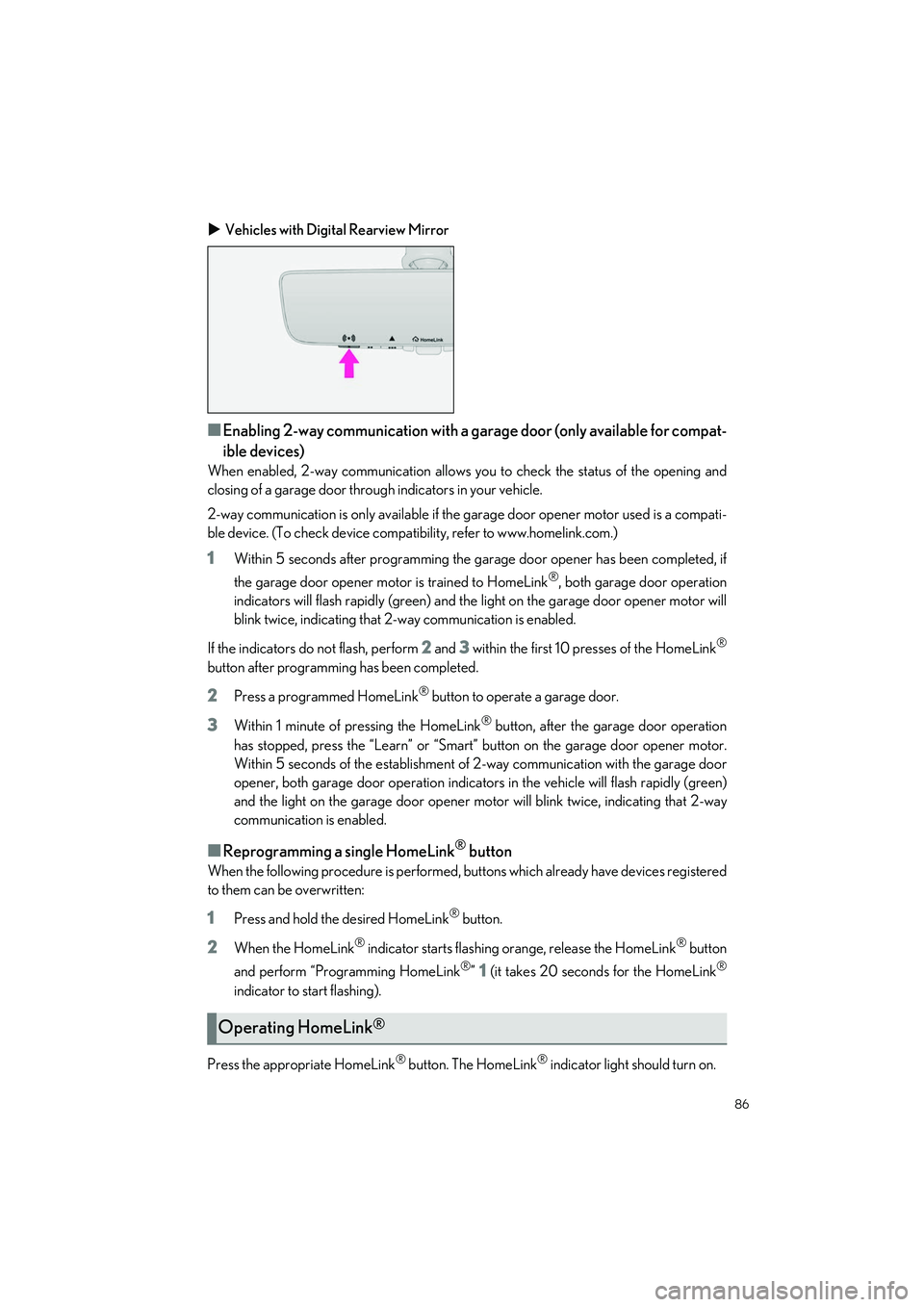
Vehicles with Digital Rearview Mirror
■Enabling 2-way communication with a ga rage door (only available for compat-
ible devices)
When enabled, 2-way communication allows yo u to check the status of the opening and
closing of a garage door through indicators in your vehicle.
2-way communication is only av ailable if the garage door opener motor used is a compati-
ble device. (To check device compatib ility, refer to www.homelink.com.)
1Within 5 seconds after programming the garage door opener has been completed, if
the garage door opener motor is trained to HomeLink
®, both garage door operation
indicators will flash rapidly (green) and the light on the garage door opener motor will
blink twice, indicating that 2-way communication is enabled.
If the indicators do not flash, perform
2 and 3 within the first 10 presses of the HomeLink®
button after programmin g has been completed.
2Press a programmed HomeLink® button to operate a garage door.
3Within 1 minute of pressing the HomeLink® button, after the garage door operation
has stopped, press the “Learn ” or “Smart” button on the garage door opener motor.
Within 5 seconds of the establishment of 2-way communication with the garage door
opener, both garage door operation indicators in th e vehicle will flash rapidly (green)
and the light on the garage do or opener motor will blink twice, indicating that 2-way
communication is enabled.
■Reprogramming a single HomeLink® button
When the following procedure is performed, buttons which already have devices registered
to them can be overwritten:
1Press and hold the desired HomeLink® button.
2When the HomeLink® indicator starts flashing orange, release the HomeLink® button
and perform “Programming HomeLink
®” 1 (it takes 20 seconds for the HomeLink®
indicator to start flashing).
Press the appropriate HomeLink
® button. The HomeLink® indicator light should turn on.
Operating HomeLink®
91
LS500h_QG_U
Opening and Closing
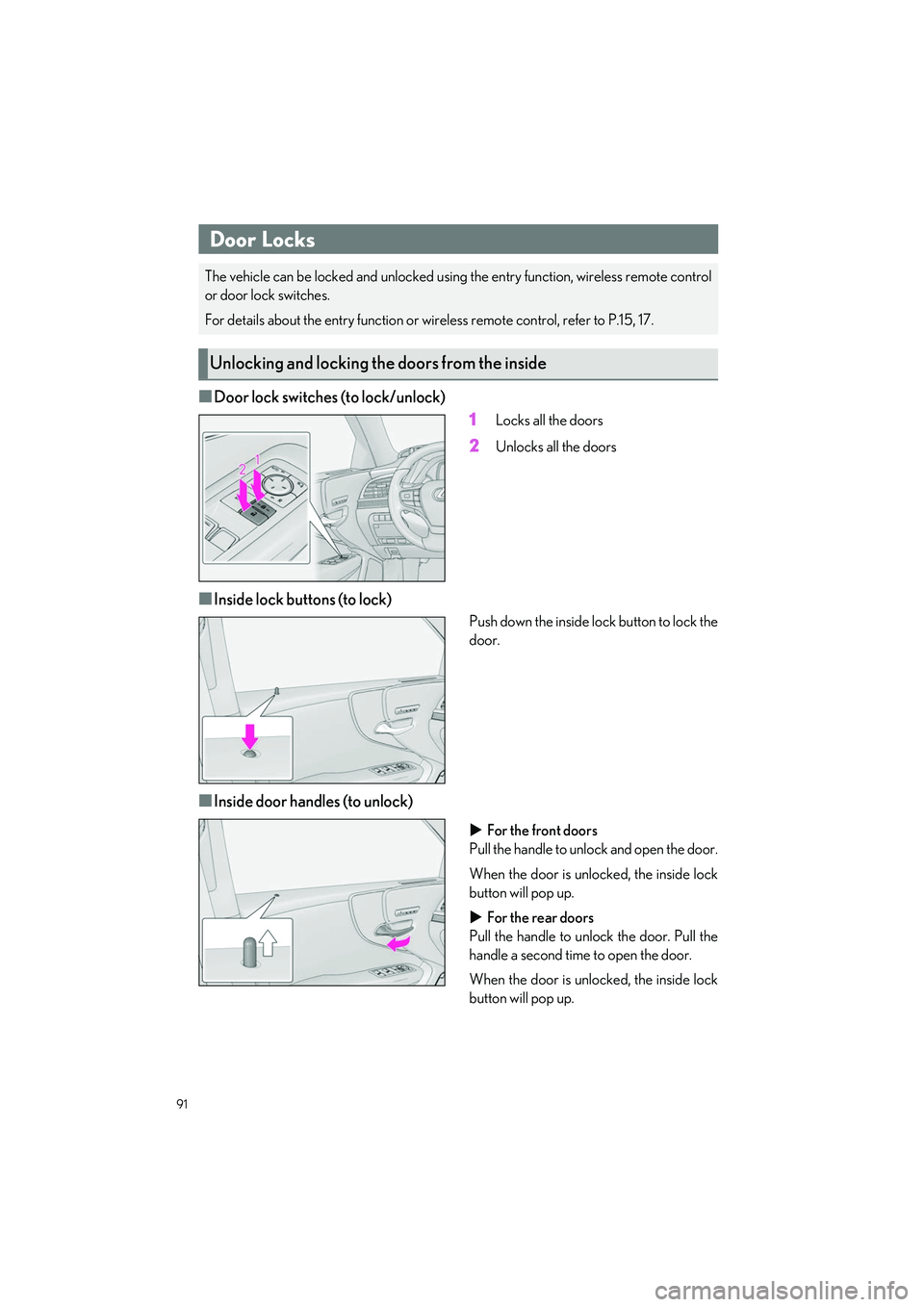
■Door lock switches (to lock/unlock)1
Locks all the doors
2Unlocks all the doors
■Inside lock buttons (to lock)
Push down the inside lock button to lock the
door.
■Inside door handles (to unlock)
For the front doors
Pull the handle to unlock and open the door.
When the door is unlocked, the inside lock
button will pop up.
For the rear doors
Pull the handle to unlo ck the door. Pull the
handle a second time to open the door.
When the door is unlocked, the inside lock
button will pop up.
Door Locks
The vehicle can be locked and unlocked usin g the entry function, wireless remote control
or door lock switches.
For details about the entry function or wire less remote control, refer to P.15, 17.
Unlocking and locking the doors from the inside