park assist LEXUS LX570 2014 User Guide
[x] Cancel search | Manufacturer: LEXUS, Model Year: 2014, Model line: LX570, Model: LEXUS LX570 2014Pages: 956, PDF Size: 16.4 MB
Page 257 of 956

2572-4. Using other driving systems
2
When driving
LX570_OM_OM60L21U_(U) ■
Sensor detection information ●
The sensor’s detection areas are limited to the areas around the vehicle’s front
corner and rear bumpers. ●
Certain vehicle conditions and the su rrounding environment may affect the
ability of the sensor to correctly detect obstacles. Particular instances where this
may occur are listed below.
• There is dirt, snow or ice on the sensor. (Wiping the sensors will resolve this
problem.)
• The sensor is frozen. (Thawing the area will resolve this problem.)
In especially cold weather, if a sensor is frozen the screen may show an abnor-
mal display, or obstacles may not be detected.
• The sensor is covered in any way.
• The vehicle is leaning considerably to one side.
• On an extremely bumpy road, on an incline, on gravel, or on grass
• The vicinity of the vehicle is noisy due to vehicle horns, motorcycle engines,
air brakes of large vehicles, or other loud noises producing ultrasonic waves.
• There is another vehicle equipped with parking assist sensor s in the vicinity.
• The sensor is coated with a sheet of spray or heavy rain.
• The vehicle is equipped with a fender pole or wireless antenna.
• Towing eyelets are installed.
• The bumper or sensor receives a strong impact.
• The vehicle is approaching a tall or curved curb.
• In harsh sunlight or intense cold weather
•The area directly under th e bumpers is not detected.
• If obstacles draw too close to the sensor.
• A non-genuine Lexus suspension (low ered suspension etc.) is installed.
• People may not be detected if they are wearing certain types of clothing.
In addition to the examples above, there are instances in which, because of their
shape, signs and other object s may be judged by the sensor to be closer than they
are.
Page 259 of 956

2592-4. Using other driving systems
2
When driving
LX570_OM_OM60L21U_(U) CAUTION■
When using the intuitive parking assist
Observe the following precautions.
Failing to do so may result in the vehicle being unable to be driven safely and possi-
bly cause an accident. ●
Do not use the sensor at speeds in excess of 6 mph (10 km/h). ●
The sensors’ detection areas and reaction times are limited. When moving for-
ward or reversing, check the areas surrounding the vehicle (especially the sides
of the vehicle) for safety, and drive slowly, using the brake to control the vehicle’s
speed. ●
Do not install accessories within the sensors’ detection areas.
NOTICE■
When using intuitive parking assist
In the following situations, the system may not function correctly due to a sensor
malfunction etc. Have the vehicle checked by your Lexus dealer. ●
A beep does not sound when you turn the main switch on. ●
The intuitive parking assist operation disp lay flashes, and a beep sounds when no
obstacles are detected. ●
If the area around a sensor collides wi th something, or is subjected to strong
impact. ●
If the bumper collides with something. ●
If the display shows continuously without a beep. ●
If a display error occurs, first check the sensor.
If the error occurs even if there is no ice, snow or mud on the sensor, it is likely that
the sensor is malfunctioning.■
Notes when washing the vehicle
Do not apply intensive bursts of water or steam to the sensor area.
Doing so may result in the sensor malfunctioning.
Page 260 of 956
2602-4. Using other driving systems
LX570_OM_OM60L21U_(U) Rear view monitor system
: If equippedThe rear view monitor system assists the driver by displaying an image of
the view behind the vehicle while ba cking up, for example while parking.
The screen illustrations used in this te xt are intended as examples, and may
differ from the image that is actually displayed on the screen.
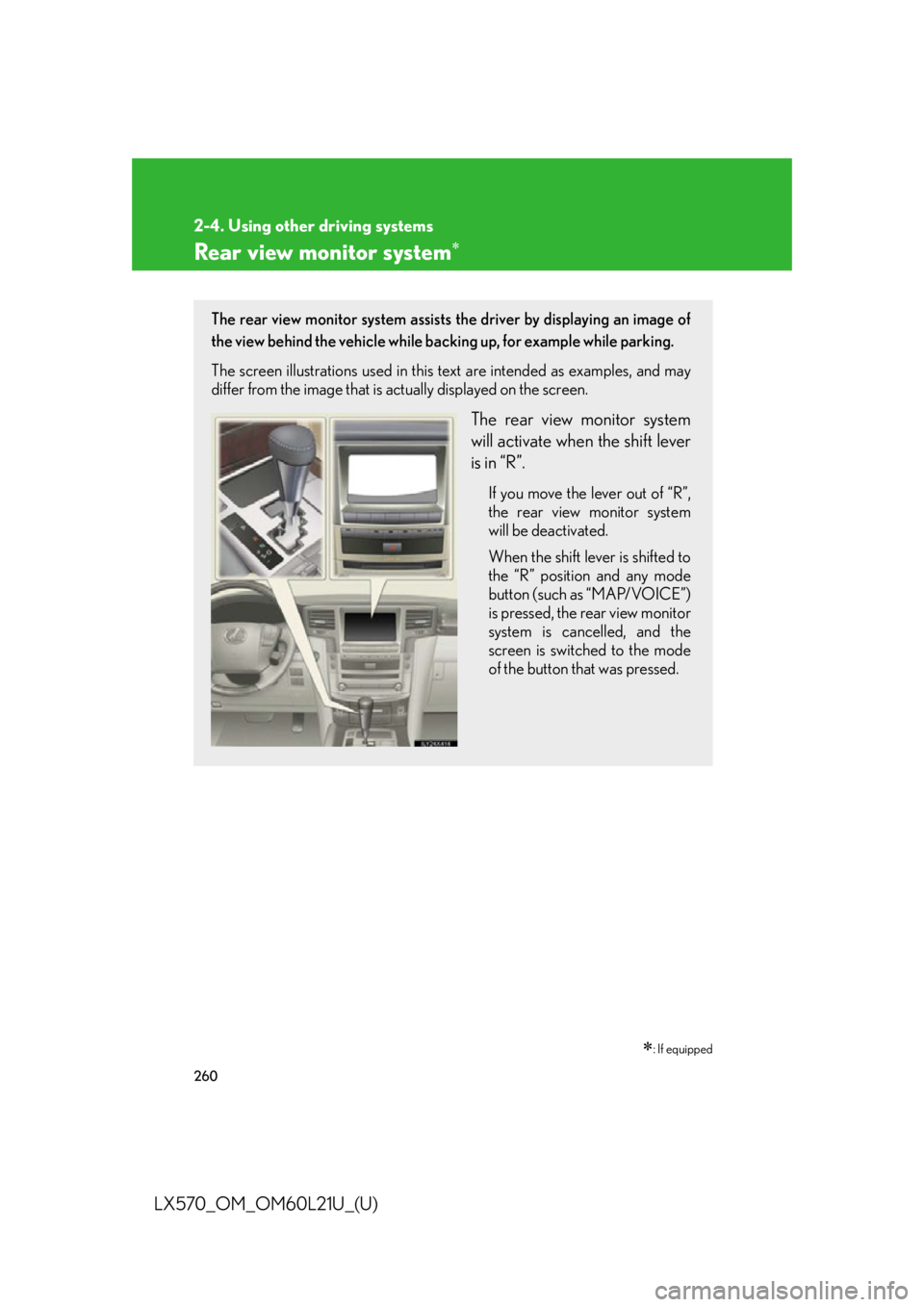
The rear view monitor system
will activate when the shift lever
is in “R”. If you move the lever out of “R”,
the rear view monitor system
will be deactivated.
When the shift lever is shifted to
the “R” position and any mode
button (such as “MAP/VOICE”)
is pressed, the rear view monitor
system is cancelled, and the
screen is switched to the mode
of the button that was pressed.
Page 261 of 956
2612-4. Using other driving systems
2
When driving
LX570_OM_OM60L21U_(U) Using the rear view monitor system
■ Screen display
The rear view monitor system screen will be displayed if the shift lever
is shifted to the “R” position whil e the “ENGINE START STOP” switch
is in IGNITION ON mode. The rear view monitor system displays the last-used parking mode first.
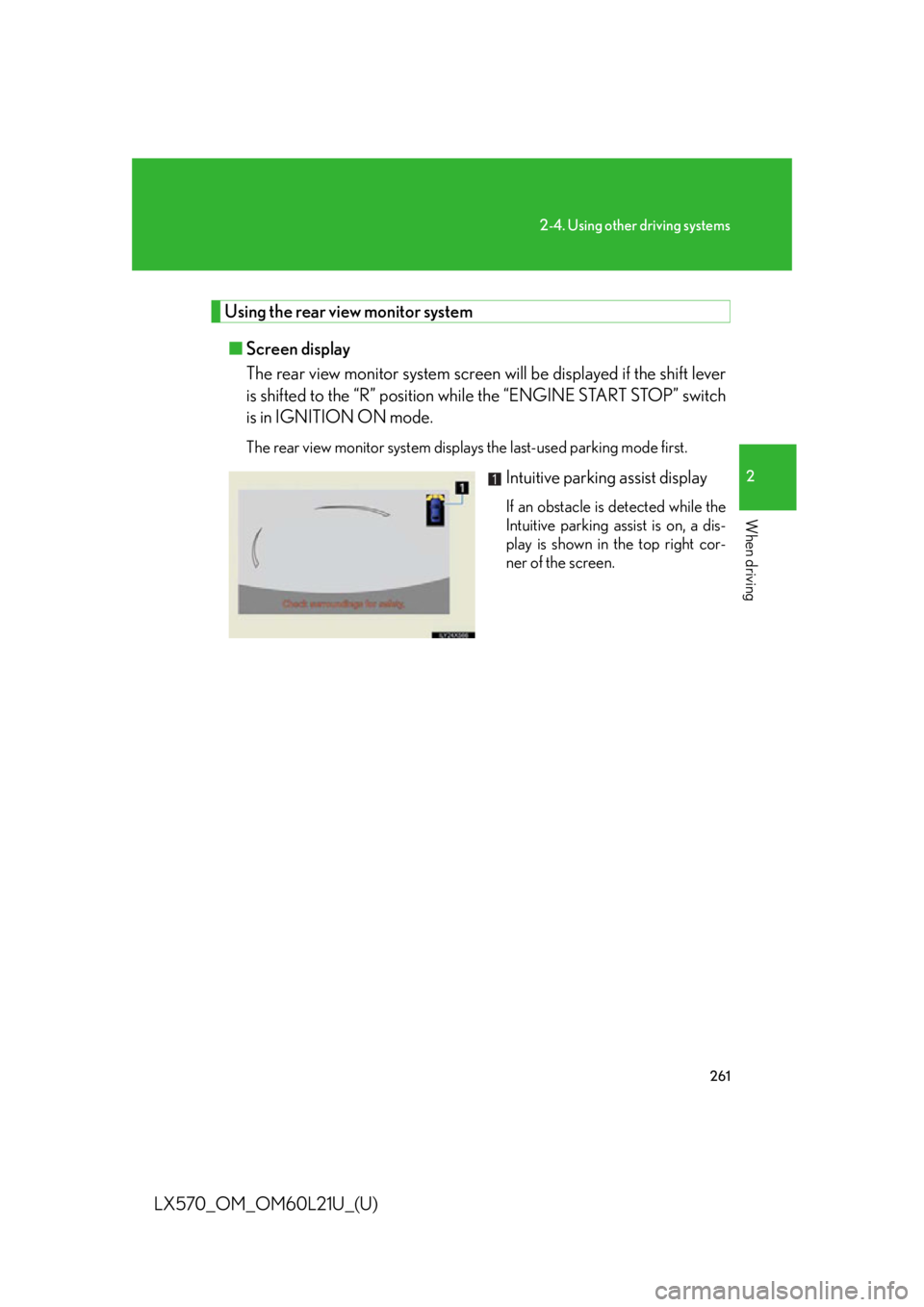
Intuitive parking assist display If an obstacle is detected while the
Intuitive parking assist is on, a dis-
play is shown in the top right cor-
ner of the screen.
Page 266 of 956

2662-4. Using other driving systems
LX570_OM_OM60L21U_(U) CAUTION■
When using the rear view monitor system
The rear view monitor system is a supplemental device intended to assist the driver
when backing up. When backing up, be sure to check visually behind and all around
the vehicle before proceeding.
Observe the following precautions to avoid an accident that could result in death or
serious injuries. ●
Never depend on the rear view monitor system entirely when backing up. The
image and the position of the guide lines displayed on the screen may differ from
the actual state.
Use caution, just as you would when backing up any vehicle. ●
When parking, be sure to check that the parking space will accommodate your
vehicle before maneuvering into it. ●
Be sure to back up slowly, depressing the brake pedal to control vehicle speed.●
In low temperatures, the screen may darken or the image may become faint. The
image could distort when the vehicle is moving, or you may become unable to
see the image on the screen. Be sure to check direct visually and with the mirrors
all around the vehicle before proceeding. ●
The camera uses a special lens. The di stances between obje cts and pedestrians
that appear in the image displayed on the screen will differ from the actual dis-
tances. ( P. 2 9 0 )
Page 268 of 956
2682-4. Using other driving systems
LX570_OM_OM60L21U_(U) Lexus parking assist monitor
The parking assist monitor system assists the driver by displaying an image
of the view behind the vehicle while backing up, for example while parking.
The parking assist monito r system assists with the following 2 backing-
up operations:
• Perpendicular parking (parking in a garage, etc.)
• Parallel parking (parking at the side of the road, etc.) The screen illustrations used in this text are intended as examples, and may
differ from the image that is actually displayed on the screen.
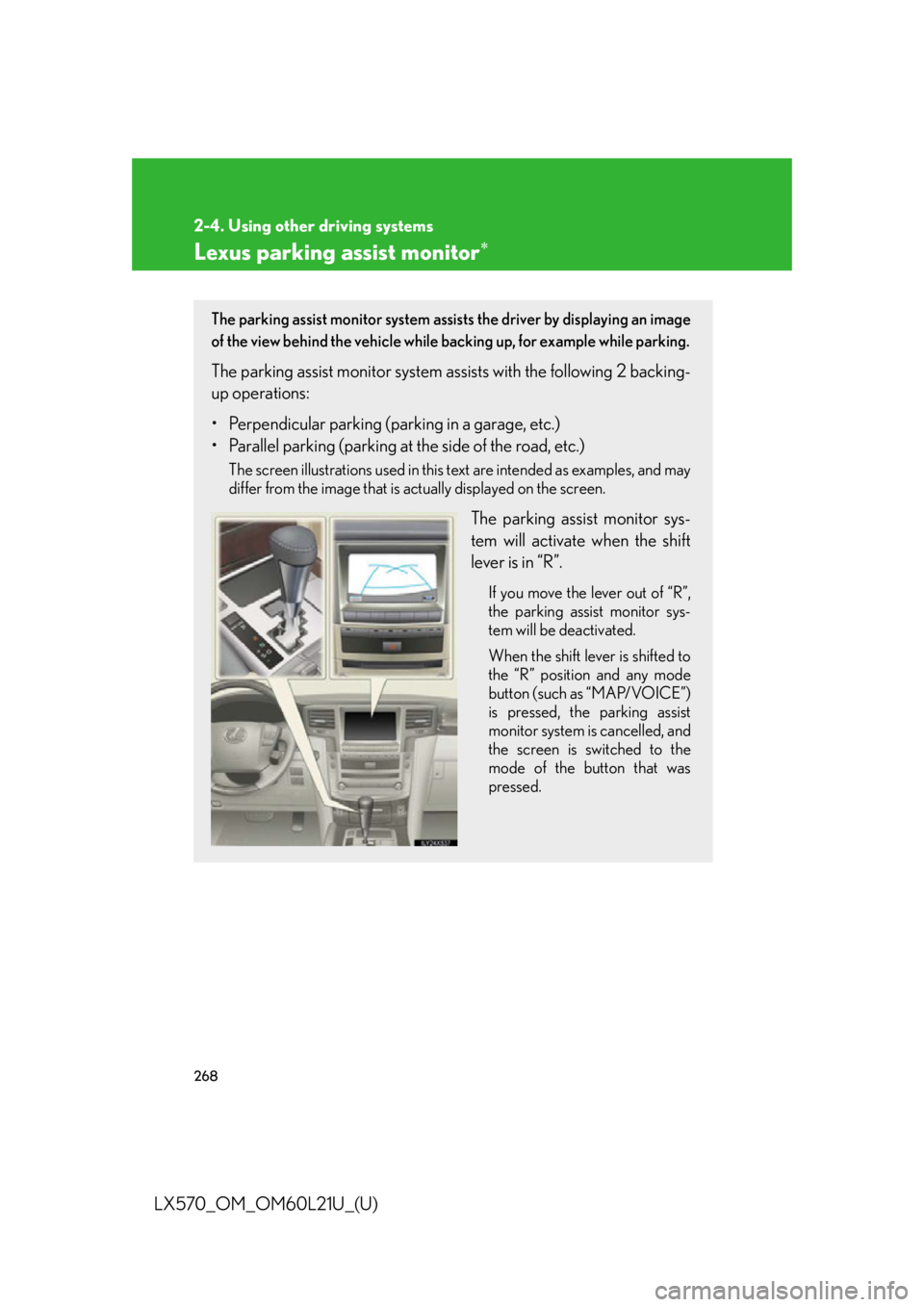
The parking assist monitor sys-
tem will activate when the shift
lever is in “R”. If you move the lever out of “R”,
the parking assist monitor sys-
tem will be deactivated.
When the shift lever is shifted to
the “R” position and any mode
button (such as “MAP/VOICE”)
is pressed, the parking assist
monitor system is cancelled, and
the screen is switched to the
mode of the button that was
pressed.
Page 269 of 956

2692-4. Using other driving systems
2
When driving
LX570_OM_OM60L21U_(U) Using the Lexus parking assist monitor
■ Screen display
The parking assist monitor screen will be disp layed if the shift lever is
shifted to the “R” position while the “ENGINE START STOP” switch is
in IGNITION ON mode. The parking assist monitor displays the last-used parking mode first.
Perpendicular parking
Display mode switch screen
button ( P. 270)Switches the display mode.
Intuitive parking assist display If an obstacle is detected while the
intuitive parking assist is on, a dis-
play is shown in the top right cor-
ner of the screen.
Parking mode switch screen
button Switches the parking mode
(between perpendicular parking
and parallel parking assist screens)
Narrow mode screen on-off
button Switch the narrow mode on and off.
(
P. 2 8 6 )Parallel parking
Page 270 of 956
2702-4. Using other driving systems
LX570_OM_OM60L21U_(U) ■ Using the system when perpendicular parking
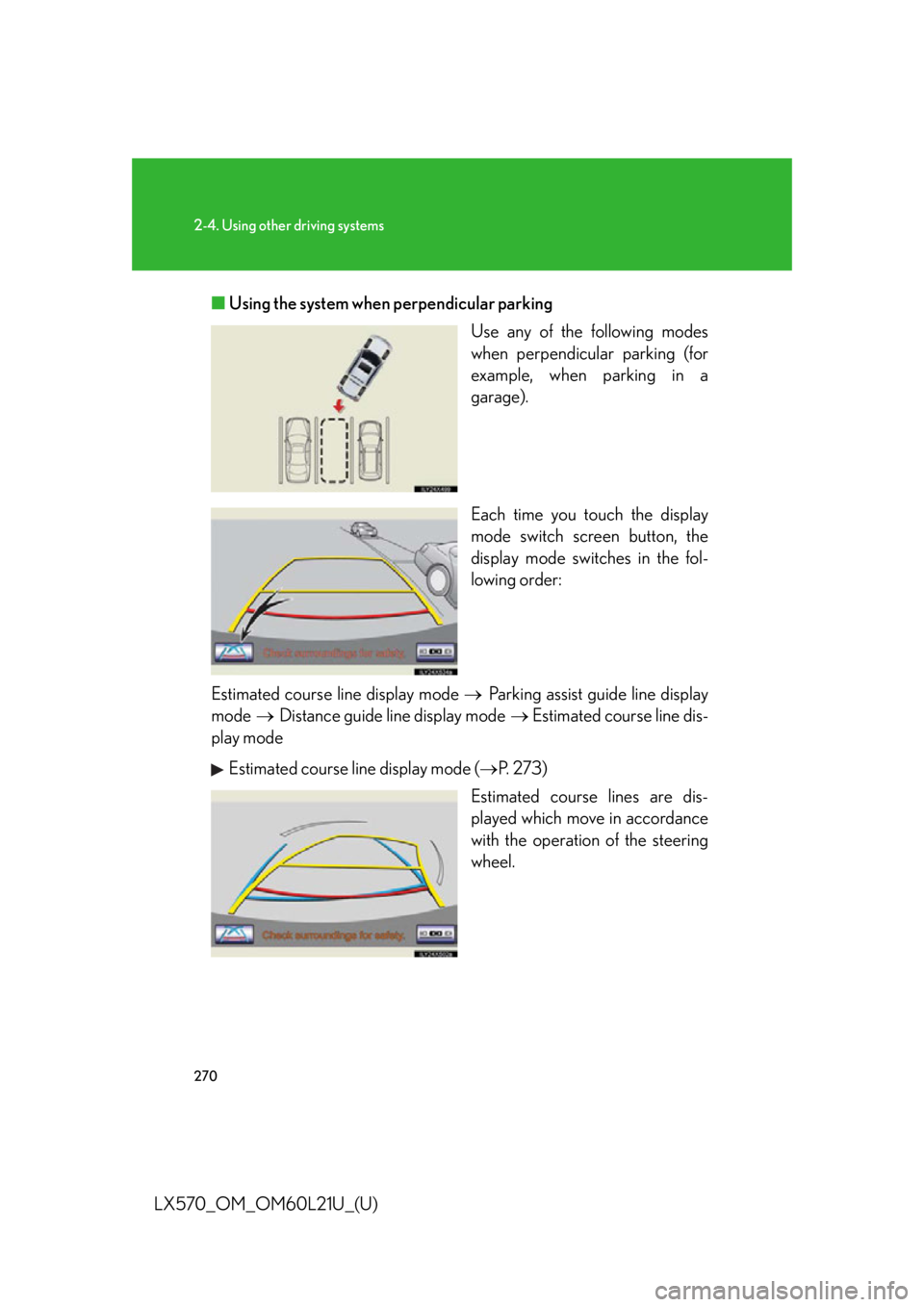
Use any of the following modes
when perpendicular parking (for
example, when parking in a
garage).
Each time you to uch the display
mode switch screen button, the
display mode switches in the fol-
lowing order:
Estimated course line display mode Parking assist guide line display
mode Distance guide line display mode Estimated course line dis-
play mode
Estimated course line display mode ( P. 273)
Estimated course lines are dis-
played which move in accordance
with the operation of the steering
wheel.
Page 271 of 956
2712-4. Using other driving systems
2
When driving
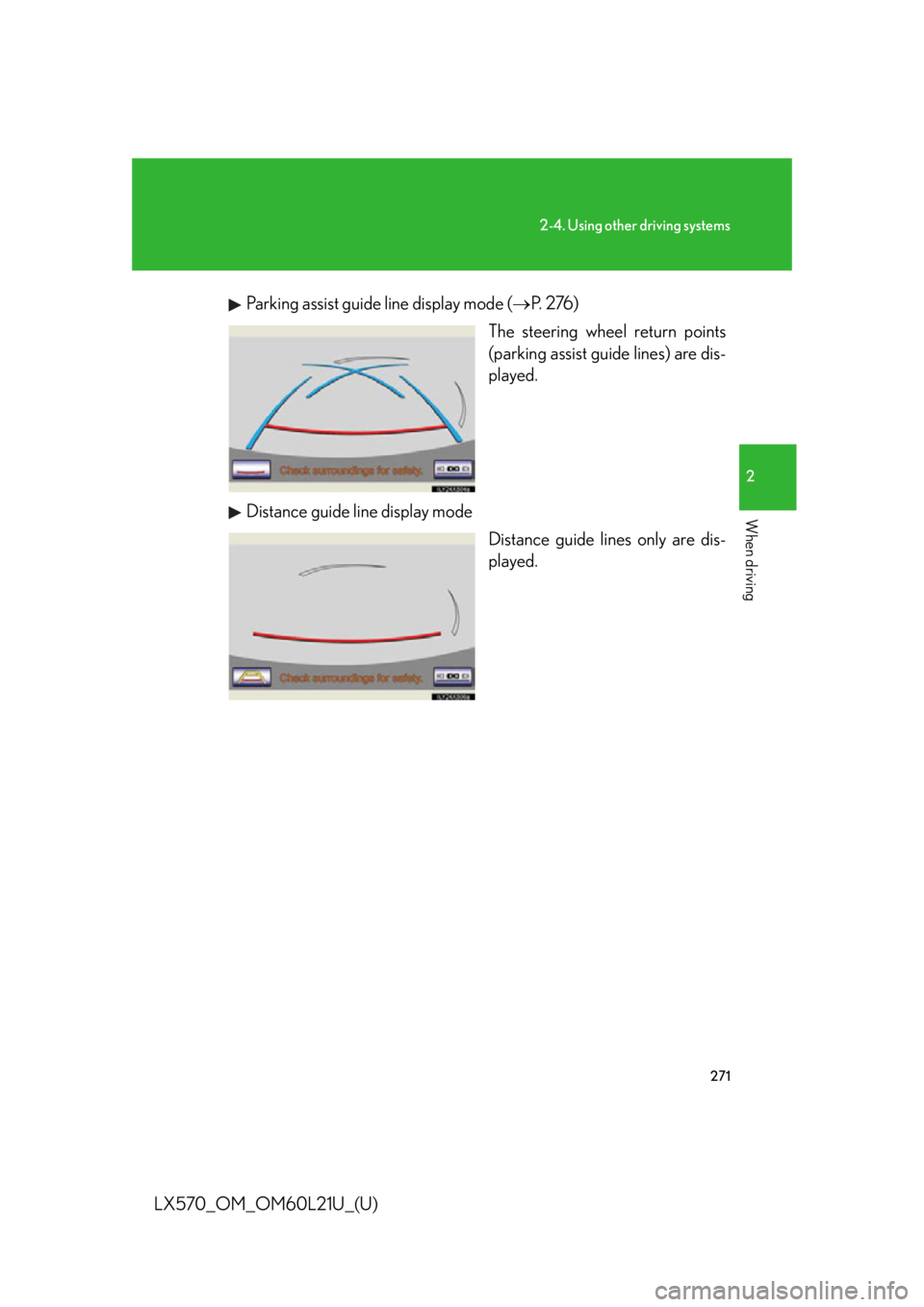
LX570_OM_OM60L21U_(U) Parking assist guide line display mode ( P. 2 76 )
The steering wheel return points
(parking assist guide lines) are dis-
played.
Distance guide line display mode
Distance guide lines only are dis-
played.
Page 276 of 956

2762-4. Using other driving systems
LX570_OM_OM60L21U_(U) Perpendicular parking (parking assist guide line display mode)
■ Screen description
Vehicle width extension guide lines
These lines indicate a guide path when the vehicle is being backed
straight up. The displayed width is wider than the actual vehicle width.
Parking assist guide lines
These lines indicate the path of the smallest turn possible behind the
vehicle.
These lines also indicate the appr oximate position of the steering
wheel when parking.
Distance guide line
This line indicates points approxima tely 1.5 ft. (0.5 m) (red) behind the
rear bumper of your vehicle.